
- NewsmagHow to update a plugin
- NewsmagHow to update the theme
- NewsmagHow to update the WPBakery plugin
- NewsmagCategory templates
- NewsmagWhat’s included in Newsmag theme package
- NewsmagAjax view count
- NewsmagSmart Lists
- NewsmagFeatured images
- NewsmagFeatured image or video
- NewsmagModal window
- NewsmagtagDiv slider gallery
- NewsmagVideo playlist
 MexicoNewsDaily
 Hello AnaMaria,
We have that set to Auto.
We have several optimization plugins running, like Shortpixel for images, etc. Possibly there was an update from one of them that caused a conflict?
Mobile seems fine most of the time but desktop never rotates.
Thanks for your time!
 labolsadelcorredor
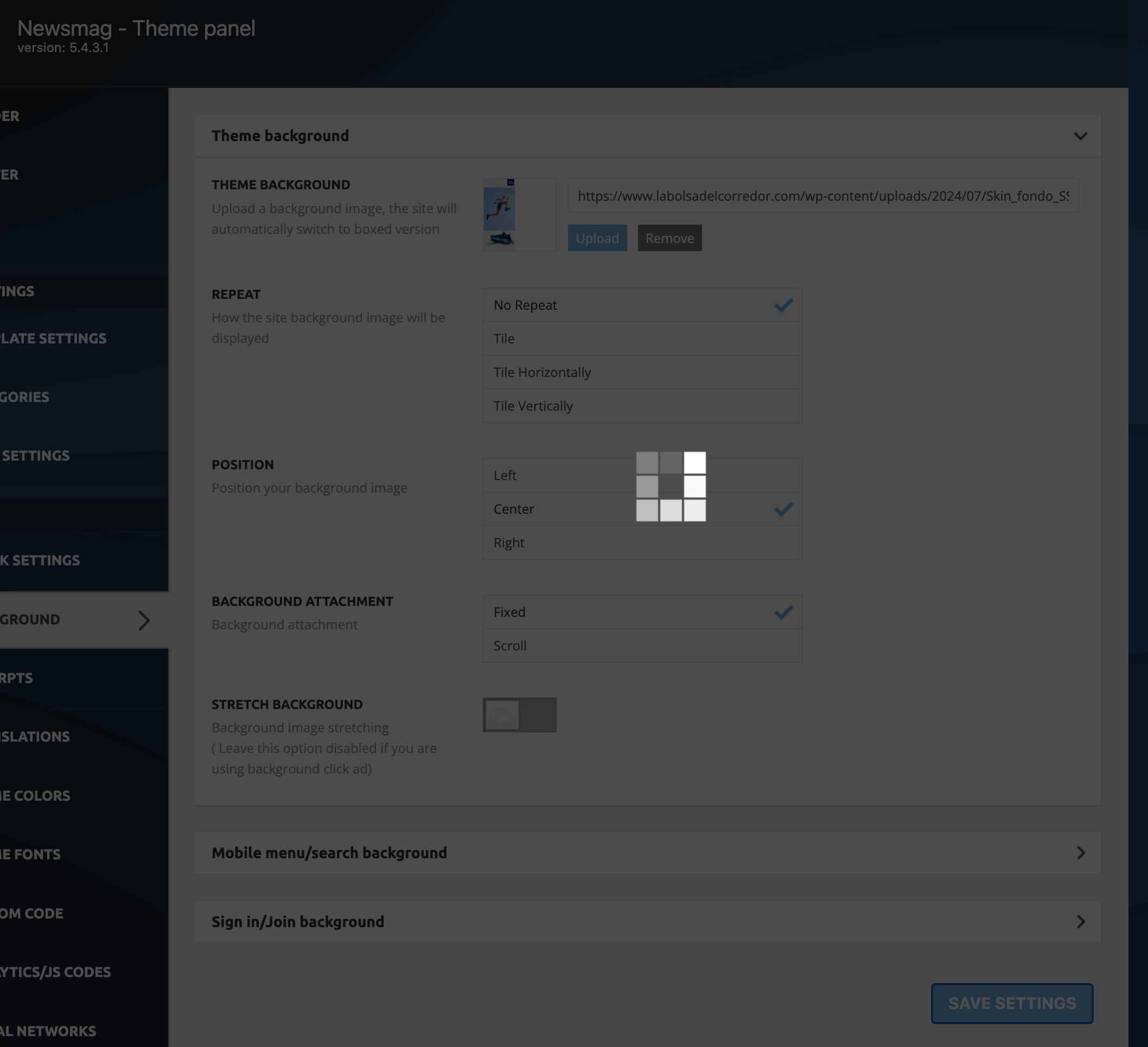
Hello, I try to save a change in the theme settings and it keeps thinking, with the icon active all the time and the change is never saved.
Wordpress is updated to 6.71 and the theme also has the latest version 5.4.3.1
The php version is 8.2.23.
Do you know what could be happening?
 scopefeed.com
 This plugin you shared is a paid one. I asked if we can update it as a theme setting. For example, the user can enter a username, but I want them to be able to add tags to X posts.
 moss8007
 If I use the filter by post ID, I would need to manually update the post ID each time to display a specific post. Instead, I want an option that allows the full template (as shown in my Imgur attachment) to automatically display all posts from a selected category, without needing to update it repeatedly.
 Anamaria
 Hi,
Yes, and it will be added in the next update.
Thank you!
 Hans
Hans Hi Anamaria, is this in the next update of firefox or the Newspaper theme?
 jaydeedaley1
Hi,
I’m back setting up another website using the KID STORE theme. Can you walk me through how to change the pink banner with leaves? I would like to replace it with another image. I clicked on CSS as per the previous instructions, but the pink banner is not visible. I just can’t find it.
What am I missing?
I look forward to hearing from you.
Jaydee
MexicoNewsDaily Just as an update : Ticker works on Mobile for some reason and not desktop. https://mexiconewsdaily.com/
 pinnysurkis
on my website, I see that the main theme has an update but when i update the theme the entire site is broken and the two divi plugins get deactivated. tagDiv Composer
and tagDiv Cloud Library. we have a child theme activated of the newspaper theme and when i go into themes, on the main original theme (not the activated child theme) it shows there is an update available. as soon as i update it the entire site is broken and the two divi plugins shows suddenly as deactivated but then when i click to activate and try to activate them they do not activate and stays deactivated.
 Bettina
 Hello!
Oh, ok. There seems to be a problem with Translations.
I’ll add this issue to our list so that we will correct it in the following updates.
We’re sorry for the inconvenience!
Thank you for understanding!
 alejandroman
https://claridadpuertorico.com/
Hi, I have purchased three copies of the Newspaper Theme over the past four years. When I tried to update the theme from 12.6.7 to 12.6.8, I received a message saying that it had to be activated. I followed the instructions but was not successful. I tried each of the license keys 2x and with each received a message saying that I had successfully activated the theme. See the screenshot. Please advise asap.
 omattelin
 Hi, any update on this topic?
 Bratschemili
Hi everyone,
I’m currently facing an issue with my website hosted on GoDaddy. I’m using the Newspaper template by TagDiv, and everything was working perfectly until a few months ago. Back then, I used a plugin to generate my SSL certificate, but I forgot to renew it. I’ve now fixed the SSL issue, and the certificate is properly configured, but I can’t use the TagDiv Composer to edit or create any blocks.
I have experience working with the TagDiv Composer, and this issue only started after the SSL problem. I’ve tried clearing the cache, disabling plugins, and checking for updates, but nothing has worked so far.
Has anyone else encountered a similar problem? I’d really appreciate any guidance on how to resolve this.
Thanks in advance!
Hi,
This will be resolved in the next update.
Thank you!
Anamaria Hello,
The server or theme does not cause this issue. You use the Firefox browser, and in the last update, there are some inputs from the theme that this browser doesn’t recognize. So please use another browser like Google Chrome.
Thank you!
 jakobe75
 I am suddenly having the exact same issue when editing team member. no changes, no updates that I am aware of. Was fine yesterday
 simchris
 It’s no prob to change the php file(s), We have to change a number of things each time anyway, like removing the images from the search box, and changing the ‘views’ field, since many of our sites way pre-date tagdiv themes, we have existing views field as ‘views’ so don’t want two different fields for that, so always have to change that on updates. We use a number of tags and categories per story, so I move those to bottom vs above headline as it becomes a mess if something is in, say, entertainment, books, California, Los Angeles, Featured …. too many pill boxes. 🙂
NO worries. Most things CSS does the trick. But a few things, no trouble editing files as long as I keep a “map” of that.
Actually — compared to the ooooooold code base, actually easier now. v5 was refactored a bit better than v3. 🙂
Thanks again!
Chris
 Simion C.
 Having options for customizing the author box would be great indeed. For author pages/templates it is possible with Newspaper, where each element of the author box is separate in the composer https://prnt.sc/cRDUDJn14qzQ So you can use what you want, in any order.
With Newsmag it’s not possible in the same way. It will either have to be modified in the code, or with CSS. If it can be done with CSS, like hiding certain elements or changing their order, then in my opinion it’s easier to use CSS. At least you won’t have to keep making the modifications all over again after an update or reinstall. It doesn’t work for everything however.
If there’s something else that I can help with, please let me know at any time.
Thank you!
Simion C. Having options for customizing the author box would be great indeed. For author pages/templates it is possible with Newspaper, where each element of the author box is separate in the composer https://prnt.sc/cRDUDJn14qzQ So you can use what you want, in any order.
With Newsmag it’s not possible in the same way. It will either have to be modified in the code, or with CSS. If it can be done with CSS, like hiding certain elements or changing their order, then in my opinion it’s easier to use CSS. At least you won’t have to keep making the modifications all over again after an update or reinstall. It doesn’t work for everything however.
If there’s something else that I can help with, please let me know at any time.
Thank you!
 joshx
joshxHello,
The mobile version of our site doesnt show new posts on the front end mobile version. I am not running tagdivs mobile plugin. The only way it updates is if I flush the dynamic cache. Any ideas on how to fix this?
simchris Thanks. That workes. I’d almost go so far as suggest making this the normal layout.
I’m already editing the file to remove number of articles and comments, since we don’t have comments on the site, that is redundant. Been annoying me for years. So, fixing with the latest NW update. 🙂
Thanks!!
Anamaria Hello,
Yes, this issue will be resolved in the next update.
Have a great day!
 FBM
FBM I’ll proceed as suggested since there’s no other option, but I’d like to ask—Is this a known issue, and are there plans to address it in a future update?
FBMSince updating to version 12.6.8, the input fields in the TagDiv Builder are no longer visible or editable. We are currently using Firefox version 134.0.
This issue significantly impacts our workflow. Has anyone else encountered this problem, or is there a suggested solution?
 al-2
al-2 sorry, but you didn’t answer my question, I need to change this element on the archive grid manually, could you please tell me how can I do this? I am aware of changes on a theme update.
Thank you!
