Jose
Jose Hello,
I want to add a new license to this website, which has none assigned.
How do I delete the pre-assigned key and insert the new key?
Jose Mail sent, thanks,.
Jose That is the problem. They are video articles, why do you have to insert a featured image for each video article?
How can you make the video the featured image?
Jose I have deactivated the cache plugin (Litespeed cache). I have deleted the cache folders, but the problem is not solved.
Is there anything else I should do?
Jose Hello,
The cache plugin was disabled.
I activated the Lite Speed plugin, deactivated the cache object, deleted the cache and deactivated the plugin.
I have entered via FTP to the files and there is no cache object file created (objet-cache.php).
There is no other plugin activated.
What do you want me to do now?
Jose No, I do not use any add-on for lazy load.
I have put the same logo on mobile, and on mobile it looks fine. But on PC it is not visible.
I have deactivated all plugins, except Newspaper, and the logo is not visible. I really don’t know what the problem is….
Jose Please take some of your time to check the problem.
It is not a cache problem, I have deactivated the cache plugin and the problem persists.
I have tried on incognito pages and the problem persists.
Jose Hello again,
I found the problem. The background image of the row is not saved in the mobile version.
When I insert an image, I save the changes. But when I update, the image is not there. Attached video: https://vimeo.com/736181967
Is it possible that it is a bug in the theme?
website: https://cutt.ly/0ZUSHQA
Jose Hello,
YES, for some reason it had been deleted. I have already replaced it, but the background image does not stay fixed, as it happens in the PC version. What could be the reason?
Jose Hello Anamaria,
OK, I understand that what I want to do is not possible.
Then, is it possible to place a fixed background to the whole page and to add columns on that background?
So that when I scroll, only the content moves, not the background.
Jose Thanks Calin, you are the best 🙂
Jose Hello again @Calin,
I’m optimizing this again, moving the breadcrumbs to the end of the article. Everything works perfect, using single.php.
However, I’m using the tagdiv mobile plugin, and in the mobile articles, the breadcrumbs appear at the top and not at the bottom. Should I modify something so that these changes also take effect on mobile?
Jose SOLVED (sorry)
Jose Yes I know, but this license does not work at all. It’s strange because I’ve always used it with my main page.
I have sent an email, thanks for the help.
Jose Hi Bettina,
I’m sorry, I don’t mean to sound rude or discourteous, but …..
How is that anything like what I asked? The aesthetics are completely different.
Jose Hi,
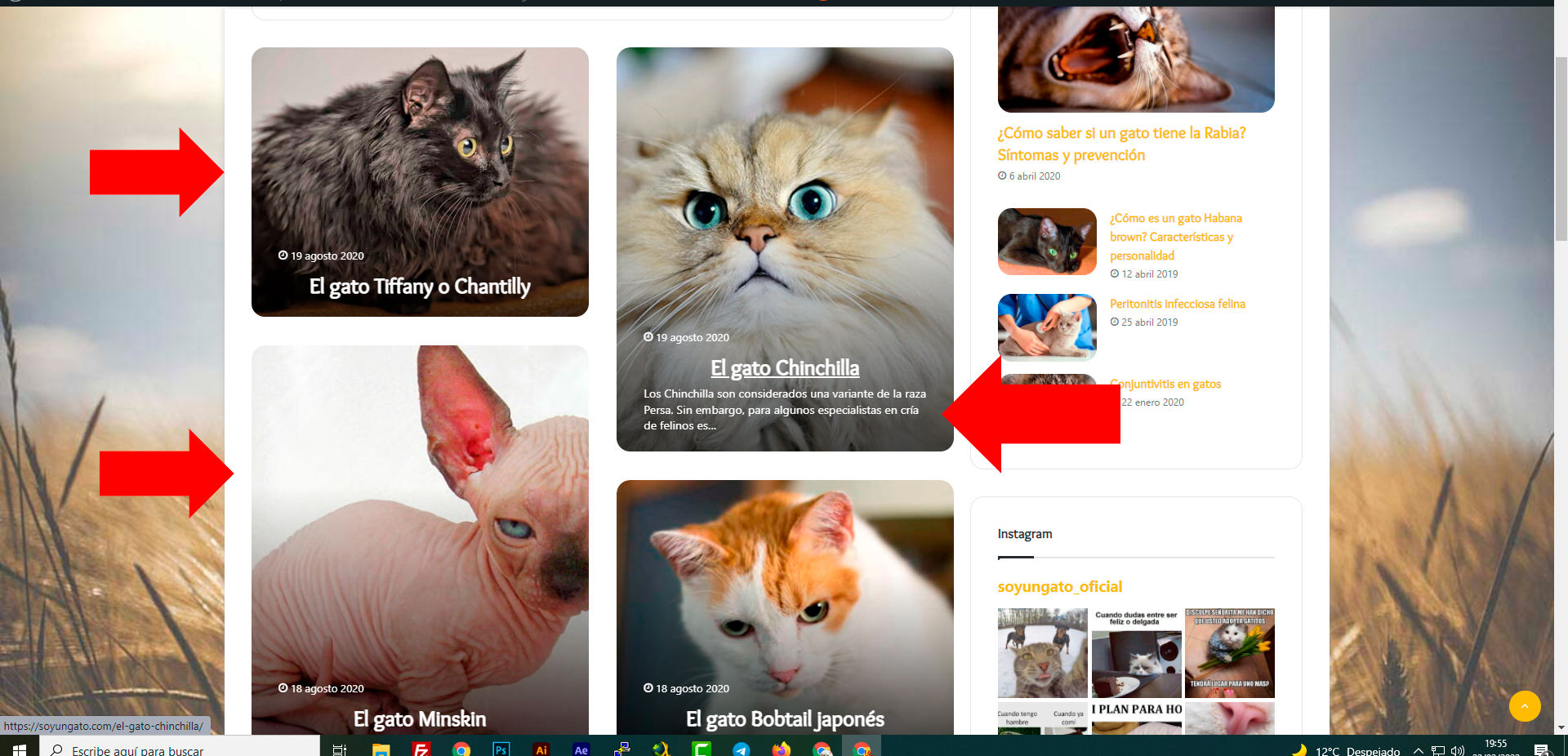
What block or configuration do I need to have something similar? I would like to have a similar style in my categories.
Thanks
Jose Yes, Yes, it looks perfect now. Thanks
Jose Hi again @Calin,
Sorry for the inconvenience, but… Would it be possible to move the breadcrumbs and put them just above the footer? (i.e. at the bottom of the footer).
Thanks, Jose
Jose Thanks, I understand, thank you for the video.
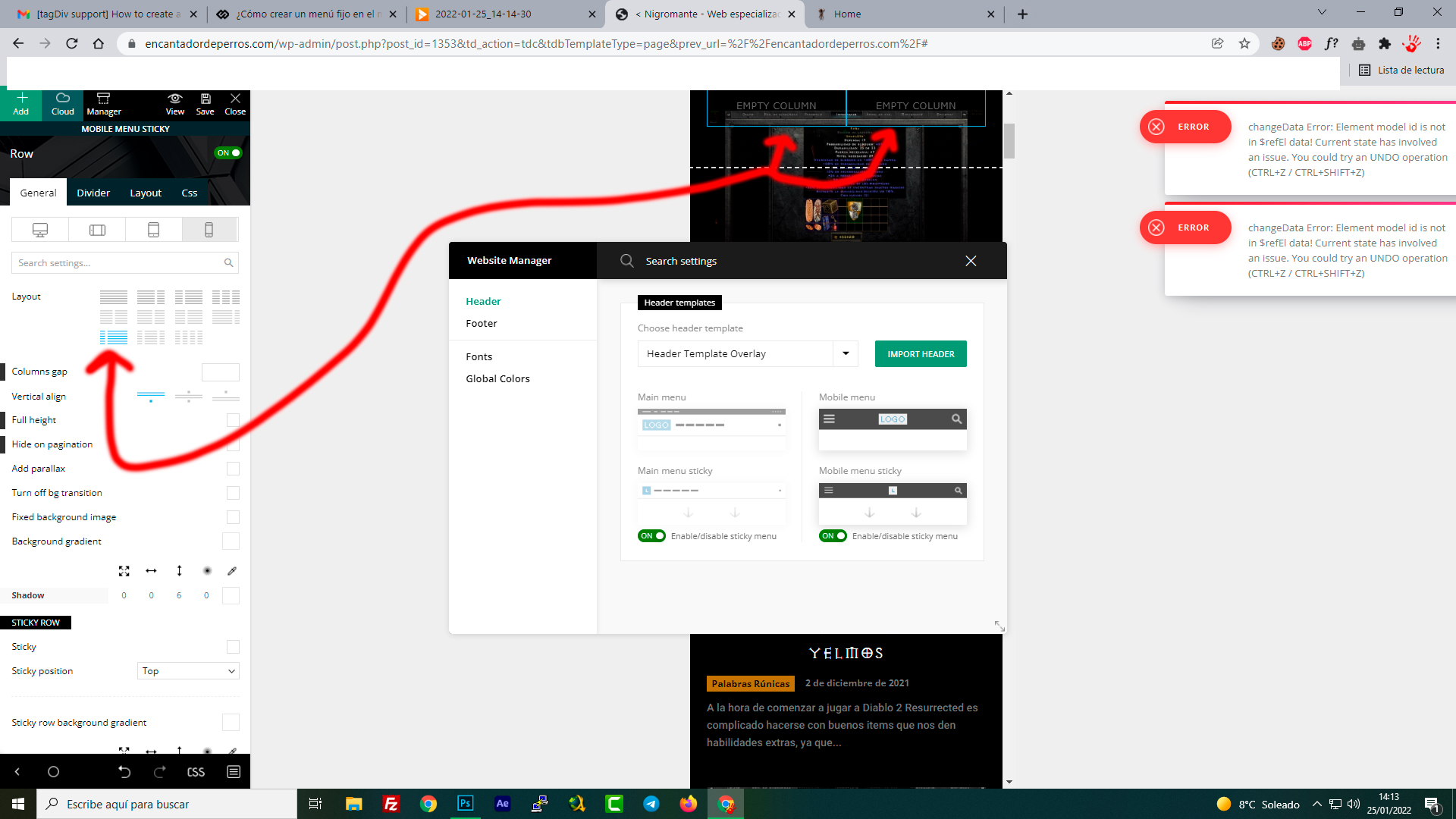
However, something is not right. I am trying to emulate the top menu (column in two, with mobile menu and logo). But it is impossible, there is no way to do it, what am I doing wrong?
The column always gives me 50%+50%, but I want 25% + 75%, just like the original mobile menu. Is it possible?
-
This reply was modified 4 years by
Jose.
Jose Hello Calin,
Im sorry but not run, I rec all: https://reccloud.com/es/u/s3fy0q4
Jose All ok thanks 🙂
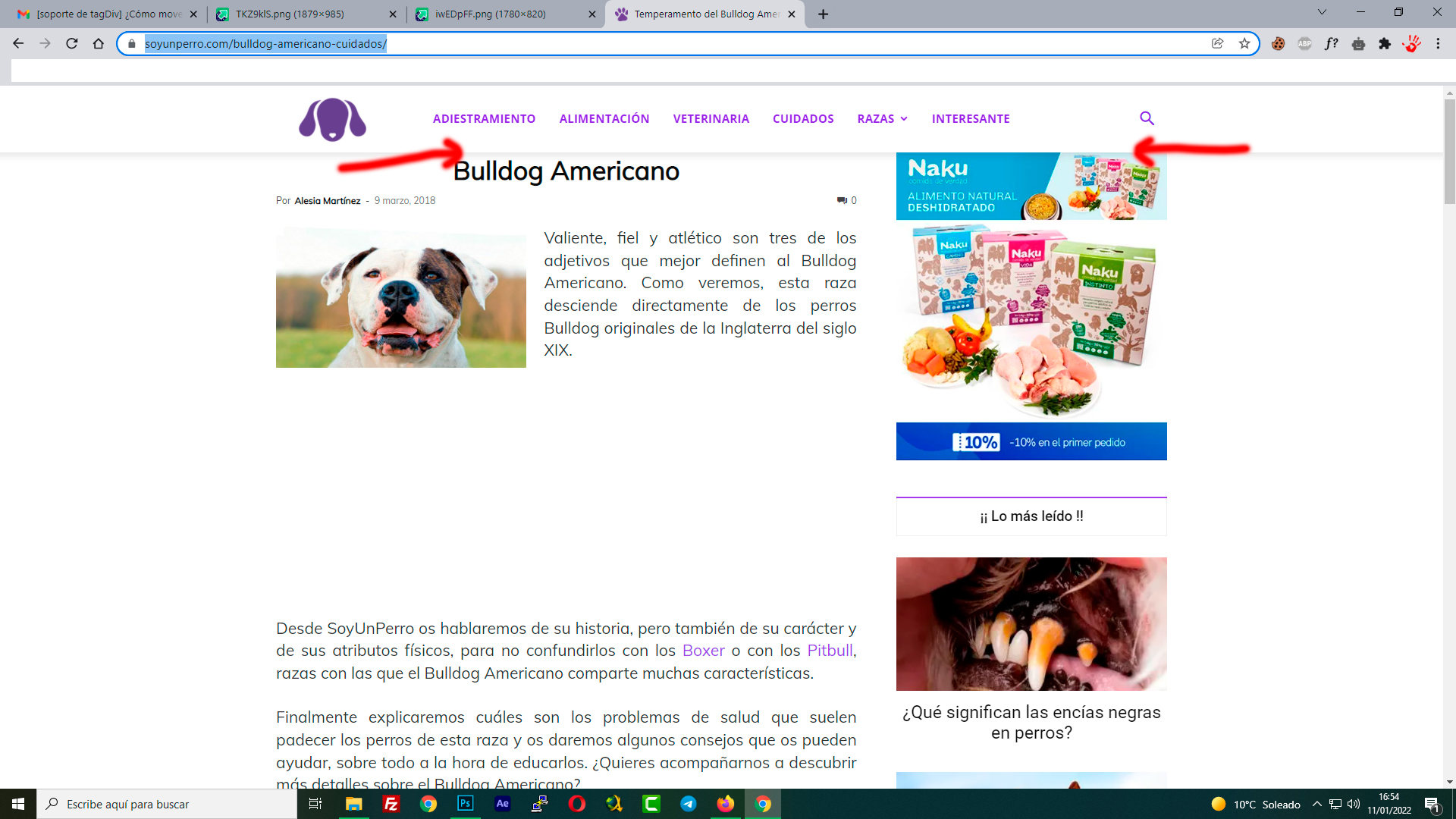
Jose Thanks @Calin , it worked, however I think there is some error. I don’t know how to add some space, and now the title and the first block of the right sidebar, are completely stuck to the shadow of the top menu. how can I add some space here?
Jose Hello Anamaria,
Thanks! Now run perfect 🙂
Have a nice day!
Jose I saw that tab, but I can’t get it to “work”, i.e. I can only open and close it, it doesn’t do anything, is it locked?

Jose Hi mate,
I can’t find the css tool, where do I run it from?