
- NewsmagUsing the theme translations together with WPML
- NewsmagHow to update a plugin
- NewsmagCustom Post Type Support
- NewsmagAbove footer ads
- NewsmagWeather Widget
- NewsmagHow to update the theme
- NewsmagIntroduction
- NewsmagLogo & Favicon
- NewsmagFooter templates
- NewsmagUsing other ads
- NewsmagCustom ad spots
- NewsmagArticle ads
- NewsmagSidebar ads
- NewsmagHeader ads
- NewsmagLoading image effects
- NewsmagCategory top post styles
- NewsmagSmart Lists
- NewsmagGeneral settings
- NewsmagTheme thumbs
- NewsmagtagDiv slider gallery
 swahid
I’m’ working with a newspaper theme after I tried to use the AMP plugin with a newspaper theme, I checked the test link for my website with (?amp), it’s not showing any images or Youtube videos that included in the posts
https://imgur.com/BdUCNHa
 pisqoloq
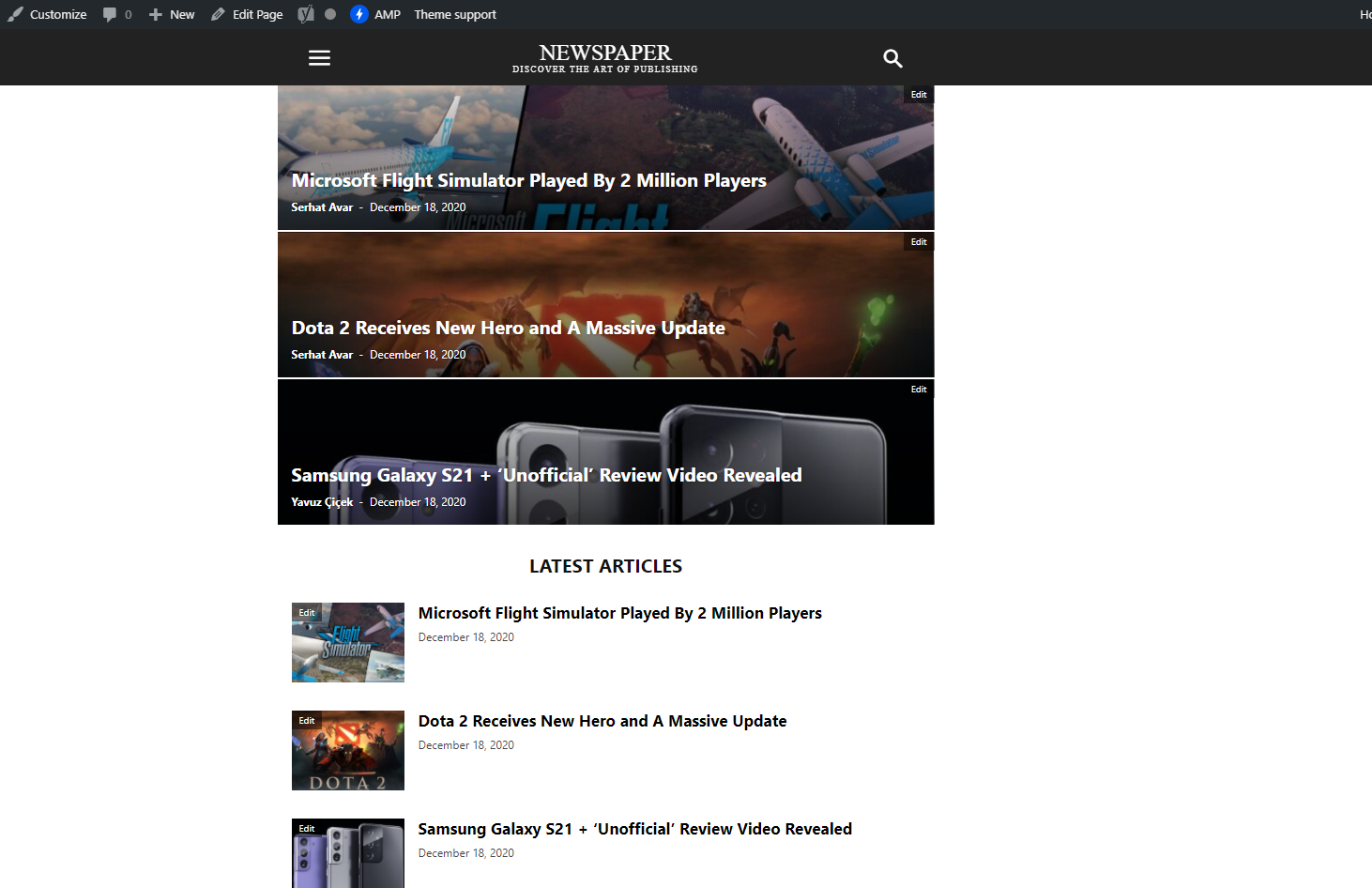
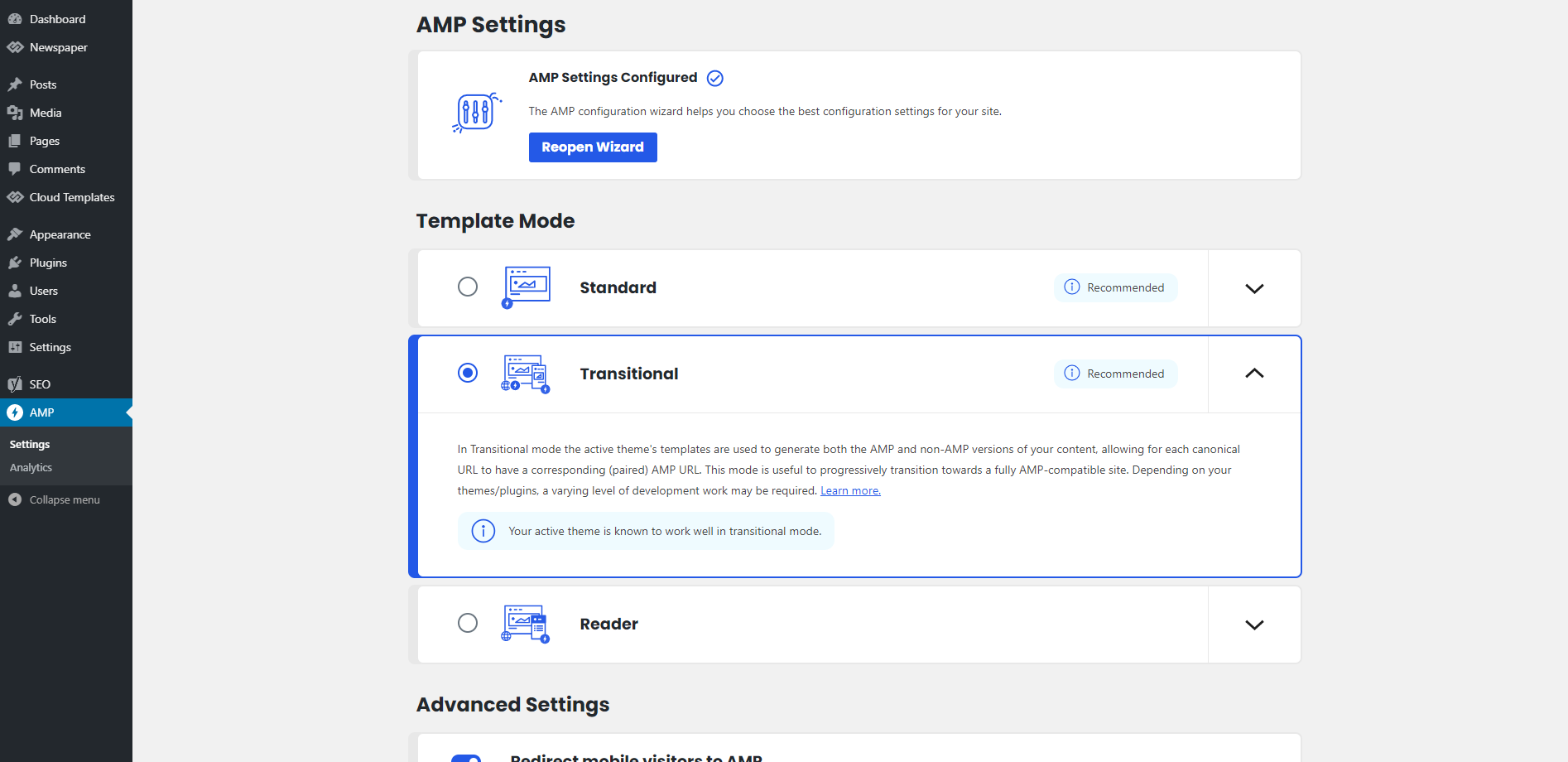
Hello, I try to change my AMP topnavbar, but i could not find the edit page.
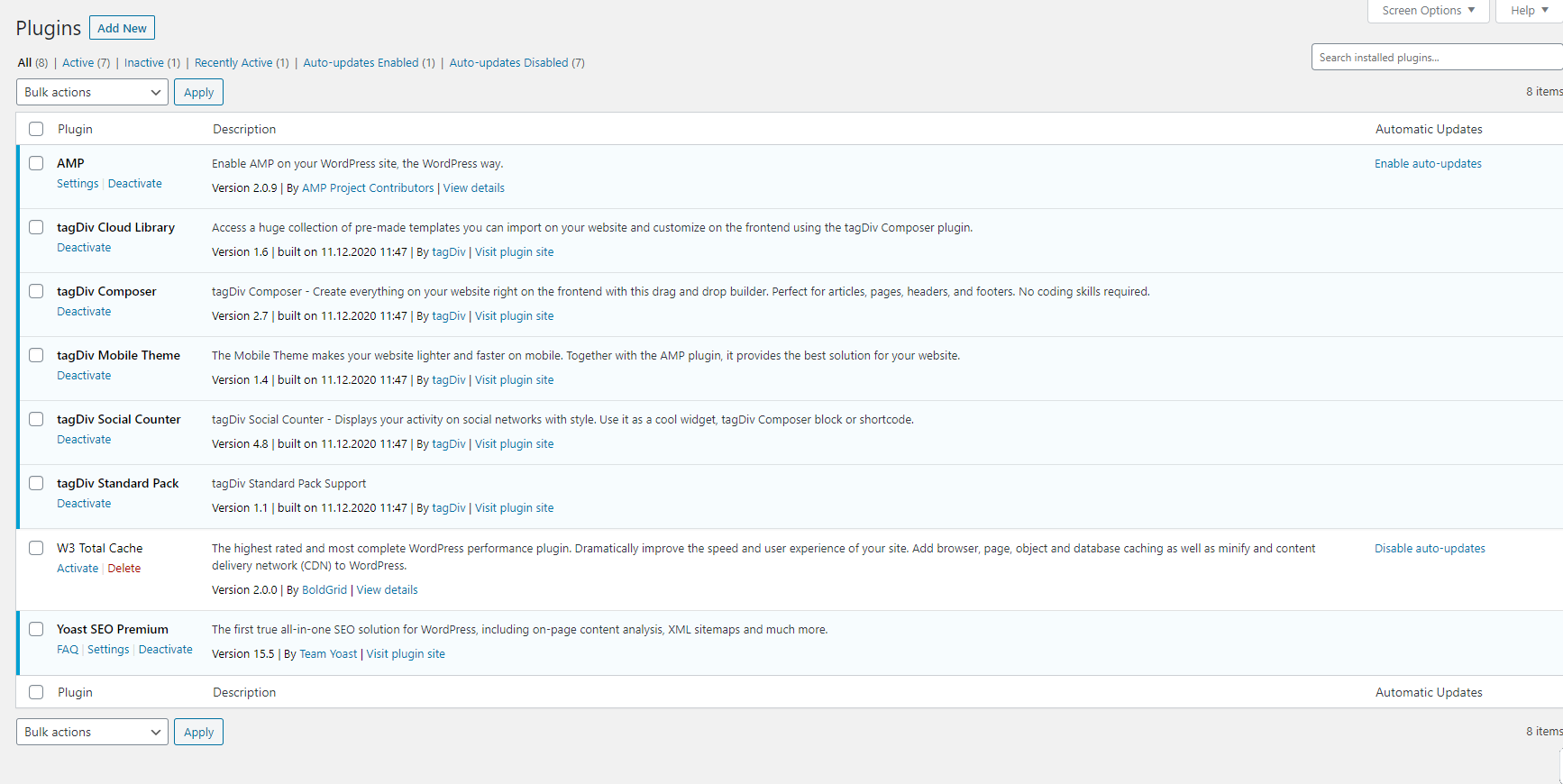
I installed all required plugins but i cant edit amp theme.
For example how I can change Newspaper text on top nabvar?
 Oswald
Hello,
Having some trouble on a multisite.
When I hit the “Edit content” button of a “Text with title” the wheel turns forever and won’t open on a subsite of a multisite.
Also: I sometimes cannot access the login page of the mainsite, it shows a “page not found” error. When I wait a few minutes it works again.
I have lots of errors when I activate the wp-debug (not sure if this is the same problem)
For example:
Notice: Undefined index: tdb_templates in /kunden/522361_56182/webseiten/rbt/plugins/td-composer/legacy/common/wp_booster/td_wp_booster_functions.php on line 2844
Notice: Undefined offset: 0 in /kunden/522361_56182/webseiten/rbt/plugins/td-composer/legacy/common/wp_booster/td_module.php on line 365
Could you please help?
Thanks in advance
 onpointnow
I am looking for a way to remove the comment count on posts on the Newspaper theme. I have turned off all comments but they show up with a zero count in many places…
Screenshot Example
https://www.autotruckreview.com/wp-content/uploads/2020/12/Capture.jpg
 Luca Matera
Hello
I would like to disable the use of the thumbnail for exmaple in block2 and use a personal measures to not cut the height of the image. They are all covers of books. I enclose some examples.
http://pocketnews.it/images/pdf/Home_-_Pocketnews_cut_image_of_cover_of_book.jpg
http://pocketnews.it/images/pdf/Home_-_Pocketnews_ok.jpg
Thanks
 chang yueh feng
 after I disable “AMP” plugin, I can edit my cloud templates.
why is that?
-
This reply was modified 5 years by
chang yueh feng.
 rajkumartrivedi
Dear Team,
We are using Flex Block 1 in 2 columns and need the first 6 in the left column one and next 6 in the right column from the same category.
 Calin
Calin Hi fabioweb90, I try to checked your amp version with my mobile, and for me is look like this -> https://i.imgur.com/ZEPb9BN.png seems to be ok.
Thank you!
 zgdk2273
I don’t want the featured image to be displayed in the article. As shown in the picture, the image inside the red line, my URL is https://www.tipsfootballbet.com/transfer-news/buying-jota-good-deal-for-liverpool/?amp
(Mobile amp page)

 Gatso
GatsoIs there any more block options on the post editor in this template? I just checked it & post editor blocks are very few & it seems very standard. I was thinking there will be more nice options & upgrades.
https://imgur.com/GfypiqO
 Vlad S
 Hello !
Please provide a link to your website, If you are using PRO Demos you will have to edit your template using tagDiv Composer. You can take a look at our video guide for more: https://www.youtube.com/watch?v=fa7GenCHcBU&t=1s
Thank you !
 Anamaria
 Hello,
The post template is Single Post Templates from Cloud Library, you can edit with tagDiv Composer =>https://www.screencast.com/t/PwiSBjf4J5B, editing the Layout Row->put the Layout 1/1 => https://www.screencast.com/t/ZT64oH0JkP2, after clean the Width from Column =>https://www.screencast.com/t/IzFm8UAlY8. All the elements from sidebar will appear at the end the post, you can delete one by one use the right click on element => https://www.screencast.com/t/DbiDMjpUra or selecting the block and with drag & drop place into the deleting red zone from the bottom right of the page =>https://www.screencast.com/t/fhvHnOquF4C .
Let me know the results!
 jackfpaylor
Hi, my sidebar is currently showing at the bottom of the page and not on the side as it should be. When editing the template it shows it on the side but on the front end, it does not. Here is my site with an example: https://countypulse.paylor.org/index.php/2020/12/17/news/major-gas-leak-in-montgomery-creek-subdivision/
 lfowle521
Hello,
It appears the Mailchimp signup form on my homepage is not working on desktop: punkmed.com
It appears to be working on mobile.
The link to subscribe to the newsletter leads to an error 404 page. It looks like the full link to the sign up form gets shortened somehow from “https://punkmed.us7.list-manage.com/subscribe/post?u=f665abc8b304ae7271bff2c23&id=f12441797d” to “https://punkmed.com/list-manage.com/subscribe”. See screenshot: https://snipboard.io/5oXwCJ.jpg
Please advise.
 belltowertimes
Yesterday, my theme suddenly stopped working on the desktop version. This is the current domain (http://vxg.dzk.mybluehost.me/) but i am in the process of assigning it back to http://www.thebelltowertimes.com
 hindisarang
 polluck7
Hi,
How can I edit mobile menu, for example how can I add there option log in / log out, or how to add social icons?
polluck7Hi,
I amwriting in relation to the font family. I know that the default is Open Sans, but for example in some places for example I get font Heebo? I go to theme panel , theme fonts and I see it default, so why it is being changed?
 pardo_bsso
 Hi Calin, thanks for your response.
Yes, adding this file from the standard Newspaper theme will solve somehow the issue but whenever I get an update from Newspaper I’ll have to overwrite that file.
Perhaps the question should be, how does Newspaper decide whether to use one file or the other?
Custom post types from other plugins (Seriously Simple Podcasting for example) render fine and use loop-single from the td-standard-pack plugin.
 blubbering
 As I sad I don’t need to ad id in a post, I need it in a page. How can I controll it?
[tdb_single_post_share like_share_style=”style3″ like=”yes” like_share_text=”yes”]
example i just need facebook and linkedin
 Bettina
 Hello!
Please provide me more information about the social share buttons. For example, where they were located in your website and how they were looking.
Thank you!
Calin Hi,if you are using the mobile theme plugin, your mobile version will use a different mobile theme and the mobile version will be faster, but you have only few options for editing. For example there will be no sidebars and pages made with builders, those need to be made using the mobile editor more the bottom of each page -> https://i.imgur.com/Qi90hhn.png but the posts will be display, but without sidebar, also there are no extra options to add extra post content, sorry! All that you can do with this mobile theme plugin can be found in our documentation from here -> https://forum.tagdiv.com/the-mobile-theme/
Also now we provide a new option of mobile page -> https://tagdiv.com/newspaper-10-3-7-update-brings-customizable-and-fast-mobile-pages/ where you can make your mobile layout like you want, maybe this will help you!
Thank you!
Calin Hi Lalit Joshi, this https://demo.tagdiv.com/newspaper_animals_pro/2019/03/14/td-post-adorable-remorseless-killing-machine-is-worlds-deadliest-cat/ is a single post template from tagDiv Cloud Library, you can get it from there and edit it after your needs.
If you want in amp to display the most custom filed then use only the amp, without mobile theme and use this option -> https://i.imgur.com/5Un15Ip.png
Thank you!
Bettina Hello!
You can only modify the footer with TagDiv Composer if you go to a page where it is assigned and edit that page with TagDiv Composer, and then you will have access to the footer also.
Also, it is normal to appear right there with no settings because those settings are for the default footer templates which you can not edit with TagDiv Composer. For example, if you will select there a default template you could see the setting on, but only for them and not for a PRO footer which is a cloud template.
Thank you!
-
This reply was modified 5 years by Bettina.
 vanlifeeats


