
- NewsmagUsing the theme translations together with WPML
- NewsmagHow to update a plugin
- NewsmagCustom Post Type Support
- NewsmagAbove footer ads
- NewsmagWeather Widget
- NewsmagHow to update the theme
- NewsmagIntroduction
- NewsmagLogo & Favicon
- NewsmagFooter templates
- NewsmagUsing other ads
- NewsmagCustom ad spots
- NewsmagArticle ads
- NewsmagSidebar ads
- NewsmagHeader ads
- NewsmagLoading image effects
- NewsmagCategory top post styles
- NewsmagSmart Lists
- NewsmagGeneral settings
- NewsmagTheme thumbs
- NewsmagtagDiv slider gallery
 timventura
One of the theme examples has a transparent menu background, but the mega-menu text has a highlight color. Notice in our site at https://timandjulieharris.com the mega-menu submenus are clear? How can I change the active/highlight color JUST for the submenu items?
ALSO: Any way to add Font-Awesome icons to the menu? Any additions for that to upcoming versions of the theme? I would LOVE LOVE LOVE to have that feature!!!
 dgc97
dgc97 sportm
I was wondering if its possible to add a link shortener of the domain that i own to the social sharing buttons on article pages.
for example is someone was to click the tweet button, the link that would be shared would be the shortened link, that i own through bit.ly.
Thanks
 mayaguez
1. I would like to change the Display for all Posts in just one of my Categories (People & Companies) and also its subcategories People On The Move and Companies On The Move.
This is how the Posts display now.
I do not want the Featured Image to show. I tried deleting it but could not delete, it keeps it .
I would all Posts of this Category to display like this one.
How do I do this?
I got Newspaper V 7.6
 Bogdan B.
 hello,
The amp template was implemented according to the current standards. It is the exact same implementation made by Yoast for example: https://yoast.com/wordpress-seo/amp/
As you can see there is no menu on their website as well. But we will consider implementing this into our themes as this request becomes more and more popular.
The amp plugin uses the mobile logo so please check your mobile logo in the theme panel. Make sure it is high quality. Check from your mobile device also, not from desktop as AMP i a mobile only implementation. A user cannot access it using desktop unless specifically wanting to by adding /amp after the url
The search button redirects you to the main page which is what it needs to do so the user can get to your site as well.
Your amp version works properly.
Thank you!
@dgc97
Please open a new topic and provide a link to your site and more details to what exactly is not working.
Thanks
 wwasabi1007
 Hi, I managed to add the Login with Facebook button to the modal, but it doesn’t work on mobile, as I imagine it uses a different php file. Could you point me out where can I add this button to to make it work?
Also, I am using your plugin for mobile version as it’s faster than the responsive site for mobile- so you know if there is a different source for the mobile. I would like to add it to both responsive version (because of tablets) and the mobile version plugin.
Thanks a lot.
Example here: http://www.portalexplora.com
dgc97 Sonud Radar demo Theme Insttal & Not A working AMP
 panamafoodie
Hi Support team,
My site has been a victim of the last malware campaign, it has been infected with malware which redirects to a unknown site which install walware on your computer (e.g. unverf.com)
I’ve followed tutorial found on the internet, and in theory had removed the codes in the theme that got infected, however it is still re-directing…. when i switch to a standard theme twnety eleven.. it doesnt happen.
any advise on this?
tnx
JC
 Vladimír Juroško
Hi team,
Could you please advise me?
I do not see menu button and menu on my amp page. E.g.: https://jurosko.sk/wordpress-pridat-stranku/amp/
Also the logo is blurred.
And search button is not working 🙁
Thank you much in advance,
Vladimir Jurosko
 muhannad
 i want to start useing tagDiv Composer, with WPBakery composer posts, i used [vc_row][vc_column width="1/3"] , to create 1/3 columns , if i switched to tagDiv Composer,and deactivate WPBakery composer the columns on these pages will not work , also all the buy now button i used with WPBakery composer will not work ,
so if i want to switch to tagDiv Composer how i can fix this , how i can add a short code for 1/3 columns or how i can add button with tagDiv Composer
this page example with WPBakery composer and (how should the page looks) https://5bestthings.com/genie-timeline-professional-review/
this is a screenshot of how the post will look with tagDiv Composer https://www.screencast.com/t/iC3vtNdfqQfa
how i can fix this so i can switch to tagDiv Composer without loosing the layout , i have mostly 300 posts using [vc_row][vc_column width="1/3"]
please let me know if you need more info
Regards
Muhannad
 Brain916
Hello, I saw this code somewhere in the form and used it:
.fullwidth{ background-color:black; border-radius:5px; padding: 5px 0; } .fullwidth a{ display:block; width:100%!important; text-align:center; text-decoration: none; color:white!important; }
.fullwidth:hover {
background-color: purple;
}
Now everything works, however when I hover over the text, it is underlined. Here is an example:
I would like it removed and have it look like an overall button link. How can I do this?
 Catalin
 Hi,
First of all, I will recommend you to make a full backup to your database to avoid losing all of your data. After this, make a new install to another sub-domain for testing, for example, install only the plugins that come bundled with the theme core files, purge all CDN files if you are using any CDN system, clear all the caches and check the results. Check the theme’s requirements to be according to our documentation from here -> https://forum.tagdiv.com/requirements-for-newspaper/ All the data will be loaded to your database and you should not lose anything but to be safe, make a full backup before.
Thanks for the message!
Bogdan B. hello,
It is your ad that is not amp compliant. Please remove all amp ads you added and test the amp compatibility again.
Thank you!
 rocketman
Hello,
I need some direction with ad placements and adjustments please:
1. I would like to add a space at the bottom of posts so the 300×600 ad does not touch the footer. Is it possible to add it globally using TD Composer like I did to the category and home page?
See example here: https://www.screencast.com/t/nTEJwmExI7
2. Same thing here, I would like to add a space at the bottom of pages so the 300×600 ad does not touch the footer. Is it possible to add it globally using TD Composer like I did to the category and home page or do I have to add it individually to each page?
See example here: https://www.screencast.com/t/2en1I6voG
3. I would like to know how I can globally increase the width of the container/div for a post/category/pages so I can fit 728×90 ads in there without getting them cut off. Is that something that can be easily adjusted from the Theme Panel or does it require custom CSS? Just to confirm, I need this for posts, pages and categories because ads will be displayed in posts/pages and in between posts in categories.
See example here: https://www.screencast.com/t/tz6umPOcBZF
4. Looks like the Footer Top ad box does not display the ads on pages, only on categories & posts. Is there a way to change that so the Footer Top ad gets displayed in the designation location globally? You can see the example below on the home page, there is no footer ad displaying but if you click on any of the categories or posts, the Footer Ad displays.
See example: https://www.screencast.com/t/p8QmmNb9ua
Thanks in advance for your help!
 Siddhartha Mukherjee
 Hello there,
There wasn’t really any changes prior to the issue. No new plugin was installed. Or code altered. I was simply in the process of uploading templates and testing them on my site. Everything worked well, till the mentioned time. As I am the only admin, I would have been aware of any changes.
This is what the Google console (backend) states:
&&tdLog.kill(“Missing wpNonce”);void 0===g.cloudEndPoint&&tdLog.kill(“Missing endpoint”);void 0===g.error&&(g.error=function(k){console.log(“%cAPI ERROR”,”background: #ffaa00; color: #ffffff; padding:3px 6px”,k)});return jQuery.ajax({timeout:5E4,type:”POST”,url:tdbApi._getRestEndPoint(g.cloudEndPoint,”uuid=”+tdbApi._getUniqueID()),beforeSend:function(k){k.setRequestHeader(“X-WP-Nonce”,
g.wpNonce)},cache:!1,data:g.post,dataType:”json”,statusCode:{404:function(){console.log(“ERROR: 404 not found”)},500:function(){console.log(“ERROR: 500 server error”)}},success:function(k,m,t){console.group(“API: “+g.cloudEndPoint);
I checked my cpanel also. All ports are open. Perhaps this issue is because of my hosting or the server.
My question is if I reinstall the theme and cloud template plugin. Will it solve the issue? Importantly, what will happen to the templates I have downloaded and am using, presently. Will they remain or will I again to apply them.
Thank you!
P.S – Yes I saved the permalinks, but that didn’t help
-
This reply was modified 8 years by
Siddhartha Mukherjee.
-
This reply was modified 8 years by
muhannadHi
All my websites pages get an AMP error
I updated my Theme to V 9.0.1, i deleted the old AMP plugin, i am now using AMP Plugin Version 1.2 | built on 10.08.2018 17:39 , i cleaned all database tables , i am sure, i am using the right google ads format
on Google Amp test
keep giving this error
(Invalid CSS stylesheet
The author stylesheet specified in tag ‘style amp-custom’ is too long – document contains 62049 bytes whereas the limit is 50000 bytes.)
this is the code make the problem
<script type=”application/ld+json”>{“@context”:”http:\/\/schema.org”,”@type”:”Article”,”mainEntityOfPage”:”https:\/\/5bestthings.com\/different-kinds-of-headphones-and-best-headphone-brands\/”,”publisher”:{“@type”:”Organization”,”name”:”5 Best Things”,”logo”:{“@type”:”ImageObject”,”url”:”https:\/\/5bestthings.com\/wp-content\/uploads\/2016\/09\/logo_new2.png”}},”headline”:”Different Kinds of Headphones and Best Headphone Brands”,”datePublished”:”2018-02-06T22:37:13+00:00″,”dateModified”:”2018-02-06T22:37:13+00:00″,”author”:{“@type”:”Person”,”name”:”Reed Cooper”},”image”:{“@type”:”ImageObject”,”url”:”https:\/\/5bestthings.com\/wp-content\/uploads\/2018\/02\/Different-Kinds-of-Headphones.png”,”width”:1025,”height”:640}}</script>
<meta name=”generator” content=”AMP Plugin v0.6.2″ /> <style amp-custom>
it keep using code from old version form the plugin ,
How i can fix this , here is an example page
https://5bestthings.com/ways-to-get-along-well-with-others/amp/
Please help into this matter , thank you in advance
Regards
Muhannad
 jlbrown66
 Thanks Prajwal! I’ve got the exact same responsive Adsense code for the sidebar ad as for the inline ad, but when you look at any page (https://learn-your-iq.com/classic-iq-tests/wechsler-iq-test/, for example) you see only the sidebar ad at the bottom of the sidebar. And the article top and article bottom ads are missing too. Not sure what I’m doing wrong. I appreciate any advice you can offer, many thanks!
 mateusnds
I’m using diferent blocks.
Is there a way to not repeat posts ?
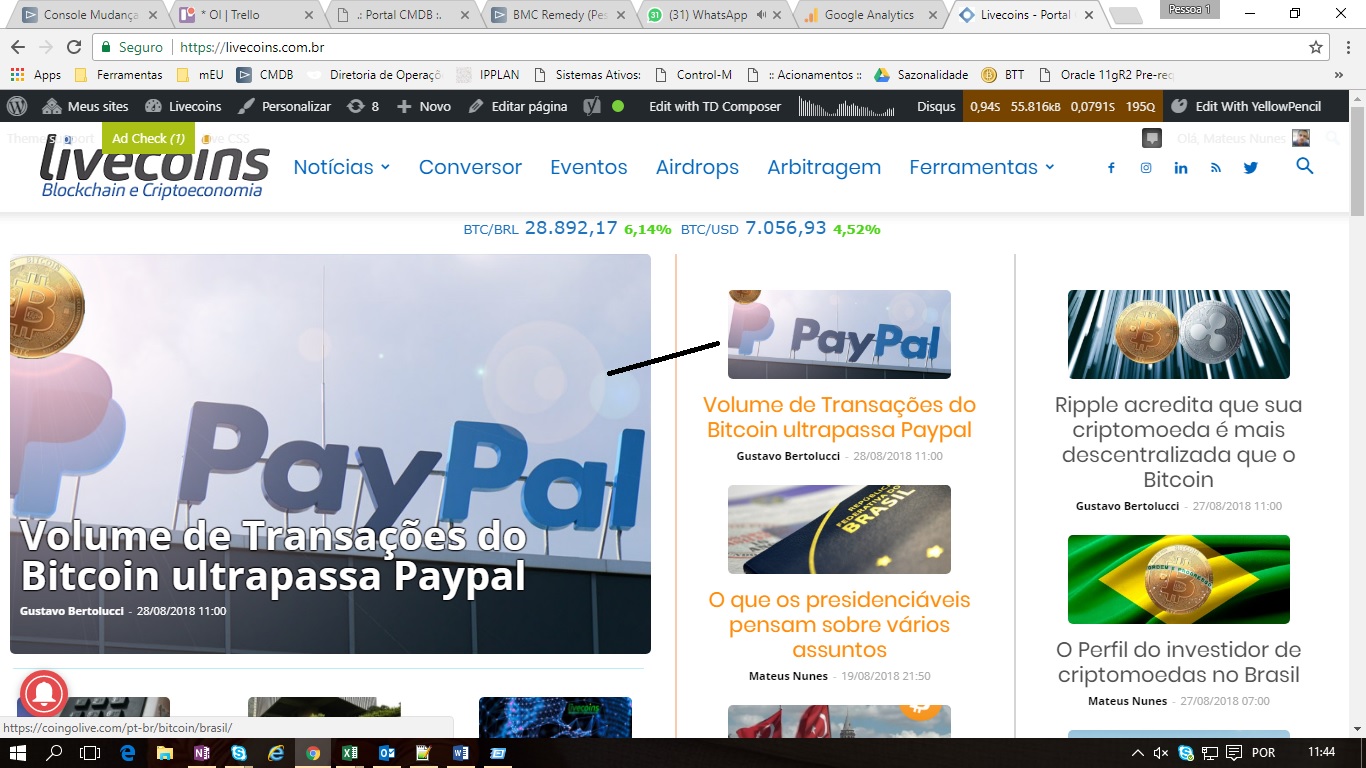
Thanks
Catalin Hello seanhelmes,
You should create your own custom CSS code with that restrictions, sorry! Above, I gave you a single example but then you have to customize yourself what you want to achieve, sorry! We can not provide custom work at the moment, sorry!
Thanks for your understanding!
 jaypabs
 Support includes:
Guidance on theme features and settings
Fixing reported bugs / issues
Product related questions or issues
So my question is if your plugin does support Cache-Control of AMP content. This is not about the caching plugin I installed which is not supported according to your support policy. The AMP project is independent on the caching plugin I installed even with WP Super Cache.
Bogdan B. Hello,
1) Yes, there is a padding added to the element. you can customize it to get that no padding layout though. As an example, you can add an extra class to each of the the with image elements used like so: https://www.screencast.com/t/wbqlqcn3lf7A
Then, add this css to the page:
.nopadding .td-block-span6.tdm-col{

padding-right: 0;

    padding-left: 0;

}
https://www.screencast.com/t/pBagfzhig
Then you can bring the elements closer together by adding 0 bottom margin to the top element: https://www.screencast.com/t/LQ4RgC4rn
2) As for the second issue, if you flip the elements the order will flip as well so you will not get -image text – image text or -text image -text image but rather the fliped version of 1 element -text image – image text so the 2 images will be shows one after the other on mobile. I hope this make sense.
Thank you!
Catalin Hello Nicerightnow,
Sorry, but please notice that the AMP has another functionality and set up than the default one. All the AMP ads which should have to be added here -> https://www.screencast.com/t/ALDft4X5EH
Thanks for your understanding!
Bogdan B. Hello,
I’m not sure how you updated but something went wrong. your images are no longer found at all. They provide 404 errors. Please restore a theme back-up if you have one as simply reverting to a previous version of the theme could not fix this. This is a WP install problem. This is why making a back-up before each update is always recommended.
Please change to a wp default theme like twentysixteen for example and check your images. If they are still missing, that means you WP install will need fixing.
Thanks
rocketmanSimion,
I saved Category Template 12 from the Cloud Templates and I’d like to use it on my home page for the Latest Posts section as well as for all of my categories.
See here: https://www.screencast.com/t/9bm8pYSk3RVS
Can you please think me through on how I would be able to do that?
If I can’t use it for home page & categories, how can I implement it for categories and how can I build it using composer on the home page?
Additionally, I think a lot of my questions can be answered by watching your guys videos, where can I access them?
Thanks!
rocketman Simion,
I saw that lakersnation.com, a big blog here in Los Angeles, and they use the Newspaper theme Version: 2.3.4 (rara) and I see that in their posts, they have a featured image credit/attribution section:
See example here: https://www.screencast.com/t/ORNNfVuugN
Code snippet: data-caption=”Brad Penner-USA TODAY Sports”
Is that a plugin or do you think its custom code?
Thanks!
