bhcrow
 This is still an issue, we really need to get previously hidden elements in composer.
 AntonioT
Errors at columns elements: 1(models) : 3(dom). The model does not match the content Current state has involved an issue. You could try an UNDO operation (CTRL+Z / CTRL+SHIFT+Z)
 Anamaria
 Hello,
If you have created mobile templates, then you need to convert the header/footer -> https://www.screencast.com/t/HrjOBNayd please check this video https://www.youtube.com/watch?v=SpGkOnJeNZY to be able to edit them with tagDiv Composer.
Thank you!
Anamaria Hi,
Using our theme you can choose from 3 mobile versions
-> mobile responsive => https://www.screencast.com/t/oJ2ShOp47
-> mobile theme plugin => https://forum.tagdiv.com/the-mobile-theme/
-> mobile page => https://tagdiv.com/newspaper-10-3-7-update-brings-customizable-and-fast-mobile-pages/
If you created the mobile pages with tagDiv Composer, then when you install the Mobile Theme plugin, your pages will be overwritten by the plugin (the mobile theme comes with its templates for page, post, category, etc so your current templates from the desktop theme will get converted to the mobile theme layout, the page content is made without builders in mobile editor => https://www.screencast.com/t/xbgZG8kH also, the options that are provided to edit the mobile theme version are limited (this keeps the things simple)).
This is a video about Responsive Newspaper Theme, AMP & Mobile Theme, Mobile Pages & Templates -> https://www.youtube.com/watch?v=SpGkOnJeNZY
So, the mobile responsive is what you see when that you select the viewport on phone => https://www.screencast.com/t/matV17hH, so some settings may apply for each viewport(where is the border blue), and others are not(where the border is black).
The mobile page has the mobile templates from Cloud Library => https://www.screencast.com/t/YCcZ8rL8
The Mobile responsive version of the theme and the mobile page editor can be edit with tagDiv Composer, the mobile theme plugin cannot.
For example, you can have the mobile theme plugin activated and use the mobile page/mobile responsive version for the homepage/pages, but for the categories pages/404 page, you can’t use the mobile page/mobile responsive version if you have the mobile theme plugin activated.
So, if you want to design the pages with tagDiv Composer, you can use the mobile page or mobile responsive version.
Thank you!
 semi26550
 newspaper version 12.6.2
tagDiv Cloud Library version 3.1
tagDiv Composer version 4.5
 Zeeshan Rasheed
Hello, this is my first purchase, and for the past 24 hours, I’ve been encountering an “Invalid reply from server endpoint” error. We have only a one page composer, and it’s not functioning properly. I submitted my first support request, and a support team member directed me to an existing post. I followed the provided instructions, and it temporarily resolved the issue. However, the problem has recurred, causing concern about how we can manage our project if we are unable to complete a single-page layout for the past two days.
 terahlynn
I created a mobile page and copied the content from desktop. It removed my header and when I go to edit it says that “this type header is not editable with tagdiv composer, please use a cloud template” however, no cloud templates are available in composer and it does not let me apply the one that I set as global. I have no ability to edit the header at all.
 wutti
wutti Ive been hacked, too
already deleted various users, including greeceman, installed wordfence..
still redirecting. Please help to fix
tag div composer plugin creates white screen issue aswell.
villachimfokus.at
-
This reply was modified 2 years by
wutti.
 Marco Calvo
I have noticed that on some of our Internet sites that use “tagDiv Composer” you are being diverted to other Internet sites that contain malware.
I have reported the problem to our provider (SiteGround) and they have noticed that the problem no longer occurs if the “tagDiv Composer” plugin is disabled.
Please check the code of “tagDiv Composer”.
Best regards.
 JG2015
Beginner looking for help 🙂 I use the TagDiv composer and the Newspaper theme. According to plugins, the performance of my website should be very good, it actually runs well. My problem is, in many elements the images load with a delay of one to one and a half seconds, including for example the whole Big Grids, the Flex Blocks and “Text with image”. The same images in a “Fancy Text with image” element or a “Title over image” element, on the other hand, load instantly, with absolutely no delay. I am at a bit of a loss here. How can I get the images in the “Text with Image” or in the Big Grid elements to load just as quickly as in the “Title over Image” or the “Fancy Text with image” element? Thanks in advance.
 toppersworld
 Hello,
I have changed the text from Urbanobserver to my website name but after saving the template my home page blocks have totally disappeared and I am getting an error message as below. I have deleted the tagDiv Cloud Library, tagDiv Composer and reinstalled it and also cleared the cache but it is not working.
Error at zones: 6(models) : 7(dom). The model does not match the content Current state has involved an issue. You could try an UNDO operation (CTRL+Z / CTRL+SHIFT+Z)
 Bettina
 Hello!
The path is: wp-content/plugins/td-composer/legacy/Newspaper/header.php
Thank you!
 vexx
vexxHello,
I’m using live search on my website and the site also has ACF installed and custom taxonomy for movies. I’ve noticed that I can add sections to my live search results module. Basically, I want to add searches related to my taxonomy under a section (movies) and another section with the site’s posts. However, I played around with the sections option in Composer and for the life of me, I can’t figure it out how to make this work. Nothing is displayed related to those sections. I tried to find it in the Newspaper documentation, but I couldn’t find anything related to the sections.
I also have no idea what “Level” means within the sections, but even if I write “1”,”2″ etc..nothing happens.
semi26550 ubuntu 20.04, php 7.4.33 , wordpress 6.4.1 using.
tagDiv Cloud Library, tagDiv Composer. I disabled all plugins except these two.
TagDiv composer use same error. Uncaught URIError: URI malformed
please help me.

 Calin
Calin Hi,
All that needs to be done is to use an editor (you can try the one from WordPress) and navigate to this path – https://i.imgur.com/THHNYP7.png – https://i.imgur.com/DRoZFsb.png -> td-composer/legacy/common/common.php go to line 166 and comment the add action – https://i.imgur.com/UyCmjy5.png
Thank you!
 m
mHi,
I’m using the video theme and after upgrade I can’t open the front page in TagDiv Composer. The page opens, but this error is displayed:
Errors at elements: 2(models) : 16(dom). The model does not match the content Current state has involved an issue. You could try an UNDO operation (CTRL+Z / CTRL+SHIFT+Z)
I can not edit any of the page content. I wanted to edit it because I discovered the category side menu is showing not only categories, but also videos, so design is broken.
How can I gain access to the page again?
Calin Hi,
Now the files can be fount on this path wp-content/plugins/td-composer/legacy/Newsmag/parts/single/loop-single-5.php
To set a child theme you need to make the path like in the plugin (the path will start only under the Newsmag directory) so in this case it will be the child directory Newsmag-child/parts/single/loop-single-5.php – https://forum.tagdiv.com/newsmag-child-theme-support/
Thank you!
 cborgers
 Thank you, but i don’t want to show the background image anywhere. Only in the subcategories block in Tagdiv composer.
 nagi
nagi Hi,
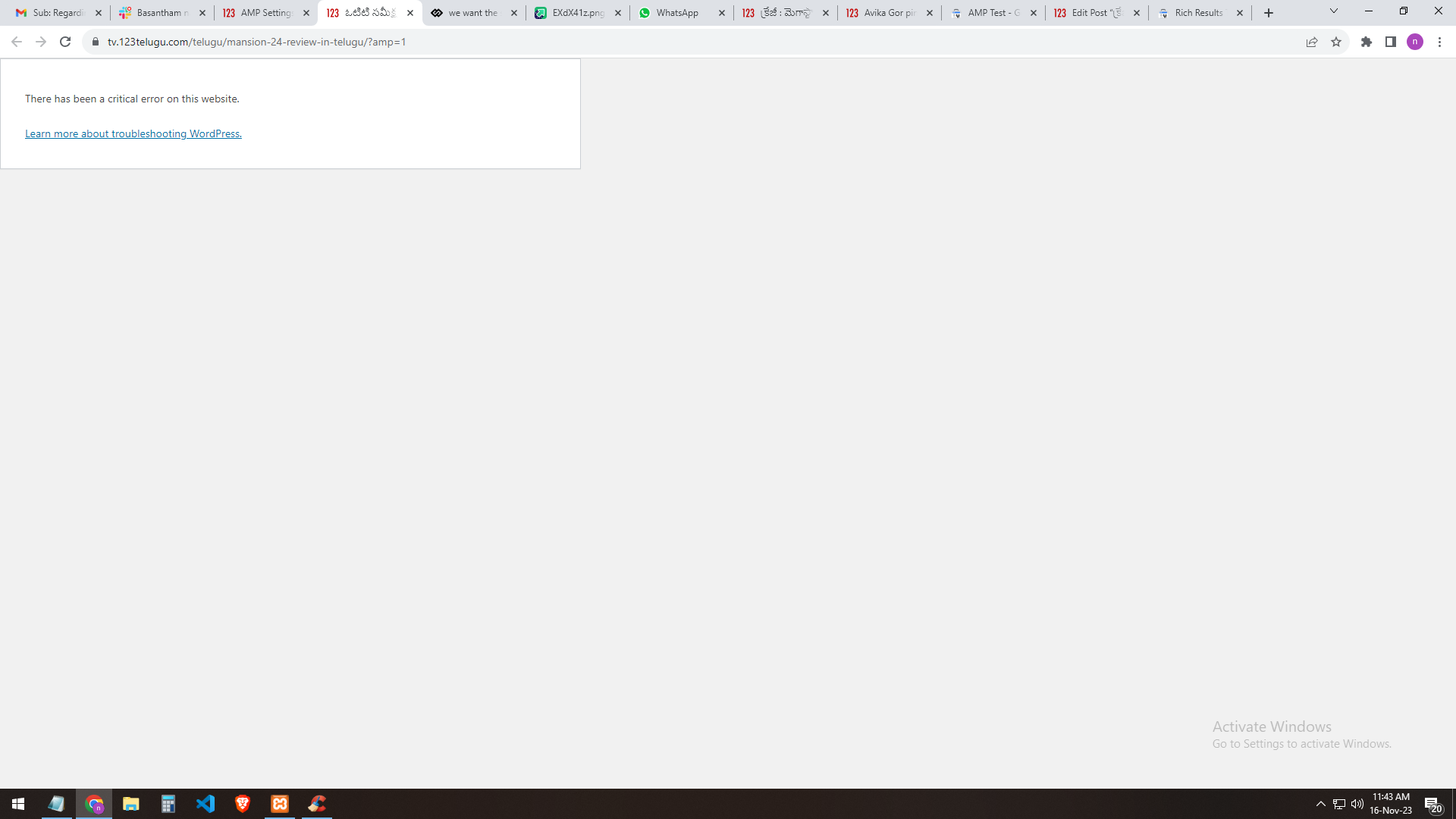
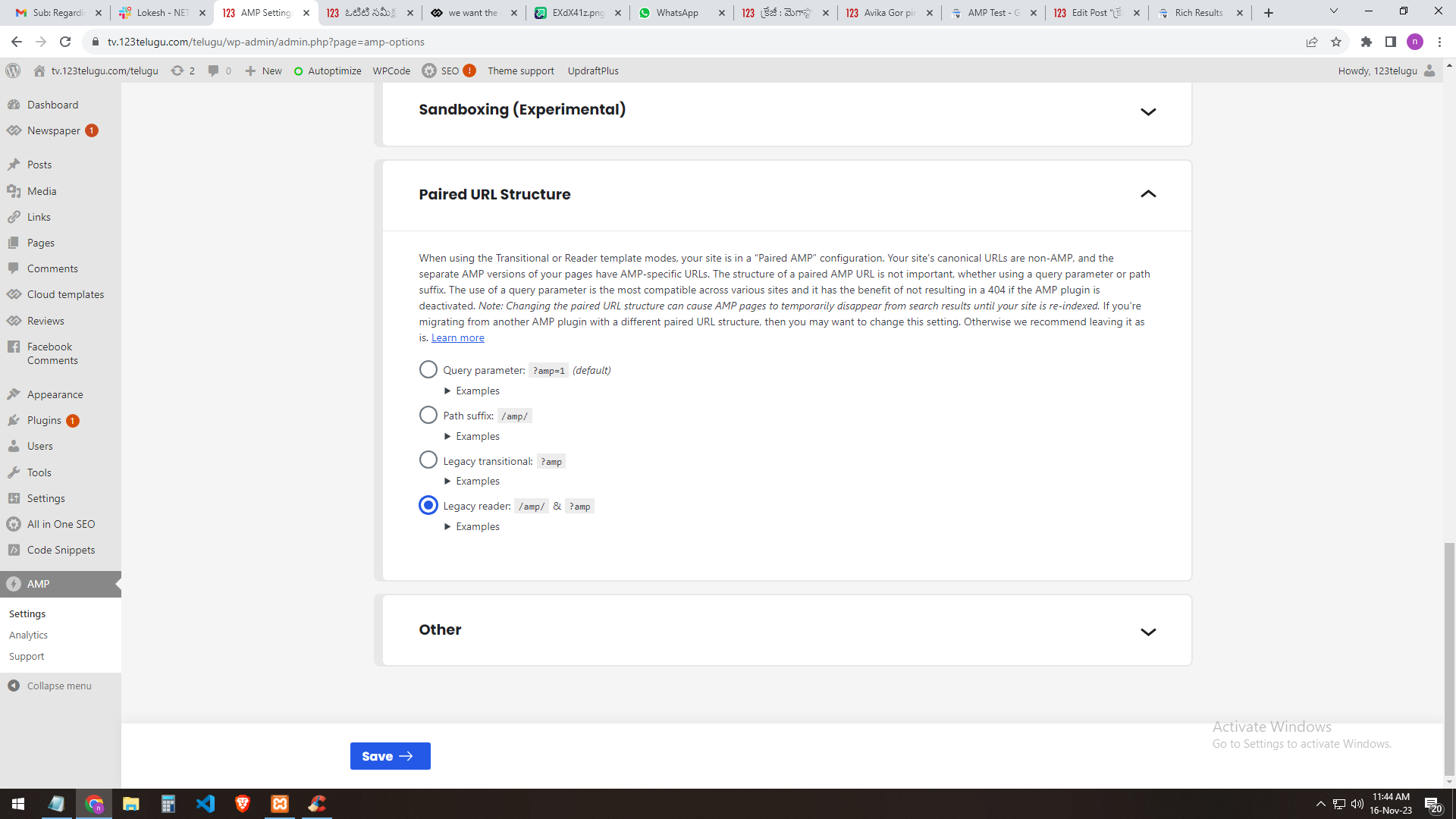
If I select the query parameter: ?amp=1 (default) the selection result shows me (this website has a critical error)
https://gallery.123telugu.com/images/theme_test/Narender12.png
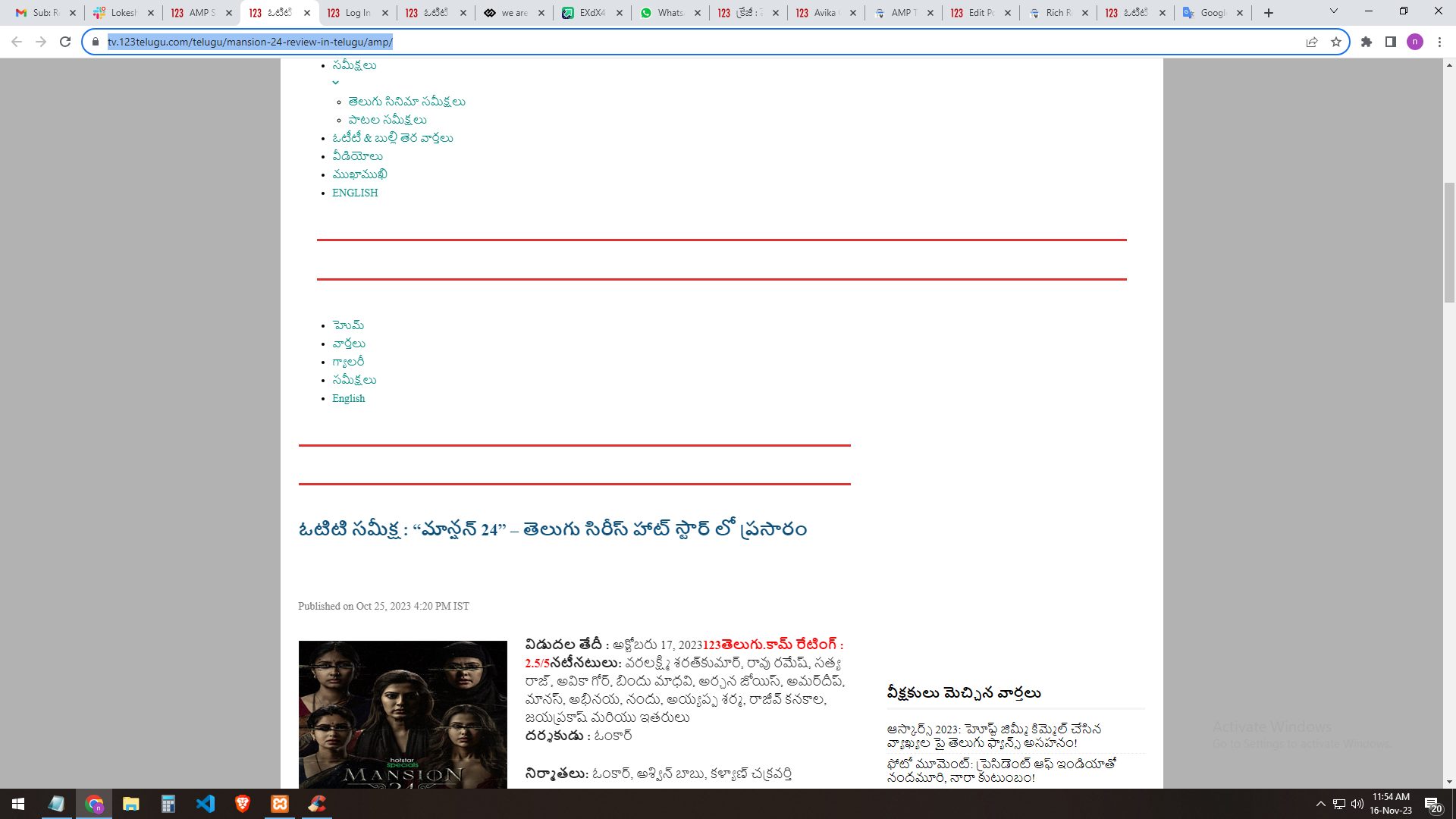
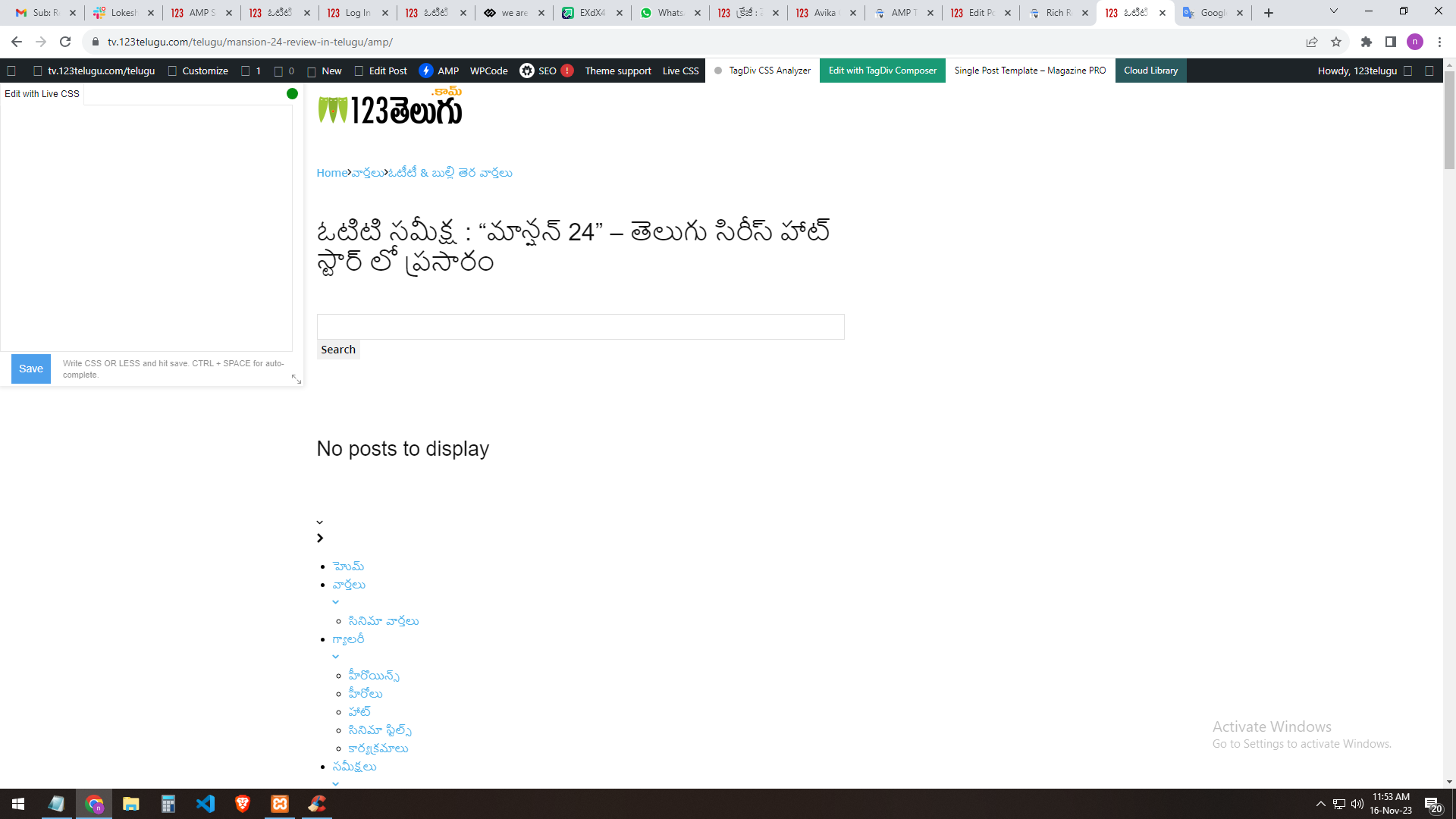
If I select [legacy reader]: the site will load but the header part error will occur
https://gallery.123telugu.com/images/theme_test/Narender13.png
https://gallery.123telugu.com/images/theme_test/Narender11.png
Can I customize the amp page? EDIT WITH DIV TAG COMPOSER Please let us know
how to sort out this issue.
https://gallery.123telugu.com/images/theme_test/Narender14.png
Anamaria Hello,
You have the mobile theme plugin activated.
When the mobile theme plugin is used you need to set for pages the page content in mobile editor using only the options from that editor – https://i.imgur.com/p8EqE1b.png also there is an option to disable the mobile theme from a page/post – https://i.imgur.com/d3kTBRf.png this option appears in Gutenberg editor.
Using our theme you can choose from 3 mobile versions
-> mobile responsive => https://www.screencast.com/t/oJ2ShOp47
-> mobile theme plugin => https://forum.tagdiv.com/the-mobile-theme/
-> mobile page => https://tagdiv.com/newspaper-10-3-7-update-brings-customizable-and-fast-mobile-pages/
If you created the mobile pages with tagDiv Composer, then when you install the Mobile Theme plugin, your pages will be overwritten by the plugin (the mobile theme comes with its templates for page, post, category, etc so your current templates from the desktop theme will get converted to the mobile theme layout, the page content is made without builders in mobile editor => https://www.screencast.com/t/xbgZG8kH also, the options that are provided to edit the mobile theme version are limited (this keeps the things simple)).
This is a video about Responsive Newspaper Theme, AMP & Mobile Theme, Mobile Pages & Templates -> https://www.youtube.com/watch?v=SpGkOnJeNZY
So, the mobile responsive is what you see when that you select the viewport on phone => https://www.screencast.com/t/matV17hH, so some settings may apply for each viewport(where is the border blue), and others are not(where the border is black).
The mobile page has the mobile templates from Cloud Library => https://www.screencast.com/t/YCcZ8rL8
The Mobile responsive version of the theme and the mobile page editor can be edit with tagDiv Composer, the mobile theme plugin cannot.
For example, you can have the mobile theme plugin activated and use the mobile page/mobile responsive version for the homepage/pages, but for the categories pages/404 page, you can’t use the mobile page/mobile responsive version if you have the mobile theme plugin activated.
So, if you want to design the pages with tagDiv Composer, you can use the mobile page or mobile responsive version.
Thank you!
Anamaria Hello,
You can remove the Single Post Author Box using Edit with tagDiv Composer with a right-click you can delete => https://i.imgur.com/BnhhxVh.png , or selecting the element and with drag & drop place into the deleting red zone from the bottom right of the page => https://i.imgur.com/vkQVCjn.jpg the same for date.
this change will be applied to all posts that use that template and you can delete any element like this.
Thank you!
Anamaria Hello,
For colors and fonts you can use the options from Manager -> https://forum.tagdiv.com/tagdiv-composer-website-manager/ but you have to set them manually for the first time on all the elements.
For buttons, no, but you can use the copy and paste style option from right-click.
Thank you!
 HeatherKitching
Here’s the other problem I’m having: I’ve set a BG colour for a couple of the blocks in my layout. That colour shows in TagDiv composer, and it shows in the tablet preview. But it does not show in the desktop or mobile view.
Help? Thanks!
 Breinblik
 Hey Bettina,
It’s been two months and we still have the same weird error. After aprox. 30 seconds the homepage freezes (result code hung). I’ve tried all sorts of things:
– Disabling all plugins
– Checking for buggy javascript
– Checking the console
– Moving to a different server
I did found at tough that after disabling the TagDiv composer plugin the homepage doesn’t seem to freeze anymore. Could you please have another look on what can be done about this problem?
Thank you!
Bettina Hello @kaeferatwork !
You can customize it in the TagDiv Composer. There are a lot of elements that can help you achieve what you need.
Create and edit every page with the help of the Tagdiv Composer, or you can duplicate the page templates.
Thank you!