
 pistacio
 I’m really sorry to bother you but my TagDiv Composer looks like this one:
https://forum.tagdiv.com/wp-content/uploads/2017/05/Newspaper-tagDiv-Composer.jpg
and I can’t find the buttons you pointed to anywhere.
Do I have to update the Composer to the newest version?
 Bettina
 Hello!
When you edit the page with the TagDiv Composer, you can see the tablet viewport and mobile viewport:https://www.screencast.com/t/YUVUcyrgh; https://www.screencast.com/t/XDQJedlggSB
Thank you!
Bettina Hello!
Edit the category page with TagDiv Composer. Click on the mobile viewport: https://www.screencast.com/t/XDQJedlggSB; there you can see your mobile version and edit or adjust the elements to look better.
If you want to use mobile pages: https://tagdiv.com/newspaper-10-3-7-update-brings-customizable-and-fast-mobile-pages/, then please assign a mobile page to your category template.
If the problem is still there, then please uninstall the cache plugin you use and try again in an incognito file.
Thank you!
Bettina Hello Sarah!
There are only some settings in the Theme panel -> Mobile Theme. You can not add a shortcode like in the TagDiv Composer or edit the layout with this builder.
Any other adjustments? You can do it by code: https://forum.tagdiv.com/create-custom-code-using-the-browsers-inspector
Thank you for understanding!
 harashima
For some reason, I am no longer able to add element or edit element. I don’t have “row” “column” “Element”, delete or duplicate buttons. Please help!
 anthonyblfc
Hello Ive only just started designing my website but I want to be able to select for my header and logo to be sticky when scrolling. I dont see the option for this to be selected in the theme panel like on old videos. But I have seen it can be done in the Tagdiv composer plugin. I have the plugin installed and activated but cant see it being an option anywere on my panel.
My second problem is how do i install the revolution slider plugin been trying for a few days now thank you
 ThibaultVauquelin
 For those who encounter this bug despite of a well configured theme and server, you can circumvent it by increasing the timeout of the get_all request sent by your server to the cloud API.
It does the trick for me to increase it from 12 seconds to 90 seconds. It seems that my hosting provider’s servers maybe busy some times and need more time to get responses from the API.
To increase this timeout, edit those files :
//file path 'www/wp-content/plugins/td-cloud-library/tdb_ajax.php'

//line 557

$api_response = wp_remote_post($api_url . '/' . $cloud_end_point, array (

       'method' => 'POST',

       'body' => $cloud_post,

       'timeout' => 12 //INCREASE THIS

));
// file path 'www/wp-content/td-composer/tdb_ajax.php'
//line 210
$api_response = wp_remote_post($api_url . '/' . $cloud_end_point, array (
'method' => 'POST',
'body' => $cloud_post,
'timeout' => 12 //INCREASE THIS
));
For me, 90s is enough to make it works properly, even when my hosting provider’s connectivity is overloaded.
 Gen Fujiwara
hello.
I am Japanese.
I have a question about tag composer and mobile theme.
I ran the following process.
Install one theme from the cloud template.
↓
Then modify the content and save.
↓
Change template name
↓
Add a mobile template to that template.
↓
Select a mobile template from the pull-down.
Modify and save mobile content.
* However, it is not reflected even if you check it on your smartphone.
But the original cloud template.
If you make corrections from here, the changes will be reflected normally (smartphone screen).
--
Is it the cause of changing the template name?
 MRBADWAL
I’m Facing this error and unable to edit the home page and align the post categorize
Hmmm… can’t reach this pageIt looks like the webpage at https://www.premiumnewz.com/wp-admin/post.php?post_id=2765&td_action=tdc&tdbTemplateType=page&prev_url=https%3A%2F%2Fwww.premiumnewz.com%2Fwp-admin%2Fadmin.php%3Fpage%3Dtdb_cloud_templates might be having issues, or it may have moved permanently to a new web address.
ERR_HTTP2_PROTOCOL_ERROR
MRBADWALI’m Facing this error
Hmmm… can’t reach this pageIt looks like the webpage at https://www.premiumnewz.com/wp-admin/post.php?post_id=2765&td_action=tdc&tdbTemplateType=page&prev_url=https%3A%2F%2Fwww.premiumnewz.com%2Fwp-admin%2Fadmin.php%3Fpage%3Dtdb_cloud_templates might be having issues, or it may have moved permanently to a new web address.
ERR_HTTP2_PROTOCOL_ERROR
 Anamaria
 Hello,
You need to use the smart list from tagDiv Composer, inside Single Post Content ->
https://i.imgur.com/dbipPWQ.png according to the documentation https://forum.tagdiv.com/smart-lists/
Also, you don’t need to use the classic editor, you can use the Gutenberg editor, which is the default editor for WordPress and select/add the element classic https://i.imgur.com/9sWuCtW.png to add the smart list.
Also, please make sure you have the same heading, in the post editor and in the smart list element, please check this video -> https://www.screencast.com/t/BuFFxQKgj
Thank you!
 sil2
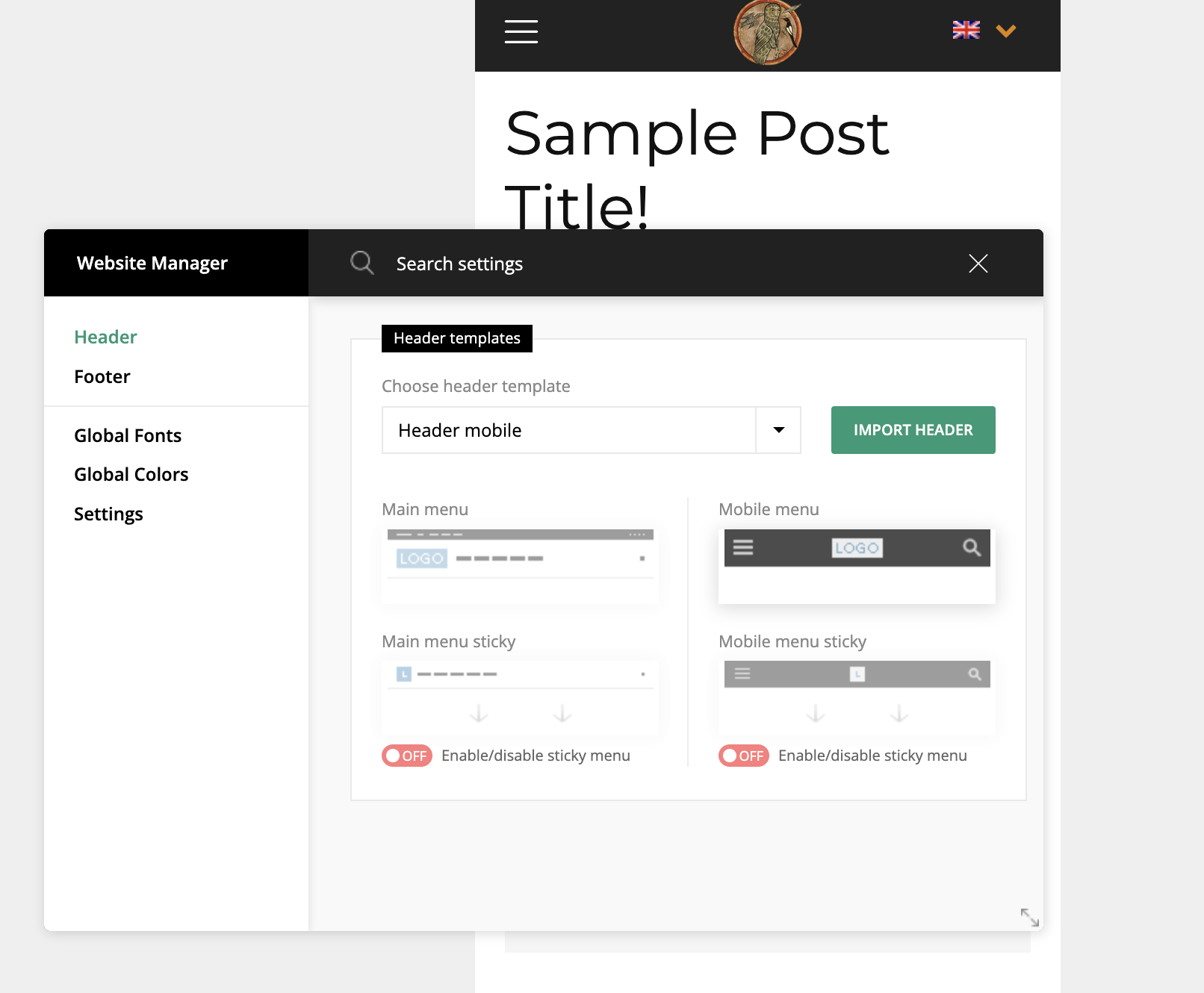
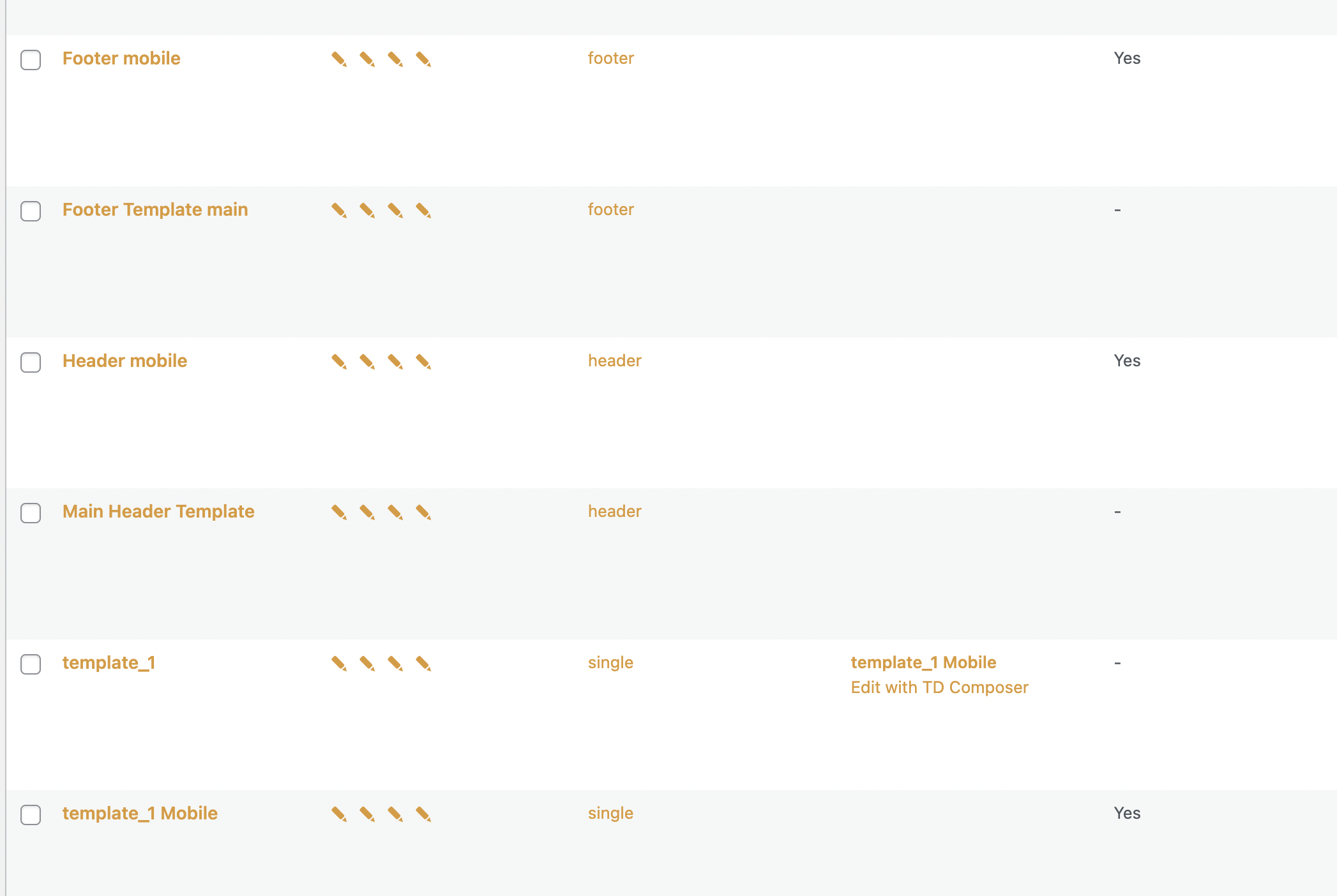
sil2I created mobile versions for header footer, home page, and all other pages for all language variants in tagdiv composer.
But my mobile phone still showing me desktop versions!
my site http://www.tart-aria.info

 NickDeBaerdemaeker
Hello,
in tagdiv composer I wish to use the Single post custom field option.
A couple of my custom fields are not showing in the dropdown list, so when trying to display them by entering the name manually in “custom field name” it still wont show the field.
Apparantley, this is because the fields I wish to display are
– Day Time picker
– Radio button (using a list of numbers)
– Checkbox (using a fixed list of locations)
Is there a way around this that you know of ?
 msakande
 Hello
sorry, but the section is not display in Tagdiv composer. So I cannot delete it.
See Not display in TAGDIV Composer
But it display in POST
see Display in POST
 Calin
Calin Hi,
Indeed, if you are using the mobile theme plugin and you want to optimize the mobile-theme.eot fonts, then you need to add the swap manually in the theme plugin, the file that needs to be edited is this one -> wp-content\plugins\td-composer\mobile\style.css -> https://i.imgur.com/dkOzlUg.png you need to add the font-display: swap; like this -> https://i.imgur.com/flkHuFP.png
This should help you!
Calin Hello,
If you just want to collect emails from your users, then you can use the leads element, this can be added with tagDiv Composer or you can import in in pages and cloud templates from the cloud -> https://i.imgur.com/grEJdpX.png -> https://i.imgur.com/wPlBLVG.png
Now if you want to use a newsletter, to inform your users about the new posts, then you need to use the newsletter plugin . Like the leads element, the newsletter element can be set from the cloud or with tagDiv Composer -> https://i.imgur.com/6HTyAch.png
I hope this will help you!
Thank you!
Calin Hello,
I just checked your website and the problem that I saw is that your images/animations are not displayed. But those seems to be provided by a cache. Please be sure that you clear all the cache that you have.
If I understand correctly, when you edit the page in tagDiv Composer, the problem is gone, but, is this problem happening when you are logged in and you check the homepage (not in the theme builder)? Or only when you are not logged?
Thank you!
Calin Hi,
I apologize but I did not understand exactly where the problem is.
If it is in the mega menu, then please delete tagDiv Composer and tagDiv Cloud Library and install them from Newspaper> plugins -> https://i.imgur.com/TatsQds.png
If the problem is on a category page, then a block may not be filtered by the current category. To solve this problem you need to edit the cloud category template with tagDiv Composer -> https://i.imgur.com/0VgqFfS.png, select the blocks and in filter ab make sure that are set on current category -> https://i.imgur.com/lSUNl9x.png
I hope this will help you!
Thanks,
Anamaria Hello,
You need to update the whole theme with the tagdiv plugins.
Please try to do the update manually via FTP/cPanel -> https://forum.tagdiv.com/how-to-update-the-theme-2/ ( do a full backup of all files and databases before updating), by replacing the old theme with the new one (replace not overwrite), in case there are custom changes in the theme files, those will be lost. Also, please do a full backup of all files and databases before updating.
Also, please try to update the theme without extra plugins activated during the installation, as this may interfere with the installation process.
Also, after the update please make sure the tagDiv plugins are installed, like tagDiv Standard Pack, tagDiv Composer, tagDiv Social Counter, etc.
Thank you!
Anamaria Hello,
Please edit the Single Post Template with tagDiv Composer select the element and with right-click you can delete it => https://www.screencast.com/t/jcffF5bb87ft or with drag & drop place it into the deleting red zone from the bottom right of the page => https://www.screencast.com/t/DSbFuKBiru
Thank you!
Calin Hi,
Yes, this can be done with tagDiv Composer.
What you need to do is to create a new page and open it in tagDiv Composer, check the manager and set for header no header -> https://i.imgur.com/bcqlKIC.png and for footer no footer -> https://i.imgur.com/1iHBEDq.png, after that just add the elements you want in the page to make it as a landing page.
I hope this will help you!
Anamaria Hello,
To have the automatic updates option, you had to have version 10.3.1 and from version 10.3.2 you could use this option -> https://tagdiv.com/introduction-to-newspaper-theme-automatic-updates/
Please try to do the update manually via FTP/cPanel -> https://forum.tagdiv.com/how-to-update-the-theme-2/ and do a full backup of all files and databases before updating.
Also, please try to update the theme without extra plugins activated during the installation, as this may interfere with the installation process.
Also, after the update please make the tagDiv plugins are installed, like tagDiv Standard Pack, tagDiv Composer.
Thank you!
Calin Hi,
1. I believe that you are referring that you have more subcategories under the “Astuces” category and those are not display. This is because there is set a limit on the subcategories for the mega menu. This can be changed using the tagDiv Composer. Edit the homepage -> https://i.imgur.com/o2konO3.png, click on the menu and search after the “Subcategories limit” -> https://i.imgur.com/6xorrdi.png then just replace the number
2. This can be a problem from the theme plugin files. Please be sure that you are using the latest theme version 11.5.1, after that please disable and delete the tagDiv Composer and tagDiv Cloud Library plugins and reinstall them from Newspaper > plugins -> https://i.imgur.com/i1sZPjr.png this should resolved this problem.
I hope that my answers will help you to resolve the problems that you are facing.
Thank you!
Calin Hi,
1. For this you need to edit the td_config.php from \wp-content\plugins\td-composer\legacy\Newsmag\includes\td_config.php you’ll need to search for “show_child_cat” -> https://i.imgur.com/vscSfJw.png
2.Indeed, the problem with tagDiv Composer could be due to this error in the console.
Most of the time that error is caused by a plugin, so you’ll need to make some tests only the theme plugins and see if the error persist and if the tagDiv Composer is working. If indeed is working, then you’ll need to find the plugin that is interfering with the theme builder.
Thank you!
 catalingeangos
Hi, i would like to keep the right sidebar from blog posts on my desktop version but to remove it from mobile. how do i do that? I’m using classic/gutenberg editors and not tagdiv composer
example here



