- NewsmagtagDiv Composer Tutorial
- NewsmagHow to use the Visual Composer plugin
- NewsmagHow to update a plugin
- NewsmagWhat’s included in Newsmag theme package
- NewsmagRequirements for Newsmag
- NewsmagInstall via WordPress
- NewsmagInstall via FTP
- NewsmagBlock settings tutorial
- NewsmagtagDiv Social Counter tutorial
- NewsmagHow to update the WPBakery plugin
- NewsmagPage Menu
- NewsmagCustom ad spots
- NewsmagSmart sidebar
- NewsmagVideo playlist
- NewsmagPage templates
- NewsmagHomepage – How to build and set it
 vinny_007
 C’è nessuno? Non dico una risposta in tempo reale ma dopo 6 ore mi aspettavo un riscontro al mio problema. Non posso far nessuna modifica al sito!!! tagDiv Composer continua a no funzionare!!!
 dimitrisv
After struggling to make five little images be properly spaced in TagDIV composer, I decided to employ a good old fashioned image map – i.e. have them all properly aligned in a single image and create an image map.
Can you please help me on how to add the usemap attribute to the img tag?
 slivertorp
 All good, it seems like I needed to modify the Home Page to use the Template called :
Pagebuilder + latest Articles + pagination
It gives me exact what I wanted with the pagination and page 2, page 3, etc Great!
But so far I don’t really know how to customize the look of the “latest articles + pagination” block that I get now at the bottom of the page with this template.
I can’t modify the block with TD Composer.
Therefore, if I drop a Post Loop 2, I can customize it. But I would need to remove/hide the block coming from the template. Do you see what I mean?
Please let me know if it is not clear enough.
Kind regards
vinny_007Dopo aver aggiornato il tema alla versione 10.3, il tagDiv Composer non funziona!Inzialmente non salvava le modifiche (dopo avere cliccato su salva girava all’infinito “costrigendoti” ad uscire senza naturalmente salvare le modifiche). Adesso cliccando su “Edit with TD Composer” carica all’infinito (senza carica nulla) e non permettendoti nessuna operazione.!Presciso che prima funzionava tutto normalmente e non ho aggiunto o modificato nulla sul sito!
 carlosxuma
 Thank you for your answer.
I now see that the problem could be something different.
Once I copy the code I cannot save it from TagDiv.
Also I cannot add a single element to the page – not that nor the new one.
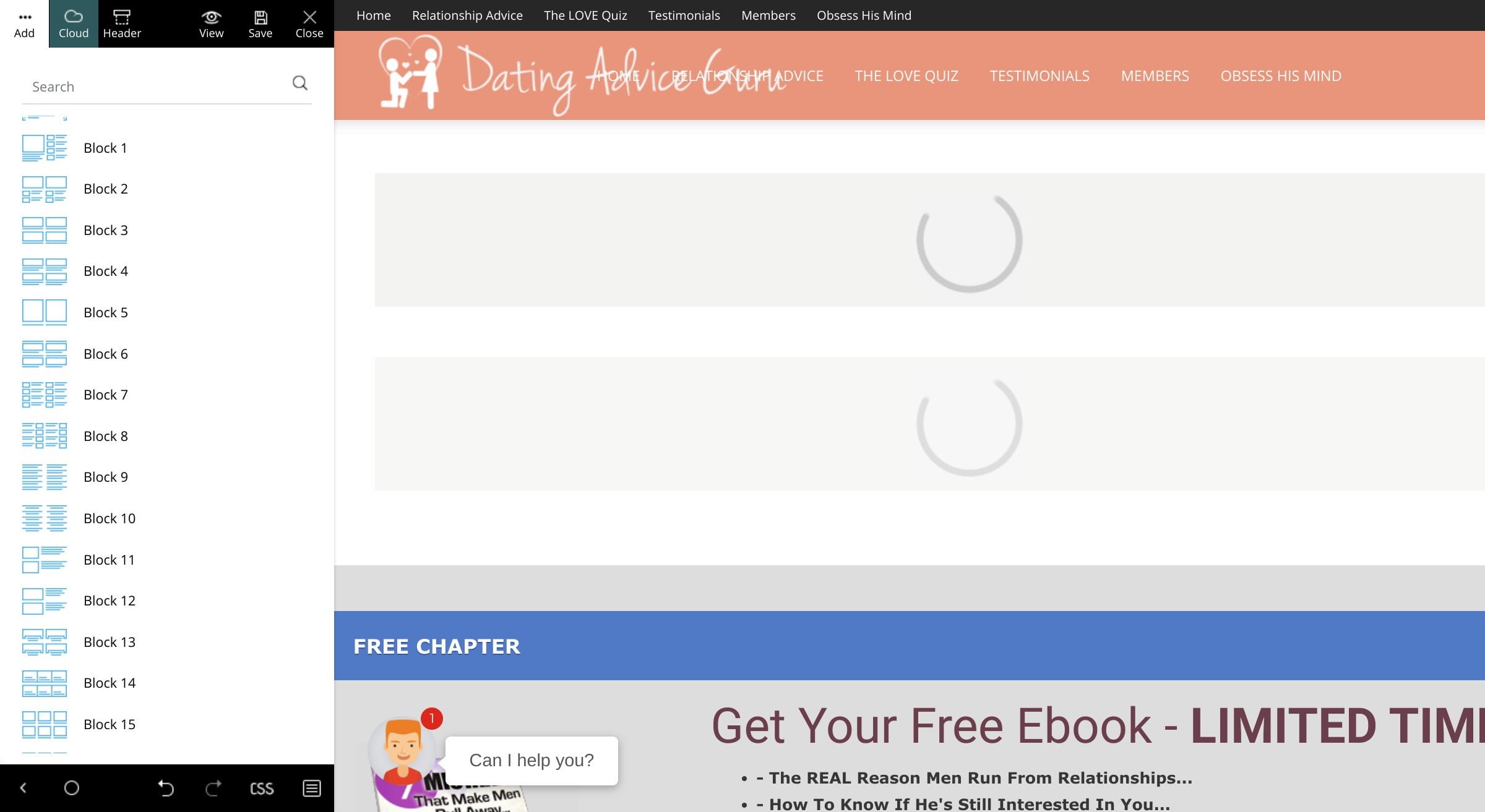
All I get is the loading icon. Example:
https://www.datingadviceguru.com/wp-content/uploads/2020/02/tagdiv-loading.jpg
To make things even weirder, I don’t see any errors in the console.
We use same plugins on two installations:
test.datingadviceguru.com
and
datingadviceguru.com
We’ve used the first site to prepare the site and then move it to the second one.
The hosting is different, though.
Do you happen to know what could be causing this – tagDiv Composer not to work?
Please advise. Thanks.
 Calin
Calin Hi,
If you are using a cloud header, you’ll need to edit it with tagDiv Composer, click on the menu -> https://i.imgur.com/8ls7NbH.jpg check the css tab and add a background color -> https://i.imgur.com/EM4scco.png if you want to set the color on the whole width, select the row or inner row and set the color -> https://i.imgur.com/d0L2BRL.jpg
The mobile menu can be edit like the desktop version, only change the port view from tagDiv Composer -> https://i.imgur.com/SowoXwb.png
Hope this will help you!
Thank you!
 tagathangelou
When i click to create anew post or edit an existing Post the tagDiv Composer is not opening and its opening a backend default wordpress editor.
When i create anew page or edit page the tagDiv Composer is opening and is working.
How i can create a new post or edit post on tagDiv Composer
thanks
Tassos
Calin Hi,
Unfortunately our theme do not have this option, you can use something similar by using the category posts and assign the post to this category, also on homepage you can use the tagDiv Composer and add some flex block whet you can filter all the categories and show only the one that you want.
Unfortunately we didn’t tested the Zone manager with our theme, therefore we can not say if this will work or not with our theme.
Thank you for your understanding!
 AlemLolic
I use single post cloud Romania News how ever through tag div composer in css tab i hide comments div for all screen now don’t know how to get it back but when i try to add new comment block everything is messed up any suggestion what to do?
Calin Hi Justin Werner,
If there is still a problem, you can send us an email at contact@tagdiv.com and provide admin login, as well as cPanel or FTP if possible. We will take a look. Include a link to this topic in the email.
Hi, abhin_03, please notice that tagDiv Composer is a page builder, this can be use on pages and cloud templates, it can’t be use on posts.
If you are facing the same problem like Justin Werner, please send us an email.
Thanks
Calin Hi,
Our theme have an option for displaying author at the bottom of the posts for the standard posts templates -> https://i.imgur.com/J5aFg7P.png also if you have set a single post template from tagDiv Cloud Library, then you can edit it using tagDiv Composer and add the element -> https://i.imgur.com/90ugocv.jpg -> https://i.imgur.com/j4nojIj.png
If there is still a problem, and this is not cause by some untested plugin, you can send us an email at contact@tagdiv.com and provide admin login, as well as cPanel or FTP if possible. We will take a look. Include a link to this topic in the email.
Thank you!
 Vlad S
 Hello !
You can use the tagDiv Composer on a brand new page and create the page as you wish: https://www.screencast.com/t/bySy7c3f
In order to add a background color on your page you will have to edit the ROW background color: https://www.screencast.com/t/KDLrKag3Uw6q
Please note that you will have to set the background color to all the ROWs !
Thank you !
Calin Hi tihanak,
The website will look like that when the tagDiv Composer is disable, also please notice that now the theme plugins new to be enable manually, please check our documentation from here -> https://tagdiv.com/updating-the-core-of-tagdiv-themes/
Also the Jose is right, he’s suggestions should work.
Let us know the results!
Thank you!
Calin Hi,
Unfortunately the stick post option do not work with our theme, sorry! if you wan to show a post as sticky you can use tagDiv Composer and set the post id in the block settings, in filter tab, you can check our documentation -> https://forum.tagdiv.com/block-settings-guide/
Thank you for your understanding!
Vlad S Hello !
Yes, you can create your own header and using the menu element from the composer you will be able to implement your own menu in it: https://www.screencast.com/t/LvL5SXZd
Thank you !
Vlad S Hi,
Unfortunately there is a problem with the new option add in theme panel for disable the schema article, this interfere with preview draft, in order to fix this problem you’ll need to make some changes in theme file or deactivate the schema articles from here: https://www.screencast.com/t/0E3IucACC You will have to check that in order to deactivate the schema, this issue will be fixed in the next update.
The file are wp-content/plugins/td-composer/legacy/common/wp_booster/td_module_single_base.php -> https://i.imgur.com/EMWC74l.png add “|| is_preview()” -> https://i.imgur.com/78beFgC.png
wp-content/plugins/td-cloud-library/state/single/tdb_state_single.php
-> https://i.imgur.com/WIIKHSU.png -> https://www.screencast.com/t/VbigQIINRB
or you can send us an email at contact@tagdiv.com and provide admin login, as well as cPanel or FTP if possible. We will take a look and make the proper changes for you. Include a link to this topic in the email.
Thank you for your understanding!
Vlad S Hello !
You will have to edit your post pages. To do that you can import a post template: https://forum.tagdiv.com/design-post-pages-using-cloud-library-templates/
All cloud templates are fully editable using the tagDiv Composer.
Thank you !
Calin Hi,
Unfortunately using tagDiv Composer, the builder do not have an element for table, you’ll need to use the column text element and set an html table in it -> https://i.imgur.com/UM73TFO.png -> https://www.w3schools.com/html/html_tables.asp or you can use the Gutenberg element for table -> https://i.imgur.com/RVxxZJ9.png
Hope this will help you!
Thank you!
Calin Hi,
Usually the page 2-3-4 appear when you are using a posts loop in your page and this can be edit using tagDiv Composer or page builder + latest articles + pagination from page template you can edit it from backend -> https://i.imgur.com/EbkSs9j.png , these element can use pagination -> https://i.imgur.com/RESuCD2.png in your case -> https://i.imgur.com/CGqnj5u.jpg
Hope this will help you!
Thank you!
 abhin_03
Hi folks, I’m not able to edit the template of single posts as the composer is throwing this error: ‘Error at zones: 6(models) : 5(dom). The model does not match the content’
Tried importing templates from Cloud Library, but it’s getting stuck at around 50%.
Also, the post preview feature isn’t working properly as well.
Calin Hi,
I just checked your website and something is not write with your website, the theme should be looking like this -> https://demo.tagdiv.com/select_demo/select_demo_newspaper?utm_source=live_preview&utm_medium=click&utm_campaign=demos&utm_content=demos_button#demos
Did you change something in theme files ? because the width 100% is not set from theme, and this make the vertical scroll bar and more anther problems. -> https://i.imgur.com/DpgaVeM.png -> https://i.imgur.com/wD2TA6k.png
I recommend to make a fresh install and do not change anything in theme files, please check our documentation for:
Basics: Using the tagDiv Composer Front-End Page Builder
What is the Cloud Library and How You Should Use It?
Homepage – How to build and set it
Let me know the results!
Thank you!
Vlad S Hello !
In order to make the site full width you have to select every row of your page using the tagDiv Composer and then set the stretch mode you want like here : https://www.screencast.com/t/BkWwdHh6
In order to make the post page full width you will have to add a single post template and then edit it. Check more about how to have single post template here: https://tagdiv.com/customize-articles-with-single-post-templates/ And for the header you can do it here: https://www.screencast.com/t/xf56tQN0.
These are the ways you can increase your page width from theme options. Anything above this will require custom code.
If you are using a background color / image this will cause the boxed layout.
Let me know if this helped you !
Thank you !
 ozclubbers
 Never mind, i found the problem. I had manually set a font in TD Composer for the page. 🙂
 Adaras
Hi,
I updated Newspaper today to the latest version. Unfortunately, I’m having a lot of problems with editing a page or Cloud Template with the composer. I can create a template but as soon as I go back to it I get error messages like: “Error at rows: 4(models) : 12(dom). The model does not match the content” or “Error at zones: 5(models) : 6(dom)”.
I’ve tried deactivating all non-tagDiv plugins, I’ve switched to the default theme instead of my child theme, I’ve cleared all cache and it still doesn’t work.
I’ve had many problems with the composer previously, and have often had to deactivate all WPML plugins before for it to work, but now I don’t know what else to do.
I meet all the requirements.
Do you have any idea how I can solve this?
Best wishes,
Ida
abhin_03 I too am facing this issue, can’t edit the existing posts using tagDiv composer.