
- ApiPractical example – How to add a new Block and Module
- Apitd_api_thumb::update
- Apitd_api_thumb::add
- ApiAPI – Thumbnail – Introduction
- Apitd_api_module::delete
- Apitd_api_module::update_key
- Apitd_api_module::update
- Apitd_api_module::add
- ApiAPI – Modules – Introduction
- Apitd_api_block::delete
- Apitd_api_block::update_key
- Apitd_api_block::update
- Apitd_api_block::add
- ApiAPI – Blocks – Introduction
- ApiUsing the Theme API in plugins
 youthost
 Thanks, this will effect all Big Grid Flex on website,
what to put in extra class for a specific page
Thanks
 Anamaria
 Hello,
You can use this code -> https://i.imgur.com/X7d11kR.jpg
.td-big-grid-flex *{

pointer-events: none;

}
Add this CSS code in Newspaper -> Theme panel -> Custom code -> Custom CSS
Thank you!
 Calin
Calin Hi,
You can edit it with tagDiv Composer like this -> https://i.imgur.com/sQy33HZ.jpg select the flex block to remove the dropdown more, check the filter tab and changed the ajax filter -> https://i.imgur.com/tC3N4qF.jpg
For the row, to stretch it, click on the text and select the row -> https://i.imgur.com/6P7zw0U.png then in general tab you can stretch it to 1400px -> https://i.imgur.com/G1tVQRm.png
For the space between the menu and text what you can do is to set on the row text css tab a margin bottom negative for example (-24 or -48) -> https://i.imgur.com/vzD6EaP.png also be sure that the element is display as show -> https://i.imgur.com/K7E04Lh.png and not inline block.
 VeriArtem
 Hello Calin
I don’t understand ” need to edit with tagDiv Composer the page and select the flex element,”.
Well spotted, I don’t know how that happened but finally is done, however now the text is in middle and all my efforts to stretch the row or column to be in line with first and last column the ones where the big image is. Also between the text and navigation bar is nearly an inch of space.
Regards
Alex
 ehakan
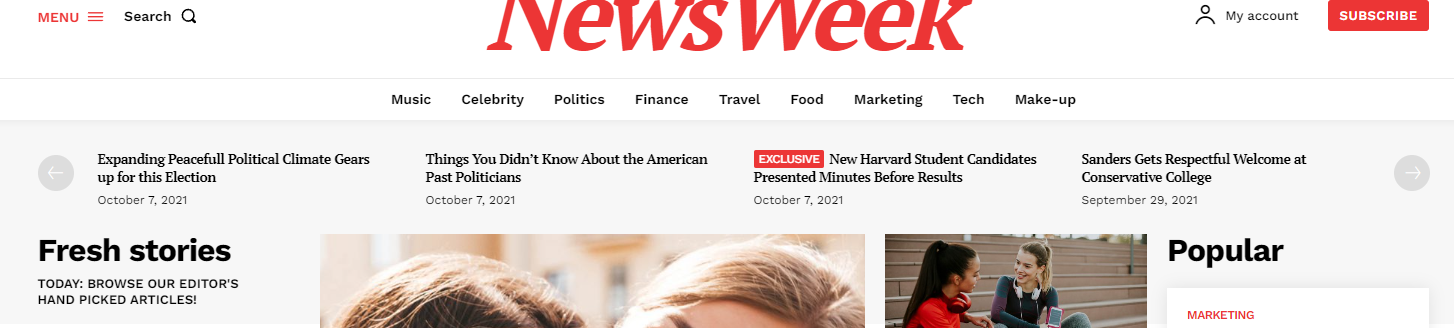
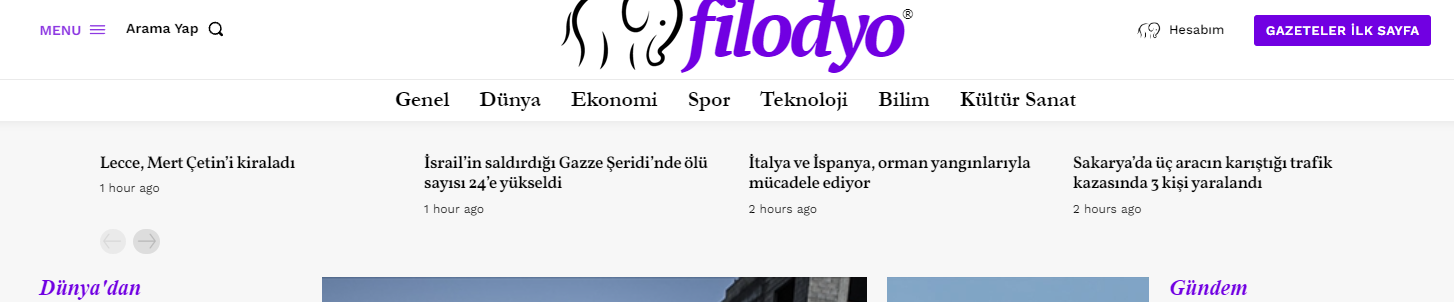
In the first original installation, pagination arrows were located to the right and left of the news. However, I could not find this setting. At the moment both arrows appear below. What setting do I need to make to reset it?
youthostHi,
I would like to remove the click link to the post for Big Grid Flex, the advantage is to have random display of images from different posts without actually having the posts.
True there are image modules but there is no random display.
I think a simple onclick disable function in the class could be a solution
Thanks
maybe in class pointer-events: none
 Man Kam
 refer to Q3,
I just want to make the banner section in home page, example as above
https://www.jedinews.com (also using newspaper theme)
May I re-confirm which one I should use? Big Grid Flex or Flex Block ?
Calin Hi,
If you are using flex grids and flex blocks you can choose a premade style by using the tagDiv Composer -> https://i.imgur.com/RSoci4E.jpg also you can choose on each flex element the thumb size that you want to use -> https://i.imgur.com/mKd2OSq.jpg
I hope this will help you!
Calin Hi Diarioaragones,
If those posts need to set a longer period of time in a place, then you can use the filters from the flocks for this. In dis way you can filter the posts after categories, tags, taxonomies, also you can set manually the posts ids in the order you want to be displayed.
-> https://forum.tagdiv.com/flex-block-settings-guide/
For the moment we recommended only setting the posts order using the ids or using the date/modified date (those are tested and are working with our theme).
If you want you can also try the suggestions form this guide -> https://www.wpbeginner.com/plugins/reorder-wordpress-posts-using-drag-drop/
Thank you!
Calin Hi santosh.thakur,
This can be done only if the images from the blocks are not set as background.
Now all the flex blocks use the background image.
To can save the thumbnail images you need to set the only standard blocks from tagDiv Standard pack -> https://i.imgur.com/wBpk3cH.png
I hope this will help you!
Calin Hello,
I understand what you mean.
What I can recommend is to use the tagDiv Composer and edit the homepage -> https://i.imgur.com/bqzqOMJ.jpg, then select on the flex block the thumb that you want to use -> https://i.imgur.com/4O4YBur.png
Also, for the featured image inside the article there are 2 elements that can be used. The background and normal featured image -> https://i.imgur.com/fxRxN3Q.png -> https://i.imgur.com/6re2KEg.png then choose the thumb size -> https://i.imgur.com/IZ3FDDu.png
After this the next step is to check the selected thumbs to be enabled in the theme panel> in thumbs section -> https://forum.tagdiv.com/theme-thumbs/ once that you sure that those are enabled you need to regenerate the existent images in the file media -> https://forum.tagdiv.com/thumbnails-fix-strange-looking-images-on-blocks/
I hope this will help you!
Thank you!
Calin Hello,
Maybe I wrongly understood the problem.
To remove the more button you need to edit with tagDiv Composer the page and select the flex element, then from the Filter tab remove the ajax filter -> https://i.imgur.com/rHpxHdh.png
Also, I see that you manage to set the text in the page content -> https://i.imgur.com/PUlCNkU.png
Thank you!
Anamaria Hello,
Our theme doesn’t have an option to reorder the posts, but you can apply different filters on the blocks -> https://forum.tagdiv.com/big-grid-flex-settings/ -> https://forum.tagdiv.com/flex-block-settings-guide/ -> https://forum.tagdiv.com/posts-loop/
Thank you!
Anamaria Hello,
You can add a new row and set it full width, you can’t add an inner row in the row to do it full width if the layout of the row is changed -> https://tagdiv.com/how-to-add-delete-and-duplicate-row-newspaper-theme/ -> https://tagdiv.com/flexibility-rows-columns-newspaper-theme/
Thank you!
 ilmetu
Hi there,
following some gtmetrix howto’s i learn the magic content-visibility thing…
my website is really big and i get a really bad score in terms of loading time, so i try my best to solve the problem.
I manage to get from F to D and at the moment, the only thing i need (it seems) it’s to Avoid an excessive DOM size so i search in the web and the only thing i found it’s to paginate or reduce the things inside the page… ok … it’s not my case…
but i found also this CSS properties : https://web.dev/content-visibility/
how can i tag rows or flex blocks with this css rule?
thanks
Calin Hi,
Unfortunately, at the moment that option isn’t in our theme. The options that we have now are for the featured video and it will be apply only inside the article -> https://i.imgur.com/tOVUAkC.png also for flex block to popup the featured video -> https://i.imgur.com/jiRAEhR.jpg
Thank you for your understanding!
ilmetuHi,
as you can see i setup the flex block 3 with a category (that contains 4 video article) but the frontend (and also the backend) doesn’t show anything.
i double check the category and i have one with that id and is populated by video articles.
But …
i try also to modify the flex block but unfortunately it show posts only when i set the filter to “all categories”.
Thanks
 chip303
 Hi,
Sorry for the late reply, I was on vacation with my kids for a few days.
I assume you mean the little overview: “New in the calendar”
This is solved quite simply: EventOn are simple posts that only appear on the calendar page. I took a Flex block 1, PostID is entered “ajde” and Multiple taxonomies filter and Post Type “ajde_events”.
Content preloading disabled, limit post 5
that’s all
Thomas
Anamaria Hello,
The tagDiv Speed Booster plugin has become a deprecated plugin, so please uninstall it.
You can use flex block 1 and design it as you want -> https://i.imgur.com/QIESTlS.png
Thank you!
 isabell.noelle
Hi everyone, I would like to disable the hover effect in the Big Grid Flex 2 block. Currently if you hover over the block, the images are zoomed in. I would like to disable this at all. Is there a way in the settings to disable the hover effect? Unfortunately, I did not find anything about it.
Kind regards
Isabell Nölle
 gono
gono Hello
Can we please get finally a fix for this? You guys were messing with important SEO settings weeks ago and just don’t fix it but yet we have to bear the consequence of it.
It is not just a small issue, it is affecting us. We literally tell search engines to don’t pay attention to our own content by using your flex boxes.
You were quick in turning “follow” off for a request but hesitant to provide a solution to fix this error.
Your ad says that your theme “uses the best clean SEO practices” and yet it does not. I’m sorry but it’s like talking to a wall. There are so many little things that need to be fixed but yet it gets postponed because of the preparation of a big feature update. I can’t imagine what features could make up for two months of lost SEO crawl ability.
Anamaria Hello,
For the category template, if you have set a posts loop then will display all posts in this category or you can use Flex Block 1 and set the filter to “Category -Current category” => https://i.imgur.com/7P99qx0.png
Thank you!
 Bettina
 Hello Debra!
Use the cloud/PRO templates in order to have the possibility to edit them with the TagDiv Composer which contains a lot of functions and features, please check our tutorial here: https://forum.tagdiv.com/tagdiv-composer-tutorial/
Documentation here:
– https://forum.tagdiv.com/cloud-library-templates/
– https://forum.tagdiv.com/design-post-pages-using-cloud-library-templates/
– https://forum.tagdiv.com/cloud-library-category-templates/
Check also our video tutorials here: https://www.youtube.com/c/tagdivThemes/videos
You can import any cloud templates from any demos you like from the Cloud Templates and assign it on your website, or you can build them from scratch by importing a blank template(in order to make it editable with the Composer).
When you edit the page with the TagDiv Composer, add the element called “Flex block” and there you can see the settings from that screenshot.
Thank you!
 debra@propertyfrontline.com.au
 Hi . .I’m still trying to figure out how to make this work for me. Can you tell me how I can navigate to the Flex Block settings . .as shown here Example: https://prnt.sc/RJNYyGxi6sEk
 Big Red
 Thanks for the reply. However, that sets a line underneath the column title
like this:
TITLE
__________
– but on the flex blocks it follows the title like this: TITLE ———-.
Is there a way to get it like that?



