
- NewsmagSocial counter styles on Newsmag
- NewsmagNewsmag documentation
- NewsmagtagDiv Social Counter tutorial
- NewsmagIntroduction
- NewsmagCategory grid styles
- NewsmagTheme colors introduction
- NewsmagPage templates
 Vlad S
 Hello !
Please note that disabling standard pack may lead into seeing shortcodes on your pages. You will need to edit your pages using tagDiv Composer and replace the old blocks with new Flex ones.
You should be able to edit cloud library templates like before.
Thank you !
 Calin
Calin Hi,
If this is what you want to achieved -> https://i.imgur.com/Xxw3SuK.png then you can do it using the settings from theme panel -> https://i.imgur.com/auroCKV.png set on each category the tag color.
If you are referring on this -> https://i.imgur.com/auroCKV.png then you can change it only on flex element -> https://i.imgur.com/IsCX0MX.jpg the colors set in theme panel will not apply.
Thank you!
Calin Hi,
Please notice that you are using an very old version of the theme, we recommend to make a full backup to your website and database also we recommend to make first time the update on a staging website were to set your current version and make the update.
Also the Newspaper Default Pro use only cloud template sand flex blocks, if you have set a demo in this moment and you do not overwrite the pages, post from this demo then should not be a problem.
How to Update the Newspaper Theme for WordPress -> https://tagdiv.com/update-newspaper-theme/
Thank you for your understanding!
Calin Hi,
For this you need to set the excerpt and title length on your locks and flex blocks from your homepage using tagDiv Composer like this -> https://i.imgur.com/l716eOr.png also the excerpt can be set on words or letters -> https://i.imgur.com/u9pwdUB.png -> https://forum.tagdiv.com/excerpts-introduction/
Hope this will help you!
Thank you!
Calin Hi,
This depend on what elements you have set on homepage, if you have blocks, then you need to use the settings from theme panel -> https://i.imgur.com/HjMvqdr.png if you using flex blocks, then you need to edit the homepage using tagDiv Composer, click on the flex block and check the layout tab -> https://i.imgur.com/aPDAswd.png -> https://i.imgur.com/i6NsHQh.jpg
Hope this will help you!
Thank you!
 merquart
Hey,
I’m trying to automatically insert tag_slugs for the flex_block_1, but I’m not sure how to do that.
I’ve got a bunch of like “profile pages” and would like to show a “more about this person” tab, which displays all posts that use the name of that person as a tag_slug.
I tried to do that with a small wordpress plugin, that simply returns the [td_flex_block_1] code with the name of that person. (see Image 1 and the code)
Image 1:

$ausgabe .= "[td_flex_block_1 modules_on_row='eyJhbGwiOiIzMy4zMzMzMzMzMyUiLCJwaG9uZSI6IjEwMCUifQ==' limit='6' hide_audio='yes' modules_gap='1.4%' image_height='65' hide_image='' image_width='' image_floated='' meta_padding='' image_radius='' meta_info_horiz='' modules_category='above' modules_category_margin='' show_cat='' show_author='' show_date='' show_review='none' show_com='none' show_excerpt='' show_btn='none' tag_slug='" . $artistname . "' sort='random_posts' td_ajax_preloading='preload' ajax_pagination='next_prev' meta_info_align='' custom_title='Mehr zum Thema " . $artistname . "' custom_url='https://thisismywebsite.de/tag/" . $artistname . "/' block_template_id='' accent_text_color='#48aba2' header_text_color='#ffffff']";
But on the page the code gets printed out 1:1 (see Image 2)
Image 2:
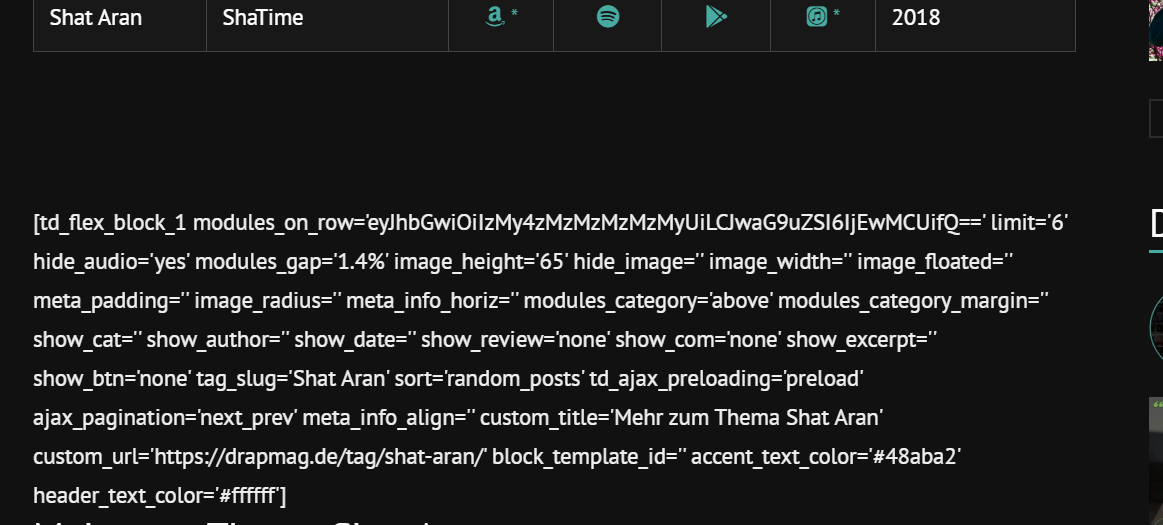
If I copy & paste this code like it is into the post it works (see image 3 & 4)
Image 3:
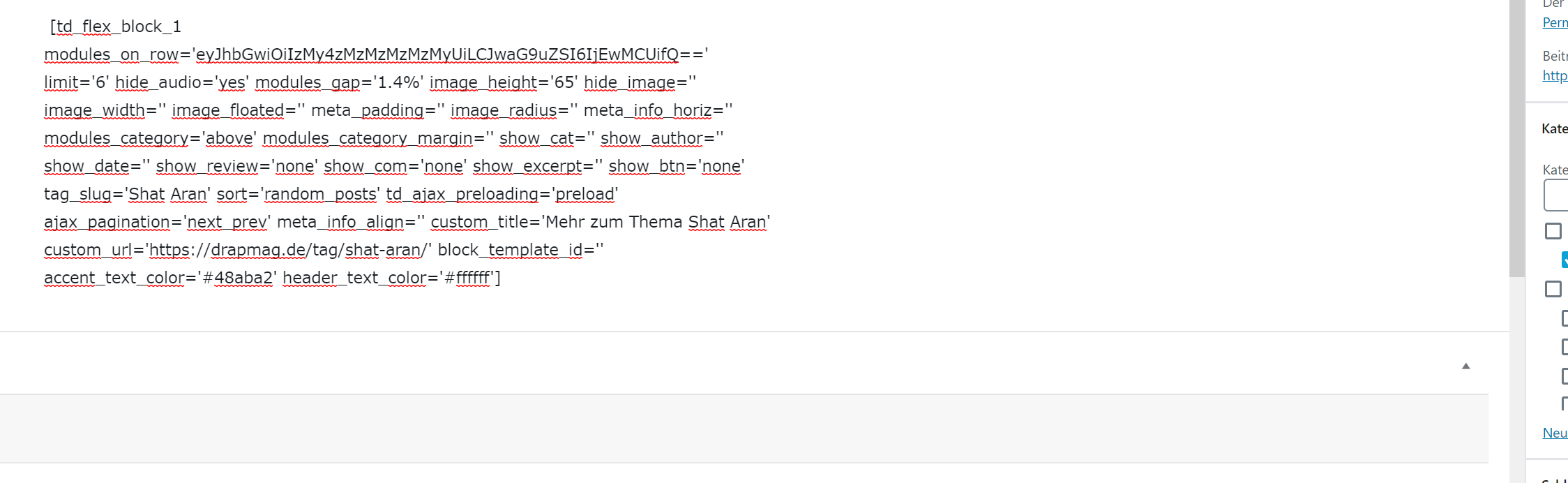
Image 4:
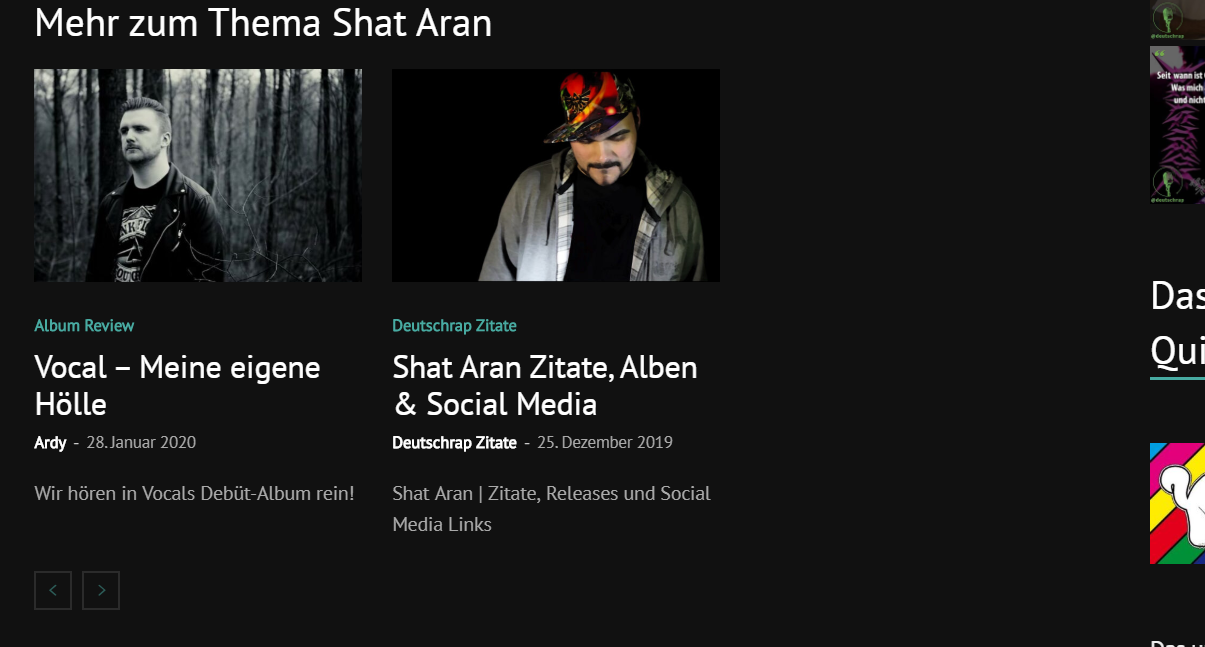
Is there anything I can do to make this work with using wordpress_shortcodes? Why does it get printed out plain when I’m using the method I tried? Or maybe there’s another workaround to use flex_block without manually changing the tag_slug on every page?
Big thanks in advance for your help.
Best regards
 jonsisk
 Ah figured out how to do it with a “flex block” tons of options there. This is AMAZING thanks 🙂
 MichaelDE
Hi guys,
I’m working with the Tech Pro layout and try to customize the look and feel for my needs.
What I like to try: set the box heights in the Flex Block 1 Container (e.g. on the homepage) to the same size. Is there a standard option for this? I couldn’t find one… maybe I’ve missed it. Otherwhise I could try it with custom CSS. But first I would like to use the options of the theme.
Thank you for your help.
Best regards
Michael
 Prateek
 Oh really? Then show me how would you set radius on the individual module in flex block 4? Also flex block 4 only shows 2 articles in the larger module the rest are just displayed under them. Please read my query again and THINK what I meant.
What I want is display articles in a masonry grid and set radius and background to individual modules and filter them with categories. See this screenshot. I used post loop for this example but the problem is I can’t filter posts based on categories, it will fetch all the latest posts. I don’t know why you showed me the example of flex block 4 with border. When did I ask for the border?
Vlad S Hello !
This option is available on the Flex Block 4 as you can see here: https://www.screencast.com/t/6mPVmfaKh
I hope this was helpful !
Thank you !
Vlad S Hello !
Unfortunately the headers found in the Theme Panel cannot be edited using the tagDiv Composer. We recommend removing the standard pack plugin and using only Cloud Library templates. Please note that all the cloud library templates are fully editable using the tagDiv Composer.
Also if you are disabling the Standard Pack plugin you may see shortcodes not being rendered, that means that you will need to replace those blocks in tagDiv Composer with the new blocks ( flex blocks ) which are way more customizable.
I hope this was helpful !
Thank you !
PrateekHi, I am unable to find any option to set a radius for individual modules in flex block 1. There’s an option for the radius in post loop but I can’t use that because it’s doesn’t have any filter for the categories.
That’s so strange not to give the feature for radius on flex block module which is meant to be the most flexible choice but post loop which is pretty much pre-defined.
Calin Hi,
If I understand correctly you do not want to display on your homepage and pages the featured image of posts, if is son then you can use a block that do not have featured image, or you can use a flex block and remove the featured image -> https://i.imgur.com/2NTAshn.png -> https://i.imgur.com/tpokUpC.png
Also there is another way, you can use a custom css, but this is not the most recommended solution.
Thank you!
 ashiqrahimanali
 but TD composer taking a long time to load and am unable to make a change in FLEX BOX
Calin Indeed there is an issue on Internet explorer + Flex Blocks, the IE do not recognize the flex css parameter.
Please try this code:
[class*="ie"] .td-module-container {

display: block;

}

[class*="ie"] .td-image-container {

height: auto;

flex: initial;

}
The code must be inserted here: https://www.screencast.com/t/J1Nxw5s5
Hope this will help you!
Thank you!
 barbitania
Hi!
We are using “flex block 5” with the ajax categories dropdown. On desktop the categories filter works well, but on mobile is not functioning, basically it just shows the loading animation but never loads the selected category. How can we fix it?
Calin Hi,
1. If you want to use WP Bakery you can use it as long you do not activate the tagDiv Cloud Library, you can use only one of theme with tagDiv Composer.
2. The website was mad using that builder ? if yes and after update the content was no longer available in the builder, then is possible to have an old version of the plugin and the new theme update will no longer recognize it.
3. TagDiv Composer is the theme builder, all the features from the theme are set in tagDiv Composer and tagDiv Cloud Library, that’s way we recommend to use tagDiv Composer for pages and templates.
4. Usually when is look like that, there is a plugin that is no longer enable, and will be display the shortcodes for it, or when that tagDiv Composer can not interpret the code. I think in this case is the second one.
5. Using tagDiv Composer you have more option to customize the flex blocks and other elements, but if you want to add some css then you need to set it in theme panel -> https://i.imgur.com/1vemXtV.png, indeed you can set the css like this -> https://i.imgur.com/uKYC5SH.png or -> https://i.imgur.com/LY92rlI.png
Thank you!
 Mark Gilbert
 I never like any of Newspaper’s template designs – I’m just suggesting you put more variety into your templates, approaching the site I have designed with flex block 3.
Calin Hi,
The player on the flex will appear only for the SoundCloud set as featured image -> https://i.imgur.com/7fkrpJF.png will not work with a video uploaded, this will not be set as featured audio.
Thank you for your understanding!
Calin Hi,
For this you can use a category template from tagDiv Cloud Library, these can be edited with tagDiv Composer, the flex blocks can not achieve what you need, but the posts loop elements can, these can be set in pages and templates and will show related post from that category, archive etc.
Thank you!
Vlad S Hello !
That you can achieve by editing the flex blocks using tagDiv Composer as you can see here: https://www.screencast.com/t/y0ZedInChWv
Thank you !
Mark GilbertIt is no longer possible to see numbers larger than 2 digits in the padding field in Flex Box 3.
Until a few months ago (using 9.2.2.) I could see 3 digits, now only 2. To see 3 I have to scroll the field left-right. This continues with 10.3.
Please see 2 screenshots, one scrolled left 69-, one right -94. The full number I should see is 694.
https://drive.google.com/file/d/1cqzNi76xVqePyUQP4xMrP-zZWrBv8Cgh/view?usp=sharing
https://drive.google.com/file/d/1cqzNi76xVqePyUQP4xMrP-zZWrBv8Cgh/view?usp=sharing
Thanks
Mark G
Vlad S Hello !
This can be removed from by editing the flex blocks using tagDiv Composer as you can see here: https://www.screencast.com/t/iYgSN9sRwO ; For the normal blocks you will be able to remove them from here: https://www.screencast.com/t/bP4AeSrzbHZ
Thank you !
 codeofarms
Hello,
Is it possible on a custom Cloud Library template to make a flex block layout grab the current category’s posts?
Without needing to make a different layout for each category.
Thank you.
Mark GilbertI’d like to get the advantages of deactivating standard pack by using one of your templates but never find anything I like here – https://demo.tagdiv.com/select_demo/select_demo_newspaper.
It’s all too juvenile, too much about fashion/lifestyle etc with too much white space and too many images. That’s why I had to create my own front page here using Flex Blocks: https://jazzjournal.co.uk
Can I get anything with a front page more like my current design – something for a serious text publication?
Thanks
Mark Gilbert



