
- NewsmagHeader styles
- NewsmagHeader ads
- NewsmagtagDiv Composer Tutorial
- NewsmagCategory templates
- NewsmagSmart list ads
- NewsmagWeather Widget
- NewsmagInstagram widget
- NewsmagPage Menu
- NewsmagMain menu
- NewsmagTop bar templates
- NewsmagLogin – how to enable the user registration
- NewsmagLogo & Favicon
- NewsmagFooter templates
- NewsmagCategory grid styles
- NewsmagCategory top post styles
- NewsmagHow category settings work
- NewsmagTheme colors introduction
 kotikatu
 We are talking about the header logo, right? When I open the front page in the TD Composer, it warns me that the page has not been made with TDC, but it is not true. The logo does not move.
 Catalin
 Hi,
The banner comes with the default demo and if you want to get rid out you need to use a bit of CSS code for that to hide it. Also, the color if it comes from Theme accent color, from Theme panel, from here -> https://www.screencast.com/t/SEQC0I01Jkxm
Regarding on Header style, please check the documentation from here -> https://forum.tagdiv.com/newsmag-header-styles/
Thank you!
 Calin
Calin Hi,
If you want to remove all ads from your website, please remove the code from theme panel>ads -> https://www.screencast.com/t/NoTjHOprmQ5z -> https://forum.tagdiv.com/header-ads-adsense/
If you want to remove the ads only from homepage you can edit the it with tagdiv Composer add a new header from tagDiv Cloud Library and remove the ads from homepage.
Also if you are using some plugins for ads is possible to have some options to restrict the ads for some pages/posts.
Thank you!
Catalin Hi,
It seems to be a problem with this header style. I have added to our list of fixes and we hope to fix it as soon as possible. Until we will fix it, you have to use the code below and place it in Theme panel -> Custom CSS area.
.tdm-header-style-2 .td-header-menu-wrap-full {

height: 130px!important;

}

.tdm-header-style-2 .menu-main-header-menu-container,

.tdm-header-style-2 .header-search-wrap,

.tdm-header-style-2 #td-header-menu{

margin-top: 60px;

}

.tdm-header-style-2 .td-logo-in-menu {

width: 180px!important;

left: 0!important;

right: 0!important;

margin: 0 auto;

}
The result is here -> https://www.screencast.com/t/ZP3ZoEo9eRL
Another alternative, in this case, should be to use the Header Builder manager and create your own header style, according to our documentation from here -> https://tagdiv.com/newspaper-theme-customize-the-header-manager/
Thank you!
Calin Hi,
Please set the header as global header in Theme panel -> https://www.screencast.com/t/2Tnb1GDpe05o in this way you’ll have the same header on each post/page/category that do not have set an individual header.
Thank you!
Calin Hi,
We made some investigation and usually this problem appear when you are using the header builder.
We’ll try to find a solution for this problem.
Thank you for your understanding!
 Simion C.
 Hi,
1. That is the case at the moment. A cloud header can be used per category (a cloud category template is needed) but the posts that belong to that category won’t inherit the header. Post pages will use the general header set in the theme panel, or the one set in the cloud post template they use.
There could be a setting added in the future, so that a post template can be set for posts belonging to a category, maybe a header as well, can’t say for sure what will happen.
2. A different logo can be set for mobile, just switch to the phone viewport
– http://prntscr.com/nikaxd and click on the logo or add a logo element if there is none
– http://prntscr.com/nikbi9 – http://prntscr.com/nikbcd
3. On tablet it looks like this – http://prntscr.com/nikcz8 If there is not enough space the menu items will fall to a second row. You could try and reduce the space between the menu items on tablet – http://prntscr.com/nikdqr or even decrease the font size
– http://prntscr.com/nike6q
Let us know if you have more questions.
Thanks
Calin Hi,
If you do not want to make the update to Newspaper 9.7.2 you can check the solution from this topic for wp-admin -> https://forum.tagdiv.com/topic/newspaper-backend-issue-cannot-modify-header-information-headers-already-sent/
Thank you!
Calin Hi,
From what I can see in your screenshots, the header template is empty.
Please make sure that you do not have a plugin conflict, please deactivate all non theme plugins, also if you are using child theme or cache plugin, please deactivate them, clear all cache and try again.
Please import a new header template from tagDiv Cloud Library and try to edit it.
Thank you!
 alphaola
I started receiving this error message on my website without changing anything in WordPress. I have tried different suggestions still no fix. Can you please have a look.
Warning: Cannot modify header information – headers already sent by (output started at /home1/olaalpha/public_html/wp-content/themes/Newspaper/includes/wp_booster/td_util.php:1313) in /home1/olaalpha/public_html/wp-includes/pluggable.php on line 1251
Warning: Cannot modify header information – headers already sent by (output started at /home1/olaalpha/public_html/wp-content/themes/Newspaper/includes/wp_booster/td_util.php:1313) in /home1/olaalpha/public_html/wp-includes/pluggable.php on line 1254
 josesdc
Hello, on my home page all the articles (bellow of header, with images) appears on random mode. How can I make the same with the category pages?, on internal catgories I only have the following options:
Latest
Featured posts
Most popular
7 days popular
By review score
Random
But I need that the articles of every internal category shows on random mode by default just like the home page.
Thnks for your help.
 blawrimore
I am getting this repeating error message or some version of it when I try to access wp-admin in the latest Version 9:
Warning: Cannot modify header information – headers already sent by (output started at /home1/successagram/public_html/wp-content/themes/Newspaper/includes/wp_booster/td_util.php:1311) in /home1/successagram/public_html/wp-includes/pluggable.php on line 1251
This is very frustrating. Please tell me how to fix it ASAP. Thank you.
 tnqks
tnqksI downloaded header template 34 in cloud and enabled sticky menu.
However, the sticky menu still works on web and mobile.
You can check how sticky work in my web site
http://www.hrbulletin.net
This is what I did on header manager(image capture)
https://www.notion.so/I-set-off-sticky-menu-but-it-works-on-web-and-mobile-e6e56c4f97f04a23a9b080cf2bb6c450
 daler96
Hi everyone, I use newspaper template,
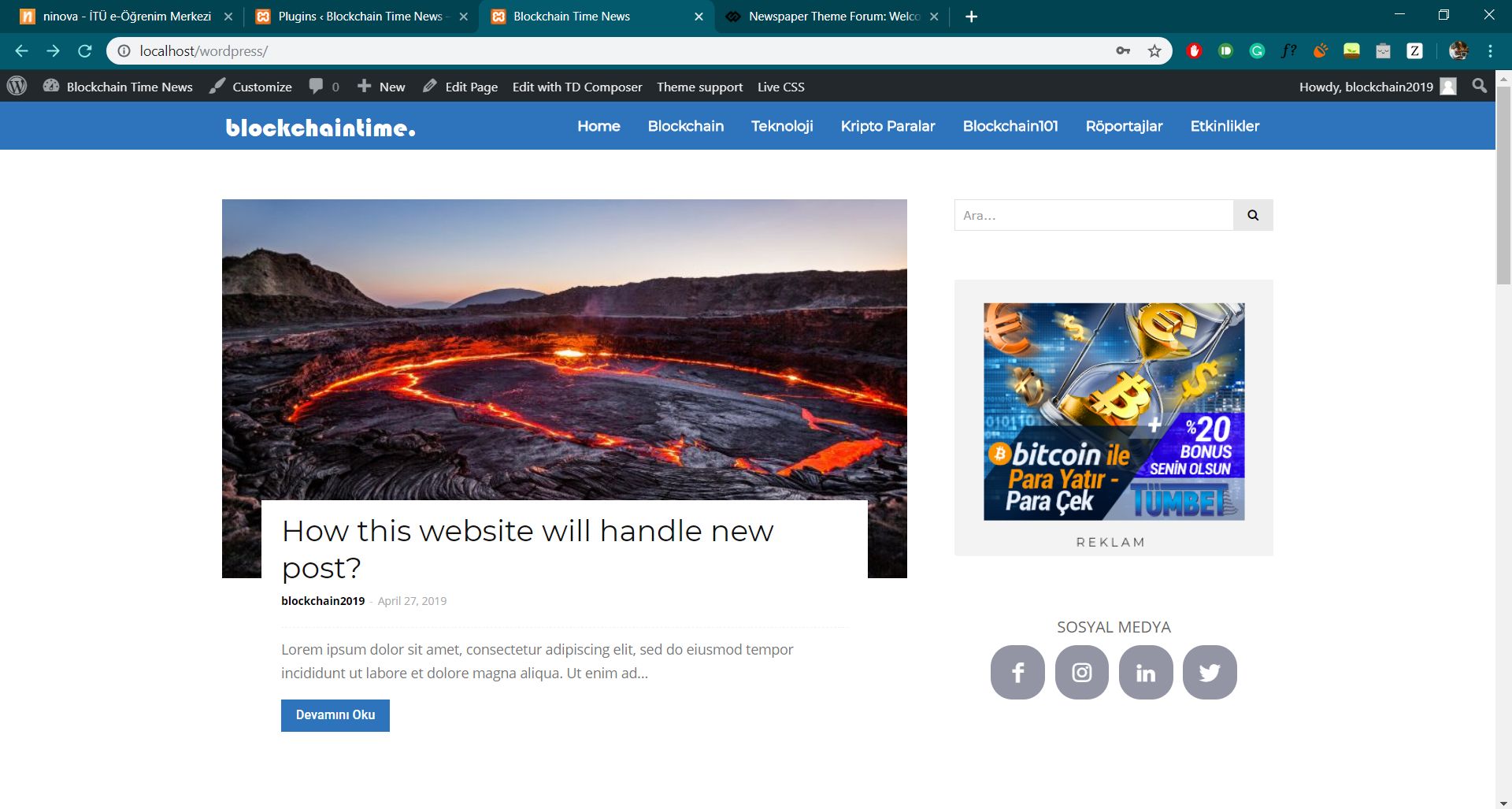
In my website, I try to edit a logo in the header but it shows my uploaded logo from theme panel cut from left and right. It was working well at first but now it isn’t. How do I edit logo settings like size, margins etc. or header in general.
What it is showing:
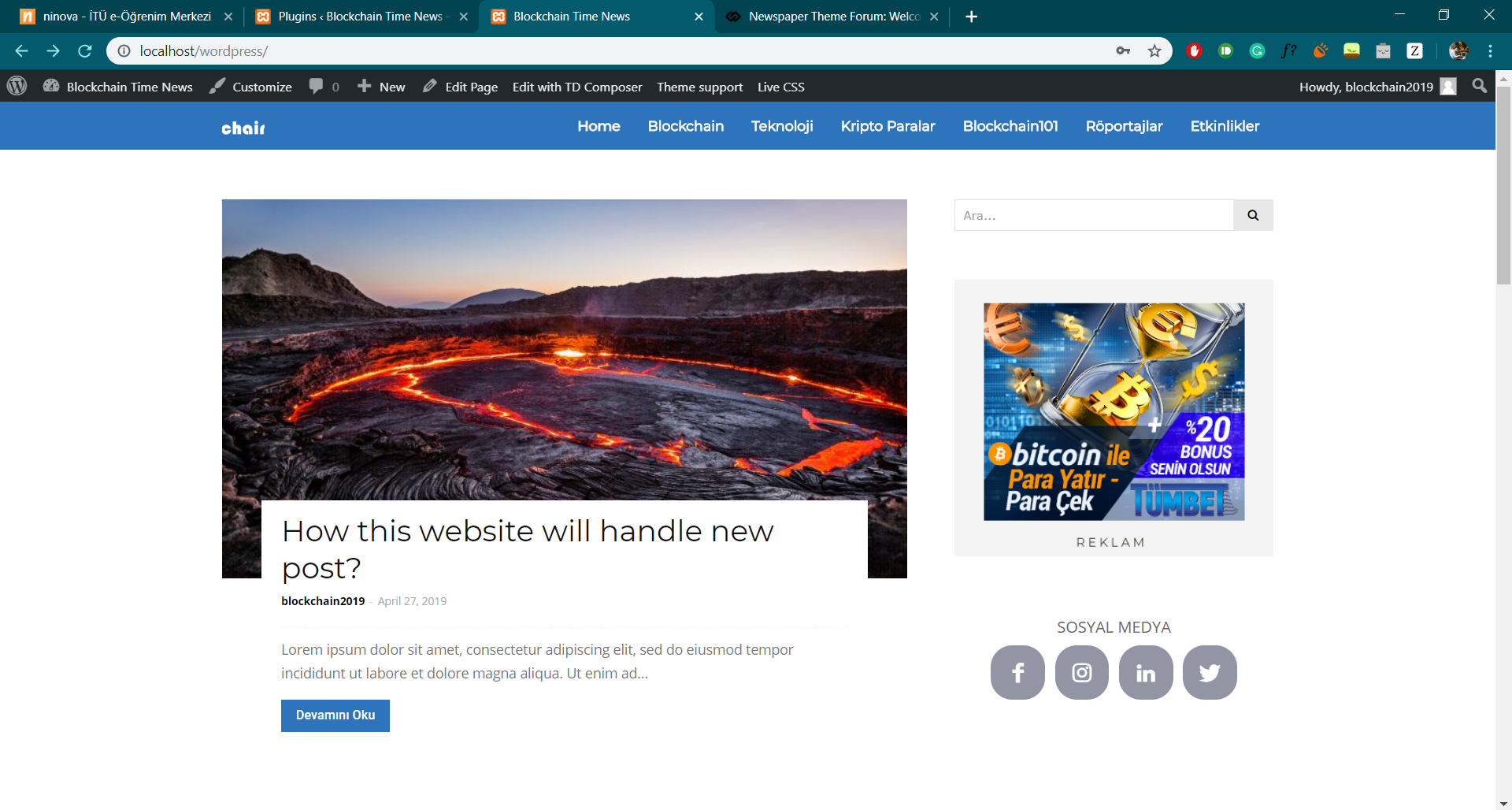
What I want:
 jornalcidade
 The treatment given at this time is so much disrespectful. A decision was made away from the interests of your customers and you seek to exempt yourself by hiding behind the new envato requirements.
Maybe you guys were just rushing to make this update available, which is really a downgrade, since it worsens in every way the functionality of the template. You know there is no possibility in wordpress to make child plugins, and even then you moved the theme files to plugins folders.I’ve checked that a header template file (just like some others) still remains in a folder structure in the theme directory. All others have already been moved to plugin folders. So this was not a well done update, it was a trick, was a workaround that worsened the quality of the template.
Come on guys, you can do a lot better for your customers. I hope this is not a complete abandonment of your customers, and you intend to support your customers in the sense that you know it is right.
But do it quickly away because it’s already obvious to everyone here including my team that the effort to get a new template is minor than looking for alternatives to save the mess you guys have made.
 eivindert
Hi,
After updating to latest version of Newspaper I get error when publishing or updating posts.
Error log shows this:
Cannot modify header information – headers already sent
I see other have had this problem with admin-login. For me its not about login, but publishing.
How can I fix it?
 dragoerny
Hi.
I need to insert a custom block in the header template 9. How is this done in version 9.x. I can see that the old header template files are gone ???
 stevemanes
I’m porting a Drupal6 site to WordPress5 now and I’m using the latest Newsmag theme. I’m trying to keep this as faithful to the Drupal site as I can.
Here’s the home page after a couple of hours work:

First question: what is generating that cyan border around the header? How can I get rid of it?
Second question: the original site has a banner image spanning the width of the page. You can see it here:
I couldn’t find a header style template that matched this. I’d like to keep that map for historical reasons. Is there a work-around?
 heathcliff
I’ve installed the demo ‘Technology’ but I can’t find the settings for the blue sign-up button next to the menu. Please advice?
Thank you!
 sinahaghi91
I receive the following error message when attempting to log in to my websites admin page
Warning: Cannot modify header information – headers already sent by (output started at /homepages/15/d749353868/htdocs/app781747548/wp-content/themes/Newspaper/includes/wp_booster/td_util.php:1311) in /homepages/15/d749353868/htdocs/app781747548/wp-includes/pluggable.php on line 1251
Warning: Cannot modify header information – headers already sent by (output started at /homepages/15/d749353868/htdocs/app781747548/wp-content/themes/Newspaper/includes/wp_booster/td_util.php:1311) in /homepages/15/d749353868/htdocs/app781747548/wp-includes/pluggable.php on line 1254
Has anyone else experienced this?
 bananaj
 I will NOT be updating anymore until Child theme support is back.
I use child theme for :
-Adding Trending News ticker in the /parts/header-style-9.php
-Adding Facebook Comments shortcode to loop-single-2.php
-Custom pages using loop-customposttype.php
-Adding Google Translate icons to td_module_single.php
-Remove some Meta info from td_module_slide.php
and other things. We need child theme support. Please find a way to let us edit the php code.
thanks
/Johnny
-
This reply was modified 7 years by
bananaj.
 CONJY
CONJY Hi Catalin,
My problem is similar. I use Ultimate Membership plugin for registration, because I need custom profile fields.
How do I change the modal registration button’s link to my custom registration page’s link? (the custom registration page open to new window, not in modal)
I found the modal registration link in the files below, but in vain I overwrite, not change the link.
– wp-content/themes/Newspaper/parts/header/td-login-modal.php
– wp-content/themes/Newspaper/parts/register.php
– wp-content/themes/Newspaper/parts/login.php
Can you help us?
This modal is very cool, I want to use!
Thank you so much 🙂
 arvileverson
 Hello Bogdan,
I also did the update and renewed and enabled the deactivated plugins. All subpages of my website (not yet active) can be visited and are visible. Only my homepage so the first page is not visible. Only the header with navigation bar is Visible, the lower part (Blocks etc) is just not visible. I used the theme “Local News.” Cache has been deleted several times already, I feel like there is something missing in the update.
 aalex
aalex we use blockheader1

 Hugo Chan
Hello
I updated the Theme, The tagDiv Composer cannot be installed anymore.
Installing Plugin: tagDiv Composer
The plugin does not have a valid header.
Downloading installation package from https://wisehairstyles.com/wp-content/themes/Newspaper/includes/plugins/td-composer.zip?uid=5cc46cf4b7508…
Unpacking the package…
Installing the plugin…
Destination folder already exists. /home2/wagani0adycw/public_html/wp-content/plugins/td-composer/
Plugin installation failed.
Return to tagDiv plugins panel
