
- NewsmagHomepage – How to build and set it
- NewsmagtagDiv Composer Tutorial
- NewsmagNewsmag documentation
- NewsmagMain menu
- NewsmagLogo & Favicon
- NewsmagPage templates
 kellymarohl
Hi there,
When I go to my site on my mobile phone, and open the menu with the menu icon, there is a background image that came with the template of a baby holding her mom’s hand. How do I change that image? I can’t seem to find how to access that page on my computer in Theme Panel or TagDiv Composer.
I’m on the Newspaper theme with Baby Pro demo settings only demo. My site is http://www.maxgolflife.com
Also, my Homepage has two menu settings – one for the left and right of the Logo Icon (on desktop). I was able to create two different menus and insert one on each side of the logo. When I try to edit the Menu (for mobile) I am only able to assign one menu. Should I create a 3rd combined menu of all 4 categories to pull from on the mobile menu?
Thank you! – Kelly
 oposum
Dear tagdiv, dear forum members,
We’re running a multisite with Newspaper 8.2. On the dashboard under Theme version it’s showing 8.2 and a possibility to update to 8.7.2 – button Update now. If i click that, i get redirected to themeforest.com homepage. Any way to find out how to upgrade?
Best, Žan
 hammersurf
Here is the homepage of my website.
You see the red marked portion. The background image becomes blurry after insertion. Actually it becomes zoomed-in also. But I am using a large image with more than 3000 px width. It’s using center-center coverage. Every other coverage doesn’t cover the whole block. How to fix this so that it covers the whole section without getting blurred?
 Chema
ChemaDear Sirs, in my homepage appears on the top any page i create new once is in the state published. How i can solve it?
In the pages section the homepage appears as: Página de inicio, Página de entradas (Homepage / posts pages)
Original/desired page
When i create any page in the pages menú of wordpress
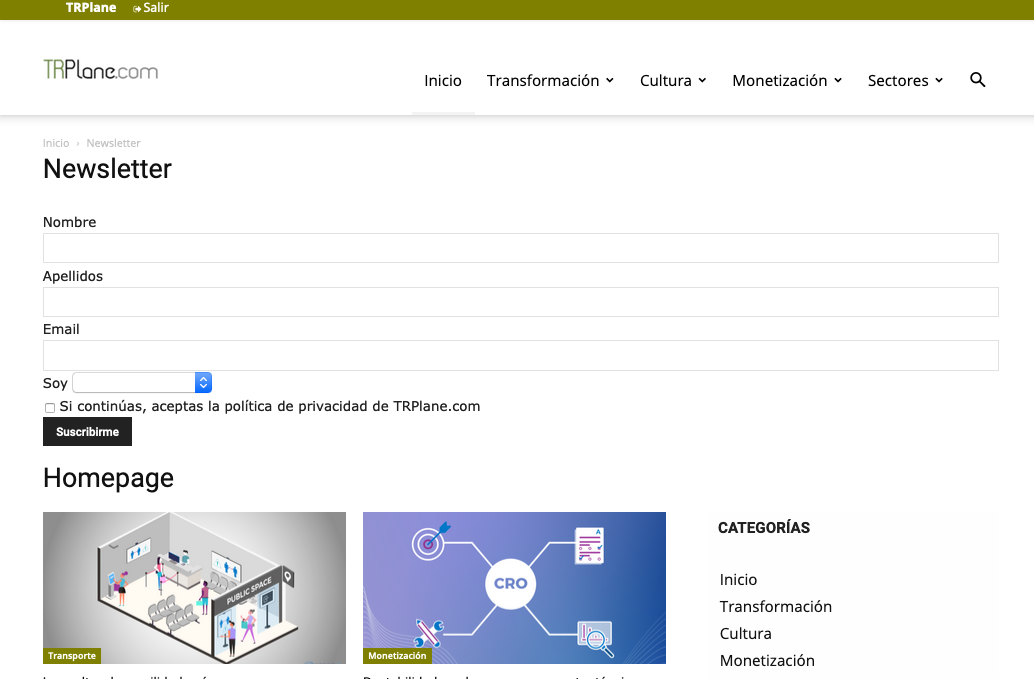
Thanks
 TomChen25
 Hi Vlad,
Thanks. But not sure if you actually answered my question. I sent you a screenshot of the mobile theme which is implemented on my site (and is active). But right now, I have this design – https://ibb.co/JBQgbsW
So, how do I change the design? As I mentioned, I don’t need to create a mobile page. In fact, as you can see in this image – https://ibb.co/jw6GbnC, this design is available on all category pages so I believe it simply requires me to change the layout of the homepage.
Please help me with that issue if possible (and please, do not send me more article or guides as I believe I already read all of them)
Looking forward to your reply,
Thanks
 Muhammad Faizan
 HanamiDango
 Sorry for not asking the question correctly, currently my homepage is very long and I would like the browser to load one part, and that when the user scrolls the second part is dynamically loaded
 bxdnow
 Looks like we have the same issue. But mine totally hanged.
—
I was editing my homepage (https://www.bxdnow.com/) using TD Composer like how I usually do, until it stopped and hanged. It doesn’t show the Edit panel anymore when I click on any area on the page.
When I checked the live, it shows a weird <TD> scripts towards the footer. No mention of what error is it.
That weird scripts were supposedly 3 modules that weren’t showing anymore.
Have you encountered the same? What’s the best way to solve this?
Thanks
bxdnowHi,
I was editing my homepage (https://www.bxdnow.com/) using TD Composer like how I usually do, until it stopped and hanged. It doesn’t show the Edit panel anymore when I click on any area on the page.
When I checked the live, it shows a weird <TD> scripts towards the footer. No mention of what error is it.
That weird scripts were supposedly 3 modules that weren’t showing anymore.
Have you encountered the same? What’s the best way to solve this?
Thanks
HanamiDangoHi!
I have a static homepage and it takes a lot of time to load.
There is a way to indicate that the browser only loads the first half of the page and when the user scrolls down loads the other half?
I was thinking about some separator o somthing like this.
¡Thanks for your help!
 Myblackhair
Hi,
I created a mobile page for my homepage, using the new feature. I do not have the Mobile theme plugin installed, because I wanted to create custom pages for better mobile experiences. But after I created the page and saved it, it still does not show the mobile page. In stead I still see the responsive mobile site created from the desktop version.
What can I do?
 Anamaria
 Hello,
I think you forgot to set the sign “#” in your URL => https://homepage.com/#aboutrow
Let me know the results!
Thank you!
 Bettina
 Hello!
You can only modify the footer with TagDiv Composer if you go to a page where it is assigned and edit that page with TagDiv Composer, and then you will have access to the footer also. For example, edit your homepage with TagDiv Composer, scroll till footer, click on footer zone and you can edit it.
Thank you!
 domino
 I’ll do that in a minute.
Just to let you know, yesterday night I ran a full thumbnail Regeneration using Regenerate Thumbnails plugin (by Alex Mills) which worked fine for me in the past.
It took almost 10 hours and finished with quite some error messages.
See this image:
https://tinyurl.com/y3d52zsv
Unfortunately the Homepage and many interior pages are still missing their thumbnail.
I kindly appreciate your help.
You’ll get the email in a minute.
 lokaloredaktion
Hello tagDiv forum,
I would like to replace the “category-tag” in FLEXBLOCK 1 directly above the title with the field “subtitle” (for a “second / first title)” in Newspaper (10.9.3.1). In Block 3, this worked well with changes in td_module_1.php. But in which php-file or files do I have to change it for Flexblock1? Thank you very much for your help. Andreas

 bao.grumpy
 Hello,
such as: Homepage – Zodiac PRO
https://www.screencast.com/t/oM8ZGUnfQ
I also want to add background squares/line.
Thank
Bettina Hello!
I checked your website and it seems you use a default header template.
Only if you will use a cloud/PRO header template, then you can achieve that by editing with TagDiv Composer plugin the homepage, click on header zone and apply this setting: https://www.screencast.com/t/hnRDpKeeZahW
Thank you!
 Chris-123
 Hi Calin,
I have tried your solution to add an anchor, however I only receive a 404 error when I check it. I see in this thread you have posted this solution multiple times, yet it is not working for me. Can you please clarify if there is an additional step?
See screenshot of how I added the row ID “aboutrow” https://snipboard.io/6rmlNL.jpg. It is on the homepage, so if I now enter the url https://homepage.com/aboutrow then I get the 404 page not found error.
 jmma2510
Hello, I’m trying to set a full width row in the Newspaper theme but it is not possible for me with the row settings. I need to create a featured section in the homepage using a completely “full width” row with a different color in order to put some featured content. Is it possible using this theme?
Thanks! 🙂
 domaincraft
Hi,
I added my fb page link in the theme panel /social networks / save results, but when i click on fb Icon on homepage, i’m redirected to my personal fb account and not to the linked page.
How can i solve?
You can check at staging.gastroprotezione.it
thanks
 haendler55
I want to create a homepage like this – https://www.tonyrobbins.com/
Therefore I need a full with image on all devices how can I do that with tagdiv composer?
Thank you
 hcamer
Hello!
My website wasn’t showing up on mobile correctly, so I used the mobile homepage, but would like to make more edits to the page, especially the footer, than it allows. I am using NewsMag. I read through the tutorial for the mobile for Newspaper, but haven’t found something similar for NewsMag. The footer is basically a repeat of what’s already on the webpage. Can you advise? 1410kklo.com.
Thanks!
Bettina Hello!
Please access your homepage and select your specific page from here like this: https://www.screencast.com/t/yEuFSeLFGa
Thank you!
 BioEcoGeo
Hello, I created a mobile specific page for the homepage, it is not the same as the desktop page of the site.
How do I link the mobile to the regular HOMEPAGE?
My goal would be that on desktop you see a HOMEPAGE setting, when you see it on mobile you see it differently with different blocks.
Thanks for the help
 Tinystepsbabyclub
 Thanks Bettina
When i open the homepage (which has the wrong type of footer) and go into tagdiv composer and website manager i can only see the global template or no footer options. The post pages (which has the footer i want) doesn’t allow me to use tagdiv composer.
Is there a way i can use the footer that appears on my posts on my homepage and other non post pages?
Thanks
TS

