
- TutorialsFrom WPBakery to tagDiv Composer
- TutorialsWhat is Ajax preloading?
 bdp
bdp Hi Simon, I’m sorry, I can’t seem to explain myself clearly. We’d like the mobile template to look like the one currently used in the articles. If I create a template from the library, it also changes the desktop version of the article template, and that’s not what we want.
How can I “clone” the browser version of the article page into a mobile template?
I need this because I have to move the ad spaces when the article appears on mobile.
Tyy
 bagratrip
Hello,
I started to use the Ajax filter for my tags. It works well on computer but doesn’t work at all on mobile. It just doesn’t filter on mobile when I press. Anyone had this issue and found a solution please ? I checked all the forum and nothing about it.
Page example here : https://bagratrip.com/tag/cuisine-caucase/
Thanks
 Total Motorsport Admin
Hello TagDiv Support,
I’m using the Newspaper theme with td-composer – https://www.total-motorsport.com/
On the frontend, td-composer is loading these files:
ext-language_tools.js
ext-searchbox.js
from this path:
/wp-content/plugins/td-composer/css-live/assets/external/ace/
This causes the following console errors:
Uncaught ReferenceError: define is not defined
Uncaught ReferenceError: ace is not defined
Because of these errors, two things are broken in the header:
The hamburger menu does not open on mobile.
The search function in the header does not work.
I have already tried:
Clearing all caches
Re-saving the header template in Composer
Multiple attempts to remove the Ace scripts (both via PHP and JavaScript)
None of these fixed the issue. The site is otherwise stable.
Could you please investigate why td-composer is loading Ace Editor assets on the public frontend and provide a fix?
Thank you.
 Simion C.
 No problem.
To use a mobile post template, then first you must use a cloud post template. Please import and use a cloud post template https://forum.tagdiv.com/design-post-pages-using-cloud-library-templates/ Then you can create a mobile version for it. Please try it.
Thank you!
bdp Hi the Home is ok as you can see here
https://prnt.sc/zYkVX9sLOWej
The problem is with the article. As you can see from the photo (https://prnt.sc/P0zwBlHw9uoR), I can’t create the mobile version of the article. No menu appears. I would expect to be able to copy the content for the desktop version and then edit it—for example, the position of the widgets—for mobile.
ty
 muchado12000
 Hello, Simion. Thank you for your help. I placed the mobile code in the header. But the ad is not centered. The logo and search button push the ad to the right. How do I move the logo and search button under the mobile ad so I can center the ad? Thank you! 
 kathyv
 Hi
Thanks for your message. I disabled the mobile theme plugin. It then worked but now it doesn’t again and my main website is still showing up as coming soon on all my devices?? Please help sort this asap as I need this to work. Many thanks
 IT Webmedia
Solved!
Hello, I want to change teh Cali Sight logo with my own. I managed to find and change it for the main header but the floating header and the mobile page keeps showing the Cali Sight logo. How or where can I change that?
All my best,
André
Simion C. Hi,
If the website is hacked, malware can be added in pretty much any files from the website folder.
I checked the website on mobile and its still redirecting for me sometimes, I ended up on some kind of gaming website now https://prnt.sc/47GPJdHZKhtM It could be this script that loads in the head https://prnt.sc/WqC6eIHRNWDD I can’t find much about it online, or do you maybe know what that is?
Have you tried running wordfence and scanning the website with it? https://www.wordfence.com/help/scan/ Be sure to scan files outside of the wordpress installation as well, the option is in the scan settings. Wordfence should find any extra files, modified files, suspicious code, etc.
Or if your truly found the source of the malware, then maybe it’s just caching. Clearing all the caches and purging the cloudflare cache should be done again.
Thank you!
 zshah31
Hello tagDiv Team and Community,
I wanted to report a severe, obfuscated malware infection targeting the Newspaper theme ecosystem that I recently diagnosed and cleaned. The malware specifically targets mobile users while executing stealth tactics to hide from logged-in administrators.
Here are the technical details of the exploit to help the security team and other users:
1. The Behavior:
Mobile visitors loading the site are immediately hit with a 302 Redirect chain. The network analysis showed the site calling a rogue script masquerading as an ad network: [https://async.gsyndication.com/](https://async.gsyndication.com/). This script then loads a Yandex tracking tag ([https://mc.yandex.ru/metrika/tag.js](https://mc.yandex.ru/metrika/tag.js)), which triggers the final destination spam redirect (e.g., varors.com).
2. The Entry Point / Core Infection:
The script dynamically prepends an obfuscated PHP code block to the very top of wp-config.php using an eval(base64_decode(…)) string. When decoded, the script explicitly avoids injecting the malicious payload if the request URI contains paths like /wp-admin/, /wp-json, or wp-login.php, effectively hiding the redirect from site admins.
3. The Active Backdoor Location:
After cleaning wp-config.php, the file was repeatedly re-infected. Running a server-side file modification search (find . -mtime -2 -type f) isolated the live backdoor execution directly inside the td-mobile-plugin directory.
Files inside wp-content/plugins/td-mobile-plugin/ (specifically Mobile_Detect.php and custom code panel handlers) had been compromised and modified by the attacker to act as a persistent script injector. Every time a mobile user-agent touched the site, the plugin dynamically rewrote wp-config.php to maintain persistence.
How it was resolved:
Completely deleted the compromised td-mobile-plugin directory from the server.
Cleaned the wp-config.php file and stripped the eval block.
Implemented define( ‘DISALLOW_FILE_MODS’, true ); and hardened server file permissions (chmod 440 on config).
Please look into how the automated bots are injecting code into the td-mobile-plugin directories, and let this serve as a warning to other webmasters to check their mobile plugin files if they experience ghost redirects!
 topmagazin
 Hi Simion,
thx four your reply. Just a quick heads-up for your records, no urgent action needed from my side.
The self-hosted video modal in Newspaper (the td-image-video-modal trigger that opens #td-video-modal / .td-vm-wrap and plays the video) does not work correctly together with WP Rocket when its standard optimizations are active (Remove Unused CSS, Minify CSS/JS, defer, and Delay JavaScript execution).
Two separate effects:
On desktop, RUCSS strips the .td-vm-wrap CSS rules because the modal markup only exists after the click, so it renders unstyled and the video drops into the page flow instead of opening as an overlay. Adding .td-vm-wrap to the WP Rocket CSS safelist fixes this.
On real mobile devices (not desktop emulation), the modal does not open at all on tap. This one seems to be on the JS side, likely tdAjaxVideoModal.js being held back by Delay JavaScript execution so the delegated click handler isn’t bound on the first tap. With ?nowprocket everything works.
I know WP Rocket may count as an untested third party plugin on your end, but given how common this combination is in the wild, I just wanted to pass the details along in case it’s useful for compatibility.
Thanks and best regards
 franciscorgl
 Hola,
Si se soluciono ahora tengo que ajustar la parte visual se ver mal.
Saludos
Simion C. Hi,
For me the website seems to display correctly, I think this is your website https://prnt.sc/hb5c23ktlMFX
On mobile I see the website uses our mobile theme plugin. If maybe you don’t want to use that, please deactivate it -> https://prnt.sc/EYiK1fqloLE0 It is an optional plugin.
In case there are other issues please let me know and I will check.
Thank you!
Simion C. Hi,
That looks quite bad. I see you activated the AMP plugin, was it by mistake or do you want to use it?
If you want to use it, we recommend using it together with our mobile theme https://forum.tagdiv.com/tagdiv-amp-plugin-tutorial/ The website won’t look broken but there will be a simpler layout and design than on desktop.
Or if you don’t want to use AMP and you just want the same content and design from desktop to be displayed on mobile, then please deactivate the AMP plugin -> https://prnt.sc/tWg2bFmrtRgZ
Thank you!
Simion C. Hi,
I see the images are different desktop vs mobile. Are you perhaps using a mobile page? Please check if here is a mobile page set here -> https://prnt.sc/Dg6pXww2J58- If there is a mobile page set there, then it would explain the situation. These are different pages, you can either use the same images and content in the mobile page as well, or simply not use a mobile page and display the same content from desktop on mobile.
Let me know.
Thank you!
Simion C. I don’t quite understand what you mean unfortunately. I’m checking the website and I see you are still using the mobile theme, and it seems to be working correctly. But if there is a problem please let me know what or where I should check exactly.
Thank you!
kathyvHi
I put my blog live and once I put it live the coming soon page is still showing which i can’t figure out how to disable and on a mobile the website is showing but the style and theme is totally different to the wp admin page… if anybody can help resolve this, it would be appreciated. thanks
 ivandyk
Good day
I a have problem with te vizualization of mi blog in the mobile.
In PC the theme works fine.
But in Mobile works bad, the font and theme in General is deformed
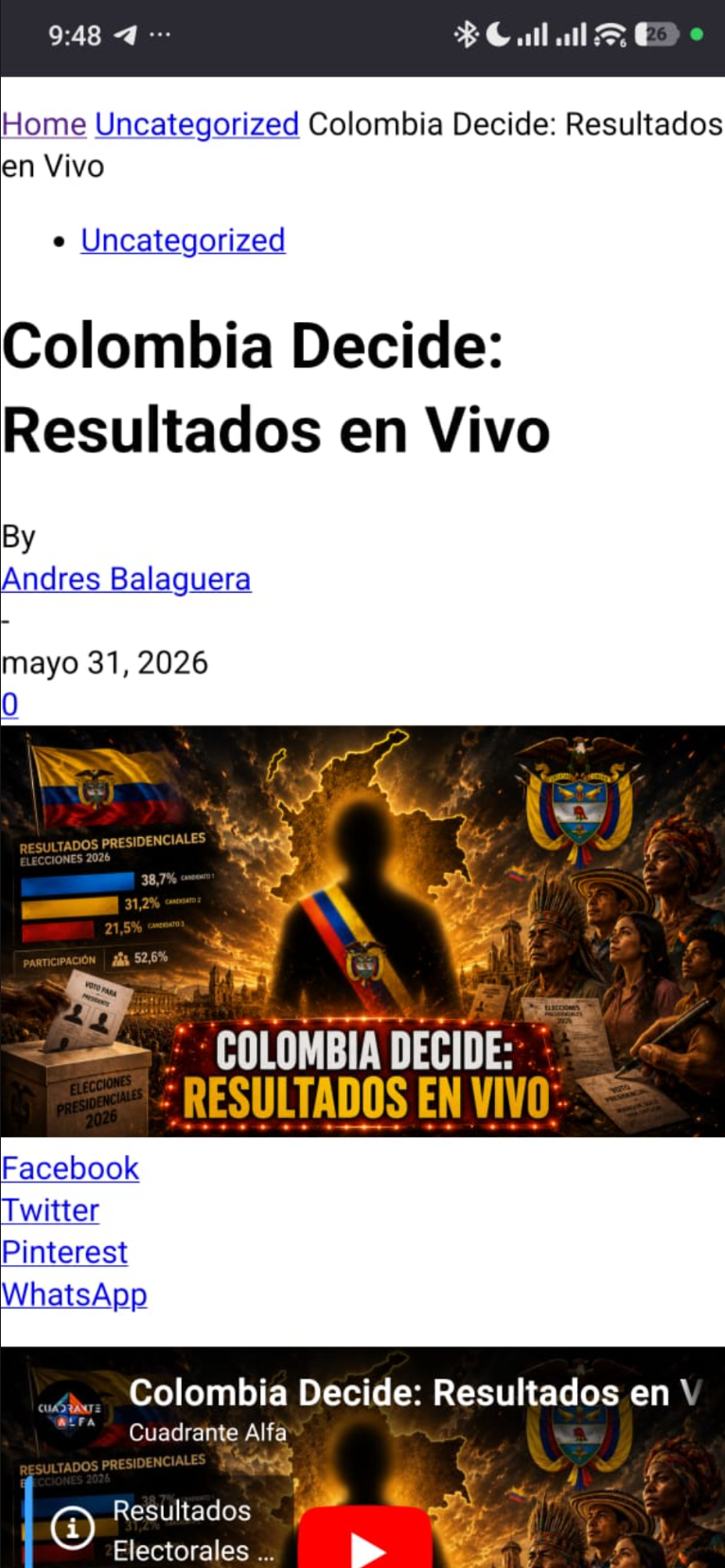
Regards
bdpHi, our site is https://www.backdoorpodcast.com/
If you watch it form browser you have got three image EuroLega, Legabascket and Chat, after this three image there is a AD banner.
But If you watch the sema homepage with a mobile the three image are different and there is no AD Banner.
Could you help us?
franciscorglHi Newspaper/TagDiv support team,
We are running Newspaper theme version 12.7.6 on our WordPress site (https://www.opisantacruz.com.ar) and we are experiencing an issue with the mobile menu not opening when tapping the hamburger icon on mobile devices.
Here are the details:
**Issue:**
The hamburger menu icon is visible in the mobile header but tapping it does nothing — the menu does not open on Safari (iOS) or Chrome (Android/iOS).
**Setup:**
– Theme: Newspaper 12.7.6
– Page builder: TagDiv Composer
– Mobile header configured in TagDiv Composer with the “Mobile menu” block set to “Mobile Theme” menu
– WP Rocket plugin active with “Delay JavaScript execution” enabled
– WP Engine hosting with server-level caching
**What we have tried:**
1. Excluding tagdiv_theme.min.js from WP Rocket’s Delay JavaScript execution — menu still not opening
2. Excluding /td-composer/legacy/Newspaper/js/tagdiv_theme — menu still not opening
3. Excluding tagdiv_npm — menu still not opening
4. Excluding /wp-content/themes/Newspaper and tagdiv-composer — this caused a blank page on article URLs and had to be reverted
5. Clearing all caches (WP Rocket + WP Engine) after each attempt
**Console errors detected (Chrome DevTools):**
– [Violation] 'setInterval' handler took 133ms in tagdiv_theme.min.js?ver=12.7.6:236
– Uncaught SyntaxError: Unexpected token '.' in swg-basic.js:1
– Two 404 errors: /wp-content/cache/min/1/wp-content/plugins/td-composer/css-live/assets/external/ace/snippets/text.js and ace/mode-less.js
**Question:**
Which specific JavaScript file handles the mobile hamburger menu toggle in Newspaper 12.7.6, and what is the correct way to exclude it from WP Rocket’s Delay JavaScript execution without breaking other functionality?
Alternatively, is there a recommended configuration for using Newspaper 12.7.6 with WP Rocket’s Delay JavaScript execution enabled?
Thank you.
Simion C. That’s the same page. Assuming you did set a mobile page for this page https://glostv.com/glostv-assistir-tv-online-ao-vivo-gratis and it doesn’t look exactly the same, then it means the mobile page isn’t being served. The page looks exactly the same for me on desktop and mobile. I can’t see any differences.
One thing that can cause issues with dedicated mobile content, such as mobile pages, is the caching. For example if the desktop page is cached, then it will be served to everyone regardless of the device they are using to access it. I believe you are using litespeed, please activate this option -> https://prnt.sc/qIm-aoyqUiIe and clear the cache. Then the desktop page and the mobile page should be served properly.
I should mention again, that the purpose of using a mobile page is if you want to display something different on mobile. If not, there is no reason to use them.
Thank you!
 RENATO
 I need some guidance on the homepage; please understand this. Regarding glostv.com (desktop), the mobile version is currently https://glostv.com/glostv-assistir-tv-online-ao-vivo-gratis, but when accessing glostv.com via mobile, the mobile version https://glostv.com/glostv-assistir-tv-online-ao-vivo-gratis doesn’t appear. Should I change the URL? Create another page with name 1 or 2? What is your recommendation for the mobile homepage? I need a clear answer on this. Another question: where is Calin? Did he leave the forum?
Simion C. Hi,
The option to convert a header or footer will appear while editing a mobile page or a mobile template.
Pleased edit a mobile page -> https://prnt.sc/lOHNKHS22v8d
Or a mobile template -> https://prnt.sc/4vApjdiH2QRc
Then the option should be available.
Thank you!
Simion C. The pages must have names, they are regular pages after all. The feature is called mobile page. If you set the same name for the mobile page as the desktop page, then it will have a “-2” at the end, that’s how wordpress treats duplicates. You can all it anything you want however, the page itself is not meant to be accessed directly anywhere on the website.
The URL isn’t changing desktop vs mobile. So this page https://glostv.com/estados has the same URL on desktop https://prnt.sc/-1vo-VhmDr3J and on mobile https://prnt.sc/zsWdJWIKnyxJ The theme just displays the content from the mobile page, it’s not actually switching the pages and the URLs. It switches the content from the desktop page with the content from the mobile page, the URL remains the same.
If this https://glostv.com/estados-2 is the mobile version of this https://glostv.com/estados I’m not sure why you are using a mobile page, they look exactly the same. Or maybe it’s just as an example.
At this time from what I know there aren’t plans to change how the mobile pages and templates work. Many of our users use these and there are no issues with them to fix.
Thank you!
RENATO You misinterpreted it, because what happens in practice is not the way you said before. In practice, it happens like this, I’ll give an example showing it in practice.
The normal URL without a mobile page is this: https://glostv.com/estados. However, when I create a separate page for mobile to customize it using the Dav Composer, it asks for a name. I put “estados” (states), and the URL changes to https://glostv.com/estados-2 on mobile. The same thing happens with the homepage. The problem with the homepage is that I have to put a name, and that name goes to the page’s URL. Do you understand? I need to know the right way to do this. This can’t happen, changing the URL when creating a mobile version. Understand that it really can’t. This is confusing; Google indexes both the mobile version and the desktop version, and this all gets messed up. You need to talk to the theme owner who created this logic and developed this to find out what the logic is, the solution to all this, and if they will release an update to fix this.
