
- NewspaperWP Rocket and Newspaper Theme: Optimization Guide
- TutorialsFrom WPBakery to tagDiv Composer
- TutorialsOffset Feature
- TutorialsWhat is Ajax preloading?
 vsnihal
Problem 1 : I have switched on mobile theme for my website. However I am not using the AMP version due to the facts that I need certain javascripts running.
However, while surfing my website some of my posts opens like the responsive version while some others open in mobile theme. I want mobile theme to run perfectly for faster loading than the responsive version. Please help.
Problem 2: Also, I have lengthy content, so i can’ t post more than three adsense ad units in the content section. Even if I post the js code, only 3 ads shows at most. Is there any way to override it? (As google now permit to put more ads for lengthier contents)
Problem 3 : Is it possible to customise the mobile theme? I didn’t find enough details in the tagdiv documentation. Seems like the infinitely possible wordpress theme is getting restricted by tagdiv mobile theme. Can you point me in the direction, to which sections or files can we edit to add more features to mobile theme (If possible to the amp version too) via any expert developers.
Thanks
 ankushudr
I have yesterday bought a license and Item Purchase Code is not working. Can you please help?
Licensor’s Author Username: tagDiv
Licensee: Avoof
Item Title: Newspaper – News & WooCommerce WordPress Theme
Item URL: https://themeforest.net/item/newspaper/5489609
Item ID: 5489609
Item Purchase Code: XXXXX
Purchase Date: 2022-06-07 17:36:47 UTC
 erfahrungsguru
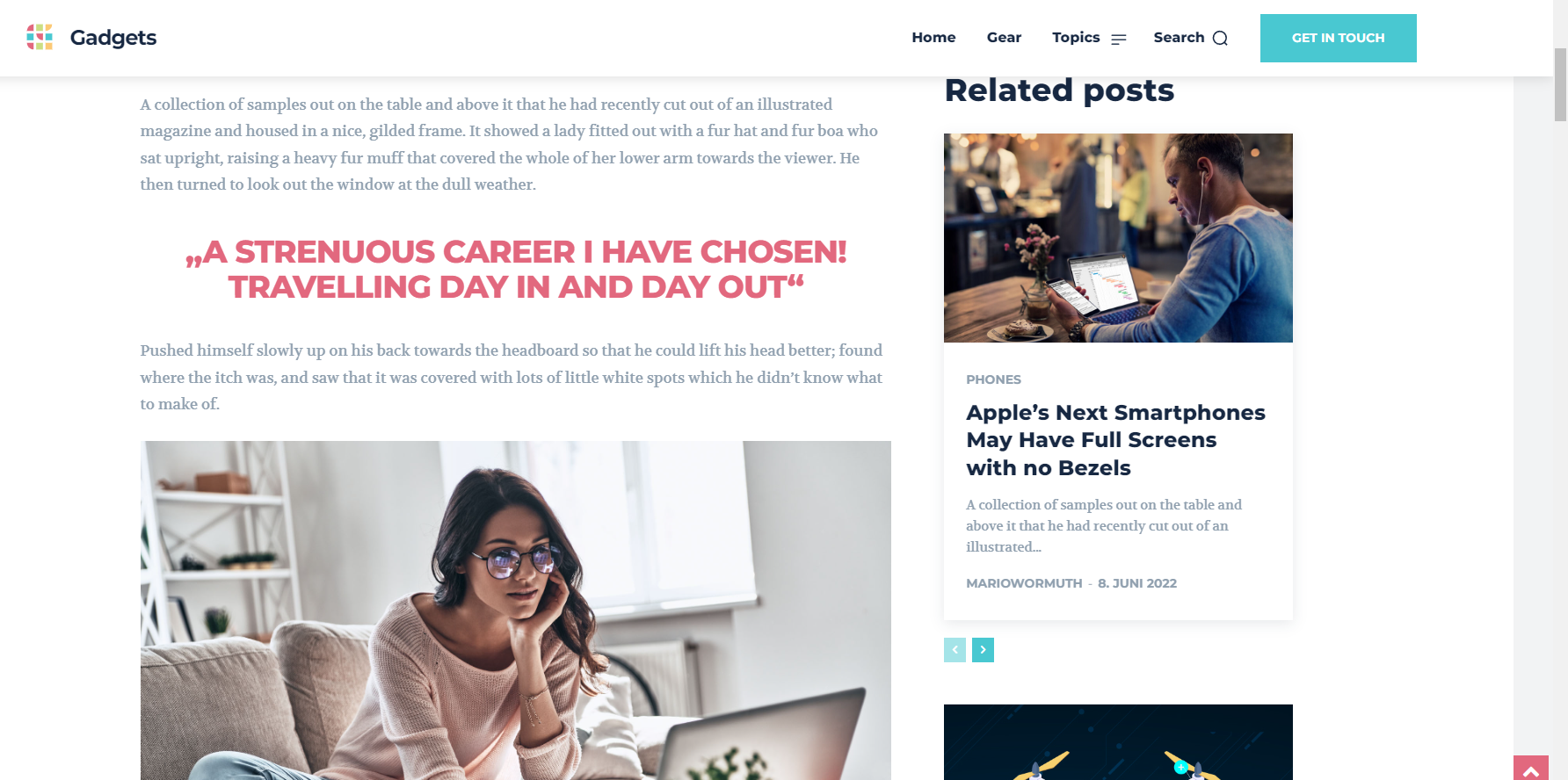
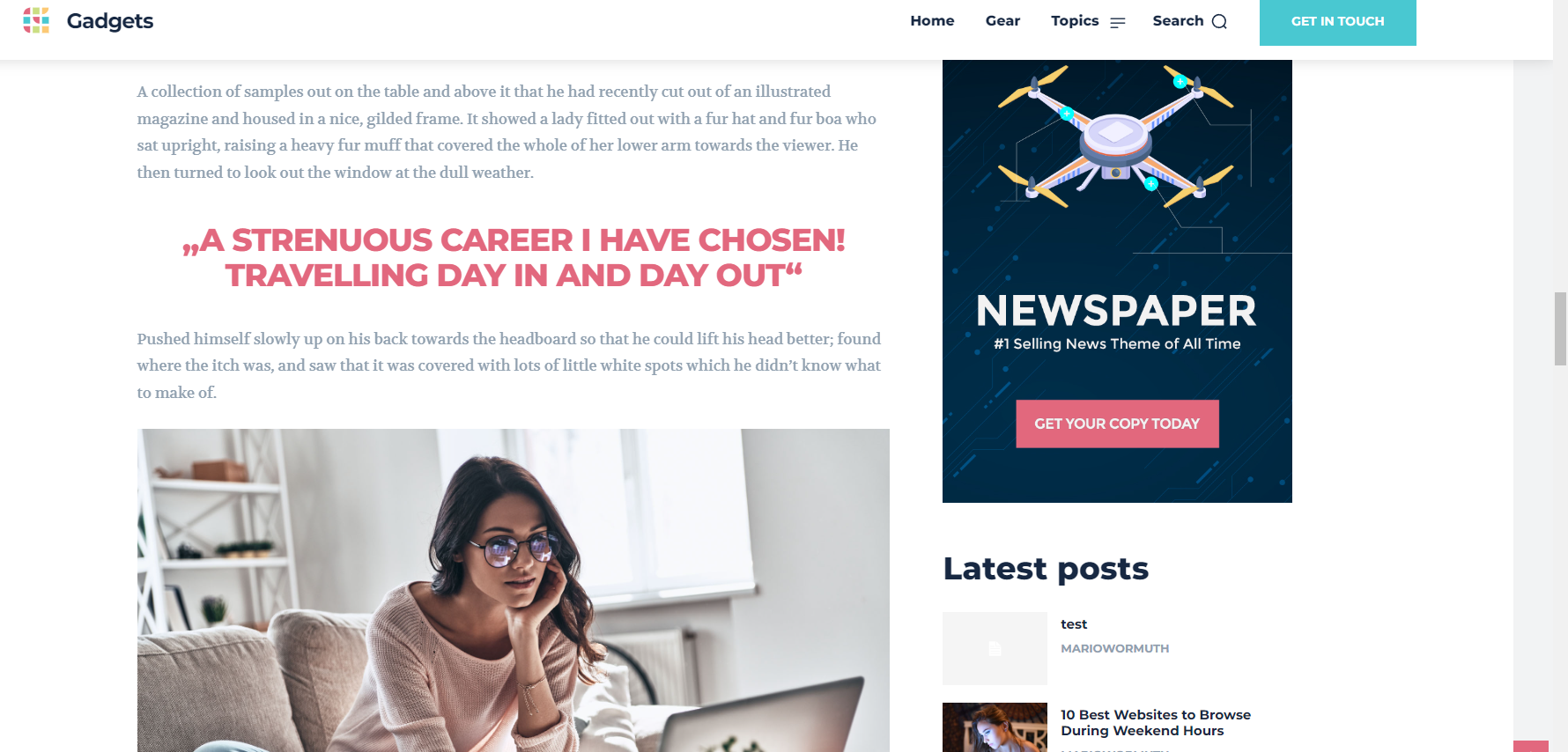
We have completely reinstalled WordPress and the Newspaper Theme on a fresh domain and have set up a demo theme. Now we have noticed that both the existing and new posts, the texts are displayed twice. That is, in the demo posts and in new ones from us, the text is doubled and we do not know why. What can we do? As I said, everything is installed FRESH.
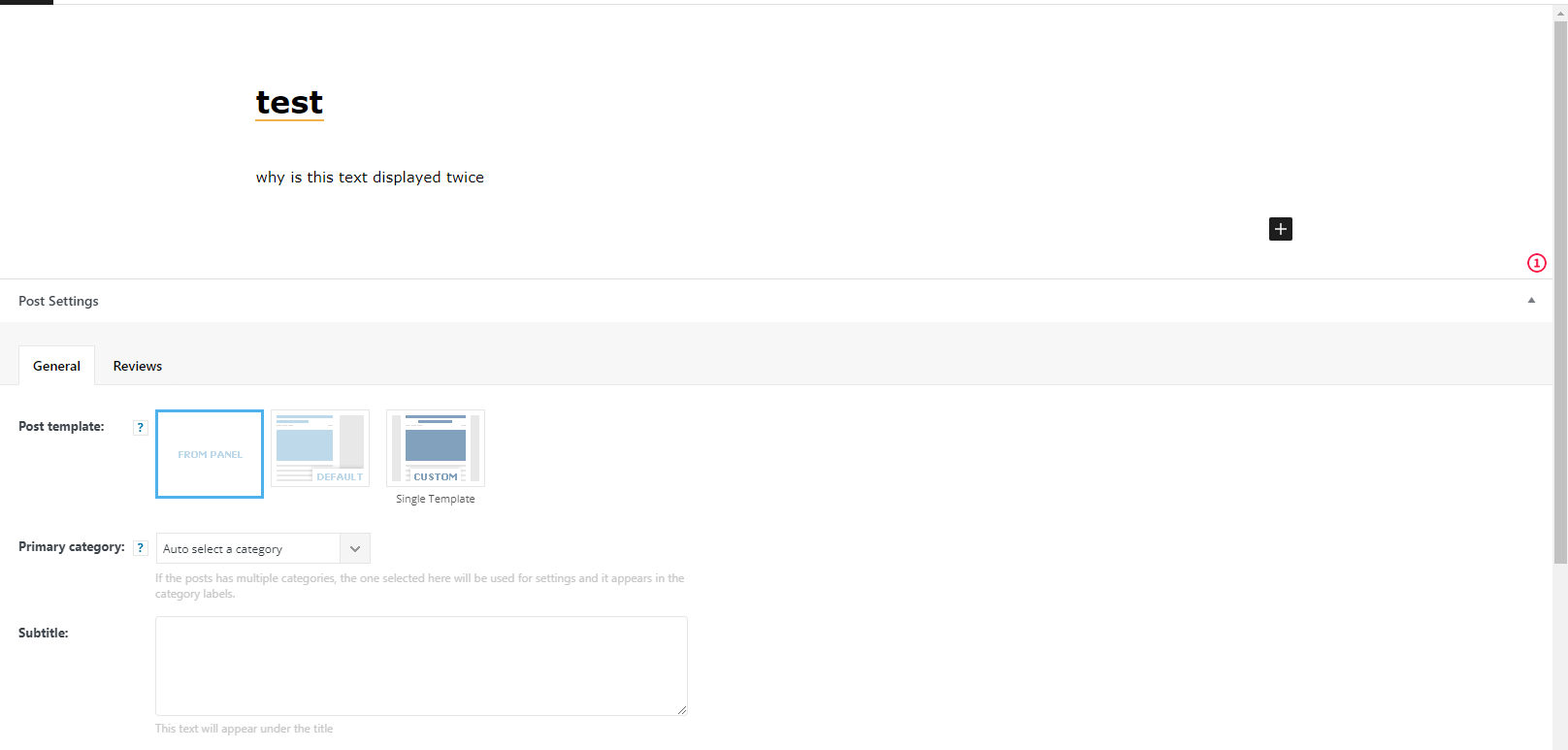
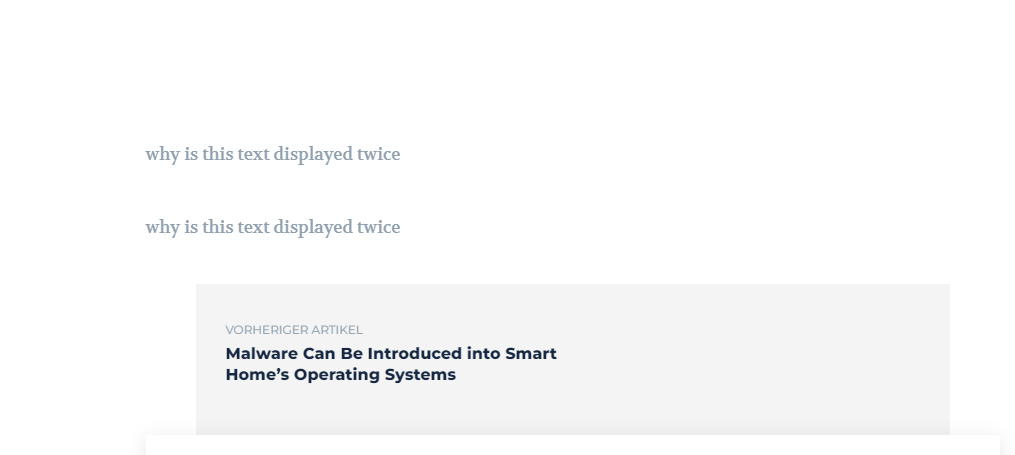
here is an example. own post – see scrollbar, the text can be seen twice.
 Clecio
How do I change the color from black to white, as for the login name ?
Screen example below:
 studiotwist
how to add shortcode on tagdiv page builder?
example [my_shortcode]
 latamauto123
After an update im starting having problem on theme
Hi when I’m editing a post with tagdiv i see the correct sidebar from the imported template
but on the website it don’t show off!
example https://co.auto123.com/ford-bronco-una-investigacion-de-un-problema-de-motor-catastrofico/ post its 100% width and also footer is vertical and ugly someone know how to fix that
Thanks you
 Anamaria
 Hello,
Depending on what code you want to add, the auto ads, are displayed where fit correctly.
You can find more details about ads in this guide https://forum.tagdiv.com/ads-adsense-overview/ please check it.
Also, you can add the ad box element where you want pages or in templates (category, author, tags, etc).
The URLs are for images, for example, if you have an image from another website when the users click on the image then they will access that website -> https://www.screencast.com/t/rV6tYMi4F3
Thank you!
Anamaria Hello,
This option was requested, but we’ve searched and it looks like google will display this issue no matter what is set -> https://forum.tagdiv.com/topic/we-desperately-need-a-way-to-no-follow-flex-blocks/ In the next update, there will be an option to enable or disable this option.
Also, during the update process, please have only tagDiv plugins enabled, (for example if you have the WordFence plugin, you need to use the WordFence assistant plugin to make sure it does not block the update process), also please make sure you have permissions set correctly so as not to interfere with the update process -> https://www.malcare.com/blog/wordpress-file-permissions/
Thank you!
 Calin
Calin Hello,
Is not mandatory, it is just recommended, so if you want you use it, then install a object cache for the amp, if not, then you do not use it.
Thank you!
Anamaria Hello,
Please go to that category template, select the block and in the tab called layout you can hide the excerpt -> https://i.imgur.com/3cLb9wp.png
Also, in the category template, you can use the Flex Block 1 and you can filter it to display the posts only from a category -> https://i.imgur.com/Nnt3zGX.png and you can design it to look like a posts loops block.
The Posts Loops settings are divided into 5 tabs: General, Layout, Style, ADS and CSS. The Posts loop is a special block and doesn’t have filtering options.
Also, one of the options for pagination of the Posts Loop has the option for normal numbered and the flex blocks do not have this option.
The Posts Loop is automatically filtering the posts depending on the cloud template you set (for example on the category page there will be posted posts from that category).
Thank you!
 mgiannelis
 For my /blog posts templates on MOBILE. The feature images shows at the top of the page correctly on DESKTOP. But showing at the BOTTOM for on Mobile. I cannot seem to fix or change this.
Example post here
 therion250
Good morning, I would like to know how I can make the advertising stay stuck without it staying at the top, while I scroll down with the mouse
Example
 muktipolice
 Is it recommended to apply the object cache to the amplifier? Is it mandatory to set it up?
 OnlineTushar
I am facing an issue with a high number Ajax request. I am already using HeartBeat plugin to control Ajax requests. But still facing issue with the following request. Please check :
/wp-admin/admin-ajax.php?td_theme_name=Newspaper&v=11.5.1
/wp-admin/admin-ajax.php
Screenshot: https://snipboard.io/aAnW43.jpg

 ugsite
 I replaced my website name with example for privacy purpose.
ugsite We can’t open editor even with updated theme.
We can’t open editor even with updated theme.
TypeError: Cannot read properties of undefined (reading ‘decodeEntities’)
at https://example.ca/wp-includes/js/dist/block-editor.min.js?ver=54657317be78fb1c246c72b38dc2ed0e:2:169826
at Le (https://example.ca/wp-includes/js/dist/vendor/react-dom.min.js?ver=17.0.1:100:3)
at Pj (https://example.ca/wp-includes/js/dist/vendor/react-dom.min.js?ver=17.0.1:231:183)
at di (https://example.ca/wp-includes/js/dist/vendor/react-dom.min.js?ver=17.0.1:168:305)
at Nj (https://example.ca/wp-includes/js/dist/vendor/react-dom.min.js?ver=17.0.1:168:236)
at sc (https://example.ca/wp-includes/js/dist/vendor/react-dom.min.js?ver=17.0.1:168:96)
at gf (https://example.ca/wp-includes/js/dist/vendor/react-dom.min.js?ver=17.0.1:162:109)
at https://example.ca/wp-includes/js/dist/vendor/react-dom.min.js?ver=17.0.1:73:230
at unstable_runWithPriority (https://example.ca/wp-includes/js/dist/vendor/react.min.js?ver=17.0.1:24:26)
at Za (https://example.ca/wp-includes/js/dist/vendor/react-dom.min.js?ver=17.0.1:73:8)
 Bettina
 Hello!
You can display your CPTS in the Flex blocks elements: https://prnt.sc/0ZBCi-R7ONzS There you can insert the slug of your CPT.(For example: Movies).
Thank you!
Anamaria Hi,
Unfortunately, I still don’t understand what you’re trying to achieve; please provide more information, including examples.
Thank you!
Anamaria Hello,
The cloud templates are custom post types, and these can be an index or not, therefore you can use Yoast SEO to control the SEO for cloud templates, for example https://i.imgur.com/6BRLmIs.png after that you need to reindex your website on Google (or you can reindex only that link).
Let me know the results!
Thank you!
 rocketseo
Widgets for sidebars were created earlier, elements were added to the sidebar: HTML blocks and a block with the author’s latest posts. Sidebars are displayed in posts with a sidebar, for example, in a post:
https://sanatate.md/paket-mom-to-be-v-medpark/ (link for image: https://dropmefiles.com/q2GpQ)
At the moment, we can’t view the content of sidebar widgets, as well as edit and save them.
Link to image: https://dropmefiles.com/q2GpQ and link to video: https://www.loom.com/share/fdede7cf73ad439cb8b929f4635a7131
Please help me to solve the problem with displaying and editing sidebars.
Thank you!
Bettina Hello!
Can you please provide a video with more information? Take an example with one picture and try to adjust the sizes how I have explained you in your old topics please.
Thank you!
Calin Hello muktipolice,
That is a recommendation from WordPress in Site Health Status.
What you can do for this is to use an object cache that will apply on amp. If you want you can try the Memcached (that is recommended in that description).
Here is a similar topic -> https://wordpress.org/support/topic/how-enable-persistent-object-in-amp-plugin/
Thank you!
Anamaria Hello,
The pagination number has only the elements posts loop and posts loop 2 -> https://i.imgur.com/RXAh0iM.png
The Posts Loops settings are divided into 5 tabs: General, Layout, Style, ADS and CSS. The Posts loop is a special block and doesn’t have filtering options.
Also, one of the options for pagination of the Posts Loop has the option for normal numbered and the flex blocks do not have this option.
The Posts Loop is automatically filtering the posts depending on the cloud template you set (for example on the category page there will be posted posts from that category).
Thank you!
 FutureMediaHouse
 Hello!
Tagdiv Composer plugin deactivating itself from time to time, we can not spot what is the reason.
Currently, we are using Newspaper – Theme version: 9.2.2 and WordPress 5.8.3
composer plugin deactivation happened 3 times so far this year.
We are using the following plugins on our website.
Classic Editor
Conditional Menus
Health Check & Troubleshooting
iThemes Security Pro
Popup Maker
Slider Revolution
tagDiv Composer
WP Rocket
Yoast Duplicate Post
Yoast SEO
Our client is not publishing any content or logging in to their website, Only file changes on the website seem like WP Rocket cache files, changing, adding, or removing cache files.
Ithemes security plugin takes daily database backups, also we have another backup system via WHM – Jetbackups, it takes weekly Cpanel backups.
Can you point us in a direction to solve this issue?
Thanks in advance!
 joannatruncali
Hi, I need some help locating this line of code that is still generating the “All About Parenting(dot)com” demo (pictured below). I’ve set a global header and a mobile version, and have disabled the mobile plugin, but some mobile pages (not articles) are still displaying the “all about parenting.com” next to my logo. I’ve searched the theme panel and all the elements in the header and deleted all demo content. I cannot find what is generating this. I’d like to just delete it since several pages are still displaying this next to my logo. Can you please help with which file might be generating this so I can erase it?
It appears in two places in this element under Inspect. Again, I’ve left all my text logo spaces blank and erased demo content in both the theme panel and the individual elements in the global header and global mobile header in TD Composer, and also selected “Hide” under Show Text and Show Tagline. https://drive.google.com/file/d/1EpEl0UIhHvckc1q1h1J6ACKoew97UAQg/view?usp=sharing
Example of mobile header being generated: https://drive.google.com/file/d/1zoxwyZczM9jZZjAQrY-8Mz4Ph4rAft5e/view?usp=sharing



