
- ApiPractical example – How to add a new Block and Module
- Apitd_api_top_bar_template::delete
- Apitd_api_top_bar_template::update_key
- Apitd_api_top_bar_template::update
- Apitd_api_top_bar_template::add
- Apitd_api_single_template::delete
- Apitd_api_single_template::update_key
- Apitd_api_single_template::update
- Apitd_api_single_template::add
- Apitd_api_footer_template::delete
- Apitd_api_footer_template::update_key
- Apitd_api_footer_template::update
- Apitd_api_footer_template::add
- Apitd_api_smart_list::delete
- Apitd_api_smart_list::update_key
- Apitd_api_smart_list::update
- Apitd_api_smart_list::add
- Apitd_api_thumb::delete
- Apitd_api_thumb::update_key
- Apitd_api_thumb::update
 utvrevolution
 The function that automatically crops images dependent upon how many images are in a row. Rows with three images are cropped differently than rows with one of two images.
Example, see how on this page there are rows with three images, two images and only one image. Each is cropped different automatically and gives it a much cleaner look than using the classic editor.
https://www.utvrevolution.com/2018/12/17/sema-2018-gallery-test/
That is a much cleaner look than using the classic editor as in this one.
https://www.utvrevolution.com/2018/12/18/sema-gallery-test-2/
 Simion C.
 Hi,
By default buttons in AMP have this color – https://www.screencast.com/t/MDynkkb4
This can only be changed in the AMP plugin stylesheet, change that will be lost after a theme update. So doing this would not be a good idea. Unless maybe changing the color of the text I can’t think of any other solution.
 Jose
Jose Thanks Calin,
But this is very complex for me…. I think that simply centering the logo is simpler, the rest is complex.
But it doesn’t work, I added the code in the file you indicate, and amp breaks.

https://fotos.subefotos.com/52abb1f14aeb3b39ca88bb09abd71b54o.jpg
-
This reply was modified 7 years by
Jose.
 brue
brue Just to add – if i deactivate td composer, all other plugins work and there is not a single blank white page error, but then entire content of the site, created with composer is messed, and it gives warning on the opened page that one important plugin is deactivated.
So it looks like that td composer is for some reason in conflict with almost all plugins… even to Akismet Anti-Spam (just as example)
-
This reply was modified 7 years by
brue.
 Calin
Calin Hi,
If you want to use a bit of CSS code to change the AMP style page, please edit here -> https://www.screencast.com/t/vIUHFAbD6uRH There’s no option for custom CSS code for AMP version, sorry!
Here is the css for center the logo on amp
.td-logo amp-img {

  left: 50%;

  transform: translateX(-50%);

}
https://www.screencast.com/t/dQWsYwj0iG
In order to have a different logo on amp you-ll need to set this in theme file.
First copy an url from media
https://www.screencast.com/t/1e8xnROk1Q
Then go in
wp-content/plugins/td-amp/templates/header-bar.php
https://www.screencast.com/t/Hwj9Nodw
https://www.screencast.com/t/Zax0YedF
https://www.screencast.com/t/nGTCRIAOo
Thank you.
Calin Hi,
The AMP template will only work on pages that do not use any page builder. Only pages that are created using the standard tiny mace editor will be valid AMP pages.
Please read our documentation for amp -> https://forum.tagdiv.com/tagdiv-amp-plugin-tutorial/
Thank you for your understanding.
 nihat
nihatHello there. We use your Newspaper theme. But we have a problem with AMP. When we activate the Tagdiv AMP plug-in, our website is not AMP-enabled. In other words, the amp does not appear at the end of the url when logged in from the mobile. So we are trying to solve this problem with different plugins. But we want to use the tagdiv AMP plugin. What kind of settings do you have? We looked at how it was set up from your website and did so and it didn’t work. The address of our website is istandist.com. We look forward to your help.
 cazino365support
 Great! Thanks!
And if I want to change only the hover color of the links from the Footer & Sub-footer? What code it is?
 Catalin
 Hello,
The theme will count each view of the page if for example, you refresh the post page the count should go up.
I found some topics about how Google Analytics works and how to analyze the reports, but they’re quite many more online
– https://support.google.com/analytics/answer/2731565?hl=en
– https://support.google.com/analytics/answer/1032796?hl=en
– https://www.ocreativedesign.com/understanding-google-analytics-your-website-traffic-report/
– https://www.theedesign.com/blog/2017/best-way-to-read-google-analytics
Thanks
 imbob
imbobHi I have a problem, since AMP theme panel settings only allow you to change Accent color – it makes button background the same color and link/text color which then makes button content invisible. How can I change non hover color so the button looks like I set it up on desktop?
No hover on amp – http://prntscr.com/lwvz0e
hover on amp – http://prntscr.com/lwvz5j
desktop button http://prntscr.com/lwvzbn
JoseHello team,
This is my mobile version and my AMP version, how can you appreciate AMP seems to be a little out of shape and is aesthetically less attractive, something that along with the absence of a menu, impairs the user experience.
Is it possible to focus and center the logo on AMP?
Is it possible to put a different logo just for AMP?
Is it possible to add the highlighted image at the beginning of the article in AMP?
Thanks, Jose

https://fotos.subefotos.com/67ade69c7c3dcae699db463c1b8055b3o.jpg
 dronesinsite
I am getting AMP validation errors with the built in AMP,
how can i fix this?
I am also getting another error “Only amp-boilerplate and amp-custom ‘style’ tags are allowed, and only in the document head.”
thanks
Simion C. There is a section for adding the analytics code in the AMP plugin, but not for tag manager.
Only by making modifications to the plugin itself you could add the necessary code, the head and body tags within the plugin are here
– https://www.screencast.com/t/TAQGzA4Zldt
Calin Hi,
The heading h3 is set in our theme for titles, and that demo (that you give for example) have on homepage 135 of titles and that is way appear 270 h3 ( there are 135 headings)
Please read those topics -> https://forum.tagdiv.com/topic/h1-h2-h3-tags-use/
Thank you for your understanding.
 danielalhabsy
 Dear Bodgan, thanks for your reply
I already clear my browser chace ( I use safari, and already try with different browser- for example google chrome),
but still I can not find Home Page Latest Article Section (post loop setting) in my home page..
please help me what to do
thank you
 sangria
Hey I got a problem when I was designing a page using Newspaper theme. My website contains both English and Chinese, for example sometimes I need this “Website网站”.
I have tried all the fonts selected from Title text font setting via Tagdiv composer, but none of them is working for the Chinese part on Windows using Chrome. Other browsers and system is fine, for example Firefox on Windows, Chrome on MAC. Chrome on windows is the newest version, css {font-family: Verdana, Geneva, sans-serif !important;} looks fine.
Please let me know how to fix this issue, thanks. You can find the differences from the link. (https://drive.google.com/drive/folders/1cP62_AhkI1hJz7dwD3eEAxS_xyJi7r_f?usp=sharing)
 Christian81Calin
 Hi,
This section is made to let you to set different css on that devices, for example you can set this css in phones section
.home .td-scroll-up{

display:none;

}
and will be apply only on mobile
or in custom code>custom css you need to set this @media (max-width: 767px){ } in order to be apply only on mobile.
Thank you for your understanding.
 miltonrodas
 Hello, the newspaper status paremeters match your documentation, the only thing that my host won’t do is raise max_execution_time to 60 (limit for shared hosting is 30) –
I currently have:
max_input_vars = 5000
max_execution_size = 30
post_max_size = 50M
upload_max_filesize = 50M
memory_limit = 128M
There seems to be a disconnect between this demo theme (voice report) and the newspaper Theme panel. Examples: 1) The social network counts are not updated even though I put in my social networks in the theme panel (how does it grab the counts?) 2) also, the instagram feed at the bottom of the homepage…it won’t update and there seems to be no way of updating it within Theme panel.
Here are the screenshots for the menus not showing as you requested:
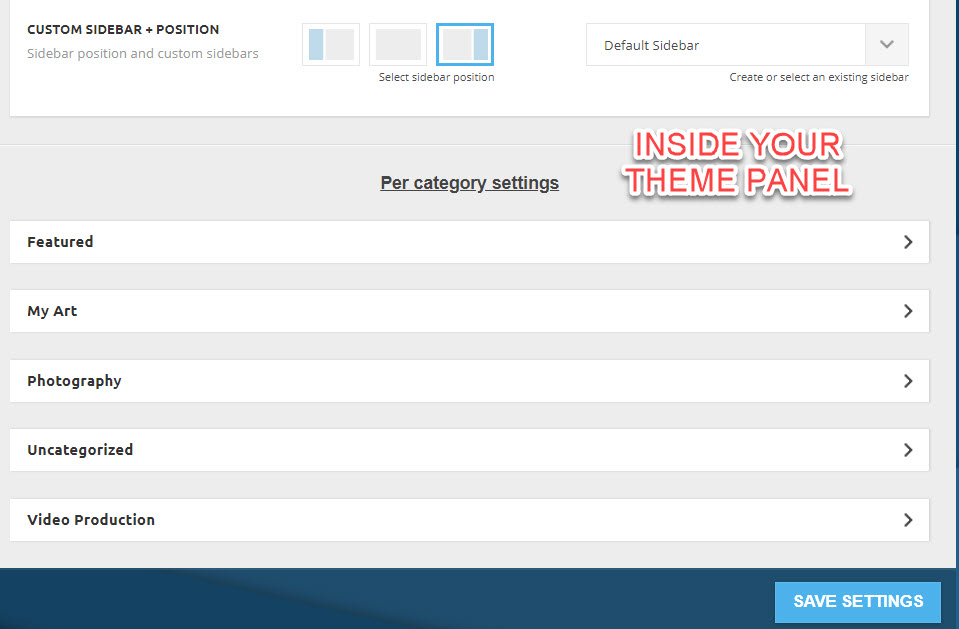
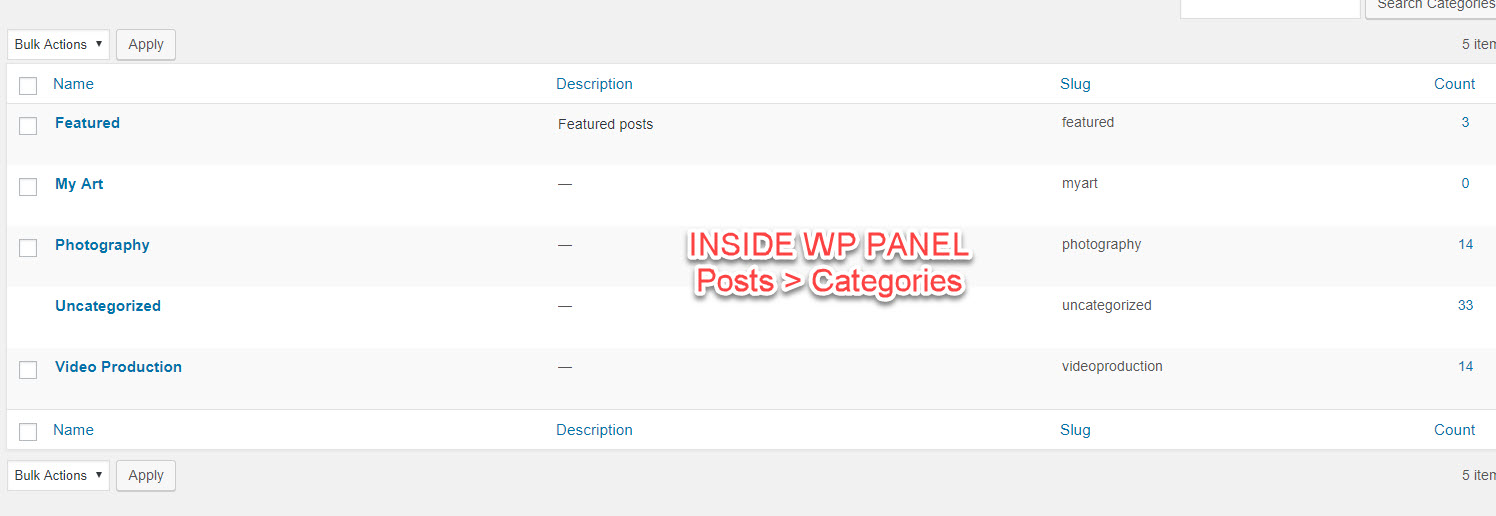
domain is: miltonrodas.com
 Marek Gura
Hi, i have couple problems with theme.
first is page size, im using image optimiser and i have very powerfull server.
domain is dronmagazin.sk
on server work varnish configured for fast web distribution but
page size total is 13MB – lot off scripts and also css files
page speed is very slow when im comparing to another similar site with information about technologies
next issue what i have is i cant redelegate on varnish any script what counting page view.
What i can do ? thanks.
Simion C. Hi,
There are plans to improve our own AMP plugin in coming updates. I can’t say exactly what these improvements will be, at the moment. As for compatibility with the plugins you mention, I could add this on the list for testing but I can;t promise anything. Sorry for the inconvenience.
Thanks
Simion C. Hi,
That is indeed called the ajax filter. It can be activated in the filter tab for each block
– http://prntscr.com/lwg7lh
It can display categories, tags, authors, or a popularity filter. When each of these is enabled they will show by default all categories, tags etc.
For example, setting it to display categories will display all categories
– http://prntscr.com/lwg8q7
If you want specific categories to be displayed, enter their IDs in the field below (separated by commas)
– http://prntscr.com/lwg9oo
– http://prntscr.com/lwg9wr
It is the same for the other filter options. let us know if you have more questions.
Thanks
Calin Hello,
You can add the rel nofollow a single time and it will affect all social networks where the function I pointed out is used. Simply add
rel=”nofollow”
like so: https://www.screencast.com/t/ukMdKD57L
For speed up AMP page, you can try to optimize your website
There are many optimization guides provided by our users here in the forum, some made by us, you could check some of them
– https://forum.tagdiv.com/cache-plugin-install-and-configure/
– https://forum.tagdiv.com/how-to-make-the-site-faster/
– https://www.infophilic.com/get-almost-100-pagespeed-newspaper-theme/
– https://forum.tagdiv.com/topic/score-100100-pagespeed-with-newspaper-wordpress-theme/
– https://forum.tagdiv.com/topic/newspaper-theme-speedify-your-website/
– https://forum.tagdiv.com/topic/tutorial-chriss-custom-optimizations-for-functions-php-etc/
– https://forum.tagdiv.com/cloudflare-cdn/
Thank you!
Calin Hi,
Unfortunately for the moment our AMP do not have this option, if this is necessary for you, you can use others AMP plugins.
Thank you for your understanding.
Simion C. Hi,
There are plans to add many more features to our AMP plugin in coming updates. The design we created was inspired from the Yoast SEO website AMP template, which is simple with not many other elements except the content itself
– https://yoast.com/social-media-optimization-with-yoast-seo/amp/
Sorry for any inconvenience.
Thanks
