
- NewspaperFlex Block Builder and Flex Loop Builder
- NewspaperHow to use the Flex Blocks cache option
- NewspaperHow to edit modules for Flex Block X
- NewspaperFlex Block Settings Guide
- NewspaperBig Grid Flex Settings
- NewspaperSingle Post Excerpt
- NewspaperWP Rocket and Newspaper Theme: Optimization Guide
- NewspaperSearch setup for custom post type
- NewspaperBookmark – Save For Later
- NewspaperModules Builder in Newspaper Theme
- NewspaperFilters and sorting for taxonomies
- NewspaperHow to insert a block inside the content of a post
- NewspaperCustom Post Type Support
- NewspaperMeta Info on Modules and Blocks
- NewspapertagDiv Composer Tutorial
- NewspaperSocial Counter Styles on Newspaper
- NewspaperCloudflare (CDN)
- NewspaperPage templates
- NewspaperFeatured Posts
- NewspaperTheme Colors Introduction
 umeshyellaboina
Hello tagDiv Support Team,
I am building a generic Taxonomy Archive Template using the tagDiv Cloud Library/Composer. This template is assigned to a Custom Taxonomy (e.g., prompts) and needs to load correctly for all terms within that taxonomy (e.g., /prompts/term-A, /prompts/term-B, etc.).
My goal is to display content in two separate Flex Blocks, each filtered by the current taxonomy term AND a specific Category ID.
1. Goal (Desired Query Logic):
I need to enforce the following AND logic within each Flex Block, dynamically, without hardcoding the current Taxonomy Term ID:
Section 1 (Text Posts): Posts must belong to (Current Taxonomy Term) AND (Category ID 87).
Section 2 (Image Posts): Posts must belong to (Current Taxonomy Term) AND (Category ID 88).
2. Current Setup (Flex Block Filter Settings):
I am using a Flex Block and configuring the Filter tab as follows (for Section 1, Category ID 87):
Category filter: Taxonomy – Current (Used to inherit the current term)
Multiple terms filter: 87 (Hardcoded ID of the specific category)
Posts(cpts) must belong to all terms: Checked (Intended to force the AND logic)
3. Issue/Failure Point:
Despite setting the Posts(cpts) must belong to all terms checkbox, the Flex Block query is incorrectly executed.
Observed Result: The block is showing posts that belong to Category ID 87 but are associated with OTHER, unrelated taxonomies or terms outside of the current archive page.
Example: When viewing /prompts/term-A, the block is showing posts tagged with Category ID 87, but whose main taxonomy term is from a different, unrelated taxonomy (e.g., from the guides taxonomy or another custom taxonomy).
4. Request:
Could you please advise on the correct combination of settings within the tagDiv Flex Block or provide a precise workaround to generate a strict, generic WP_Query that enforces the dynamic (Current Taxonomy Term) AND (Specific Category ID) relationship?
If this combination is not possible via the standard UI, please provide a filter or shortcode parameter that achieves this specific tax_query requirement.
Thank you for your time and assistance!
 Calin
Calin Hi,
The current category filter can be used for the category template only – https://i.imgur.com/kfrXffj.png https://i.imgur.com/CMwYP6a.png that is a special filter like the other special filters – https://forum.tagdiv.com/flex-block-settings-guide/ https://i.imgur.com/22eTYdS.png
Thank you!
Calin Hi,
This can be done if you create your own module using the module builder – and this can be displayed using flex block builder – https://forum.tagdiv.com/flex-block-builder-flex-loop-builder/ https://i.imgur.com/VeS1BU6.png https://i.imgur.com/yAPNRMT.png
Thank you!
 andros1983
 Flex Block module 1
Calin Hi,
About the image set with css background, what can be done is to create a module for the layout you want and replace the first block that is displayed when you enter the website. The module made with the module builder will use img tags for images and can be set in the flex block builder element.
Related to the Image Optimization, use a plugin like https://wordpress.org/plugins/ewww-image-optimizer/ and enable the webp format and from the theme, use this option – https://i.imgur.com/6qMAN1H.png
Also, if you are using the WP Rocket, you can check our guide with this plugin https://forum.tagdiv.com/wp-rocket-and-newspaper-theme-optimization-guide/
Thank you!
 Michael Wong
I want to add article tag below the article meta information area of the flex blocks/ flex grids. Is it possible to do this?
https://drive.google.com/file/d/1K2hS7Rqc4Qo4YuHMNivyhG6Ym_g3dv4w/view?usp=drivesdk
 Bartek00
I use the Classic template.
At the very top I have Flex Block 2 and the latest post is displayed there. Below I have Posts Loop and I would like the latest posts to be displayed there, but apart from the one displayed in Flex Block. This means that the newest ones will be displayed in Posts Loop, but without the most recently written ones. I don’t want a duplicate on the home page.
Calin Hi,
The Big Grid Flex elements do not have a radius option for images, only the Flex block has this option.
Thank you!
andros1983 I have found it elsewhere but not on the Big Grid Flex 2.
andros1983How can I set border radius for images in the Big Grid Flex 2 module? I can’t find the option. I need to use a slightly rounded image style on all edges for my entire website.
 lobotomia
Hi there, this is the website I’m having the issue on https://www.inquietonotizie.it/
I’m using a “flex block 1” block to display the most viewed articles of the week.
Heres the options I enabled in theme panel (following the theme’s guidelines):
– 7 days post sorting
– ajax view count
– show post views
I keep seeing two older posts in that block. I have also checked how many views they have this week, and they only have one.
I made sure the options that makes those articles stick on top is disabled. I really can’t menage to make it work. My page has unique articles enabled.
Is anyone experiencing the same issue? Can you help me?
Thank you.
 animationmagazine
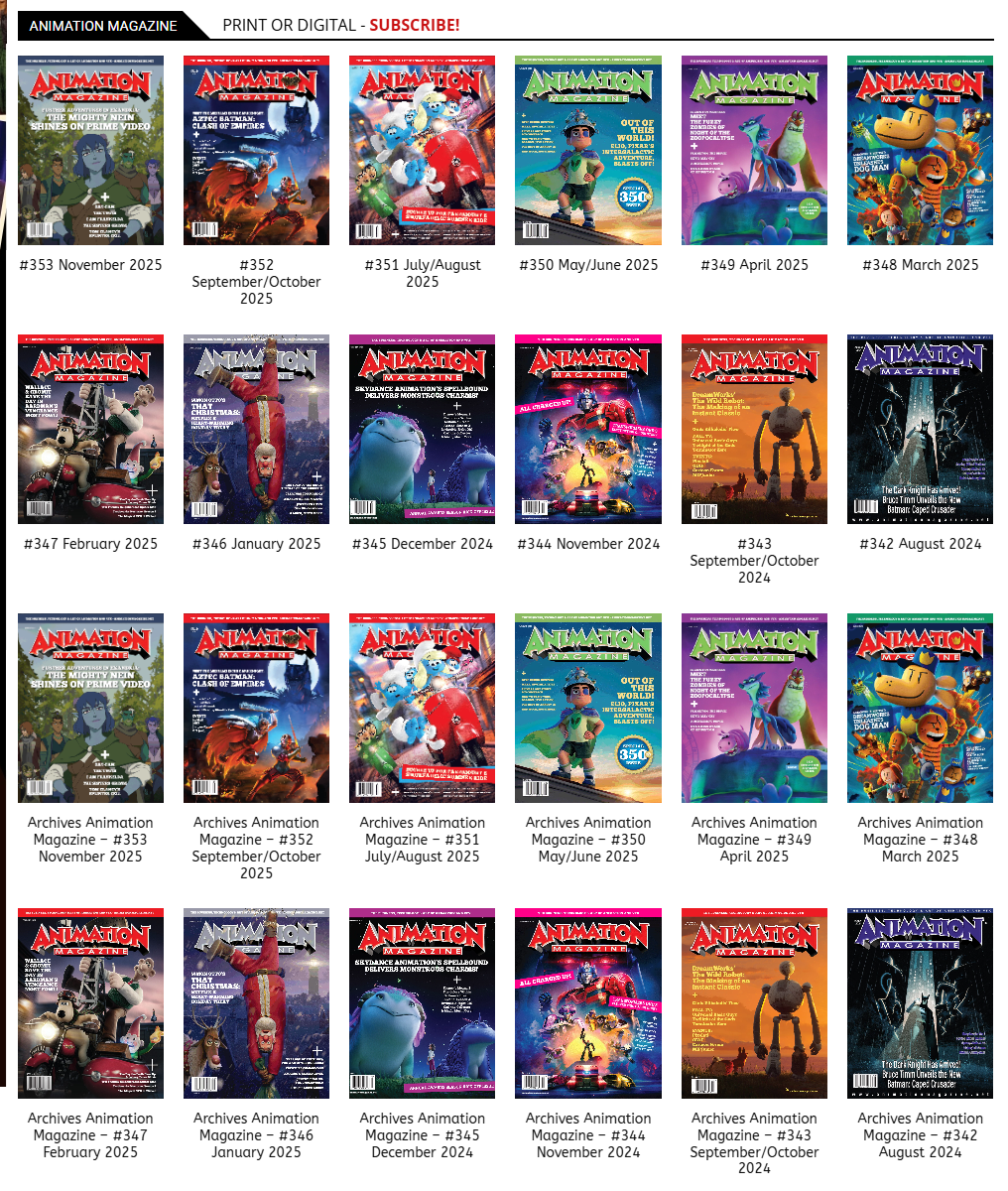
The “Load more” button keeps loading the same posts again and again…
Calin Hi,
Do you want to extend the big frid flex 1 over the marked sections? if so it can select the inner row and set 0 to innere columns gap – https://i.imgur.com/7IKm9I7.png
Thank you!
Calin Hi,
At this moment there is no souch a filter, but the rest of tehcontent can be created.
I think taht you can create a CPT and use it for your “event”. Use the acf plugin to add the cpt, taxonomy and custom fileds.
For filter I will sugest to try with a manually filter (to let the user to select the filters). You can try the filter from our theme, but this will work only with taxonomies, and you’ll need something that will work woth custom fileds, maybe https://wordpress.org/plugins/filter-everything/
Also, you can create your own modules using the module builder and sisplay theme with flex builder
I will add your sugestion our our list and our developers will check it out!
Thank you!
Calin Hello,
To reduce the queries, you can check the fallow.
Check if you are using ajax pagination, mega menu, and many blocks (the theme is making a query for each block in parts, and if you are using mega menu, each element as mega menu makes queries, also ajax pagination makes queries to the database). Also, make sure that you use lazyload for images.
Other type of settings that can reduce the numbers of queries: use a good cache plugin WP Rocket, use object cache (redis), and use flex block cache – https://forum.tagdiv.com/use-flex-blocks-cache-option/ (with will reduce the number of request instead of a request for each page load for each flex block, this request will be only after 5-10 minutes for that flex block, it depends on the time set)
In addition, it’s a good idea to identify what’s consuming your server resources. Tools like Query Monitor and Code Profiler can help you pinpoint high CPU or resource usage caused by plugins, themes, or database queries.
Thank you!
 cristi.wago@gmail.com
Subject: Excerpt Formatting Issue: Paragraph Breaks <p> tags are being stripped – Newspaper Theme
Dear tagDiv Support Team,
I am experiencing a persistent issue with my post excerpts (teasers) when they are displayed on my homepage and archive pages using your theme.
The Problem:
The theme is stripping out paragraph breaks (the <p> HTML tag) from the post excerpts, causing the text to be displayed as one single, dense block. This happens regardless of whether the excerpt is:
Automatically Generated from the post content.
Manually Entered in the “Excerpt” meta box.
What I Have Tried (and failed with):
Custom Excerpt: Writing manual excerpts with HTML tags (e.g., <p>Text</p>). The tags are still removed.
Advanced Excerpt Plugin: I installed and configured the Advanced Excerpt plugin, ensuring the option to allow HTML tags was active. The theme seems to override the plugin’s functionality, and the paragraph breaks are still removed.
My Question:
Is there a specific setting within the Theme Panel, a tagDiv Composer Block setting, or a PHP filter that I can use in a Child Theme’s functions.php file to specifically allow the <p> tag (paragraph breaks) in the post excerpts displayed in your post listing blocks (like Flex Blocks)?
I only need the paragraph formatting (<p>) to remain intact to improve readability.
Thank you for your assistance.
 GulfAiMagazine
If I insert any post flex grid or loop in category page like https://gulfaimagazine.com/category/latest-news/ which is a default template or even a custom page like https://gulfaimagazine.com/videos/, it doesn’t display the post thumbnails. The instruction on the placeholder image is Enable thumb from THEME PANEL BLOCK SETTINGS and on the Theme Panel page, there is no such setting available.
 europeantimes
 I have even activade the cache of the Flex blocks to 1 day and 1 week… but still get the same problems
 tennorbu
how can i create share button on single post in flex box items
 redaktionlumao
Hi there,
I am using the “Flex Block 1” and try to show all posts that match one child category (3409) and another parent category (3437). The child category is linked to a different parent category.
However, using the option “Posts(cpts) must belong to all terms” does not seem to work with parent categories. It does not show the posts from the corresponding child categories. Attached you can see that even using only the parent category 3437, the number of posts differs depending on if “Posts(cpts) must belong to all terms” is activated or not. (Link to screenshots: https://imgur.com/a/pqNuqiO)
Any ideas on how to display all posts that match one child category (3409) and another parent category (3437), including their child categories? I would also be open to use a different block type if that helps.
Best regards,
Tim
Calin Hi,
Can you please provide some screenshots with some more details?
If you want the shortcode cna be set using tagDiv Composer set the shortcode directly in column text or text with title elements in the text zone – https://imgur.com/DSSni9j
Also, on mobile, you can reverse or set the columns order from a row – https://i.imgur.com/twXzqfY.png – https://tagdiv.com/flexibility-rows-columns-newspaper-theme/
Calin Hi,
You need to set the flex loop filter the for the slag taxonomies you want to use to filter your articles – https://i.imgur.com/2PhDWtk.png also for woo products, you can use the woo attribute filters – https://i.imgur.com/H6ICBnu.png
Calin Hello,
Checking as an unlogged user, everything seems ok regarding the structure of the flex block 1. Most likely, it is an extra plugin that is interfering. Please do a test using only the theme plugins, without cache on the site, and see if the situation persists. If the situation is not resolved, make a complete backup of the site and contact us by email at contact@tagdiv.com and provide temporary access to investigate this situation.
Thank you!
Calin Hi,
To add the pagination with load more button you need to use tagDiv Composer, select the flex block 1 and in the filter tab, check the pagination options – https://forum.tagdiv.com/flex-block-settings-guide/ https://i.imgur.com/PIAZJLN.png
Thank you!
 hdraye
Hi
I have a shortcode to place in a sidebar, and I want it on top of mobile view before other modules, or at least to place the shortcode in a flex block as a post or something.
I am having a wide sidebar on top of my page and it does not look good.
riyadhkey.com
thanx in advance
Hani



