- NewsmagLogo & Favicon
- NewsmagWhat’s included in Newsmag theme package
- NewsmagMain menu
- NewsmagHeader styles
- NewsmagFooter templates
- NewsmagTheme colors introduction
 Tiit
Tiit Yes, I opened the viewport on my phone. It looks the same as on my computer screen. I changed the logo text in the General tab, which reads Lugemiselamus now (the title of my page). The correct name is displayed in desktop and tablet mode. However, it is still THE CRITIC in phone mode. I don’t see any other place to change this. If I turn my phone horizontally, the correct name is displayed. Is there a limit to the header width where the title is displayed and my title is too long for mobile view? If so, where can I change this?
Tiit
Tiit Thank you for your reply! I know, how to change a logo. The problem is that my page has no logo, only text, and a tagline. I know how to overwrite the text, and it works perfectly on desktop, but not in mobile view. Why is that?
 Anamaria
 Hi,
Please select the viewport on phone, select the logo and change it => https://i.imgur.com/Rm75FmU.png -> https://forum.tagdiv.com/add-logo-newspaper/
Thank you!
TiitHello, I did manage to change the logo text and tagline, and it looks fine on the desktop, but it wouldn’t change in the mobile version. It is still The Critic and not my title. I changed the settings on mobile, but nothing helps. Any solution?
http://lugemiselamus.ee/
Anamaria Hello,
Please check each code for the logo for the mobile menu and mobile sticky to remove the h1.
Thank you!
 vlalovic
Hi, i need to remove the h1 that is shown like svg code on the front page. We are using svg for logo and i managed to remove some of the h1 declared as svg code but not all. I still see 2 h1 tags on the homepage that contains svg code in it. I had a similar problem on other domain and after the intervention from your team it was solved. Can we try again? I tried all the methods regardind disabling the h1 in tag div composer..
Thanks. I can send the website and login details privately if necessary.
 Jose
Jose No, I do not use any add-on for lazy load.
I have put the same logo on mobile, and on mobile it looks fine. But on PC it is not visible.
I have deactivated all plugins, except Newspaper, and the logo is not visible. I really don’t know what the problem is….
Anamaria Hi,
I checked them, that’s why I said to purge the cache.
It seems that the logo is added but has the width and height 0 -> https://i.imgur.com/DDW4SV2.jpg and it is not a problem with the image, because it works without problems for me. -> https://i.imgur.com/lmJ7E7d.png
Did you use a plugin for lazy load?
Thank you!
Anamaria Hello,
I just checked and seems this website doesn’t have our theme, is a default theme. https://i.imgur.com/4RUlSvN.png
Please let me know if you remove it.
Also, if you don’t install it, you have to upload only the theme zip file, not the whole package which contains other items
– https://help.market.envato.com/hc/en-us/articles/202821510-Theme-is-missing-the-style-css-stylesheet-error
Install via WordPress -> https://forum.tagdiv.com/install-via-wordpress/
Install via FTP -> https://forum.tagdiv.com/install-via-ftp/
Requirements for Newspaper => https://forum.tagdiv.com/requirements-for-newspaper/
After installing the theme and activating it you will find in the Prebuilt websites all the theme demos and you can import whatever demo you want => https://www.screencast.com/t/6rf5g0Dxc0K
If you have a header template from Cloud Library, you can edit the logo and header with tagDiv Composer => https://www.screencast.com/t/zuhG8uGZe, select the header and you can remove the logo image/text and add a new logo =>https://www.screencast.com/t/WSquHPNqT https://www.youtube.com/watch?v=HXQQygkCCJo
If you have a standard template then you need to go in Theme Panel -> Header -> Logo and Favicon => https://www.screencast.com/t/jk2I1xs4FH2
Hope this helps you!
Thank you!
 nabilahJose
Hello,
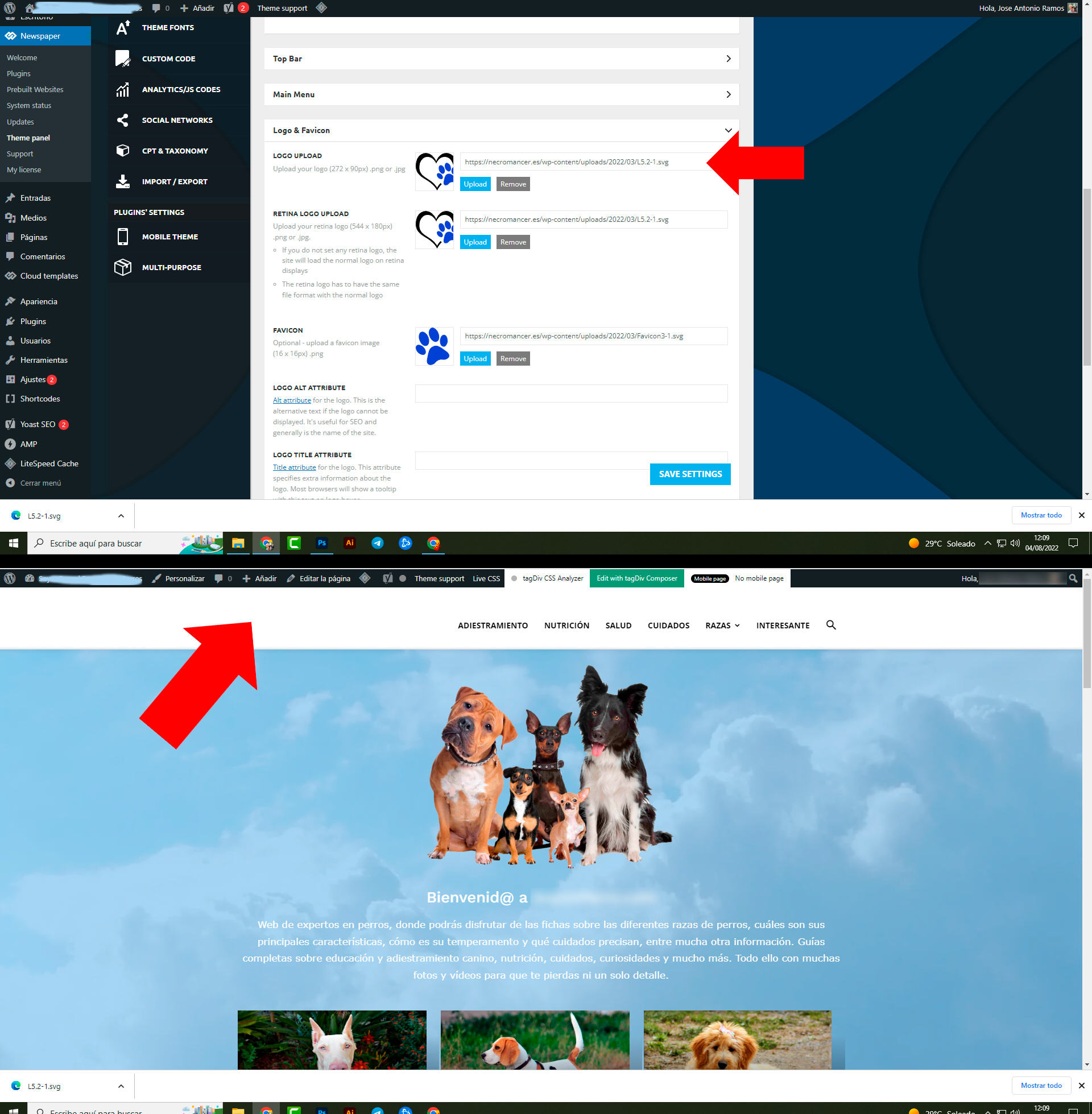
I can’t get the logo on the home page. It’s svg, so it should fit any size…. any suggestions?
 Calin
Calin Hi,
If you are using the responsive version, then you need to edit the homepage and select the mobile view port, select the logo and change it -> https://i.imgur.com/N8Wgo9e.png -> https://forum.tagdiv.com/header-manager/
I hope this will help you!
Anamaria Hello,
Unfortunately, for AMP you can’t add an SVG logo, only an image or text -> https://i.imgur.com/TYU3Gyl.png
Thank you!
 Brain916
Hello, I was wondering if its possible to set up something like this with Woo Attributes. For each “product,” I will have different stores, with the store logo, and a button that’s an outbound link. What I am trying to achieve is a “Where to Buy” area (affiliates)
EXAMPLE: https://ibb.co/1TVjpTP
JoseIs there a solution to make the logo also visible on AMP pages? I use tagdig mobile plugin and the logo looks good, but on the amp pages it is not visible.
Anamaria Hello Bruno,
Check this topic: https://forum.tagdiv.com/topic/different-logo-in-categorypage/ ; Here it explained how to duplicate a header template correctly and the same changes for the footer.
Thank you!
 canopi_life
 Hello Anamaria,
Other pages are correct, but the homepage looks very wrong.
Please click on the site logo to enter the homepage.
Thank you.
Best,
Yen
Anamaria Hello,
I just checked and seems you have one H1 on the page https://i.imgur.com/bjnwEyZ.png on the title of the block, you can set one h1 on the logo -> https://i.imgur.com/NKp3M3y.png
Thank you!
 victorramirez
I am updating the Theme panel adding new logo etc. And the loader just keeps spinning never saves.
Help.
 pratibimbnews
1. please check I am getting this error while going to edit header https://prnt.sc/CZUG7HYL_qJF
2. logos are set in header setting but not reflecting website https://prnt.sc/GE8aYfq8Mtfm
 anthonyblfc
 Ok great but was hoping that doing this was going to sort my problem out, of having no header on my post. I have done everything that you have said and still my header and logo are not showing up on my post. Its really frustrating I’ve tried everything with no joy thank you
Anamaria You need to have h1 on the page for seo -> https://www.semrush.com/blog/h1-tag/ and the h1 is set usually on the logo. You not need to edit the theme files.
 pixelnews
 Hi Annamaria
Thanks for clarifying.
It solved some issues but also still some are remaining.
Front Page on Mobile now looks quite good but the logo in the header semes to change the size while loading or refreshing the page. I tried to delete the element and add the logo again but can’t figure out what is causing the issue.
Here you can see a short video of the problem:
[video src="https://pixelnews.ch/wp-content/uploads/2022/07/video_2022-07-29_08-16-37.mp4" /]
Further the header titles of each section are not visible. But they have been set accordingly to the documentation of the theme:
https://pixelnews.ch/wp-content/uploads/2022/07/Unbenannt.png
Further and outmost my biggest issue is still remaining:
If I click on a article on a mobile device it is fully brooken
– images are not loading
– header with logo is not showed properly
– video is loading but no images
– color and fonts are way different than on desktop version
– related articles and footer are just plain text, no images
See scroll-screenrecording here https://pixelnews.ch/wp-content/uploads/2022/07/video_2022-07-29_08-33-50.mp4
and a classic screenshot here: https://pixelnews.ch/wp-content/uploads/2022/07/photo_2022-07-29_08-32-12.jpg
Please advice, we need to publish the site asap
 SujanRoy
Hi, my site fitbabu.com had 3 H1 tags on homepage. But I just disabled H1 on logo both on header and footer and also on mobile template.
Now it shows 1 H1 tag on home page “FITBABU.com”. But for SEO, I need to edit or change this tag. I tried edit on header.php on cpanel but it didn’t work. Can you please help me change the H1 tag?
JoseHello team,
I have installed Newspaper on my test site, before using it on my real site.
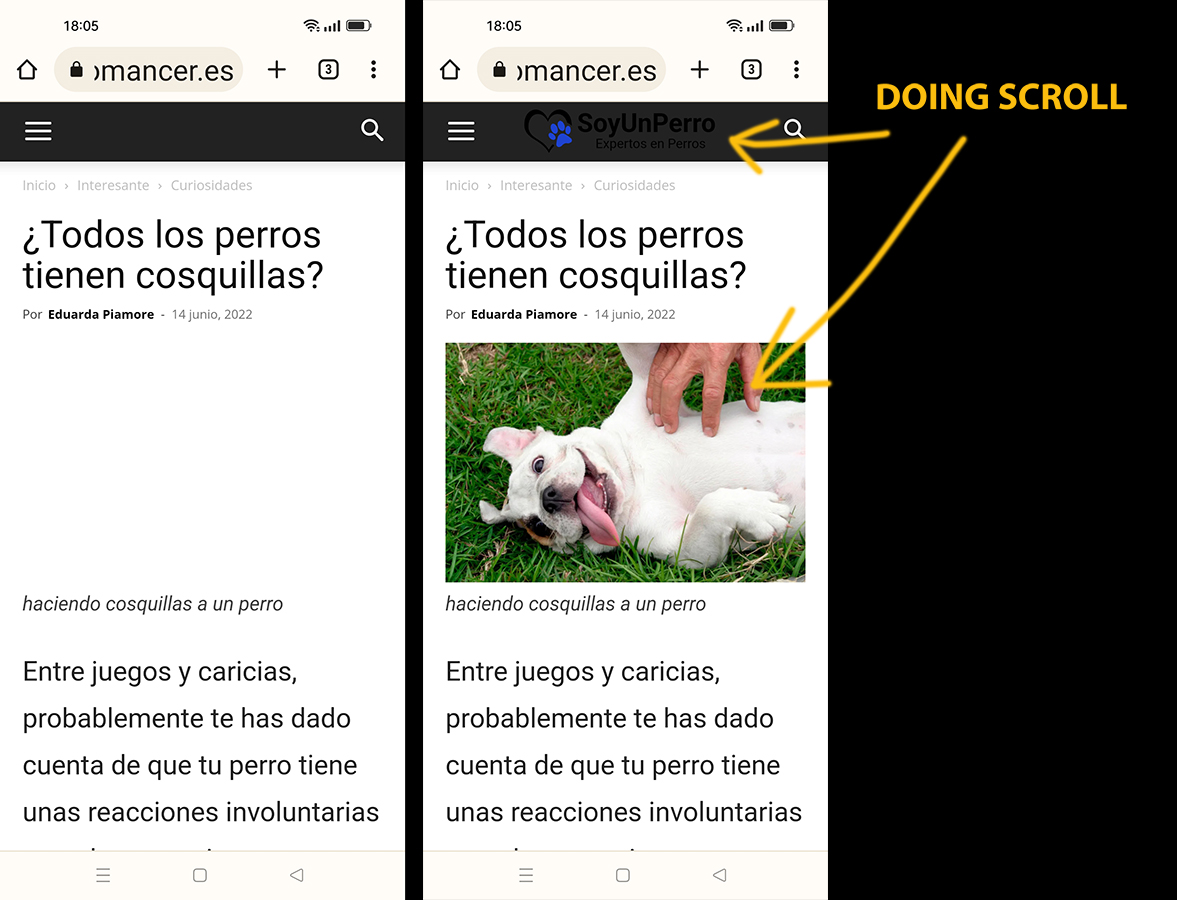
I have disabled Lazy Load in the theme (Newspaper options). Lazy Load is also disabled in the cache plugin (LiteSpeed). But the first image (featured image in articles) and the logo do not load automatically. They only load when I scroll on the mobile. This problem happens on mobile.
Example of the error (see in mobile): https://cutt.ly/IZhom04
I have tried disabling Wp’s native LazyLoad, but the problem persists.