- NewspaperWP Rocket and Newspaper Theme: Optimization Guide
- TutorialsDefault Block Settings Guide
- TutorialsOffset Feature
 Nagarig
 Hi, exactly, there is an option for date pages template but no archive box. Can you please guide how to create one Archive page and also how to set it to specific Archives later???
 Bettina
 Hello @nagarig!
Go to the Cloud Templates and add the date or archive template you like, or a blank date or archive page in order to build it as you like: https://prnt.sc/YRe8ztZUhDAw
Also, you can access the archive page, and there you’ll have the list of the templates you uploaded.
Thank you!
Bettina Hello Ian!
Did you build the mobile page or it is empty while you edit it with the TagDiv Composer?
We have 3 options for mobile versions that you can use:
1. Responsive version: A responsive version of your website looks similar to the desktop version. Edit the page with TagDiv Composer. Click on the mobile viewport: https://www.screencast.com/t/XDQJedlggSB; there you can see your mobile version and edit or adjust the elements to look better.
2. Mobile pages: https://tagdiv.com/newspaper-10-3-7-update-brings-customizable-and-fast-mobile-pages
3. Mobile theme plugin: The Mobile Theme is a performance-optimized theme included in the main Newspaper theme that only loads on mobile devices. It comes with its own templates and design for pages, posts, categories, etc., so your current templates from the desktop theme will get converted to the mobile theme layout. Please see https://forum.tagdiv.com/the-mobile-theme/ and https://forum.tagdiv.com/mobile-theme-introduction/ for more information.
A full explanation is here: https://www.youtube.com/watch?v=SpGkOnJeNZY
You can choose to use whichever one is more affordable and useful for you.
For the option 1 and 2, you need to uninstall the Mobile Theme plugin.
Thank you!
Bettina Hello @filipg!
A shortcode can be inserted in our theme only by using the element called “Column text” or “Text with title”. “Column text” and “text with title” elements have a button called “edit content” and if you click on that button, the WP Editor will open and you can add some text/code/shortcode there. Close the WP Editor from X, save the changes from Composer and view the page to see the changes.
If the template where you insert the shortcode from an extra plugin is global, then this modification will be applied on every page that has that template. Otherwise, you must duplicate the template, rename it, make changes to it, and assign it to some pages.
Thank you!
 adfrogs
Hello,
I am finding your banner ads hidden all over my website with the theme I installed, this is extremely annoying and frustrating to say the least. We are a live company with live content and having your ads default embedded everywhere requiring me to manual remove on them on a page by page basis in the tagdiv cloud editor is a total joke!
How do I globally find and remove all the ads embedded into a theme I PAID FOR!?
Screenshot of the latest offender: https://www.screencast.com/t/XlrBz4jyllMl
I’ve found larger banners on the header of post templates, category template, author template, it never ends.
How do I globally remove your litter from my website?
 Schmitz-Engelen
Hi all,
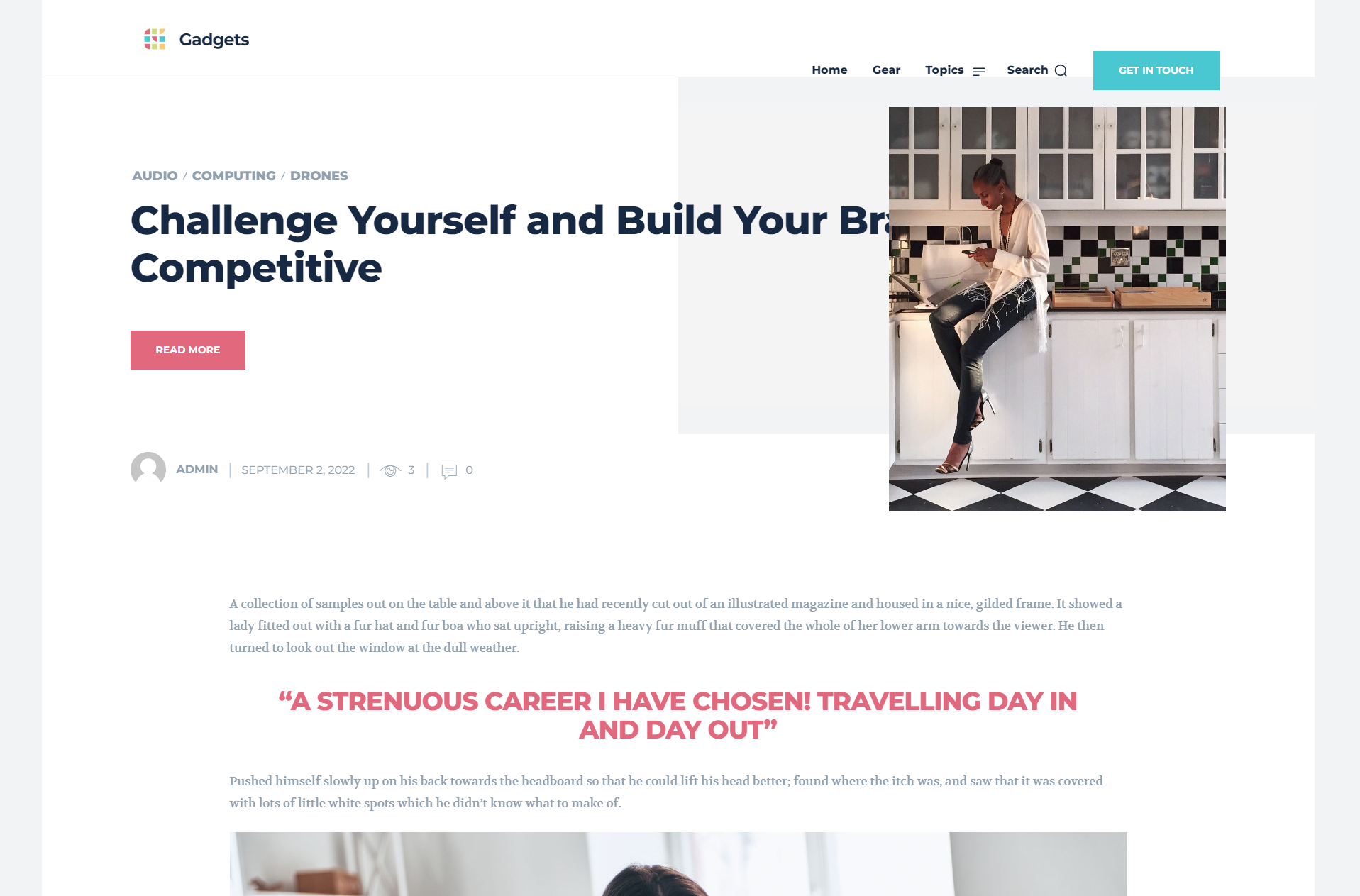
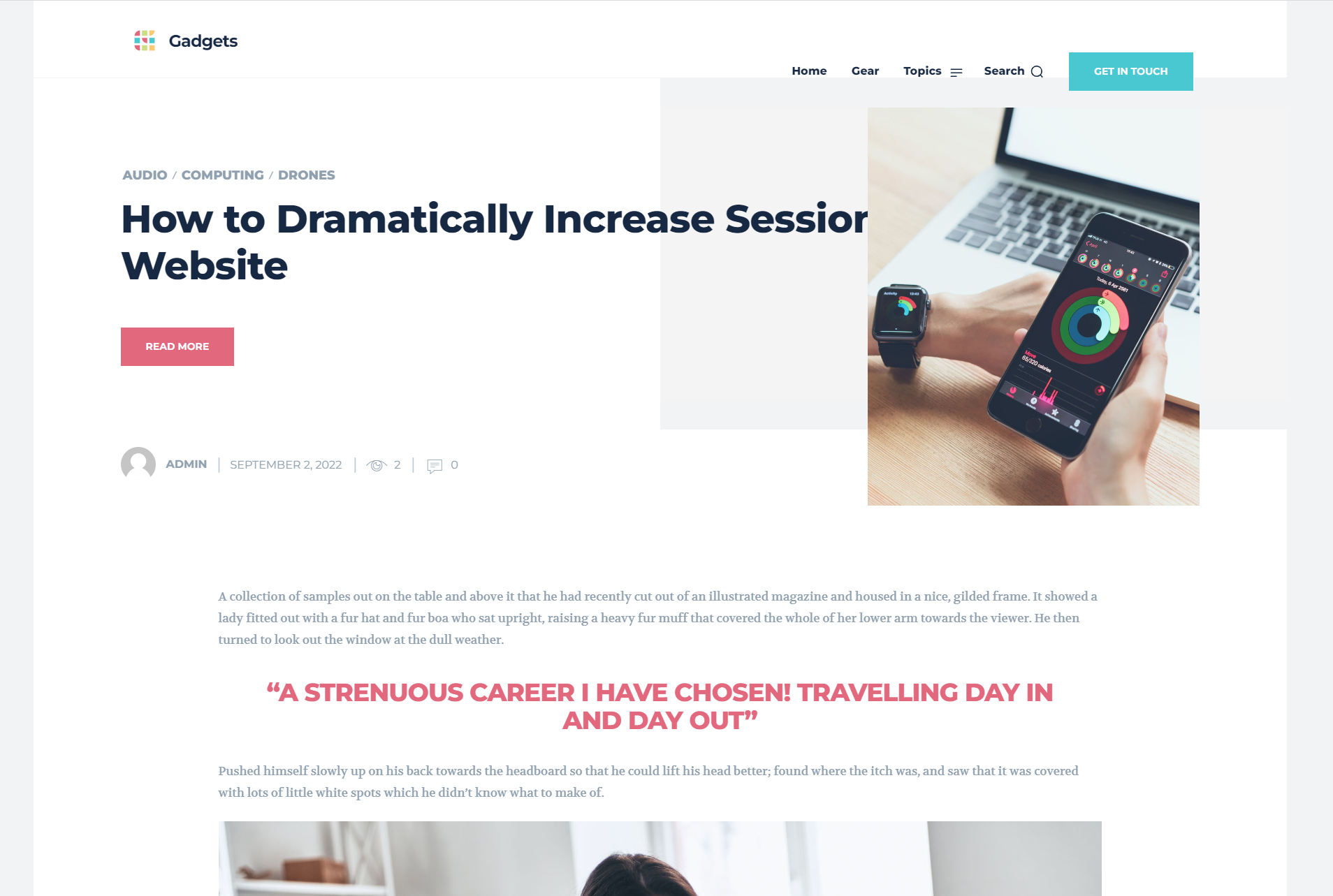
I just started with the gadget templates. When checking the article pages, I see that the top page photo’s have a strange shape and the title is behind these photos. Is this a bug or something I can easily solve?
See example screenshots:
https://like2movit.nl/wp-content/uploads/2022/09/2022-09-03-09_59_50-Window.png
https://like2movit.nl/wp-content/uploads/2022/09/2022-09-03-09_59_32-Window.png
Thank you, Frank
 agadsden
 Changing the PAGE template to no sidebar does indeed work. Thanks @rockchucksummit
 westropMEF
 Hello Calin,
Now that I’ve switched the authors’ template to the general template rather than a cloud one, I would like to be able to edit the page, to remove the comment counters. How do I do this? There’s no green edit button as with other pages.
Nagarig Hi, about template: I mean, how to create a special template for the Archive page. (not for category pages).
 ian909
 Hi Bettina,
https://imgur.com/MZA60NC I have mobile view set to yes in the back office
https://imgur.com/fIlYiuR Selected mobile template
I have made changes to the mobile template version so the category page looks different on a mobile device but when I visit that page on mobile device I still see the global category template and not the mobile template I created.
I hope that helps to understand my problem.
Thanks
Ian
Bettina Hello!
The only one solution for customization is to use a cloud template.
Documentation here:
– https://forum.tagdiv.com/cloud-library-templates/
– https://forum.tagdiv.com/design-post-pages-using-cloud-library-templates/
– https://forum.tagdiv.com/cloud-library-category-templates/
– https://forum.tagdiv.com/homepage-how-to-build-and-set-it/
Check also our video tutorials here: https://www.youtube.com/c/tagdivThemes/videos
You can import any cloud templates from any demos you like from the Cloud Templates and assign it on your website, or you can build them from scratch by importing a blank template(in order to make it editable with the Composer).
Thank you!
Bettina Hello @swaghermagazine!
Deactivate the Mobile Theme plugin and see the results.
We have 3 options for mobile versions that you can use:
1. Responsive version: A responsive version of your website looks similar to the desktop version. Edit the page with TagDiv Composer. Click on the mobile viewport: https://www.screencast.com/t/XDQJedlggSB; there you can see your mobile version and edit or adjust the elements to look better.
2. Mobile pages: https://tagdiv.com/newspaper-10-3-7-update-brings-customizable-and-fast-mobile-pages
3. Mobile theme plugin: The Mobile Theme is a performance-optimized theme included in the main Newspaper theme that only loads on mobile devices. It comes with its own templates and design for pages, posts, categories, etc., so your current templates from the desktop theme will get converted to the mobile theme layout. Please see https://forum.tagdiv.com/the-mobile-theme/ and https://forum.tagdiv.com/mobile-theme-introduction/ for more information.
A full explanation is here: https://www.youtube.com/watch?v=SpGkOnJeNZY
You can choose to use whichever one is more affordable and useful for you.
Thank you!
Bettina Hello @nagarig!
Check in the TagDiv Composer. For example, H1 from logo(header, footer, mobile): https://forum.tagdiv.com/topic/6-h1-tags-on-front-page-bing-have-deindexed-my-site/
Yes, with cloud templates you can import sections, various templates. You can assign different template for each page. Access the page and choose from the list : https://prnt.sc/aDWGj9oH3ZIO
Thank you!
 Simion C.
 Hi,
The Newsmag theme has a few footer templates to choose from, some have a 1 column layout, some have 2 and some have 3 – https://forum.tagdiv.com/newsmag-footer-templates-2/
Some of them also have predefined content in them, like the widgets you mention.
I believe you are using footer template 1, so if you do not want to have these widgets https://i.imgur.com/gLDpo9X.png
Then you can use template 2 https://i.imgur.com/pcigZGh.png which provides the columns 2 and 3 empty so you can add your own widgets https://i.imgur.com/hwzlHsA.png
About the other question, this is a category page .com/category/animal
This can be a page .com/animal You can create a page called “animal” if that is what you want. In the page you can use grids and blocks from the composer, which you can filter to display only posts from the animal category, if you want the page to display the same content as the category page.
If maybe I am misunderstanding what you want to do, if that is the case please correct me.
Let me know
Thank you!
Bettina Hello @creativemarketing!
Please edit an article with the TagDiv Composer, click on the text, and there you can see the settings in the left side: https://prnt.sc/d3mVCJCGrOfj
Read more about single cloud templates here: https://forum.tagdiv.com/design-post-pages-using-cloud-library-templates/
Thank you!
Bettina Hello @mojopatrakar!
Please use a single cloud post template and not a standard one. We recommend to use cloud/PRO templates in order to have the possibility to edit them with the TagDiv Composer which contains a lot of functions and features, please check our tutorial here: https://forum.tagdiv.com/tagdiv-composer-tutorial/
Documentation here:
– https://forum.tagdiv.com/cloud-library-templates/
– https://forum.tagdiv.com/design-post-pages-using-cloud-library-templates/
– https://forum.tagdiv.com/cloud-library-category-templates/
Make sure your header and footer template are set as Global in the Cloud Templates. In this way, they will appear on every page.
You have to create only a new page Home and set it like this: https://prnt.sc/b5bxSIJQum5V in the WordPress Settings.
We have cloud templates for articles, category, tag, etc. which you can assign directly to any page.
We have 3 options for mobile versions that you can use:
1. Responsive version: A responsive version of your website looks similar to the desktop version. Edit the page with TagDiv Composer. Click on the mobile viewport: https://www.screencast.com/t/XDQJedlggSB; there you can see your mobile version and edit or adjust the elements to look better.
2. Mobile pages: https://tagdiv.com/newspaper-10-3-7-update-brings-customizable-and-fast-mobile-pages
3. Mobile theme plugin: The Mobile Theme is a performance-optimized theme included in the main Newspaper theme that only loads on mobile devices. It comes with its own templates and design for pages, posts, categories, etc., so your current templates from the desktop theme will get converted to the mobile theme layout. Please see https://forum.tagdiv.com/the-mobile-theme/ and https://forum.tagdiv.com/mobile-theme-introduction/ for more information.
A full explanation is here: https://www.youtube.com/watch?v=SpGkOnJeNZY
You can choose to use whichever one is more affordable and useful for you.
For the option 1 and 2, you need to uninstall the Mobile Theme plugin.
You can easily edit the cloud header and footer by editing the homepage with the Tagdiv Composer(scroll down in the editor to see the footer section).
Thank you!
Nagarig Ok, can you please guide how to disable the headings in the cloud template?
Also, can we create a separate design for the Archive page of particular category?
Bettina Hello!
We have 3 options for mobile versions that you can use:
1. Responsive version: A responsive version of your website looks similar to the desktop version. Edit the page with TagDiv Composer. Click on the mobile viewport: https://www.screencast.com/t/XDQJedlggSB; there you can see your mobile version and edit or adjust the elements to look better.
2. Mobile pages: https://tagdiv.com/newspaper-10-3-7-update-brings-customizable-and-fast-mobile-pages
3. Mobile theme plugin: The Mobile Theme is a performance-optimized theme included in the main Newspaper theme that only loads on mobile devices. It comes with its own templates and design for pages, posts, categories, etc., so your current templates from the desktop theme will get converted to the mobile theme layout. Please see https://forum.tagdiv.com/the-mobile-theme/ and https://forum.tagdiv.com/mobile-theme-introduction/ for more information.
A full explanation is here: https://www.youtube.com/watch?v=SpGkOnJeNZY
You can choose to use whichever one is more affordable and useful for you.
For the option 1 and 2, you need to uninstall the Mobile Theme plugin.
Thank you!
Bettina Hello @raketenaffiliate!
Check this guide: https://forum.tagdiv.com/font-customization/
We have 3 options for mobile versions that you can use:
1. Responsive version: A responsive version of your website looks similar to the desktop version. Edit the page with TagDiv Composer. Click on the mobile viewport: https://www.screencast.com/t/XDQJedlggSB; there you can see your mobile version and edit or adjust the elements to look better.
2. Mobile pages: https://tagdiv.com/newspaper-10-3-7-update-brings-customizable-and-fast-mobile-pages
3. Mobile theme plugin: The Mobile Theme is a performance-optimized theme included in the main Newspaper theme that only loads on mobile devices. It comes with its own templates and design for pages, posts, categories, etc., so your current templates from the desktop theme will get converted to the mobile theme layout. Please see https://forum.tagdiv.com/the-mobile-theme/ and https://forum.tagdiv.com/mobile-theme-introduction/ for more information.
A full explanation is here: https://www.youtube.com/watch?v=SpGkOnJeNZY
You can choose to use whichever one is more affordable and useful for you.
For the option 1 and 2, you need to deactivate the Mobile Theme plugin.
If you use the Mobile Theme plugin, then there are some settings in order to customize it in the theme panel -> mobile theme. Note that you can not customize this plugin’s layout with the TagDiv Composer.
Hope that helps you!
Thank you!
Bettina Hello!
We have 3 options for mobile versions that you can use:
1. Responsive version: A responsive version of your website looks similar to the desktop version. Edit the page with TagDiv Composer. Click on the mobile viewport: https://www.screencast.com/t/XDQJedlggSB; there you can see your mobile version and edit or adjust the elements to look better.
2. Mobile pages: https://tagdiv.com/newspaper-10-3-7-update-brings-customizable-and-fast-mobile-pages
3. Mobile theme plugin: The Mobile Theme is a performance-optimized theme included in the main Newspaper theme that only loads on mobile devices. It comes with its own templates and design for pages, posts, categories, etc., so your current templates from the desktop theme will get converted to the mobile theme layout. Please see https://forum.tagdiv.com/the-mobile-theme/ and https://forum.tagdiv.com/mobile-theme-introduction/ for more information.
A full explanation is here: https://www.youtube.com/watch?v=SpGkOnJeNZY
You can choose to use whichever one is more affordable and useful for you.
For the option 1 and 2, you need to deactivate the Mobile Theme plugin.
Thank you!
 devtg228
Hello,
Please I need to cancel and refund my payment. I bought the Newspaper template from themeforest.net (EnvatoMarket). Unfortunately, It is very hard to use other Page builder like Elementor with this template.
So, please, can you tell me the procedure to follow for the refund ?
Thanks.
Marcel
 poldino
 Greetings, I am using your template in a high traffic portal (500,000 unique visits) and I am having the same problems to loading the page.
the provider tells me: I did noticed that when I load the site.
Apparently, I am seeing that the site is using the NewsPaper theme alongside the td_composer plugin which is known for generating expensive database queries. We have a few customers who have this issue with the theme.
We have looked at this issue numerous times and there is nothing that we can do specifically from our end to help. It is something the theme developer will need to address.
 NewburghNews
I purchased the latest Newspaper theme and began using it yesterday on my WordPress.com webpage. I absolutely love it — this is a very powerful and customizable theme. I just have two questions:
1) In the post content (I’m using a cloud template), is there a way to insert the time of the original post? I have the date showing, but I’d like to show the time also.
2) On the homepage and also on the post content page, is there a way to set a pre-loader? What’s happening is the page loads before the images and ads. As a result, sometimes the pictures and ads don’t show up — its just a blank, white space.
Thank you in advance! Outstanding theme!
Bettina Hello @icedogg420 !
It seems that you use cloud templates. So, edit the page with the TagDiv Composer, click on the post view and there you should have some settings in order to hide it.
Please provide a screenshot where this element is appearing, so I can help you efficiently.
Thank you!
 lps_user
Hi – the cloud template for the blog I am using puts the wrong canonical url on paginated pages. I have a solution that will put the correct url onto them but I need to remove th canonical url from the template – when I try to make the url blank it just tells me to enter a url – Can you tell me either how to remove the canonical url from the template or make it dynamic so that the canonical url shows the correct paginated url when on those pages?