- NewsmagHow to update a plugin
- NewspaperHow to update a plugin
- NewsmagHow to update the theme
- NewsmagHow to update the WPBakery plugin
- NewspaperHow to update the WPBakery Page Builder plugin
- NewspaperHow to Update the Newspaper Theme
- Apitd_api_top_bar_template::update_key
- Apitd_api_top_bar_template::update
- Apitd_api_single_template::update_key
- Apitd_api_single_template::update
- Apitd_api_footer_template::update_key
- Apitd_api_footer_template::update
- Apitd_api_smart_list::update_key
- Apitd_api_smart_list::update
- Apitd_api_thumb::update_key
- Apitd_api_thumb::update
- Apitd_api_category_top_posts_style::update_key
- Apitd_api_category_top_posts_style::update
- Apitd_api_category_template::update_key
- Apitd_api_category_template::update
 rrtoday
Editing in TagDiv Composer, changes to the Custom Title in Flex Block no longer save or update in real time.
Anyone else encounter this issue?
Tests fine prior to latest update.
Fails after 11.4 upgrade
rrtoday In WP, go to Newspaper » Updates.
From there you can downgrade to previous versions.
 tnec_in
The composer plugin and some other plugins are not working., not even getting updated or activated after I have update theme to version 11.4 today.
Either give me a option to downgrade to previous version, or give us a new stable update
 prismss
Hi,
The video playlist (YouTube) is not working check the following link.
https://thenewstown.com/world/
On this site this is old many be we have updated 2 years old. It is working. But when I am updating now it is not working.
https://thenewstown.com/business/
We asked out hosting company to disable the firewall and we have updated videos this still not working.
Thanks
Prismss
 jcvanryzin
Hello,
When editing/creating a page, I cannot delete elements after I’ve added them. I’ve tried using the drag-and-drop to the lower right corner method. I’ve tried using the trash can icon method.
However the deleting process seems to freeze with the box “Are you sure you want to delete this element?” And if I hit the YES button a second time, a second set of button appears.
This happens with a cloud template page and also with a blank page I’m designing from scratch.
All plugins are updated as is the Newspaper theme and WordPress. I am on a MacBook Air (no mouse) so highlighting the element and using the right-click method doesn’t work either.
Thank you,
Jeanne
 Daniljev
 Yes. I tried to do it through the tagDiv Composer, but this particular block is not visible through the mobile editor for some reason. But at the same time it is visible on the website in the mobile version.
What could be the reason?
Also wanted to clarify: If I made changes to the CSS theme and blocks through the tagDiv Composer, will the changes be lost if I click install new updates for this theme?
 knthdgd
Hi.
Is there any way to enable auto updates for the theme and also your tagDiv plugins?
 PoliticaMagazine
my facebook counter does not update automatically. The update of the social counter is not foreseen for youtube and twitter
 Calin
Calin Hi fatih-2, our developers are doing their best to improve the plugin, so we collect all requests, problems and suggestions, those were also added on the list to be checked. After that will be a plugin update.
Thank you for your understanding!
 jeffangama
 Solved by installing the standard pack according to this post : https://forum.tagdiv.com/topic/action-required-please-read-how-to-update-to-the-newspaper-theme-v-10/
Maybe a communication email to your customer would have been more effective 😀
 sasel57
Hello, i am just reading on the recent update and i must say i amazed. it make redundant so many other plugins !!!! Before i update to the new version i would like to know one behavior: What happens when a user has more than one membership? Let’s say i limit the membership A to posts of category A. Membership B to posts of category B,Membership C to posts of category C and so on…
When a user has A & B memberships is he able to see posts from both categories?
If i put all posts of all categories in one page (via post loop or flex box) will posts of category C be hiddden so he sees only A and B?
How does it work?
Thanks
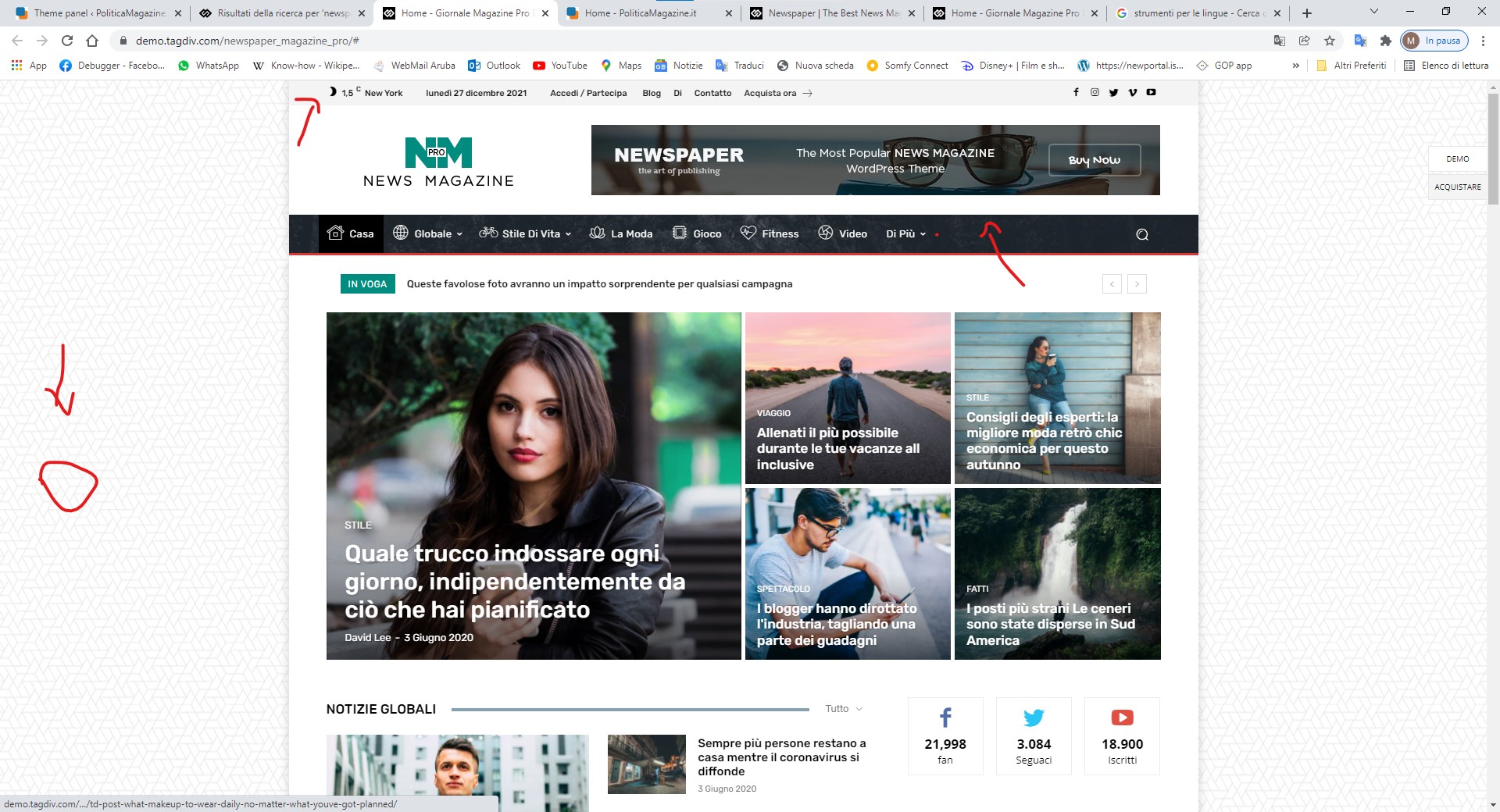
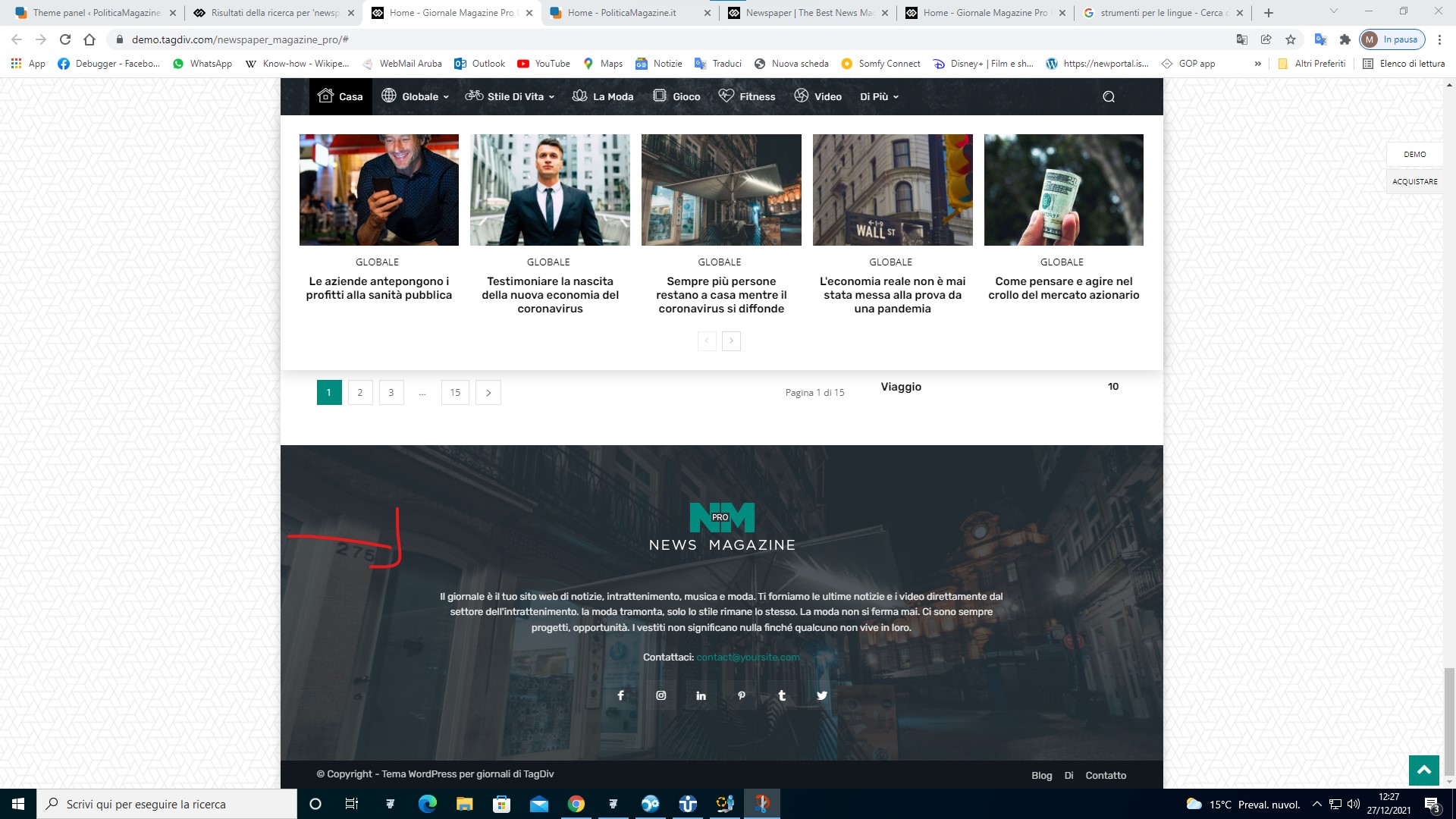
PoliticaMagazineHI I AM UPDATING THE SITE FROM DEFAULT NEWSPAPER PRO TO MAGAZINE PRO YOU CAN INDICATE ME HOW TO SET THE HEAD AND FOOTER OF THE NEW THEME
https://www.politicamagazine.it/wp-content/uploads/2021/12/1.jpg
https://www.politicamagazine.it/wp-content/uploads/2021/12/2.jpg
 marcorroma
 Hi, I have installed the latest update of your theme (11.4) but the cropping problem has not been solved.
It is currently impossible to crop an image and make it visible in a post.
I await support, thanks.
jeffangamaHello,
I was in version 1.9 or 1.8 for newspaper tagdiv theme. I’ve updated all the theme through the wordpress admin. The i’ve installed the Composer plugin as suggested. The home page news are not showing anymore
My site : http://www.collabmania.com
Thank you for your help, the website is in production,
 fatih-2
 No luck. Consol shows nothing. However this latest update really caused JS and CSS conflicts all over the cloud templates
Now only instructions section doesnt save. This plugin really need to be updated.
apart from tagdiv plugins, we have
Yoast
WPML
Contact form
Amp
aksimet
Hide login.
Calin Hi,
Unfortunately, for the moment there is no option for changing the currency, but it will be add in the coming update.
Thank you for your understanding!
 Bettina
 Hello @clecio!
I’m fine, thanks. Yes, please. You can provide more details about what you observe is not working great with our new feature and we will make all the adjustments. We are working a lot to improve the theme in every update and add new features regarding to your queries.
Thank you for your kind words!
Bettina Hello @clecio!
We will investigate this issue and we provide a solution in the next updates.
Thank you for understanding!
Calin Hi TheWedMag, yes, you can hide elements for responsive version using the tagDiv Composer , edit the page and select the mobile version -> https://i.imgur.com/LCsxIoy.png then from css tab you can hide the element per view port -> https://i.imgur.com/wkDlD8p.png or better you can use a mobile page and on it you can let only the elements you want to display (hiding an element will be still loading, but will be not displaying, so using a mobile page you can delete that element and will no longer be load for mobile version).
I hope this will help you!
Bettina Hello!
It should work well, please make sure you have the latest update of the theme and plugins too. Make sure that this issue is not from a cache problem. We require access for more investigations and make sure that there are no any changes. Any changes that we will make on your website can be done only with your permission.
@JKLFab Please reply in the email, we will take a look again and help you.
Thank you!
 Demir
DemirHi,
All pages, sub-pages and articles on our site work with templates that we download from “Cloud Templates” which maked changes according to our wishes. Header and Footer work the same way. The “Header 2 Overlay” title we use on the homepage is also used for other article templates.
It was working fine until I updated it to 11.4 which is the latest version of Newspaper theme. After the update the Mega menu structure was broken as seen here. Although the same menu is defined for this template, there is no corruption here.
When I open the homepage with tagDiv composer, there is no corruption in the menu, as can be seen here.
When I open the homepage in a browser where we are logged in with the admin user, there is still no corruption as seen here.
I tried many ways. First, I opened the homepage with tagDiv composer and saved it again. I did the same for Header. I cleared all cache on server and browsers; the problem is not solved.
What do you recommend?
Our Web address: Arthenos.com
Thanks in advance for your interest and help.
Best regards!
 dimitrisv
 Sadly after the update to 11.4 disabling Rocket Loader does not do the trick.
I faced it in a new site, then I checked a site I had updated to 11.4 (with no other changes) where it used to work but it doesn’t.
I have disabled all caching in my provider (siteground) still doesnt work. I have excluded the bundling of all js and CSS and it still doesnt work.
 TomFakler
Hello,
After upgrading to 11.4 most text items are centered not left justified (exceptions are Post titles, Headers, photo captions and descriptions in grid blocks).
How do I get text Left Justified again??
http://www.anitasfeast.com/blog/2021/06/schist-village/
We are run on WordPress 5.8.2 using Gutenberg and Kadence Blocks, and have installed and activated AMP, tagDiv Cloud Library, tagDiv Composer, tagDiv Mobile Theme, tagDiv Social Counter and tagDiv Standard Pack.
Caching is done with SiteGround Optimizer and Cloudflare.
Kind regards,
Tom Fakler
 anubhavroy197
Can you please help me to turn this thing off? This disturbs a lot while working. Further, this thing wasn’t present before but it appeared few days back. I have the newspaper theme fully updated and don’t know where to turn this off.
Image Link: https://ibb.co/hBcLQgm
 goodmuyis
improvement: Added ‘Sorting Options’ for the last popular 24-48 hours posts;
So I test the last 24 hours and last 48 hours Sort Order, it is not working. only the last 7 days is working. At least on our website, it doesn’t work and we usually publish up to 100 posts a day.
Recall that I made a feature suggestion for Random posts from last 24 hours. The following version released has it, but the option is gone, maybe it was sacrificed for this new update
Please look into that.