Vlad S
 Hello !
Please contact us via email at contact@tagdiv.com and provide admin login, as well as cPanel or FTP if possible. We will take a look. Include a link to this topic in the email.
Thank you !
Vlad S Hello !
You can take a look in this topic since this “issue” has been figured out: https://forum.tagdiv.com/topic/mobile-theme-categories-are-the-same/ Or you can wait till our next update since this will be an option from then on!
I hope this helped you !
Thank you !
Vlad S Hello !
Unfortunately the increments cannot be customized to get 0.1 instead of 0.5 for example.
We are sorry for the inconvenience !
Thank you !
Vlad S Hello !
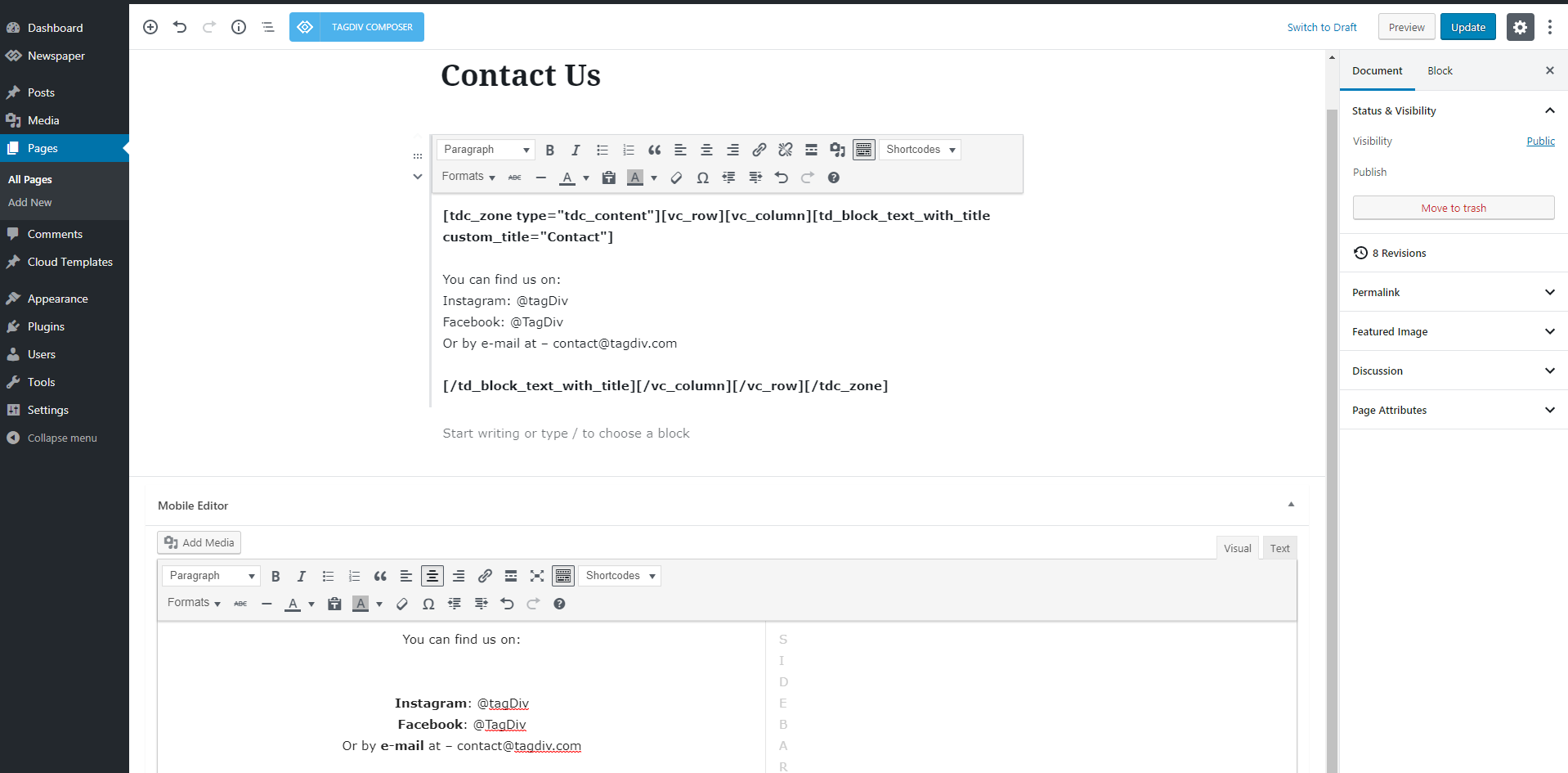
To make your custom pages visible into the Mobile Theme they need to be recreated inside the Mobile Editor tab. It supports custom HTML and photos too !
This Mobile Editor does not recognize a page builder so the tagDiv Composer shortcodes cannot be rendered: https://forum.tagdiv.com/wp-content/uploads/2016/01/mobile-theme.png
Find out more about it here: https://forum.tagdiv.com/the-mobile-theme/
Thank you !
Vlad S Hello !
The designs do not match because you are using the mobile theme. The Mobile theme was specially designed for optimization on mobile devices. Unfortunately on mobile theme you cannot do much changes of design. If you want to have the same design as on desktop mode you can achieve that by simply disabling the mobile theme. Cloud templates are included. They do no work while having mobile theme.
Hope this was helpful !
Thank you !
Vlad S Hello !
For the 3 blocks, you’ll need to have to set the post to be in the Featured category so Mobile theme will display the latest 3 articles from FEATURED Post category -> https://forum.tagdiv.com/featured-posts-2/ -> https://www.screencast.com/t/QsJ6ppY4
I hope this was helpfull !
Thank you !
Vlad S Hello !
Please provide a link to your website so we can inspect !
Thank you !
Vlad S Hello !
You will have to simply disable that option from Theme Panel – Post Settings – Sharing as you can see here: https://www.screencast.com/t/il5qecNyVZnQ And everything should be ok !
I hope this was helpfull !
Thank you !
Vlad S Hello !
Please contact us via email at contact@tagdiv.com and provide admin login, as well as cPanel or FTP if possible. We will take a look. Include a link to this topic in the email.
Thank you !
Vlad S Hello !
If you go into your post you should be able to see this option: https://www.screencast.com/t/3xDFtUxoug2 That will allow you to edit your template using the tagDiv Composer.
Let me know how this went !
Thank you !
Vlad S Hello !
It appears that your review is located in a single post template from the cloud library. You should be able to edit the review area using the tagDiv Composer in order to change the backgroud. Unforutnately the title cannot be moved.
Also i’m not sure what do you mean with the 5 point system. Please take a look at our documentation regarding the review options: https://forum.tagdiv.com/reviews-2/
I hope this was helpfull !
Thank you !
Vlad S Hello !
In order to sort the categories of a block you will have to simply click on the block you want to edit using the tagDiv Composer and go to the filter tab as you can see here: https://www.screencast.com/t/765iSrCiBg7
I hope this was helpfull !
Thank you !
Vlad S Hello !
In order to make the site full width you have to select every row of your page using the tagDiv Composer and then set the stretch mode you want like here : https://www.screencast.com/t/BkWwdHh6
In order to make the post page full width you will have to add a single post template and then edit it. Check more about how to have single post template here: https://tagdiv.com/customize-articles-with-single-post-templates/ And for the header you can do it here: https://www.screencast.com/t/xf56tQN0.
These are the ways you can increase your page width from theme options. Anything above this will require custom code.
Let me know if this helped you !
Thank you !
Vlad S Hello !
You will have to remove this block in order to get rid of that space or fill the space with a block. https://www.screencast.com/t/pNLsH6uUnfel
I hope this was helpfull !
Thank you !
Vlad S Hello !
Please add this custom css code in order to activate your dropdown menu arrows:
.td-mobile-content .td-icon-menu-right {

display: inline-block;

}
The code need to be set in Theme panel> Custom code> Custom css
Thank you!
Vlad S Hello !
In order to delete a row you will have to use the tagDiv Composer, click on the row button and drag it to detele option: https://www.screencast.com/t/6jdj765yz
Thank you !
Vlad S Hello !
Our support theme will reply to your e-mail as soon as possible. You will receive your answer there !
Thank you !
Vlad S Hello !
Please do not provide your credentials to public. I have edited your post.
Also I have managed to fix your issue and everything works fine now. In the General settings of your wordpress both URL must be the same as you can see here: https://www.screencast.com/t/ZSByQCVFvTD Otherwise the tagDiv Composer will creaete bugs.
I hope this was helpfull !
Thank you !
Vlad S Hello !
Please contact us via email at contact@tagdiv.com and provide admin login, as well as cPanel or FTP if possible. We will take a look. Include a link to this topic in the email. Also mention to us what do we have to do to recreate this issue since on our side we couldn’t manage to get that error.
Thank you !
Vlad S Hello !
Please be a bit more specific. Wich page cannot be edited ? Also please provide an url to your website so we can take a closer look .
Thank you !
Vlad S Hello !
This is up to you, the ideal would be a medium – normal size like (800×600) or something close so you could achieve page speed and also have quality on your page.
Thank you !
Vlad S Hello !
The best way would be by creating a header template from the Cloud Library and there you can edit your header as you wish and you can add the ad using a custom ad box. You can find out more about it here: https://tagdiv.com/overlay-header-newspaper-theme/ And for the adbox please take a look here: https://forum.tagdiv.com/custom-ad-spots/
I hope this was helpfull !
Thank you !
Vlad S Hello !
In order to remove the author box you will have to disable this 2 option locate in Theme Panel – Post Settings – Post and Custom Post Types as you can see here: https://www.screencast.com/t/GHvMfaSrr9
I hope this was helpfull !
Thank you !
Vlad S Hello !
In order to display your top bar you will have to add the code bellow here: https://www.screencast.com/t/yJLAWkTc5unx
@media (max-width: 767px){

.td-header-top-menu,

.td-header-top-menu-full,

.td-header-sp-top-menu {

display: block!important;

text-align: center;

}

.td-social-icon-wrap{

display:none;

}}
I hope this was helpfull !
Thank you !
Vlad S Hello !
1. To insert a new Row you will have to edit the existing Row Layout as you can see here: https://www.screencast.com/t/l7AtnRxj1puI
2. To get rid of the SHOP button you will have to go into Theme Panel – Multi Purpose and delete the content of the extra button as you can see here: https://www.screencast.com/t/FppWDZ2k
3. The Search option can be disabled from here: https://www.screencast.com/t/aMpTBsllv
I hope this was helpfull !
Thank you !