- NewsmagBlock settings tutorial
- NewsmagCategory tag on modules/blocks
- NewsmagtagDiv Composer Tutorial
- NewsmagWeather Widget
- NewsmagExchange widget
- NewsmagInstagram widget
- NewsmagHow to use the Visual Composer plugin
- NewsmagIntroduction
- NewsmagFooter templates
- NewsmagCustom ad spots
- NewsmagLoading image effects
- NewsmagSmart sidebar
- NewsmagFeatured images
- NewsmagGeneral settings
- Newsmag7 days post sorting
- NewsmagTheme thumbs
- NewsmagExcerpts introduction
- NewsmagTheme colors introduction
- NewsmagtagDiv slider gallery
- NewsmagVideo playlist
 Anamaria
 Hi,
The settings in the theme panel may be lost (there have been isolated cases), in these cases, after the theme plugins that were previously used are activated, you will have to use a backup for the theme panel -> https://forum.tagdiv.com/import-export-theme-settings/
Also, please provide more details about your issue with the blocks.
Thank you!
 danna
dannaHello,
after the update, the theme wasn’t activated anymore and all plugins were disabled. I reactivated the theme and installed all the plugins but ALL the theme settings (in the theme panel as well as all the settings from the blocks of the sites i built with tagdiv composer) are gone. How can i fix that?
All the best,
Daniel
Anamaria Hello,
1. You can use a custom code css to adjust them ->
@media only screen and (max-width: 600px) {

  .woocommerce-MyAccount-navigation ul {

    display: block;

  }

  .woocommerce-MyAccount-navigation ul li {

    display: block;

    margin-bottom: 10px;

  }

}
Set the code in Theme Panel ->Custom code -> Custom CSS
2. This is another page from tagdiv Opt-in Builder, which is for subscription, not shop. The woocommerce has this template for account details -> https://i.imgur.com/FxWa9m3.png
3.Copy-paste the URL in another tab of your browser.
4. We strive to provide support as quickly as possible from Monday to Friday 8:00 AM – 16:00 PM
Thank you!
Anamaria Hi @ephylone
I need more details about your issue with what filter you have on the blocks, with screenshots and the link to your website, to understand your issue.
Thank you!
 jayflyer
is there a way to adjust video size?
for the video you inserted inside a post using Gutenberg block?
 mnasir129
 Hi, Thanks for the reply. I was also surprised how theme update can change the htaccess file but unfortunately it happened at same moment i updated with site with the lates theme. There was long list of blocked IPs but I don’t have all of them.
 simchris
 I don’t work here; but theme updates generally don’t change your htaccess file. Can’t you simply paste back in your blocked items?
mnasir12912.6.5 upgrade override all my changes in .htaccess file. I had blocked many IPs but post upgrade all changes are gone. Can you please advise on this issue?
 itgrcapitallink
Is there any block or other feature where we can display the newest post from one category with the author info (image & name)
 chipbiney
 Dear TagDiv Support Team.
Thank you for your time and consideration.
1. Mobile Interface Issues:
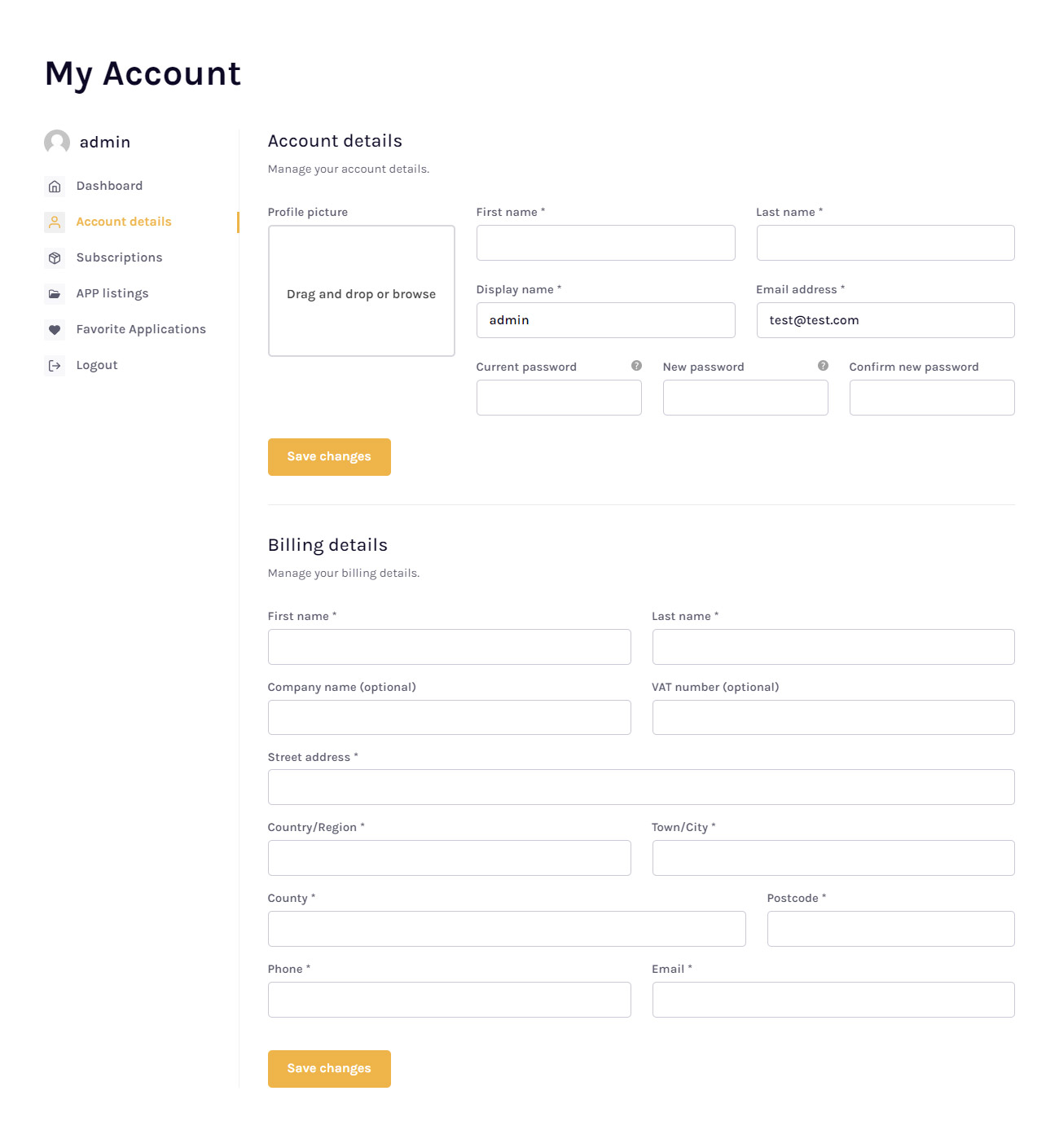
The theme does not display well on mobile devices, as shown in the attached screenshots (Image of mobile interface issues: https://i.imgur.com/ugXn1ts.png). The layout is not intuitive, and the buttons are too close together, especially on the password change page. The desktop interface also lacks visual appeal and balance, as shown in this screenshot (Image of desktop interface issues: https://i.imgur.com/zGcT4Id.png).
2. Feature Request:
I would like to request a feature that would allow me to use the same interface as the “Page Account” block (Image of Page Account block: https://cloud.tagdiv.com/wp-content/uploads/2023/08/ap-app-lg.jpg). This block has a very elegant design, and I would love to use it for my website. However, it does not include a “Orders” section, only a “Subscriptions” section. This is a significant limitation for my needs.
3. Attachment Issue:
I was unable to view the image attachment that you sent me in a previous response. Please could you kindly re-send the image or provide a link to where I can view it?
4. Request for Urgent Support:
I would be very grateful if you could provide me with assistance as soon as possible. These issues and limitations are significantly impacting my ability to use the theme effectively and are preventing me from launching my website.
Thank you in advance for your time and support. I look forward to your prompt response.
Sincerely
 varre
varre Hello,
I think that you have a plugin which minifies the css and JS, please try to disable those options and check after.
Thank you!
Hi this didn’t work for me. I disabled them all on Litespeed Cache.. Any suggestion?
-
This reply was modified 2 years by
varre.
Anamaria Hi,
There is a setting on the block; please check it -> https://i.imgur.com/f2KYjK1.png and also, depending on what post you are.
Thank you!
 scohen
Hello, I am using Urban Observer theme. There is a previous/next single post block at the bottom of the single post page but only the previous article shows up, the next article is blank. how do i fix that? thank you!
 stefano3001
Hi,
I have a problem with the very low LCP score of my new site http://www.tabexshop.store, but I have not managed in any way to reduce the “rendering delay” time despite caching, applying various file optimisation solutions and despite various tests on the code.
It’s about the loading of the title and subtitle, <div class=”td-block-subtitle”> as far as I can see on the pagespeed report and I was wondering if you had a targeted suggestion to decrease this value which should be around 10% of the absolute LCP value and instead in my case is close to 80%.
Thank you for any help you can give me in this regard, I look forward to it.
Sincerely
Stefano Introzzi

Anamaria Hi,
So the problem is the date that is displayed on the blocks?
Thank you!
 HolgerL
 I tried this with another page, added a FlexBlock 1 and then indeed the ordering does work BUT despite the Option “Show modified date” ist activated or not always the modified date is shown and never just the published date that I need.
Another strange thing: “Enable time ago” and “Time ago add. text” works even when “Show modified date” isn’t activated.
 star.dgtl
Hello! I’d like to add a bookmark feature to my blog, but I’ve run into a bit of an issue. Whenever there are blocks with hidden images, the bookmark button also gets hidden. Is there a way to fix this?
Anamaria Hello,
I checked the website, and it is underconstruction.
The social icons from the mobile menu come from the Theme Panel -> Social/Apis -> Social Networks -> https://i.imgur.com/kKYIECB.png. Remove/edit them as needed.
If you using the Flex Block or Big Grid Flex in the layout is the option “Show author”, and you can choose to hide => https://www.screencast.com/t/6UPXQbiTO2
You can customize the category template. For the category template, please use a posts loop; if you have set a posts loop, it will display all posts in this category. Alternatively, you can use Flex Block/Big Grid Flex and set the filter to “Category -Current category” => https://i.imgur.com/7P99qx0.png. This is why the block will display posts for each category.
Thank you!
Anamaria Hi,
To configure your thumbnails, navigate to Newspaper -> Theme panel -> Block settings -> Thumbs on modules/blocks. If you disable a dimension there, any subsequent image uploads will not be resized to that dimension.
Once you’ve adjusted the thumbnail sizes, remember to regenerate your thumbnails using a plugin. For guidance, refer to: https://forum.tagdiv.com/using-the-theme-with-existing-content/
Please note: If the specific thumbnail for that block isn’t enabled, the image won’t be displayed.
Thank you!
Anamaria Hello,
You can customize the category template. For the category template, please use posts loop; if you have set a posts loop then will display all posts in this category or you can use Flex Block/Big Grid Flex and set the filter to “Category -Current category” => https://i.imgur.com/7P99qx0.png and this is why the block will display posts for each category. So, please check the settings.
Thank you!
 Chaonya
Website: Africa Bush Expeditions
Theme: Parenting
Images are uploaded to WordPress media gallery but cant insert into block elements including logo and icon.
Also website updates and changes are not reflecting on mobile site.
HolgerLHi,
my Flex Block on the homepage is alway sorting via “Modified Date”, even when “-Latest-” ist chosen.
What can be the problem?


Kind Regards
Holger
 newspatron
Hello on one of the pages, here is the url
https://newspatron.com/contact-us/
Block settings are required to be changed.
Can you please point out where this setting could be found?
Also please throw some light on “about the footer delayed option”, currently i have the delayed footer delay to on. Which one leads to faster loading of site. Please let me know.
Thanks
Regards
Ameet
 FBM
FBMHi there,
we can’t find a way to make the excerpt clickable. Is there a possibility, that you could add that feature?
We analyzed our sites and realized that many people expect a click on the excerpt in the flex block 1.
Thank you!
 Bettina
 Hello Amit!
You can create a new page, edit it with the TagDiv Composer(the button from Gutenberg) and use some flex blocks with different category filter: https://forum.tagdiv.com/flex-block-settings-guide/
An archive page is a great way to structure all of your content in an archive such as monthly, yearly or even a particular date range. It can be find in the Cloud Templates -> Date Templates.
Thank you!