
- NewspaperFlex Block Builder and Flex Loop Builder
- NewspaperHow to use the Flex Blocks cache option
- NewspaperHow to edit modules for Flex Block X
- NewspaperHow to insert a block inside the content of a post
- NewspaperFlex Block Settings Guide
- NewspaperMeta Info on Modules and Blocks
- NewspaperTheme modules and blocks
- TutorialsDefault Block Settings Guide
- NewsmagBlock settings tutorial
- NewsmagCategory tag on modules/blocks
- NewspaperThumbnails – Fix strange looking images on blocks
- NewspaperBlock settings tutorial
- NewspaperCategory Tag on Modules/blocks
- ApiPractical example – How to add a new Block and Module
- Apitd_api_block::delete
- Apitd_api_block::update_key
- Apitd_api_block::update
- Apitd_api_block::add
- ApiAPI – Blocks – Introduction
- NewspaperWP Rocket and Newspaper Theme: Optimization Guide
 Otacool
 As i wrote in the first post I already tried editing your template without results.
The same template is used for both the “featured image post” and the “featured video post”, in the first case the image has bottom margin “X”, in the second case the video has (visually at least) bottom margin “Y”. Same template, different values.
I want the second margin to also be “X”, can you fix this please?
In your template editor it’s shown as this: https://prnt.sc/rh1r0g but then the result is this: https://prnt.sc/rh1rdc
The only custom code I have in the whole website shouldn’t conflict with this pagination I think, btw here it is:
.td-block-title-wrap {

margin-bottom: -19px;

}

.td-theme-wrap .tdi_146_f8d .block-title {

margin-bottom: -19px;

}
-
This reply was modified 6 years by
Otacool.
 Calin
Calin Hi,
Please notice that you are using an very old version of the theme, we recommend to make a full backup to your website and database also we recommend to make first time the update on a staging website were to set your current version and make the update.
Also the Newspaper Default Pro use only cloud template sand flex blocks, if you have set a demo in this moment and you do not overwrite the pages, post from this demo then should not be a problem.
How to Update the Newspaper Theme for WordPress -> https://tagdiv.com/update-newspaper-theme/
Thank you for your understanding!
Calin Hi,
For this you need to set the excerpt and title length on your locks and flex blocks from your homepage using tagDiv Composer like this -> https://i.imgur.com/l716eOr.png also the excerpt can be set on words or letters -> https://i.imgur.com/u9pwdUB.png -> https://forum.tagdiv.com/excerpts-introduction/
Hope this will help you!
Thank you!
Calin Hi,
Please make sure that all the settings are like in our requirements, please follow the guide carefully
– https://forum.tagdiv.com/requirements-for-newspaper/
and please increase all requirements that are lower, and follow all steps.
Usually this issue is related to a firewall or security module which blocks admin-ajax.php request. Please verify the console for error while saving the settings on the Theme Panel, usually it displays a 403 or 404 error, if you have these errors, you will have to contact your host and let them know that your admin-ajax.php is blocked either by firewall or the security settings.
If you don’t use a security plugin, please ask your host about this, maybe you have a security module which blocks this.
If you use a plugin like Wordfence please set it in learning mode.
Let me know the results!
Thank you!
Calin Hi,
This depend on what elements you have set on homepage, if you have blocks, then you need to use the settings from theme panel -> https://i.imgur.com/HjMvqdr.png if you using flex blocks, then you need to edit the homepage using tagDiv Composer, click on the flex block and check the layout tab -> https://i.imgur.com/aPDAswd.png -> https://i.imgur.com/i6NsHQh.jpg
Hope this will help you!
Thank you!
 natagrit
 Hi
2.
So if I have version 10.3 (not 10.3.1) – it means that the VC version should be 5.0.1?
4. Sorry, can’t really accept as an answer.
My complaint was that the block was created with VC and is not recognized for some reason by TagDiv Composer.
Your reply was: “As long the theme updates were made correctly then there should be no problems for pages”
Updates went ok. And we have this issue. How can we solve it?
5.
As much as I enjoy Newspaper theme (rated it 5 stars), this is something that was implemented years ago in VC and it is something that every developer expects from the visual composer. Please add it to the whishlist, or at least count my vote for it 🙂
Cheers.
Elijah.
 globe_slcc
We currently have three ads: 1 header ad, 1 sidebar ad (for a rectangle) and 1 custom ad (for another rectangle).
We placed the head code from Google AdSense to the Header Script Code part of the Analytics/JS Codes section in the Theme Panel.
Then, we placed the body code from Google AdSense into the appropriate Header, Sidebar and Custom ad sections in the Theme Panel.
We also confirmed where each adspot is selected on the home page In TD Composer.
On the home page, we can see the source code for each ad, header and body, in the proper places, but the ads are not appearing in any browser, with adblockers disabled and the site whitelisted.
Any ideas as to what the issue may be?
Thank you.
 slivertorp
Hi guys,
Since I updated my website to version 10.3.1 , I can’t load a footer block from the tagDiv Cloud Library anymore. The search bar doesn’t return any footer blocks. The rest works ok.
It was working fine before : 10.3.1
Is there any known issue?
Thanks in advance for any help.
 spurt
spurtIt is impossible to know what widgets blocks contain. Why don’t you have a description of tag div widgets blocks? I can’t find the latest articles blocks. You should improve this! Can I get an overview of what the different blocks contain?
 merquart
Hey,
I’m trying to automatically insert tag_slugs for the flex_block_1, but I’m not sure how to do that.
I’ve got a bunch of like “profile pages” and would like to show a “more about this person” tab, which displays all posts that use the name of that person as a tag_slug.
I tried to do that with a small wordpress plugin, that simply returns the [td_flex_block_1] code with the name of that person. (see Image 1 and the code)
Image 1:

$ausgabe .= "[td_flex_block_1 modules_on_row='eyJhbGwiOiIzMy4zMzMzMzMzMyUiLCJwaG9uZSI6IjEwMCUifQ==' limit='6' hide_audio='yes' modules_gap='1.4%' image_height='65' hide_image='' image_width='' image_floated='' meta_padding='' image_radius='' meta_info_horiz='' modules_category='above' modules_category_margin='' show_cat='' show_author='' show_date='' show_review='none' show_com='none' show_excerpt='' show_btn='none' tag_slug='" . $artistname . "' sort='random_posts' td_ajax_preloading='preload' ajax_pagination='next_prev' meta_info_align='' custom_title='Mehr zum Thema " . $artistname . "' custom_url='https://thisismywebsite.de/tag/" . $artistname . "/' block_template_id='' accent_text_color='#48aba2' header_text_color='#ffffff']";
But on the page the code gets printed out 1:1 (see Image 2)
Image 2:
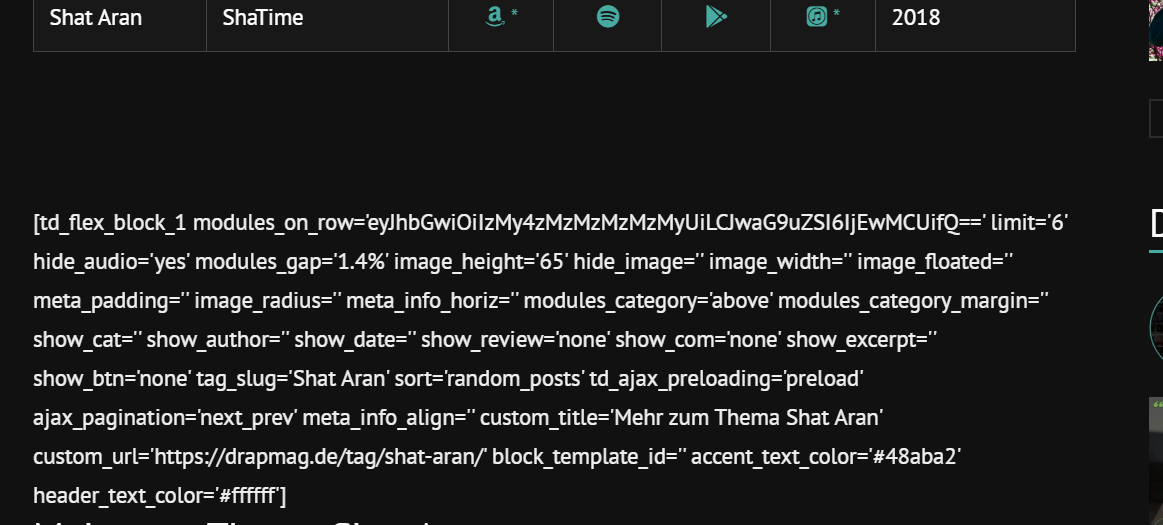
If I copy & paste this code like it is into the post it works (see image 3 & 4)
Image 3:
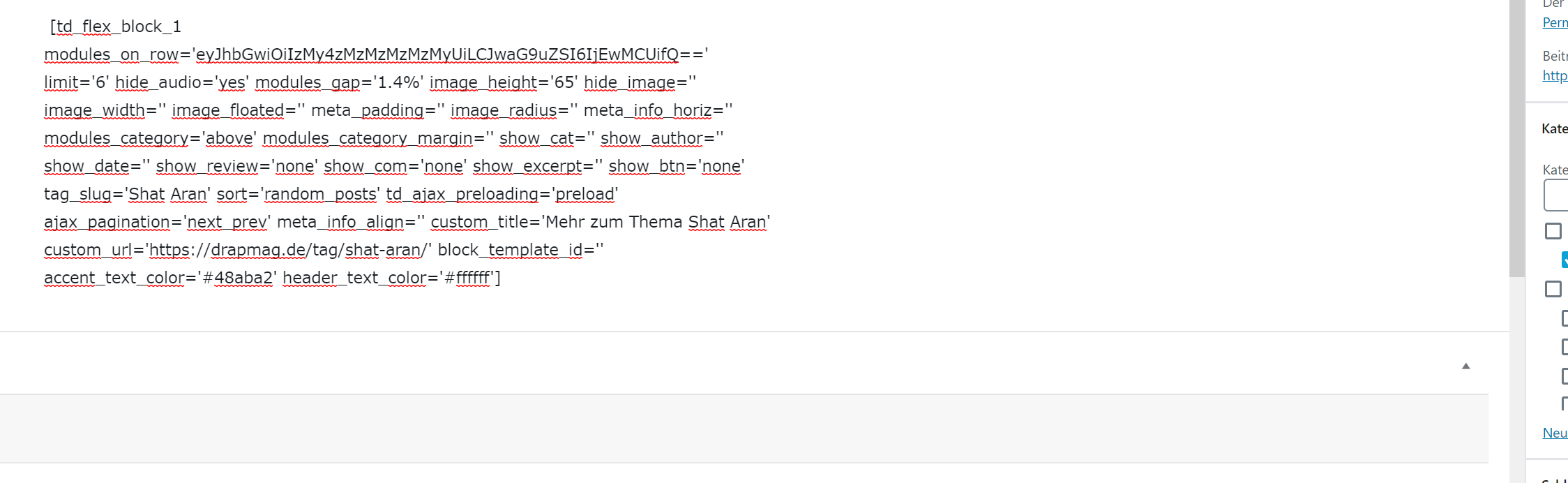
Image 4:
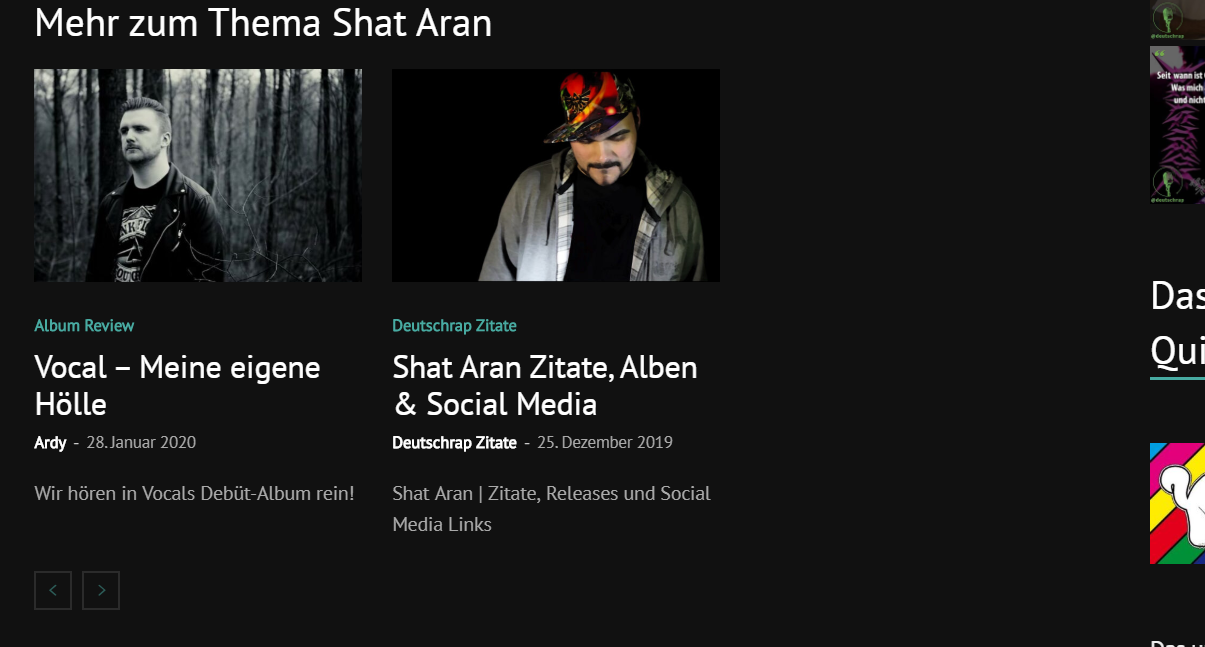
Is there anything I can do to make this work with using wordpress_shortcodes? Why does it get printed out plain when I’m using the method I tried? Or maybe there’s another workaround to use flex_block without manually changing the tag_slug on every page?
Big thanks in advance for your help.
Best regards
 santie
Hi, I’m new to the Newspaper theme. I needed a quick website, so I installed the Lifestyle Magazine demo.
Now I just can’t find a way to change the names of the block titles like “Must read” “Parties” “Explore spectacular Landscapes” etc.
– Where can I change those?
– Plus, I would like to change the arrangement of the blocks, and I don’t find anything in the backend….?
– Plus…. I can’t find the place where I could change the Instagram Block in the sidebar.
I’m just lost in this Block thing at the moment.
Sandra
 jonsisk
 Ah figured out how to do it with a “flex block” tons of options there. This is AMAZING thanks 🙂
jonsiskUsing this fancy new TD Composer instead of VC and can’t get the layout I want.
TD Block 4 would be perfect but thumbnail is short
TD Block 5 would be perfect but has no excerpt
TD Block 6 would be perfect if the title was below the image
Is there any easy way to tweak one of those blocks to be how I want?
SQUARE IMAGE
TITLE
EXCERPT
Basically 3 columns of “Module 4”
 tanteidee
 Calin, please, so we can close the topic, can you give me an explanation of:
tdc_history=?
tdc_content=?
_wpb_vc_js_status=?
_encloseme=?
tdc_dirty_content=?
in the _postmeta table?
Last thing, despite I have deactivated postview, I continue to see post_views_count records, how do I block this permanently?
Please let me know, thanks!
 MichaelDE
Hi guys,
I’m working with the Tech Pro layout and try to customize the look and feel for my needs.
What I like to try: set the box heights in the Flex Block 1 Container (e.g. on the homepage) to the same size. Is there a standard option for this? I couldn’t find one… maybe I’ve missed it. Otherwhise I could try it with custom CSS. But first I would like to use the options of the theme.
Thank you for your help.
Best regards
Michael
Calin Hi,
Unfortunately I can provide only the code for both buttons, -> https://i.imgur.com/SfM0BI3.png
.page-nav a {

width: 45%!important;

font-size: 16px;

margin: 0 2.5%;

padding: 18px 48px;

color: #fff;

background-color: orange;

}

.page-nav a, .page-nav .current{

display: none;

}

.page-nav a:first-child, .page-nav a:last-child {

display: block;

}

.page-nav a:first-child i:before {

content: "Prev";

}

.page-nav a:last-child i:before {

content: "Next";

}

.page-nav a:last-child i:before, .page-nav a:first-child i:before {

    font-family: sans-serif;

    font-size: 24px;

    text-transform: uppercase;

    font-weight: 600;

}
You can adjust it more after your needs.
Thank you!
 Prateek
 Oh really? Then show me how would you set radius on the individual module in flex block 4? Also flex block 4 only shows 2 articles in the larger module the rest are just displayed under them. Please read my query again and THINK what I meant.
What I want is display articles in a masonry grid and set radius and background to individual modules and filter them with categories. See this screenshot. I used post loop for this example but the problem is I can’t filter posts based on categories, it will fetch all the latest posts. I don’t know why you showed me the example of flex block 4 with border. When did I ask for the border?
 Vlad S
 Hello !
This option is available on the Flex Block 4 as you can see here: https://www.screencast.com/t/6mPVmfaKh
I hope this was helpful !
Thank you !
Vlad S Hello !
Unfortunately the headers found in the Theme Panel cannot be edited using the tagDiv Composer. We recommend removing the standard pack plugin and using only Cloud Library templates. Please note that all the cloud library templates are fully editable using the tagDiv Composer.
Also if you are disabling the Standard Pack plugin you may see shortcodes not being rendered, that means that you will need to replace those blocks in tagDiv Composer with the new blocks ( flex blocks ) which are way more customizable.
I hope this was helpful !
Thank you !
PrateekHi, I am unable to find any option to set a radius for individual modules in flex block 1. There’s an option for the radius in post loop but I can’t use that because it’s doesn’t have any filter for the categories.
That’s so strange not to give the feature for radius on flex block module which is meant to be the most flexible choice but post loop which is pretty much pre-defined.
Calin Hi,
If I understand correctly you do not want to display on your homepage and pages the featured image of posts, if is son then you can use a block that do not have featured image, or you can use a flex block and remove the featured image -> https://i.imgur.com/2NTAshn.png -> https://i.imgur.com/tpokUpC.png
Also there is another way, you can use a custom css, but this is not the most recommended solution.
Thank you!
 hvlsup
I want to add other plugins shortcode inside a tagDiv composer page builder used page
please guide me how can I add any shortcode to any page which is made with tagDiv composer
I have tried using “html” and “text” block to show the shortcode but it did not work for me.
Calin Hi,
If you want to add the next and prev on the buttons you can use this custom css -> https://i.imgur.com/2WWSu3y.png
.page-nav a {

width: 200px!important;

font-size: 16px;

margin: 0;

padding: 16px 48px;

color: #fff;

background-color: orange;

}

.page-nav a, .page-nav .current{

display: none;

}

.page-nav a:first-child, .page-nav a:last-child {

display: block;

}

.page-nav a:first-child i:before {

content: "Prev";

font-size: 16px;

}

.page-nav a:last-child i:before {

content: "Next";

font-size: 16px;

}
Hope this will help you to achieve what you need!
Thank you!
Vlad S Hello !
Please contact your host and let them know about unblocking your admin-ajax.php in the firewall or in the security settings they have: https://www.screencast.com/t/PHF5wOKjksSJ
Thank you !
Calin Hi,
When you filter the posts after a category, all posts from all categories will be display if these are part from the category you set in the filter.
-> https://i.imgur.com/vhbNyhw.png -> https://i.imgur.com/mZnr2Gn.png -> https://forum.tagdiv.com/block-settings-guide/
Hope this will help you!
Thank you!



