
- NewsmagRequirements for Newsmag
- NewsmagtagDiv Social Counter tutorial
 Anamaria
 Hello Tim,
Now using cloud templates, if you want to have a different sidebar for each category, you simply duplicate the template and design or assign the sidebar -> https://forum.tagdiv.com/topic/how-to-add-different-sidebare-for-different-posts-with-the-same-category/
Thank you!
 Calin
Calin Hi,
The cloud button will be display only on elements that can use cloud templates, like, posts, categories, authors … but not on pages. For pages you need to edit theme first with tagDiv Composer and after that select the cloud -> https://i.imgur.com/Kr6B5lK.png -> https://prnt.sc/_98dsBDoSmJI
I hope this will help you!
 christvbible
I’m trying to embed a video from cloud server like Screencast-o-matic and Spotlightr
I have the embed code but the only result I get is the page simply displays the code
https://christvbible.com/christ-v-biblestate-part-4/
Currently showing link only
 Edanur
 Yes, you got it right. I am actively using my theme. There is no problem other than the cloud library. Internet speed is not a problem. I got the same error when I tried it on 3 different computers and 2 different internet modems. I want to solve this problem. Please help. Thank you.
“I hope you can take screenshots this time.”
Kind regards
Anamaria Calin Hi smartoptions,
“On one of our shop pages https://smartoptions.io/shop/universal-crypto-signals/, we offer 6 items of our partner but they a not shown next or undernet each other because of the explanation of the services. Does the theme offer a solution for this because I can’t find it?”
If this is a shop page, then you should be able to use tagDiv Composer to display on a woo block the products you want.
For the part with the mobile ranks, you can try to use the mobile page template ?(this can be used on pages and cloud templates) -> https://tagdiv.com/newspaper-10-3-7-update-brings-customizable-and-fast-mobile-pages/
I hope this will help!
 smilelondon
 As a note – we can open the templates via Theme Panel – Cloud library,
Then the WordPress Cloud Templates folder opens.
Here is the link it opens
xxx/wp-admin/edit.php?post_type=tdb_templates&meta_key=tdb_template_type&meta_value=header#/
But not from the cloud templates link in the sidebar or clicking the template type.
smilelondon Hi Bettina,
we are still facing issues with the cloud library,
You were advising that this would be fixed with an update soon. but this was in April this year. When can we expect this to be working?
I have added a screenshot from the area which we would like to change some settings for our post template. But the links are not working. Also not when we deactivate all plugins and clear all caches, same as in April.
Thanks for advise.
Sven
 Mudassir Moin
 Hello,
1. I have done everything mentioned above, however, I am still seeing no improvement on my mobile theme. I created a custom mobile template and it looks fine when I’m editing it with the Tagdiv Composer. However, after I save it and load the website from my phone nothing changes.
https://snipboard.io/qi9KTd.jpg
I deleted my previous cache plugin and used WP Super Cache with the settings you suggested. I also reconfigured my Cloudflare with the preferences shown in the article you provided me with, however, it is still not fixed. How do I fix this?
2. The desktop theme seems to load fine on my laptops. Please tell me how to give a cover image to my latest articles that appear on my homepage.
https://snipboard.io/jmphN4.jpg
Regards.
Anamaria Hello,
I saw the mobile theme version https://i.imgur.com/fNgAx1W.png please cear the cdn cache https://helpx.adobe.com/experience-manager/scene7/kb/base/invalidate-cdn/clearing-cdn-cache-invalidate-cdn.html#:~:text=a%20blank%20list%3F-,Solution,Then%2C%20press%20Submit.
Also, if you are using Cloudflare, please make sure that is set as in our guide https://forum.tagdiv.com/cloudflare-cdn/, you need to disable the Rocket Loader.
Thank you!
Anamaria Hello @jeff2020,
This is version 10.3.6 https://we.tl/t-v36dtBGBqT please make sure after the update you have the tagDiv plugins activated like tagDiv Standard Pack, tagDiv Composer, and tagDiv Cloud Library.
Thank you!
 arafbd24
If you activate the newspaper theme tagDiv Cloud Library, the site is going down, there is a lot of resource usage
Calin Hi laquedu,
This is because the pre-build website that you have installed is a PRO And use only cloud templates, so it will not use the theme panel settings, it will need to be used the tagDiv Composer, you need to edit the cloud templates and drag the elements you need -> https://i.imgur.com/KCCDk3z.png -> https://i.imgur.com/vC5tLj2.png
I hope this will help you!
Calin Hi,
Unfortunately the provided screenshots can not be accessed -> https://i.imgur.com/pKzDfp3.png can you please provide other screenshots?
If I understand correctly you try to access the cloud library, but this is not open. Do you get some message?
If the theme is activated and the license key is assigned to the website, the only problem that can be is related to the internet speed. Do you have a slow internet connection, something like 2-3-5 mbps ?
Thank you!
Calin Hi Tiit, this situation appears because the tagDiv Composer can be used to create pages and cloud templates, but for posts only to create templates, templates that will apply on all posts or individual posts.
So the tagDiv Composer should be used only to edit the layout of the post, not to create a posts.
Also, the single post content need to be set only once in the cloud template and this will display all the content. If you want to set the content on columns, then you need to to it using the WordPress editor https://www.youtube.com/watch?v=RpZLwy_YLoE
I hope this will help you!
Anamaria Hello,
Please make sure you have the tagDiv plugins activated, like tagDiv Composer, tagDiv Cloud Library.
Have you tried to see that this issue is not caused by a plugin conflict?
Usually, this issue is caused by a plugin conflict, please do a test using the theme plugins, clear all cache and see if the problem persists.
Thank you!
Anamaria Hello,
You have cloud templates, so you need to customize with tagDiv Composer, please check these guides -> https://forum.tagdiv.com/header-manager/ https://www.youtube.com/watch?v=HXQQygkCCJo
Our theme is a frontend theme for most of the elements and changes, you’ll need to use the tagDiv Composer to edit the pages and templates for posts/categories, etc => https://i.imgur.com/I3OUYxr.jpg -> https://i.imgur.com/mMrEufY.jpg from the frontend, no in the code -> https://www.screencast.com/t/LDdokrHPl
Also, on our channel https://www.youtube.com/channel/UCOT1RiNysIPCTPSnVZskwtQ, you can find more videos that can help you and documentation https://forum.tagdiv.com/newspaper-theme-documentation/ and you can ask us here on the forum if you have any questions
The options from the Theme Panel are for the standard template.
Thank you!
 Ranurajrajput
I have purchased a newspaper theme 2 years ago and I was using it for a different website. But now that website is shut down and I am not using the Newspaper theme on any website. But recently, I installed it on my website, and when I am trying to add Cloud Library content, it says
“Envato key is alright, but it is not assigned to the current domain. Just assign it and then you are ready to enjoy the full benefits. If you need help, please contact us at contact@tagdiv.com”
Also, when I click the Just Assign button, it redirects to the My License option, but that is a blank page only.
EdanurHello,
I activated it with newspaper> plugins> tagdiv cloud library. Then I checked that it is active in the ‘plugins’ section. However the tagdiv cloud library is not displayed. I want to recreate my website design using ”tagdiv cloud library”. But I can’t access the cloud library entry in the articles I’ve reviewed from ”forum.tagdiv.com”. Please help, thank you.
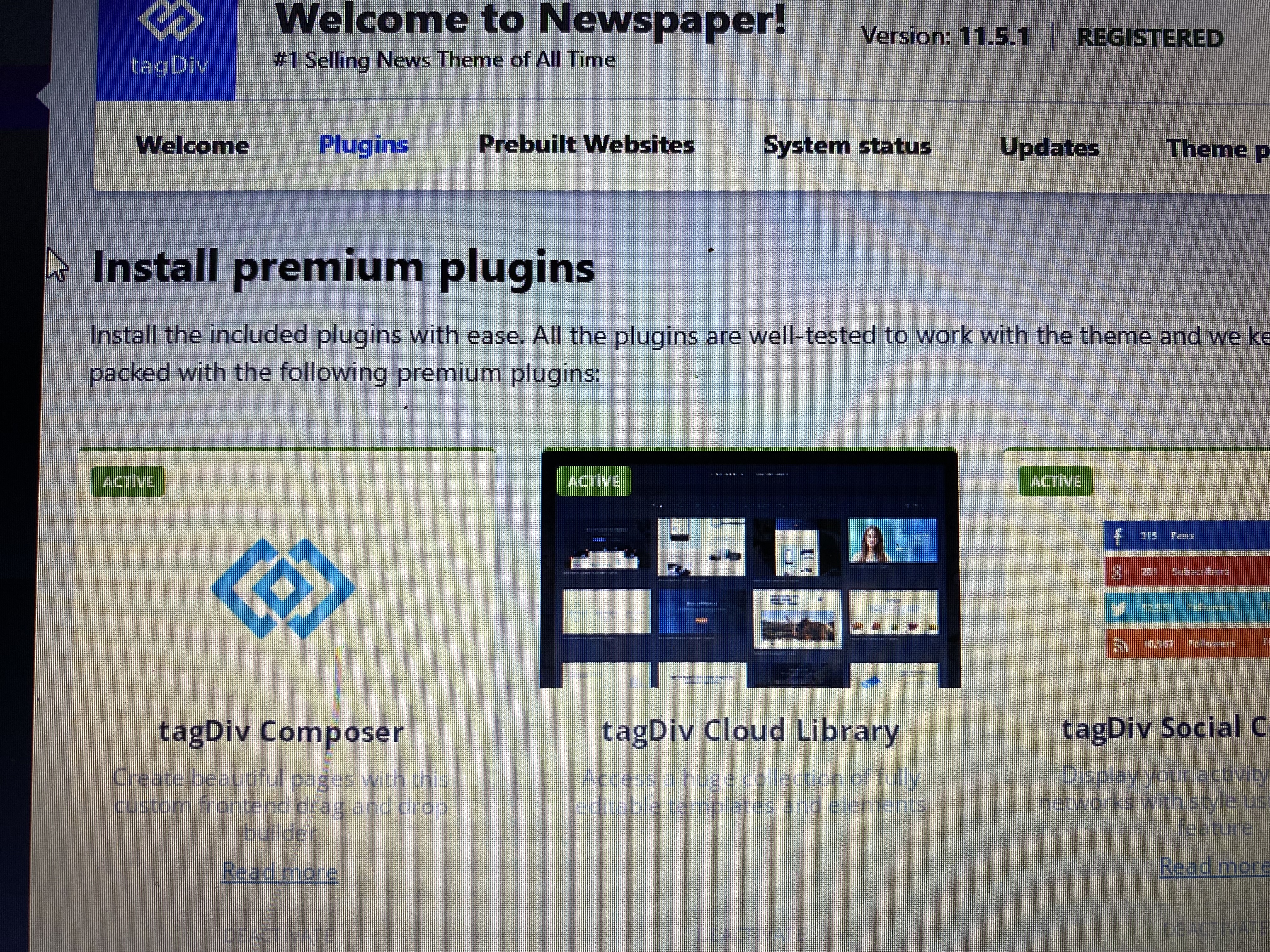

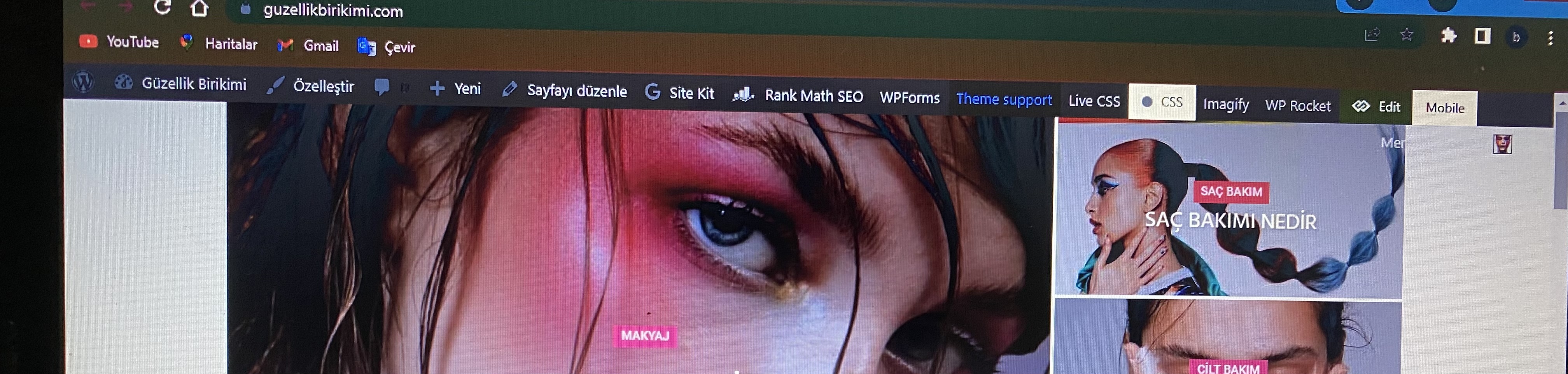
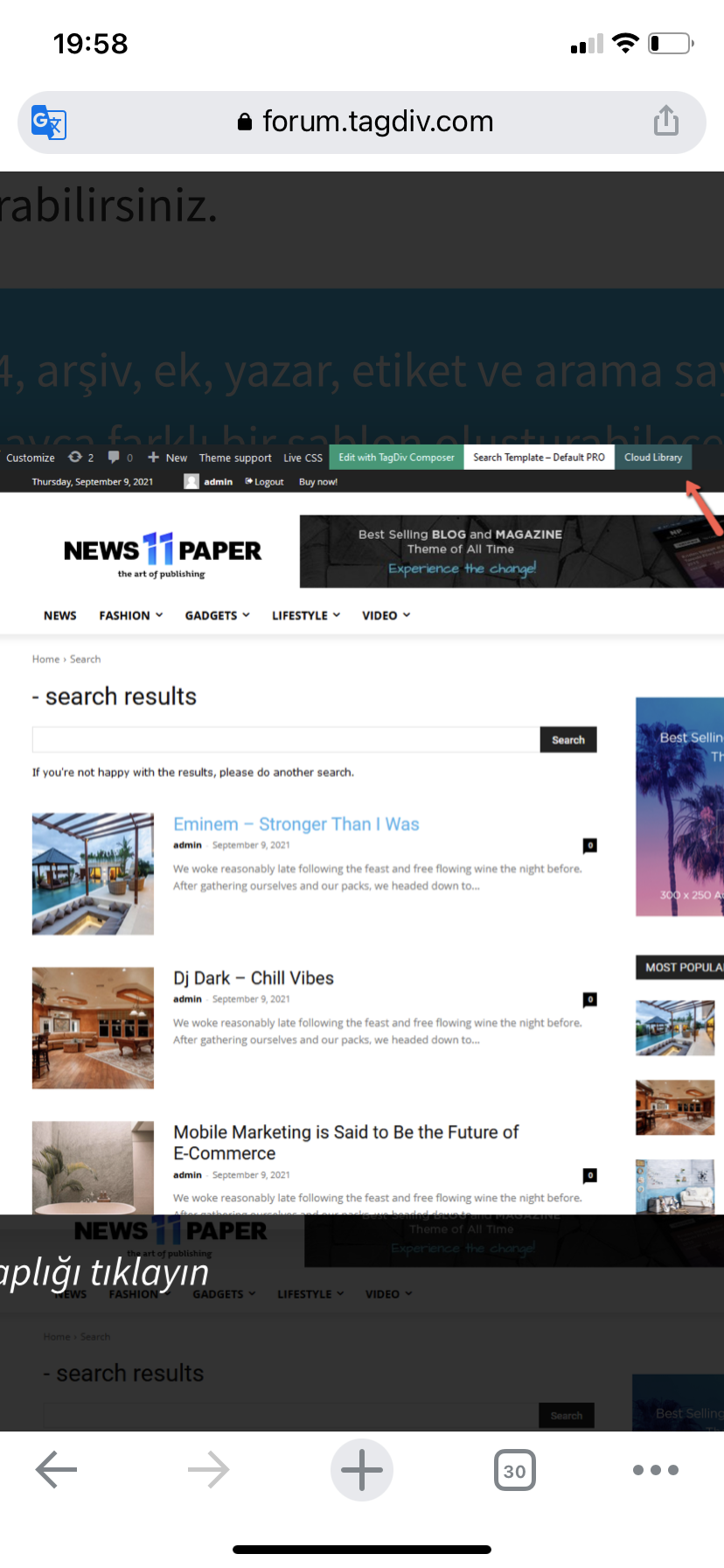
Yours truly
 Gen Fujiwara
 Until now, when I updated the mobile template, it was reflected properly.
However, for some reason, it suddenly stopped appearing a few days ago.
I don’t know why.
What is the cause?
No updates are reflected at all.
For your reference.
I’m using a cloud template mobile template. It’s not a plugin.
-
This reply was modified 4 years by
Gen Fujiwara.
Anamaria Hello,
We tried as much as possible to optimize the tagDiv cloud library, and we added options to load each section separately so that they don’t load all of them.
However, here I think it also depends on the internet speed, which I think is quite low.
Thank you!
 nwnuyhs
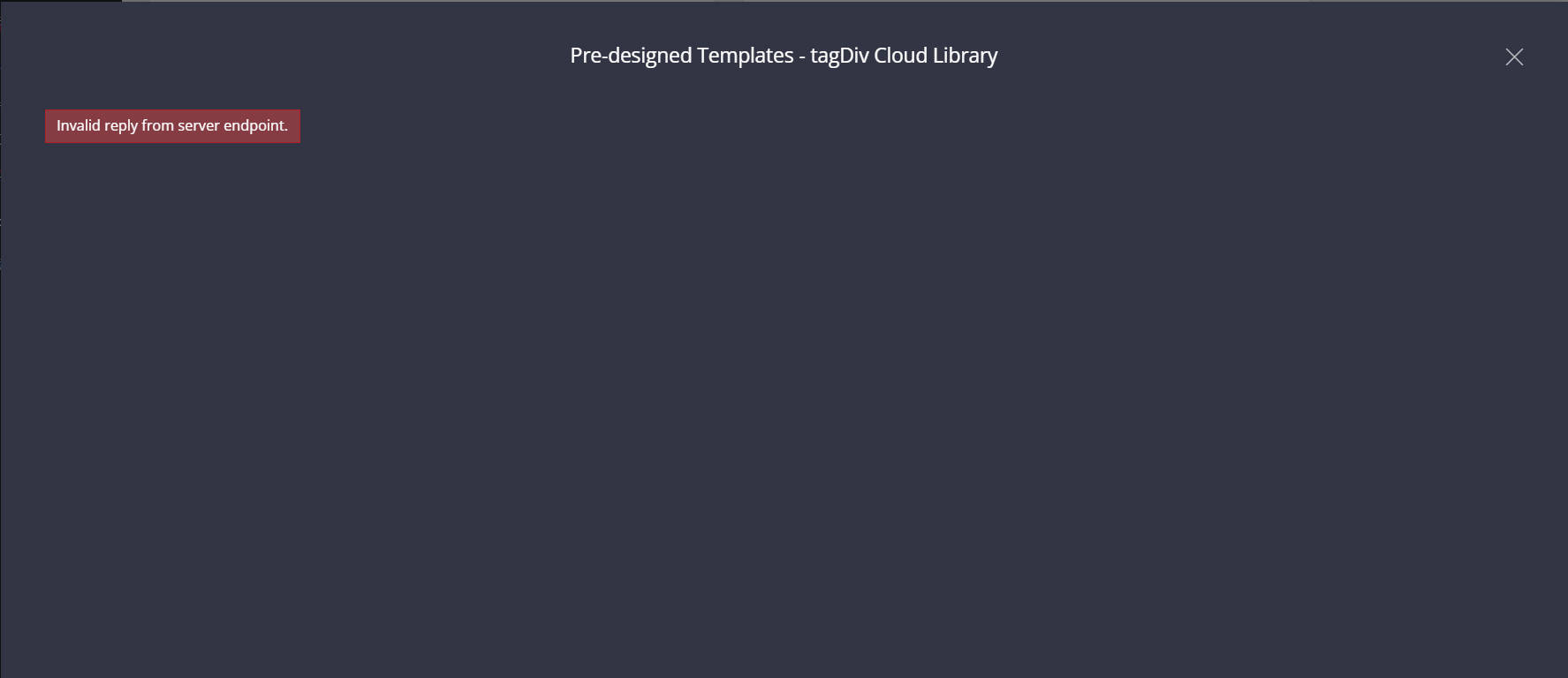
The tagDiv Cloud Library has been failing to load. It is recommended that the tagdiv team optimize the loading speed of the tagDiv Cloud Library. The error message is: Invalid reply from server endpoint.
 thedonatshop
 I have. that’s the new one you are looking at. So that means I had the one that came with the newspaper cloud theme and then I imported a search page from another theme.
-
This reply was modified 4 years by
thedonatshop.
 Bettina
 Hello @popseo !
If you use cloud templates, then edit the homepage with the TagDiv Composer, click on that element, and there you can see some settings in order to delete the logo.
You can check in the theme panel settings if you did not set it there and delete the logo image.
Thank you!
Anamaria Hello,
Please let me know what header you use (cloud or from theme panel).
You can change the colors for the header template from tagDiv Cloud Library with tagDiv Composer -> https://i.imgur.com/aL94rAz.jpg
Thank you!



