
- NewspaperWP Rocket and Newspaper Theme: Optimization Guide
- TutorialsDefault Block Settings Guide
- TutorialsOffset Feature
 Bettina
 Hello @beginwithbutter!
You can use a license key for one single product(website). If you want to move the theme to another website or change domain/migrate, you’ll need to reset the license key from that website: https://www.screencast.com/t/Zt12bpyX and remove the theme (delete), in this way the license will be available for the new website and you can use the theme without any problems.
You can create a copy of your WordPress install by using the Duplicator, just in case something happens.
All the cloud templates can be found in Dashboard -> Cloud Templates. You can assign them on each page or make it global. Also, there is a feature called revision to revert the changes already made.
Thank you!
Bettina Hello @qingzhao !
It seems that your post has been assigned the default template. You should assign the new single cloud template from the coaching demo.
More documentation about the cloud templates is here:
– https://forum.tagdiv.com/cloud-library-templates/
– https://forum.tagdiv.com/design-post-pages-using-cloud-library-templates/
– https://forum.tagdiv.com/cloud-library-category-templates/
Thank you!
 muzaffarab
I’m not able to edit any mobile templates in TD Composer. I’ve removed, cleared the cache, and re-installed the theme, and all plugins. But still, the issue persists.
Moreover, the header from my mobile pages disappeared. In my desktop templates, I edited the templates and created a new header template but for mobile templates, I can’t do anything it always sticks on loading(rounding) image.
 beginwithbutter
 Following up, my previously customized page templates are not showing up for all of my pages?? Is there a way to revert them back without fully redoing them all?
 peter99
 Thank you! Here are the steps I took.
First I delete in Pages the footer-template page (not sure why this page was created at first).
Second, I went to Cloud Template and loaded a template that fit my theme.
Third, I choose this template and select it in the Footer from the Theme Panel.
Now it work!
Thanks
 PKramik
Hello,
when creating a new post via META, there is a problem with loading the photo (illustration) that is on the article page, nothing is visible in the preview on desktop devices, the preview on mobile devices has a thumbnail of the illustration. How to properly set links in WP and the template itself so that you can easily add an article to FB from the link?
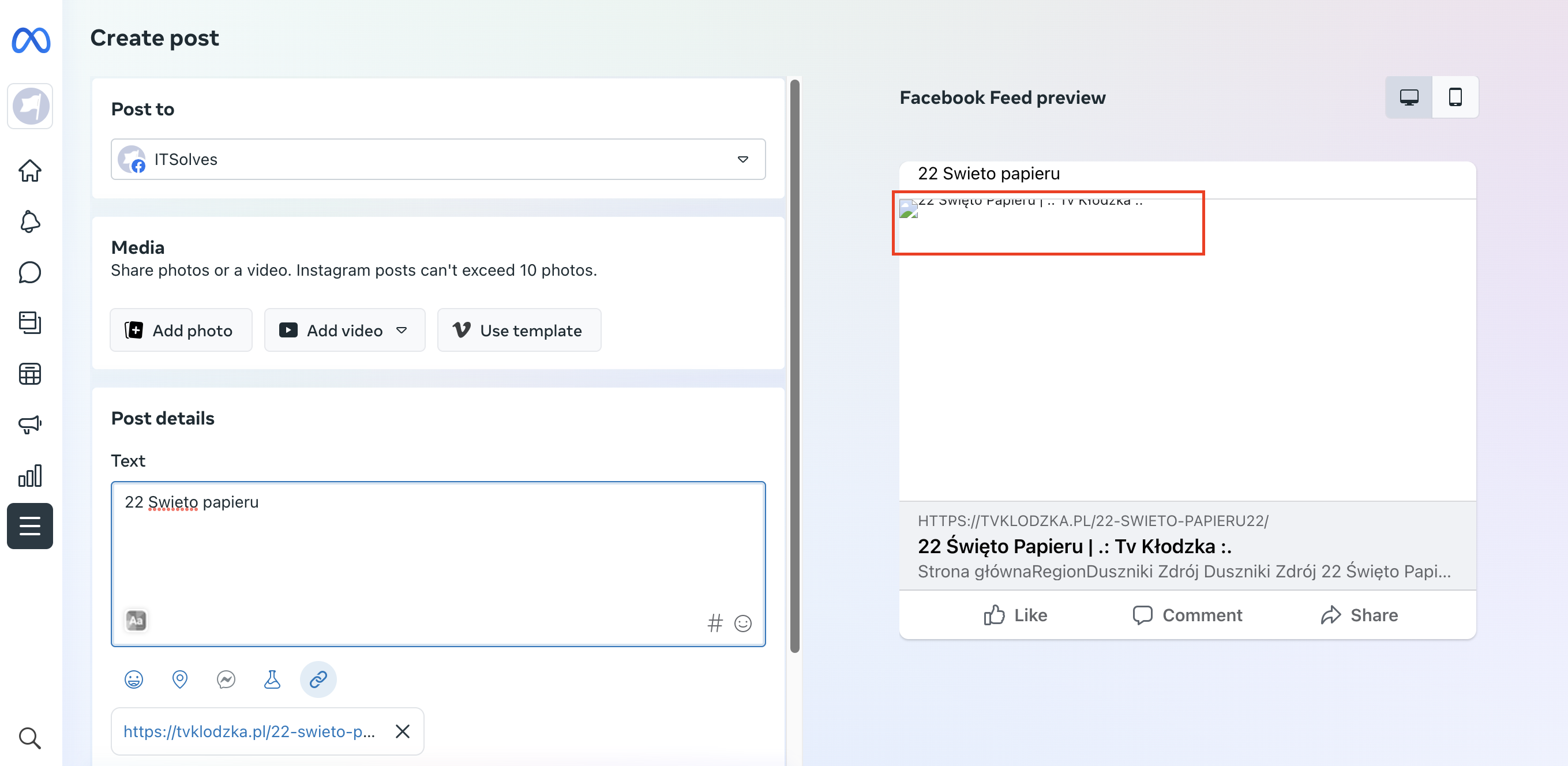
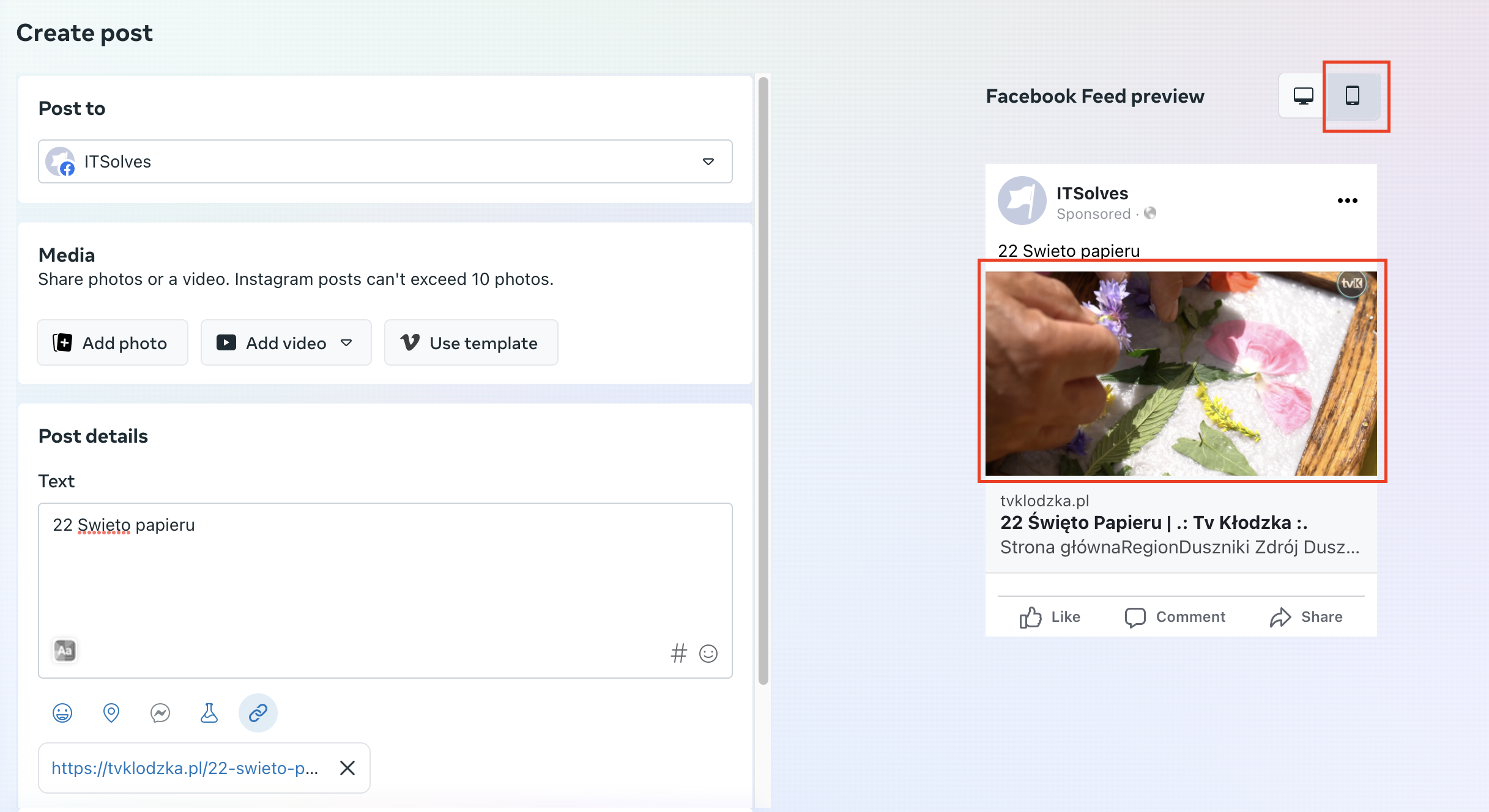
For example: https://tvklodzka.pl/22-swieto-papieru22/
BR
Bettina Hello @unheardvoices !
You use cloud templates on desktop view, and mobile theme + AMP on mobile view. So, you need to set the menu in the theme panel -> Mobile theme in order for it to be displayed in the mobile viewport as well.
Actually, we have 3 options for mobile versions that you can use:
1. Responsive version: A responsive version of your website looks similar to the desktop version. TagDiv Composer is used to edit the page.Click on the mobile viewport: https://www.screencast.com/t/XDQJedlggSB. There, you can see your mobile version and edit or adjust the elements to look better.
2. Mobile pages: https://tagdiv.com/newspaper-10-3-7-update-brings-customizable-and-fast-mobile-pages
3. Mobile theme plugin: The Mobile Theme is a performance-optimized theme included in the main Newspaper theme that only loads on mobile devices. It comes with its own templates and designs for pages, posts, categories, etc., so your current templates from the desktop theme will get converted to the mobile theme layout. Please see https://forum.tagdiv.com/the-mobile-theme/ and https://forum.tagdiv.com/mobile-theme-introduction/ for more information.
A full explanation is here: https://www.youtube.com/watch?v=SpGkOnJeNZY
If you need to use the mobile version 1 or 2, then you need to disable the Mobile Theme plugin.
Thank you!
Bettina Hello!
Yes, it could be a conflict with this plugin or some extra elements in the cloud templates. Delete all the extra elements from those pages and see the results!
This issue with the error from Composer has also been discussed here: https://forum.tagdiv.com/topic/errors-at-columns-elements-5/
Please make sure you did all the steps which I mentioned here: https://forum.tagdiv.com/topic/errors-at-columns-1models-0dom-the-model-does-not-match-the-content-curr/
Thank you!
Bettina Hello!
Yes, it could be a conflict with this plugin or some extra elements in the cloud templates. Delete all the extra elements from those pages and see the results!
This issue with the error from Composer has also been discussed here: https://forum.tagdiv.com/topic/errors-at-columns-elements-5/
Please make sure you did all the steps which I mentioned here: https://forum.tagdiv.com/topic/errors-at-columns-1models-0dom-the-model-does-not-match-the-content-curr/
Thank you!
Bettina Hello!
@MarijaZT It seems that some files were edited and saved wrongly. By deactivating and activating the theme, the files were replaced and fix the issue error.
@lubeck This issue with the error from Composer has also been discussed here: https://forum.tagdiv.com/topic/errors-at-columns-elements-5/
Please make sure you did all the steps which I mentioned here: https://forum.tagdiv.com/topic/errors-at-columns-1models-0dom-the-model-does-not-match-the-content-curr/
Make sure you use the same header on both templates and that you’ve added the row in the header zone and not the content(in your homepage).
Thank you!
 Anamaria
 Hello,
You can disable the back to the top from Theme Panel -> Template Settings -> ToTop button => https://www.screencast.com/t/JVYklvqk (if you have the mobile page or mobile resposive)
Also, for the mobile theme plugin, you can only hide using a Custom Code CSS
.td-scroll-up

{

display: none;

}
Set the code in Newspaper -> Theme panel -> Mobile Theme -> Custom code.
Thank you!
Anamaria Hello,
You can use three different blocks and filter them -> https://prnt.sc/GzHVTahaDRZW -> https://forum.tagdiv.com/flex-block-settings-guide/
Edit the homepage with the TagDiv Composer, click on the elements, and start customizing them.
Please check our tutorial here: https://forum.tagdiv.com/tagdiv-composer-tutorial/
More documentation about the cloud templates is here:
– https://forum.tagdiv.com/cloud-library-templates/
– https://forum.tagdiv.com/design-post-pages-using-cloud-library-templates/
– https://forum.tagdiv.com/cloud-library-category-templates/
Thank you!
 StefanGebala
Hi,
After updating to Newspaper 12.4 and moving my page to Cloud templates, the Post Preview plugin stoped working properly. Instead of showing the post it’s showing like strange looking cloud template with fake text.
This is a plugin that its not working anymore:
https://wordpress.org/plugins/public-post-preview/
 david.diczhazy
Hello, I am not able to edit template of page with TagDiv Composer, it returns a white page and console shows error: ERR_HTTP2_PROTOCOL_ERROR 200
COuld you please help how to fix issue?
I need to update the page with TagDIv
 tizian-ffm
Hello
after the update we also have an “Error at zones: 6(models)…” bug on some pages.
We were able to identify the app “Disqus Conditional Load” as responsible for it in our setup.
For all posts where the comment function was not activated in the backend, the error was displayed in the frontend.
The error still occurs in the backend if you want to edit a post page directly via “Edit with TagDiv Composer”. The error does not occur if you edit the associated cloud template for the post page.
It seems that there is a conflict with the “Disqus Conditional Load” app after the 12.5 update.
 deargodco
Hi,
Will the Coaching Pro elements/pages be added to the Template Cloud Library? There are a lot of elements I would like to add to my site. <https://demo.tagdiv.com/newspaper_coaching_pro/> Thank you!
 kkvideography
Hello,
On product single page, visitor able to click on category breadcrumb and product tag which is using template from Apocryph.
However, both category and tags unable to filter since it will show ALL PRODUCTS instead of displaying the correct products.
How to edit the template to filter category or tags correctly?
Here is SS: https://prnt.sc/ptuKOthKQ34M
Thanks for your assistance.
 sharozajmal
Hi Team, Can you please guide the issue why Cloud pre-templates for Page are not working in contrast the category cloud pre-templates are woking ok. Can you please check and guide is there any solution.
Bettina Hello @tola999 !
You do not need to add it there because you can find it in the tagdiv Composer.
You can add any element in the sidebar in the TagDiv Composer. If you add it to a template and make it global, then it will appear on every page that has assgned that template. You can build a sidebar with the TagDiv Composer. Steps:
1. Insert one new row (or delete an existing one).
2. Divide into two columns (2/3 + 1/3).
3. You can add whatever element you want into the second column and consider it a sidebar.
Thank you!
 imkk
imkk Sudhin
 I’m adding it via Cloud Template for the Posts PAge.
Anamaria Hi,
You activate the mobile theme plugin, deactivate it, and clear the cache.
Using our theme, you can choose from 3 mobile versions
-> mobile responsive => https://www.screencast.com/t/oJ2ShOp47
-> mobile theme plugin => https://forum.tagdiv.com/the-mobile-theme/
-> mobile page => https://tagdiv.com/newspaper-10-3-7-update-brings-customizable-and-fast-mobile-pages/
Suppose you created the mobile pages with tagDiv Composer. In that case, when you install the Mobile Theme plugin, your pages will be overwritten by the plugin (the mobile theme comes with its templates for page, post, category, etc so your current templates from the desktop theme will get converted to the mobile theme layout, the page content is made without builders in mobile editor => https://www.screencast.com/t/xbgZG8kH also, the options that are provided to edit the mobile theme version are limited (this keeps the things simple)).
This is a video about Responsive Newspaper Theme, AMP & Mobile Theme, Mobile Pages & Templates -> https://www.youtube.com/watch?v=SpGkOnJeNZY
So, the mobile responsive is what you see then that you select the viewport on phone => https://www.screencast.com/t/matV17hH, so some settings may apply for each viewport(where is the border blue), and others are not(where the border is black).
The mobile page has the mobile templates from Cloud Library => https://www.screencast.com/t/YCcZ8rL8
Mobile responsive version of the theme and the mobile page editor can be edited with tagDiv Composer, the mobile theme plugin not.
For example, you can have the mobile theme plugin activated and use the mobile page/mobile responsive version for the homepage/pages, but for the categories pages/404 page you can’t use the mobile page/mobile responsive version if you have the mobile theme plugin activated.
So, if you want to design the pages with tagDiv Composer, you can use the mobile page or mobile responsive version.
Thank you!
Bettina Hello @heisks!
You can set a filter for that block. Edit the homepage with the TagDiv Composer, click on the elements and start customize them.
Please check our tutorial here: https://forum.tagdiv.com/tagdiv-composer-tutorial/
More documentation about the cloud templates is here:
– https://forum.tagdiv.com/cloud-library-templates/
– https://forum.tagdiv.com/design-post-pages-using-cloud-library-templates/
– https://forum.tagdiv.com/cloud-library-category-templates/
You can edit and change this title as well: https://prnt.sc/T386xuDmnmp-
Use a filter for the blocks: https://prnt.sc/GzHVTahaDRZW -> https://forum.tagdiv.com/flex-block-settings-guide/
Thank you!
Anamaria Hello,
I have checked and the logo is displayed well -> https://i.imgur.com/JYkePIM.png You have the mobile theme plugin activated. The mobile theme comes with its own templates for page, post, category, etc so your current templates from the desktop theme will get converted to the mobile theme layout, the page content is made without builders in mobile editor => https://www.screencast.com/t/xbgZG8kH also, the options that are provided to edit the mobile theme version are limited (this keeps the things simple)).
Thank you!
Bettina Hello @vedappan!
From my point of view, if you don’t use the Mobile Theme plugin, then there is no reason or benefit to AMP. Please note that if a page is made by Composer, than the content won’t be displayed on Mobile theme version. You should create the content with the Mobile Editor.
Actually, we have 3 options for mobile versions that you can use:
1. Responsive version: A responsive version of your website looks similar to the desktop version. TagDiv Composer is used to edit the page.Click on the mobile viewport: https://www.screencast.com/t/XDQJedlggSB. There, you can see your mobile version and edit or adjust the elements to look better.
2. Mobile pages: https://tagdiv.com/newspaper-10-3-7-update-brings-customizable-and-fast-mobile-pages
3. Mobile theme plugin: The Mobile Theme is a performance-optimized theme included in the main Newspaper theme that only loads on mobile devices. It comes with its own templates and designs for pages, posts, categories, etc., so your current templates from the desktop theme will get converted to the mobile theme layout. Please see https://forum.tagdiv.com/the-mobile-theme/ and https://forum.tagdiv.com/mobile-theme-introduction/ for more information.
A full explanation is here: https://www.youtube.com/watch?v=SpGkOnJeNZY
If you need to use the mobile version 1 or 2, then you need to disable the Mobile Theme plugin.
Thank you!

