
- NewsmagHow to update a plugin
- NewsmagHow to update the theme
- NewsmagHow to update the WPBakery plugin
- NewsmagCategory templates
- NewsmagWhat’s included in Newsmag theme package
- NewsmagAjax view count
- NewsmagSmart Lists
- NewsmagFeatured images
- NewsmagFeatured image or video
- NewsmagModal window
- NewsmagtagDiv slider gallery
- NewsmagVideo playlist
 Edragon
 Thank you but the question is are you guys going to fix it in the next update?
Also, that code is broken 🙂
-
This reply was modified 4 years by
Edragon.
 Bettina
 Hello!
Here is the link: https://tagdiv.com/newspaper-10-3-7-update-brings-customizable-and-fast-mobile-pages/
Make sure it is not a cache issue because in Composer it is working from what I can see in your video.
Thank you!
 joel_1017
 Hello Bettina,
tagDiv Composer
Failed
An error occurred and we could not finish the process.
Please manually update the plugins.
I’m receiving this erro when activating the DIB composer
 dfrosso
 Hi Bettina.
Thanks for the help.
The site is running on WordPress 5.8.4 and Newspaper 9.8.
We need to update both of them.
What do you recommend?
First update WordPress to version 6 and after that update manually the theme to version 11? Or, first update the theme and after WordPress?
Thanks again.
 gwk
gwk Hi!
Thanks for answer and support me! This is it! 🙂
Maybe, in the next update, your team add change the hover style in the author box 🙂
Best regards,
Gilbert Wojaczek-Kubica
Bettina Hello!
We have 3 options for mobile versions that you can use:
1. Responsive version: A responsive version of your website looks similar to the desktop version. Edit the page with TagDiv Composer. Click on the mobile viewport: https://www.screencast.com/t/XDQJedlggSB; there you can see your mobile version and edit or adjust the elements to look better.
2. Mobile pages: https://tagdiv.com/newspaper-10-3-7-update-brings-customizable-and-speedy-mobile-pages/
3. Mobile theme plugin: The Mobile Theme is a performance-optimized theme included in the main Newspaper theme that only loads on mobile devices. It comes with its own templates and design for pages, posts, categories, etc., so your current templates from the desktop theme will get converted to the mobile theme layout. Please see https://forum.tagdiv.com/the-mobile-theme/ and https://forum.tagdiv.com/mobile-theme-introduction/ for more information.
A full explanation you can find here: https://www.youtube.com/watch?v=SpGkOnJeNZY
You can choose to use whichever one is more affordable and useful for you.
If anyone doesn’t fit as you created, then make a test and deactivate ALL plugins except tagDiv ones. Also, if you are using a cache plugin, deactivate it, clear all cache and try again.
Note: If you want to use version 1 or 2, then you need to deactivate the mobile theme plugin and see the results.
Thank you!
 pakoxo Bettina
  maquinero
 Helo Bettina, please note that this is not a configuration problem, the menu has been working fine since 2 years. After update wordpress and the theme this problem started. I just followed your recomendation from other post and downgraded wordpress to the previous version and the megamenu is now working just fine again.
BR.
Bettina Hello!
I would gladly recommend you make a backup and update plugins and the theme via file transfer to the latest update: https://forum.tagdiv.com/how-to-update-the-theme-2/
First of all, please make sure you have a backup done, and then you can update the theme and the TagDiv plugins also.
Please take a look at this advice before updating. https://forum.tagdiv.com/topic/action-required-please-read-how-to-update-to-the-newspaper-theme-v-10/
If you have some custom modifications in the theme files, then you’d better save the code and replace it after every update.
Thank you!
Bettina Hello!
I would gladly recommend you have the latest update of the theme, 11.5.1, and plugins.
Thank you!
Bettina Hello!
Please make sure you have the latest update of the theme 11.5.1 and plugins.
Try to reinstall both plugins like: disable, uninstall(delete), clear cache (if cache plugin exists), install, activate, clear cache (if cache plugin exists).
Thank you!
dfrossoHi.
I want to know which is the best way (secure, easy, fast) to update manually from Newspaper 9.8 to Newspaper 11.
Thanks.
 Bill Fleak
 That post is 2 years old and the NewsPaper theme has had a few updates since then. Once being major update.
I am assuming the answer to the question is to treat Google Ad Manager Ads as if they are non-AdSense ads. https://forum.tagdiv.com/using-other-ads-non-adsense-ads/
Can you please confirm?
Thank you.
Bettina Hello!
These issues have been discussed already in those topics:
– https://forum.tagdiv.com/topic/outgoing-internal-links-contain-nofollow-attribute-after-the-last-update/
– https://forum.tagdiv.com/topic/feature-request-easy-way-to-nofollow-bio-profile-and-links/
– https://forum.tagdiv.com/topic/how-to-put-nofollow-in-author-box-links/
Thank you!
 tdrikon
 Facing Same Error. Waiting For Update
 sil2
sil2 clod age template of Newspaper version 11 looks differently than on this image 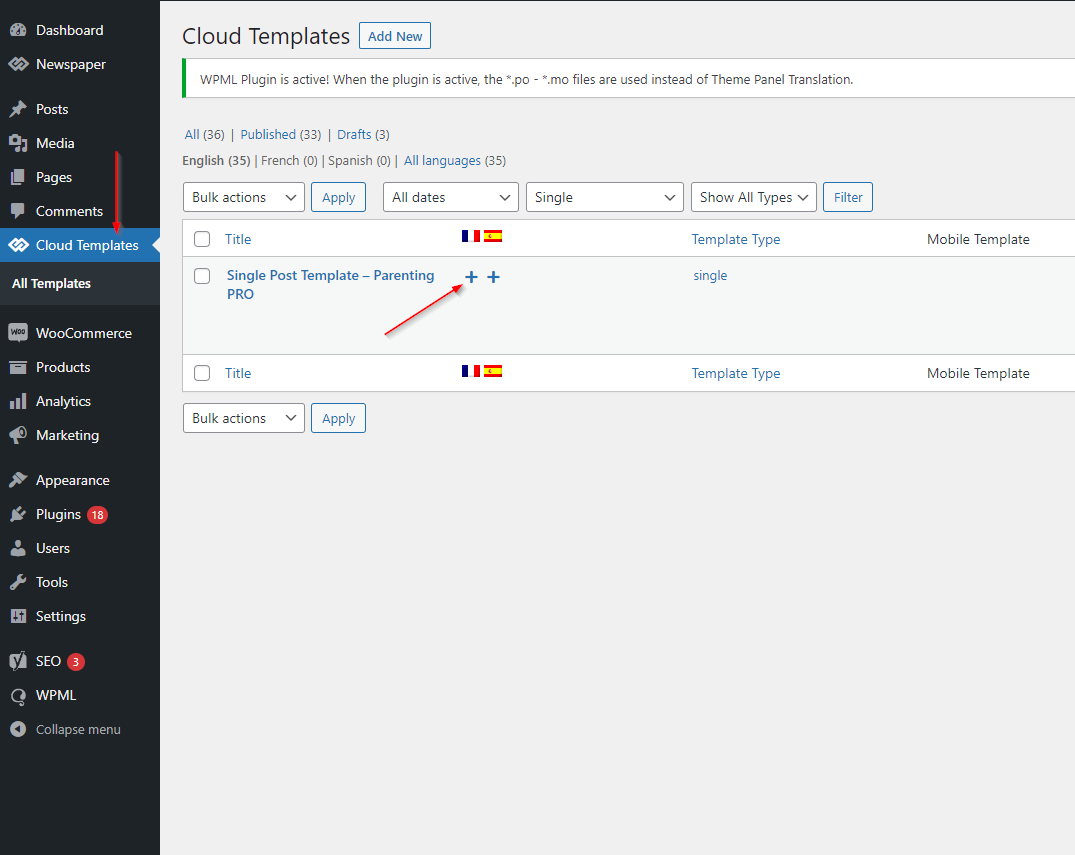
Can you update this guide pls?
Bettina Hello!
I can see that you have an older version. Please update the theme and plugins to the latest version 11.5.1 in order to solve the bugs and the anomalies. Also, you’ll have the new features.
I would gladly recommend you to make a backup and update plugins and the theme via file transfer to the latest update: https://forum.tagdiv.com/how-to-update-the-theme-2/
Thank you!
 Greg19
 please try to put megamenu on Ειδήσεις –> (Ειδήσεις – [ id: 18949 ])
as you can see on live site you see that there are all categories and not only Ειδήσεις – [ id: 18949 ] child menu.
and the second if you try to update the theme you see that i tell you..
I have a backup so dont worry.
Thanks
Bettina Hello!
This won’t work like that. You’re using 2 different templates. When you install and activate the Mobile Theme plugin, then the cloud template won’t display.
We have 3 options for mobile versions that you can use:
1. Responsive version: A responsive version of your website looks similar to the desktop version. Edit the page with TagDiv Composer. Click on the mobile viewport: https://www.screencast.com/t/XDQJedlggSB; there you can see your mobile version and edit or adjust the elements to look better.
2. Mobile pages: https://tagdiv.com/newspaper-10-3-7-update-brings-customizable-and-speedy-mobile-pages/
3. Mobile theme plugin: The Mobile Theme is a performance-optimized theme included in the main Newspaper theme that only loads on mobile devices. It comes with its own templates and design for pages, posts, categories, etc., so your current templates from the desktop theme will get converted to the mobile theme layout. Please see https://forum.tagdiv.com/the-mobile-theme/ and https://forum.tagdiv.com/mobile-theme-introduction/ for more information.
Note: If you want to use version 1 or 2, then you need to deactivate the mobile theme plugin and see the results.
Thank you!
Greg19hello i havec buy your theme but i have 2 issues:
1. i have problem with your mega menu as you can see when i unable display all categories not specific child.
2. when i try to update your theme my site destroyed why happened this?
https://www.greekaffair.news/
Thank you very much…
 Rhonda
I have created a search page using cloud templates but it is not updating on the header. It usually updates automatically. When I edit the header section and click on the search tab, it is asking for a page. What do I input in that section?
Bettina Hello!
Please check all the changes here: https://tagdiv.com/newspaper/?utm_source=forum&utm_medium=menu&utm_campaign=forum_loggedin&utm_content=91053
I would gladly recommend you to make a backup and update plugins and the theme via file transfer to the latest update: https://forum.tagdiv.com/how-to-update-the-theme-2/
First of all, please make sure you have a backup done and then you can update the theme and the TagDiv plugins also.
Please take a look for this advice before updating: https://forum.tagdiv.com/topic/action-required-please-read-how-to-update-to-the-newspaper-theme-v-10/
If you have some custom modifications in the theme files, then better save the code and replace it after every update.
Thank you!
 umodhe
 Calin,
I updated PHP and Newsmag to latest. Still the same error messages appear.
 Rokson
We have an online magazine that is running Newspaper V 8.1. We want to update this blog to the newest verison, bacause it prevents us from updating WordPress core. When updating the theme as suggested in https://forum.tagdiv.com/how-to-update-the-theme-2/ , the theme breakes and we cant make an update. For update we are using manual method as the older verison has no automatic update feature. Please give us a roadmap for the update. Also beneficial would be releases of older verisons so we can make gradual upgrade.

