
- NewsmagHow to update a plugin
- NewspaperHow to update a plugin
- NewsmagHow to update the theme
- NewsmagHow to update the WPBakery plugin
- NewspaperHow to update the WPBakery Page Builder plugin
- NewspaperHow to Update the Newspaper Theme
- Apitd_api_top_bar_template::update_key
- Apitd_api_top_bar_template::update
- Apitd_api_single_template::update_key
- Apitd_api_single_template::update
- Apitd_api_footer_template::update_key
- Apitd_api_footer_template::update
- Apitd_api_smart_list::update_key
- Apitd_api_smart_list::update
- Apitd_api_thumb::update_key
- Apitd_api_thumb::update
- Apitd_api_category_top_posts_style::update_key
- Apitd_api_category_top_posts_style::update
- Apitd_api_category_template::update_key
- Apitd_api_category_template::update
 Vlad S
 Hello !
Please note that from version 7 to the latest version which is 10.3.6.1. Since the update gap is so big some of the file places have been changed. We recommend you to rebuild your child theme as you can see in our guide here: https://forum.tagdiv.com/the-child-theme-support-tutorial/
Thank you !
 Calin
Calin Hi,
1. I think that this is just a new option, for me are still displaying both of theme -> https://i.imgur.com/SQg4QqI.jpg
2. The html code or links need to be past in code/text editor and those will work like before -> https://i.imgur.com/mkCKRlk.png
3. If you are using the same demo and the only thing that you did was the theme update then the blocks colors should be the same.
4. There is no problem with the mobile and table view, please make sure that this problem is not made some untested plugins.
5. I think that you are referring to the blocks from Gutenberg editor -> https://i.imgur.com/o2t6t0l.jpg yes, there were some changes for it in WordPress v5.5
6.a I just checked this option https://i.imgur.com/5P2zYiC.png for Most Used Blocks category in the block library and for me is working -> https://i.imgur.com/wyyTXxF.png
6.b Please try like this -> https://i.imgur.com/bk9F2BB.png after that some of them will be display in settings sidebar and some of theme at the bottom of posts/page.
Indeed, WordPress v5.5 brings new elements and options and some old functions where change therefore the new implementation can differ.
Thank you!
Calin Hi frudy,
After you get the email that the problem with the theme plugins was fixed, did you reinstall them or the theme? because if you did that the problem reappear, the fix were made only in the current files, if you try to update/re-install the plugins or theme, the fix that were made are removed.
In case that you did this and the problem for plugins reappear, what you can do is to use a plugin like Enable Jquery Migrate Helper – This should fix the issue.
Also if the problem still persists after you’ve made these changes, please try only with the plugins because it can be a plugin conflict.
As for the customization request, a member from our staff has already reply to it.
-> https://i.imgur.com/7816hf9.png
Thank you!
 MarekPeska
I have now issue with deleting elements on template view on delete element click -> trash ico don’t show button to confirm deleting the element so I’s impossible to remove elements from page. I can only hide them, .. Please help. Is it due to template update, etc. Please? Thank you.
MarekPeska Hi once more, please. I have now issue with deleting elements on template view on delete element click -> trash ico don’t show button to confirm deleting the element so I’s impossible to remove elements from page. I can only hide them, .. Please help. Is it due to template update, etc. Please? Thank you.
 catalingeangos
Hi, few months ago a freelancer installed this theme for me and i really didn’t know too much at that time. I thought is licensed but somehow i belive that is not, only a copy or something. anyway i’ve decided to buy it and i tried to install it and this is what i get. Now im a bit confused to be fair because im not sure how does it work ? If is already installed i leave it as it is ? or my current version is not updated and need to install the purchased version ? I just want to update the theme since the current one maybe is a bit older and doesnt have all the updates ?
If possible maybe i can share for you my credentials and take a look in wordpress ?
theme version is 10.3.2. (but i dont know what is the current update)
wordpress 5.3.2
PHP Version 7.3.21
I would really appreciate if you guys are going to take a look over my website since is a bit confusing how im going to install it now.
Installing Theme from uploaded file: Newspaper.zip
Unpacking the package…
Installing the theme…
Destination folder already exists. /home1/xxxxxxxxx/public_html/wp-content/themes/Newspaper/
Theme installation failed.
website: traveltrained
MarekPeskaHi guys, we have issue with not having saved changed theme settings. I tried to update to latest version, but not luck. Not sure if anyone may have same issue.
 vksyadav483
Hey
I am using Newspaper theme from last month and now i purchase it but i didn’t get any update in theme ??
How to update my current theme i am using old fashioned
thanks
 FocusMagazine2020
Since a week I can’t save settings in the theme panel of the Newspaper theme on site https://focusmagazine.nl.
After clicking on ‘Save settings’ it keeps stucked on the waiting animation.
I am using WP 5.5. Problem started with a Newspaper 9 version so I installed the latest version of the Newspaper theme (10.3.6.1). No effect.
Disabled all plugins for testing – no effect.
Website is hosted on a CentOS Linux 7.8.2003 server with Plesk Obsidian 18.0.29 Update #2, last updated at Aug 24, 2020.
Disabled all firewall and security options for testing – no effect.
Who can help me with some tips and tricks?
Thanks in advance.
Roger.

<ing src=”https://focusmagazine.nl/system_status_newspaper.png”>System Status Newspaper
 seeit18
We updated the theme from 7 to the newest version and experienced some errors. We also updated the Child theme using the folder we found in the Code of the Newspaper folder. It doesn’t appear that the Child theme updated, it still says 9.0 and many of the custom files, aren’t showing up on our pages. Please advise how we can get the child theme to show those important pages that contain our ads.
 tbk1974
 having the exact same problem and didn’t complete any updates since started
 Ellada943
activate theme tab is missing and when i click activate theme through updates tab, it takes me to a page that it doesnt exist.
 Mark Gilbert
Here is a list of problems I have found with WordPress 5.5. Can you tell me if any of these are due to incompatibility with Newspaper (I am using 10.3.6.1) or WP problems? Does everyone else see these problems?
(1) “Settings” closes when Blocks Library is opened.
(2) Paragraph no longer automatically recognises HTML if you paste in HTML – you have to search for and load the block Custom HTML template.
(3) Default Block colours are changed. To get the grey I have used for months I have to execute about 12 keystrokes in typing in a custom colour
(4) Preview: Mobile and Tablet previews don’t work, only Desktop preview loads.
(5) Block library at + at right of new paragraph no longer just scrolls. Need to do a click to open.
(6) In Options:
(a) Enable the Most Used Blocks category in the block library doesn’t work.
(b) Advanced Panels don’t appear, except for Featured Video and Feature Audio. Custom Fields, Yoast SEO, Post Settings and (in my case) Leaky Paywall are missing after checking their boxes.
WP 5.5 has created far more work for me. I have to use many more keystrokes to get the same result as before I updated to 5.5.
Thanks
MG
 Christoph
 Good morning Calin
Thank you for your help and for your answering. Maybe it’s an idea for your future update-list.
Have a nice day.
 Timmy
Timmy Hi,
I found the categories list didn’t update for the secondary language. But it is working now. Thank you so much.
 mitchtobin
Hello- I’m using a javascript library to make a graphic update as text scrolls over it. Rather than using an iframe, I’m trying to put it directly in a WordPress page with the Newspaper X theme, because the scrolling doesn’t work well in an iframe. (here’s the page I’m integrating with WordPress, but outside of it).
My problem is this – the images that should be a *background* appear *in front* of my text at z-index:0 or higher, so I wanted to use the factory z-index setting of -1 to put the images right behind the text.
But I can see that any z-index lower than zero falls behind the entire page. I don’t know if this is a WordPress issue or how your theme is designed, but I’d love your advice on what, if anything, I can force to a lower z-index.
Thanks!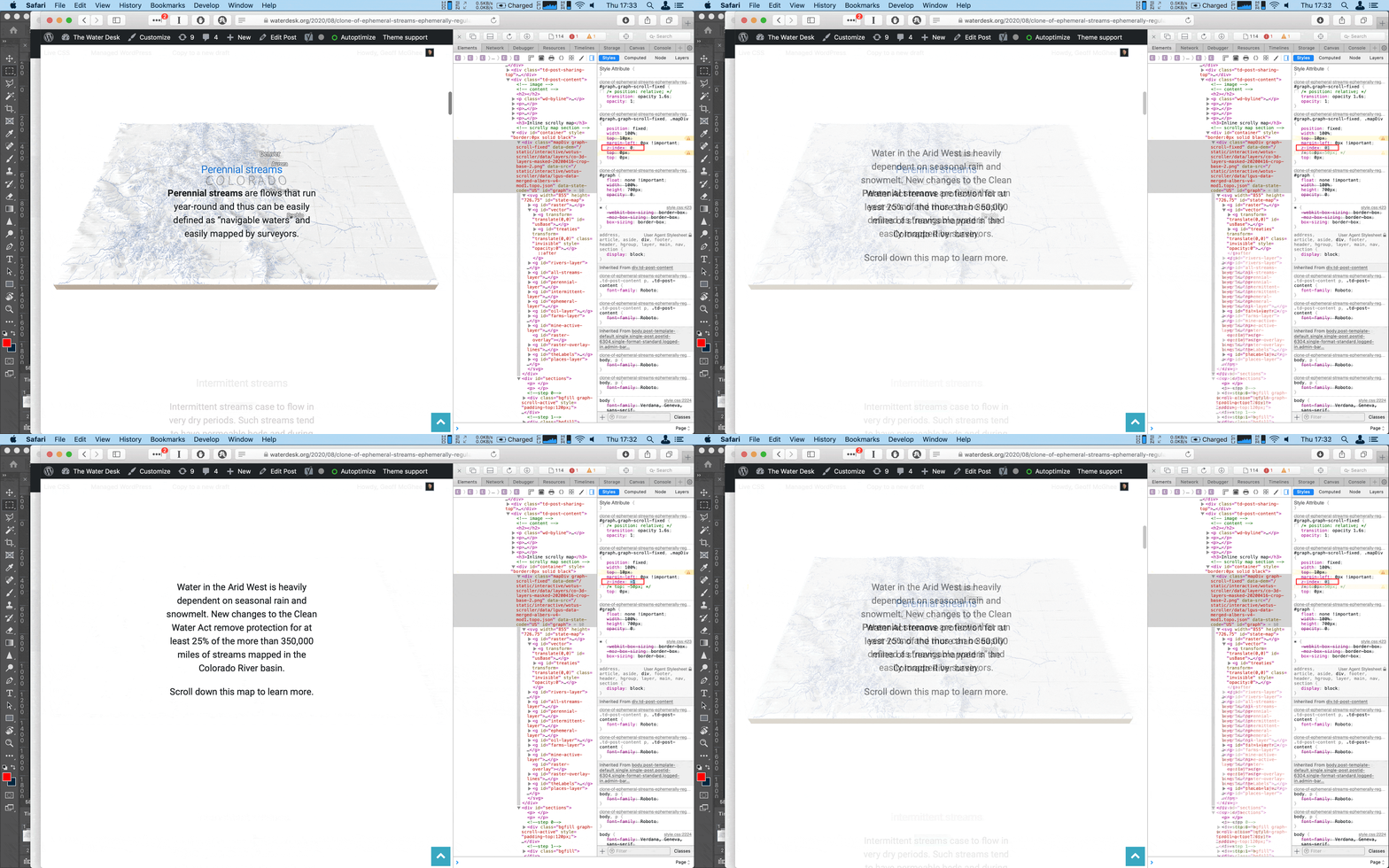
 Anonymous
Hello!
If I try to update a page, created with tagdiv composer, it is not saving the changes. The error “Request Entity Too Large” is shown.
The problem just exists, if I want to save changes I made in the WordPress editor (for example changing of the meta-description, the page title or the link). Changes I do in the tagdiv composer can be saved without a problem.
I set the WP Memory Limit 256 MB/request and the WP_DEBUG to false.
So… what to do to fix it??
lg
Ferenc
 wbennets
 Hello! I did it everything, also updated the plugin but it’s still bugged sadly 🙁
 Pierre Graff
 Hello, i also have same problem since update. When in TD coposer page, i can not edit the text and title block. It doesn’t change from it’s original message “html code here…”
Vlad S Hello !
Please follow our topic for the workaround that is available at the moment: https://forum.tagdiv.com/topic/smartlist-not-working-more-after-wordpress-update-5-5/#post-362516
Thank you !
Vlad S Hello !
If you are facing these errors after the Auto Update procedure I would recommend you to try the Manual update as you can see in our guide here: https://forum.tagdiv.com/how-to-update-the-theme-2/
Don’t forget to re-update the plugins too.
Let us know the result.
Thank you !
Calin Hi kundan_k7,
The only thing that will expire is your support, the updates are lifetime use. You can always have access to the updates.
-> https://themeforest.net/licenses/standard
-> https://themeforest.net/licenses/terms/regular
Thank you!
Calin Hi romeoblu26,
You can try tow quick fix:
1. Try to use Enable jQuery Migrate Helper and check if tagDiv Composer is working again or not.
2. Add a fix in theme files, for this you need to go on wp-content/themes/Newspaper/includes/wp-booster/wp-admin/js/tagdiv-theme-plugins-setup.js and replace the jQuery(window).load(function () { from line 234 -> https://i.imgur.com/agaEJWA.png with jQuery(window).on("load", function () { -> https://i.imgur.com/zBFX5Ye.png also you need to do the same on this file wp-content/plugins/td-composer/assets/js/js_files_for_wp_admin.min.js but since this file is minify you can replace the code inside it with this one ->https://pastebin.com/YTiYVfU4
These warnings will be fix for the coming updates!
Let me know the results!
Thank you!
 digitalmindscy
 I have fixed the issue! It was due to the wordpress 5.5 update. I deactivated TD Composer and uninstalled, then re-installed and activated.
Then I cleared my browser cache and it worked!
It was simple at the end 😀
Calin Hi,
Please note that the WPBakery Page Builder plugin is a bundled one -> https://help.market.envato.com/hc/en-us/articles/213762463-Bundled-Plugins you do not need to update it, when you’ll make a theme update we’ll include the the last version of this plugin.
Thank you for your understanding!



