
- NewspaperFlex Block Builder and Flex Loop Builder
- NewspaperHow to use the Flex Blocks cache option
- NewspaperHow to edit modules for Flex Block X
- NewspaperHow to insert a block inside the content of a post
- NewspaperFlex Block Settings Guide
- NewspaperMeta Info on Modules and Blocks
- NewspaperTheme modules and blocks
- NewspaperThumbnails – Fix strange looking images on blocks
- NewspaperBlock settings tutorial
- NewspaperCategory Tag on Modules/blocks
- NewspaperWP Rocket and Newspaper Theme: Optimization Guide
- NewspaperSearch setup for custom post type
- NewspapertagDiv Opt-In Builder – Emails
- NewspaperBookmark – Save For Later
- NewspaperModules Builder in Newspaper Theme
- NewspaperFilters and sorting for taxonomies
- NewspaperUser review system
- NewspaperWooCommerce: Happy “Add to Favorites!”
- NewspaperLockers
- NewspaperLeads
 Bogdan B.
 Hi,
If you need a larger logo, please use header styles 9, 10 or 11 that will show the logo in the exact same size you upload it in.
As for the categories, you can set separate blocks for each category in particular showing one post for each category or using an image box element to show an image with a custom link pointing at the category.
Thank you!
Bogdan B. Hello,
Please check the tagdiv composer list. Any block can show only 1 post as you can limit it to 1 post. If you need a big grid you can use big grid full 1: https://demo.tagdiv.com/newspaper/full-big-grid-1/
If you want to have a different layout try the new flex blocks as they let you change the layout dynamically. https://www.screencast.com/t/3R4buWQy
Thank you!
Bogdan B. Hello,
I’m not sure what you mean. On our theme blocks, the excerpts show below the title. Sub-titles are only shown on the posts themselves. You cannot show an excerpt of the post on the post itself. It will be duplicate content.
Thanks
Bogdan B. Bogdan B. Hello,
The block will show as many posts as it can find. Are you sure you have 6 posts to show with that particular filtering?
Try a different filter on your block maybe a different category that has more posts to display so you can test the block.
Thanks
Bogdan B. Hello,
Sorry but our theme blocks and modules can only show posts, not images with custom links There is an image box element allowing you to place images and links instead of posts, but you cannot use grids for this purpose. https://demo.tagdiv.com/newspaper/image-box/
Thanks
 etheravion
 You can make any block in the sidebar show popular post using the block settings
How do I do this? Could you please show me the steps?
 Catalin
 Hello aresglez,
Check our block settings from here -> https://www.screencast.com/t/gVgXrMgNx If you want more additional customizations you should do it yourself through the code because we cannot provide custom services at the moment, sorry!
Thanks for the message!
 hanli1995
 Just checked the row, column and blocks and all of them had 0 padding/margins in the CSS :/ Any other ideas?
Bogdan B. The title and hover color for blocks is changed from the tagdiv composer like so: https://www.screencast.com/t/uhbbF7T4m
Thank you!
Bogdan B. Hello,
Sorry but you cannot display related posts in the sidebar. Popular posts you can add as it doe snot involve any relation to the currently viewed post as the related posts do. A sidebar can be added to a category, as well as a a page. You can make any block in the sidebar show popular post using the block settings, but there is no option to ad the related articles in the sidebar. Sorry
Thanks.
Bogdan B. Hello,
Please check the css settings for your blocks in the tagdiv composer in the box model: https://www.screencast.com/t/R4Ym3hzu and remove any margins or padding added to the block or o the rows.
Thank you!
 alebasur
 I’m editing block 23 and I want to make some changes to it, just like it stays like block 4. I put a capture so you can see more or less where I want to put it with the red arrows.
 deambris
Hi, I would show number of comments in article blocks, but only if there are any. How can I get this?
Thank you and best regards!
Bogdan B. Hello,
1. Please choose another font that can display all your language specific characters properly. Not all fonts support all characters.
2. The flex block now shows up fine. I can detect no issue with it: https://www.screencast.com/t/tHM9G47wp00
3. You can add a title to the block and have the category name in the block title. Use the tagdiv composer block settings to add a block title. https://forum.tagdiv.com/block-settings-guide/
4. Sorry but the load more works after 2 loads of posts. You can limit the posts showing on your category page from here though: https://www.screencast.com/t/9czvY2BZ7 This will limit the posts and you will get the load more button sooner.
Thank you!
 zhongmeigames
Hi, I’m trying to insert a new block on the front page using the tagdiv composer, near the bottom of my front page.
It shows up just fine on PC, but not showing up on mobile in multiple browsers. I tried clearing my cache/cookies, and the new blocks still didn’t show up.
Any idea why this might be?
Bogdan B. Hello,
Each demo has a custom implementation for the theme elements. They are hjust hidden from view though so they can be enabled using this css code:
.td-recipes .td_module_wrap .td-module-meta-info{

display:block!important

}
Add the code in the theme panel under custom css.
Thank you!
 dbenito
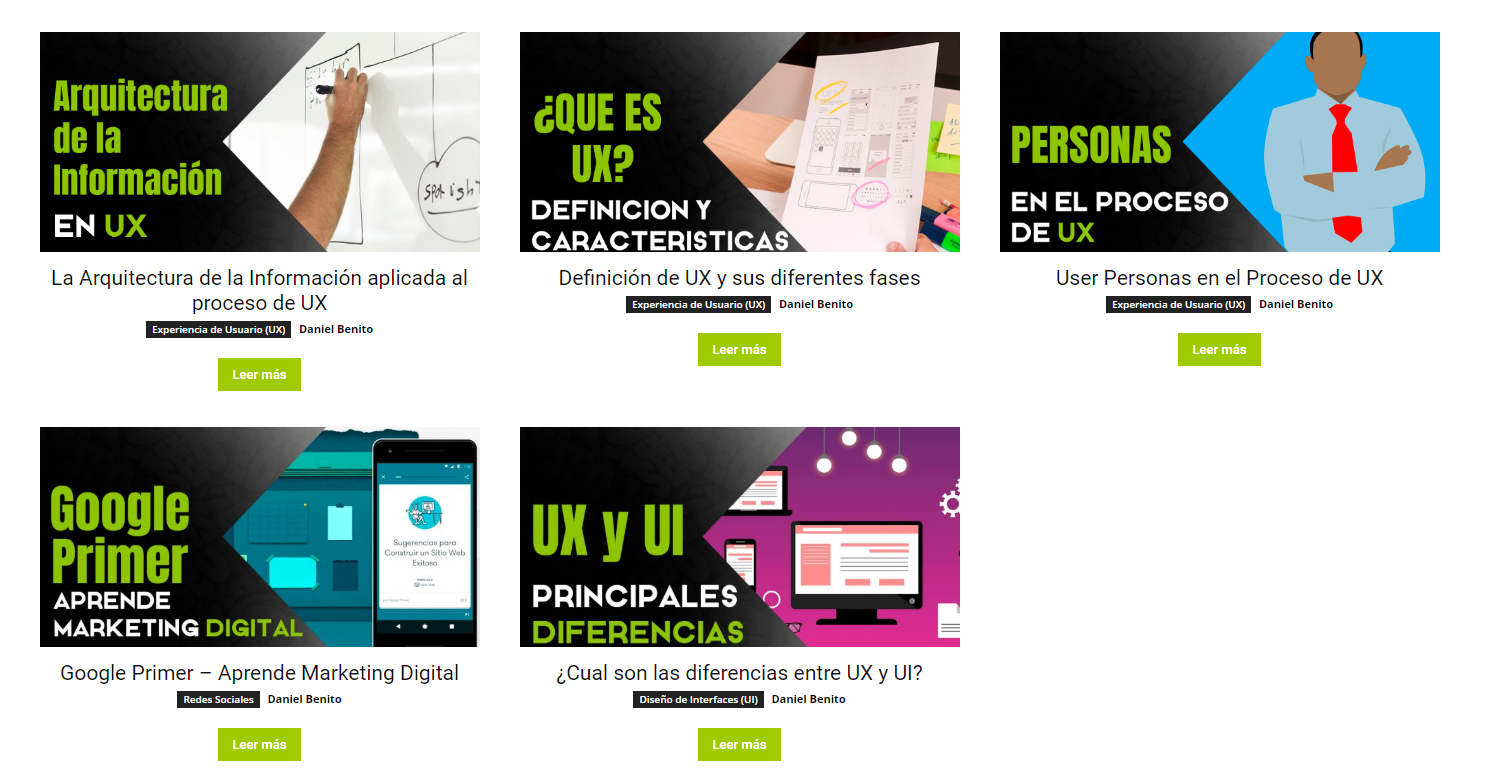
Well, I have a problem with the flex block element.
I have a “Last Items” filter post and 3 per row. The problem comes when displaying the 6, only 5 appearing regardless of the filters you put in or the changes you make…
Somebody give me a solution? Thank you in advance
 webgatorz
Hi,
The top section of neswpaper looks like this and pulls in post https://www.screencast.com/t/y2zo3QmEhjU
I want to do the same style of blocks, but instead of it pulling posts, I want to do custom banners, that link to categories or any link I give the banner/ banners, so I want to add images with hyperlinks like in this image https://www.screencast.com/t/PulU3ISaRpVn
Any help would be greatly appreciated, even if its someone who can do it for a fee
All the best
Chris
 ctoweett
 That is a block, not a post template. The post templates are under Theme Panel>Post Settings>Default post template (site-wide). That option you selected is for blocks.
ctoweett Are you referring to the block titles background colour? The option I provided is the correct one to change the colour. Just make sure you are using block header style 1. For the page, edit blocks with td composer. For the sidebar, change the titles in appearance>customize>widgets. Or are you referring to the title hover colour for posts?
ctoweett After you check the blocks and disable the thumbnails like Simion says, install “force regenerate thumbnails” plugin and check for the option to regenerate thumbnails under Tools in wp-admin. This will delete the unused thumbnails. Also, check this guide https://www.pickaweb.co.uk/kb/how-to-decrease-inode-usage-in-cpanel-server/.
 dia-C
dia-CHi,
I am happy with overall theme and how easy it is to setup.
Few issues on the website I am working on:
1. Font with Vietnamese diacritics on mobile does not show in right font. Here’s the screen cap.
Text should be all serif, but letters with Vietnamese diacritics are san-serif.
Here’s the site URL: http://d8r.282.myftpupload.com
Page with Vietnamese diacritics URL: http://d8r.282.myftpupload.com/2016/06/su-gian-du-trong-tieu-thuyet-cua-nguoi-my-goc-a-cuoc-phong-van-voi-tac-gia-nguyen-thanh-viet/
I use single post content (tdb_single_content) element.
It seems like diacritics does not show in right font when the font is italics or bold. Post paragraph in regular style shows up fine.
2. Flex Block 1 on mobile displays funky.
Here’s the screen cap.

Notice how the excerpt text is flowing over the feature image.
3. I would like to insert category name above the first post’s title on the homepage
Is it possible to disply the category name above the title “Freedom in Unrest: A Girl in a Book // Khairani Barokka”? I would like the category text to be crimson text, upper case, not with a black background. Please provide CSS if possible.
3. I would like to insert category name above the first post’s title on the homepage
Is it possible to disply the category name above the title “Freedom in Unrest: A Girl in a Book // Khairani Barokka”? I would like the category text to be crimson text, upper case, not with a black background. Please provide CSS if possible.
4. On Category page, I have setup infinite scroll + load more for the pagination style. It seems like the load more button shows up after the 3rd loading of the post loop which is confusing. Could I set the load more button to show up after I scrolled to the bottom of the screen for the first time? Also, I need more padding below the load more button. Here’s the screen cap.

Thanks for your help.
 sasquatters
Hello. I am trying to get my block colors to be different colors like is shown on your demo at https://demo.tagdiv.com/newspaper/ How can I do this? When I edit the block there is no color option.
Thank you!
 ZackLongFilmmaker
When ever I try to use the pagination setting on block 1, it only shows the same posts that it just did. I don’t know when this started, I only just noticed it today, but it hadn’t been this way previously. If I have it listed to show 7 posts, those same 7 posts repeat everytime it infinite loads or I press load more. If I leave the option empty and limit it to 7 through my WordPress –> Reading settings, it makes no difference.

