- NewspaperCloudflare (CDN)
- NewspaperWP Rocket and Newspaper Theme: Optimization Guide
- NewsmagUsing the theme translations together with WPML
- NewspaperUsing the Theme Translations with WPML
- NewsmagCustom Post Type Support
- NewsmagRequirements for Newsmag
- TutorialsWhat is Ajax preloading?
- NewspaperRequirements for Newspaper
- NewspaperHow to Make the Site Faster
 prodottiecologici
Instagram Block is not showing.
Error: Failed to load resource: the server responded with a status of 403 () – https://scontent-ams4-1.cdninstagram.com/v/t51.2885-15/241230823_153793266844796_3415188557184628160_n.jpg?_nc_cat=110%26ccb=1-5%26_nc_sid=8ae9d6%26_nc_ohc=onqlji0QXWUAX9fRnlw%26_nc_ht=scontent-ams4-1.cdninstagram.com%26edm=ANo9K5cEAAAA%26oh=790fbd31df18d3a0b2e7faf00e61a3d2%26oe=6165C795
 Anamaria
 Hello,
Please check the console if you have any errors when you try to open the wp editor, maybe is possible to be from the firewall or security module which blocks the admin-ajax.php request, which usually displays a 403 or 404 error.
If you don’t use a security plugin, please ask your host about this, maybe you have a security module that blocks this.
If you use a plugin like Wordfence please set it in learning mode.
Also, if you are using Cloudflare, please make sure that is set as in our guide https://forum.tagdiv.com/cloudflare-cdn/, you need to disable the Rocket Loader.
Let me know the results!
Thank you!
Anamaria Hello,
Please check the console if you have any errors when you try to open the wp editor, maybe is possible to be from the firewall or security module which blocks the admin-ajax.php request, which usually displays a 403 or 404 error.
If you don’t use a security plugin, please ask your host about this, maybe you have a security module that blocks this.
If you use a plugin like Wordfence please set it in learning mode.
Also, if you are using Cloudflare, please make sure that is set as in our guide https://forum.tagdiv.com/cloudflare-cdn/, you need to disable the Rocket Loader.
Thank you!
Anamaria Hello,
Please check the console when you try to open the wp editor, maybe is possible to be from the firewall or security module which blocks the admin-ajax.php request, which usually displays a 403 or 404 error.
If you don’t use a security plugin, please ask your host about this, maybe you have a security module that blocks this.
If you use a plugin like Wordfence please set it in learning mode.
Also, if you are using Cloudflare, please make sure that is set as in our guide https://forum.tagdiv.com/cloudflare-cdn/, you need to disable the Rocket Loader.
Thank you!
 Bettina
 Hello @dimitrisv!
Usually, when you click on author name, you should be redirect to author page.
For the problem with the author links, maybe the author archives are disabled in the Yoast plugin, if they are author links will be redirected to the homepage. Check if that is the case: http://prntscr.com/mbwwuk after that clear all cache, purge CDN(if you are using) and check the results.
Also, please start looking for a plugin conflict, deactivate ALL plugins except tagDiv ones, also if you are using child theme or cache plugin, deactivate them, clear all cache and try again.
Hope that helps you!
Thank you!
Anamaria Hello,
So I understand you want to add some more social share options, for this please go to Theme Panel -> Post Settings -> Sharing => https://i.imgur.com/YIC4YXz.png and select the social networks.
Please check the console when you try to save the changes made with tagDiv Composer maybe is possible to be from the firewall or security module which blocks the admin-ajax.php request, which usually displays a 403 or 404 error.
If you don’t use a security plugin, please ask your host about this, maybe you have a security module that blocks this.
If you use a plugin like Wordfence please set it in learning mode.
Also, if you are using Cloudflare, please make sure that is set as in our guide https://forum.tagdiv.com/cloudflare-cdn/, you need to disable the Rocket Loader.
Please make sure that you do not have a plugin conflict, please deactivate ALL plugins except tagDiv ones, also if you are using a child theme or cache plugin, deactivate them, clear all cache and try again.
Let me know the results!
Thank you!
 Calin
Calin Hi, in case that you are using the cloudflare (CDN) please make sure that you set it like in our guide -> https://forum.tagdiv.com/cloudflare-cdn/
Please check the settings and see after you set like that if there are still some problems or not.
Let me know the results!
 Wide Writer
The site is hosted in GoDaddy
Work without any issue if CDN is disabled
Can someone please advise how to fix this while using CDN
Anamaria Hello,
Please check the console when you try to save the changes made with tagDiv Composer maybe is possible to be from the firewall or security module which blocks the admin-ajax.php request, which usually displays a 403 or 404 error.
If you don’t use a security plugin, please ask your host about this, maybe you have a security module that blocks this.
If you use a plugin like Wordfence please set it in learning mode.
Also, if you are using Cloudflare, please make sure that is set as in our guide https://forum.tagdiv.com/cloudflare-cdn/, you need to disable the Rocket Loader.
Please make sure that you do not have a plugin conflict, please deactivate ALL plugins except tagDiv ones, also if you are using a child theme or cache plugin, deactivate them, clear all cache and try again.
Let me know the results!
Thank you!
Bettina Hello!
Check those articles:
– https://www.adpushup.com/blog/how-amp-ads-are-boosting-publisher-revenue/
– https://forum.tagdiv.com/cloudflare-cdn/
Hope that helps you!
Thank you!
Anamaria Hello,
To fix this error please follow these articles
-> https://medium.com/@dtkatz/3-ways-to-fix-the-cors-error-and-how-access-control-allow-origin-works-d97d55946d9
-> https://developer.mozilla.org/en-US/docs/Web/HTTP/CORS/Errors/CORSMissingAllowOrigin
-> https://talhasariyuerek.com/en/cors-policy-no-access-control-allow-origin-solution/
-> https://crunchify.com/how-to-fix-access-control-allow-origin-issue-for-your-https-enabled-wordpress-site-and-maxcdn/
Let me know the results!
Thank you!
 Gashhi
 If you’re hosting your domain in GoDaddy, try disabling CDN and everything will work fine. I had the same issue and disabling CDN worked for me.
Take care!
Gashhi Just talked to hosting company (GoDaddy) and it was a CDN issue. Once they disabled CDN everything worked fine.
Hope anyone finds this helpful. You can close the ticket now.
Best,
Gashhi
 Lewiswilson2015
Have been trying to fix this on my own for a couple of days now – icons and arrows are missing from the site. Managed to find the error (see below):
Access to font at ‘https://secureservercdn.net/160.153.137.170/44e.2d5.myftpupload.com/wp-content/themes/Newspaper/images/icons/newspaper.woff?19’ from origin ‘https://thegreentransition.com’ has been blocked by CORS policy: No ‘Access-Control-Allow-Origin’ header is present on the requested resource.
Tried adding some lines to the htaccess file that I found on some forums with no luck. Actually disastrous as I got a server error and had to disable the htaccess file 3 times already and renew the permalinks to get a new one.
Tried my best to look through past posts and see any solutions, but just can’t get it corrected. Please can you help out and get this fixed. I see it has been quite the issue on the past.
The site is thegreentransition.com (although it is not live and currently under construction)
Thanks
Anamaria Hello,
I saw you have an error, to fix it please follow these articles
-> https://medium.com/@dtkatz/3-ways-to-fix-the-cors-error-and-how-access-control-allow-origin-works-d97d55946d9
-> https://developer.mozilla.org/en-US/docs/Web/HTTP/CORS/Errors/CORSMissingAllowOrigin
-> https://talhasariyuerek.com/en/cors-policy-no-access-control-allow-origin-solution/
-> https://crunchify.com/how-to-fix-access-control-allow-origin-issue-for-your-https-enabled-wordpress-site-and-maxcdn/
I hope this will help you!
Thank you!
Calin Hi,
Unfortunately, for the moment our theme is not working with this option from WP Rocket https://i.imgur.com/bA177gC.png also this plugin was not tested with our theme and I do not know if our suggestions will work or not since we do not have this plugin in our list. Maybe one solution will be to exclude some js files, but I do not know if this will work or not. We recomand to not use that option.
For the moment the only guides for pagespeed with tested plugins that we have are those:
https://forum.tagdiv.com/cache-plugin-install-and-configure/
https://forum.tagdiv.com/cloudflare-cdn/
https://forum.tagdiv.com/autoptimize-install-configuration/
Thank you for your understanding!
Anamaria Hello,
This effect come from Cloudflare. Please make sure that is set as in our guide https://forum.tagdiv.com/cloudflare-cdn/ , and you need to disable the Rocket Loader.
Let me know the results!
Thank you!
Calin Hi muktipolice, unfortunately, I can not provide an answerer for this.
You need to make a request to our contact services and one of our developers will check your website and then it will be analyze what external resources you are using and what improvements can be done, and after that they will contact you and let know if this can be done or not.
Here on support the only way that we can help with the page speed it is to provide our speed guides:
https://forum.tagdiv.com/how-to-make-the-site-faster/
https://forum.tagdiv.com/cache-plugin-install-and-configure/
https://forum.tagdiv.com/cloudflare-cdn/
https://forum.tagdiv.com/autoptimize-install-configuration/
Thank you for your understanding!
Calin Hi,
Those ” https://ibb.co/DQYsGh2 and https://ibb.co/cL20sgT” are from mobile theme plugin and the color can be adjusted from the theme panel > mobile theme > theme colors -> https://i.imgur.com/hbGWx99.png here is our guide for this https://forum.tagdiv.com/the-mobile-theme/
First, I want to make sure that I was able to inform you of all data about the mobile versions that our theme can have.
1. Responsive version, this is by default when you install the theme and you do not use mobile page or mobile theme plugin.
2. Mobile page/template this allows you to create with tagDiv Composer and cloud a different layout and set different elements for mobile and iPad/tablet and it will overwrite the responsive version.
3. Mobile theme plugin, this is a light theme version for mobile that will overwrite the mobile page and responsive version if enabled.
So when you have a mobile page/template this will be used instead of a responsive version, but if you also have the mobile theme enabled, this one will override both of them.
How to combine them? Yes, this can be possible, for example the mobile page/template will apply only on that page or cloud template that is assigned. But what to do if you want to use a mobile theme plugin too? If you use mobile theme, in Gutenberg editor it is an option to disable the mobile theme in current post/page, if you use the option, then it will be use the mobile page/template (if is assigned) or the responsive version.
So in your case you can disable the mobile theme on the homepage -> https://i.imgur.com/NX57q4t.png or if you do not want it at all, disable the plugin or use it only for amp -> https://i.imgur.com/Grlz5Ee.png.
Here is also a video that explains all those -> https://www.youtube.com/watch?v=SpGkOnJeNZY
Also if you use Cloudflare (CDN) please make sure that it is set like in our guide -> https://forum.tagdiv.com/cloudflare-cdn/
Hope this will help you!
Calin Hi,
I also checked your website, but there is no cdn.viglink.com on the source page https://i.imgur.com/1TXEUnA.png
Indeed this maybe was added by some extra plugins or custom code, but our theme do not add it.
Thank you!
Calin Hi jasaj, there are more cache plugins that can be use with our theme. Here are some guides that we have:
-> https://forum.tagdiv.com/cache-plugin-install-and-configure/
-> https://forum.tagdiv.com/autoptimize-install-configuration/
Also for Cloudflare make sure that this is set like in our guide https://forum.tagdiv.com/cloudflare-cdn/
Also we have a small page speed guide -> https://forum.tagdiv.com/how-to-make-the-site-faster/
I hope this will help you!
 Billy
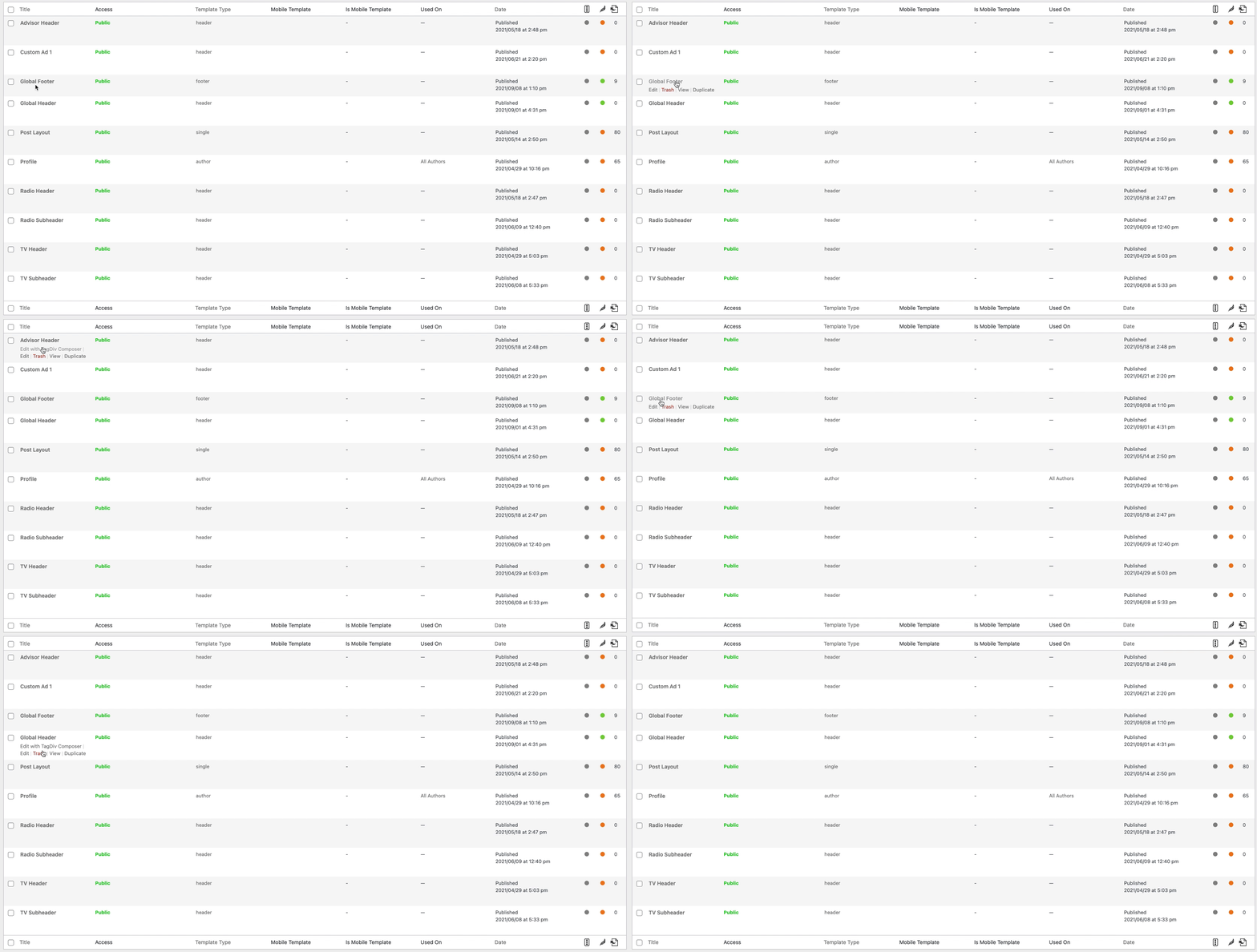
BillyNot sure what is going on, but when I create a footer with cloud templates, but when I go back to edit it the option to Edit with TagDiv Composer is gone. It is only happening with the footers, I have created multiple ones with the same issue.
 kitojardimelba
 The demo serves to demonstrate what the theme can do for you, to check the size of the files and much more, that is, to show you what you will really achieve using all the features it offers, and it is also clear to know the to expect visually from the theme you are purchasing.
If even the developer can’t optimize the theme itself, then it’s one more task for the user to get by, which in your case and in my opinion, was just getting rid of everything and having just text and an image practically for each post, which for me and in my tests, is meaningless, I need to use the theme with many images and almost as it is in the demo.
About LCP, it depends on where the images are and on what devices you are viewing that moment, not forgetting that earlier this year Google made changes in this metric with Chrome 88, more at https://web.dev/lcp/ e at https://chromium.googlesource.com/chromium/src/+/refs/heads/main/docs/speed/metrics_changelog/2020_11_lcp.md
But what I mean is for developers to improve the theme and be able to make the demos themselves get good scores.
In your case, I still give you some advice, if there is something unique that the theme has and no other can offer, in your case, there are lighter themes (total of 500kb with many images, with one image it is 250kb or less) and with similar features, that without CDN you’ll get a better score than your current one, something I can also get with these other themes and only using the server and free plug-in.
What I’m saying is that Google only asked to improve LCP and CLS over a year ago, and so far it hasn’t been done by the developers.
Finally, I have to praise the latest updates, especially 11.2, which brought better performance and less use of server resources, now the theme is really working as it should (now it looks like it’s really compatible with WordPress, without slowing anything down ), all that remains is to improve the LCP to get a good score.
kitojardimelba That’s the problem, if you want to make the site the same as yours, with practically one image per post, I can also get that score.
The problem is when a post has many images, which is pretty much what most sites have (and the demo too), an example is your own site, look at the score it gets on the main page for having many images (this because it still uses the mobile theme and has lazyload enabled, the rocket plugin and CDN, responsive should get even worse this score), if your posts had more images, your site wouldn’t even have half of what it takes to have a decent LCP.
If you’re buying a theme and you can’t even use the demo with a good performance, it’s at least strange to continue betting on the theme, since I work with other themes and they with many images score more than enough to pass these tests of the Core Web Vitals.
for reference, look at the score on your homepage and another post with two images https://imgur.com/a/iwtqofJ
-
This reply was modified 5 years by
kitojardimelba.
 rolandrickperry
 I just solved the same problem by turning OFF CDN (content delivery network) at GoDaddy. It was an instant solution. I think this happened once before.
GoDaddy says “Our global Content Delivery Network (CDN) turbocharges your site by hosting big files on servers around the world, closer to your visitors.”
Not!