
- NewspaperWhen tagDiv Composer is Not Working
- TutorialsSystem status parameters guide
- NewspaperCache plugin – install and configure
- NewsmagRequirements for Newsmag
- NewspaperRequirements for Newspaper
 Simion C.
 Those errors mention exhausted memory, we actually recommend a value of 256M which would be enough for most websites. However having multiple plugins active besides the theme and theme plugins could exhaust this as well.
Try to deactivate all other plugins except theme plugins and check if the problem is solved. There would be no other way around this, having a proper memory allocation is necessary.
 Calin
Calin Hi,
Please make sure that the theme system status is configured as mentioned in the requirements guide. Please follow the guide carefully
– https://forum.tagdiv.com/requirements-for-newspaper/
and please increase all requirements that are lower, and follow all steps.
Also please add this in your .htaccess
https://www.screencast.com/t/FswObjqqmr7
Also please increase wp memory
Thank you.
Simion C. Hi,
That can be caused by low WP memory, we recommend a value of 256M
– https://forum.tagdiv.com/requirements-for-newspaper/
Be sure to add the code provided at the end of the guide in the htaccess file, also check all the other parameters mentioned in it. Your hosting provider should be able to do this for you if needed.
Most theme and theme plugin issues are caused by insufficient resources. Please let us know if the problem is solved after doing this.
Thanks
 mightypixel
 From the System Status page:
Theme version 9.2.2
Theme database version 9.2.2
php.ini configuration
Server software nginx/1.15.7
PHP Version 7.3.0-1+ubuntu16.04.1+deb.sury.org+1
post_max_size 128M
max_execution_time 300
max_input_vars 10000
SUHOSIN installed false
PHP extensions
mbstring available
GD library available
WordPress and plugins
WP version 5.0.1
WP multisite enabled No
WP Memory Limit 512 MB/request
WP_DEBUG False
 Bekir Kocadag
 thank you simion
but
host provider support 128m memory.
newspaper template 8.7 running successful
and update version 9, web site down.
host provider update memory for 45 minute.
down again.
error message :
[19-Dec-2018 19:37:54 UTC] PHP Fatal error: Allowed memory size of 134217728 bytes exhausted (tried to allocate 130968 bytes) in /home/bekirkoc/public_html/wp-includes/class-wp-term-query.php on line 288
[19-Dec-2018 19:53:29 UTC] PHP Fatal error: Allowed memory size of 134217728 bytes exhausted (tried to allocate 130968 bytes) in /home/bekirkoc/public_html/wp-includes/class-wp-comment-query.php on line 395
then update memory 512m, update and running template.
but host company automatically update 128m then web site down.
newspaper template
php.ini memory limit: 40MB (recommended: 96M)
but down
 Catalin
 Hi,
Check the system status parameters to be increased according to our documentation from here -> https://forum.tagdiv.com/system-status-parameters-guide/ Most likely, the PHP memory has exhausted and that’s why the loading circle is displayed.
Thanks for the message!
 miltonrodas
 Hello, the newspaper status paremeters match your documentation, the only thing that my host won’t do is raise max_execution_time to 60 (limit for shared hosting is 30) –
I currently have:
max_input_vars = 5000
max_execution_size = 30
post_max_size = 50M
upload_max_filesize = 50M
memory_limit = 128M
There seems to be a disconnect between this demo theme (voice report) and the newspaper Theme panel. Examples: 1) The social network counts are not updated even though I put in my social networks in the theme panel (how does it grab the counts?) 2) also, the instagram feed at the bottom of the homepage…it won’t update and there seems to be no way of updating it within Theme panel.
Here are the screenshots for the menus not showing as you requested:
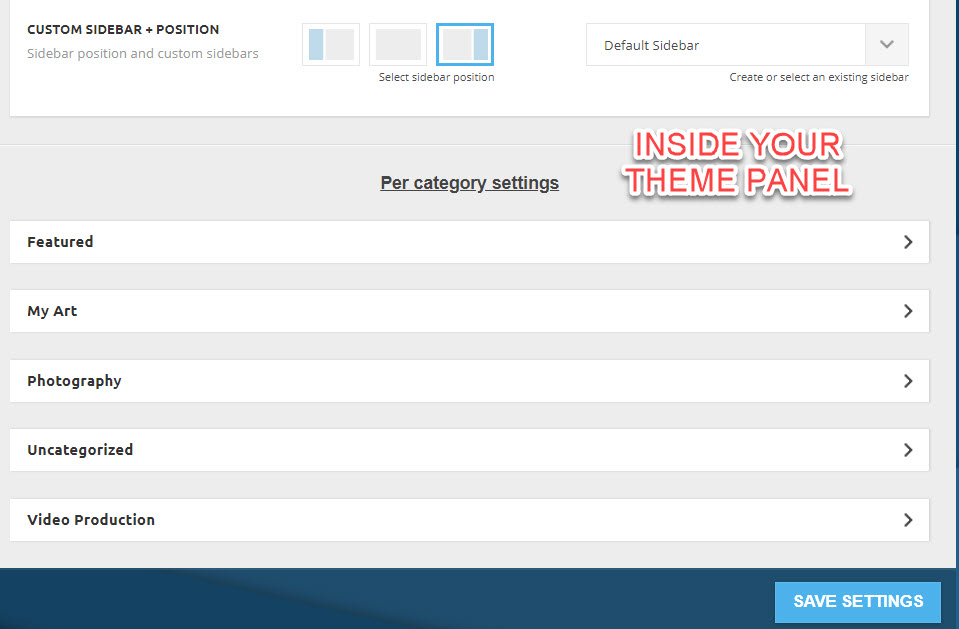
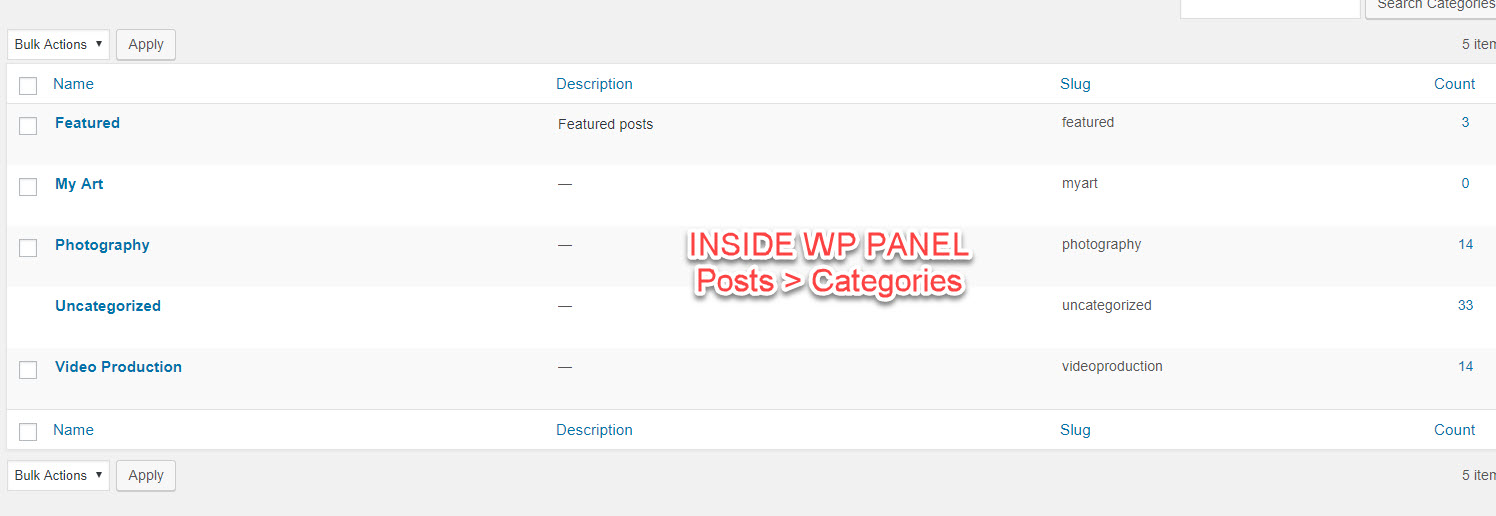
domain is: miltonrodas.com
Simion C. Hi,
So the composer plugin deactivates itself after you activate it? Could be caused by insufficient memory or resources
– https://forum.tagdiv.com/requirements-for-newspaper/
Or maybe by database instability.
Thanks
Bekir KocadagHi,
How to learn php memory limit in newspaper theme for setup?
I update new big update site is down.
 daniduarte
Hi,
I bought a new license to install the latest version of the newspaper, because I used the 4 yet. I took and updated wordpress to version 5. After installing everything, included the plugins and delete the old version and old plugins, I have the following error when accessing my panel:
Parse error: syntax error, unexpected ‘[‘, expecting ‘)’ in /home/blogsoviagem/webapps/ROOT/site/wp-content/plugins/td-composer/includes/tdc_util.php on line 592
if I delete the td-composer plugin from ftp, I can again open my panel, but when trying to create any page or post, I also have the errors:
Fatal error: Allowed memory size of 134217728 bytes exhausted (tried to allocate 96 bytes) in /home/blogsoviagem/webapps/ROOT/site/wp-includes/functions.php on line 3151
soviagem/webapps/ROOT/site/wp-content/plugins/td-composer/td-composer.php) [function.fopen]: failed to open stream: No such file or directory in /home/blogsoviagem/webapps/ROOT/site/wp-includes/functions.php on line 4891
Warning: fread() expects parameter 1 to be resource, boolean given in /home/blogsoviagem/webapps/ROOT/site/wp-includes/functions.php on line 4894
Warning: fclose() expects parameter 1 to be resource, boolean given in /home/blogsoviagem/webapps/ROOT/site/wp-includes/functions.php on line 4897
Please helpe me.
I do not know what could be happening. My server support says the problem is with wordpress or theme, not server.
 Bogdan B.
 Hello,
This issue happens when you do not meet the requirements for newspaper. Please use this guide to increase your memory allocation: https://forum.tagdiv.com/requirements-for-newspaper/
Thank you!
Simion C. Hi,
That error would be related to low memory indeed
– https://www.wpbeginner.com/wp-tutorials/fix-wordpress-memory-exhausted-error-increase-php-memory/
Setting it like this would be enough for most websites, when having complex or large plugins active it may require more
define( 'WP_MEMORY_LIMIT', '256M' );
Please check the theme requirement guide carefully, top to bottom
– https://forum.tagdiv.com/requirements-for-newspaper/
Thanks
 suprim
For some reason after updating to the latest version I have been experiencing this issue where on publishing a post cause website to slow down and admin panel to crash. I have a memory limit set to 512 MB/request and I saw other people with similar issue idk if the problem is with theme or the new wordpress 5.
Thanks
 vietdoan
Dear team,
I cannot apply a theme of Newspaper when reaching the welcome page of Newspaper. Specifically, I proceed to install required plugins according the instruction page (https://forum.tagdiv.com/install-via-wordpress/), then I was led to a error page as follow:
“Fatal error: Allowed memory size of 67108864 bytes exhausted (tried to allocate 49 bytes) in /home/content/09/11452709/html/meovavit/wp-content/themes/Newspaper/includes/wp_booster/td_api.php on line 33”
Could you please explain me what it means?
Best regards,
VD
 Giuliano_Gianfriglia
Hi,
I’ve purchased yestarday from Themeforest the Newspaper 9 theme. Today I try to install it on my WordPress 5.0.1 site and I have’t problem but, when I try to create a new page and using TAGDIV COMPOSER I received this error:
Fatal error: Out of memory (allocated 102760448) (tried to allocate 72 bytes) in /home/mhd-01/www.latavolarotonda.org/htdocs/wp-content/plugins/td-composer/includes/tdc_main.php on line 516
I try to change php service from 5.6 to 7.0, 7.1 and 7.2 without solving the problem.
I modify my wp-config with this:
define( ‘WP_MEMORY_LIMIT’, ‘128M’ );
define( ‘WP_MAX_MEMORY_LIMIT’, ‘256M’ );
and php.ini with:
max_input_vars = 5000
max_execution_time = 300
post_max_size = 50M
upload_max_filesize = 50M
I’ve got try any solution on the web but all of that can’t solve the problem. Have you any suggestion?
Calin Hi,
Please provide some screenshots with the Activate Newspaper problem you have.
Please make sure that the theme system status is configured as mentioned in the requirements guide. Please follow the guide carefully
– https://forum.tagdiv.com/requirements-for-newspaper/
and please increase all requirements that are lower.
WP_MEMORY_LIMIT try to increase it to a value of double you already have if possible.
https://www.screencast.com/t/sQswe1SWR
https://www.screencast.com/t/FswObjqqmr7
https://www.screencast.com/t/a4FX71p3yH
Thank you for your understanding.
 celhil
Hello,
I know that Google Page Insights is not a perfect tool to measure the page speed. But I have a big difference between the mobile and the desktop version:
Mobile Version 19% (https://picload.org/view/dccggriw/bildschirmfoto2018-12-14um13.0.png.html)
Desktop-Version 76% (https://picload.org/view/dccggrip/bildschirmfoto2018-12-14um13.0.png.html)
Has anyone a tipp about the reason of that?
Here is my configuration:
Ubuntu, 16 GB Ram, SSD
PHP 7.2.13
Newsmag 4.7
post_max_size = 50M
max_execution_time = 300
max_input_vars = 3000
SUHOSIN installed = false
mbstring = available
GD library = available
WP version = 4.9.8
WP multisite enabled = no
WP Memory Limit = 512 MB/request
FPM-Application about Nginx 1.14.1
pm.max_children = 100
Nginx configuration (instead of htaccess)
if (!-e $request_filename){

	rewrite ^(.*)$ /index.php break;

}
location ~* \.(js|css|png|jpg|jpeg|gif|ico)$ {
expires 30d;
add_header Pragma public;
add_header Cache-Control "public";
try_files $uri @fallback;
}
# Block XMLRPC
location = /xmlrpc.php {
deny all;
access_log off;
log_not_found off;
return 444;
}
# Fix for chinese icons
location ~* \.(eot|ttf|woff|woff2)$ {
add_header Access-Control-Allow-Origin *;
}
# GZIP compression
gzip on;
gzip_proxied any;
gzip_types text/plain text/xml text/css application/x-javascript;
gzip_vary on;
gzip_disable "MSIE [1-6]\.(?!.*SV1)";
WP-Rocket
Caching for mobile devices = enabled
HTML minimize = enabled
Remove static query-strings = enabled
css minimize = enabled
javascript minimize = enabled
load javascript delayed = enabled
lazy loading for pictures = enabled
lazy loading for iframes and videos = enabled
deactivate emojis = enabled
deactivate wordpress embeds = enabled
activate preloading = enabled
heartbeat control = reduced activity
Catalin Hello,
I would suggest that you check the theme requirements guide. Check if there is enough WP memory and the necessary PHP extensions are available (especially mbstring – https://www.screencast.com/t/YX4mKZmlUPFw )
Also, try the suggestion from this topic and add the mentioned code in the .htaccess file
– https://forum.tagdiv.com/topic/gray-page-tagdiv/
Let us know the results.
Thanks
Simion C. Hi,
If you deactivate the composer and in the header settings there is a multi-purpose header style selected, then there will be an error like the one from the screenshot.
In most cases where 500 errors were displayed it was caused by low WP memory
– https://forum.tagdiv.com/requirements-for-newspaper/
Most hosting providers by default set this to a value around 40M, which is depleted quickly and is not enough for the theme alone, not to mention other installed plugins.
We recommend a value of 256M, which is enough for most websites. Please check the theme requirements guide carefully, top to bottom. If needed increase the parameters mentioned in it, or ask the hosting provider to do it for you, they should be able to.
In case there is still a problem let us know.
Thanks
Calin Hi @imkimc,
Unfortunately for some clients appear this problem, when update the theme, tagDiv Composer need to be update/activate manually, we try to find some solution for this problem, sorry for the inconvenience.
Please make sure that the theme system status is configured as mentioned in the requirements guide. Please follow the guide carefully
– https://forum.tagdiv.com/requirements-for-newspaper/
and please increase all requirements that are lower.
WP_MEMORY_LIMIT try to increase it to a value of double you already have if possible.
https://www.screencast.com/t/sQswe1SWR
https://www.screencast.com/t/FswObjqqmr7
https://www.screencast.com/t/a4FX71p3yH
Thank you for your understanding.
Bogdan B. Hello,
The most important value you should check is the wp memory limit set in wp-config. This should be set to 256 Mb as recommended here: https://forum.tagdiv.com/requirements-for-newspaper/
Please do that and see if the server still provides issue. Also please check ypur htaccess for any code that can affect the site.
Thanks
 devy
devySince the recent update I am having an issue saving changes with the TagDiv Composer. After clicking save, it just spins without completing the process.
I have checked the updated theme requirements and increased the memory limit.
When I am on TagDiv Composer and Go to Chrome Developer Tools I get the following errors:
Failed to load resource: the server responded with a status of 404 () font-newspaper.css:1
Failed to load resource: the server responded with a status of 404 () /wp-json/td-composer/save_post?
Error during WebSocket handshake: Unexpected response code: 403
Simion C. Hi,
Seems the website is down at the moment – https://www.screencast.com/t/jC8ZAfMx1c
I found some topic discussions about the database error you are receiving
– https://stackoverflow.com/questions/1884859/lost-connection-to-mysql-server-during-query
– https://dba.stackexchange.com/questions/80362/lost-connection-to-mysql-server-during-query-issue
– https://serverfault.com/questions/739137/lost-connection-to-mysql-server-during-query
– https://www.digitalocean.com/community/questions/down-site-error-establishing-a-database-connection
Could be e damaged database, you could attempt a repair (make a backup before), or out of memory maybe.
 hellobeautie
 Solved it by increasing the PHP memory to 256M!
Thank you
mightypixelWhen I try to load the Cloud Templates > All Templates page, it often returns 500 errors.
I have created 4 working templates, and when the page actually loads, rest of the features and functions of the theme work without any problems.
“PHP Fatal error: Allowed memory size of 536870912 bytes exhausted (tried to allocate 90112 bytes) in /www/mope_295/public/wp-includes/functions.php on line 3751” while reading response header from upstream, request: “GET /wp-admin/edit.php?post_type=tdb_templates HTTP/1.0”, upstream: “fastcgi://unix:/var/run/php7.2”


