- NewspaperThe Newspaper Mobile Theme: Introduction
- NewspaperThe Mobile Theme
- NewspaperMain Menu
- NewspaperHow to Add a Logo in Newspaper
- NewspaperBig Grid Flex Settings
- NewspaperHeader Builder
- NewspaperFont Customization
- NewspaperTheme Colors Introduction
- NewspaperBackground Introduction
- NewspaperHow to Install Newspaper via FTP
- NewspaperHow to Install Newspaper via WordPress
 stanekc
Is there a way to add a separator line in between certain groups of links in a mobile menu? I have five or so links, some with sublinks, then I want a separator line, followed by two more links.
 Anamaria
 Hello,
You can change the excerpt for mobile live search from here -> https://i.imgur.com/WQLgFbT.png
To change the font and color for the mobile menu please go to Theme Panel -> Theme Colors -> Mobile menu/mobile search => https://www.screencast.com/t/0CvSgXp9H to set a background image go in Theme Panel -> Background -> Mobile menu/mobile search => https://www.screencast.com/t/uvDejzbX to change the font from Theme Fonts => https://www.screencast.com/t/ANBQe7hQhJd
Thank you!
 Right News India
Can you help me to reduce the height of horizontal menu shown on my mobile website?
Cause it’s height is similar to header and i want to reduce it..
Website link; https://rightnewsindia.com
 i.zune13
Hello,
I have encountered a problem regarding the mobile menu. When I installed the site correctly, the menu works fine on the laptop version. However, when I switch to the mobile version and navigate through the pages, I cannot find the content. Only the page title is displayed, but the content, including images and text, is missing. Could you please look into this matter and provide assistance as soon as possible?
website link : https://marocafrika.org
Thank you.
 Bettina
 Hello!
Make sure this option is enabled: https://app.screencast.com/tsqGya8uhcdGp
Click on that hamburger menu and choose a menu in the mobile viewport: https://prnt.sc/KM1WiaiJlPSD
Thank you!
 eventindustrynews
Hi
The mobile menu isn’t loading see the screenshot https://share.icloud.com/photos/0977AncQThFth7IKzeshsSf4A
We are on version 12.6.3
 lintas17
Hi tagdiv,
I want to make category/tag list appear horizontally like mobile horizontal menu feature. I have tried using inline element for Category/Tag List but it does not show the horizontal scrolling like in Mobile Horizontal Menu feature.
Is there any css code to add?
Thanks a lot!
Anamaria Hi,
Can you copy and paste the logo from the mobile menu into the header menu? And see if the issue persists.
Thank you!
 sangha9
 PLEASE IGNORE THIS! I figired out to add Mobile menu.
Thanks,
Robert
sangha9On Desktop, menu ( category menu ) is showing.
but on mobile, menu(category) is NOT showing. Is there a way to show menu(Category) on mobile?
on mobile, menu(category) not showing
Thanks,
Robert
 bna
bnaSite: bicycles.net.au
Newspaper: 12.6.3
On a web browser (with responsive setting) the mobile menu appears when clicked as an overlay (slides in from the left).
On iOS (17.1.2) the hamburger menu is visible and when clicked, no overlay menu appears as is expected. The webpage size gets a bit smaller and has a drop shadow but the menu is not visible.
I have disabled .js file ‘minify’ (via the W3TotalCache). Any ideas why this is not working and the mobile menu is unavailable on the mobile device.
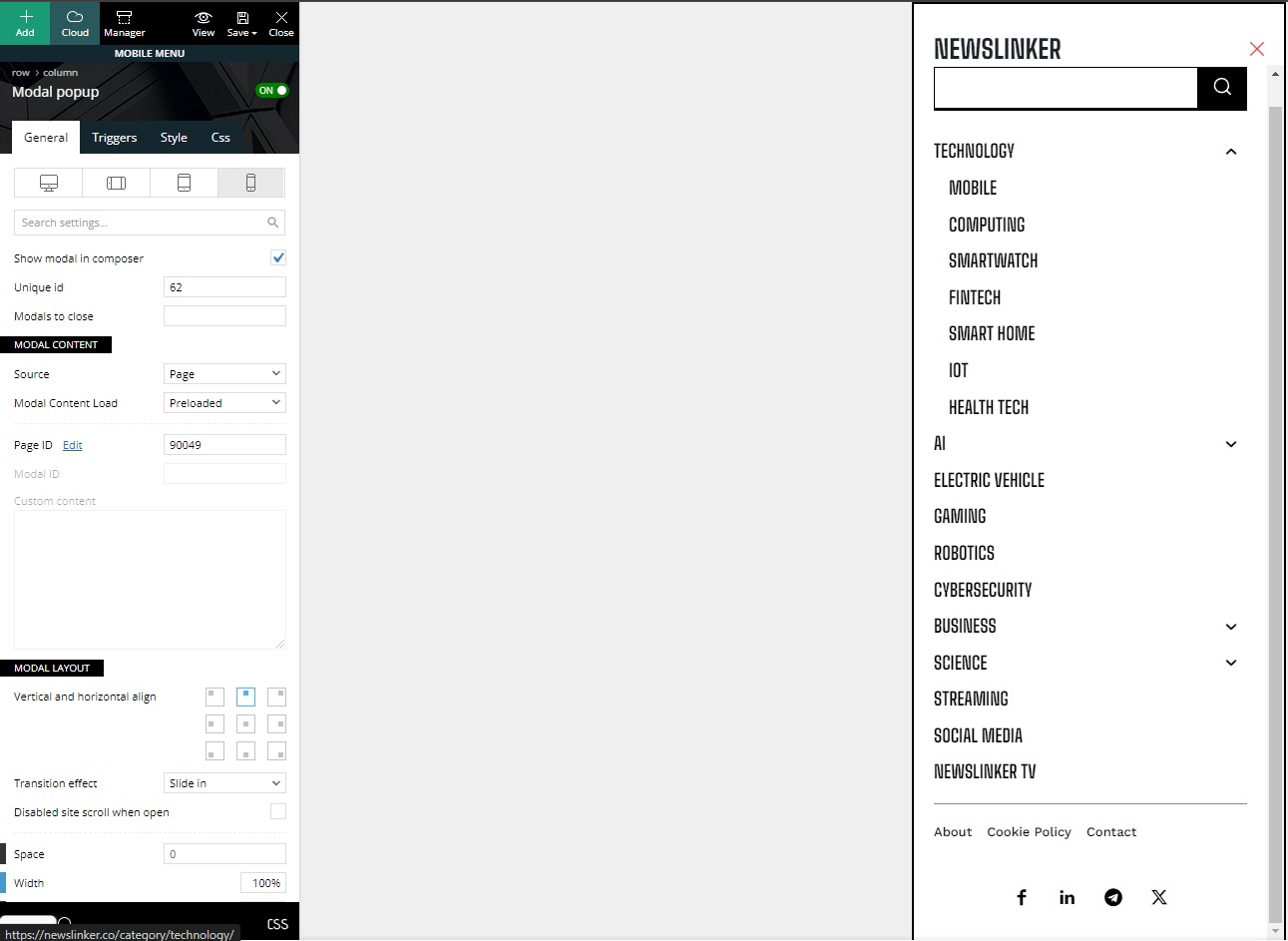
 newslinker
Hello. I can’t find where to edit the social media links in the screenshot. can you help me with this?
link: https://storage.googleapis.com/openscreenshot/q%2FT%2FY/nBavF2YTq.png
 LeFrancophile Editors
 Hi Anamaria, deactivated plugins and found conflict with images in the hummingbird plugin.Contacted the plugin support and this issue was fixed.However in the mobile site I have a problem with both the header and footer menus.Apart from the home and sign in pages which are custom links the other pages are not loading the content.
They are loading on a tablet and a mobile phone as well as in the customiser preview. I have deactivated plugins in an attempt to find a conflict but this did not highlight any issues.
 foresttree
I have a question about my website https://actuma.nl
when i am in mobile.. the menu get stuck for the overlay.
what is the solution?
 nzyan
nzyan Both checked, both have only my logo.
– Composer, mobile viewport, both Mobile Menu and Mobile Menu Sticky
– Theme settings, Logo & Favicon tab, Logo Upload and Retina Logo Upload
Nzyan
Bettina Hello!
Click on that hamburger menu and choose a menu in the mobile viewport: https://prnt.sc/KM1WiaiJlPSD
Thank you!
 ISAAC LAMA
I would like to know why I don’t get the mobile menu option in the menu options. I would like to be able to put this menu option to differentiate it from the main menu.
I am looking forward to your response. thank you
 quochungbcvt
My website is: Babybloomberg.com
When entering the article detail page on your phone, the AMP interface will work. Everything is good, the only thing is that my website has 2 languages. Even though the articles are in Vietnamese, the menu in the AMP interface is always in English.
I use the Polylang plugin to create a 2-language website.
I have selected the Vietnamese Main menu and the English Main menu in the correct positions but they still do not display correctly.
I have attached a picture below.
Main menu VI 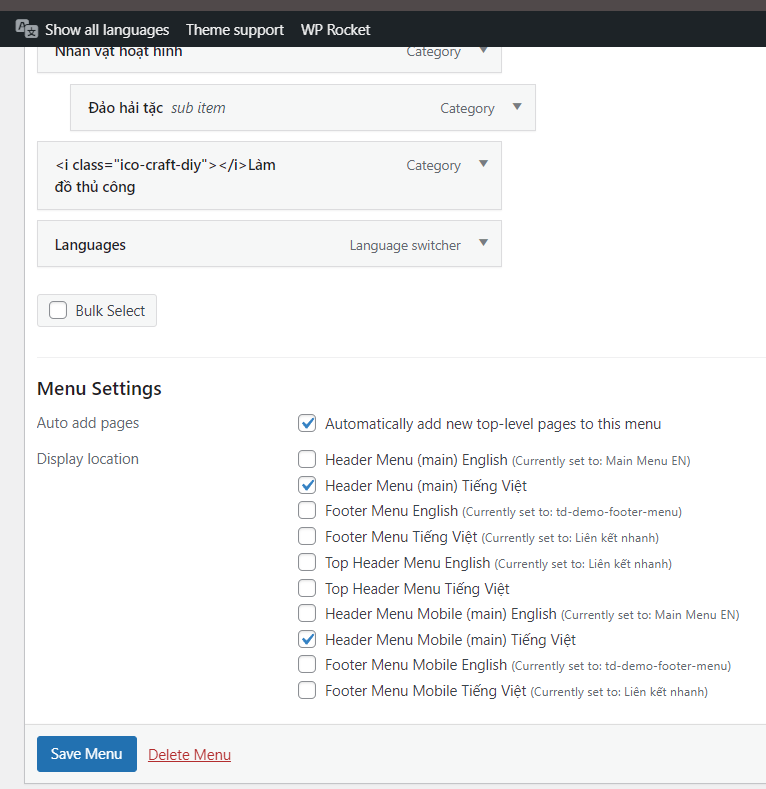
Main menu EN 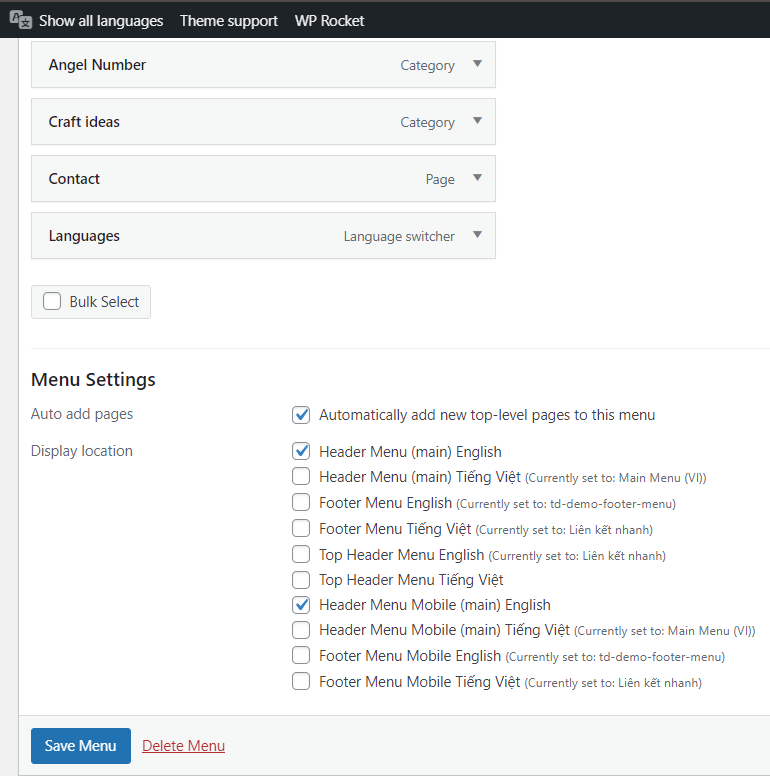
Menu in Vietnamese post in AMP interface 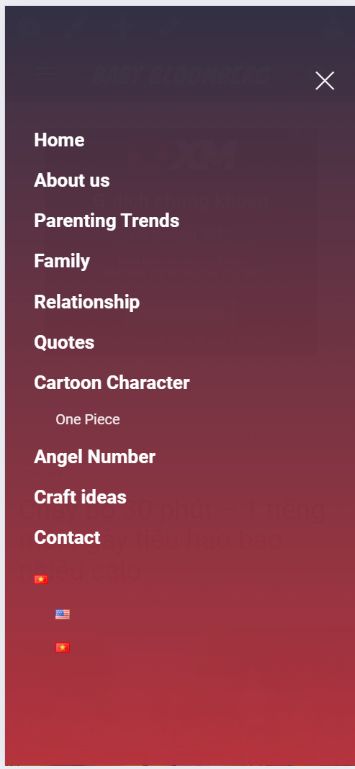
Bettina Hello @gorthi !
Try to add this CSS code in the theme panel settings -> Custom CSS:
.td-js-loaded .td-menu-background, .td-js-loaded #td-mobile-nav{

visibility: visible !important;

-webkit-transition: transform 0.5s cubic-bezier(0.79, 0.14, 0.15, 0.86);

transition: transform 0.5s cubic-bezier(0.79, 0.14, 0.15, 0.86);}

.td-menu-mob-open-menu .td-menu-background{ transform: translate3d(0, 0, 0);

    -webkit-transform: translate3d(0, 0, 0);}
I hope that helps you!
Thank you!
 gorthi
Hello
There is an error on mobile version via Safari browser, the thing is mobile menu isn’t opening when clicking on the humburger icon, it just unzoom the website but doesn’t open the menu model.
This is the screen after clicking the humburger icon : https://imgur.com/SgbkChc
PS: it doesn’t work on Safari ios only, other browsers works perfectly
Bettina Hello!
This issue has already been discussed here; please check:
https://forum.tagdiv.com/topic/mobile-menu-and-mobile-search-not-clickable/
Thank you!
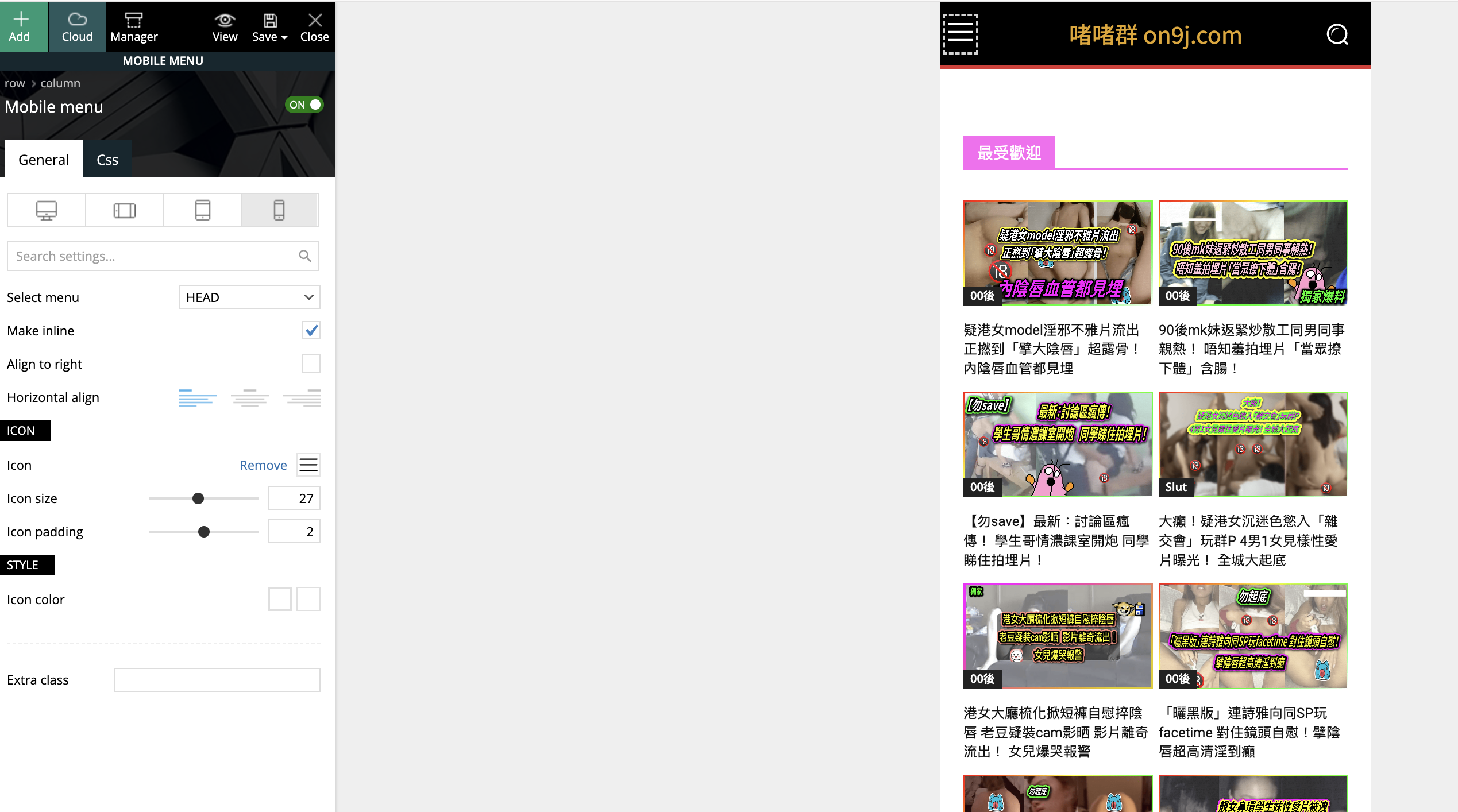
 pppppppp
My main page: mobile menu and mobile live search don’t work. Nothing happen when clicking it.
Please help.
Website: on9j.com
 ibadurrahman
i use many other plugin in my website. the site is showing menu on PC and on Mobile properly when i visit post other pages etc but Menu on Mobile not working when a i add shortcode of another plugin in any page.
Website : https://gadgetsfocus.com/
video of problem: https://drive.google.com/file/d/1Yvrpy5Bfy9CBth83m4yr8PEfUKDtzadT/view?usp=sharing
 Suliman Razvan
Hello in there…have an issue with the mobile menu not working anymore after update to Newspaper 12.6.3. When i click to categories or sub elements nothing loads just an white page.
I must say that I disabled all plugins to avoid a potential conflict and… still not working. Need u’r help.
Bettina Hello @eduardo!
Here you can remove the picture for mobile menu/search background: https://www.screencast.com/t/x3Xrln2b88x
Thank you!