- NewsmagMain menu
- NewsmagIntroduction
- NewsmagLogo & Favicon
- NewsmagBackground introduction
- NewsmagTheme colors introduction
 a123gfh
 I had the same problem where the actual mobile menu didn’t work (clicking on it would just freeze like it didn’t appear) but in the editor it still worked fine. I looked through this article and didn’t see a solution here. or let everyone see if others also find this error like me
 thalesbrandao
 please disregard the case as I have already resolved it by updating and activating the mobile plugin.
I use the AMP plugin I need help improving the appearance of the main page via mobile – the configuration found delivering a new format. How do we include new items like the menu at the bottom and our podcast section?
 hllt-dmi
 Hey,
we still have this issue. How can we fix those? (mobile menu & mobile search). Thanks!
 Stexs
StexsHi, I would like the list of categories filter of a flex box to be closed by clicking on the word “other”. I’ll explain better with photos.
When the category filters do not fit in the filter tab of the flex box, they are grouped in a drop-down menu that opens on hover (see here https://drive.google.com/file/d/1NzKXpeny3oNiYmUgknVtS5zkPc1UOQGd/view?usp=sharing). The problem is that in some cases, especially on the mobile version, it is not possible to see the articles relating to the category that was clicked because the list does not disappear and hinders viewing. I would like the list to close when clicking “more” (Where is the icon, see the photo https://drive.google.com/file/d/1OYPReizLbnukfTyA3zvEBpIBeygYTrtb/view?usp=sharing) or when a category is chosen. Thanks!
 SP1
SP1Hello Team Tagdiv,
Hope you have had a good holidays.
We are facing a problem since today.
We have the latest NewsPaper theme 12.6.2 on http://www.GadgetBridge.com and today morning when were editing the front page by clicking on edit with TD composer green button on top a problem has started to occur.
We wanted to add a link in the footer menu.
However as soon as we clicked save. Every resource in our (RAM, DISK iO and CPU) dedicated server went to 100%. We have lot of RAM and CPU cores, yet this happened. The site would just not open or respond because of that.
Upon looking the error logs we found this error – AH01067: Failed to read FastCGI header, referer: https://www.gadgetbridge.com/
Upon searching, found out it has to do with a plugin problem.
So, we carefully 1 by 1 from the server end renamed each plugin to deactivate.
As soon as we deactivated the tagDiv Cloud Library plugin, this website came back.
We rebooted the server and all resources went back to normal below 20%.
We thought it could be a plugin mismatch, so –
1) We deactivated all plugins and then just activated TagDiv ones like mobile, composer and all resources were fine. As soon as we activated tagDiv Cloud Library, the website went down again and resources went to 100%. We deactivated and rebooted, the website came back.
2) We have tried uninstalling and reinstalling tagDiv Cloud Library, that does not work. (all other plugins were deactivated)
3) We have tried going back to Newspaper 12.6.1 and activated that tagDiv Cloud Library plugin again same problem. (all other plugins were deactivated).
4) We have deactivated the tagDiv Cloud Library, and reactivated all others so some part of the website is working, however because tagDiv Cloud Library is not active, menu and other systems are not working and there is a naked code on every desktop page in header and footer.
We cannot figure out what the issue is and how to make it work.
Please help, how to solve this problem.
Best Regards
SP
 kastyle
Hi,
on our website the search icon on desktop and the search icon and menu button on mobile doesnt work.
karlsruhe-insider.de
Thanks for help
 Bettina
 Hello Paul!
Change that from the theme panel settings: https://www.screencast.com/t/PbU3hQpDqHh
The social icons from the mobile menu are coming from the Theme Panel -> Social/Apis -> Social Networks -> https://i.imgur.com/kKYIECB.png remove/edit them after your needs.
Or you can delete that element and create a fully customizable page there using the modal popup: https://forum.tagdiv.com/modal-popup/
Thank you!
 Paul EV
Hello,
I tried to change some option on my mobile menu but i can’t click on element when i click it’s oppening a news page. (in tag div builder).
How can i edit the link and remove the background on this menu ?
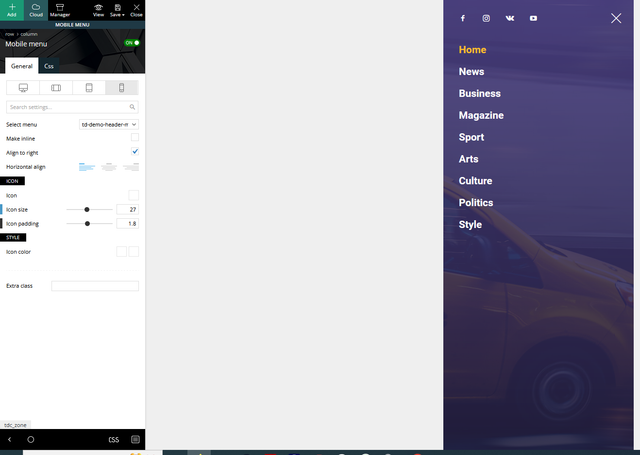
Thank’s for your help.
Paul
 Anamaria
 Hi,
To remove a background image, go in Theme Panel -> Background -> Mobile menu/mobile search => https://www.screencast.com/t/uvDejzbX and delete the image, because this no longer exists.
Thank you!
 Alex
Alex INP on desktop doesn’t seem to have any problems.
– I assume that INP issue is happening on Mobile when modal popup block is used for Menu, Search etc elements.
When default Mobile Menu Burger and Search blocks is used INP on mobile has no problems.
 larutachina
 I already fixed the menu problem but I still have the blank space between the header and the content in the mobile version. I just downloaded the theme again but I still have the same problem.
larutachinaHi!
I’m just starting my website but I’m not being capable to make the mobile menu to work.
It works in the composer but not online.
What would be the problem?
Thank you
Website: http://www.larutachina.com
 Calin
Calin Hi,
What you can try is to set a big line-height on header elements from header and desktop, another alternative is with css, for example for mobile it can be used this custom css:
.td-header-main-menu  {

min-height: 100px!important;

}

.td-header-menu-wrap {

    min-height: 101px!important

}

#td-top-mobile-toggle i {

      line-height: 101px;

}
– https://i.imgur.com/tzKCv1q.png
I hope this will help you!
 Andy81
Hi, How can I create custom menus for Desktop + Mobile that has login, socila icons and menus (when you click on 3 lines icon and menu appears) similar to what Downtown Pro and Echo Verse themes have)?
https://app.screencast.com/ff3AAhWJoHoqq
https://app.screencast.com/dTGJVj8aLfLG1
 vallartamirror
 I switched for the “Header categories list” to “Mobile menu”. This seems to have corrected the problem… at least for now.
 news9
news9Hi I am using Newsmag header style 4. There is nine dot icon on mobile menu. How can I switch it to hamburger menu. Example is shown in screenshot
vallartamirror I have made my menus match for “Categories” and “Primary”.
I have set the header to show “Primary”.
I have added the “Header Categories List” back to the mobile design.
Now the menu shows correctly on the mobile home, but it does not display correctly on the mobile categories pages or the mobile individual posts.
Correct:
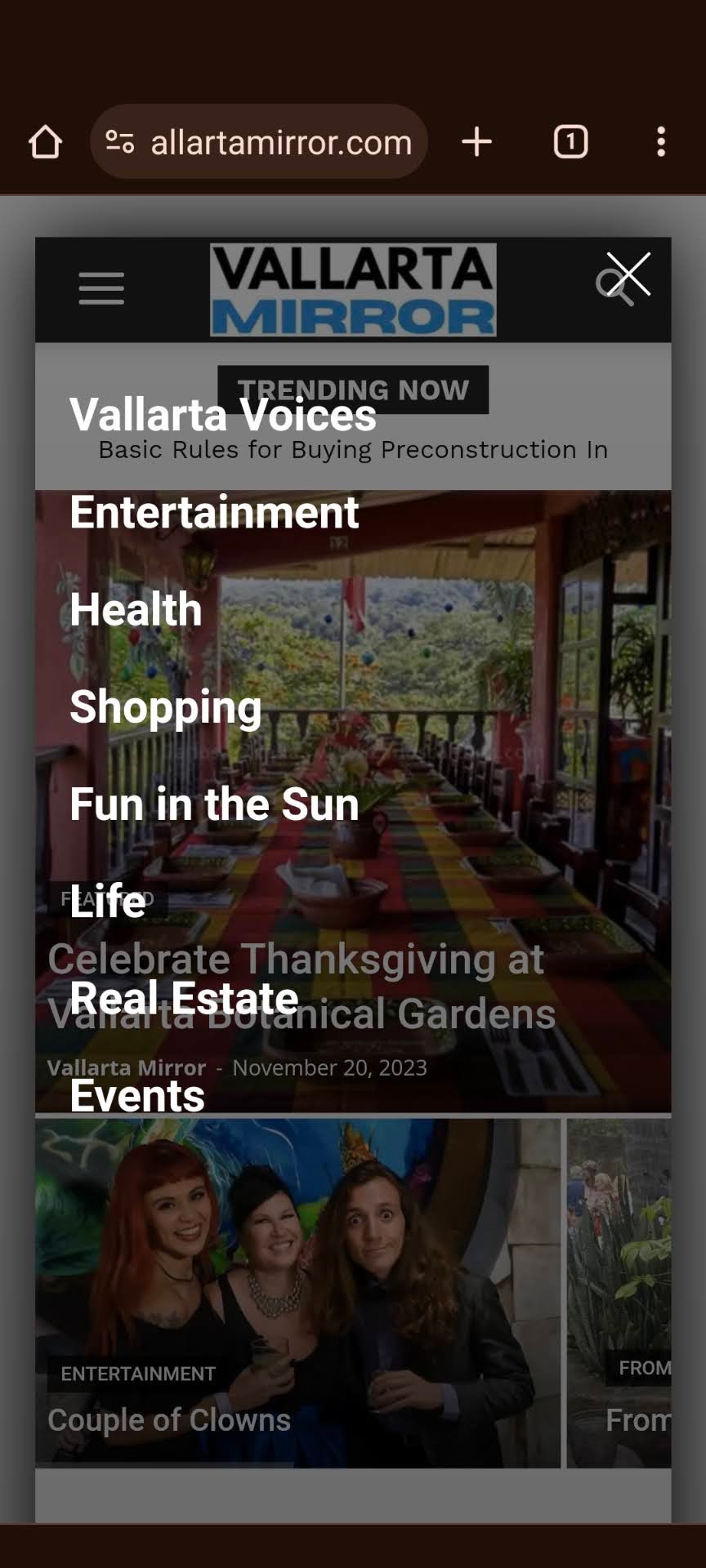
Incorrect:
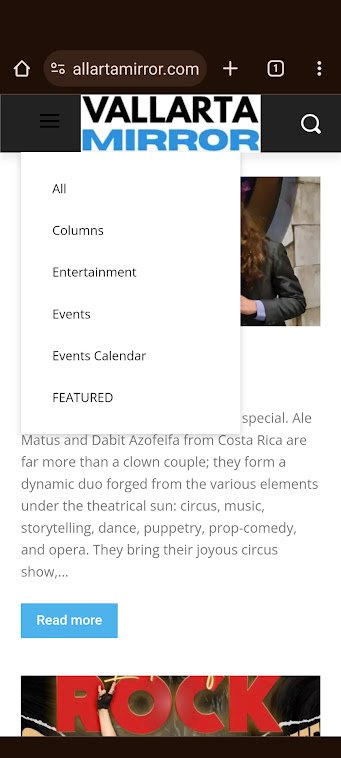
Also… the correct one shows a nice white hamburger menu, and the incorrect hamburger menu is dark.
-
This reply was modified 2 years by
vallartamirror.
Bettina Hello @vallartamirror!
The desktop menu is this one: https://prnt.sc/lFKV2zmGfmIg.
I see you deleted the menu from your mobile. Please add the same cloud header and add the mobile menu element from Composer there.
Thank you!
 info@simonebarbone.net
 Hi Calin, I see now the grey top bar displays on mobile view, but there is still the menu missing in portrait viewport (see screenshot https://prnt.sc/nZJYuFGGU6A4) can you solve this as well?
 jaywhack
Hi,
There are Sign In/Join options in the mobile version of my site navigation menu. These shouldn’t be there as I don’t want visitors logging in to my site. I’m using Magazine v12.
Please advise on how to remove these options.
Thanks!
vallartamirror The menu is built.
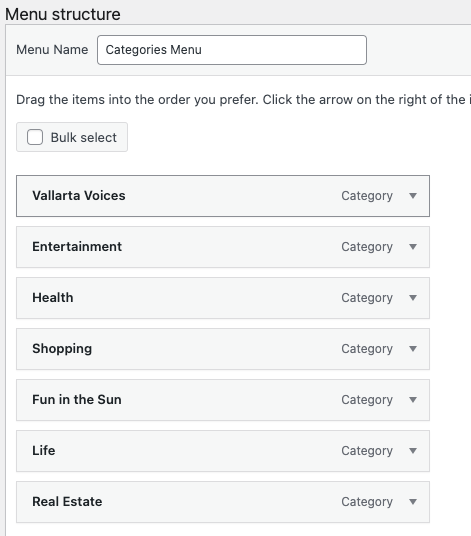
Selected in header.
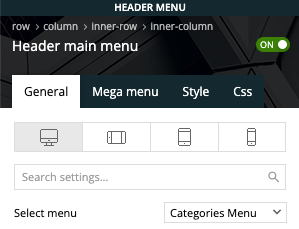
It displays fine on desktop but not mobile
The site is now live at vallartamirror.com if you would like to take a look on mobile and desktop.
vallartamirror I’m not quite sure how to do this. I cannot add a menu in the mobile home template.
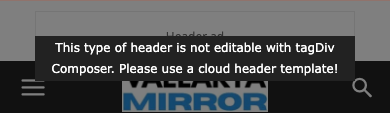
I have the categories menu selected for the desktop design.
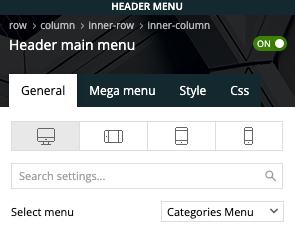
However, the mobile design does not have a selector and displays the categories from primary. Do I need to just edit these… and if so, where?
Bettina Hello!
This issue has been discussed already here: https://forum.tagdiv.com/topic/after-updated-mobile-menu-issue/
Thank you!
 thekiwigolfer
Have been having issues getting the mobile menu to work. All I’m getting is ‘Click here – to use the wp menu builder’. Can someone assist?
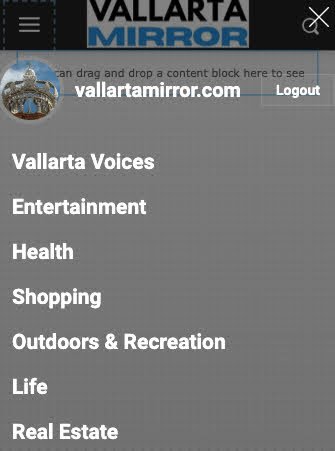
vallartamirrorI have the following issues on the design for the header in mobile for the Default PRO theme.
1) Header is prompting reader to sign in or join. However login has been removed from the header in desktop and mobile.
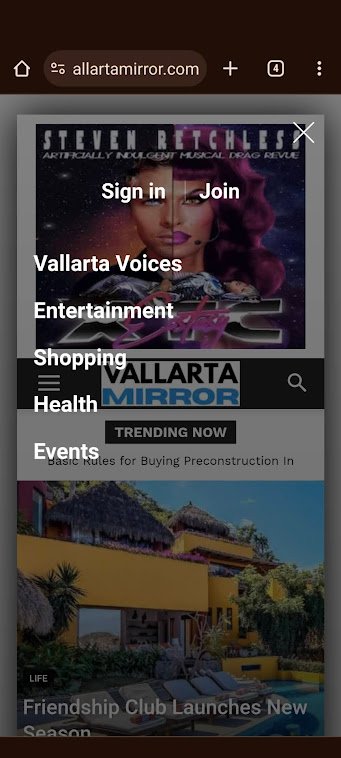
2) No ad is defined in the header on mobile. However an ad is being displayed.

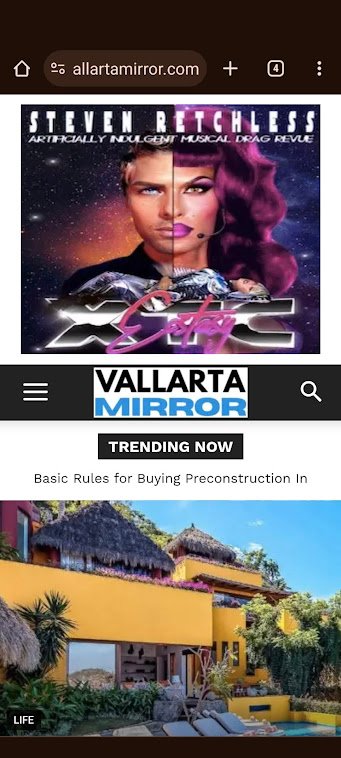
3) Categories are set as “Categories Menu” in admin. This shows correctly in admin (see image below). However, it does not display correctly on mobile (see image in #1)