- NewspaperWP Rocket and Newspaper Theme: Optimization Guide
- TutorialsDefault Block Settings Guide
- TutorialsOffset Feature
 segnali
I want to edit the category page to not show posts which are in X category.
So for example the category page of A shows posts which have A and X as category, i want to exclude X.
The template uses “Posts loop” to show them.
Where do i edit post loop?
 Bettina
 Hello!
You’re right. If you have a cloud/PRO template, but you can’t edit the footer, then edit your homepage with the TagDiv Composer, scroll till footer, click on footer zone and you can edit/delete the elements there.
Thank you!
Bettina Hello!
I’ve checked your website and it seems that your links are working great: https://www.screencast.com/t/jITNBuFsk
You can assign other template for every category. If you want the same style/template of your categories, then you can duplicate a template/layout for every category to have different template, make the specific changes and assign it to that category.
Check this topic: https://forum.tagdiv.com/topic/different-logo-in-categorypage/ ; Here I explained step by step how you can duplicate a template.
Thank you!
Bettina Hello!
We recommend to use cloud/PRO templates in order to have the possibility to edit them with the TagDiv Composer which contains a lot of functions and features, please check our tutorial here: https://forum.tagdiv.com/tagdiv-composer-tutorial/
Documentation here:
– https://forum.tagdiv.com/cloud-library-templates/
– https://forum.tagdiv.com/design-post-pages-using-cloud-library-templates/
– https://forum.tagdiv.com/cloud-library-category-templates/
Check also our video tutorials here: https://www.youtube.com/c/tagdivThemes/videos
For cloud/PRO templates: you should add the sidebar from tagdiv Composer. Steps:
1. Add 1 row
2. Split into 2 columns( 2/3 + 1/3 )
3. You can add whatever you want into the second column and consider it a sidebar.
Take a look here in this video for example where I build 6 columns: https://www.screencast.com/t/mZ2c5XamTFN
Check this documentation and you will be able to build a mega menu: https://forum.tagdiv.com/mega-menu/
Thank you!
Bettina Hello!
This issue is discussed already here: https://forum.tagdiv.com/topic/td-composer-is-disabled-for-posts-page-how-enable-it/
We recommend to use cloud/PRO templates in order to have the possibility to edit them with the TagDiv Composer which contains a lot of functions and features, please check our tutorial here: https://forum.tagdiv.com/tagdiv-composer-tutorial/
If you use a cloud template, then access that page on your website and then press the green button edit with the TagDiv Composer.
Documentation here:
– https://forum.tagdiv.com/cloud-library-templates/
– https://forum.tagdiv.com/design-post-pages-using-cloud-library-templates/
– https://forum.tagdiv.com/cloud-library-category-templates/
Check also our video tutorials here: https://www.youtube.com/c/tagdivThemes/videos
Thank you!
 kibiribi
Newspaper 11.3.1
When I’ve created a new empty page and tried to import pre-made page template – it’s not possible to insert Template.
Watch video – https://drive.google.com/file/d/1nfT5IlrI90MxMJeX3c2GWGr_mf4Huq33/view?usp=sharing
When I click on “Import template” – main window doesn’t close, no errors were presented.
When I close selected window – message “Are you sure to import….” demonstrated only 1 sec and closed.
No more errors – what am I doing wrong? Please explain.
Bettina Hello!
Let me explain you which options of mobile versions are:
1. Responsive version: A responsive version of your website is looking similar like on desktop, edit the page with TagDiv Composer, click on the mobile viewport: https://www.screencast.com/t/XDQJedlggSB ; there you can see your mobile version and you can edit the elements there.
2. Mobile pages: https://tagdiv.com/newspaper-10-3-7-update-brings-customizable-and-fast-mobile-pages/
3. Mobile theme plugin: The Mobile Theme is a performance optimized theme included in the Newspaper main theme and it loads only for mobile devices. It comes with its own templates for page, post, category, etc so your current templates from the desktop theme will get converted to the mobile theme layout. For more details, please take a look here: https://forum.tagdiv.com/the-mobile-theme/ ; https://forum.tagdiv.com/mobile-theme-introduction/
A full explanation you can find here: https://www.youtube.com/watch?v=SpGkOnJeNZY
It seems that you use Mobile Theme plugin, so if you do not need that, please uninstall it.
Let me know the results!
Thank you!
 eddycom
 Hello,
Same topic. I have duplicated category/post template. Now I have two problems that I can’t solve: 1) I duplicated “Single Post Template 57 – Romania News PRO (2)” and associating it in the categories with the duplicated category template, but I can’t delete the image that is under the big one (1 https://www.screencast.com/t/WGsFgXsFb). The result is that two identical images appear and I would like only one photo or plus with the tagdiv gallery. (2 https://www.screencast.com/t/6YE2mSqj).
2) At the end of the article there is a “loop” (or infinite load) that refers to other full articles (3 https://www.screencast.com/t/kRGDmSJtT). I would like the article to be unique and the page to end with the Footer. Please tell me how to do it because I can’t find “no loop” to tick?
Thank you!
Bettina Hello!
Let me explain you which options of mobile versions are:
1. Responsive version: A responsive version of your website is looking similar like on desktop, edit the page with TagDiv Composer, click on the mobile viewport: https://www.screencast.com/t/XDQJedlggSB ; there you can see your mobile version and you can edit the elements there.
2. Mobile pages: https://tagdiv.com/newspaper-10-3-7-update-brings-customizable-and-fast-mobile-pages/
3. Mobile theme plugin: The Mobile Theme is a performance optimized theme included in the Newspaper main theme and it loads only for mobile devices. It comes with its own templates for page, post, category, etc so your current templates from the desktop theme will get converted to the mobile theme layout. For more details, please take a look here: https://forum.tagdiv.com/the-mobile-theme/ https://forum.tagdiv.com/the-mobile-theme/
A full explanation you can find here: https://www.youtube.com/watch?v=SpGkOnJeNZY
For the page speed, I can recommend you some solutions in order to increase the score.
Our developers are working a lot to improve the page speed in every update.
Also, to increase the page speed you can check these similar topics for more solutions:
– https://www.infophilic.com/get-almost-100-pagespeed-newspaper-theme/
– https://forum.tagdiv.com/topic/score-100100-pagespeed-with-newspaper-wordpress-theme/
– https://developers.google.com/speed/docs/insights/v5/about
– https://www.youtube.com/watch?v=tnkVapqhIHc
Please note that page speed is not covered by the support team: https://forum.tagdiv.com/newspaper-theme-support/
Thank you!
Bettina Hello!
Please check our documentation about the Mobile Theme: https://www.screencast.com/t/dwFVKBJYdrW6 -> https://forum.tagdiv.com/mobile-theme-introduction/
Let me explain you which options of mobile versions are:
1. Responsive version: A responsive version of your website is looking similar like on desktop, edit the page with TagDiv Composer, click on the mobile viewport: https://www.screencast.com/t/XDQJedlggSB ; there you can see your mobile version and you can edit the elements there.
2. Mobile pages: https://tagdiv.com/newspaper-10-3-7-update-brings-customizable-and-fast-mobile-pages/
3. Mobile theme plugin: The Mobile Theme is a performance optimized theme included in the Newspaper main theme and it loads only for mobile devices. It comes with its own templates for page, post, category, etc so your current templates from the desktop theme will get converted to the mobile theme layout. For more details, please take a look here: https://forum.tagdiv.com/the-mobile-theme/ https://forum.tagdiv.com/the-mobile-theme/
A full explanation you can find here: https://www.youtube.com/watch?v=SpGkOnJeNZY
Thank you!
 Anamaria
 Hello,
As I said above, please let me know what you use for ads.
Also, if you installed all the plugins, then you activate also, the mobile theme plugin which comes with its templates for page, post, category, etc so your current templates from the desktop theme will get converted to the mobile theme layout, the page content is made without builders in mobile editor => https://www.screencast.com/t/xbgZG8kH also, the options that are provided to edit the mobile theme version are limited (this keeps the things simple) and you need to set the code for ads in Theme Panel -> Mobile theme -> https://i.imgur.com/1APpYeL.png
Also, please send screenshots to understand better the issues and to help you efficiently.
Thank you!
 BasamTahoor
I edited a single post template and added it as a global template. Now, when I open any post, the post is getting repeated after the page finishes. The post (image and text) is loading infinitely at the bottom of the post when it is over then it comes again. Please guide me how to solve this problem.
 jtoneyBettina
 Hello!
The Mobile Theme is a performance optimized theme included in the Newspaper main theme and it loads only for mobile devices. It comes with its own templates for page, post, category, etc so your current templates from the desktop theme will get converted to the mobile theme layout. For more details, please take a look here:
– https://forum.tagdiv.com/mobile-theme-introduction/
– https://forum.tagdiv.com/the-mobile-theme/
If you use Mobile theme plugin, then you can not edit the pages with TagDiv Composer.
You have only some settings for this layout, which you can find in Theme panel -> Mobile Theme. Please note that if a page is made by Composer, than the content won’t be displayed on Mobile theme version. You should create the content with the Mobile Editor.
Please check our documentation about the tagDiv CSS Analyzer:
Thank you!
Bettina Hello!
You can choose the option by default and assign a cloud template in order to add the element Posts Loop with all the settings.
We recommend to use cloud/PRO templates in order to have the possibility to edit them with the TagDiv Composer which contains a lot of functions and features, please check our tutorial here: https://forum.tagdiv.com/tagdiv-composer-tutorial/
Documentation here:
– https://forum.tagdiv.com/cloud-library-templates/
– https://forum.tagdiv.com/design-post-pages-using-cloud-library-templates/
– https://forum.tagdiv.com/cloud-library-category-templates/
Check also our video tutorials here: https://www.youtube.com/c/tagdivThemes/videos
Thank you!
 Synetronics
My site is not yet available as it is under development. But I discovered that the template of my choice has new posts scrolling under an active one and it is endless. The post page kept going on and on and I am i am unable to disable it in order to just show the past that i have clicked. Please help. The template of my choice is ROMANIA NEWS PRO and this is where i am experiencing the issue
 Bogdan B.
 Hi,
In order to make a change happen on all posts at the same time, the best option would be to use a cloud library template that is applied to all posts. Please use this guide to create a template for your posts and place the sidebar ad inside that template:
https://forum.tagdiv.com/design-post-pages-using-cloud-library-templates/
Thank you!
Bettina Hello!
Then you will have some settings in the theme panel : https://www.screencast.com/t/ivBKiTgayTgp
We recommend to use cloud/PRO templates in order to have the possibility to edit them with the TagDiv Composer which contains a lot of functions and features, please check our tutorial here: https://forum.tagdiv.com/tagdiv-composer-tutorial/
Documentation here:
– https://forum.tagdiv.com/cloud-library-templates/
– https://forum.tagdiv.com/design-post-pages-using-cloud-library-templates/
– https://forum.tagdiv.com/cloud-library-category-templates/
Check also our video tutorials here: https://www.youtube.com/c/tagdivThemes/videos
Thank you!
Bettina Hello!
There is a conflict between TagDiv Composer and WP Bakery. So, I gladly recommend you to shift from WPBakery to Composer, because WPBakery is an old builder plugin. Please check our guide to know how to shift from WPBakery to Composer: https://www.screencast.com/t/6xLVMmlsY ; https://www.screencast.com/t/zWHrRmK1LQC ; https://www.screencast.com/t/vuFdT9Stx ; https://www.screencast.com/t/DWbSf3qj ; https://www.screencast.com/t/QuHyGccTK71v
We recommend to use cloud/PRO templates in order to have the possibility to edit them with the TagDiv Composer which contains a lot of functions and features, please check our tutorial here: https://forum.tagdiv.com/tagdiv-composer-tutorial/
Documentation here:
– https://forum.tagdiv.com/cloud-library-templates/
– https://forum.tagdiv.com/design-post-pages-using-cloud-library-templates/
– https://forum.tagdiv.com/cloud-library-category-templates/
Check also our video tutorials here: https://www.youtube.com/c/tagdivThemes/videos
Thank you!
 dimitrisv
Hello,
I am wondering about why in my site specific posts show in their desktop version in the AMP template whereas most others do not (and rightly so).
See for example this:
This is fine –
https://pathologia.eu/enimerosi/koronaios/long-covid-mporei-ta-symptwmata-na-apodidontai-se-alla-aitia/
This displays in the AMP version:
https://pathologia.eu/enimerosi/eswterikh-pathologia/eksetaseis-aimatos-ti-shmainoun-ta-apotelesmata/
Also, in the mobile version from the stats I see that few users see the amp version and even if they go to the AMP version in an article then the homepage and the rest is displayed in the mobile version (I have used the mixed version). So they enter the site in AMP, then they go to the homepage that I like them to see without AMP, and then when they click in an article they see the non-AMP version.
Any thoughts?
 Anonymous
hi
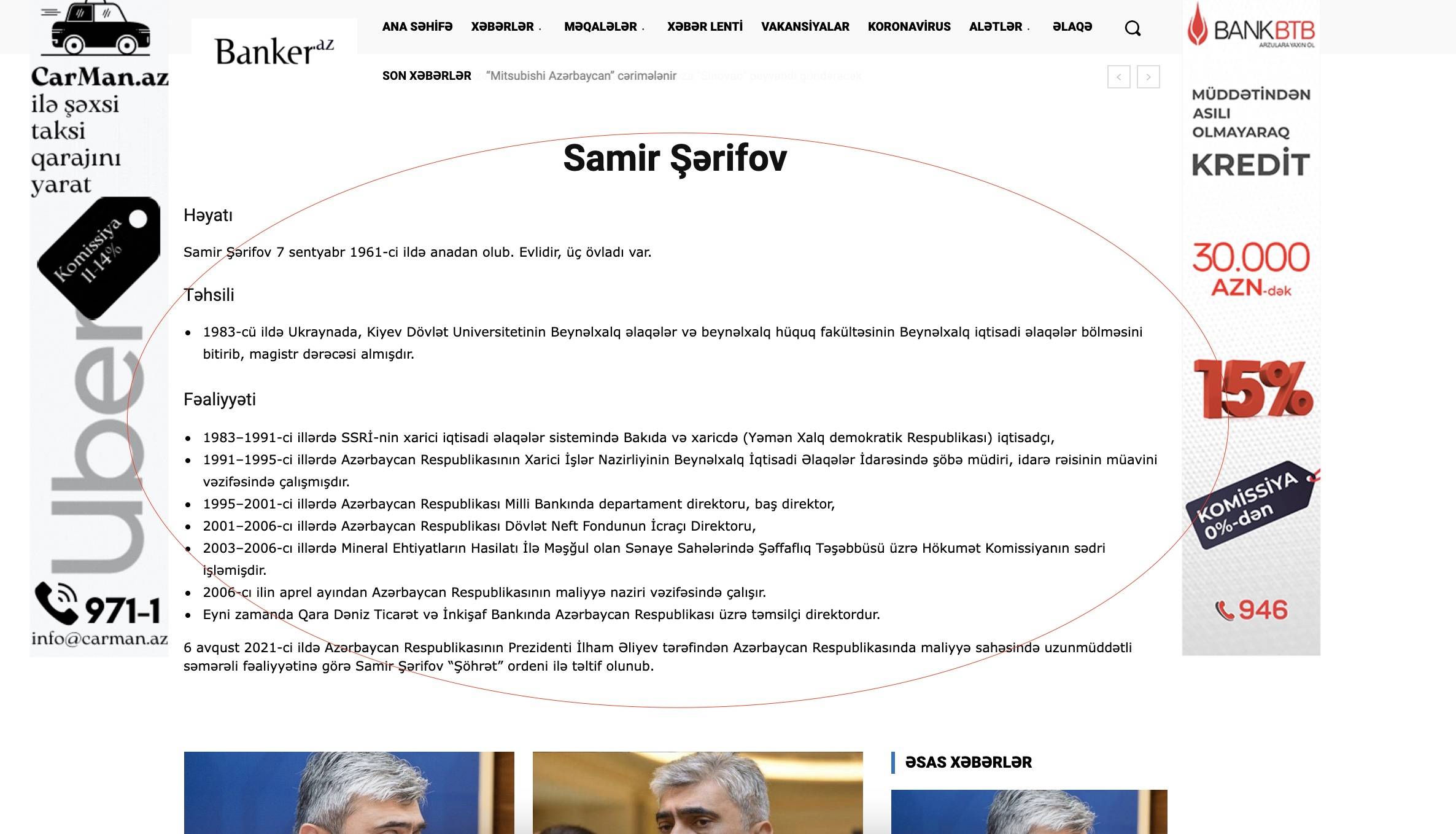
one freelancer added custom place with your template shortcodes which works fine in desktop. i create mobile template and copy content ther (with checkbox) , but in mobile that information is not shown. For example in this page yhou can check https://banker.az/tag/samir-s%c9%99rifov/
here we see this info https://banker.az/wp-content/uploads/2021/11/Screen-Shot-2021-11-11-at-15.38.39.jpg
but in mobile not: https://banker.az/wp-content/uploads/2021/11/Screen-Shot-2021-11-11-at-15.38.39.jpg
what i’m doing wrong? how can i fix that?
BasamTahoorI imported a custom post template from template clouds and using the tagdv editor I edited the custom post template. the tagdv page builder shows that the page is designed but when I choose my custom post template from themes panel, the post template crashes and everything goes over each other. The related posts are coming over the bottom designs of the page. though, I have two columns in my custom post template, the post shows only one column of the custom post. everything is missed up in post section. Please check the screenshots.
how i designed: screenshots
how it is right now: screenshots
Bettina Hello!
If you install the demo with the content, then of course will overwrite your content.
Make sure your posts and pages have no default template set up while you edit them. So, check the settings from the bottom of the page, so you won’t face this issue:
https://forum.tagdiv.com/topic/mobile-theme-is-not-working-3/
Sometimes, the issue can be from a plugin conflict, that’s why, please deactivate ALL plugins except tagDiv ones, also if you are using a cache plugin, deactivate it, clear all cache and try again.
If this problem is not solved after that, then we need to take a look and see what happened there.
Please contact us via email at contact@tagdiv.com and provide the following:
– admin url and credentials
– cPanel url and credentials
– a link to this topic in order to identify you
Our team will take a look!
Thank you!
Bettina Hello @annadillulio !
If you have a cloud/PRO template, but you can’t edit the footer, then edit your homepage with TagDiv Composer, scroll till footer, click on footer zone and you can edit/delete the elements there.
Please provide more information about what you need to achieve, screenshots or a video and your website link in order to help you efficiently.
A solution for sending a screenshot/video is this:
Download, capture, send: https://www.techsmith.com/jing-tool.html
After making the screenshot, you will have a link, paste it here.
Thank you!
Bettina Hello!
1. I’m not sure what you need to achieve, but please check our documentation here: https://forum.tagdiv.com/font-customization/
2. If you use a cloud/RPO template, then you can edit the homepage with the TagDiv Composer and add an element like this one: https://www.screencast.com/t/NUc0Yms1EDcm
Thank you!