

 Edward
 Yes, TagDiv forgot updated logo into the child theme ver. 8.1.
wp-content/themes/Newspaper-child/screenshot.png

Edward https://forum.tagdiv.com/topic/unable-to-install-theme/
https://forum.tagdiv.com/topic/not-able-to-install-the-theme/
-
This reply was modified 9 years by
Edward.
Edward Your site is hacked.
Read carefully these sections of the forum:
https://forum.tagdiv.com/topic/traffictrade-malware-newspaper-8-1-all-updated/
https://forum.tagdiv.com/topic/when-the-theme-is-activated-redirecting-to-other-sites-from-the-home/
https://forum.tagdiv.com/topic/tutorial-good-basic-security-practices/
Also:
http://securepress.org/tutorial-how-to-remove-malware.php
https://wordpress.org/support/topic/malware-removal
https://www.wordfence.com/docs/how-to-clean-a-hacked-wordpress-site-using-wordfence/
Edward 1. Check your System status parameters: https://forum.tagdiv.com/system-status-parameters-guide/
2. Install Theme via FTP: https://forum.tagdiv.com/install-via-ftp/
Edward Please note that the downloaded last version of the Theme from the official site is not infected with a virus.
Read carefully these sections of the forum:
https://forum.tagdiv.com/topic/traffictrade-malware-newspaper-8-1-all-updated/
https://forum.tagdiv.com/topic/when-the-theme-is-activated-redirecting-to-other-sites-from-the-home/
https://forum.tagdiv.com/topic/tutorial-good-basic-security-practices/
Also:
http://securepress.org/tutorial-how-to-remove-malware.php
https://wordpress.org/support/topic/malware-removal
https://www.wordfence.com/docs/how-to-clean-a-hacked-wordpress-site-using-wordfence/
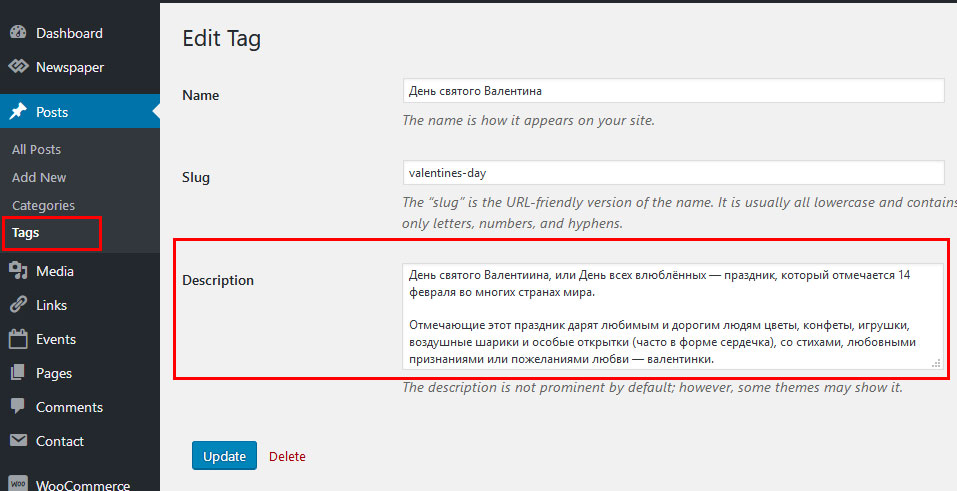
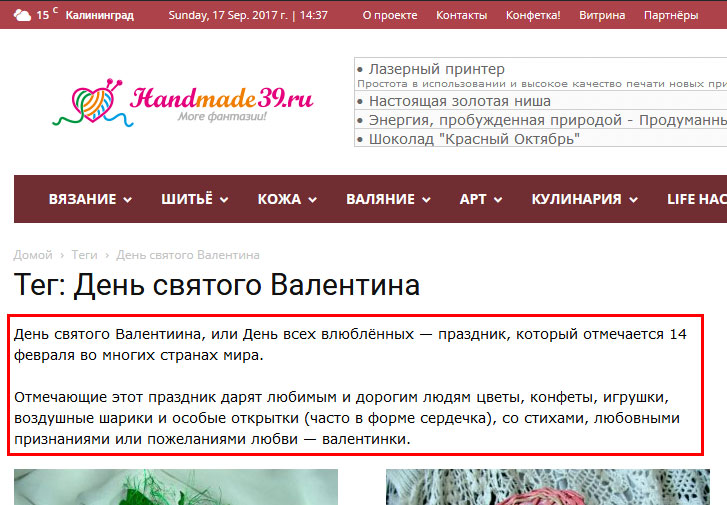
Edward Edward Weird… Description for tags are displayed normally.
Edward How to update the theme
Read this manual: A. Update the theme via FTP
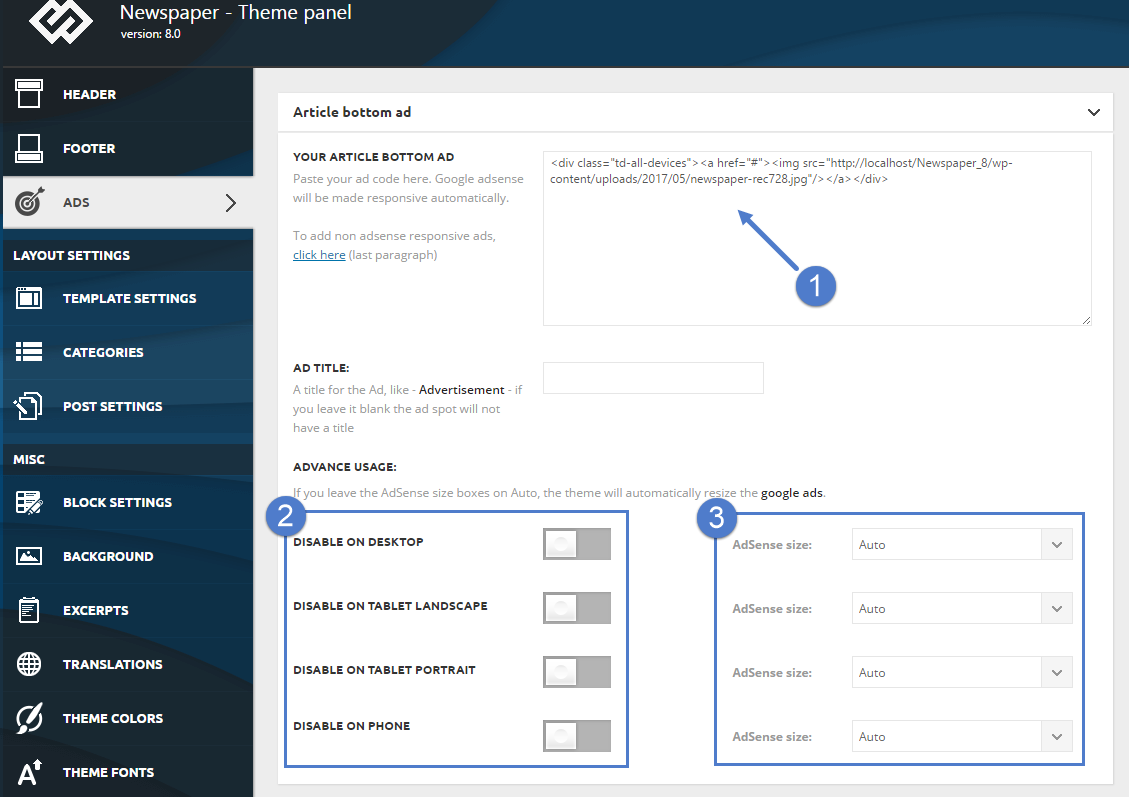
Edward Check and delete ad code (Point 1 on picture below) in Theme Panel – ADS – Article Bottom AD.
Edward https://forum.tagdiv.com/how-to-update-the-theme-2/
Deactivate and delete old plugins.
Install plugins from theme package inside the ../Newspaper-tf/plugins folder.
Edward The theme includes a license for this plugin so you don’t have to buy it.
You don’t have to activate the plugin license, it’s already activated.
You don’t have to worry about the plugin update warnings.
https://forum.tagdiv.com/how-to-update-visual-composer-plugin/
Also: https://forum.tagdiv.com/topic/visual-composer-activation-problem/
Edward “Unlock this block. Buy now” – this is message not from Newspaper 8 theme.
Remove (disable) all of the untested plugins and use only the plugins that come bundled with the theme core files.
Check the results again.
Edward Edward See here:
Theme panel – Block Settings – Meta info on Modules/Blocks
Edward Your site is hacked.
https://forum.tagdiv.com/topic/traffictrade-malware-newspaper-8-1-all-updated/
Edward Read this manual: https://forum.tagdiv.com/ads-adsense-overview/
Edward Better to require verification of the website through a html-file, which you simply copy to the root folder of your website.
To verify ownership using a HTML file, choose the HTML file upload method on the verification details page for your site, and follow the instructions shown: https://www.google.com/webmasters/verification/verification
Edward 
Edward Sharing site in Facebook?
You must to install WordPress (Yoast) SEO plugin.

-
This reply was modified 9 years by
Edward We are talking about Favicon?
Edward https://forum.tagdiv.com/topic/malware-in-theme_options_name-td_011/
https://forum.tagdiv.com/topic/traffictrade-malware-newspaper-8-1-all-updated/
-
This reply was modified 9 years by
Edward > And where does tagdiv get my photo from here on the forum?
Change the email address in your profile and avatar will be automatically changed.
Edward How to update the theme: https://forum.tagdiv.com/how-to-update-the-theme-2/
Read section A. Update the theme via FTP.
Edward > Could you tell me how to switch off the auto pop up box which appears in the side bar?

