- NewsmagRequirements for Newsmag
- NewsmagtagDiv Social Counter tutorial
 Calin
Calin Hi, you need to store the image on some platforms like imgur (using greensgot) or lightshot.
Also to set for links in red, blue … colors and the orange for hover, in may case I have set other colors -> https://i.imgur.com/blLQIG6.png -> https://i.imgur.com/ArguZvR.png also when you increase the post content the link you’ll change the links content too -> https://i.imgur.com/kkS93lO.png
This can be done with tagDiv Composer on single post templates.
Thank you!
Calin Hi,
I see that your website it is under construction, but I think that empty space is the place where the header ad is is display, please check in theme panel -> https://i.imgur.com/azeDw7D.png -> https://forum.tagdiv.com/header-ads-adsense/also if is a cloud header you can edit it with tagDiv Composer and see if you have set there an ad box.
If the problem persist, please provide access to your website (remove the construction mode for a few hours to check it).
Thank you!
Calin Hi muktipolice, the suggestion that Anamaria provided to you is only for Newspaper theme in case that you are using the single post template, this was an option for infinite loading.
If you do not have any option like in our guide, please provide a link to your website to can check how this is acting, in this way we’ll be able to provide a properly answer.
Thank you for your understanding!
Calin Hi jasaj, there are more cache plugins that can be use with our theme. Here are some guides that we have:
-> https://forum.tagdiv.com/cache-plugin-install-and-configure/
-> https://forum.tagdiv.com/autoptimize-install-configuration/
Also for Cloudflare make sure that this is set like in our guide https://forum.tagdiv.com/cloudflare-cdn/
Also we have a small page speed guide -> https://forum.tagdiv.com/how-to-make-the-site-faster/
I hope this will help you!
Calin Hi alec, what you can do is to move over tagDiv Standard pack to only tagDiv Cloud Templates (to can disable the standard pack), this should improve the performances.
Indeed there are more MySQL requests because each blocks that you have set make a request to the database.
Another solution it is to use a cache on database, this should solve the problem.
Thank you!
Calin Hi maaikewind, I can say that this can be an work around, but I think that it was easer if you used the mobile page https://tagdiv.com/newspaper-10-3-7-update-brings-customizable-and-fast-mobile-pages/ and this way the desktop and mobile pages and cloud templates had only the necessary elements.
Now about the box for the email address, that it looks like this https://i.imgur.com/JCWRpfq.png and this is normal, it is the responsive version for mobile, it is a little different then desktop version because was adapted to the small screens.
Thank you!
 minstro
I made a mistake in Envato a while ago. I need to cancel and pay again, but I don’t know how.
envato id : cloud0318
 llkv
llkvHello,
when I use theme category template (category.php) for category page I get error in the footer:
wp_booster error:
td_api_base::get_default_component_id : no component of type td_api_category_template . Wp booster tried to get
the default component (the first registered component) but there are no components registered.
/hermes/walnacweb04/walnacweb04ac/b2827/moo.2noobcom/inground-pool-lightscom/wp-content/plugins/td-composer/legacy/common/wp_booster/td_api.php
For clouds category templates everything works.
Please advice
 dansteeby
I have a page that my client wants to be able to edit with the “Classic Editor”. I have designed the site’s header and footer with the TagDiv editor, and have two “single” templates in my “Cloud Templates” page in the Dashboard. One of these templates has a sidebar via the Widget Sidebar element in the TagDiv editor, while the the other template is full width and does not have the sidebar. The ‘with sidebar’ is the default page template and is currently being applied to all the pages on the site. My client wants the full-width template on an individual page, but I don’t see a means to set the TagDiv “single” template on a page-by-page basis, nor is it available as an option in the page’s “Page Template” dropdown menu. Setting the sidebar options in the Page Template Settings Metabox to “no sidebar” likewise does not remove the sidebar. How do I assign the alternate “single” template from the TagDiv Cloud Templates to an individual page that is using the Classic Editor to manage its content? Thanks for any assistance!
 kjervert
Hi there,
I have Pulses Pro cloud header active with the logo text “Mad in Mexico” and logo tag line “LOCURA/SALUDE MENTAL/DERECHOS HUMANOS”. But, on mobile view, the logo text is “Pulses Pro”. Funny enough the tag line is correct, just not the logo text. And I don’t see anywhere I can change this because in every field for logo text, I have “Mad in Mexico”, nowhere do I see “Pulses Pro”. I tried the header logo/fav icon settings, as well as editing the header in TagDiv and the Cloud Library itself.
The site is madinmexico.org
I am not sure what I’m doing wrong here…
Thanks!
Karin
 remsta
 Hi,
Thank you for the reply – from the images I posted
Which one is the mobile theme?
– This one: https://ibb.co/DQYsGh2 and https://ibb.co/cL20sgT
OR
– This one: https://ibb.co/gmTr1Kv
The home page I have edited with TagDiv composer (https://ibb.co/gmTr1Kv), the Category pages (here:https://ibb.co/DQYsGh2) I used Cloud templates.
How can I get the home page to show the same as the this with this menu and this layout? https://ibb.co/cL20sgT
(I have tried to create a mobile version of the homepage (page with tagdiv composer) but as soon as I do that – the entire site changes to mobile including on the desktop
I have have Cloudflare and I have purged the cache, made no difference.
 Billy
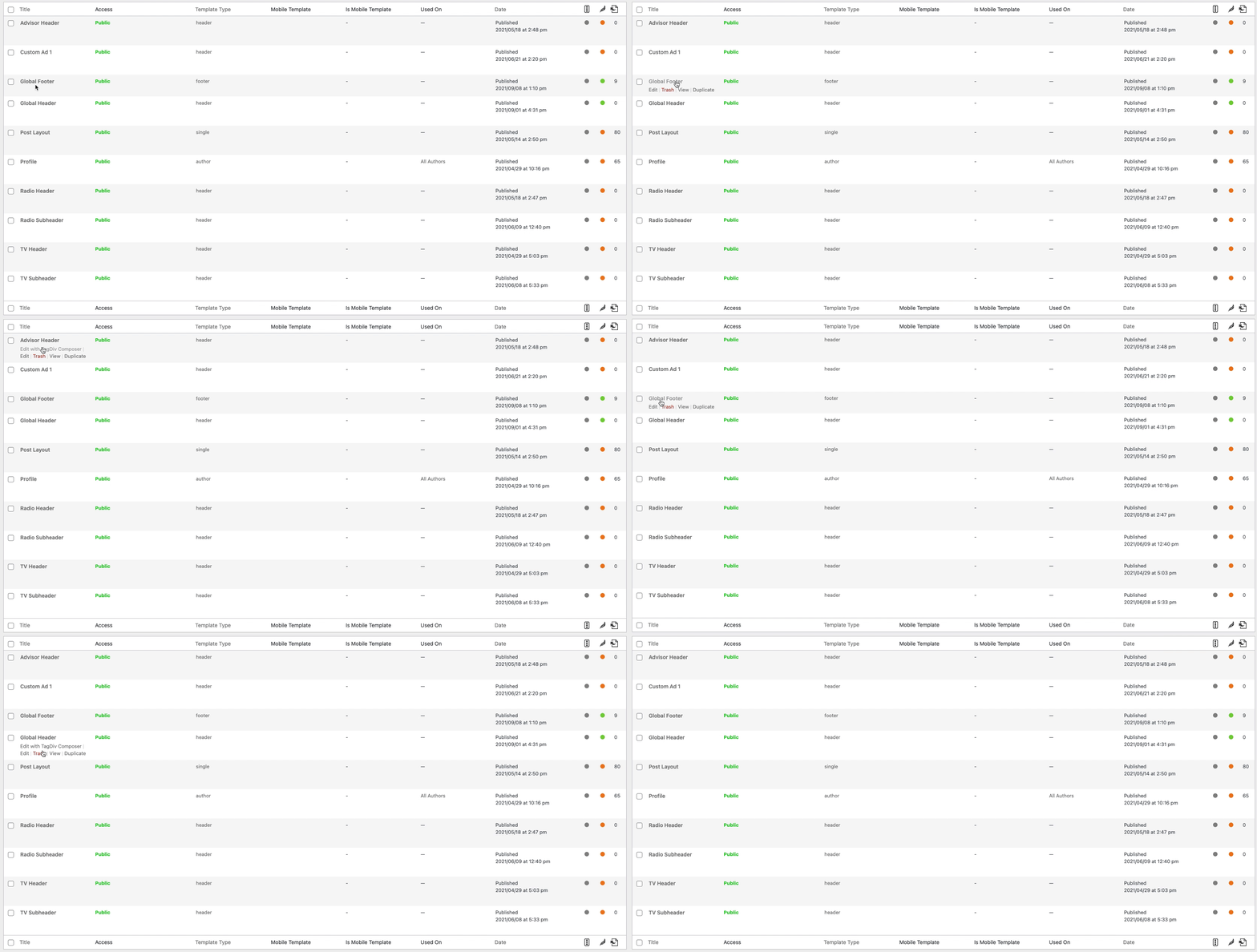
BillyNot sure what is going on, but when I create a footer with cloud templates, but when I go back to edit it the option to Edit with TagDiv Composer is gone. It is only happening with the footers, I have created multiple ones with the same issue.
 djovanov
 i disabled all plugin except tagDiv Cloud Library tagDiv Composer and tagDiv Social Counter. That mean the breadcrumb schema is generated by theme ?
thank you
-
This reply was modified 5 years by
djovanov.
 Bettina
 Hello!
For a cloud template: https://forum.tagdiv.com/design-post-pages-using-cloud-library-templates/ and for the default ones: https://forum.tagdiv.com/design-post-pages-using-default-templates/
If you use a cloud/PRO template, then you can edit it with the TagDiv Composer.
Thank you!
 jasaj
jasaj Hello Anamaria,
We are using Cloudflare for caching. What is the best caching plugin for Newspaper theme so we can try it?
Regards,
Jasa
 ctemucin
 Thank you for your reply. No, I am not using a mobile theme plugin. For all the pages and Cloud Templates, I have a mobile version page that is adapted to the vertical displays. Whenever I open the site in lower resolution desktop displays, it opens up the mobile version and does not force the desktop one. That is the problem, I want it to force desktop site on lower display desktop resolutions too. Mobile version is only meant for phones.
 Anamaria
 Hello Revolware,
When you disable the tagDiv Cloud Library is normal to displayed only shortcodes.
Also, for that error please make sure you have an SSL plugin activate, please do test only with tagDiv plugins, clear all cache and see if the problem persists.
Thank you!
 sirmark
 Hello Bettina!
Thank you for your answer. I have done the update (11.2) on the test system in the meantime. The behavior remains the same. On the instance with the problems still no change can be saved in the theme panel.
tagDiv Composer and tagDiv Standard Pack is installed, up to date and activated.
Cloud templates can be installed and created. Only the assignment (header) of the cloud templates is not saved permanently as well as header logos and so on.
Is there a log or something similar where you can see what happens when you save changes in the theme panel? Here is the problem with this one instance. I assume that in this one instance something is wrong in the database (Table options?). Is there any way to track this?
Thanks for the help!
Bettina Hello!
You can use a license key for one single product, but if you want to move the theme to another website or change domain/migrate, you’ll need to reset the license key from that website: https://www.screencast.com/t/Zt12bpyX and remove the theme (delete), in this way the license will be available for the new website and you can use the theme without any problems.
Please make sure your theme and plugins are up to date(11.2). If you use default templates, then make sure you have the Standard Pack plugin active and installed.
If you use a cloud template, then the settings from theme panel do not reflect to the cloud templates, because the settings from Composer have priority.
If you import a cloud/Pro template, then you should edit the page with TagDiv Composer. For more information about TagDiv Composer, please check our documentation here: https://forum.tagdiv.com/tagdiv-composer-tutorial/
Thank you!
Anamaria Hello Andrej,
The option from Theme Panel, import/export will import just regular theme panel settings, for Cloud
Templates you need to copy-paste the code => https://i.imgur.com/SSgIAGm.png from a template to a new template.
Thank you!
Anamaria Hello,
I recommend that you update the theme on a staging website and make sure that you have activated the tagDiv Standard pack plugin to keep the look of the website.
Before the update, please make a full backup to all files and the database if something goes wrong. => https://forum.tagdiv.com/how-to-update-the-theme-2/
Unfortunately, there is a big difference between version v7.8 to version 11.2.
Here you can find information about the changes that have occurred in each update over time https://tagdiv.com/newspaper/
This will seem like a new theme, as major changes have been made, for example now all the demos are created with our page builder, tagDiv Composer and are used templates from tagDiv Cloud Library.
Also, if you want, you can contact our custom work team here and they can help you to update the theme safely: https://tagdiv.com/premium-customization-services/
Thank you!
 Revolware
 Edit: after downgrading back to version 11, the issue persist. However, disabling the Cloud library plugin shows progress, now it shows this:
https://snipboard.io/2kM6ER.jpg
 Mark Gilbert
 Thanks – could you first check if you see a problem by testing Dashboard / Cloud Templates / Add New?
 a.abraham
Hello!
Currently I’m building a template for my magazine on a dev environment. In the near future I would like to move the entire theme panel configuration to the production site.
Question: I’m using customized Cloud Templates for the header and footer. When I use the theme export/import feature, are these Cloud Templates also included or is it just the regular theme panel configuration?
Thanks and best regards,
Andrej
Anamaria Hello,
I understand you want to add the code in a post, right?
If you have a Single Post Template from Cloud Library, please make sure you add the code ad here https://i.imgur.com/0kDepJd.png -> https://www.youtube.com/watch?v=biTpVVlr8j8
if you have a standard template from the theme panel, then you need to add the code here => https://i.imgur.com/Uk0bBTF.png
Thank you!