- NewsmagtagDiv Composer Tutorial
- NewsmagHow to use the Visual Composer plugin
- NewsmagHow to update a plugin
- NewsmagWhat’s included in Newsmag theme package
- NewsmagRequirements for Newsmag
- NewsmagInstall via WordPress
- NewsmagInstall via FTP
- NewsmagBlock settings tutorial
- NewsmagtagDiv Social Counter tutorial
- NewsmagHow to update the WPBakery plugin
- NewsmagPage Menu
- NewsmagCustom ad spots
- NewsmagSmart sidebar
- NewsmagVideo playlist
- NewsmagPage templates
- NewsmagHomepage – How to build and set it
 Calin
Calin Hi,
I think that this is a plugin conflict between tagDiv Cloud Library and WPBakery, you can use only one of them, you should decide which one you want to use, we recommend to use the tagDiv Cloud Library with tagDiv Composer these are the theme plugins.
Let me know the results!
Thank you!
 Vlad S
 Hello !
That can be achieved by using the tagDiv Composer over your blocks and setting up the Layout as you can see here: https://www.screencast.com/t/RyQIcNxn3wC
Thank you !
Calin Hi,
Yes, this is possible if you are using a cloud header from tagDiv Cloud Library, you need to edit it using tagDiv Composer, remove the add or add directly the search -> https://i.imgur.com/FHd1hDR.png -> https://i.imgur.com/Fr8jIfy.png
Hope this will help you!
Thank you!
 Mahfuzul Hasan
 Thank you for the response. I believe the server requirements are met by my hosting(Screenshot attached). I followed your instruction deactivating all the plugins except the composer, and it looks like the composer is not the problem.
**THE 1st PROBLEM: As soon as I am activating the Tagdiv Cloud plugin along with the composer, the problem arises.
I also tested via other way around activating all of the plugins except the tagdiv cloud, and the gtmatrix and other services receiving the site with no problem.
The 2nd Problem: Next I tried to activating only Cloud Plugin and tested the site with GTmatric, it was doing fine. I also tried activating all of the plugins along with the cloud plugin except the composer, and again it was working find.
The Untimate Problem: There is a conflict taking place in between the composer and the cloud plugin. One hour before I post this ticket the site was working fine. My website using many ready designs including headers from Tagdiv Cloud Plugin.
PHP Config : https://prnt.sc/raoirm
Only Composer Active: https://prnt.sc/raokkt
GTmatrix Only Composer active: https://prnt.sc/raoptk
THE PROBLEM | Composer and the TagDiv Cloud Library Plugin active: https://prnt.sc/raorti
Gtmatric | THE PROBLEM | Composer and the TagDiv Cloud Library Plugin active:https://prnt.sc/raoso5
Only Tagdiv Cloud Dactivated : https://prnt.sc/raow5d
Gtmatric | Only Tagdiv Cloud Dactivated : https://prnt.sc/raowhr
Only Tagdiv Cloud Active: https://prnt.sc/raoyhs
Gtmatrix| Only Tagdiv Cloud Active: https://prnt.sc/raoyp2
All Plugin Active except Composer : https://prnt.sc/raozrf
GTmatrix | All Plugin Active except Composer : https://prnt.sc/rap02g
Newspaper System Status: https://prnt.sc/rapk62
Calin Hi,
You can achieve this using multiple cloud headers and tagDiv Composer, set global a cloud header with a specific add, on posts you can set on single post template from tagDiv Cloud Library a different header with a different add and so on.
Also if possible to be some plugins that can do this, unfortunately we didn’t tested any one of them, therefore we can not recommend one.
Thank you!
Calin Hi,
The multi-purpose icons can be set on pages and templates from tagDiv Composer, these need to be set using tagDiv Composer
Thank you!
Calin Hi,
In most cases those are plugin conflicts. Please deactivate ALL plugins except tagDiv Composer, also if you are using child theme or cache plugin, deactivate them, clear all cache and try again.
Let me know the results!
Thank you!
Calin Hi,
Do you use only the amp or you are using the mobile theme + amp, if you are using the amp with mobile theme, then you need to know that on pages you need to set the content in mobile editor -> https://www.screencast.com/t/ebUIzt4se
If this is not the problem, please deactivate ALL plugins except tagDiv Composer, also if you are using child theme or cache plugin, deactivate them, clear all cache and try again.
If there i still a problem, please provide me link where i can check these problems.
Thank you!
 fabinhoalmeida
 Hi Vlad,
Is there a way to remove only the Ajax module and keep the normal view counter in single models cloud via tagDiv Composer?
 lilrad
Errors at columns elements: 1(models) : 0(dom). The model does not match the content Current state has involved an issue. You could try an UNDO operation (CTRL+Z / CTRL+SHIFT+Z)
Anyone have an idea how to fix this?
 Heavy_Hauler
Hello team,
Could you please help me to get the issue resolved.
after installing the Romania theme I am not able to connect with the youtube videos. apart from that I need to remove the
title of the posts like “technology”, “latest news” and “Music”.
When i go to my dashboard and open pages and try to open home page I am getting below warning and error
Warning: The current content hasn’t been created by TagDiv Composer!
Error : Errors at columns elements: 2(models) : 1(dom). The model does not match the content Current state has involved an issue. You could try an UNDO operation (CTRL+Z / CTRL+SHIFT+Z)
I Home Page was not at all opened by me but still getting this error. .tried reinstalling the theme but issue remains same.
kindly help me to resolve this issue ASAP.
Thank you
Dilip
 Mark Gilbert
 Coming back to this, I have tried deactivating all plugins except tagdiv Composer and Leaky Paywall (which generates the paywall) but no success. Do you have any other ideas or could take a look at it?
Thanks
Mark Gilbert
 chicky365
Hi
I need to edit the homepage in order to set my main title for SEO purposes. If I try to edit via the TagDiv composer, I am unable to get to the SEO options, which are held within the standard wordpress edit page.
If I do a standard edit to the home page SEO settings (outside of TagDiv composer) and then save it, will it break the home page?
 kibiribi
 ok. I’ve found this problem on yourForum.
So, I’ve removed Tagdiv Composer and installed it again
Youtube API was visible BUT….
When I entered my Google API key – I’ve got an error
“NOTE: ** This field should contain the unique URL for your undefined profile!”
screen – https://www.screencast.com/t/re7LtPcF0
According to your another thread answer – https://forum.tagdiv.com/topic/youtube-api-error/
Problem will be fixed later with next Release?
Is it possible to fix it manually of how long should we wait for the next Release? 🙁
 vampireprincess
I succeeded to add co-author to the post page following your tutorial
but how can I add the same to flexbox, boxes and as well to the category page
How can I create accordion menu with TD composer
or which plugin can I add that can work together with TD composer
to achieve the accordion style
I need this desperately for archive, I wish to put in every
accordion block by 20 editions of our magazines
How can I save my own row elements (to have my own cloud element) that I created from different blocks and import them to another page
The video block is not working properly
https://i.postimg.cc/WNkL0CyD/12.jpg
How can I change the order of the posts on the category page
I wish that I can order or from newest or from oldest post
I tried in the Theme panel => Categories but I just couldn’t find
that option
 victorramirez
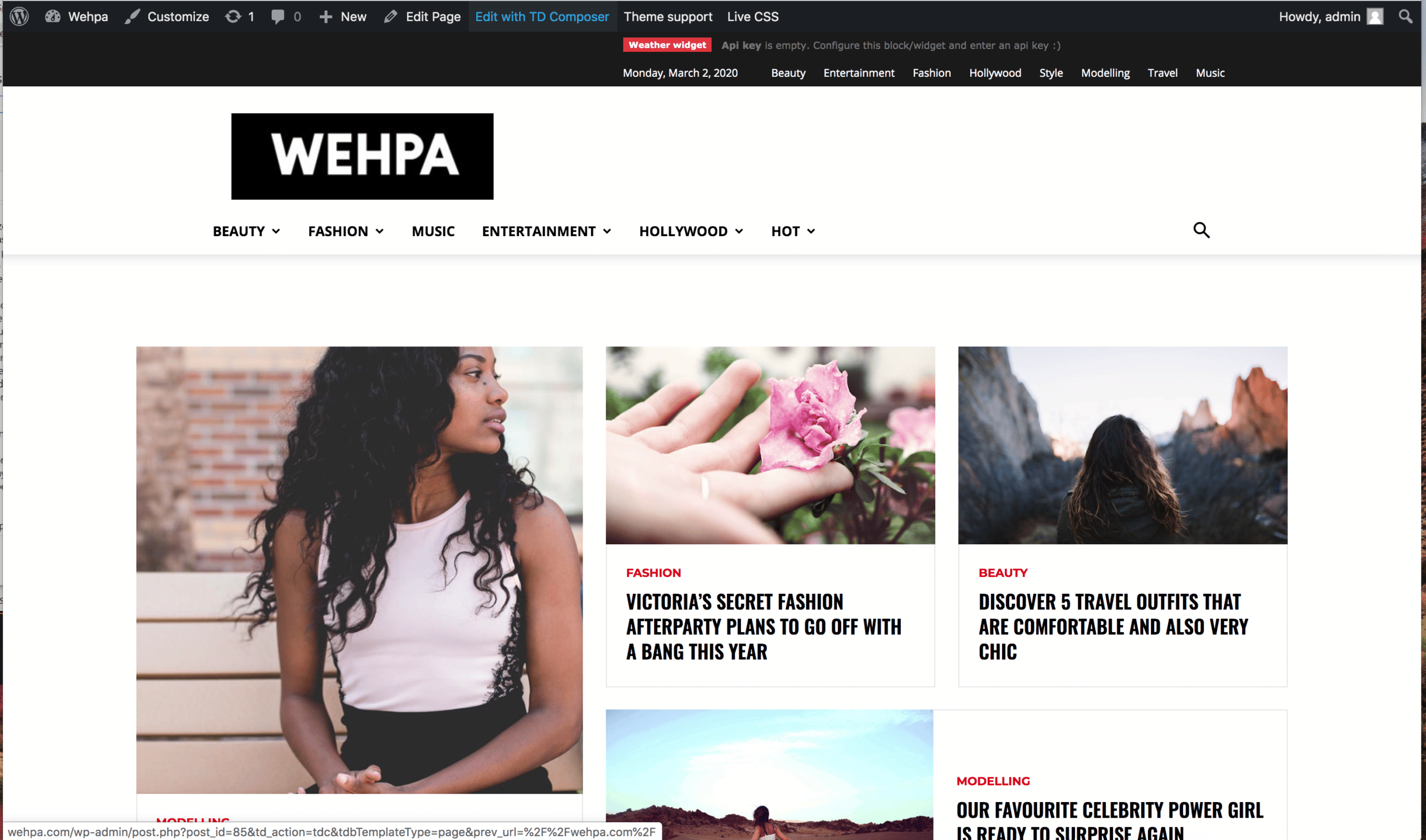
 Before I click the TD Composer button
http://wehpa.com/wp-content/uploads/2020/03/wehpa-01.png
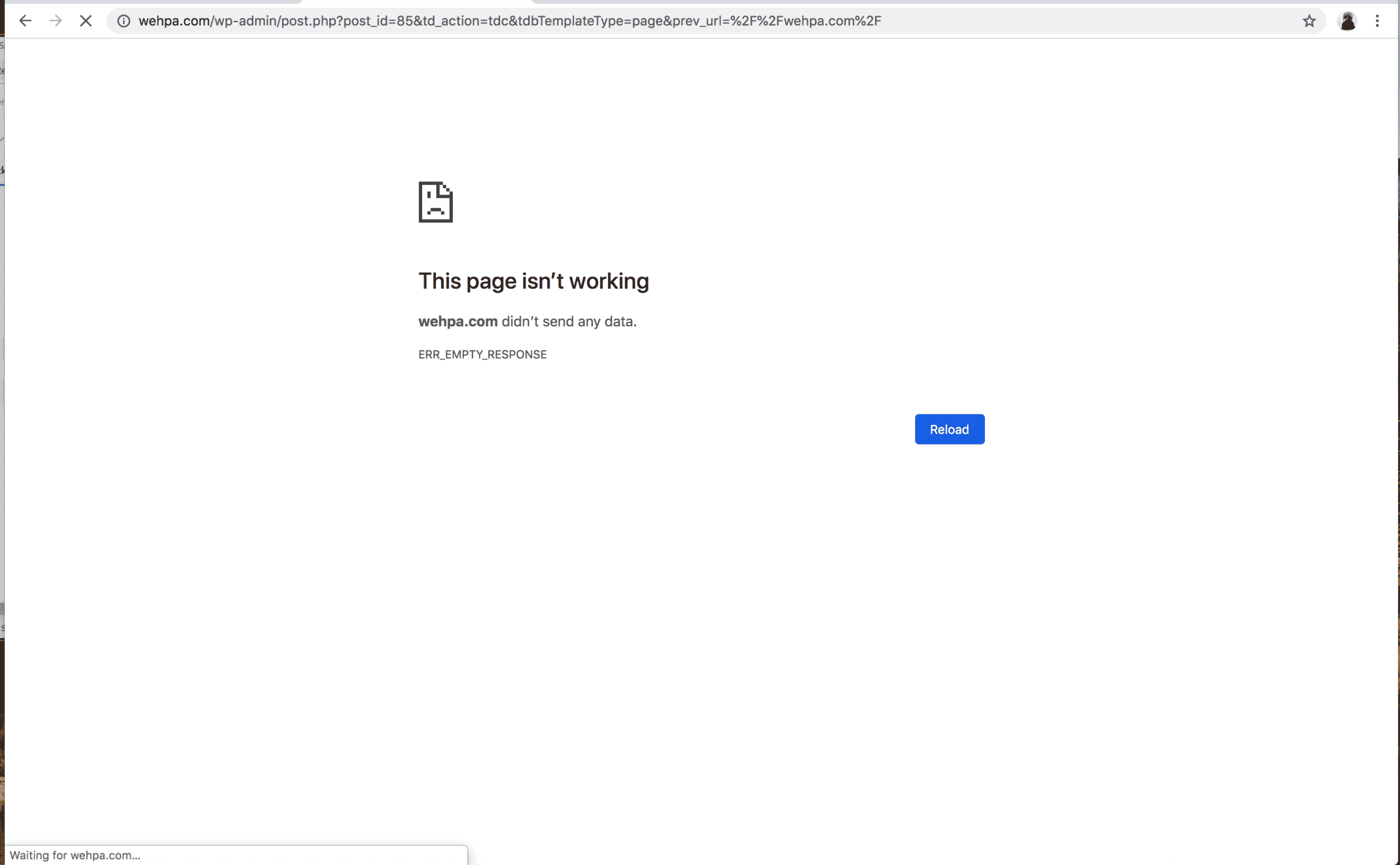
After I click TD composer button
http://wehpa.com/wp-content/uploads/2020/03/whepa-02.png
 AbeWakama
 Hi there,
I’ve just sent an email to contact@tagdiv.com containing FTP details and Admin login details.
As stated earlier, I have reinstalled tagDiv composer and the YouTube Api option is still unavailable. In addition, since reinstalling tagDiv composer all the features of the theme panel have stopped working.
Please have a look
Calin Hi,
So as I can see you are using a footer page, for this you need to go in Theme panel> Footer and edit the page -> https://imgur.com/lQSMGwo using tagDiv Composer, click on the menu and check the style tab -> https://i.imgur.com/nB0lfzD.png
Hope this will help you!
Thank you!
Calin Hi,
Please note that our support hours are from Monday – Friday: 8:00 AM – 17:00 PM GMT+2,
also note that we take in order of time the topics ( time when was post the question ) and if you post/replay again in your topic the time will change and will be move to recent question, therefore the answer will be delay.
Please make sure that you do not have a plugin conflict, please deactivate ALL plugins except tagDiv Composer, also if you are using child theme or cache plugin, deactivate them, clear all cache and try again.
Please make sure that all the settings are like in our requirements, please follow the guide carefully
– https://forum.tagdiv.com/requirements-for-newspaper/
and please increase all requirements that are lower, and follow all steps.
If you can check this similar topic for more solutions: -> https://forum.tagdiv.com/topic/optimize-script-to-improve-site-speed/
Let me know the results!
Thank you!
Calin Hi,
The process that start after you pres the button is in wp-content/plugins/td-composer/legacy/Newspaper/js/tagdiv_theme.min.js -> https://i.imgur.com/VQtAb9F.png
Thank you!
Calin Hi,
You can add a custom font files -> https://i.imgur.com/SMfKItY.png -> https://forum.tagdiv.com/font-customization/ after you set the custom font in theme panel, this should be display in tagDiv Composer too, please try like this -> https://prnt.sc/r54ata -> https://prnt.sc/r54b1m
Let me know the results!
Thanks
Calin Hi,
Yes, this can be achieve using a cloud header from tagDiv Cloud Library, this can be edited using tagDiv Composer, please check our video tutorial from here -> https://www.youtube.com/watch?v=HXQQygkCCJo
Thank you!
 netfish-design
 OK, we deactivated the tagDiv Composer, deleted it and reinstalled the tagDiv Composer plugin. Now it works.
Calin Hi,
If you are using the Newspaper default, not default PRO then you can achieve this using the standard method -> https://forum.tagdiv.com/sidebars-tutorial/ if you are using cloud templates, then you need to edit them and set with tagDiv Composer the widget sidebar element and select the sidebar you want -> https://i.imgur.com/lfSfDyj.png
There is no need to fill all six categories, only if you want to have different sidebars.
If you made the theme update on WordPress ant not using FTP is possible to find your elements from sidebars here -> https://i.imgur.com/li1NcpA.png
Thank you!
Calin Hi,
1-2. In most cases those are plugin conflicts. Please make sure that you do not have a plugin conflict, please deactivate ALL plugins except tagDiv Composer, also if you are using child theme or cache plugin, deactivate them, clear all cache and try again.
Let me know the results!
Thank you!