
- NewsmagInstall via WordPress
- NewsmagInstall via FTP
- NewsmagInstalling pre-built websites
- NewsmagUsing the theme translations together with WPML
- NewsmagHow to update a plugin
- NewsmagNewsmag theme support
- NewsmagCustom Post Type Support
- NewsmagImport / Export theme settings
- NewsmagHow to add icons in the menu
- NewsmagRequirements for Newsmag
- NewsmagNewsmag documentation
- NewsmagHow to update the theme
- NewsmagBlock settings tutorial
- NewsmagHow to update the WPBakery plugin
- NewsmagIntroduction
- NewsmagMain menu
- NewsmagFeatured image or video
- NewsmagAuthor card
 vivek170
Recently I installed demo on my wordpress newspaper what but when I uploaded the logo it’s not fully appearing I have uploaded in the original size 272*90
plz help me
 Dannyn82
 Tried installing the latest version that was released the other day. Still doesn’t work ? I have contacted email support as suggested but not heard anything?
Please help
 Catalin
 Hi,
You need to delete the theme with all the plugins and reinstall the theme via FTP way according to our documentation from here -> https://forum.tagdiv.com/newsmag-install-via-ftp/
Thank you!
 Arlink
Modal image in Gutenberg stop working after update. I followed all the tips on the forum, I can not solve this problem in any way. On the test page, the theme and WordPress fresh installation is the same. It only helps to upload an older version of the theme
My readers complain that the gallery can not be opened. Please help the site can not function like this
 Igor
Igor Already a clean installation was done when upgrading to version 9.7
And so now will always be?
 Calin
Calin Hi,
Indeed there was a problem with Site Title, but this was fixed.
You can try the solution from this topic and then check if the title issue is solved
– https://forum.tagdiv.com/topic/help-after-updating-to-9-7-3-on-the-website-all-titles-were-gone/ or you can re-download the theme from themeforest and re-install the theme.
Thank you!
 Vlad S
 Hello !
There have been made new changes to our core due to envato reglementations: https://tagdiv.com/updating-the-core-of-tagdiv-themes/ and in this update there is no patch available. You will have to make a clean install. That means that you will have to remove all of the theme files before installing this new update. Also make sure you have a backup first.
Here are some tips and tricks on how to update properly: https://tagdiv.com/update-newspaper-theme/ ; https://tagdiv.com/how-to-install-plugins-and-update-plugins/
Thank you !
Calin Hi,
You can not install the mobile theme because you already have a file with that name in theme files.
Please delete the plugin from …/wp-content/plugins/td-mobile-plugin ( host file ), and install it again ( you’ll find it here https://www.screencast.com/t/Va2eHHA7T ).
This should resolve your problem.
Thank you.
 InPa
InPaHi,
I installed Speed Booster Pack and all the images disappeared. Can you please help? (www.aroundaboutmunich.de)
Thanks
Inken
 robben07
Under the Google Search Console > Coverage > Crawl anomaly I’m getting the following entries appended with my blog posts:
/{{td_query_all_results}}
/{{post_url}}
/{{post_cat_link}}
This has only recently appeared in the Search Console. They are a mixture of new and old blog posts that are affected.
All pages load fine including AMP ones.
I have Newspaper V 9.7.2 installed.
I wonder if you can advise on these issue please?
Thank you
 designerwriter
I have a question about installing the Newspaper theme. I am using WordPress. Do I install this zip file
themeforest-5489609-newspaper.zip
or this one with the wordpress in it?
themeforest-5489609-newspaper-wordpress-theme.zip
Thanks in advance.
InPaHi,
since I’ve installed Newspaper theme, our page impression went down. There are to many CSS and JSS files loading in the background. Can you please help?
BEst wishes
Inken
 insumedical
 1. Delete theme
2. Reinstalling themes
↑↑↑↑↑↑↑
error
tagDiv Composer.. Plug-in can not be installed
 PrateekBiyani
 I don’t even have WPBakery installed – never have done for this theme.
 darko888
Is it possible to use AMPforWP plugin with Newspaper theme? I’ve always used this plugin, but on Newspaper is like I never installed it. Nothing has changed and every page and post are still standard and no AMP.
Can you help me?
Thanks
 Epiq
Epiq As Catalin mentioned in the similar post – https://forum.tagdiv.com/topic/using-tagdiv-composer-text-editor-does-not-work/ – the issue has been fixed in the latest version of the theme. Downloading and re-installing it solved this for me.
 triadcitybeat
 I found the version from April in my downloads folder, deleted the newer version and re-installed the old one.
 Utetrend-no
Hei have tried all your totrials, keep getting nowhere.
What to do..
 mfairhead
I’d be really grateful for some input please. Website is ihearthomeandcrafts.com – I need to enable the “unique articles” function to get rid of the articles repeating itself at the bottom of the homepage (after the section on recipes). however, I can’t for the life of me find it anywhere. I’m obviously missing something or have not installed something correctly. Could anyone have a look at the home page of the website for me and talk me through what I need to do please to get rid of these blog posts that are repeating themselves at the bottom of the page? Thanks!
Calin Hi,
1. I check this on may install an for me this is working -> https://www.screencast.com/t/85gM9vYft
This can be a plugin conflict, please make sure that you do not have a plugin conflict, please deactivate all non theme plugins, also if you are using child theme or cache plugin, please deactivate them, clear all cache and try again.
2. You need to go in Newspaper>Theme panel>Block settings -> https://www.screencast.com/t/LT0C9njSq
3. If that All is set on a block you need to edit it using tagDiv Composer -> https://www.screencast.com/t/lzm82feApL
Thank you!
 ecarshu
 Really? I don’t want to install a another plugin….
I receive a lot of errors when I want to edit with TD Composer
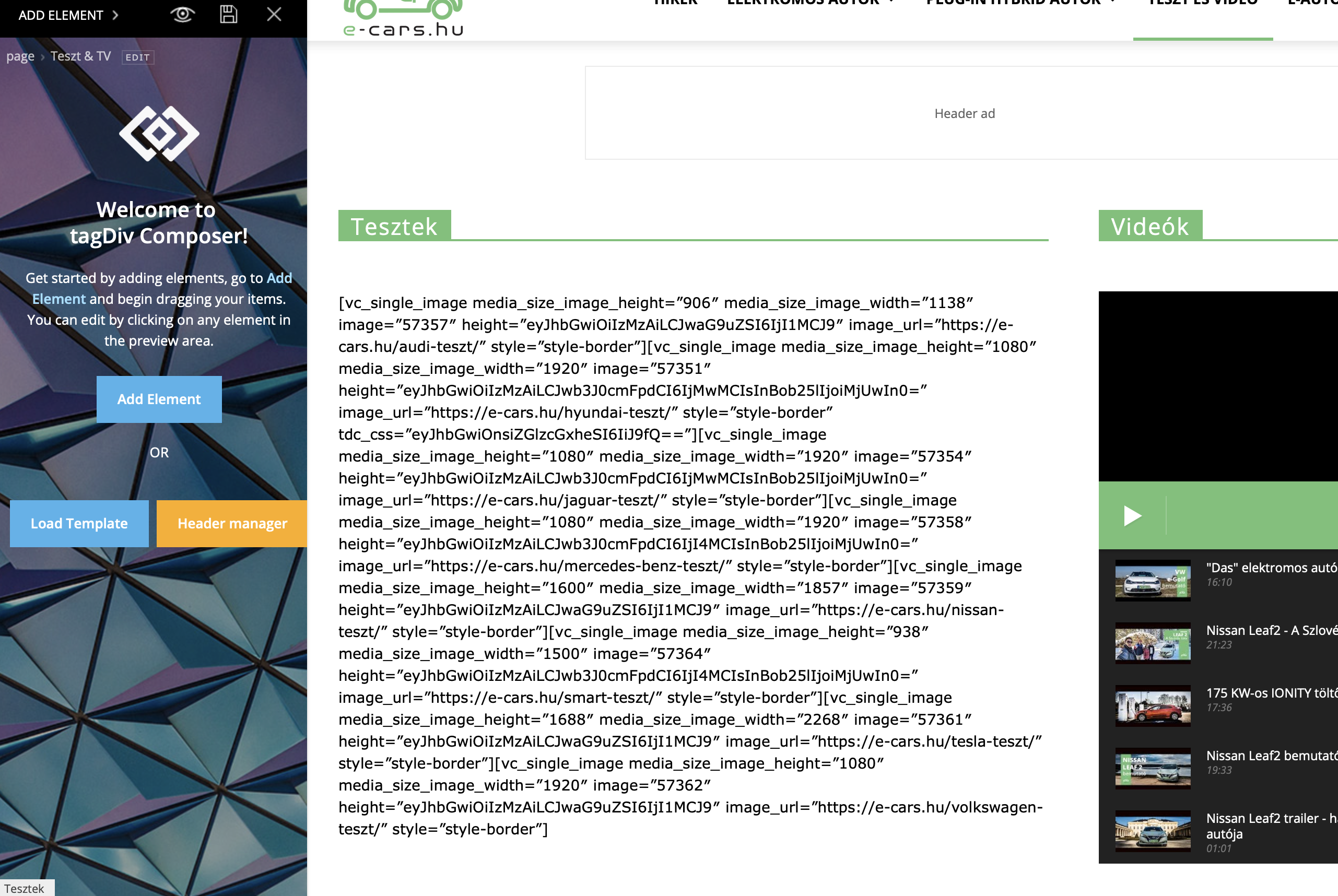
Calin Hi @ekreator,
Please make sure that you install correctly the theme, without overwrite the old one;
Since Newspaper v9.7 the mobile folder was moved from theme in tagDiv Composer plugin.
-> https://www.screencast.com/t/reUJZ4xcbqJ
Hi amandajholden@me.com
Please make sure that you do not have a plugin conflict, please deactivate all non theme plugins, also if you are using child theme or cache plugin, please deactivate them, clear all cache and try again.
Thank you!
 visitaceh.id
 Hi,
I tried it, but I still not imported.
I tried diactive all 3rd party plugin, down grade theme version and reinstall again. Still get that error.
I did send my login wordpress detail to contact@tagdiv.com, I hope it can be solved.
Thanks,
 mario118
 And just to add to my comment above, I have the child theme installed and activated. That’s what I’ve been using for the past year as I had a developer update the footer with an embedded contact form. Are you guys saying that the child theme is no longer supporter and that I need to switch over to the main parent theme and lose the development done on the other? I’m just trying to understand the situation now going forward with future updates.
Vlad S Hello !
Please deactivate all non-theme related plugins, delete the tagdiv plugins from the plugins section and then reinstall them from the Newspaper – Plugins. Make sure they are installed, updated and active. You MUST have tagDiv composer activated all time.
Take a look at our documentation regarding installing the theme and plugins: https://tagdiv.com/how-to-install-plugins-and-update-plugins/ ; https://tagdiv.com/how-to-install-newspaper-theme/
Thank you !
