- NewspaperHow to Add a Logo in Newspaper
- NewsmagLogo & Favicon
- NewspaperShortcodes
- NewspaperHow to Set the Image Avatar
- NewspaperThe Mobile Theme
- NewsmagWhat’s included in Newsmag theme package
- NewsmagMain menu
- NewsmagHeader styles
- NewsmagFooter templates
- NewsmagTheme colors introduction
- NewspaperFavicon & iOS Bookmarklet
- NewspaperHeader styles
- NewspaperWhat’s Included in the Newspaper Theme Package
 Anamaria
 Hello,
If I understood correctly, you need to duplicate the category template for each category and set the text in column text or text with title for each category.
Check this topic: https://forum.tagdiv.com/topic/different-logo-in-categorypage/ here is explained step by step how you can duplicate a template.
If this is not what you mean, please let me know!
Thank you!
Anamaria Hi,
This is a video on how to change the logo -> https://www.youtube.com/watch?v=HXQQygkCCJo -> https://forum.tagdiv.com/add-logo-newspaper/
Thank you!
 Dianamariaribeiro
 ok i managed it now. what is the side of the mail logo and where can i put it up?
Anamaria Hi, The tagDiv Composer is our page builder and it can be used for building pages and cloud templates, but not for creating posts. For this, you’ll need to use Gutenberg or a classic editor.
Using tagDiv Composer, you can build/edit the single post template (the layout of the posts).
Here is a video that will show you how to use the builder to create a website from scratch https://www.youtube.com/watch?v=SoGQ0d5kIBg to do this you’ll need to already have the posts.
Also, on our channel https://www.youtube.com/channel/UCOT1RiNysIPCTPSnVZskwtQ, you can find more videos that can help you and documentation https://forum.tagdiv.com/newspaper-theme-documentation/ and you can ask us here on the forum or email if you have any questions.
Also, if you want to have some blocks/elements on a certain post, then you can use a different single template for posts, you can duplicate the template -> https://forum.tagdiv.com/topic/different-logo-in-categorypage/
I hope this will help you!
Thank you!
 fleeksoft
Hi, I have some issues with AMP templates.
1- When the AMP page loaded on mobile it shows whitespace on the logo background but later fine when the logo show please check in the screenshot top center white box
https://ibb.co/ZfPqvGr
2- When the AMP page layout is not correct. In the screenshot, You can see white space below the top bar and also the height of the shadow on the thumbnails is not full
https://ibb.co/4Mk2vFg
 horst
horst The same as the header in the footer, it does not show the logo either. use cloud footer template, DOES NOT EXIST, in the cloud there is no template https://prnt.sc/IZCMO7nxZnoH
 VCherub
How to do it?
Anamaria Hi,
You do not need to add the logo in Theme Panel, you need to add it like this guide https://forum.tagdiv.com/add-logo-newspaper/
Also, this problem is related to your host so please ask them to help you to solve it.
You can check also, those guides/topics to solve it https://community.godaddy.com/s/question/0D53t00006VmAiCCAV/502-bad-gateway-error-godaddy-refuses-to-acknowledge-fix
-> https://kinsta.com/blog/502-bad-gateway/
Thank you!
 Atif Raja
Hi
I am facing two problems.
1- My News websites front page is not showing/filtering categories in sections selected for that,
like when is select featured filter on headline section, its showing somthing else.
2- when i am logged in my website is showing deferent content and setting but when I logout it show old content.
Please guide , ho to fix it.
Thank you
 Skincruncher
 When i use a text format logo instead, there is no way to choose a font that i want. You mentioned that i willl be able to select a custom font.
Anamaria Hi,
You can try to set the logo text and set your font for it https://forum.tagdiv.com/add-logo-newspaper/
For logo size for desktop we recommend using 272 x 90px, and for mobile 140 x 48px
Thank you!
Skincruncher Here is a screenshot. https://ibb.co/JpgVhgS
you can compare how clear the menu options are to how clear the logo is. IT IS BLURRY.
-
This reply was modified 3 years by
Skincruncher.
Skincruncher No it is not. I’m still here trying out different sizes to see if one will appear clearly.
The problem is not the logo showing up on the page, the problem is that IT IS NOT CLEAR. IT IS VERY BLURRY!!!! Zoom in and see it for yourself.
Anamaria Hi,
I checked and now the logo is clearly displayed https://i.imgur.com/S99Mm4Q.png -> https://i.imgur.com/1qzgC7R.png
Please note the Support team is not 24/7 available. We answer the topics from Latest to Newest Monday – Friday from 08:00AM to 05:00PM GMT+2
Thank you!
Skincruncher I had to manually import a header template for the logo to change. Now the logo is not clear, no matter what I do. I just keep uploading several pixels and still unclear.
SkincruncherI have changed the logo on my website multiple times but it has refused to change. my site name is skincrunch.com
 hammersurf
Hackzzers.com members, FROYZEN, MARJİNAL AND WOXR1N , who managed to hack many sites in recent days, became the most common names in the Our police teams are working very hard to catch these children. The question everyone is wondering is “who are these kids and how old are they?
 HACKZZERS
hammersurfIN THE PAST DAYS, TURKISH HACKER GROUP HACKZZERS MEMBERS FROYZEN, MARJINAL AND WOXR1N HAS BEEN HACKING A LOT OF COMPANIES AGAINST THE END OF WORLD HISTORY. WHAT IS THE PURPOSE OF THIS HACKER GROUP?
THESE MEMBERS ARE HACKING ALL KINDS OF COMPANIES, SCHOOLS, WORKPLACES WITHOUT LEAVING ANY MARKET BEHIND. OUR POLICE TEAM HAS STARTED THE SEARCH FOR THESE MEMBERS, BUT YET NO RESULTS HAVE BEEN FOUND. THE ONLY THING WE KNOW ABOUT THESE MEMBERS IS THAT THEY ARE FROM THE TURKISH HACKER GROUP HACKZZERS. OUR POLICE TEAMS THINK THESE CHILDREN ARE LEAST OVER 18
 Calin
Calin Hi niceguyitachi,
Bettina was referring to the settings that are made on the element from the header that indicates the login/logout element. This one can be edited using the tagDiv Composer -> https://i.imgur.com/2psC6JK.jpg select the header login element and set the text -> https://i.imgur.com/9Mum1zw.png
If this is not what you mean and the problem persists, please provide a few more details and some screenshots.
Thank you!
Anamaria Hello,
The tagDiv Composer is a page builder and it can be used for building pages and cloud templates, but not for creating posts. For this, you’ll need to use the Gutenberg or classic editor.
Using tagDiv Composer, you can build/edit the single post template (the layout of the posts).
Here is a video that will show you how to use the builder to create a website from scratch https://www.youtube.com/watch?v=SoGQ0d5kIBg to do this you’ll need to already have the posts.
Also, on our channel https://www.youtube.com/channel/UCOT1RiNysIPCTPSnVZskwtQ, you can find more videos that can help you and documentation https://forum.tagdiv.com/newspaper-theme-documentation/ and you can ask us here on the forum or email if you have any questions.
Also, if you want to have some blocks/elements on a certain post, then you can use a different single template for posts, you can duplicate the template -> https://forum.tagdiv.com/topic/different-logo-in-categorypage/
I hope this will help you!
Thank you!
 Bikul
BikulHello,
when I update the Newspaper theme from 12 to 12.1 (and installing necessary plugins) the website is not as it was before:
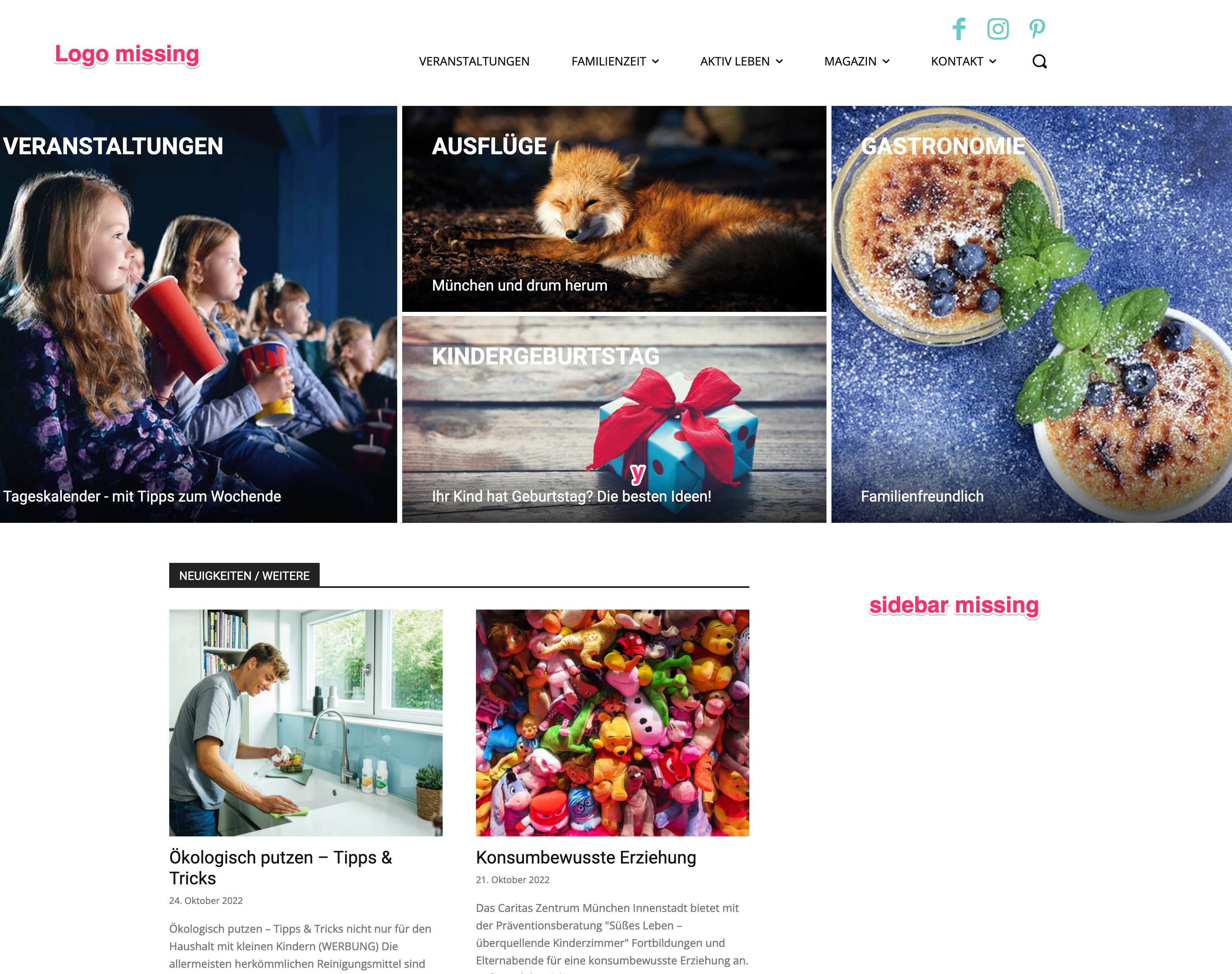
– Logo missing
– Sidebar missing
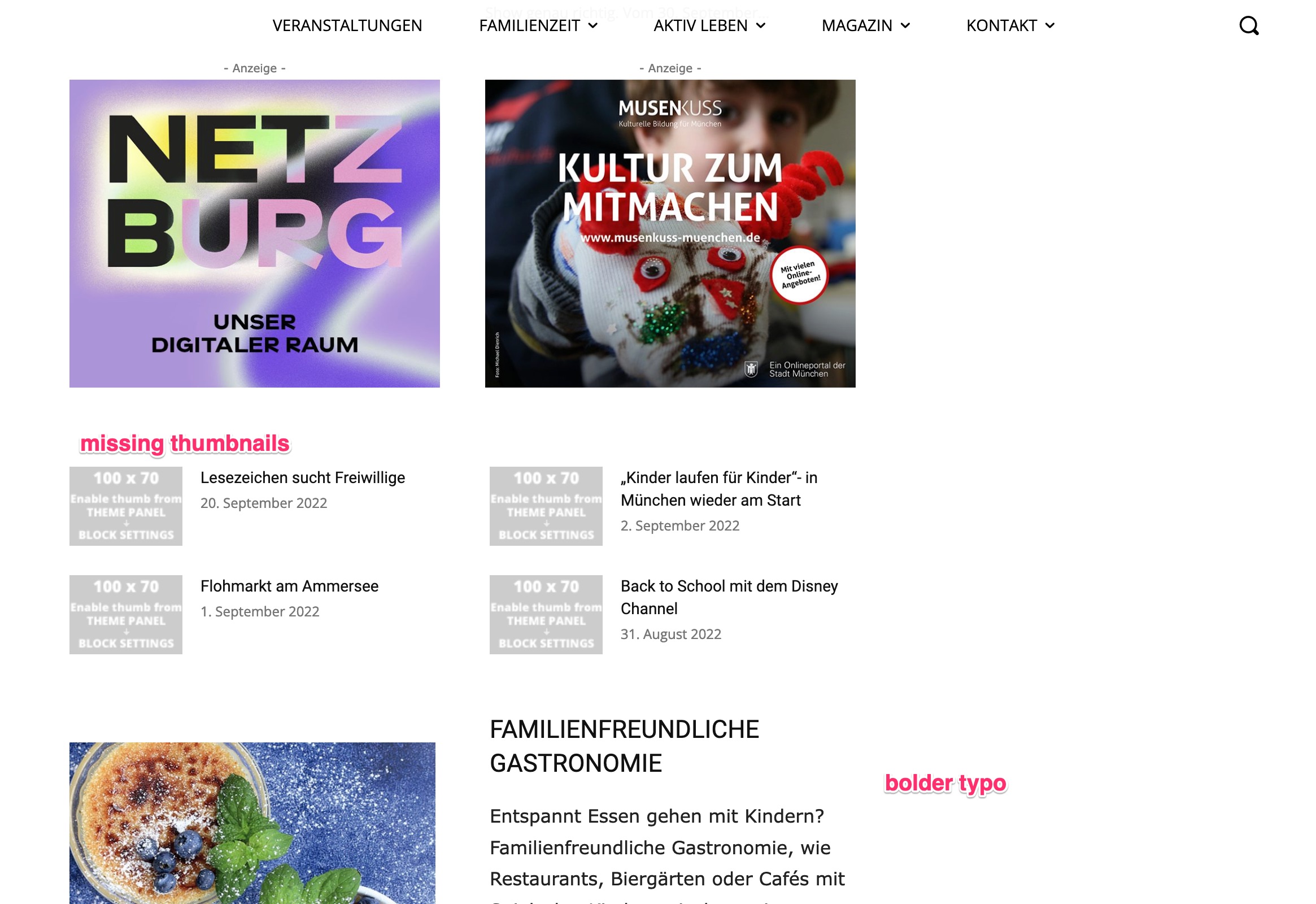
– some thumbnails missing
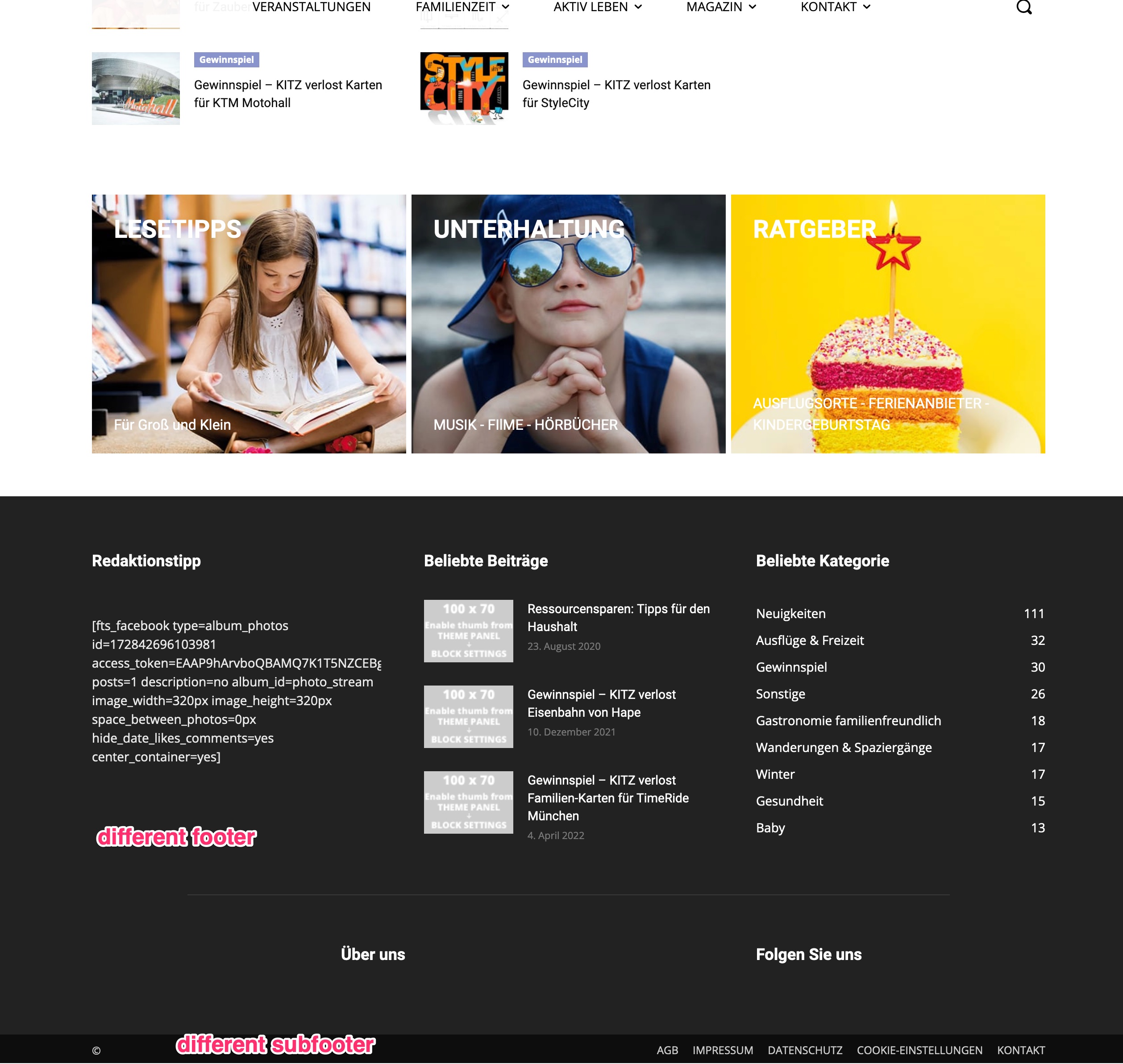
– footer and subfooter are completely different
So I reverted it to my backup-version 12 for now.
What can I do?
Thanks for Help
Bernd
https://kitz-magazin.de/download/12_1_01.jpg
https://kitz-magazin.de/download/12_1_02.jpg
https://kitz-magazin.de/download/12_1_03.jpg
 Bettina
 Hello!
The theme is taking the logout/login link to your website automatically.
Where do you see this page code if the page doesn’t exist?
Thank you!
 Babawomba
Hi,
Since Newspaper version 11.2 I have been unable to successfully update my site to any higher version automatically.
After the update has been applied, my page layouts, Logo, sidebar settings and more are lost and I see the composer “shortcodes” instead of the previously existent blocks. Exporting/Importing settings manually does not help.
My site is already running the latest WordPress version 6.0.3.
Anamaria Hello,
Yes, you can add different ads for posts and pages.
To achieve that, you must duplicate the category template -> https://i.imgur.com/BM1fO2A.png and set different ads.
Also, it depends on the type of ads; if they are auto ads, then the theme doesn’t have control.
Check this topic: https://forum.tagdiv.com/topic/different-logo-in-categorypage/;
Thank you!
Anamaria Hello,
So, I notice that you have disabled the mobile theme for the homepage, so if you want to use the responsive version, then please edit the homepage with tagdiv Composer, select the viewport for phone and change the logo; also, for desktop/table, or if you want to have a mobile theme for the homepage, then please enable mobile theme https://www.screencast.com/t/axXRJsWby.
Also, I can see the ads -> https://i.imgur.com/u8KZTEh.png, but I saw you use mobile+AMP, so you need to add the ads here https://imgur.com/CrFAJXN.
Thank you!