
- NewspaperThe Newspaper Mobile Theme: Introduction
- NewspaperThe Mobile Theme
- NewspaperModules Builder in Newspaper Theme
- NewspaperNewspaper theme documentation
- NewsmagTheme colors introduction
- NewspaperTheme Colors Introduction
- NewspaperWhat’s Included in the Newspaper Theme Package
- ApiUsing the Theme API in plugins
- NewspaperFilters and sorting for taxonomies
- NewspaperHow to Add a Logo in Newspaper
- NewspaperBig Grid Flex Settings
- NewspaperHeader Builder
- NewspapertagDiv AMP Plugin Tutorial
- TutorialsFrom WPBakery to tagDiv Composer
- NewsmagSmart list ads
- NewspaperBest Of Forums
- NewspaperCache plugin – install and configure
- NewsmagIntroduction
- NewsmagMain menu
- NewsmagLogo & Favicon
 Calin
Calin Hi,
I do not see the problem with search icon, please provide some screenshots with this problem.
So the mobile theme plugins provide better speed but will change the website layout on mobile, also on page you need to set a new content without builders, you can check more in our documentation from here -> https://forum.tagdiv.com/the-mobile-theme/
The AMP plugin that is use with our theme do not have a template, so you need to use the mobile theme plugin, in this way you’ll have the mobile theme layout, you can check more about this in our article from here -> https://tagdiv.com/amp-newspaper-theme/
The amp ad
<amp-auto-ads type=”adsense”
data-ad-client=”ca-pub-##############”>
</amp-auto-ads>
Need to be set in amp ads -> http://prntscr.com/pxcbbk
Thank you!
 Vlad S
 Hello !
The design you want is the Responsive version. For that simply disable the mobile theme plugin.
Thank you !
Vlad S Hello !
In order to learn about the Mobile Theme please follow our tutorial here: https://forum.tagdiv.com/the-mobile-theme/
Thank you !
 rohan12345
I can’t get my previous mobile view after theme update. Please help me how can I get demo mobile view after theme update? Please see this image https://ibb.co/6gs0XXR https://ibb.co/M2LHksr I want this design https://ibb.co/NCzhRgq So please help me. how can i do this. please help me
Calin Hi,
If you are using the mobile theme plugin, this will appear instead the responsive version, so the changes made by you with tagDiv Composer will not be display.
In order to set a mobile logo please check this section -> http://prntscr.com/pxazfy -> the footer content can be edit from here -> http://prntscr.com/pxazqk also if you want to change the text from footer on mobile theme you ca do it using the Translations section from theme panel -> http://prntscr.com/pxb0lz -> http://prntscr.com/pxb0rp
Thank you!
rohan12345I can’t get my previous mobile view after theme update. Please help me how can I get demo mobile view after theme update?
Calin Hi,
There is no need to use the mobile theme, you can use the responsive version of Newspaper, also you can use cloud templates (cloud category, single post template) from tagDiv Cloud Library, that you can edit on mobile to
Thank you!
Calin Hi,
1. You can not edit the header section, because you are using a standard header, you need to use/import a cloud header from header manager.
2. You need to refresh the page in order to load the mobile menu layout.
Thank you!
 Sibi Paul
 USE MOBILE THEME FOR:
Now Selected AMP Only
to Avoid the above-mentioned layout issue.
 lucagrandicelli
 Ok, digging into your theme structure, i’ve just found out that in: plugins\td-composer\legacy\Newspaper\loop-single.php there is no call to the related posts funcion as follows:
echo $td_mod_single->related_posts();?>
If i add those line (already available in plugins\td-composer\mobile) everything works.
Is this a bug?
 vv2005
 Also, How can I add a logo to the mobile theme?
I am using animals pro theme.
vv2005 I want to edit the mobile theme footer – About us, Follow us and copyright. Here is how it looks https://prnt.sc/pwu2v3 How to edit them?
Vlad S Hello !
You can check to see if you have implemented your AMP properly as in our tutorial here: https://tagdiv.com/mobile-theme-automatic-optimization-for-mobile-newspaper-theme/
Let us know if you are experiencing any other issues.
Thank you !
Sibi Paul One More Info:
When I set AMP Only in the Mobile Theme Settings
Then, mobile Page Shows as the Previous Responsive Mobile Page.
When I Select Mobile Theme For Mobile Only
Then, I get the same error ( Menu Button goes Under Logo – and Logo is at Left side – No Serch box )
When I Select mobile + AMP
AMP Page shows as Good Layout.
Address Without AMP is Shows that Error.
So, I hope you got almost all info…
Thanks.
Sibi Paul to Know,
AMP + Mobile Theme Plugin Enable Just Now.
Ads Codes and Analytical Codes in AMP is Added.
—-
When I Checked the Same URL I’m Getting the Same Error
Test This URL in Validator it Gets Error ( AMP Enabled in the Post )
When I Enter This URL – https://www.universalnews.org/angelina-jolies-says-about-her-children-have-been-through-a-lot/?amp
Validator shows PASS
Same Happens in https://search.google.com/test/amp
Problem 1 – when I Vist AMP URL ex: https://www.universalnews.org/angelina-jolies-says-about-her-children-have-been-through-a-lot/?amp
it does not show in Google Analytics.
Problem 2 – Ads Not Displays even After I added the Ad Code in AMP
Problem 3 – https://gtmetrix.com/reports/www.universalnews.org/sKnyn1Ia
Identical Content in Two URL
Problem 4 – https://www.universalnews.org/?amp Layout in MObile is Good
Left Side Menu Button – Center is Logo – Search Box is at the Right side.
But,
when Visit https://www.universalnews.org/ in Mobile
that Layout is missing.
Search Box NOT Showing
Logo at the Left
Menu Button Inside the LOGO – Unable to Click on it.
Note: People Comes to the Site Directly, NOT Entering the AMP URL
They Just Types Domain in the Address bar.
Once they See this layout issue, and unable to click on the menu, then they will not come again.
Kindly Address them, and let me know asap.
Thanks.
 alex1957
 Hi, I can believe that is only a warming, but why I can’t see in WordPress menu the voice AMP? and if I disable tagDiv Mobile Theme, then the voice AMP appear?
this looks like a conflict error?
I can send username and password, so you can check, if you want.
Bye Alex
-
This reply was modified 6 years by
alex1957.
 nextbride
There are two versions of Adsense Ads these are Normal Ads and AMP Ads.
On the mobile theme there are spots to insert Normal Ads and AMP Auto Ads. But no place to Insert AMP Ads. Please help where to insert these ads.
Vlad S Hello !
The designs do not match because you are using the mobile theme. The Mobile theme was specially designed for optimization on mobile devices. Unfortunately on mobile theme you cannot do much changes of design. If you want to have the same design as on desktop mode you can achieve that by simply disabling the mobile theme.
You will have to recreate your pages into the Mobile editor.
Also you can disable mobile theme on certain pages or posts by following this setting: 
Please take a look here: https://forum.tagdiv.com/the-mobile-theme/
Thank you !
Vlad S Hello !
Please follow our tutorial regarding mobile theme: https://forum.tagdiv.com/the-mobile-theme/
Also please provide a link to your website in order to inspect.
Thank you !
 Duvelix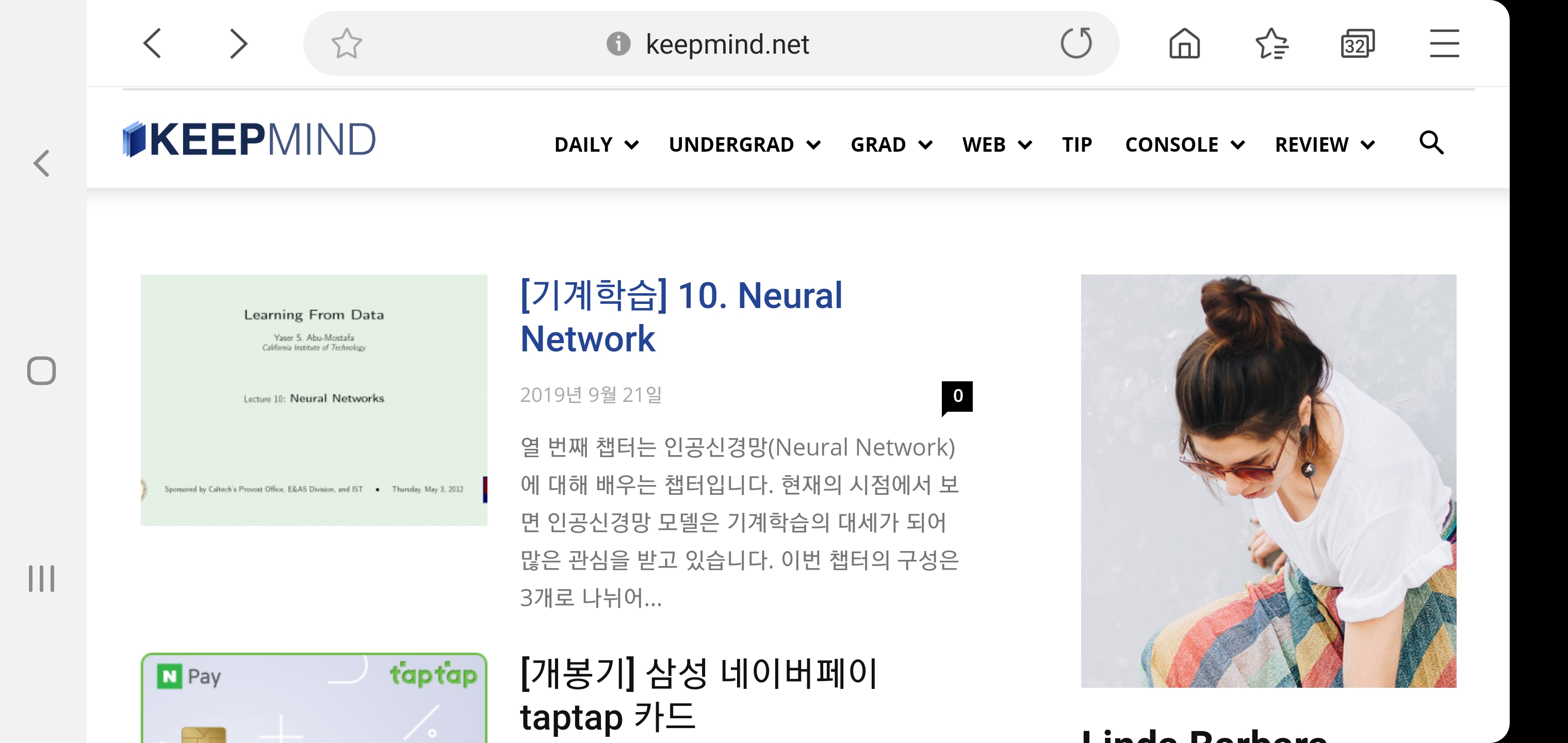
Hello, I have a problem with my blog’s logo, so I post in the forum.
I’m currently using a Journal skin in a Newspaper theme.
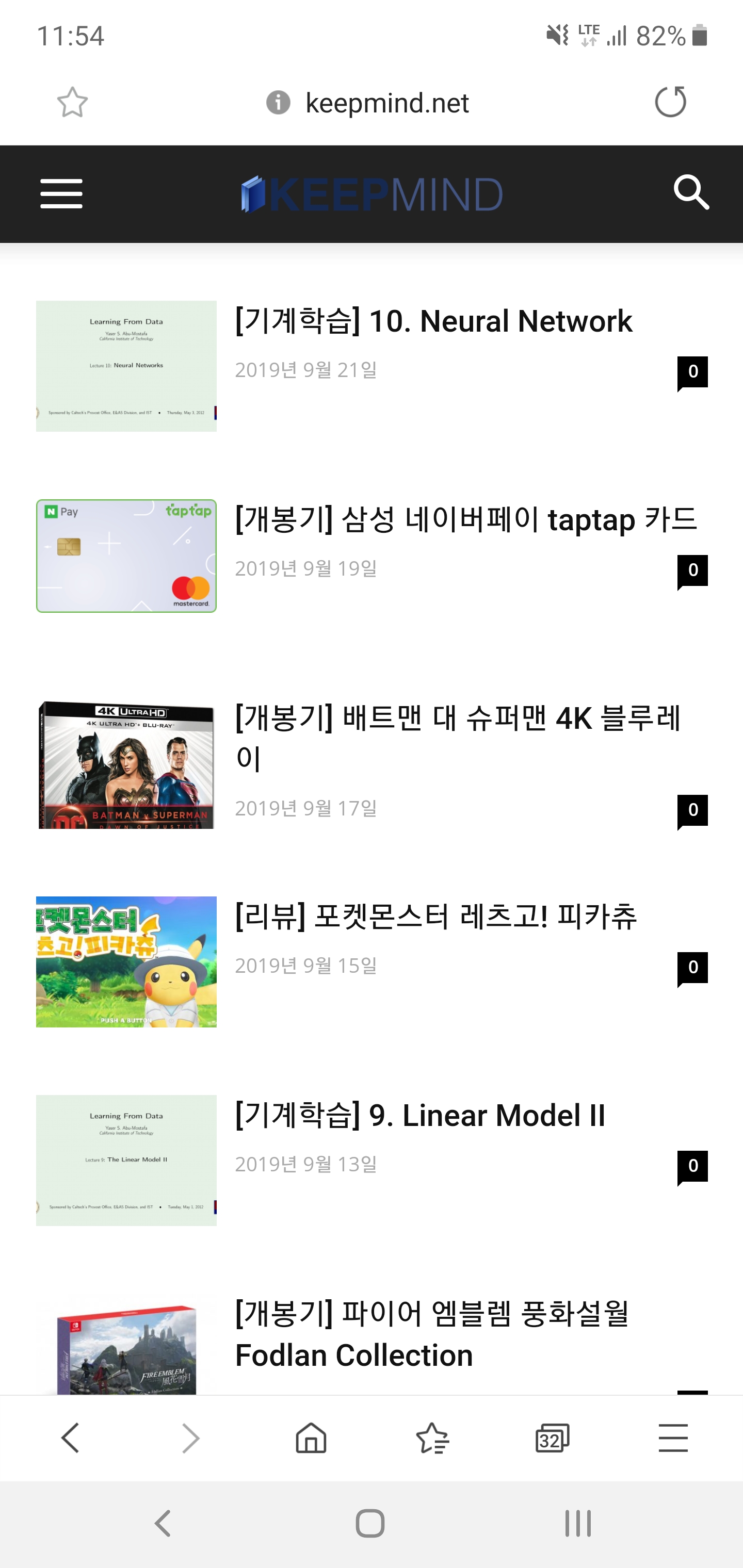
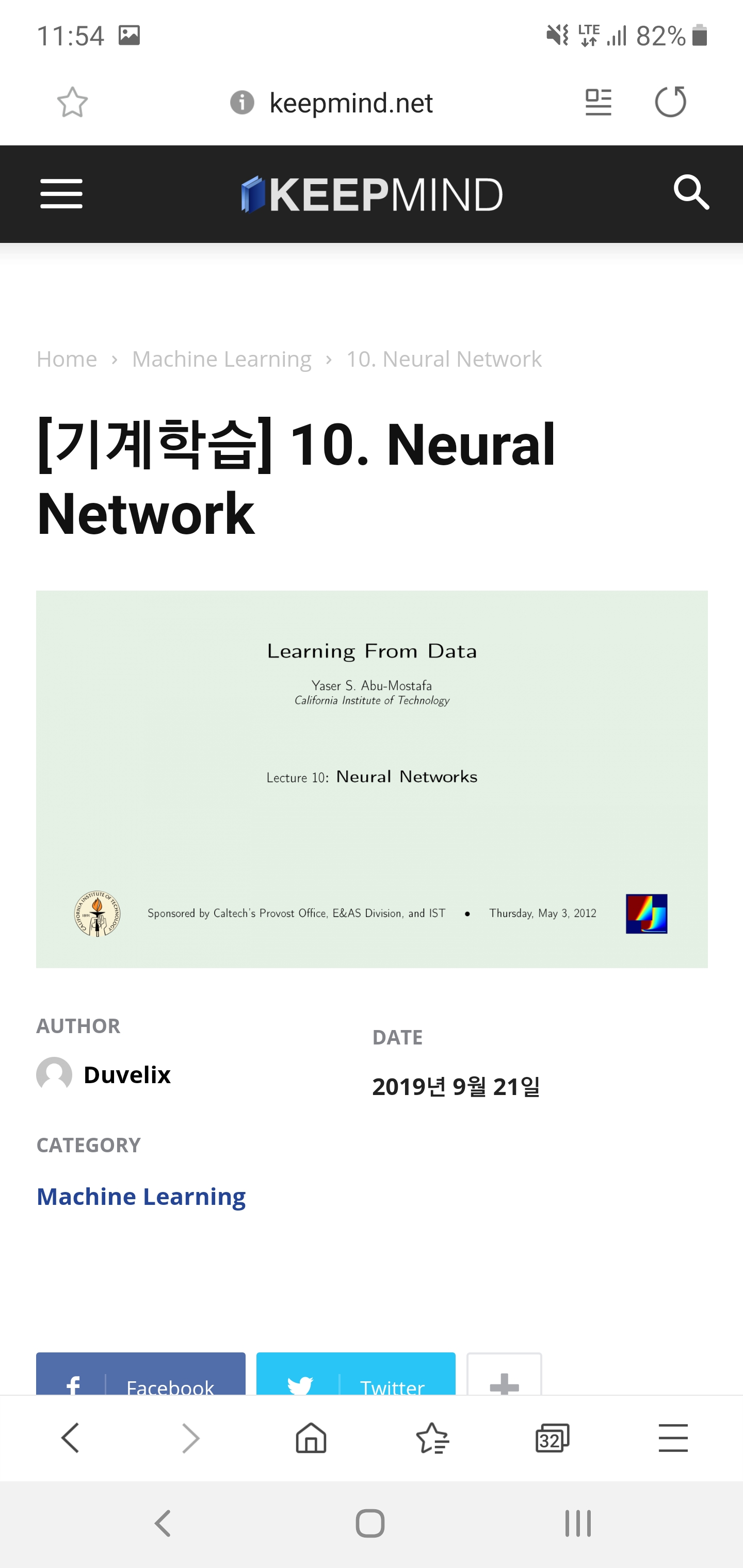
As you can see in the screenshot above, the background color is different on PC and mobile screens. So I have created both a regular and a dark version of my blog’s logo so that it looks good on both screens.
But there was one problem. When I click on the post on the mobile screen, the dark version of the logo appears properly. However, the general version of the logo is printed on the main page.
I want to print a dark version of the logo on the main page of the mobile screen. Can you tell me how to do it?
I’m not good at English so I hope my inquiry has been received properly.
Sibi PaulHello Dear TagDiv,
Currently, I’m working in One of My Clients Site https://www.universalnews.org/
in Desktop it’s Good
When Visiting From a Mobile Phone https://www.universalnews.org/?amp URL is Also Good.
But,
When We Enter Just https://www.universalnews.org/
Then, The MENU 3 Lines is Going Behind the LOGO.
Kindly Check it yourself, and Provide me a solution for this.
2 – I added the Analytics Script in the AMP section, also Added AMP Ads Code in AMP Ads Section ( both in Mobile Theme separately )
but Ads and Analytics Not Working.
Kindly Help me with This.
Thanks.
 biryolgazetesi
After i installed mobile theme plugin the site only shows the latest article with a basic theme. I want responsive version of the main website on the mobile theme. How can i do it?
 nada789
Hello sir
I get 3 options in the mobile theme settings
Mobile
AMP + MOBILE
AMP
What should I choose?
I have selected the first and second but the pages do not all appear responsively with the phone type of iPhone but it appears naturally and responsively in the computer and Android phone
 tgamble
 is there any extended support? i have been struggling with mobile issues for days. reading documentation and following all the guides. i have several tickets with no resolution… i am willing to provide my admin credentials.
i have the cache plugin, and use it constantly
the theme is updated
wordpress is updated
unnecessary plugins are deactivated
i used the specific mobile content editor for mobile content (its broken)
i tried to use a tagdiv styled page for the homepage by deactivating mobile for that page. WONT WORK…
please.. please. i am concerned my client will need it very soon.
alex1957HI, on my site I installed both AMP (1.4.0) and tagDiv mobile theme plugin (1.3), but I see a yellowfins warming that tell me: The tagDiv Mobile Theme now works best with the AMP plugin to provide a complete solution for your content on mobiles. You can find out more here.
On the left menu I can’t see the voice AMP.
if I disable tadDiv Mobile Theme so I can the AMP and always the same message above.
Wordpress is 5.3 (last release), but was the same with 5.2
Bye
Alex
