- NewsmagHow to update a plugin
- NewspaperHow to update a plugin
- NewsmagHow to update the theme
- NewsmagHow to update the WPBakery plugin
- NewspaperHow to update the WPBakery Page Builder plugin
- NewspaperHow to Update the Newspaper Theme
- Apitd_api_top_bar_template::update_key
- Apitd_api_top_bar_template::update
- Apitd_api_single_template::update_key
- Apitd_api_single_template::update
- Apitd_api_footer_template::update_key
- Apitd_api_footer_template::update
- Apitd_api_smart_list::update_key
- Apitd_api_smart_list::update
- Apitd_api_thumb::update_key
- Apitd_api_thumb::update
- Apitd_api_category_top_posts_style::update_key
- Apitd_api_category_top_posts_style::update
- Apitd_api_category_template::update_key
- Apitd_api_category_template::update
 Bogdan B.
 Your child theme could not be updated. If you do not use custom modifications to the theme code, then you do not have to use a child theme.
Thank you!
 Simion C.
 Hi,
You can not update Visual composer directly from the producer, updates for the Visual composer editor are provided along with the theme updates in the full theme package you have downloaded from Themeforest – https://forum.tagdiv.com/whats-included/ and you can update it manually as explained here – https://forum.tagdiv.com/how-to-update-visual-composer-plugin/ Just deactivate and delete the plugin, then upload and install the new version from the theme package, plugins folder. Also you do not need to worry about Visual composers’s update message because it is already activated as specified in the link provided above.
Thanks
 Catalin
 Hello LaurennePierrick,
I have noticed that you are using the Newspaper theme and it is not the latest version of it. Try to update it via FTP way, disable all untested plugins, leave just Visual Composer to active, clear all your caches and install only the plugins that come bundled with the theme packet and rule out any conflicting plugins. If the problem is still there, please try to make a new clean install from scratch via FTP way and check the results. For more details about FTP method, please consult here -> https://forum.tagdiv.com/install-via-ftp/
Thanks for the message!
 Liz
LizHi,
I updated the theme to the latest version (7.7) and can see the Image Box block in the widget section, however, it’s not showing up when I try to add the block on a page (see screenshot). The author box is also not showing.
http://www.awesomescreenshot.com/image/2192075/5203b40a4a79ff137f6f5ae29fb59929
 Berbi
Berbi Hi Chris,
Thanks for these infos. Indeed my site dramatically slowed down after we passed the style in Child folder. We did this because every time we had to update the theme, it was a nightmare to isolate the custom design….
Thanks for your help.
 jamiegalbreath
 Thanks for this.
I did follow these instructions but the update script for newpaper 4 update didn’t appear?! Is there somewhere else I can find this?
 Elevas32
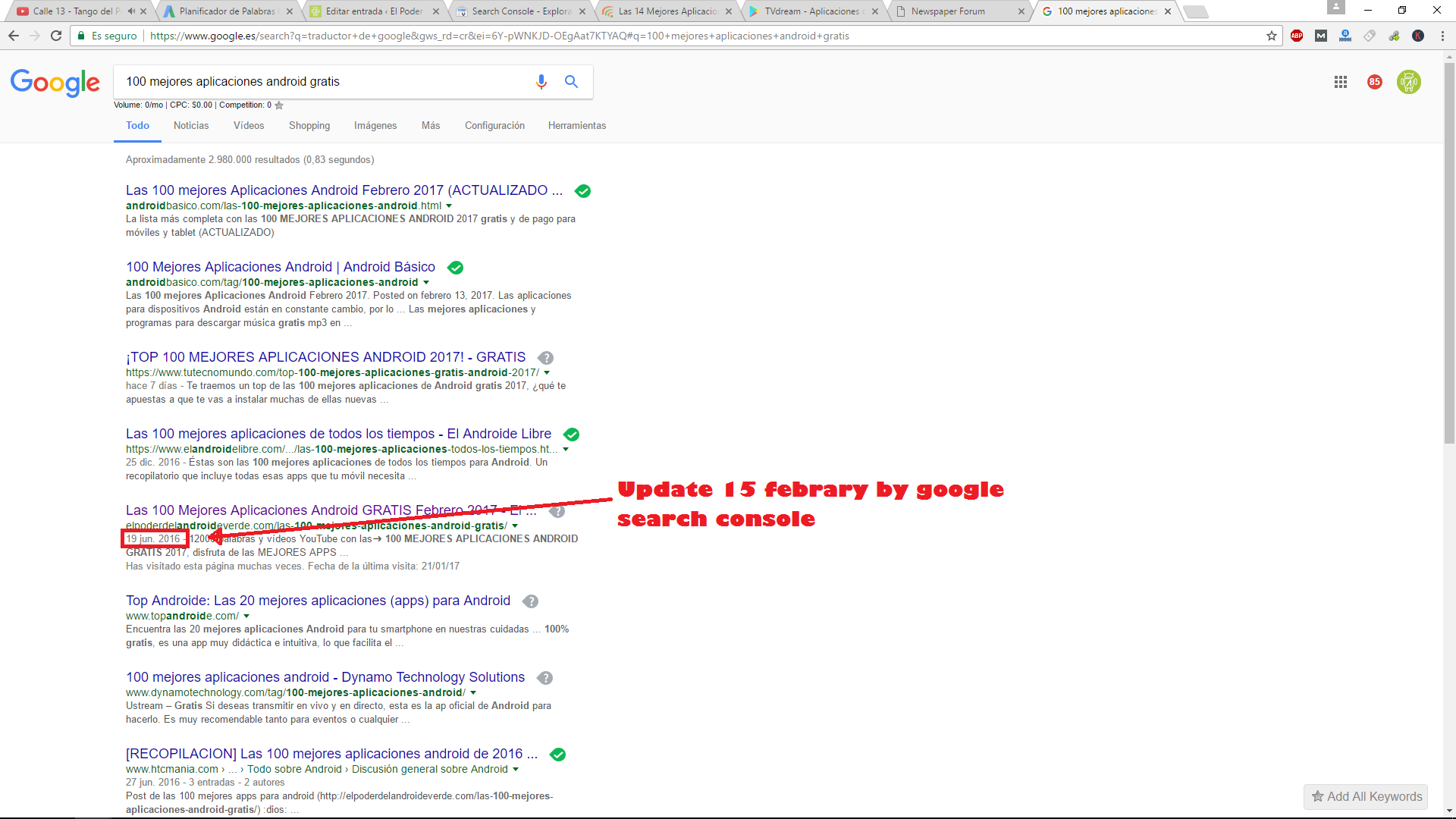
 I did a tutorial for hide snnipets date delete code of templated and Doesnt work but now i have another problem is that when a update a post never update the last date only show the first plubished date. On the New post i can hide the date disabled date on Block meta of theme newspaper but in old post sometimes show date on snnipets and sometimes not changed for date. I instant indexed url on search console. Please help
Elevas32I update the date of my post and are not updated in my snnipets. Can anybody help me ?. pic
 nairolf
 Hi @linkantonde,
Thank you for your time but here we not talking about guides or plugins to remove Google fonts from Newspaper theme.
I’ve done it myself since I bought the theme and I have to do it every time I update any version.
We talking about (because we are many users), that we want if it’s possible and TagDiv developers they want, some option in the panel settings that completely disable Google fonts and use default fonts like verdana, arial, etc.
Thank you and best to all.
 martinhenych
We have probelem on magazine http://bit.ly/2kLOIhi where the content is doubled in every post. We have older version of template and new version WP, because there is many of customizations, it is not possible to update it easily. Can you let us know, where is that problem?
Many thanks.
 Satwik
 Hi, Follow the official guide from tagDiv.
 byothe
 Hello
I am having the same issue here since the last update…
I was trying to embed this video : https://www.youtube.com/watch?v=GkhZKaltQu8
And it’s embedded in other blogs : http://sploid.gizmodo.com/take-a-very-cheap-trip-around-the-world-using-over-3-30-1792139256
I tried with different videos, even some I already embedded… it doesnt work…
 ol
olthe theme does not have any option to update to version 7.7 and my site is on version 7.5. how to update it?
 saggel
Today i update theme from 7.5 version to 7.7 and i found out a issue with Facebook iframe Videos, they doesn’t resize correctly on responsive. For example with this iframe on post:
<iframe src="https://www.facebook.com/plugins/video.php?href=https%3A%2F%2Fwww.facebook.com%2Fdakar%2Fvideos%2F1331857906873513%2F&width=696&show_text=false&appId=460832217439396&height=392" width="696" height="392" style="border:none;overflow:hidden" scrolling="no" frameborder="0" allowTransparency="true"></iframe>
full site: https://www.screencast.com/t/qWOxsnr7u
responsive: https://www.screencast.com/t/Uona4cob
mobile: https://www.screencast.com/t/sz8Xf4o7fw48
This doesn’t happens if i put the facebook url https://www.facebook.com/dakar/videos/1331857906873513/
full site: https://www.screencast.com/t/RyjKzyW2M
responsive: https://www.screencast.com/t/1AnlCxU4JnI
mobile: https://www.screencast.com/t/GaXo4k2tbB
Any help how to fix this bug?
 salocharly
 yes I have the latest version and log in is disabled what is going on? Update was supposed to fix this.
 CreepyRavioli
 To this day i have to re-add this css after every update. Make it core, this theme will always use visual composer.
 pavel@earnware.com
 Right, but to change these files is a nightmare – with every new update I have to change them again. Google recommends only one H1 per page.
Your statement regarding multiple h1’s is wrong. Here is official Google stand on it from YOAST website, there’s also a video about it:
https://yoast.com/headings-use/
“The most important tag is the <h1> heading tag, and will usually be the title of a post.” – YOAST says in the article. The Logo is not the title of the page on our sites. Even Matt Cuts recomments 1 h1 per page, and he is the head of GOOGLE SEO.
Please make it a checkbox, or an option in the next update. It’s frustrating and my clients are all complaining about it – as we don’t follow the right SEO rules.
Best Regards,
 cmarenco
 Hi Simon,
I followed Tom’s suggestion and your suggestions but I’m still experiencing the problem on Safari in my iPhone 6S. I’ve updated the theme and the plugins.
What else can I do?
Please let me know.
Thanks
-
This reply was modified 9 years by
cmarenco.
 Edragon
 About WPBakery Visual Composer. I am using the latest one which came with Newspaper theme (version 7.7). Can’t update Visual Composer directly via plugins updates, because I do not own Visual Composer license. And because of that we were forced to turn off auto-updates and security notifications (because of that not up to date Visual Composer we started receive lots of warnings notifications and emails about that this plugin is not up to date. Already complained about it previously. 😉
If I try to update Visual Composer I will get error -> “An error occurred while updating WPBakery Visual Composer: To receive automatic updates license activation is required. Please visit Settings to activate your Visual Composer. Got Visual Composer in theme?”
Bogdan B. Hello,
Please update your theme to the latest version as the translations should now work properly.
Thank you!
pavel@earnware.comHey,
The theme is great, but the only problem is the h1 where the logo is – which is a huge SEO mistake to have it on every page. Please remove it, change it with h2 or h3 or just a span. The H1 for each page/article should be the title of the page. I got a website, where I cannot each page h1.
Google looks at h1 tags as clues to what the page’s content is about. If you have multiple h1 tags with different keywords then it is difficult for Google to contextualize the page.
I hope you will update this on the next update!
Catalin Hello pcservis,
9)Unfortunately, we do not plan for these improvements in near future updates, sorry!
12)If you want to add a background-color to your Load More button, you should use the code below and place it in Theme panel->Custom CSS area.
.td_ajax_load_more{

background-color:green!important;

}
13)The category template can be handled from Theme panel, according to our documentation here -> https://forum.tagdiv.com/newsmag-category-templates/
14)Provide your website URL so I can inspect it closer and also, so I will be able to provide a more accurate response/code.
15)Notice that below the main menu will be displayed the available categories for this posts and also, the sibling category or subcategory.
Thanks for your message!
Simion C. Hi,
@cmarenco Also make sure you have updated the required plugins along with the theme update – https://www.screencast.com/t/j3MaSQOsJemW from the full theme package you downloaded – https://forum.tagdiv.com/whats-included/
Thanks
Simion C. Hi,
I cannot replicate this problem you re having on my end. It would be helpful if you could provide a link to your website so we can inspect it and see the problem. You could use your browser inspector tool to see why this is happening – https://forum.tagdiv.com/create-custom-code-using-the-browsers-inspector/ Also make sure you have updates all the required plugins to the latest version.
Thanks
Catalin Hello salocharly,
Do you update the latest theme version? If you have not do it you should do it now because in the latest version of the theme, was introduced the option to disable logging section. Please notice that since now, if you will have a log-in on your website and if you do not have the https you will see the no-secure message. You should have the https. For more references about this regard, you should read the following information posted by Google, like this -> http://www.pcworld.com/article/3118164/security/google-chrome-to-start-marking-http-connections-as-insecure.html So, if you do not have the https you should simply disable the login and the nonsecure will disappear.
Thanks for your understanding!