
- NewspaperHow to update a plugin
- NewspaperHow to update the WPBakery Page Builder plugin
- NewspaperHow to Update the Newspaper Theme
- NewspaperSingle Post Excerpt
- NewspaperWP Rocket and Newspaper Theme: Optimization Guide
- NewspaperCredit System
- NewspaperHow to use the Bing Maps API
- NewspaperModules Builder in Newspaper Theme
- NewspaperCreate a frontend submission form
- NewspaperCustom Fields Support
- NewspaperFlex Block Settings Guide
- NewspapertagDiv Opt-In Builder
- NewspaperHow to use the YouTube API
- NewspaperDefault Category Settings
- NewspapertagDiv Composer Tutorial
- NewspaperHow to Set the Image Avatar
- NewspaperUnique Articles
- NewspaperFacebook Share
- NewspaperCache plugin – install and configure
- NewspaperFeatured Image, Video or Audio
 Calin
Calin Hi garimanag,
Unfortunately, your screenshots are not working.
We also have live website with images and we do not have those problems, now indeed maybe are not the bet optimize and the website page speed depends on more elements, for page content, ads, external resources …
First, I want to make sure that I was able to inform you of all info about the mobile versions that our theme can have.
1. Responsive version, this is by default when you install the theme and you do not use mobile page or mobile theme plugin.
2. Mobile page/template this allows you to create with tagDiv Composer and cloud a different layout and set different elements for mobile and iPad/tablet and it will overwrite the responsive version.
3. Mobile theme plugin, this is a light theme version for mobile that will overwrite the mobile page and responsive version if enabled.
So when you have a mobile page/template this will be used instead of a responsive version, but if you also have the mobile theme enabled, this one will override both of them.
How to combine them? Yes, this can be possible, for example the mobile page/template will apply only on that page or cloud template that is assigned. But what to do if you want to use a mobile theme plugin too? If you use mobile theme, in Gutenberg editor it is an option to disable the mobile theme in current post/page, if you use the option, then it will be use the mobile page/template (if is assigned) or the responsive version.
So in your case you can disable the mobile theme on the homepage -> https://i.imgur.com/NX57q4t.png or if you do not want it at all, disable the plugin or use it only for amp -> https://i.imgur.com/Grlz5Ee.png.
Here is also a video that explains all those -> https://www.youtube.com/watch?v=SpGkOnJeNZY
Hope this will help you!
Hi CHKSN,
If I understand correctly, for you the mobile theme plugin is displaying on desktop, if is so, then indeed this is from the cache plugin that you are using, some for theme do not have support for mobile themes, some of plugins that do have are: WP Super Cache plugin, WP Rocked plugin.. Please make a test without cache plugin and see if the problem persist or not, if the problem is solved, then you need to check if your cache plugin have mobile theme support.
Also if you want, we can take a look at your website, for this please make a full backup and contact us at contact@tagdiv.com, provide wp-admin and cPanel access, also include the link of this topic in email.
Thank you!
Calin Hi socarrasv1, we’ll like to investigate this situation, so if you are agree, please make sure that you have a full backup for your website and your database, after that send us an email at contact@tagdiv.com include the link of this topic and provide wp-admin and cPanel, we’ll check your website and updated it as soon as possible.
Thank you!
Hi socialinsights1@gmail.com, we already rely in your topics, also please notice that our support is not instant.
Thank you for your understanding!
Calin Hi Aktarus50200,
Yes there is a new theme update, to make the theme update, please make sure that you have a full backup for your website and database, after that you can update the theme using our guide from here https://forum.tagdiv.com/how-to-update-the-theme-2/
I hope this will help you!
Calin Hi Johnsky, If you have a full backup, we can take a look and make the update for you. In this situation that you have is recommended to update the theme manually and only after you have a full backup.
If you are agree to make the update for you, please send us an email at contact@tagdiv.com, include the link of this topic, and provide wp-admin and cPanel.
Thank you!
 zarpe77
I updated the new theme and plugins and now a section of my home page is not displaying correctly.
If you go to https://ticotimes.5e.cr/
and look at the bottom above the stay connected you will see the 3 sections that are not displaying
Do you have any suggestions on how I can correct this
 sonicstadia
After updating to Newspaper version 11.1, I now have a very big TagDiv logo on all pages on my website… How do I fix this please… Novabach
 BandelMedia
I do not want to use AMP or tagDIV Mobile Theme, I would like to organize the mobile page how I want to. So the problem is that when I publish/save my new mobile page, it doesn’t update on the front end. The page still looks the same. I don’t have the AMP or tagDIV Mobile Theme installed.
 solokco
Just updated WordPress and the theme to the latest versions and now all my sidebars are going crazy.
I just give it a Try with different cloud templates and all are giving the same error of not showing the sidebar but a full-width section instead and sidebars go all the way to the bottom.
Any suggestion to fix it?
 vincentalain
I’m having issues with a giant logo/image on my home page view.
Cannot access the CSS Analyzer menu after update, because of green Edit with Tag Div Composer bar.
How do I solve this?
 ghezzicharlye
After update 11.1 impossible to change footer.
I’ve reinstall from cloud the template…. Now logo….working… impossible to change footer
 DieterDG
 Same here.
The latest theme update 11.1 is supposed to be wordpress 5.8 compatible but it doesn’t work for me either.
The widget page is still blank since wordpress 5.8
ghezzicharlyeI updated to 11.1 and the product registration, all logos, all banners disappeared. I have inserted the logos in the HEADER, but only a written with the name of the website appears. I don’t know how to solve it
 xmchile
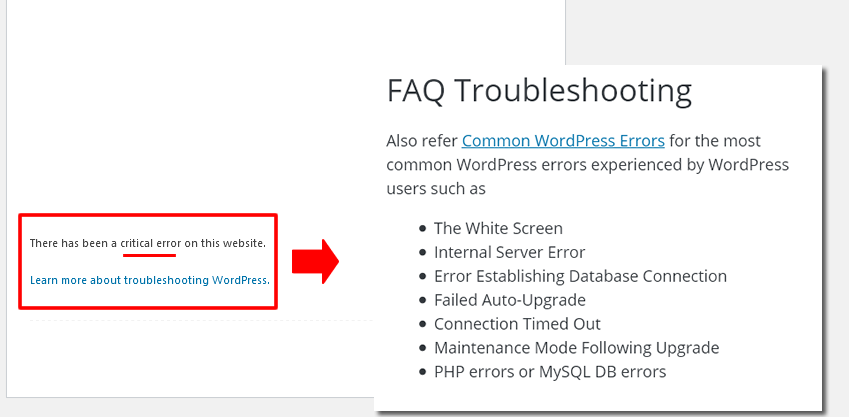
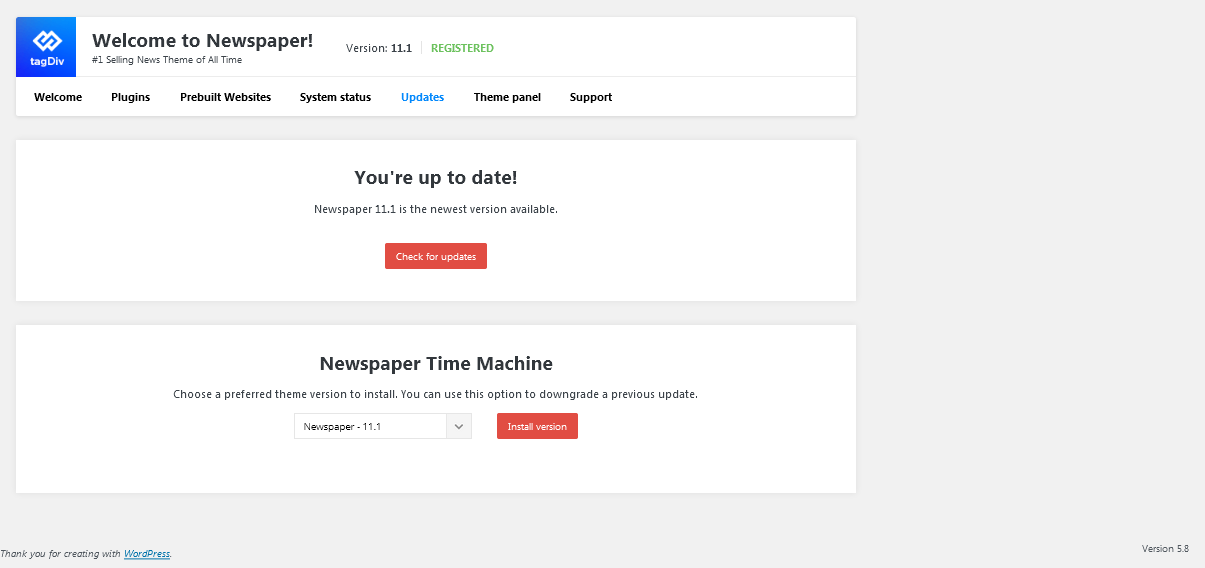
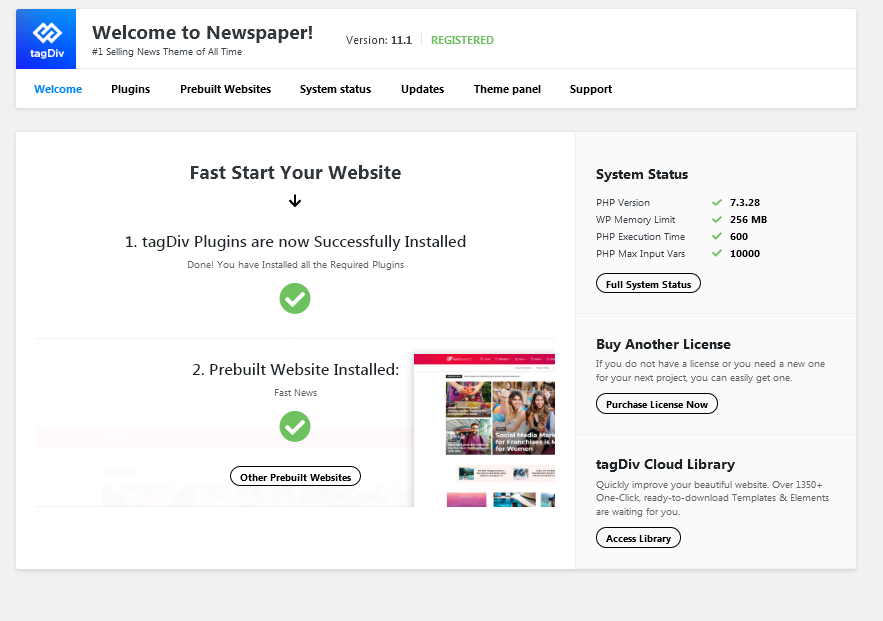
Hi! I have been trying to solve this issue, but nothing works out, neither the new Newspaper 11.1 version. I can´t roll back to WordPress 5.7. I show these screenshots if any other site is getting the same problem. Thank you!

 bodybyadam
When I view any post on my website using my iPhone 11, my keyboard automatically pops up as though I am trying to comment, even though I am not. This is rather annoying since it takes up half the screen and I have to click “Done” to get rid of it. I was hoping this was going to be fixed in this update since I assumed it did it to everyone. Can someone please help? Thanks!
Website -> https://www.bodybyadam.com
Link to a random post -> https://www.bodybyadam.com/workouts/6-week-beach-shred-day-36-biceps-and-back/
 socarrasv1
I can’t do a Theme update because I lose everything. After the update that I did, I have lost all the customizations that I did and then I had to restore the website back in time.
I will need to use a child theme, can you send me the child theme or check what has to be done to avoid this problem in the future?
 Aktarus50200
Hi,
I received an email stating that there was an update available for NewsPaper Theme.
I do not really understand why I receive such email as I am used (with other themes) to receive updates directly in my WordPress dashboard.
And when I have a look, there is no Newspaper update available in my WP interface.
So I got lost about if I am up to date or not and what I am supposed to do.
thanks
 garimanag
 Hi,
1. The mobile theme I have set for my website is not the one that is showing. It doesn’t even have the footer or side widgets that my desktop version does. I have tried changing the settings but it just won’t change. 
2. Page Speed- Page speed is ok because I have literally stripped off every widget from my website. I am not even using full-size images, just a post block without the ‘load more’ button. I had to remove almost every block from the home page to make it load a bit faster. 
3. I am using version 11.1, PHP 7.4, All my plugins are updated yet the speed test constantly shows low scores with tons of theme-related issues since I purchased the theme.
” tagDiv Composer has a negative impact on your performance metrics and should be removed or replaced. Overloads your site with CSS and JavaScript making a negative impact on your performance. The recommendation is to use the default WordPress block editor if you want a fast site”
“The newspaper has a negative impact on your performance metrics and should be removed or replaced.”
3. Even on a single post page I had to remove the featured images as it was negatively impacting the page load time. 
The mobile theme template is showing some other version though 
Basically, my site is just text right now. My main concern is the mobile theme which is constantly showing errors in the speed tests. I tried fixing it but somehow desktop version and mobile version are different.
I have a Travel and lifestyle blog. Not using images is NOT an option for me. ( Using Smush plugin for optimizing images) I need a fast-loading and responsive theme.
 periodical.apartments
 I did everything as you said, it didn’t help. I also did a few backups before the update and after tagDiv Version 11.1 and WordPress Version 5.8. I noticed that the problem manifests itself after updating WordPress Version 5.8. How to fix it?
 Johnsky
Hi, Ive tried once again to update my Site to 11 ore 11.1. After updating, all my settings and edits are gone.
When I go back to 10.3.9.1 fortunately everything is back again. Site http://www.gdib.eu. How can you help me her. I have already lost everything in the past after an update with your Newspaper. I for sure will not do this again. Any Ideas how to fix this?
 socialinsights1@gmail.com
This forced me to update and all my adds are gone. How do I get them back without spending hours finding the code?
 Edged
EdgedHello,
I have just updated to version 11 of the newspaper theme and now on all my pages where I use block 12 to show my posts, I now see this [td_block_12 limit=”8″ offset=”2″ category_id=”42″ ajax_pagination=”load_more”] instead.
https://www.dropbox.com/s/ewmygyzz9zyf88q/Capture.PNG?dl=0
I also only see these limited block and grid options now.
https://www.dropbox.com/s/2g9gd4g24nnu7am/Capture%202.PNG?dl=0
What is going on?
 usacarry-2
I updated WordPress and the Newspaper theme this morning. now when I go to the widgets section, I see a ton of errors like this.

 Anamaria
 Hello,
Using our theme you can choose from 3 mobile versions
-> mobile responsive => https://www.screencast.com/t/oJ2ShOp47
-> mobile theme plugin => https://forum.tagdiv.com/the-mobile-theme/
-> mobile page => https://tagdiv.com/newspaper-10-3-7-update-brings-customizable-and-fast-mobile-pages/
This is a video about Responsive Newspaper Theme, AMP & Mobile Theme, Mobile Pages & Templates -> https://www.youtube.com/watch?v=SpGkOnJeNZY
So, the mobile responsive is what you see then that you select the viewport on phone => https://www.screencast.com/t/matV17hH, so some settings may apply for each viewport(where is the border blue), and others are not(where the border is black).
The mobile page has the mobile templates from Cloud Library => https://www.screencast.com/t/YCcZ8rL8
The mobile theme comes with its own templates for page, post, category, 404 etc so your current templates from the desktop theme will get converted to the mobile theme layout, the page content is made without builders in mobile editor => https://www.screencast.com/t/xbgZG8kH also, the options that are provided to edit the mobile theme version are limited (this keeps the things simple).
Mobile responsive version of the theme and the mobile page editor can be edit with tagDiv Composer, the mobile theme plugin not.
For example, you can have the mobile theme plugin activate and use the mobile page/mobile responsive version for the homepage/pages, but for the categories page/404 page you can’t use the mobile page/mobile responsive version if you have the mobile theme plugin activate.
Thank you!
Anamaria Hello,
If you want to update the theme, please make a full backup to all files and the database and follow this guide at point B => https://forum.tagdiv.com/how-to-update-the-theme-2/
According to this message the folder already exists, you need to rename/delete that folder manually using FTP/cPanel, after that install the plugin from Newspaper plugins =>https://i.imgur.com/hDOGJCW.png
Thank you!
Anamaria Hello,
Did you update the theme? Please delete your theme and install it again by using this guide: https://forum.tagdiv.com/how-to-update-the-theme-2/ using method B (update the theme Manually).
Also, if you have done changes to the theme files, please copy them.
If you will do the update or a fresh install of the theme, then all changes you made in the theme’s files will be overwritten.
date. Also, check for a plugin conflict, deactivate one by one the untested plugins and find out which one causes the error. Clear your cache and try again.
Thank you!



