
- NewspaperHow to Use tagDiv Cloud Library
- NewspaperCloud Library Templates
- NewspaperCloud Library – Category Templates
- NewspaperDesign your Post Pages using the Cloud Library Templates
- NewspapertagDiv Cloud Library Plugin
- NewspaperFlex Block Builder and Flex Loop Builder
- NewspaperIntroduction to CPT and ACF with Newspaper Theme
- NewspaperFilters and sorting for taxonomies
- NewspaperHow to use the Google Maps API
- NewspaperHow to insert a block inside the content of a post
- NewspaperPosts Loop Element
- NewspaperSocial Sharing
- NewspaperInfinite Loading for Single Posts
- NewspaperHow to Add a Logo in Newspaper
- NewspapertagDiv Shop
- NewspaperCustom Post Type Support
- NewspaperHow to use the YouTube API
- NewspaperHeader Builder
- NewspaperMeta Info on Modules and Blocks
- NewspapertagDiv Composer Tutorial
 jamiesharpe
 Hi Vlad – understood on #2. On #1, I did not create this using a cloud library header and when I tried to import one, it did not format in the way I was looking for. Is there any other way besides using a cloud library header?
 Jarrett
Hi,
I’d like to edit my category template similar to global category style 6 with a transparent top, as in this picture https://www.screencast.com/t/sZlLhqRH
I imported from cloud library category template 6, but I didn’t manage to figure out the settings, what I get is this: see here https://www.screencast.com/t/Rge59OuqhN
my question is:
1. now it is showing a complete copy of background image, how do make it a transparent window?
2. I have set the row width to 1200, how do I make the white side borders disappear
Thanks
 SalsaMonkey2
Hey – I’m using a custom cloud library template for my header and would like to disable the sticky menu for desktop and mobile but can’t figure out how to do that. In Header Manager, both are indicated as off, but are still enabled. I’ve tried various combinations of toggling that setting, but nothing changes.
 Vlad S
 Hello !
Sorry for missunderstanding your issue. Your issue should not happen. Also just like the default on the cloud library there is Single Post template 1 which is exactly the same as on the default one.
Please contact us via email at contact@tagdiv.com and provide the following:
– admin url and credentials
– cPanel url and credentials
– A link to this topic in order to identify you
Our team will take a look !
Thank you !
Vlad S Hello !
A single post cloud template is a fully customizable template available from the Cloud Library which will apply to your posts.
You can import a template, use the tagDiv Composer to insert a text block so you will have your disclaimer setup on all the future posts.
I hope this was more helpfull !
Thank you !
 Calin
Calin Hi,
From what I can see your menu icons are black -> http://prntscr.com/pj0hai
If you want to change the colors, you can use this custom css -> http://prntscr.com/pj0hz6
#td-top-mobile-toggle i.td-icon-font.td-icon-mobile {

    color: #12ea56 !important;

}

.td-header-style-10 .header-search-wrap .td-icon-search {

    color: #f112f4!important;

}
The code need to be set in theme panel> Custom code> Advance > css
Also if you want to have more control over header layout on desktop and mobile too, you can use a header template from tagDiv Cloud Library, use tagDiv Composer with header manager to edit it how you want.
Thank you!
Vlad S Hello !
You can set up a 404 template by importing it from the cloud library and set it up from here: https://www.screencast.com/t/ANQpQwBCdOl
Thank you !
Vlad S Hello !
You can add the last modified date when using a single post template from the cloud library and insert the element using the tagdiv composer.
Find out more about it here: https://forum.tagdiv.com/design-post-pages-using-cloud-library-templates/
Thank you !
Vlad S Hello !
I suggest using a Cloud library header and insert the elements you want there because the layout of the header that you are currently using it forces the logo to be smaller. Find out how to import a cloud library header here: https://forum.tagdiv.com/header-manager/
Thank you !
Vlad S Hello !
You can achieve that by importing a single post cloud template and edit the width of it as you can see here: https://www.screencast.com/t/BkWwdHh6
Find out more about it here: https://forum.tagdiv.com/design-post-pages-using-cloud-library-templates/
Thank you !
Calin Hi,
The tagDiv Composer is a builder for pages and templates only, not for post, only for post templates, so if you want you can use it on a single post template from tagDiv Cloud Library.
Thank you!
Vlad S Hello !
1.That option can be disabled if you are using a cloud library header as you can see here: https://www.screencast.com/t/Xz13hZhY
2. As long as an element is in the menu it will be clickable.
Thank you for your understanding !
Vlad S Hello !
You will have to import a single post cloud library template as you can see here: https://forum.tagdiv.com/design-post-pages-using-cloud-library-templates/
Thank you !
Calin Hi,
You have set a header from tagDiv Cloud Library , you need to edit that header template using header manager -> https://www.screencast.com/t/FkAe80JsuCo check the sticky menu, scroll until you see the sticky menu and click the menu, logo ( or element that you want to change ) -> https://www.screencast.com/t/o6Z8zoJoWbFY
Thank you!
Vlad S Hello !
You can use as many category templates as you want. Find out how to implement them here: https://forum.tagdiv.com/cloud-library-category-templates/
Thank you !
SalsaMonkey2Hey – I’ve created a custom header using the Cloud Library Template functionality. Everything is great except I can’t find where to modify the logo for the sticky menu. My header displays the correct logo for all browser sizes, but on the sticky menu (for desktop, tablet and mobile) it displays the default Newspaper text logo instead of the logo I uploaded. Can you tell me where I can change this? Thanks!
 itechguides
I have different Cloud Library Templates. I will like to auto insert Ads to my posts. For example I want to be able to insert ads automatically say after a specified number of paragraphs.
I have not been able to figure out how to do this.
 The New Cameroon
Hello Tagdiv Team,
Here is what appears on our web site after the instalation of a header template from Cloud Template: ”
Warning: getimagesize(): https:// wrapper is disabled in the server configuration by allow_url_fopen=0 in /home/clients/eca65c51e3b9f3699855a8413a26a34f/web/wp-content/plugins/td-cloud-library/shortcodes/header/tdb_header_logo.php on line 611
Warning: getimagesize(https://lenouveaucameroun.cm/wp-content/uploads/2019/10/Logo-LNC-Fr-sans-fond-Sans-Slogan-e1570926883750.png): failed to open stream: no suitable wrapper could be found in /home/clients/eca65c51e3b9f3699855a8413a26a34f/web/wp-content/plugins/td-cloud-library/shortcodes/header/tdb_header_logo.php on line 611″
Here is the link of the web site : https://lenouveaucameroun.cm/. This is what we can see : https://prnt.sc/piiqm7
Please I need a help to cancel this message. Thanks in advance!
 minilittlethings
 You explain me how to create a footer but I know how to create it. In fact I installed or imported the footer template “Footer Fashion Pro” from tagDiv Cloud Library. I need to know how I can work the part of sub footer menu and how I can link the sections of the sub footer menu with pages for each of these parts. And also I know how I can create a sub footer menu but I don’t know how to connect the sub footer menu with new pages. Thank you!
Calin Hi,
Unfortunately there is no settings in theme panel only for that section, you can change the HEADERS BACKGROUND COLOR but for all header -> http://prntscr.com/phswux what you can do is to use this custom css -> http://prntscr.com/phsyxw
.td_block_template_1 .td-related-title .td-cur-simple-item,

.td_block_template_1 .td-related-title .td-cur-simple-item:hover

 {

    color: #ffeb3b;

}
Or you can use a single post template from tagDiv Cloud Library, and you can edit with tagDiv Composer these section how you want.
Thank you!
 kurungele
When i try do this:
https://tagdiv.com/newspaper-theme-customize-the-header-manager/
I get a black screen and do nothing
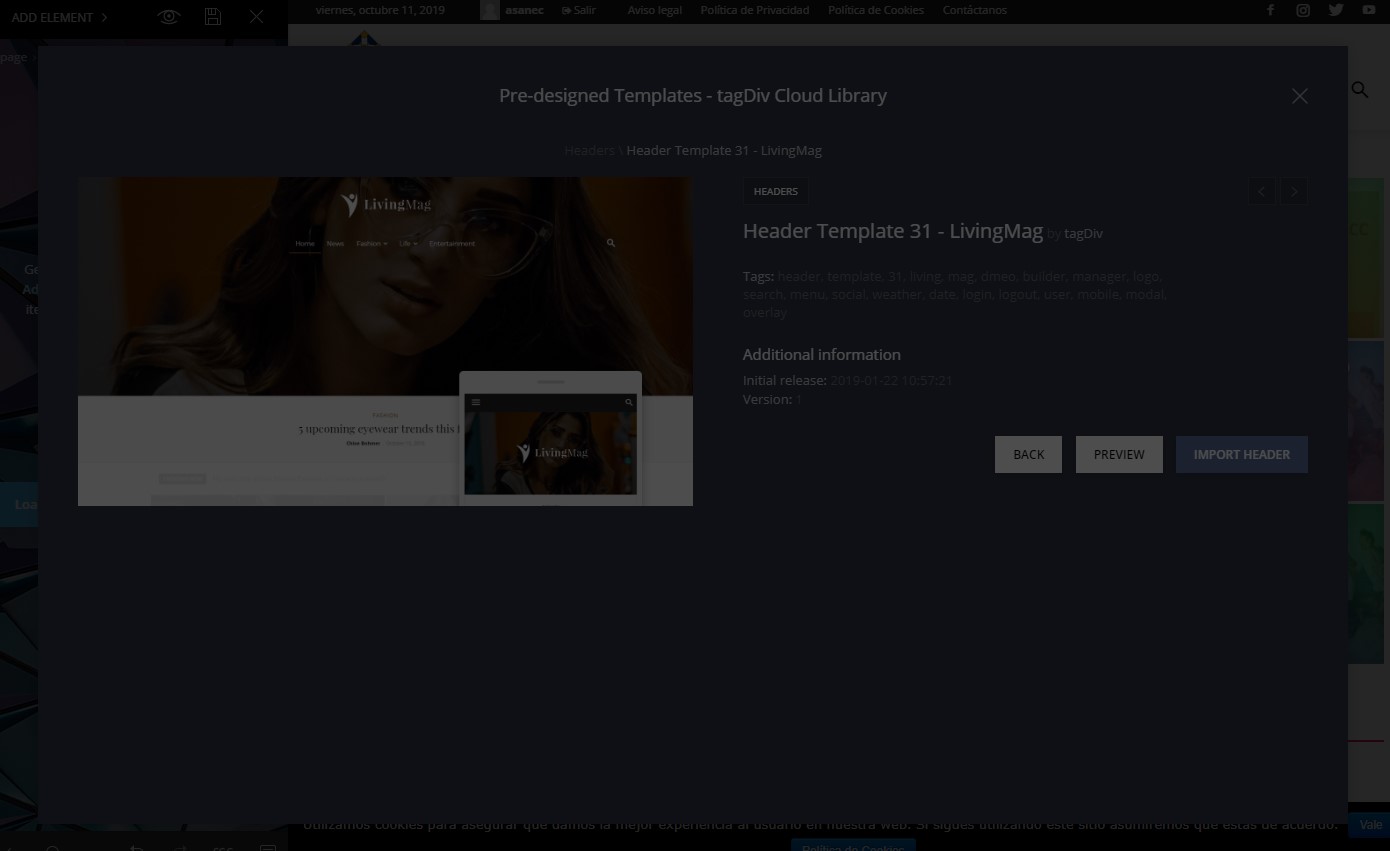
NewsPapper 9.8
THX
Vlad S Hello !
Demo layouts and Cloud Library templates are fully editable using the tagDiv Composer. Let us know what other modifications you want to achieve and we will be happy to help.
Thank you !
Calin Hi,
So you’ll need to create some pages -> http://prntscr.com/phreys after you made the page you’ll need to go in Appearance > Menus, select the menu for footer or create one -> http://prntscr.com/phrfa5 after that you can add the link of page in a custom link -> http://prntscr.com/phrfzq or you can add the page -> http://prntscr.com/phrfqj save the menu and make sure that you set that footer menu on footer page -> https://forum.tagdiv.com/main-menu/
If you have set a header from tagDiv Cloud Library , you need to edit that header template using the header manager -> https://www.screencast.com/t/FkAe80JsuCo check the sticky menu, scroll until you see the sticky menu and click the menu and logo, replace the logo and logo text -> https://www.screencast.com/t/o6Z8zoJoWbFY
Thank you!
 Skylar20
I created a footer page using the Showcase footer from the Cloud Library. In TagDiv on the footer page, I added an Ad Block and have it referring back to Custom Ad1 on the Ads theme panel so that I can choose the ad size. The footer will appear on category pages and blog post pages successfully, but it does not show on the homepage. I went through all of the footer settings, template settings, etc in theme panel to see if there was something for a home page setting that was not switched on. How do I get the footer custom ad1 to show on homepage?
2nd question: – is there a setting or way to make the footer custom ad sticky? I would like for the ad in the footer to be visible even if a visitor does not scroll down to the bottom.
Thank you.
 breed3011
 Hi Vlad,
thank you for the information. I will have a look at the Adsense settings and your Cloud library.
Kind Regards

