
- NewspaperCreate Custom Code with the browser’s Inspector or the Live CSS Box
- NewspaperScroll Animation
- NewspaperWP Rocket and Newspaper Theme: Optimization Guide
- NewspaperHow to setup Twitch for Social Counter
- NewspaperModal Popup
- NewspaperFlex Block Settings Guide
- NewspaperAutoptimize Plugin – install and configuration
- NewspaperAdding Multiple Authors to Your Articles
- NewspaperDesign your Post Pages using the Cloud Library Templates
- NewspaperBig Grid Flex Settings
- NewsmagtagDiv Composer Tutorial
- TutorialsFrom WPBakery to tagDiv Composer
- NewspapertagDiv Composer Tutorial
- NewspaperTheme modules and blocks
- TutorialsDefault Block Settings Guide
- NewspaperThe Mobile Theme
- NewspaperCompare theme files – Winmerge tutorial
- NewsmagBlock settings tutorial
- NewsmagLogo & Favicon
- NewsmagFooter templates
 M.Bussmann
 Hi Calin,
thanks for the CSS. I tried the CSS but it changes the overall layout of the posts. Our problem has nothing to do with the templates or the various padding options. It has only to do with the tiled galleries that are not displayed correctly.
 Viju
Viju Thank you. The above CSS works in PORTRAIT but doesn’t work in LANDSCAPE.
tagDiv Composer just works on pages and I am a newbie with this plugin but I will try this later.
 aurelienmatte
Hi,
I’m gonna use Ubermenu for the menu, and i have to insert a shortcode like [] ou or a php code.
I don’t find anything simple to do it from all the available sections. I tried to add a html or css shortcut and it doesn’t work of course.
If i try to insert the shortcode throught a “text column”, Ubermenu appears, but impossible to put on the bottom : it looks like there is an invisible height above the menu (see the picture).
How can i do it please ?
Thank you very much for your help 🙂
Aurélien
 Calin
Calin Hi Viju,
I believe that you want it something like this -> https://i.imgur.com/sesuv5J.png
For this you need to use that custom css
.td-post-template-1 .td-post-header header .entry-title {

    font-size: 22px;

    line-height: 30px;

}
The code need to be set in this place -> https://i.imgur.com/7oIPlkX.png to be apply only on mobile version.
Also, an alternative will be to use a single post template, this can be edited using tagDiv Composer and it can be set on mobile and desktop version.
Thank you!
Calin Hi,
This is how it was made the post template 7.
If you want you can use this css:
.single .td-paragraph-padding-2{

    padding-left: 0;

    padding-right: 0;

}
set it in the theme panel > custom code > custom css.
Or you can use a single post template from tagDiv Cloud Library, this can be edited using tagDiv Composer.
Thank you!
 wmvolkan
 Sorry for delay..
I deleted my page builder plugins and deleted js/css minifys and deactivate all plguins and recreate all thumbnails but stil NOT working. Should i use Tagdiv plugins or can i change resolation with tagdiv plguin?
Thanks!
M.BussmannHi
I have a problem with Jetpack’s tiled galleries. I submitted the problem to the WordPress Support Forum and found out that my CSS is wrong. They told me to contact the theme developers. Can you please help me to solve the CSS problem?
Here is the CSS causing the problem. You can see this in the following screenshot:
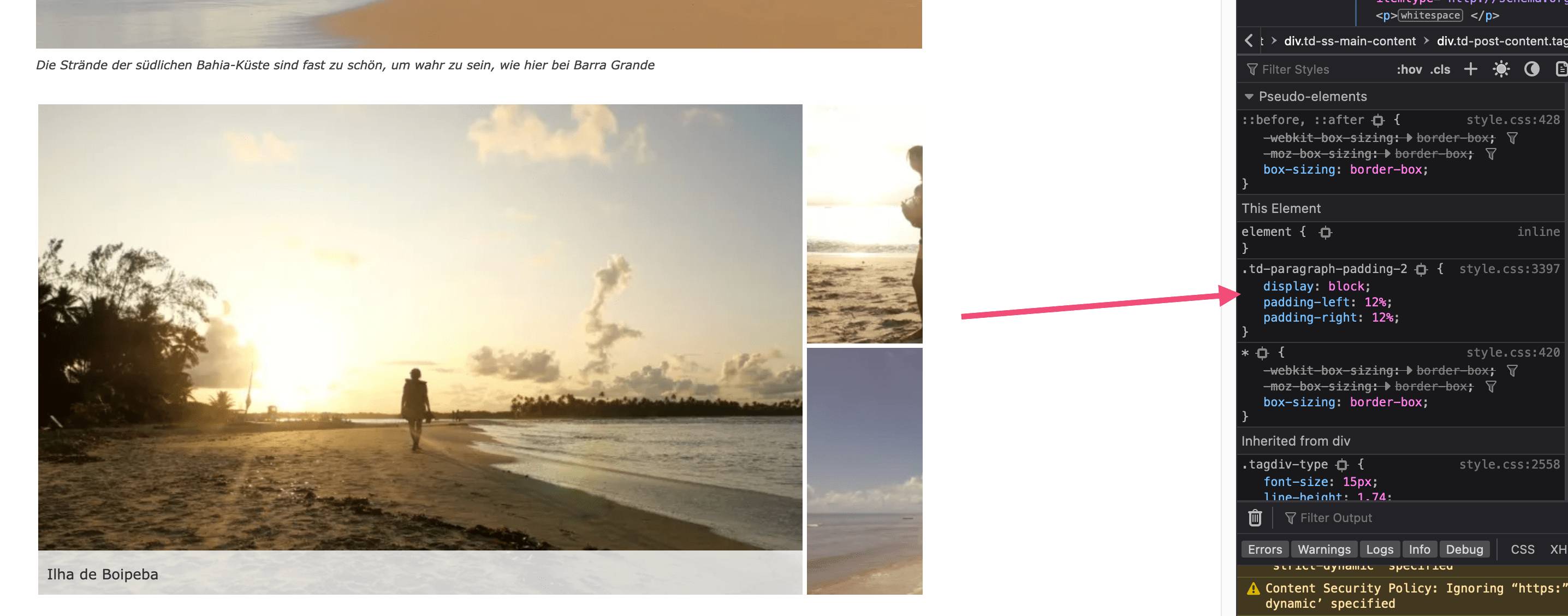
lastsplash (a11n) worte: If you remove the CSS it displays correctly:
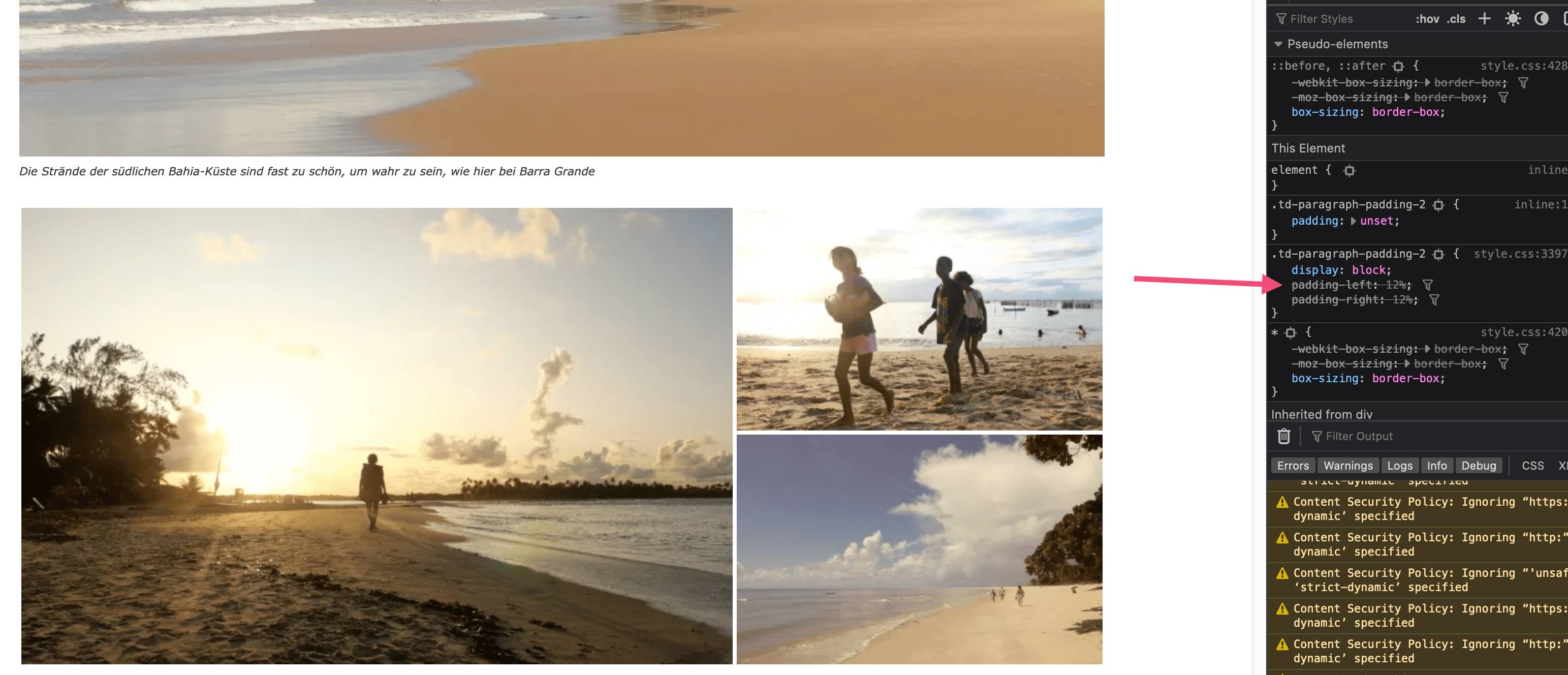
Here is the link to the post with all the details
https://wordpress.org/support/topic/problem-with-jetpack-tiled-mosaic-photo-galleries/#post-16069745
Thank you
 tipblogg
 thanks for checking after i post i found that image option was in CSS tab I tried to delete this question but I don’t know how
 nantokuko
 I got 10.3.9.1 version: I have already tried to update the theme (automatically and not) , but I get every time, misconfigured CSS and widget. I’ don’t WP Bakery.
Calin Please check this answer -> https://forum.tagdiv.com/topic/css-analyze-problem/
Calin Hello,
In those days when the css-analyze.php has been removed did you edit the homepage or the page where was used the analyzer tool? Because this is removed when the page is edited so you can generate a new css that will apply on the new layout (after the page is edited).
Thank you!
 Anamaria
 Hello,
I just checked, and it seems you use the mobile theme plugin, which is why are not displayed all the posts.
Also, the problem with the menu and logo is caused y the LiteSpeed cache plugin which minify the css and js. Please disable the options and purge the cache a few times.
Thank you!
 jayflyer
I’d like to add a title to big grid flex 2, similar to flex block 3
is there an element to add it or need a css to do it ?
here is my homepage
I want to add a title above Big Gred Flex 2 on homepage.
Screenshot here: https://prnt.sc/mkBaJEyvbO1-
 maki-k
Hello to all
Something strange is happening for the past few days
I had my website on a subfolder for development and it was doing great.
But when i transfered it to the main folder(public_htmnl) the css-analyze.php is been removed, every day, “just like that”. I have a back site-folder, i move the file in the plugin folder and it is ok!
Very very strange. Can you help?
Anamaria Hello,
I think the problem is created by LiteSpeed CSS -> https://i.imgur.com/tut5H7e.png
Please diable the plugin, clear all cache, and check the results.
Thank you!
nantokuko I have already tried to update the theme automatically, but I get every time, misconfigured CSS and widgets, so I write you: to get safe support for the update; i need it. I wait hopefully, thanks.
Anamaria Hello,
Please let me know what you want to change; maybe it can be done with tagdiv Composer.
If you want to add the css only for an element, then you can duplicate the single post template, add an extra class for that element https://i.imgur.com/s8GJYGI.png and use it for custom code css.
Thank you!
Anamaria Hello,
You can use this custom code for slide element to have that background https://i.imgur.com/9rrLPxt.png
.td_block_slide .td-slide-meta {

background-color: white;

bottom: 0px!important;

}
Set the code in Theme Panel -> Custom Code -> Custom CSS.
Thank you!
Calin Hi,
Unfortunately, there is no option for this, but I believe it can be done with some javascript and custom css and the code can be set in the child theme in functions.php or even in the theme panel.
Thank you!
Calin HI,
I tested the link that you provided and that seems to be ok -> https://i.imgur.com/bzil9jm.png -> https://search.google.com/test/mobile-friendly/result?id=x0vraUQ64Tt5J2xny-LBOg
Also from what I see in this -> https://drive.google.com/file/d/1xsxBcMeCAdPHUcrUyvNuXVE7bkdV3Aey/view screenshots is not the mobile version, it is like a desktop version without some css on it.
Do you still et those Mobile Usability Issues in the Google Search Console?
Thank you!
Anamaria Hi,
Yes, you can hide elements on each version, desktop/tablet/mobile, you can hide them from the tab called “CSS” -> https://i.imgur.com/F7qxitF.jpg -> https://i.imgur.com/jTvZ1ad.png
Thank you!
maki-kHello to all
Something strange is happening for the past few days
I had my website on a subfolder for development and it was doing great.
But when i transfered it to the main folder(public_htmnl) the css-analyze.php is been removed, every day, “just like that”. I have a back site-folder, i move the file in the plugin folder and it is ok!
Very very strange. Can you help?
jayflyerIs there a way to add custom css to only a specific post?
I’m only seeing a way to add them under “LIVE CSS”, which affects to my entire blog.
 hollyger
Hi,
I disabled google fonts in the theme panel, uploaded own custom fonts, but the theme still talks to google.
I have to stop this, can someone tell me what to do?
Stylesheet:
https://fonts.googleapis.com/css?family=oswald
https://fonts.googleapis.com/css?family=merriweather:300,400,700&subset=cyrillic
https://fonts.googleapis.com/css?family=open+sans:300,400,600,700&subset=cyrillic
Font:
https://fonts.gstatic.com/s/opensans/v34/memvyags126mizpba-uvwbx2vvnxbbobj2ovts-muw.woff2
https://fonts.gstatic.com/s/merriweather/v30/u-440qyriqwlorhsvowk_l5-fczm.woff2
https://fonts.gstatic.com/s/merriweather/v30/u-4n0qyriqwlorhsvowk_l52xwnzwmf6.woff2
Calin Unfortunately, there is no option for this, it can be done only with custom css like in above example.



