No search results were found in Documentation!
 Calin
Calin Hi,
Facebook has been experiencing various posting-related bugs. Some users are reporting posts failing to publish, appearing empty, or missing images or text.
We have not made any changes to the theme to affect this option, so it is most likely due to issues with Facebook. What I can suggest if you want to try is a test with a default WordPress demo and share an article on social media, if the problem is not resolved it is clearly a Facebook issue.
Thanks for your understanding
Calin Hi,
I see, only the plugin is installed and not the demo for APP Find, this is why not all fields are provide.
Please contact us via email at contact@tagdiv.com and provide there a wp-admin access. Include a link to this topic.
Thank you!
 Hristijan
Hi,
How can i change the header red banner on newspapper demo content?
Thanks,
Regards,
Hristijan
Calin Hi,
It looks like you imported a page that was part of a demo, and then deleted it afterward. This action doesn’t affect your actual website pages, so there’s no need for concern.
Please note that these are not page templates like category or article templates. The pages available in the tagDiv Cloud Library are pre-built demo pages created using the tagDiv Composer. When you import them, they are added as standalone pages that can be edited directly with tagDiv Composer, but they are not linked to your theme’s structural templates.
Let me know if you need further clarification.
Thank you!
Calin Hi,
I jut checked now the website and I see that you manage to install the Pulses PRO demo.
If you are still facing problem, please contact us via email at contact@tagdiv.com and provide wp-admin access and FTP access to investigate the problem.
Thank you!
Calin Hi,
That demo is using a page for the mobile menu, you need to edit it using tagDiv Composer and you can access that page from here – https://i.imgur.com/pX9N4h8.png then use tagDiv Composer to edit it and change everything you need. Also, change the popup title – https://i.imgur.com/WvDFZgG.png
Thank you!
Calin Hello
The demo you are using can be edited integrally using tagDiv Composer https://forum.tagdiv.com/tagdiv-composer-tutorial/ you can use it to edit pages and cloud template to add/remove what you mean.
Here are some video guides – https://www.youtube.com/watch?v=SoGQ0d5kIBg&list=PL6CsDkMaejhoHETIWoxnRB4zefz8L8PYg
Here is our documentation – https://forum.tagdiv.com/newspaper-theme-documentation/
Thank you!
 ari-s
ari-s Hi there,
Thanks but that deletes the whole element including the article.
We have not added any plugins and are using the exact template as this one here:
https://demo.tagdiv.com/newspaper_towntalk_pro/2023/06/16/td-post-community-unites-to-support-families-affected-by-recent-natural-disaster/
Can you please advise how to remove the author block at the base?
Thanks
Ari
Calin Hi,
This problem can be resolved in 2 ways. You can install a prebuilt website or use a custom function in the theme, for this you can follow the indications from this similar topic- https://forum.tagdiv.com/topic/missing-social-share-options/
Also, if you do not want to install a demo and you want us to set the function in the them fore you, then please contact us via email at contact@tagdiv.com and please provide a temporary wp-admin access. We’ll verified the problem as soon as possible. Also, include this topic in email.
Thank you!
Calin Hi,
The cloud template you have imported is from the demo CALI SIGHT PRO that has some custom fields that are coming with the demo installation. When you get only the cloud template you’ll need to use a plugin to add custom fields (for example acf plugin) add the custom fields you want to use and on the cloud template replace the source for the “Sample field data” with the name of the cf you added – https://forum.tagdiv.com/introduction-cpt-acf-newspaper-theme/
Thank you!
Calin Hi,
Chacking you screenshot is loke the “Mobile menu” Zone is not set on overlay but has the background set on transparent on row: example – https://i.imgur.com/btE5pzb.png – https://i.imgur.com/nVjNxcq.png
I installed that demo and I will try to provide the settings step by step:
– https://i.imgur.com/4FUKynC.png
– https://i.imgur.com/4zmT4iB.png
– https://i.imgur.com/x7QSKcF.png
– https://i.imgur.com/rxMOCre.png
– https://i.imgur.com/YOiLVHN.png
– https://i.imgur.com/woeLyu3.png
I hope this will help you!
 icedge
Hello,
My website is : https://news24sofia.eu/
I was trying to edit FlexBox 1 settings to be more like a Demo but when i change some settings in TagDiv compposer and save them in the frontend the changes didn’t shows up.
Here are the screenshots from the composer and the frontend :
This is from the composer : https://tinyurl.com/245a5aev
This is from the frontend : https://tinyurl.com/26uhqws4
Also my second question is how can i make the arrows for next and previous to be with different positions? I like them to be like in your demo. Please see screenshot here : https://tinyurl.com/29wlxnh9
Also this words : EXCLUSIVE i want to be like in your demo. How can i achieve this and how can i mark my chosen article as EXCLUSIVE?
 romper
Hello,
How can I add a post to the top of the front page, as shown in the attached image? I removed these posts from the demo content, and now I’m not sure how to add new posts as replacements. Currently, there is an empty space.
Kind regards,
 alikkis
Hello!
I could really use your help!
I’ve set up a new website using WordPress (on GoDaddy hosting), installed the theme with all required plugins, and successfully imported the demo content. The site is working fine, and I can create and edit posts.
However, whenever I click on TagDiv Composer, I’m redirected to an error page.
Here are some additional details about my environment:
Hosting: GoDaddy
PHP version: 8.3.20
Database: 10.6.21 MariaDB
htaccess:
php_value max_input_vars 5000
php_value max_execution_time 300
php_value post_max_size 50M
php_value upload_max_filesize 50M
<IfModule mod_substitute.c>
SubstituteMaxLineLength 10M
</IfModule>
<IfModule mod_headers.c>
Header always append X-Frame-Options SAMEORIGIN
</IfModule>
I’ve followed all the recommendations in your documentation, including plugin activation, memory limits (256M).
Could you please advise what might be causing this issue with TagDiv Composer and how I can fix it?
Thank you in advance for your support!
 kestasve
Hello,
I have tried to look forum but couldnt find any solution how to make transparent menu on mobile version https://prnt.sc/2RNGji7no6g9.
I would like to have same design like on desktop or tablet version https://prnt.sc/4yivBSN4273V
Another question where I can find an option to upload the video as on your demo site? https://prnt.sc/M9_hDl4jUB99
Thank you very much.
 samhenes
I went into the Theme panel to delete all the demo ad code. That didnt kill the header ad.
I went onto the ThemeForest Comments, saw the option for TagDiv advertisement found in System Status. When I toggled it, then left that page to any other one, the ad wouldnt go away. I’d go back to System Status and it would be toggled on. I checked the Chrome Developer Console, and it throws an error.
Here’s a Gif of the issue! https://makeagif.com/gif/newsmagtagdivad-kt5nhK
Calin Hi,
You can recover your old settings only if you have a backup before the installation of the new pre-built website. Also, in our guide/documentation we mentioned that installing a pre-built website you should not edit the content coming with demo – https://i.imgur.com/TfclLzJ.png – https://forum.tagdiv.com/installing-demos/
Thank you!
 iv-2
iv-2Hi everyone,
I need help with these 3 issues:

I would like to know how to change the hover color of the text shown in the image.
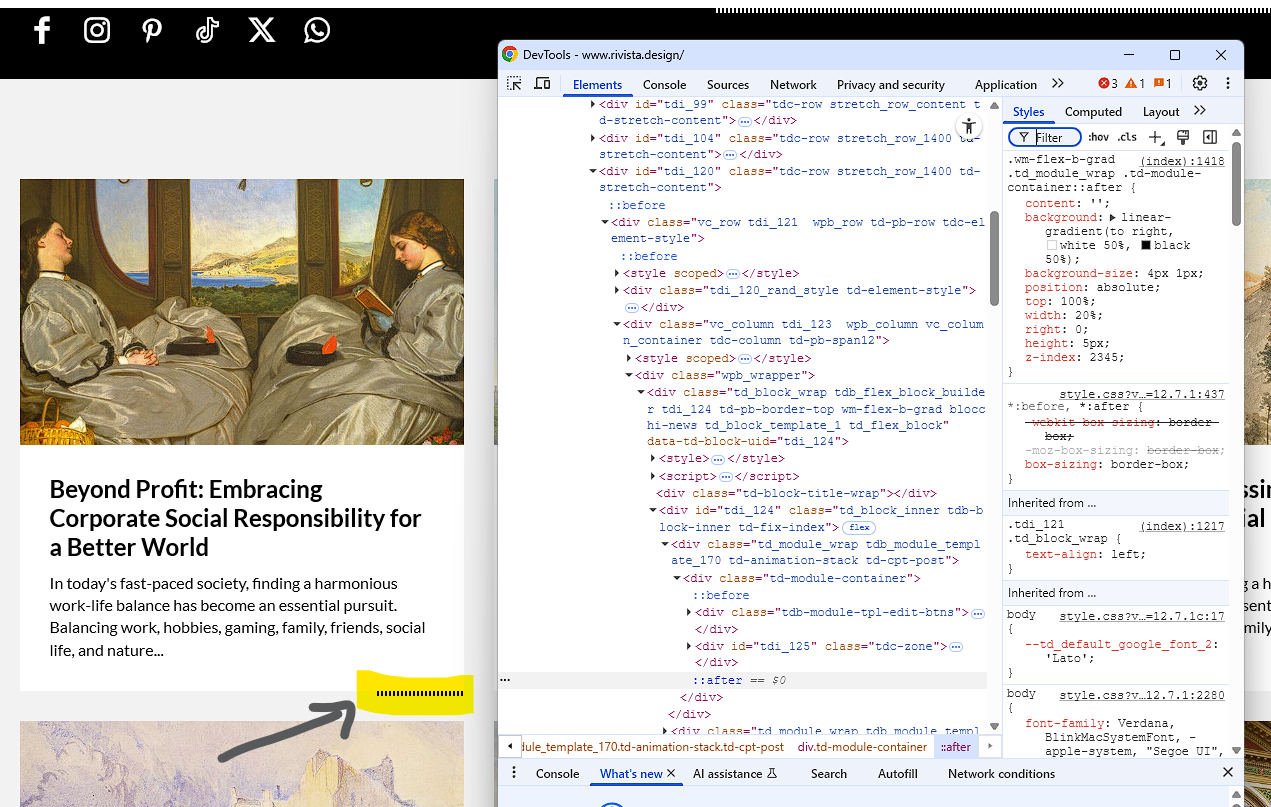
I would like to know how to remove this “after” element.
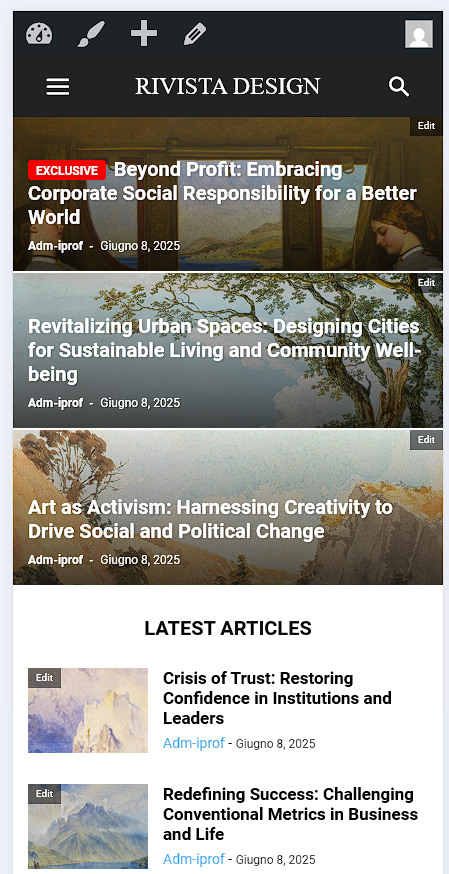
I would like to understand why the default template is not loading correctly, and instead it shows a basic template.
Thanks in advance for your support!
 ulrihovich
The process of saving pages does not end with a message about successful saving.
The console displays an error

Version: 12.7.1 REGISTERED
Current demo used: Retro Blog PRO
Calin Hi,
There is no newspaper-core.zip, I think there is a misunderstanding.
Did you manage to install the theme? – https://forum.tagdiv.com/install-via-wordpress/ (make sure you install only the theme zip inside the package you have downloaded from the themeforest account https://help.market.envato.com/hc/en-us/articles/202821510-Theme-is-missing-the-style-css-stylesheet-error)
After the theme is installed you need to go to Newspaper > Welcome section and you can install from there the tagDiv Composer and tagDiv Cloud Library plugins – https://i.imgur.com/LyI1bNb.png after that you need to activate the theme – https://forum.tagdiv.com/newspaper-6-how-to-activate-the-theme/ and only after that you can install the demo you mentioned – https://forum.tagdiv.com/installing-demos/
Also, all theme plugins are provided under Newspaper > Plugins tab – https://i.imgur.com/6NoXVCc.png
Thank you!
 Antoine Bienvenu
Hello,
I have purchased and activated the Newspaper theme, and I’m trying to install the London News PRO demo.
Unfortunately, the required plugin “newspaper-core” is missing. It’s not available in the Plugins section in the WordPress dashboard, and it’s also not included in the full .zip file I downloaded from ThemeForest (“All files & documentation”).
Because of this, I can’t use tagDiv Composer. There is a bug.
Can you please provide me with the correct
newspaper-core.zip
file or guide me on how to install it manually?
Thank you very much for your help.
Best regards,
Antoine BienvenuHello,
I have purchased and activated the Newspaper theme, and I’m trying to install the London News PRO demo.
Unfortunately, the required plugin “newspaper-core” is missing. It’s not available in the Plugins section in the WordPress dashboard, and it’s also not included in the full .zip file I downloaded from ThemeForest (“All files & documentation”).
Because of this, I can’t use tagDiv Composer. There is a bug.
Can you please provide me with the correct
newspaper-core.zip
file or guide me on how to install it manually?
Thank you very much for your help.
Best regards,
Antoine BienvenuHello,
I have purchased and activated the Newspaper theme, and I’m trying to install the London News PRO demo.
Unfortunately, the required plugin “newspaper-core” is missing. It’s not available in the Plugins section in the WordPress dashboard, and it’s also not included in the full .zip file I downloaded from ThemeForest (“All files & documentation”).
Because of this, I can’t use tagDiv Composer. There is a bug.
Can you please provide me with the correct newspaper-core.zip file or guide me on how to install it manually?
Thank you very much for your help.
Best regards,
 csegarra
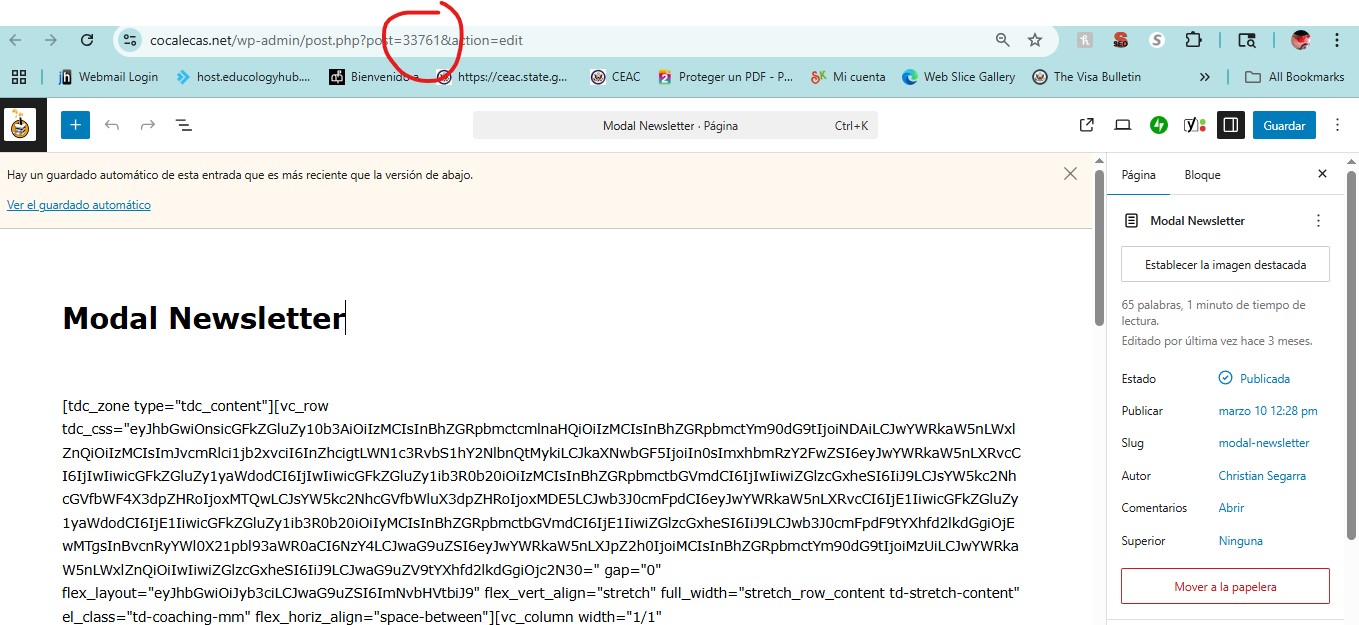
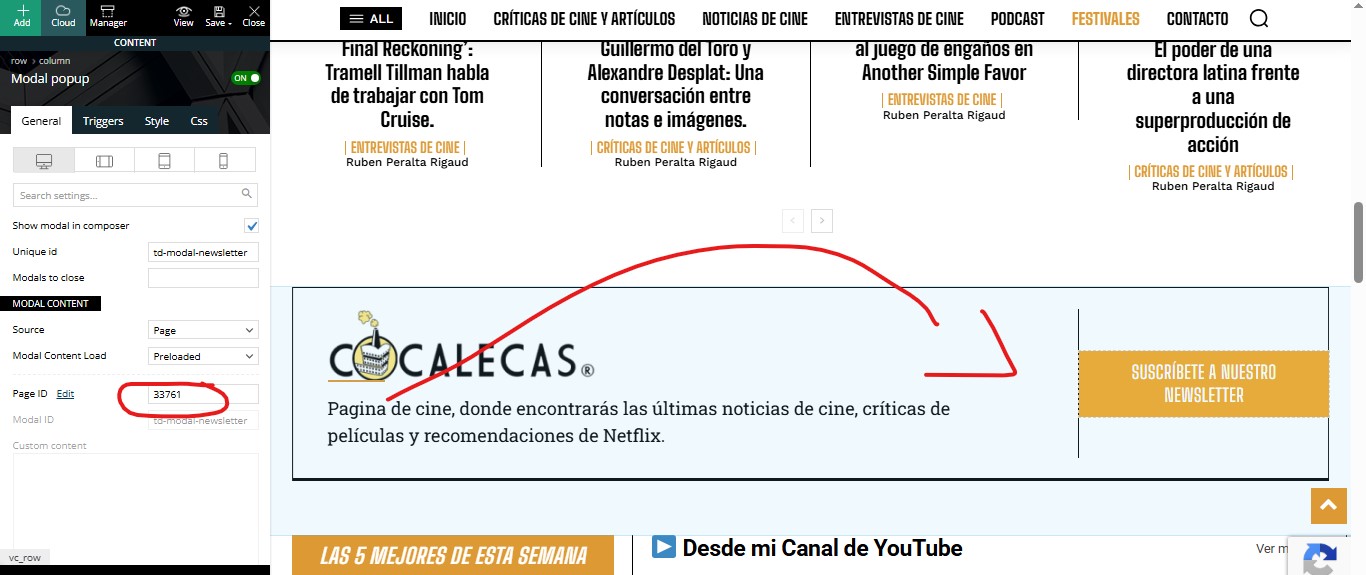
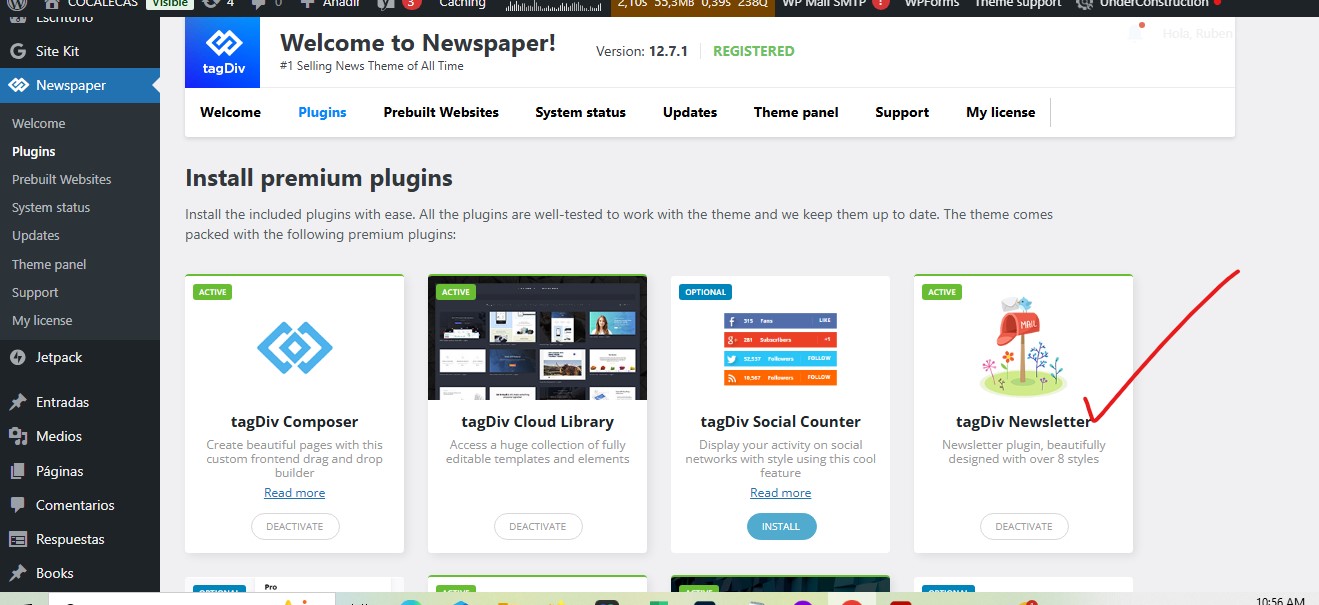
 Yes, I have that plugin activated. It worked fine for me as is in the demo. But since I installed the original version of this theme, it stopped working, and I don’t know how to fix it.
https://cocalecas.net/wp-content/uploads/2025/06/newsletter1.jpg
https://cocalecas.net/wp-content/uploads/2025/06/newsletter2.jpg
https://cocalecas.net/wp-content/uploads/2025/06/newsletter4.jpg
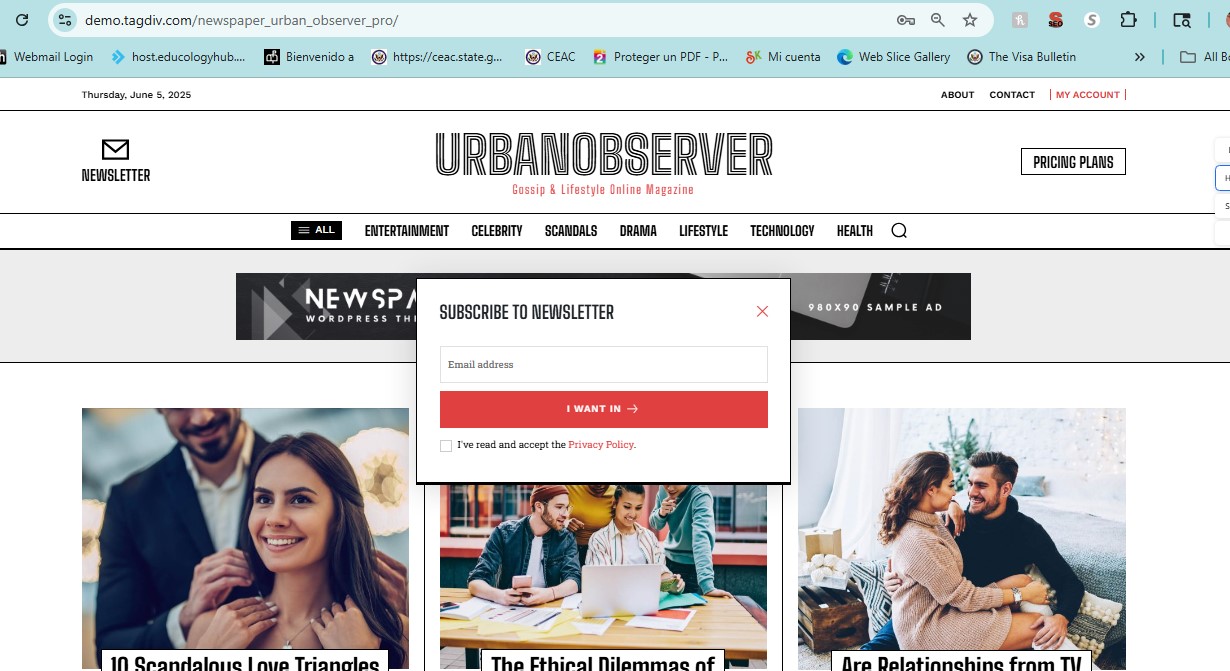
This is your DEMO
https://cocalecas.net/wp-content/uploads/2025/06/newsletter3.jpg
This is how mine should look like
thanks
 Delicatu
Hello. I have installed a prebuilt demo. On the front page I have a tabbed content with lastest and recomanded articles.
I want to change those 2 things with 2 shortcode. I have created a new tabbed content but it force me to choose pages. i want to 3 tabs there.
How I cand put custom tabs, as I want?