
- NewsmagInstall via FTP
- NewspaperHow to Install Newspaper via FTP
- NewspaperNewspaper theme documentation
- NewsmagNewsmag documentation
- NewsmagInstall via WordPress
- NewsmagHow to update the theme
- NewspaperHow to Update the Newspaper Theme
 Patrick93
how can i change the “COMMENTS” in each Post to “Comments” (in german KOMMENTARE to Kommentare).
>> https://drive.google.com/file/d/1JFYaZfTp7J43rY041IicPNMy4_wPJ_HI/view?usp=sharing
Thank you
 Anamaria
 Hello,
If you want to update the theme, please make a full backup to all files and the database and follow this guide at point B => https://forum.tagdiv.com/how-to-update-the-theme-2/
According to this message the folder already exists, you need to rename/delete that folder manually using FTP/cPanel, after that install the plugin from Newspaper plugins => https://www.screencast.com/t/WLy01lbc
Thank you!
Anamaria Hello,
Please make sure that the theme install was done correctly
Install via WordPress -> https://forum.tagdiv.com/install-via-wordpress/
Install via FTP -> https://forum.tagdiv.com/install-via-ftp/
Also, please make sure you have added the limit also in your wp-config.php file, in config is WP_MEMORY_LIMIT not PHP Memory Limit (there is a typo, sorry) – https://forum.tagdiv.com/requirements-for-newspaper/
and please increase all requirements that are lower, and follow all steps; make sure that the theme is activated and you use an SSL plugin for HTTPS.
Also, if you have other plugins activate, please disable them and see if the problem persists.
Thank you!
 Calin
Calin Hi itduck2020, if you made most of the website using WP Bakery, then it should still work, unfortunately, I can not say it will work 100%, but should work.
Before making a theme updated, please make sure that you have made a full backup to your website and database and only after that update the theme -> https://forum.tagdiv.com/newsmag-how-to-update-the-theme/ use the method B, update the theme via FTP/cPanel.
Thank you!
 JAMES0712
 ANybody there can help? Have mailed you guys FTP & admin login info 2 days ago and my site was down for 10 days now!!!!!
Calin Hi,
Normal that line of code for me is an empty space after an check for the page template -> https://i.imgur.com/QR87lht.png normally, those warnings should not affect your website.
Now it is possible that those kind of warnings to be from some incompatibility with some untested plugins, please make sure that you are using the latest theme (Newsmag v4.9.6) version installed via FTP way and if you are using some untested plugins, try to disable all of these, leave just to active only the plugins that come bundled with the theme core files and check the results.
Thank you!
Anamaria Hello,
You are probably uploading the whole theme package. You have to upload only the theme zip file, not the whole package which contains other items
– https://help.market.envato.com/hc/en-us/articles/202821510-Theme-is-missing-the-style-css-stylesheet-error
Install via WordPress -> https://forum.tagdiv.com/install-via-wordpress/
Install via FTP -> https://forum.tagdiv.com/install-via-ftp/
Requirements for Newspaper => https://forum.tagdiv.com/requirements-for-newspaper/
After installing the theme and activating it you will find in the Prebuilt websites all the theme demos and you can import whatever demo you want => https://www.screencast.com/t/6rf5g0Dxc0K
Thank you!
Anamaria Hello,
You are probably uploading the whole theme package. You have to upload only the theme zip file, not the whole package which contains other items
– https://help.market.envato.com/hc/en-us/articles/202821510-Theme-is-missing-the-style-css-stylesheet-error
Install via WordPress -> https://forum.tagdiv.com/install-via-wordpress/
Install via FTP -> https://forum.tagdiv.com/install-via-ftp/
Requirements for Newspaper => https://forum.tagdiv.com/requirements-for-newspaper/
After installing the theme and activating it you will find in the Prebuilt websites all the theme demos and you can import whatever demo you want => https://www.screencast.com/t/6rf5g0Dxc0K
Thank you!
JAMES0712 have sent with FTP access.
JAMES0712 Hi Bettina,
we have tried all methods, no luck.
Can you help me? I will give you access to FTP.
JAMES0712 The problem is that I cannot go to the dashboard now, and I cannot disable them via the FTP.
 jaiana22
Google Adsense does not recognize the token on my website: http://www.carloscarmezim.com
– I already tried to include the script through two different plugins and Adsense did not recognize it. So I tried to include it directly in the code in the head, the feedback I got from the last attempt was:
It was not possible to communicate with the site to check for possible fatal errors and, therefore, the change in PHP was undone. You will need to send the modified PHP file in another way, such as through SFTP, for example.
 Bettina
 Hello!
You could try to download and reinstall our theme by following our guides:
https://forum.tagdiv.com/whats-included/
1. Via FTP: https://forum.tagdiv.com/install-via-ftp/
2. Via WordPress: https://forum.tagdiv.com/install-via-wordpress/
Check our guides and let us know about your results!
Thank you!
Anamaria Hello, @Ikbal,
Please don’t share your credentials on the forum.
Please contact us via email at contact@tagdiv.com and provide wp-admin login, as well as cPanel or FTP if possible. Also, please tell us what problems you face, including some screenshots.
Thank you!
 discdemo
Hi. I had no issues trying this theme on another site.
But, I changed my mind and installed on a new site.
This time, I’m getting hung up on activating the AMP plugin.
I basically have had to remove the plugin via ftp to get back into my site.
My other theme plugins are installed. I am using a child theme plugin, but i have tried with and without it with the same results.
Meaning, I have tried the AMP activation with the main Newspaper theme active and I get the error.
There has been a critical error on this website.
Learn more about troubleshooting WordPress.
Any ideas? Not sure if it’s the theme’s mobile plugin or not, still testing.
Thanks!
jz
UPDATE: I was able to activate the AMP plugin with the mobile disabled.
BUT, I then re-activated the mobile plugin for the theme and that break the site now, too. Please help, I’m missing something. 🙂
 Photoboy
Composer does not work, can’t click on elements, and I get this message;
Errors at columns elements: 18(models) : 16(dom). The model does not match the content Current state has involved an issue. You could try an UNDO operation (CTRL+Z / CTRL+SHIFT+Z)
https://www.dropbox.com/s/wyxaius71nfh2xt/Screenshot%202021-05-06%20at%2013.18.17.png?dl=0
I have these plugins all active:
Advanced Custom Fields
Akismet Anti-Spam
AMP
bunny.net
Contact Form 7
Cookie Notice & Compliance for GDPR / CCPA
Featured Images in RSS for Mailchimp & More
Insert Headers and Footers
MC4WP: Mailchimp for WordPress
Rank Math SEO
roll call (custom plugin)
Site Kit by Google
Smush Pro
TagDiv Cloud Library
tagDiv Composer 2.8
tagDiv Mobile Theme
tagDiv Social Counter
tagDiv Standard Pack
Thrive Leads
Thrive Product Manager
UpdraftPlus – Backup/Restore
Velvet Blues Update URLs
WP File Manager
WP Rocket
WPMU DEV Dashboard
Yoast Duplicate Post
Anamaria Hello,
The fatal error is usually caused when you have an old version of WordPress.
Please update the WordPress to 5.7.1 and check to see if the problem is still persisting.
You are probably uploading the whole theme package. You have to upload only the theme zip file, not the whole package which contains other items
– https://help.market.envato.com/hc/en-us/articles/202821510-Theme-is-missing-the-style-css-stylesheet-error
Install via WordPress -> https://forum.tagdiv.com/install-via-wordpress/
Install via FTP -> https://forum.tagdiv.com/install-via-ftp/
Requirements for Newspaper => https://forum.tagdiv.com/requirements-for-newspaper/
Thank you!
Bettina Hello @acelbramg!
Take a look here because it could help you: https://wordpress.org/support/topic/warning-ftp_fget-expects-parameter-1-to-be-resource-null-given-in/
Thank you!
Bettina Hello David!
Please make sure your WordPress, TagDiv plugins are up to date.
Also, make sure that all the settings are like in our requirements, please follow the guide carefully: https://forum.tagdiv.com/requirements-for-newspaper/
and please increase all requirements that are lower, and follow all steps.
We have a guide how to update the theme: https://forum.tagdiv.com/how-to-update-the-theme-2/
If you choose another way, for example ftp/cpanel you shouldn’t encounter any problem.
Thank you!
 Oldmagio
 Hi Calin,
The WPBakery didn’t work and other parts of the theme too. Anyway I follow your suggestion about a potential error and I reinstalled everything, there was a problem between my client FTP and the upload to the database that corrupted some files and generated the problems.
I’m trying to make all the website with every pages and articles full width to fit everything to the borders, the voices in the menu too and the row of the footer too, usually is very fast and easy to do it, but here I can’t find the way.
Could you help me, please?
Thanks for your attention.
 acelbramg
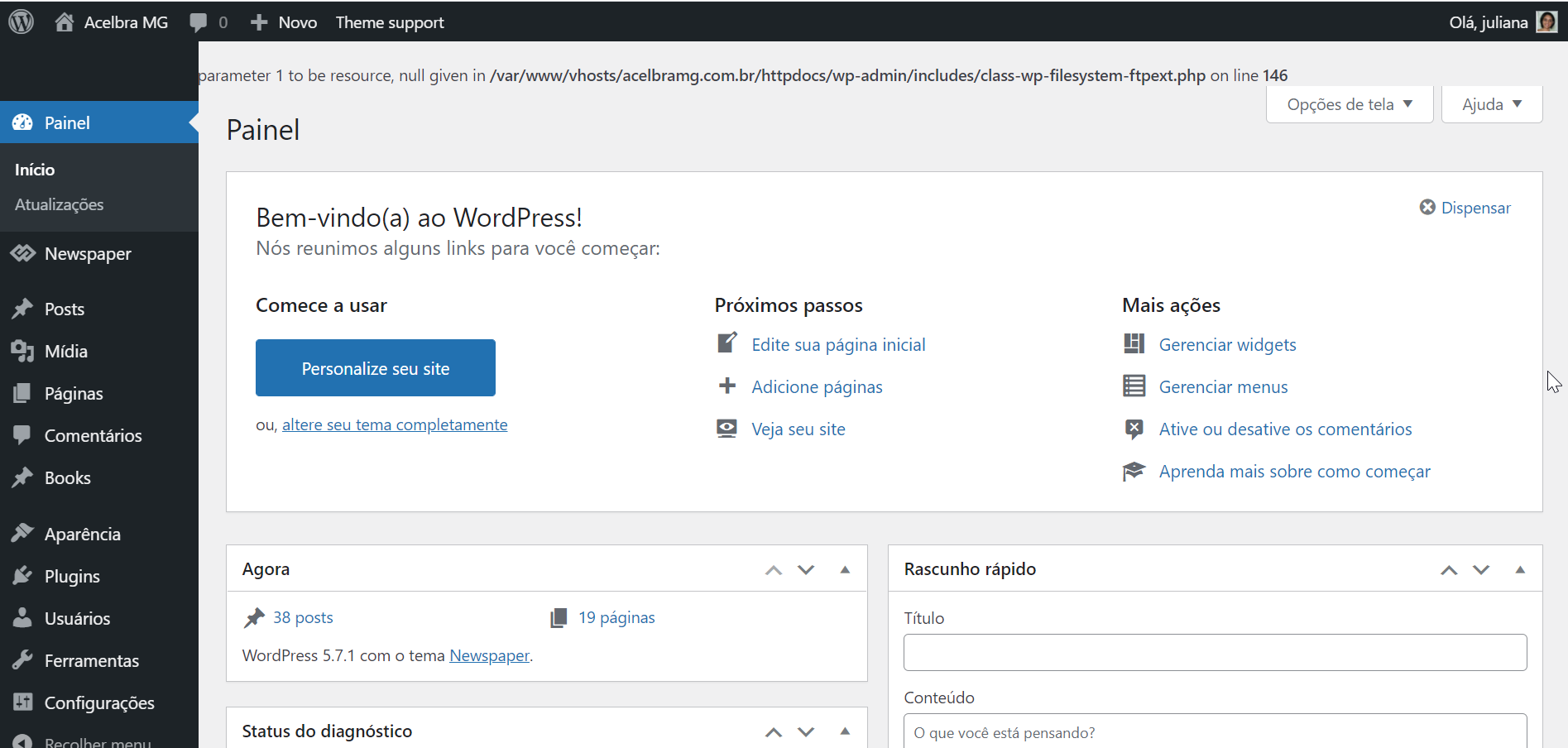
 Reinstalled the wordpress using the Panel and FTP, still with the same error. For some reason when I disable the td-composer this error stops.
Other information about this issue, the media library is not loading the images and I am not able to add new images to the site.
acelbramg I’m dealing with the same issue, no cache plugin installed, just the AMP and Contact Form running. Anyway I deactived all of them except the tagDive ones and same error.
Bettina Hello!
We have a guide how to update the theme: https://forum.tagdiv.com/how-to-update-the-theme-2/
If you choose another way, for example ftp/cpanel you shouldn’t encounter any problem.
Also, please update the plugins manually as suggested in order to have your pages working.
Thank you!
 Johann
 Offcourse, these steps are most obvious and done allready.
Even uninstalled- reïnstalled, deleted – uploaded via FTP.
Theme change, etc.
please look at our e-mail we sent yesterday
and please look into your own code as well as we did our check.
kind regards.
Anamaria Hello,
First, please make a full backup of all files and the database to your website.
After, please deactivate and delete all tagDiv plugins from plugins=> https://www.screencast.com/t/ddVDJfqw
Try to install the theme via FTP -> https://forum.tagdiv.com/install-via-ftp/ (before the install, make a full backup of all files, delete the files of the theme, not override), and install the theme plugins from WordPress -> Newspaper -> Plugins => https://www.screencast.com/t/3CTN3HggbJ and please install also, the tagDiv Standard Pack plugin.
Hope this helps you!
Thank you!


