- NewspaperHeader Builder
- NewspaperHeader ads
- NewspaperHeader styles
- NewspaperSearch setup for custom post type
- NewspapertagDiv Composer – Website Manager
- NewspaperBookmark – Save For Later
- NewspaperWooCommerce: Happy “Add to Favorites!”
- NewspaperModal Popup
- NewspaperFlex Block Settings Guide
- NewspaperPosts Loop Element
- NewspaperHow to Add a Logo in Newspaper
- NewspaperDefault Category Settings
- NewspaperWhen tagDiv Composer is Not Working
- NewspapertagDiv Cloud Library Plugin
- NewspapertagDiv Composer Tutorial
- NewspaperUsing the Theme Translations with WPML
- NewspaperInstagram in Newspaper WordPress Theme
- NewspaperWeather Shortcode
- NewspaperThe Mobile Theme
- NewspaperLogin – How to Enable User Registration
 Anamaria
 Hello,
You can to disable the Sign in/join from Theme Panel -> Header -> https://i.imgur.com/YwttygP.png
Thank you!
 kalacosolutions
 I am having issues removing the shadow on the header zone for mobile. The shadow does not show on desktop but shows on mobile. Shadow is set to 0. The shadow is not showing on the home page on mobile, but shows on mobile for all pages and posts.
Please advise how to get the shadow off the header zone on mobile..
Link to a post (please view on mobile) https://www.bylocalnews.com/news/salvation-army-launches-red-kettle-drive/
 HeatherKitching
Hi folks,
OK, getting a critical error on my mobile site. I deleted and reinstalled TagDiv mobile and cleared out the cache but nothing changed. When I disabled TagDiv mobile the home page displays perfectly. But the header and footer on the pages aren’t there. So for now I have mobile disabled so that I at least have that. But can you please help with the fix?
Thanks!
h
 Zeeshan Rasheed
Hi,
I customized my theme pages with different blocks and section templates, and now my site https://www.bookwormworlds.com not showing on mobile even though I already created a mobile home page after this issue. Its just shows Newspaper demo data with newspaper header which totally different from my home page layout. Can you please help me out?
Thank You
 semi26550
 oops!! I changed the header’s sticky options and suddenly all my problems were solved. It works now. ???? Anyway, I’m glad it was resolved.
semi26550 ubuntu 20.04, PHP Version 8.0.30, newspaper version 12.6.2
tagDiv Cloud Library version 3.1, tagDiv Composer version 4.5
I upgraded to PHP 8.0 version. But it’s not working. The same error occurs
I need “Edit with TagDiv Composer” and “Header Template Import”

 mantonelli4
After making several updates (WP, PHP, Newspaper Theme) to latest versions, I can no longer update ads. I add new ad to media library, copy URL, update link under “Header Ad,” under Newspaper Theme Panel –> Ads, and then click “Save Settings.” The spiraling cubes icon spins and spins (I’ve waited for several minutes) but never updates. This is on our tualatinlife.com site, but it works fine on our tigardlife.com site, which also recently went through the same updates.
 vallartamirror
 The menu is built.
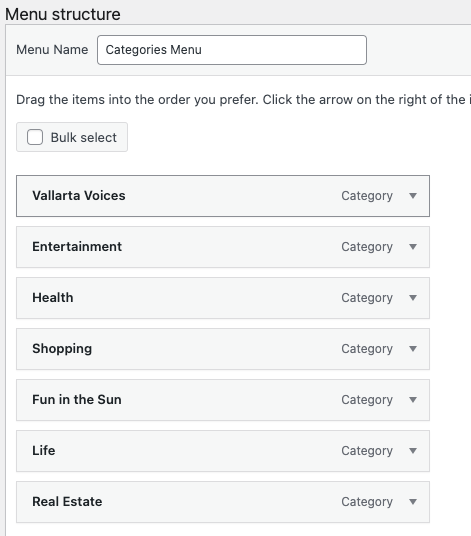
Selected in header.
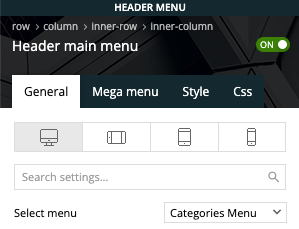
It displays fine on desktop but not mobile
The site is now live at vallartamirror.com if you would like to take a look on mobile and desktop.
vallartamirror 1. This worked. Thanks.
2. It worked. YOU ROCK!
3. Unfortunately, I am not as successful on this one. I need the header categories list, so I can’t turn off the categories, and I don’t see where I can do anything is the modify section to make the “Categories Menu” appear instead of “Primary”. Should I just change the primary categories, and if so, where do I do this? Any additional insight you can offer here?
Anamaria Hi,
Please use this code .tdc-header-wrap .td-header-gradient:before
{
display: none!important;
}
Please set the code in the theme panel > custom code> advance css > phone– https://i.imgur.com/BOLeCit.png
Thank you!
 Bettina
 Hello!
Did you add it in your header or footer zone?
For those other issues with Instagram, I replied in your own topics:https://forum.tagdiv.com/topic/each-time-i-create-a-new-page-it-has-a-hero-template-on-it-and-i-cant-delete-it-2/ AND https://forum.tagdiv.com/topic/social-media-accounts-not-linking/
Thank you!
 Gyanitechnews
 .td-header-gradient:before
{
background:none!important;
}
I use this cod but not remove sadow
 dtechted
 I understand what you want to say.
Let me explain it correctly.
1. All is good in title and meta section ok
2. Then I install the SEO Press plugin for SEO of my website.
3. Then I use the plugin for Title and description nad post and pages.
4. Then I see The title is deferentthan what I put in my SEO Plugin.
5. Then I google and see the solution that says remove the default theme title from header.php and put a code in function.php which they provided.
(And if you see my dtechted.com homepage and other pages also. The og:title is showing what I put in SEOplugin Title section not the theme’s default generated.)
If you understand please tell me
Thank you
Anamaria Hello,
Unfortunately, you can’ set more post types on the same element.
You can create two headers and set for cpt a header and for posts another header.
Thank you!
Bettina Hello @vallartamirror!
1. Disable it from the theme panel settings: https://prnt.sc/Pj3D2CeWg_Q0
2. Did you add any code in the theme panel settings?
Do you have an extra plugin for ads?
3. Deactivate the menu from the theme panel settings -> Header -> https://prnt.sc/BDUh25yS2e9E or modify it from here: https://prnt.sc/ufzYiPUKyWde
Thank you!
Anamaria Hello,
If you have created mobile templates, then you need to convert the header/footer -> https://www.screencast.com/t/HrjOBNayd please check this video https://www.youtube.com/watch?v=SpGkOnJeNZY to be able to edit them with tagDiv Composer.
Thank you!
 terahlynn
I created a mobile page and copied the content from desktop. It removed my header and when I go to edit it says that “this type header is not editable with tagdiv composer, please use a cloud template” however, no cloud templates are available in composer and it does not let me apply the one that I set as global. I have no ability to edit the header at all.
Gyanitechnews .td-header-gradient:before
{
background:none!important;
}
.td-header-gradient:before
{
background:none
}
i try both but not work
Bettina Hello!
The path is: wp-content/plugins/td-composer/legacy/Newspaper/header.php
Thank you!
vallartamirrorI have the following issues on the design for the header in mobile for the Default PRO theme.
1) Header is prompting reader to sign in or join. However login has been removed from the header in desktop and mobile.
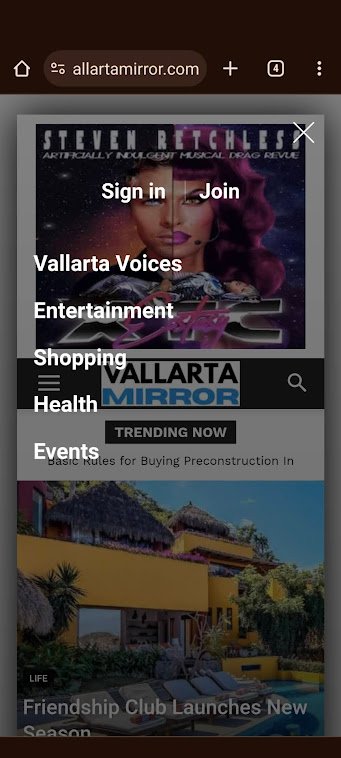
2) No ad is defined in the header on mobile. However an ad is being displayed.

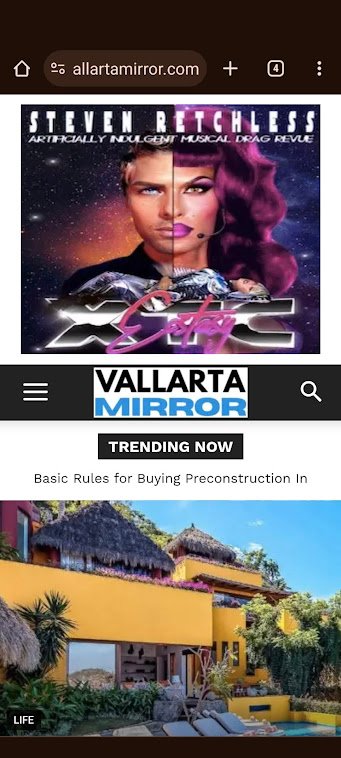
3) Categories are set as “Categories Menu” in admin. This shows correctly in admin (see image below). However, it does not display correctly on mobile (see image in #1)
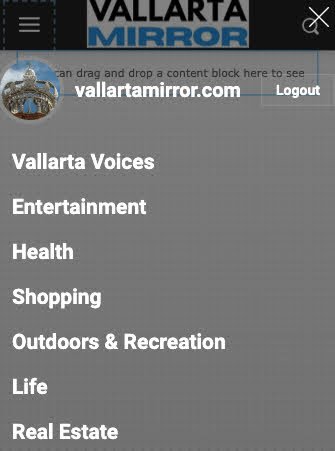
Anamaria Hi,
Use it with .td-header-gradient:before
{
background:none!important;
}
dtechted I want to remove the default tag of the theme. In header.php icant find it. Can you please tell me in which .php i can find the <head> tag section to edit
 nagi
nagi Hi,
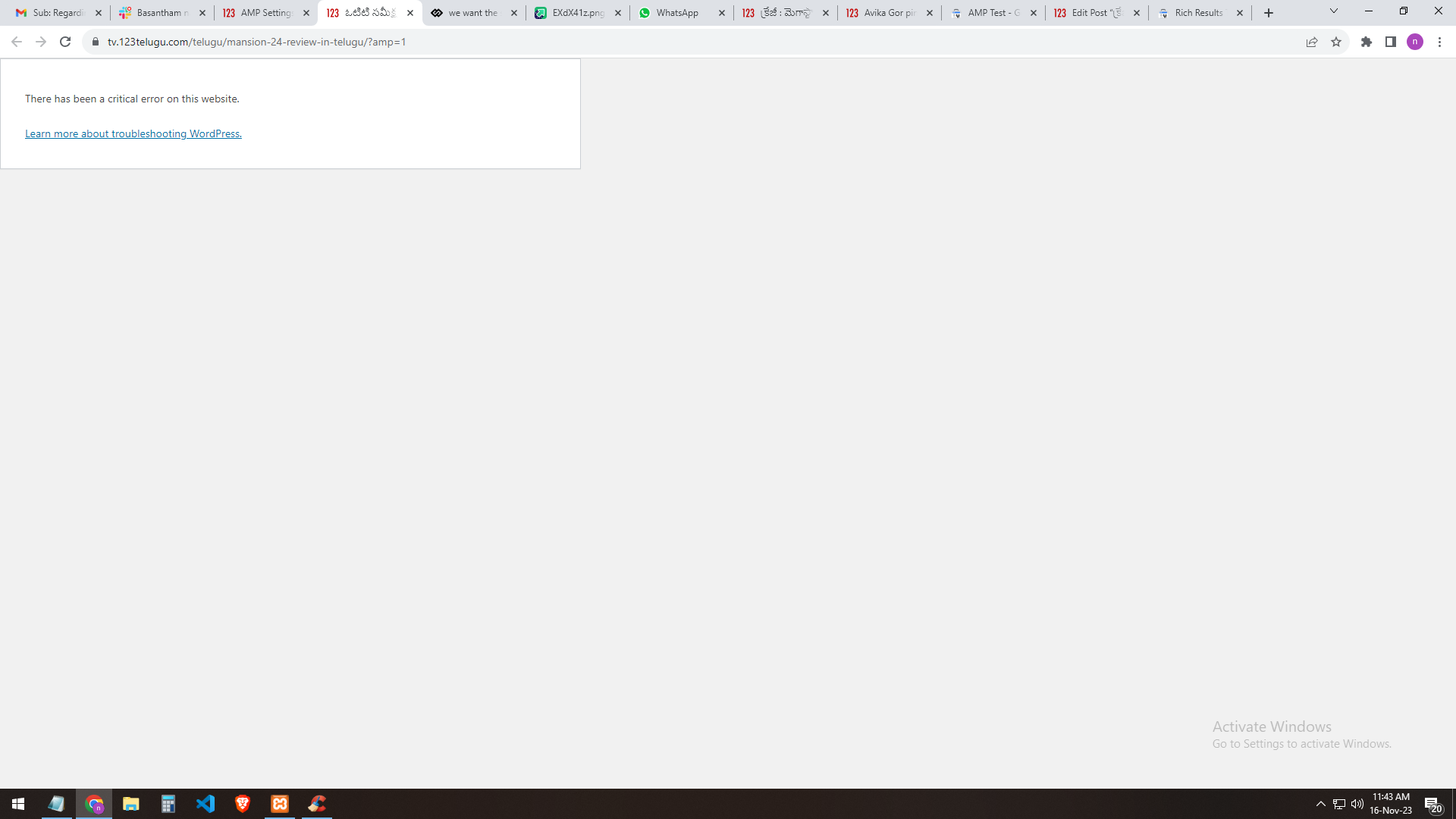
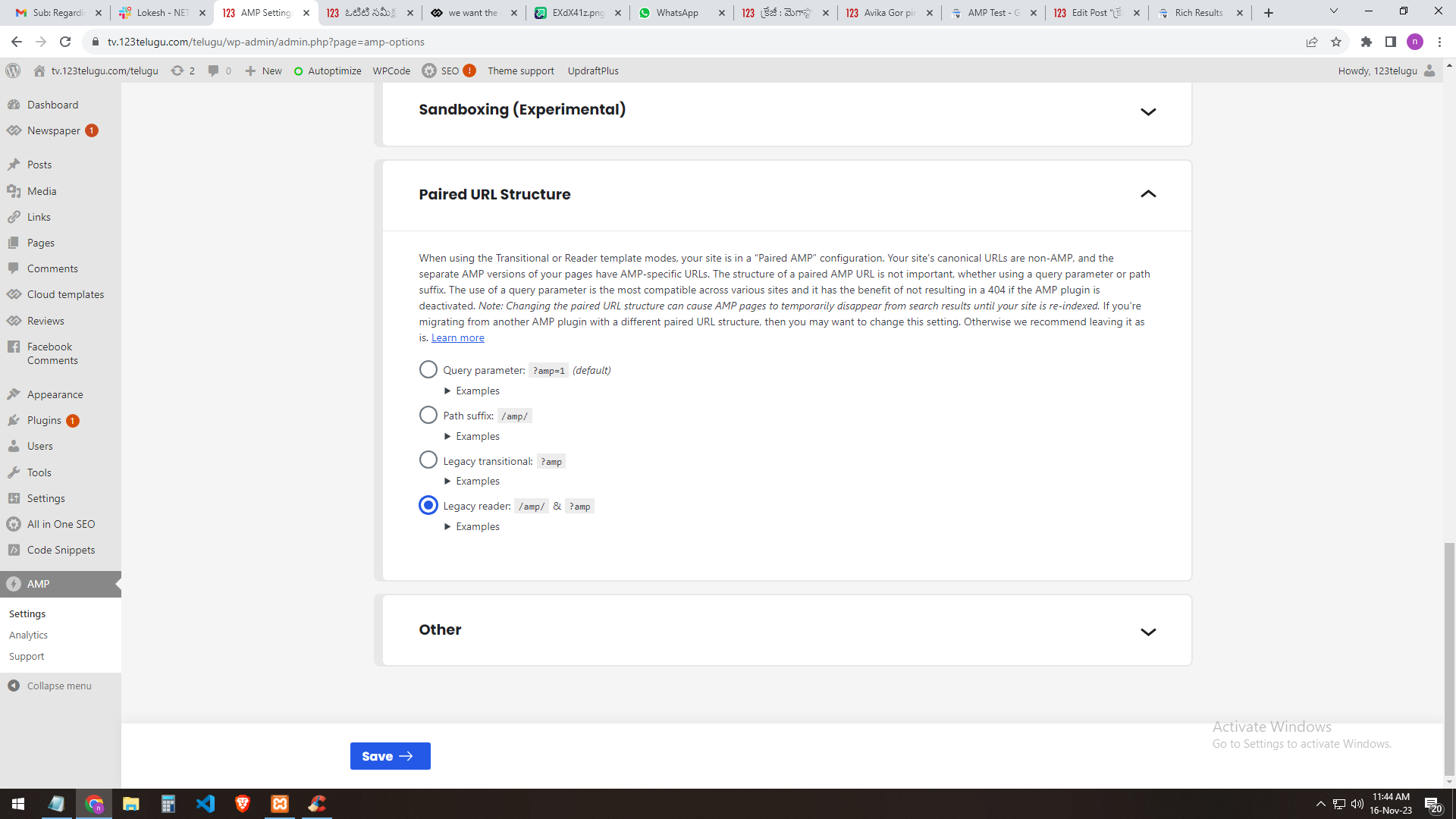
If I select the query parameter: ?amp=1 (default) the selection result shows me (this website has a critical error)
https://gallery.123telugu.com/images/theme_test/Narender12.png
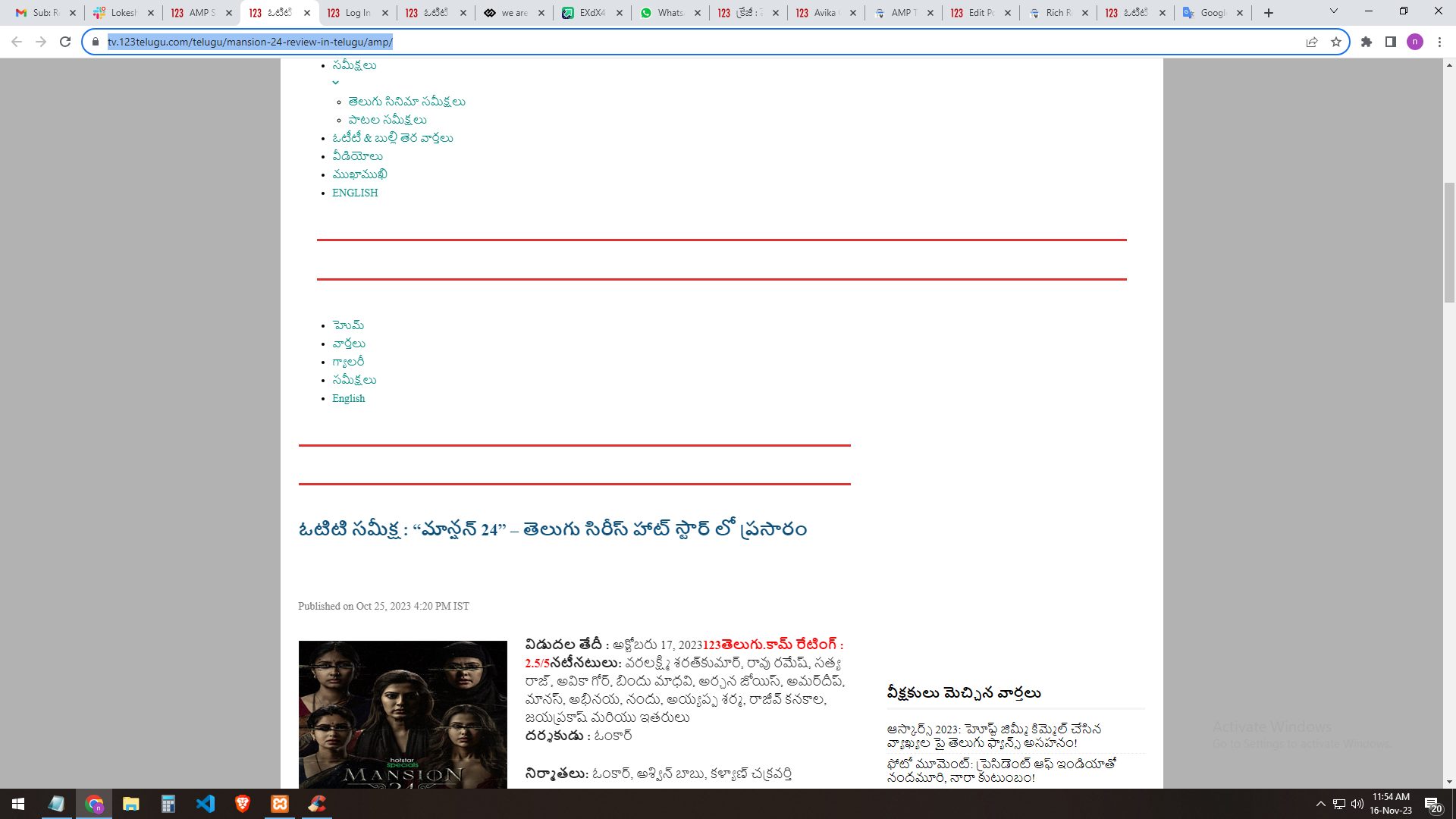
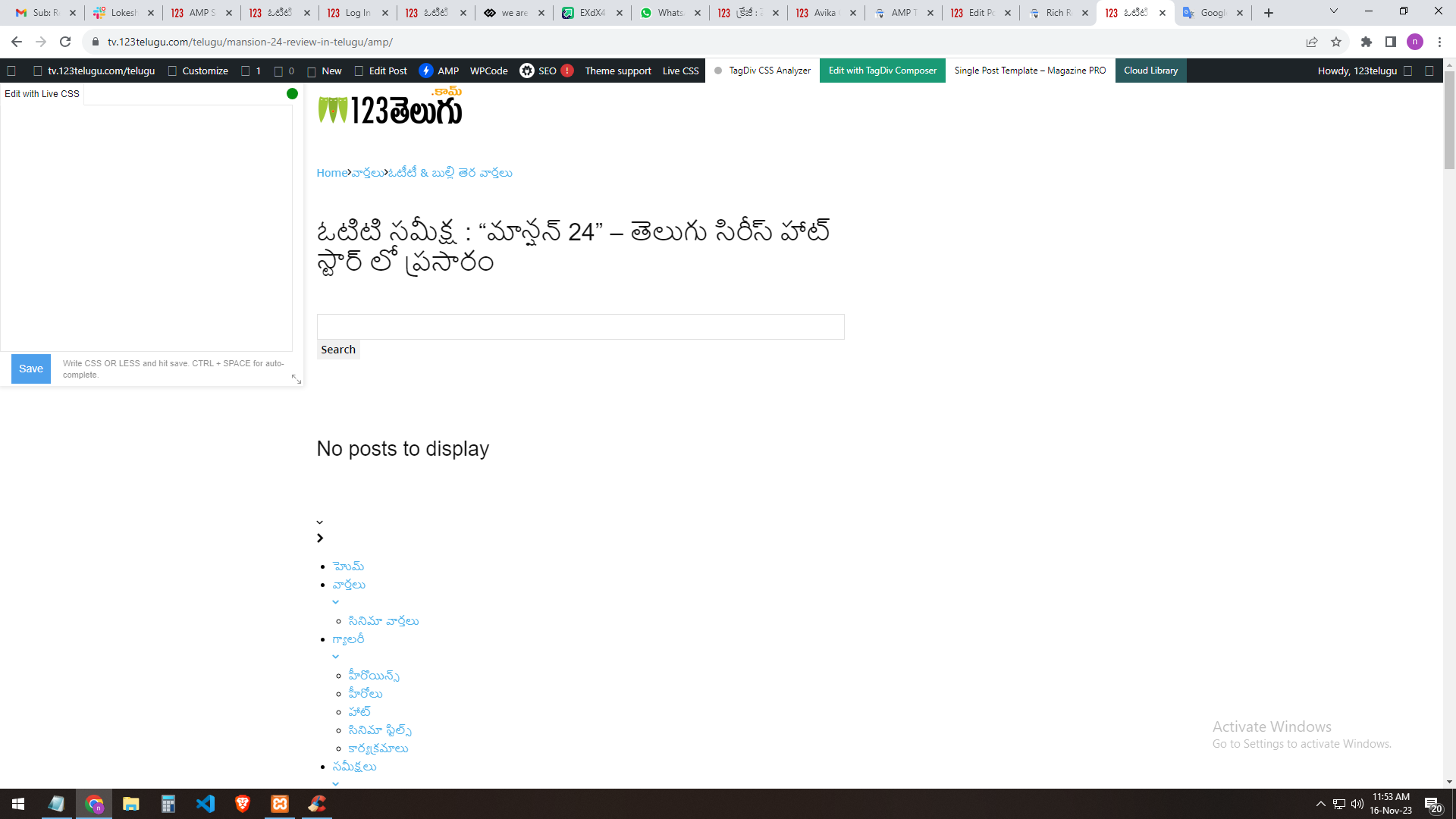
If I select [legacy reader]: the site will load but the header part error will occur
https://gallery.123telugu.com/images/theme_test/Narender13.png
https://gallery.123telugu.com/images/theme_test/Narender11.png
Can I customize the amp page? EDIT WITH DIV TAG COMPOSER Please let us know
how to sort out this issue.
https://gallery.123telugu.com/images/theme_test/Narender14.png
Anamaria Hello,
Please try to use this code
.td-header-gradient:before

{

background:none;

}
Please set this code in the theme panel > custom code> custom css.
I hope this will help you!
Thank you!
 wmcoettc
Hello
We have observed that when we send a news/website link from our website, generated in wordpress/newspaper/tagdiv to a WhatsApp group or friend, it ONLY sends a URL which is ugly, we would like it if, as happens on other websites, there would be a box with a photo and a few lines from the news/web header.
It seems to us it has to be a tagdib/newspapper problem.
Can you help us?
Example URL like appears in whatsapp now: https://www.coettc.info/2023/11/10/adolescencialliuremobil/
Thank you.