- NewspaperHeader Builder
- NewspaperHeader ads
- NewspaperHeader styles
- NewspaperSearch setup for custom post type
- NewspapertagDiv Composer – Website Manager
- NewspaperBookmark – Save For Later
- NewspaperWooCommerce: Happy “Add to Favorites!”
- NewspaperModal Popup
- NewspaperFlex Block Settings Guide
- NewspaperPosts Loop Element
- NewspaperHow to Add a Logo in Newspaper
- NewspaperDefault Category Settings
- NewspaperWhen tagDiv Composer is Not Working
- NewspapertagDiv Cloud Library Plugin
- NewspapertagDiv Composer Tutorial
- NewspaperUsing the Theme Translations with WPML
- NewspaperInstagram in Newspaper WordPress Theme
- NewspaperWeather Shortcode
- NewspaperThe Mobile Theme
- NewspaperLogin – How to Enable User Registration
 henryekeocha108
Hello, How do i disable top header on the Newspaper. I’m using the Town Talk Prebuilt Website.
See screenshot here => https://prnt.sc/6J-W9KYBUV-B
 Bettina
 Hello @allerenitalie !
Make sure the content has a separate row and that you did not add the content to the header’s row. Click on the content’s row: https://app.screencast.com/1mbI7F29C0RSM
If everything is ok in the Tagdiv Composer and the issue is only on your frontend, then the problem could be from a plugin conflict or a caching issue.
Enable these settings from the theme panel for mobile menu and mobile search: https://app.screencast.com/pUtCgElyRwzjo
Make sure you choose a menu in order to display there: https://app.screencast.com/TffmDPVrdAg0Z?tab=Details&conversation=AKSAQD3gCjYHzgr0YLpH4k
Thank you!
 allerenitalie
Hi, I have newspaper theme, on https://www.allerenitalie.com
if I change the cloud template header, the same I choose in theme panel for header, for example i make the row with 2 columns it’s break all my site like if I have 2 colummns in header all site have 2 columns, but when I see on editor it’s appare to be ok.
In the meantime I see on mobile the header not open the menu but in the desktop it’s ok (search and menu) why?
 davidm06
 if i use https://forum.tagdiv.com/newsmag-header-ads/
should i deactivate the Google Adsense configuration ?
 Anamaria
 Hi,
You need to make the changes with tagdiv Composer. We can not disable it because some users still use the standard templates, but you have cloud templates. Please also edit the header sticky -> https://forum.tagdiv.com/header-manager/ to change the logo tagline forum.tagdiv.com/add-logo-newspaper/
Thank you!
 Calin
Calin Hello,
Our theme option for ads is only to display them, there is noting else special. If you need to have full control over ads you should use a dedicate plugin like ad inserter – https://wordpress.org/plugins/ad-inserter/
Using the theme option for ads you can set banners or other type of ads in different places, like header, footer, articles … – https://forum.tagdiv.com/newsmag-header-ads/ – https://i.imgur.com/e2AklaL.png but if you want to can set different ads per categories, or pages, then you’ll need to use a dedicate plugin like the one mentioned above.
Use a block code for ads as mentioned here – https://forum.tagdiv.com/newsmag-sidebar-ads/ this should help you to resolve the problem.
Thank you!
Anamaria Hi,
You can to disable the Sign in/join from Theme Panel -> Header -> https://i.imgur.com/YwttygP.png
Thank you!
 av
avI tested my site in Chrome incognito mode and I noticed that in the header, the theme rendered the social media icons vertically, versus horizontally. This appears to be a bug. Can you please advise?
avI noticed when viewing my site on a mobile phone device that the header flickers and the logo size changes slightly. Is there a way to disable the alternate header from triggering when a user starts scrolling… only on mobile phone devices?
av I deactivated and then cleared cache. It still shows up when I start scrolling down. If values should not be defined in theme panel>header, can you please disable them in an update?
 tumateix
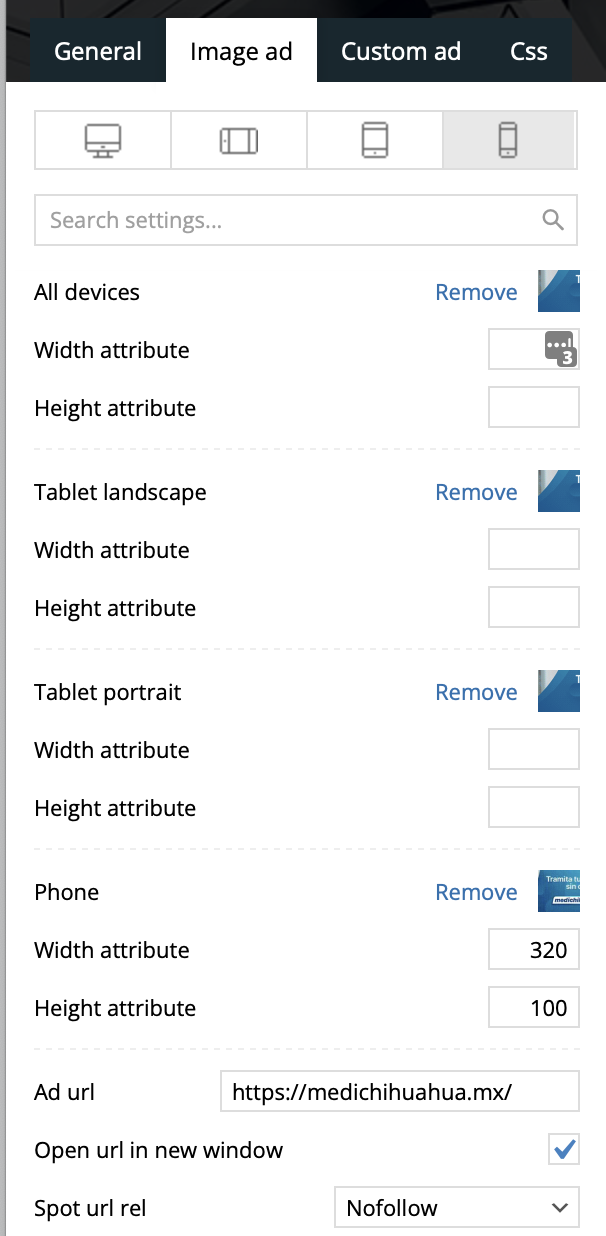
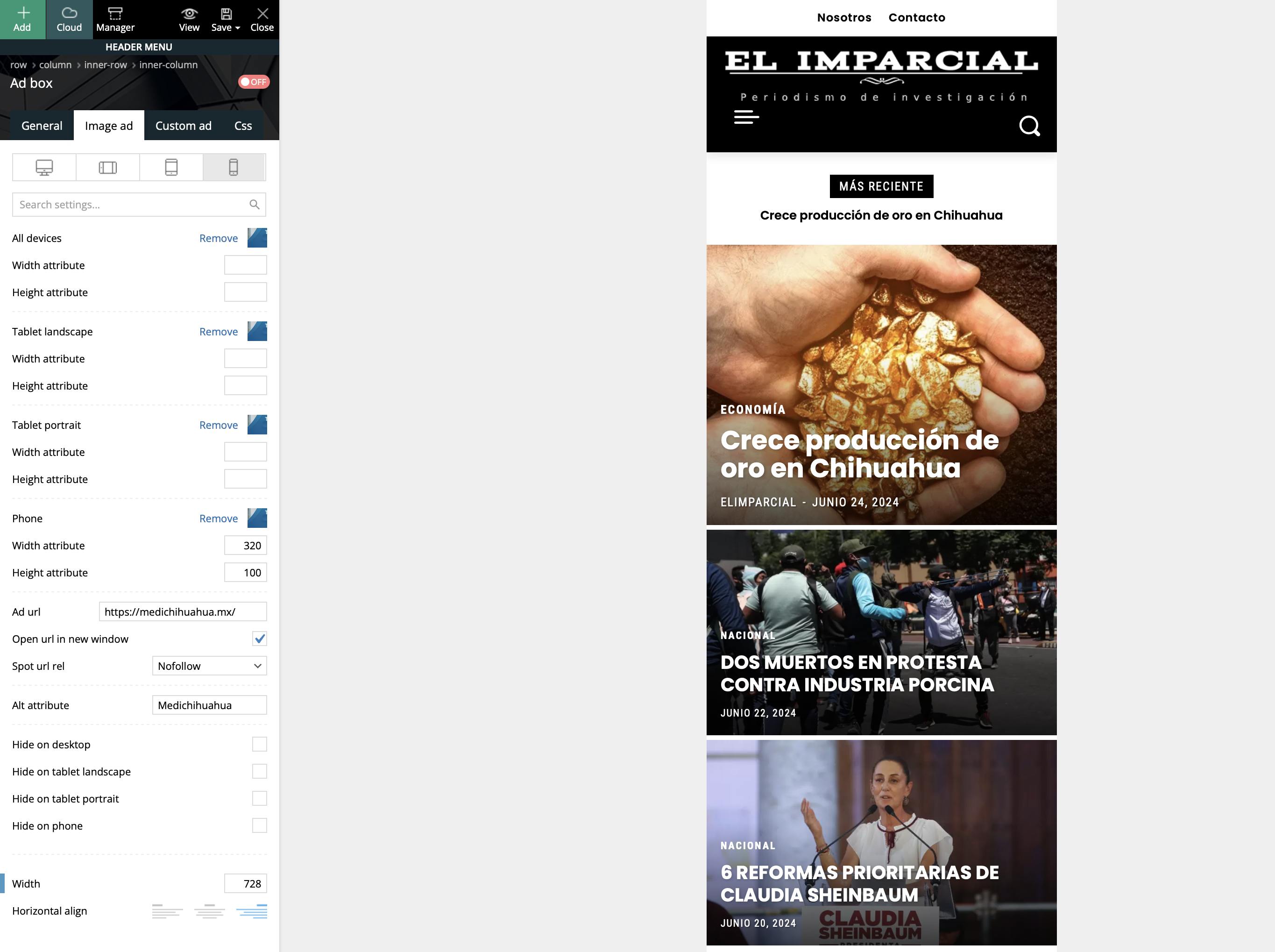
In my header, I´m changing the ad size for the mobile version, yet it does not show any image.
https://www.designare19.com/screen/Screenshot-2024-06-24.png
https://www.designare19.com/screen/Screenshot-2024-06-24-b.png
Why the image is not showing?
Thanks!
 kodro
kodroHi,
I don’t know how to erase this gray blank space in the top of the header of the Mobile version of my website (appears just on the home page in mobile version).
When I’m going to edit the header in the Cloud Templates area, and I’m using the mobile view, I can’t see this space.
Thanks.
avIf for example you click on the featured news item (top left corner, largest image on home page) — the Flex Block 1 — go to Style, and then attempt to change Block Fonts > Block header and try to change “Default font” to “Global font #1”, the system attempts to ‘draw’ a tooltip/modal, but fails and redirects to an ‘Aw, Snap’ white screen — Error code: STATUS_BREAKPOINT.
 Rasinski1986
Maybe you can help me. My site is in two languages and there are two different homepages. Can I set the advertising in the header differently on the two pages?
avI entered “Boston” for the weather location after entering my own API key, and the temperature appears to be cached and does not update. I have also disabled (turned toggle off) for the “Header weather” feature, and I still see the widget appearing in my header.
avIn theme panel > header, I have a value defined under “TEXT LOGO FOR HEADER STYLE 9, STYLE 10 AND STYLE 11:” for “TEXT LOGO” AND “TEXT LOGO TAGLINE”, and the “LOGO H1 ON PAGES” toggle is turned off. Emphasis on values defined, but I don’t want values to display. When I go to my website (Free News demo content), I can see the header logo without issue on page load (if I do not start scrolling down). But once I start scrolling down, in place of the logo, I see the value I entered for “TEXT LOGO TAGLINE”. This appears to be a bug.
 AlexPMF
Hi,
I’ve an issue with updating few plugins : tagDiv Cloud Library is always inactive or failed, same with tagdiv Composer.
I tried to delete and install it again but it’s not working. So now, my website is a bit broken (header).
I’ve this problem since my website in on PHP 8.1. I can’t go back to previous versions due to my web hosting service.
Any solutions ?
Thanks a lot
Anamaria Hi,
You can deactivate your sticky header as you can see here: https://www.youtube.com/watch?v=HXQQygkCCJo&t=1s and set the row sticky https://app.screencast.com/8LDiBuP2cyKxc?conversation=wOiTaQbEviSl1HYxwOEx2L with you main header.
Thank you!
Anamaria Hi,
Please don’t use blocks 1 to 25, big grid,or standard templates for header, footer, etc. Use cloud templates and flex blocks and big grids flex, as the demo was made.
The issue with the homepage was resolved after I disable the mobile theme plugin as I said to you to do.
Thank you!
 amnaymag
Hi
I’m still having problems with the mobile version
1- The logo does not appear (https://i.postimg.cc/13cD32qQ/35789.png)
2- I want to remove the latest articles from the mobile article page only (https://i.postimg.cc/wTNPxXQp/25897.png)
Calin Hi PreacherMan,
The zones are refer to header/content/footer zone. In Newsmag is saving in tagDiv Composer only the content page zone.
In most cases when you get a similar message “ Error at zones: 1(models): 0(dom). The model does not match the content Current state has involved an issue. You could try an UNDO operation (CTRL+Z / CTRL+SHIFT+Z)” then indeed it is a problem, most of the time the problem is from a shortcode that is not compatible with our theme, therefore after you set it with tagDiv Composer and save the page, the next time when you try to edit it, you’ll get that error. The most simple and fast way to resolve it is to use a page revision – https://wordpress.com/support/page-post-revisions/
For this error, you can check our guide from here at point 5 -> https://forum.tagdiv.com/tagdiv-composer-not-working/ also after trying the steps from our guide you do not get any good results, You can send us an email at contact@tagdiv.com and provide wp-admin login, as well as cPanel and credentials. We will take a look. Include a link to this topic in the email.
Thank you!
 thevalleycitizen
 SUCCESS! I have created my header, footer, and single post template from blank templates. Everything seems to be working fine now. I have one last question: We will be changing to the permanent domain thevalleycitizen.com soon. How do I add thevalleycitizen.com to the system so that we can assign our Newspaper theme to the permanent domain? Thanks so much! This has been a bit of a journey for you and for us.
Anamaria Hello,
@javisromo You have h1 on the logo on the desktop, mobile, and footer logo, so please check the settings to disable the h1 for the logo and ensure the settings are saved.
@zuperigo I just checked and you have only two h1 -> one for desktop one for mobile on the header.
Thank you!
 theheritagelab
 Just one more thing — on the Staging site (has the same settings), I am able to see the header-login popup. However, the menu-login – when I click “Login” – it does not take me to the sign in page, instead, it refreshes the home page.
theheritagelabHello Team,
1) I have the Header-login element in my footer, and as I read in the forum, the Footer Display is set to delayed (from Theme Panel). It was working fine but the login form popup no longer displays on Chrome or Safari.
2) I also added the Menu Login in the footer to test; this was working but now after I input the username and password and click “login” — nothing happens.
3) the Menu Login in the logged in view has :
a. a Dashboard page — which was displaying the publishing rights earlier but now is only displaying credits. This is problematic for me, as my users are creators.
b. in the Menu Login dropdown, I added 3 custom pages, but only 2 are showing. Basically, Custom Page 2 is not showing (I repeated the same id and title in the 3rd position, and it shows in the 3rd position but not 2nd).
It would be important to mention that I recently switched to a child theme.
I’m looking forward to your help!