
- NewspaperHomepage – How to build and set it
- NewspaperHow to edit modules for Flex Block X
- NewspaperGeneral Options that May Interfere with the Newspaper Theme
- NewspaperThe Newspaper Mobile Theme: Introduction
- NewspaperHow to Add a Logo in Newspaper
- NewspapertagDiv Shop
- NewspaperHow to Use tagDiv Cloud Library
- NewspaperDesign your Post Pages using the Cloud Library Templates
- NewspaperHeader Builder
- NewspapertagDiv Cloud Library Plugin
- NewspapertagDiv Composer Tutorial
- NewspaperNewspaper theme documentation
- NewspaperThe Mobile Theme
- NewspaperPage templates
- NewspaperTheme Colors Introduction
- NewspaperFooter Builder
- NewspaperMain Menu
- NewspaperPre-built Websites: Introduction
 tassos
Hi, would you recommend creating a mobile page for the homepage for better performance on Google Page Speed Insights? Primarily for the Core Web Vitals. Many thanks.
 lami
lami exaholics
all of a sudden i dont have tagdiv composer available on the homepage. the edit page options only show on category pages. and tagdiv composer also disappeared from my wordpress dashboard.pls help.
 anonymous anonymous
RAPPERJOURNAL.COM
Between categories in the header and slider there is a “Home” word written with social media icons How can I remove both the stuff? It look irrelevant there.
 Calin
Calin Hi,
You are referring to this section – https://i.imgur.com/dMEXiYU.png to change the number of posts from that section it can be done using 2 methods:
1. Use the settings from this section – https://imgur.com/TUiCmqr
2. Using the page settings (this method should be used with the classic editor), edit the page and check the bottom settings “homepage layout articles – https://i.imgur.com/H8OKzrD.png
I hope this will help you!
 CatholicSpirit
When editing in the TagDiv editor the page template does not show me the sidebar to edit. I see it on the front end so I know it exists. The post, category page, and homepage templates do not have this issue.
 steffi83
Hi,
since months I have problems with the visualization of a module in homepage.
It’s a default module form Newspapar travel, the last block goes on another row while from Tagdiv editor I see evrything perfect and I haven’t changed nothing.
How can I receive some help?
Thank you
 Bettina
 Hello Alex!
If you use the Downtown PRO, you are already using cloud templates.
More documentation about the cloud templates is here:
– https://forum.tagdiv.com/cloud-library-templates/
– https://forum.tagdiv.com/design-post-pages-using-cloud-library-templates/
– https://forum.tagdiv.com/cloud-library-category-templates/
Simply create the above-mentioned post submission form in a cloud template and place it, for example, on your homepage.
Thank you!
 falcon11
Hi so we are using Newspaper Pro theme. We notice that with caching (runcloud) the font size of the homepage changes to 13px when normal is 15px for anonymous users visiting our website.
However if the admin logs in to the same homepage, then we see 15px normal font. Where is the font settings for anonymous users coming from? Some help would be appreciated. Thanks,
Best Regards,
Suvrit
 leoizzo82
Hello everyone,
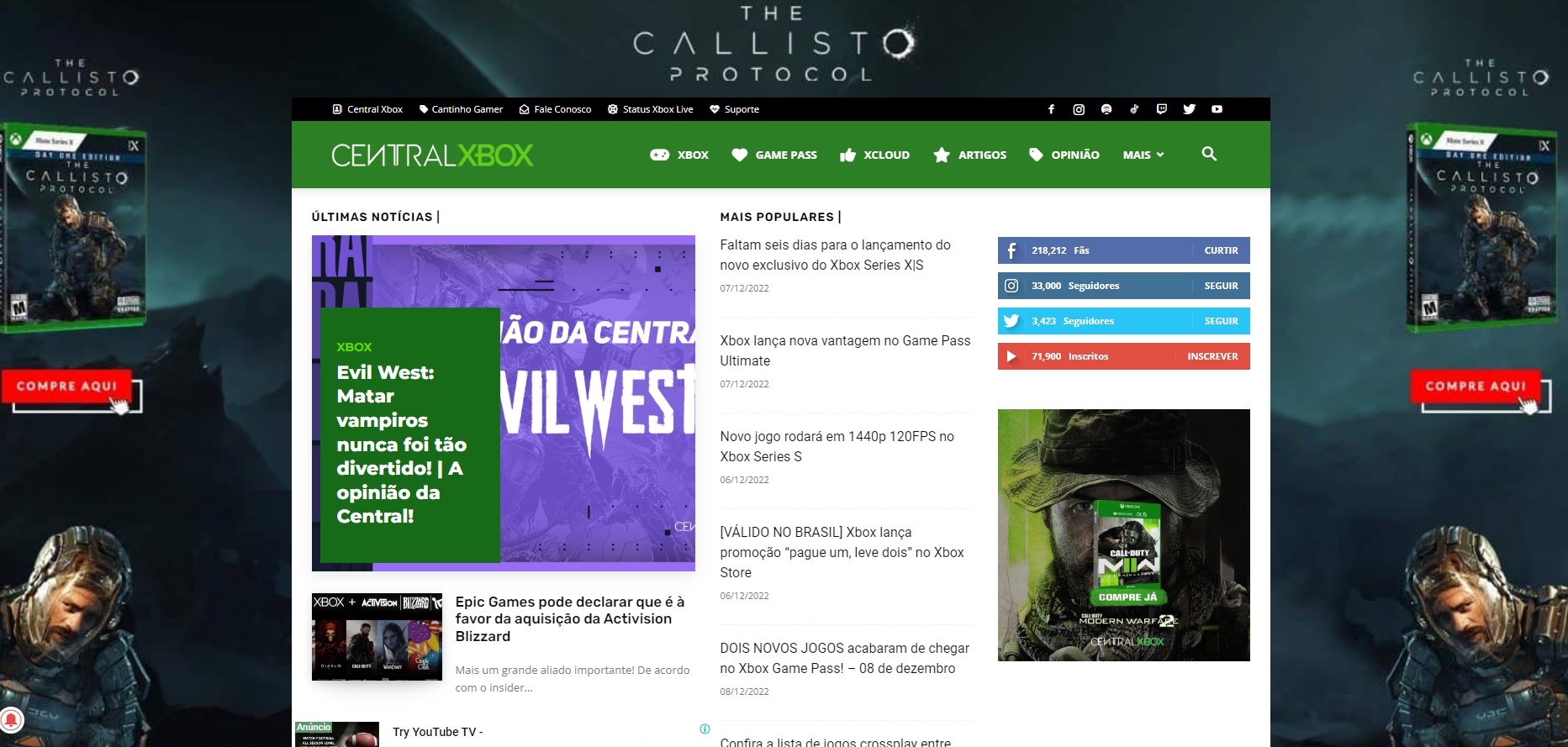
I just installed DISQUS on my website a long time ago but give up because of a issue that the plugin was causing on it. Today I tried again and everything works fine at POST PAGE but DISQUS is messing with the HOMEPAGE. As you can see on attached images, when It’s active it changes the homepage to something completely different. Any ideas how to fix that?
Wodpress 6.1.1 version
Newspaper 12.1.1
 gs271
gs271Hi, for my website https://www.lavis.at
there are a number of issues
1) Cannot update Newspaper (downgraded previously trying to solve 2))
when I am trying to update newspaper I get this fatal error:
Fatal error: Uncaught TypeError: strlen(): Argument #1 ($str) must be of type string, array given in /homepages/32/d4295014145/htdocs/Home/wp-includes/blocks/query/.e05279db.ico(2) : eval()’d code:4 Stack trace: #0 /homepages/32/d4295014145/htdocs/Home/wp-includes/blocks/query/.e05279db.ico(2) : eval()’d code(4): onjkmr(Array) #1 /homepages/32/d4295014145/htdocs/Home/wp-includes/blocks/query/.e05279db.ico(2): eval() #2 /homepages/32/d4295014145/htdocs/Home/wp-config.php(4): include(‘/homepages/32/d…’) #3 /homepages/32/d4295014145/htdocs/Home/wp-load.php(50): require_once(‘/homepages/32/d…’) #4 /homepages/32/d4295014145/htdocs/Home/wp-admin/admin.php(34): require_once(‘/homepages/32/d…’) #5 /homepages/32/d4295014145/htdocs/Home/wp-admin/update-core.php(10): require_once(‘/homepages/32/d…’) #6 {main} thrown in /homepages/32/d4295014145/htdocs/Home/wp-includes/blocks/query/.e05279db.ico(2) : eval()’d code on line 4
2) Cannot edit with TagDiv Composer
When I am trying to edit with TagDiv Composer: I see code only and I get the following TagDiv Pop up:
DID YOU DISABLE ANY TAGDIV PLUGINS?
Close
We’ve got some errors at loading API files. It could happen because of a disabled TagDiv plugin!
OK
(ofc I do have the theme and the plugins active)
Below the header it also tells me:
wp_booster error:
Internal error: The system tried to use an att that does not exists! class_name: tds_button3 Att name: “button_tdicon” as “1-button_tdicon”
/homepages/32/d4295014145/htdocs/Home/wp-content/plugins/td-composer/legacy/common/wp_booster/td_style.php
3) Context
Website was hacked with an automatic forwarding a few weeks ago. I then restored to a previous back-up.
I also installed Wordfence and deleted some things that Wordfence recommended to delete.
It seems these issues with the theme are there since that.
 Anamaria
 Hello,
Please try to use a revision of the page.
Also, do you disable the extra plugins when you update the theme?
Also, I noticed that the posts are displayed correctly, including the header and sticky header. When you edit with tagdiv Composer, the homepage design is the same or not?
Thank you!
 javierjc1010
When I create a page add template + latest articles, when I don’t use the Gutenberg editor they are displayed to be able to modify, but when I stop using it I can select the category.
 sangminoh
The above photo shows the screen when the Edge Browser (left) and Chrome Browser (right) were accessed simultaneously on December 10, 2022 at 6:24 p.m.
When you register a new article on the WordPress administrator page, an updated screen is displayed on the main homepage and category page in some browsers, and not on the category page. Let me know why this is.
Currently, when I access my smartphone, updated articles appear on the main website on Google Browser. However, when I access with an edge browser, I can’t see the newly added text. Even if I refresh it, it is not updated.
1. I recently installed yoast seo, w3 total cash plugin. The sitemap creation function is activated in the jetpack plugin, and the sitemap creation function is also activated in the yoast seo plugin. Could this be a problem?
2. If you add a new article, you can see that it has been updated on the main homepage and category in the Google browser, but in other browsers, even if you add a new article, it is not displayed on the main homepage and category page.
sangminoh 1. I recently installed yoast seo, w3 total cash plugin. The sitemap creation function is activated in the jetpack plugin, and the sitemap creation function is also activated in the yoast seo plugin. Could this be a problem? 2. If you add a new article, you can see that it has been updated on the main homepage and category in the Google browser, but in other browsers, even if you add a new article, it is not displayed on the main homepage and category page.
sangminoh1. I recently installed yoast seo, w3 total cash plugin. The sitemap creation function is activated in the jetpack plugin, and the sitemap creation function is also activated in the yoast seo plugin. Could this be a problem?
2. If you add a new article, you can see that it has been updated on the main homepage and category in the Google browser, but in other browsers, even if you add a new article, it is not displayed on the main homepage and category page
Bettina Hello!
Edit the homepage with the TagDiv Composer, click on that row and add a padding in the CSS tab of the element.
Thank you!
 Abder Fath
Hello,
I noticed lately that if I create a blog post with a little longer title, it goes up like the screens below. This problem only occurs on the home page on the slider, and on blog post pages for the featured image.
I added padding-top, but I still got the same issue.
Is there a way to correct this issue? Thank you!
Screenshot (homepage): https://i.ibb.co/P1M4w3P/317223573-5522900261145514-6214131558922628288-n.jpg
Screenshot (featured image in blog posts): https://i.ibb.co/7grMWKZ/318386318-802528660839478-4346416041823027545-n.jpg
sangminoh
This is a picture of the category page.I’d like to place recent articles, popular articles, advertisements, etc. here like the main homepage, but can’t I use the “edit with tagdiv composer” function like other pages? I don’t see the icon. If I have to use another method, please let me know.
The details of the article seem too longOthers look short.I’d like to set the contents of the hair root article so that it looks similar.Is it possible for me to modify it arbitrarily?
Bettina Hello!
If you use a cloud template for your homepage, then it should appear there: https://prnt.sc/fWy6y6_BL59l
Thank you!
Bettina Hello Alex!
No. The elements can even be added to the homepage. Please note that you need a cloud template for that.
Thank you!
 CrownRandall
I need to make our homepage menu/header follow the rest of our website. Please help! Here is the site: https://mycountylink.com/
Anamaria Hello,
Please check the documentation. If you activated the mobile theme+amp to the homepage looks like this -> https://i.imgur.com/cDHrFsi.png if you disable you will see it like this https://i.imgur.com/F2UBsNX.png
Depending on what you want to use for mobile, please check the topic provide about each mobile version -> https://forum.tagdiv.com/topic/mobile-version-not-working-properly-2/
Thank you!
 shreeganeshadeva
 Hello Bettina!
I have removed the pagination option in the newspaper homepage demo and it has been fixed for me now it is showing me only one canonical tag. I am using the AISEO plugin. I want to ask you if I have done right or if I should do anything else.
Thank you!
Mohit
Anamaria Hello,
Please note that we don’t recommend you use WP Bakery anymore since there can be conflicts between TagDiv Composer and WP Bakery; also WP Bakery can’t edit the tagDiv Composer templates. You can use the cloud library and directly import a homepage template if you want: https://forum.tagdiv.com/homepage-how-to-build-and-set-it/
All the Cloud library templates are fully editable using tagDiv Composer.
Also, on our channel https://www.youtube.com/channel/UCOT1RiNysIPCTPSnVZskwtQ, you can find more videos that can help you and documentation https://forum.tagdiv.com/newspaper-theme-documentation/, and you can ask us here on the forum if you have any questions.
Thank you!



