
- NewspaperThe Newspaper Mobile Theme: Introduction
- NewspaperThe Mobile Theme
- NewspaperModules Builder in Newspaper Theme
- NewspaperFilters and sorting for taxonomies
- NewspaperHow to Add a Logo in Newspaper
- NewspaperBig Grid Flex Settings
- NewspaperHeader Builder
- NewspapertagDiv AMP Plugin Tutorial
- TutorialsFrom WPBakery to tagDiv Composer
- NewsmagSmart list ads
- NewspaperNewspaper theme documentation
- NewspaperBest Of Forums
- NewspaperCache plugin – install and configure
- NewsmagIntroduction
- NewsmagMain menu
- NewsmagLogo & Favicon
- NewsmagHeader ads
- NewsmagSmart sidebar
- NewsmagSharing buttons
- NewsmagCategory tag on modules/blocks
 Bogdan B.
 Hello,
I think you are referring to the head section of the mobile theme: https://www.screencast.com/t/wOvTpvExgZU
Thank you!
 lazdim
 Hi,
I have already changed the footer background URL image with HTTPS.
Unfortunately, this doesn’t change the protocol of the background image URL in .td-menu-background:before, .td-search-background:before and .white-popup-block:before classes. It is generated by the theme, in td_css_generator.php file ans, as a result, we get an none-found image:
.td-menu-background:before,
.td-search-background:before {
background: @mobile_gradient_one_mob;
background: -moz-linear-gradient(top, @mobile_gradient_one_mob 0%, @mobile_gradient_two_mob 100%);
background: -webkit-gradient(left top, left bottom, color-stop(0%, @mobile_gradient_one_mob), color-stop(100%, @mobile_gradient_two_mob));
background: -webkit-linear-gradient(top, @mobile_gradient_one_mob 0%, @mobile_gradient_two_mob 100%);
background: -o-linear-gradient(top, @mobile_gradient_one_mob 0%, @mobileu_gradient_two_mob 100%);
background: -ms-linear-gradient(top, @mobile_gradient_one_mob 0%, @mobile_gradient_two_mob 100%);
background: linear-gradient(to bottom, @mobile_gradient_one_mob 0%, @mobile_gradient_two_mob 100%);
filter: progid:DXImageTransform.Microsoft.gradient( startColorstr=’@mobile_gradient_one_mob’, endColorstr=’@mobile_gradient_two_mob’, GradientType=0 );
}
/* @login_background_image */
.white-popup-block:before {
background-image: url(‘@login_background_image’);
}
/* @login_background_repeat */
.white-popup-block:before {
background-repeat: @login_background_repeat;
}
/* @login_background_size */
.white-popup-block:before {
background-size: @login_background_size;
}
/* @login_background_position */
.white-popup-block:before {
background-position: @login_background_position;
}
/* @login_background_opacity */
.white-popup-block:before {
opacity: @login_background_opacity;
}
-
This reply was modified 8 years by
lazdim.
 bellendir
How to put comments immediately after the entry for the mobile theme?
Bogdan B. Hello,
Sorry but the mobile theme plugin has separate files than the main theme. it is a plugin. Modifications made to the main theme and the child theme will not affect the plugin.
Thanks.
Bogdan B. For the mobile theme you need to place the code in the mobile header file: https://www.screencast.com/t/DbaKKX8JxC
Thanks.
Bogdan B. Hello,
You cannot sped up just the mobile menu.
Please use this guide to increase your site loading speed: https://forum.tagdiv.com/how-to-make-the-site-faster/
Thank you!
 m2sahin
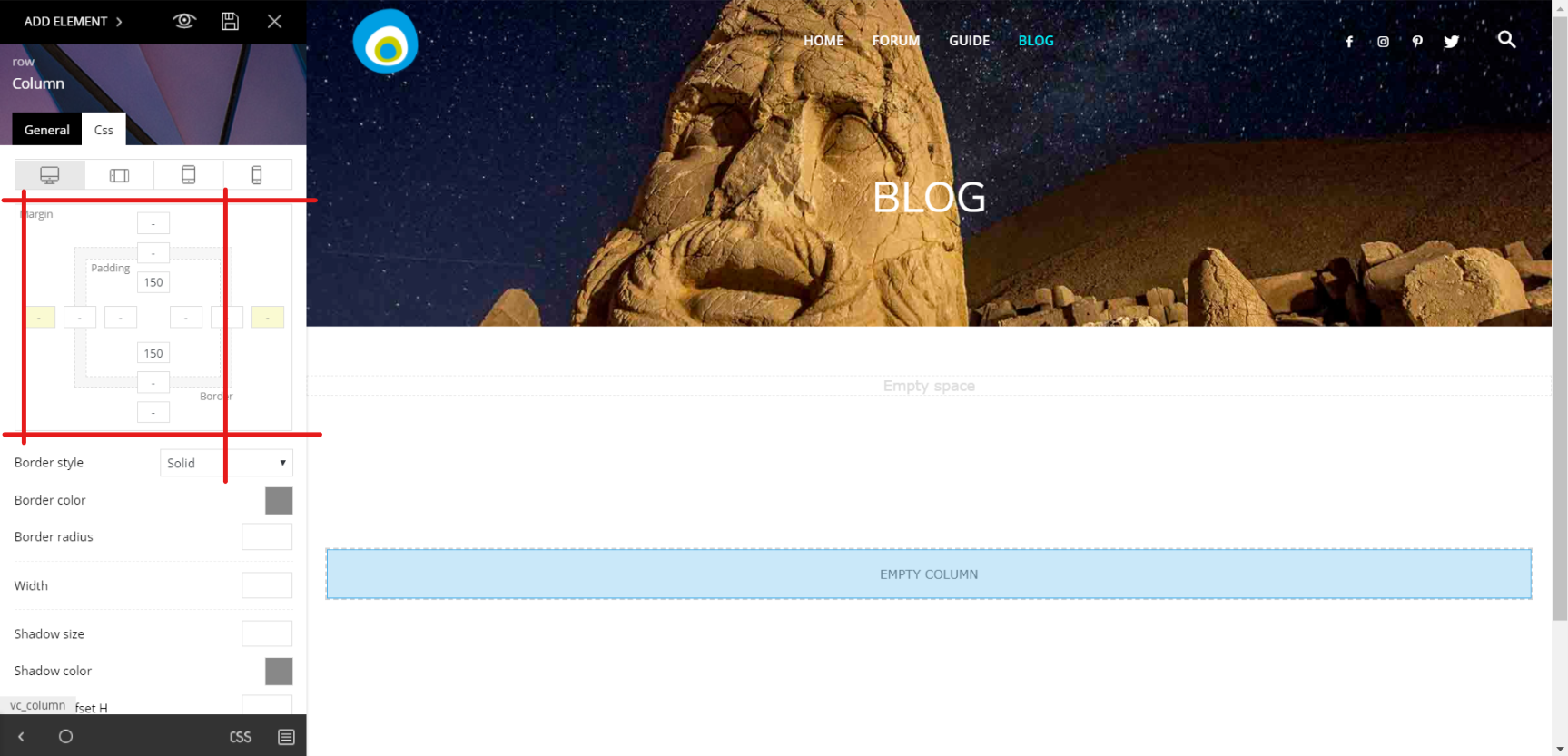
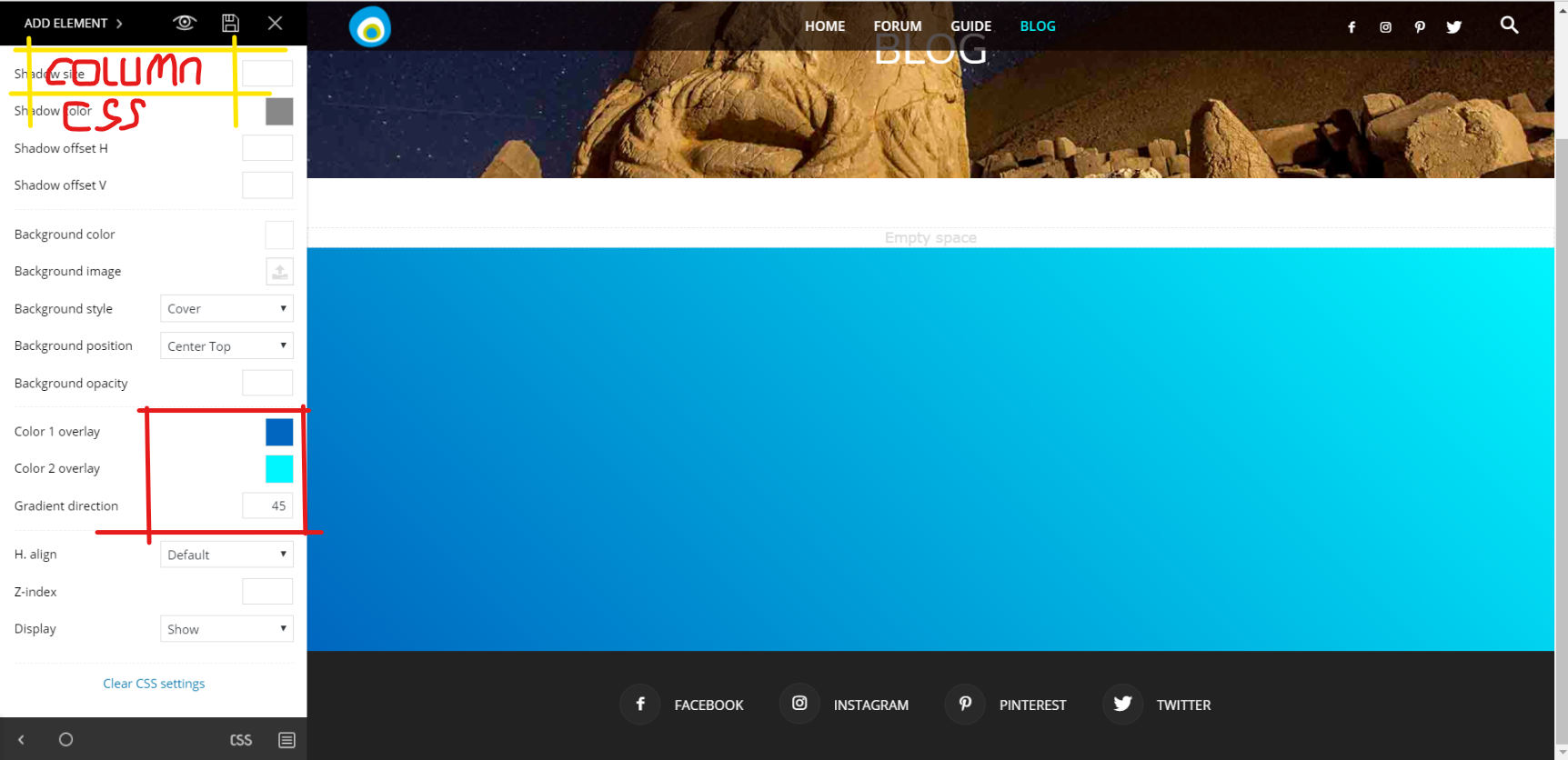
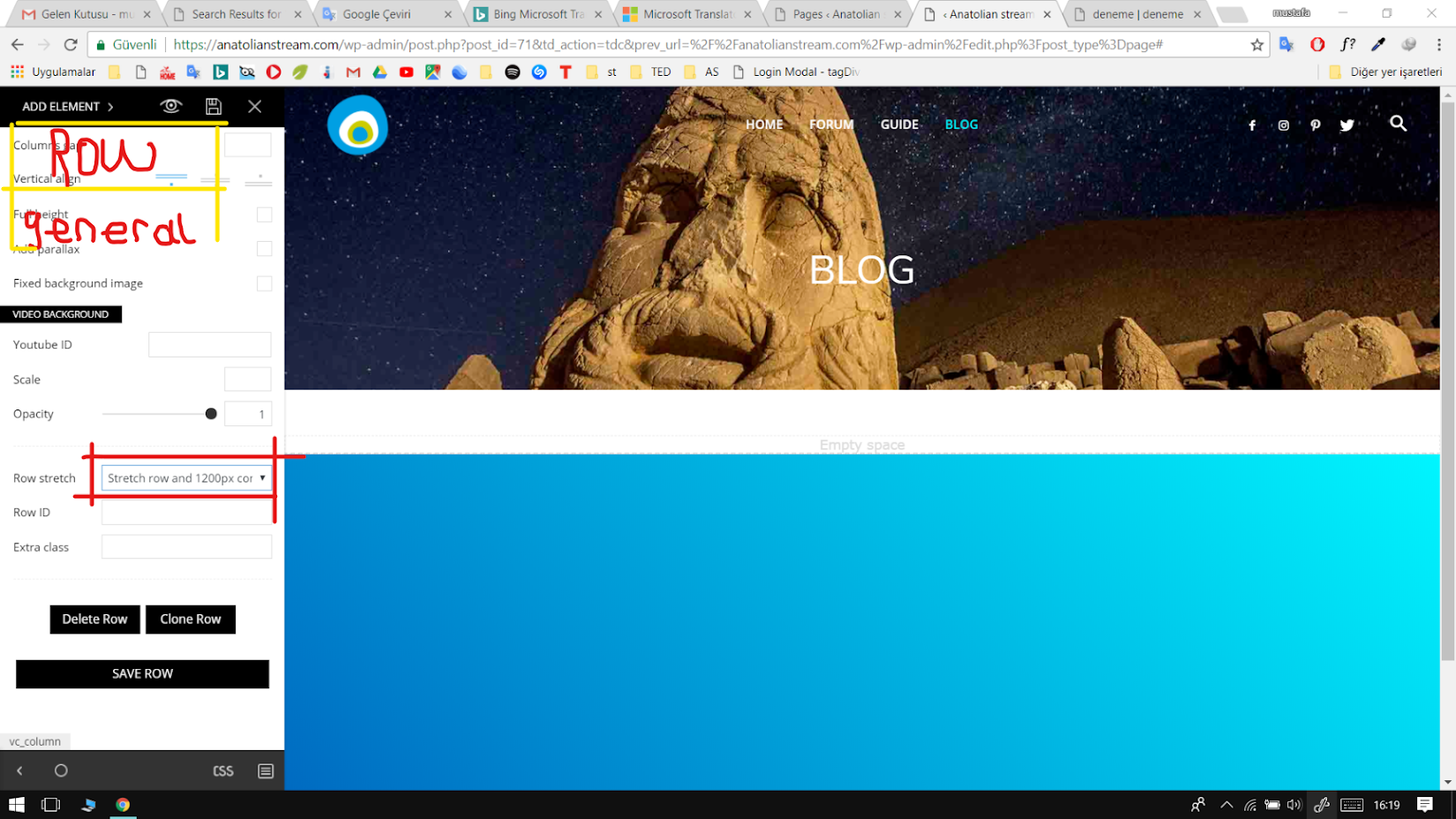
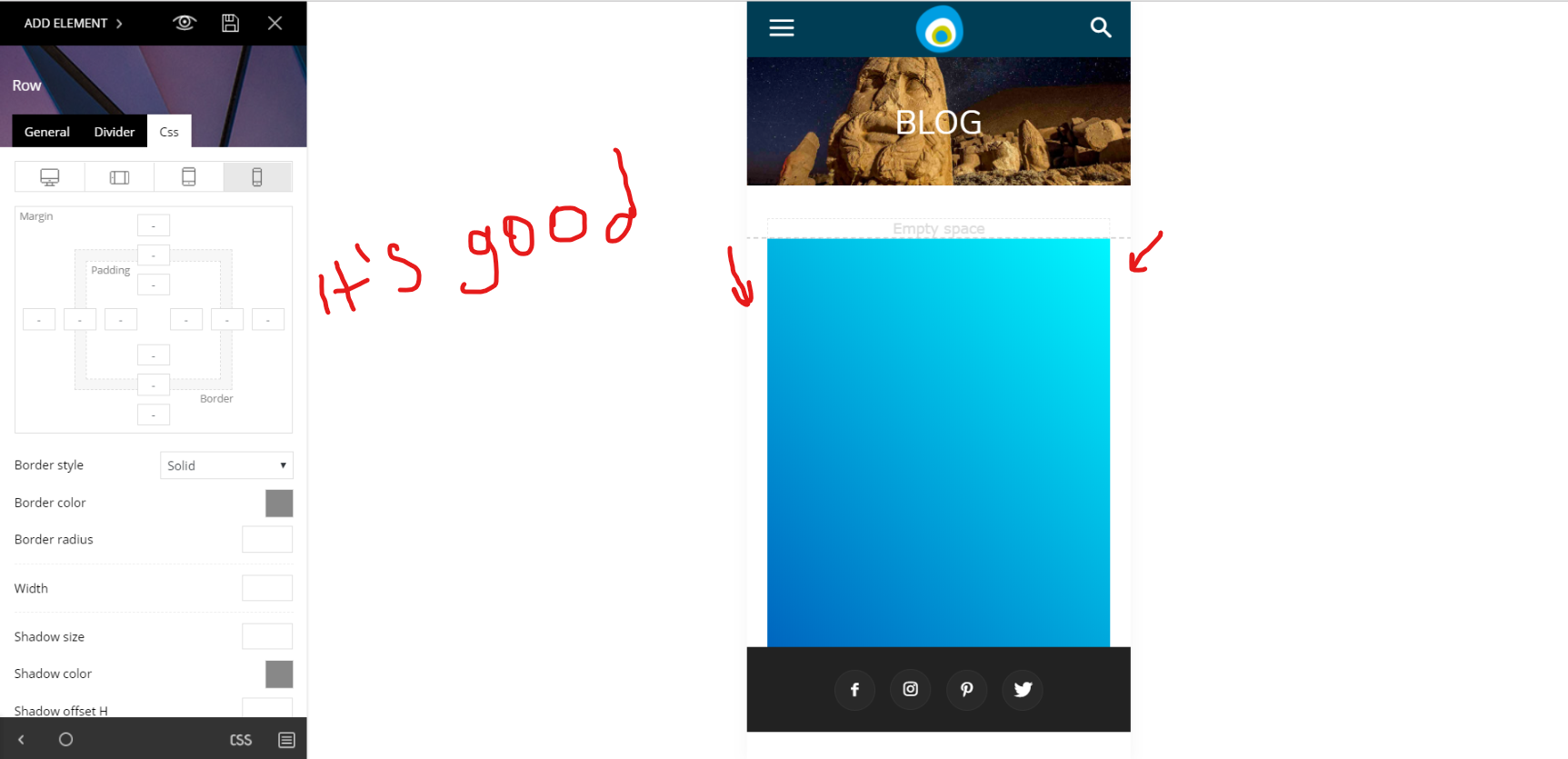
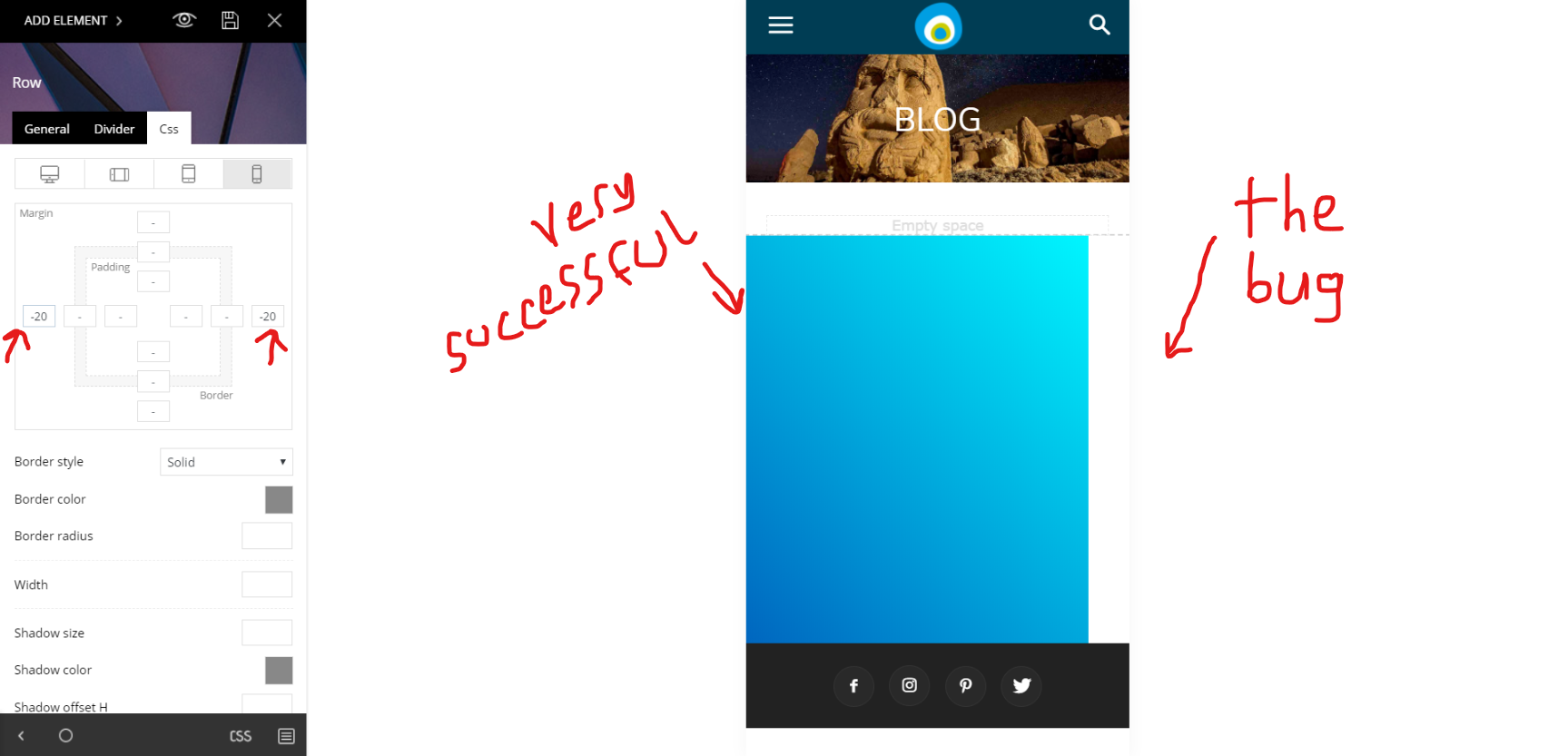
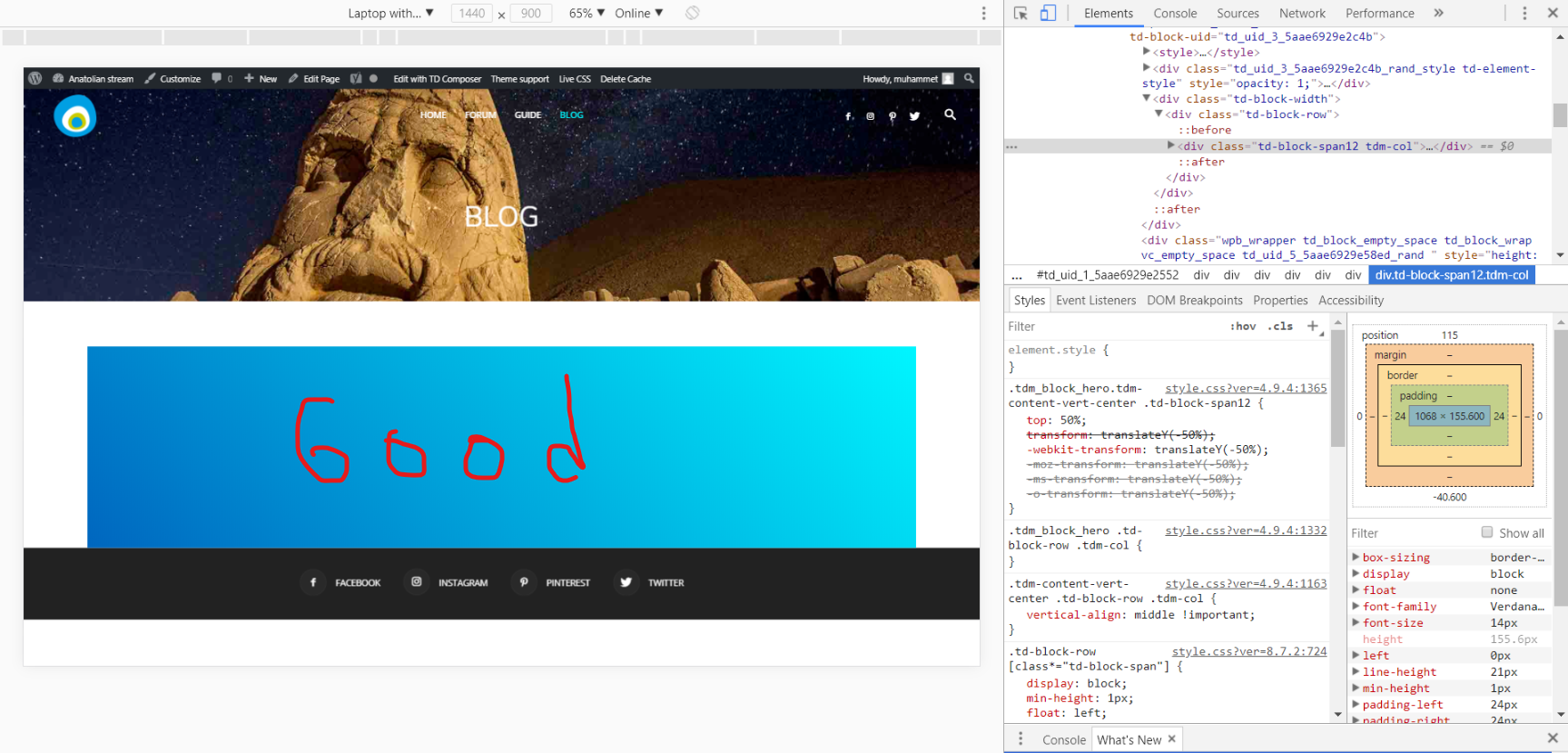
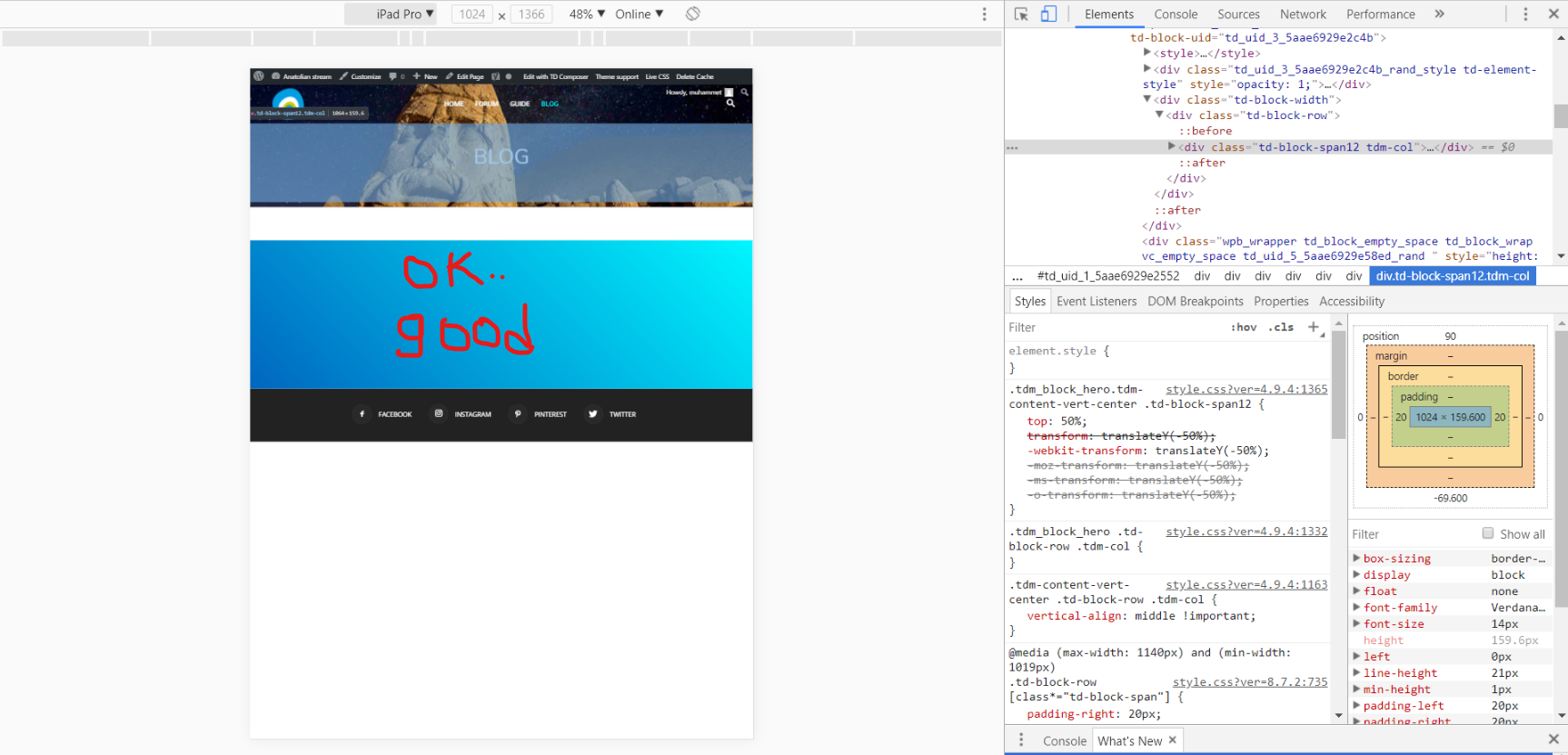
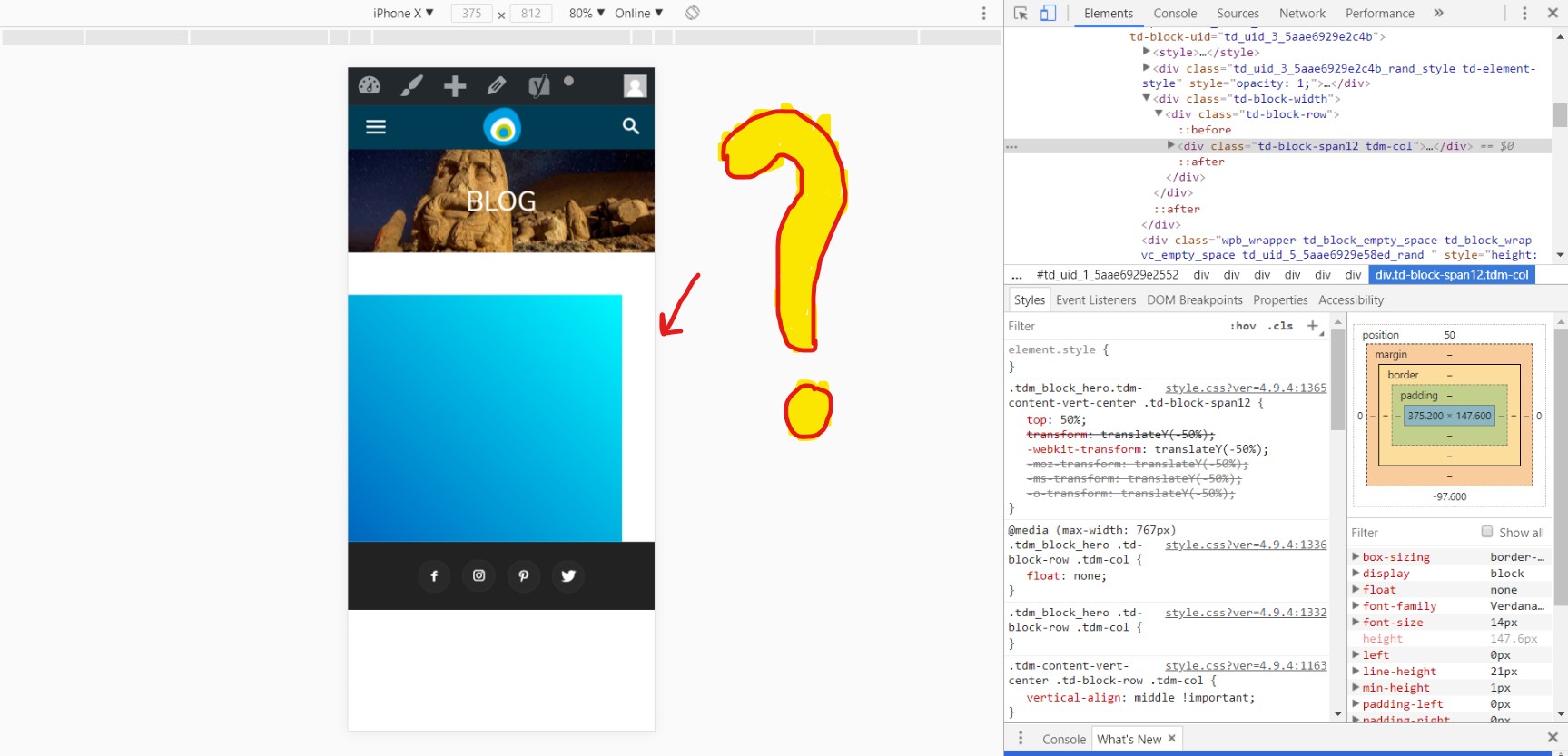
There is a problem. Waited for the theme to be updated. Updated but still the same problem continues. No margins are lost in mobile view.
1
2
3
4
5
6
7
8
 SORRY4U
Hello I have some issues using the mobiletheme without AMP plugin. Actually it looks like the devices don`t recognize the mobile theme, is working only the responsive theme.
Thanks
 bmobiled
Hello,
I have followed your instruction in this post https://forum.tagdiv.com/topic/how-to-insert-ads-between-posts-on-the-main-categories-and-in-the-archives/ for set up ads on category between posts every 4 posts. But I have selected the Infinite Loading + Load more pagination style and after the posts loads with ajax no ads load. Take a look here https://www.bmobiled.com/category/samsung/
Thanks in advance
 Pradeep Augustine
Hello,
I had written a tutorial to implement Google custom search in Newspaper theme at the URL https://www.getcooltricks.com/wordpress/google-cse-integration-to-newspaper-wordpress-theme/. Everything works fine. But the modification to the search form in the menu did not load custom search when the mobile plugin is active. I tried the child theme and it did not work. When I directly edited the file located in Newspaper> Mobile> parts> Search.php, the form seems to be working. Is there any workaround to have this modification using the child theme.
 flynewsgr
Hello,
I am desperate and I need your support.
I am the admin of a news portal.
I use Newsmag 4 with the Visual Composer.
I have disabled the caching plugins(that I installed using the tagdiv instructions),
and set the cloudflare free cdn in Pause mode.
When I new post is published, only in desktop pcs appears normally. On the mobile devices are displayed only previous
posts. When I clean everything on my mobile I see the new post.
Please advise.
 emmak
emmak perfect thanks will this show the ad in the mobile theme as well?
 redarmy
Hi,
I want to speed up to show mobile menu when click Hamburger button
PS. Just only mobile menu I need to speed up
Thank you
RED
 areim
areim Sorry, I forget about thoose are mobile apps 😛 Thank you.
 Catalin
 Hello areim,
There are visible only for mobile devices. Provide your website URL so I can take a closer look at it.
Thanks.
Catalin Hello,
I have checked your website on mobile and the images seem to works as expected, as you can see here -> https://www.screencast.com/t/xUdv2t6GD Where is the problem?
Thanks.
Catalin Hello stanisci,
You are using the Mobile Theme plugin and that’s why the sidebar does not appear. You should disable this plugin and the theme will be automatically switched to the General Responsive Mode layout.
Thanks for your understanding!
emmakIt needs to go in the header and I am also using the standalone mobile theme. Should I edit the theme files directly or is there a better way.
<script async=’async’ src=’https://www.googletagservices.com/tag/js/gpt.js’></script>
<script>
var googletag = googletag || {};
googletag.cmd = googletag.cmd || [];
</script>
<script>
googletag.cmd.push(function() {
googletag.defineSlot(‘/360007671/xx_dmpu’, [[300, 600], [300, 250]], ‘div-gpt-ad-1524001383878-0’).addService(googletag.pubads());
googletag.defineSlot(‘/360007671/xx_bb’, [[970, 250], [970, 90], [728, 90]], ‘div-gpt-ad-1524001383878-1’).addService(googletag.pubads());
googletag.defineSlot(‘/360007671/xx_mpu’, [300, 250], ‘div-gpt-ad-1524001383878-2’).addService(googletag.pubads());
googletag.pubads().enableSingleRequest();
googletag.enableServices();
});
</script>
 nurhandi
 Though on Mobile view?
 goyal308
Hello
I have been trying a lot but I am not able to sign in through the mobile website.
allaboutkiids.com
It just shows Loading for a very long time.
Also, I have installed the lug in – So I belive that should not be a problem to begin with.
Please suggest what to do.
 stanisci
Good afternoon, I would like to activate the sidebar of my theme on the mobile. It does not appear to mobile users.
Website: http://www.palmeirasonline.com
 easthulk
Hello
I have a question

In iphone,There have some “SOCIAL ICONS” .
I found all the button of “Theme panel”, still can not let it hide
What should I do?
Thanks
 anangpal
I sat link advert bellow title and bottom post. But it does not show 4 or 8 boxes on the desktop. on mobile, it works properly what is the problem?
Bogdan B. Hello,
This is because you use the mobile theme plugin. Please read this guide: https://forum.tagdiv.com/the-mobile-theme/
If you want to have the same content on desktop and mobile devices, please disable the mobile theme plugin.
Thank you!
Bogdan B. Hello,
It shows up on the standard responsive theme, but if you use the mobile theme plugin, you also need to place your code here: https://www.screencast.com/t/Ek7UDEup
Thank you!
