
- NewsmagPage templates
- NewsmagCategory templates
- NewsmagFooter templates
- NewsmagDefault post templates
- NewsmagPost templates
- NewsmagHomepage – How to build and set it
- NewsmagtagDiv Composer Tutorial
- NewsmagCustom Post Type Support
- NewsmagNewsmag documentation
- NewsmagHow to use the Visual Composer plugin
- NewsmagHeader styles
- NewsmagSmart sidebar
- NewsmagCategory grid styles
- NewsmagCategory top post styles
- NewsmagHow category settings work
- NewsmagFeatured images
 arunbabu
 to tagDiv
hi ,
I was able to bring it into 3 columns .but there is a side bar which pops even after switching off all the sidebars.also i want to footer but since i have loaded some template from element (tag -di page builder i have not able to set footer area. also kindly highlight how can i arrange categories in footer (all the different categories).
and also no ads are not getting displayed in amp version (home page ) of website .please suggest which is the besr version of mobile theme to install it keeping in mind of amp audience.
 Calin
Calin Hi,
If you are using a pro demo or a single post template from tagDiv Cloud Library, then you need o set the inline ads using tagDiv Composer -> https://www.youtube.com/watch?v=biTpVVlr8j8
If this is a default post style, then you can set the ads as in our guide from here -> https://forum.tagdiv.com/post-template-ads/
Hope this will help you!
Calin Hi Hispanic L.A.,
In order to have all these default parameters for standard templates you need to make sure that you have enable all the theme plugins (in special tagDiv Standard Pack) -> https://i.imgur.com/pAGCJvu.png then these options will be back -> https://i.imgur.com/ZBHlsKx.png -> and the like button can be removed from here -> https://i.imgur.com/RNPylgi.png
Also if you are using a pro demo, this is using cloud templates, these can be edited with tagDiv Composer and you can add or remove the element you do not want (you can use the right click to remove the elements or you can use the drag and drop).
Hope this will help you!
Thank you!
 Azmarine
https://i.imgur.com/5DZFB98.png
this page is taking ages, and never loading…
I literally left the page for an hour, re updated downloaded the theme having the same problem.
 Roularta
Hi there,
I have another problem using the Newspaper ‘Cloud Templates’. I’ve created a plain category template which have 2 different ‘posts loop’ items. They are divorced by a ‘Call to action’.
In the first Posts Loop, I’ve set the ‘Limit post number’ to 1.
In the second Posts Loop, I’ve set the ‘Limit post number’ to 8 with an offset of 1.
Strange enough, both Posts Loops on the front-end only shows 1 post.
How can I fix this please?
Calin Hi,
The footer cloud template can be edited, but it must be set on a page or cloud template in order to be able to edit it, this was the way made by our developers, normal we all think that it should work as a normal template, but is look that the footer template has some elements that can be edited only when it is assigned on a page or cloud. This is the only way that it can be edited after you download it from cloud library -> https://i.imgur.com/K1YzW76.png
Thank you!
 EdWest
 Thanks for the reponse, that did work however the site looks nothing like the demo. Even after tweaking the settings I cant get this home page layout to look like Clear Voice.
Have set the Home page to “posts” but the template options, none look like Clear Voice when applied.
https://thewestsider.com.au/snaps/clearview.JPG
https://thewestsider.com.au/snaps/thewestsider.JPG
 Hispanic L.A.
My site is https://hispanicla.com
After updating to Newspaper 10.xx, I want to make changes to the post template I have from 9.5.
Specifically and as an example: in each of my posts there is a Likes counter below the Title and the byline and above the main image. I want to remove it.
Changing Cloud Templates -> All Templates -> Single Template–tagDiv does not change the default post. And it looks completely different from my default post.
According to this article in your site: https://forum.tagdiv.com/design-post-pages-using-default-templates/
The way to go is: Newspaper -> Theme Panel -> Post Settings -> Post and Custom Post Types
This should lead to about 10 parameters that can be changed (even though “Show likes” is not one of them).
The problem is: that corresponds to Newspaper 8.0 (just looking at the image).
In Newspaper 10.xx there are no parameters that can be changed, when I go to Theme Panel -> Post setting -> Default Post Template (site wide) there are just two images, one says Default and if hovered “Single Template” and the other is “Single Template tag_div” and “Custom”.
So here are three questions: How to change the existing post template? Where are all the 10 or so parameters from a previous Version. And, how to remove the Likes counter?
Thank you!
 stuartfurniss
When i try to edit my homepage using the TagDiv Composer option the page freezes and i have to close out of the browser window to continue.
I then receive an error message email that reads:
An error of type E_ERROR was caused in line 491 of the file /home1/footbbt6/public_html/wp-content/plugins/td-composer/includes/templates/frontend.tpl.php. Error message: Allowed memory size of 268435456 bytes exhausted (tried to allocate 28385280 bytes)
How do i resolve this ?
 Jackmco
I enabled specific category templates in my theme panel, but the pages do not display those templates
 Hofrey2
Hi,
I’m using tag div composer to create a series of new pages for our websites. A problem I’ve encountered – for which I need some help…
When I select an element (for example Hero or a single image, inline image, etc.) and want to replace the standard image in the template, I get an error message…. which states ‘Render failed – no image selected’.
I’ve followed the following procedure:
Open new page
Go to edit with TD composer
Add element (Does not matter which element; see above)
Remove standard picture
Click on the picture icon to upload a new picture from the gallery
Select picture from the gallery
Save page
Then an error message appears – “Render failed – no image selected”
I’ve also tried with URL; but both options failed.
I’m not sure why this process does not work anymore – until yesterday moring it worked without any problems. It stopped working on Monday afternoon.
Can someone help me?
Thanks.
 xrelmate
 Dear Calin,
Maybe you are right. I am sorry for the frustration.
Could you please tell me how can I change the header style in TagDiv. As following your previous steps regarding the streching of the menu did not work.
https://photos.app.goo.gl/M1osUFtsoUPDbTRM7
For some reason when I hover over the menu and try to select the “row” it marks the entire header not the menu as shown in the screenshot you sent me in your first comment.
Please see in the image below, how I change the menu stretching (by just selecting the header style in the theme panel and it results in stretched menu without stretching the content)
https://photos.app.goo.gl/qPPbPknDfiXvm8ha8
Last but not least, is there a video about tag div and how the cloud templates are working? I saw some but they were vague and in your support page, in the divtag tutorials, the content is about specific features, that are not relating to my strugles.
-
This reply was modified 6 years by
xrelmate.
RoulartaHi There,
I have a big problem while creating blank template files with tagDiv composer. I’ve created a custom header, a custom footer, a custom category and a custom 404 (needed to do changes to my footer).
Header problem
I want to adjust the column widths of my header rows.
In my upper menu (black top menu), I’ve set the layout to a 9-3 columns width:
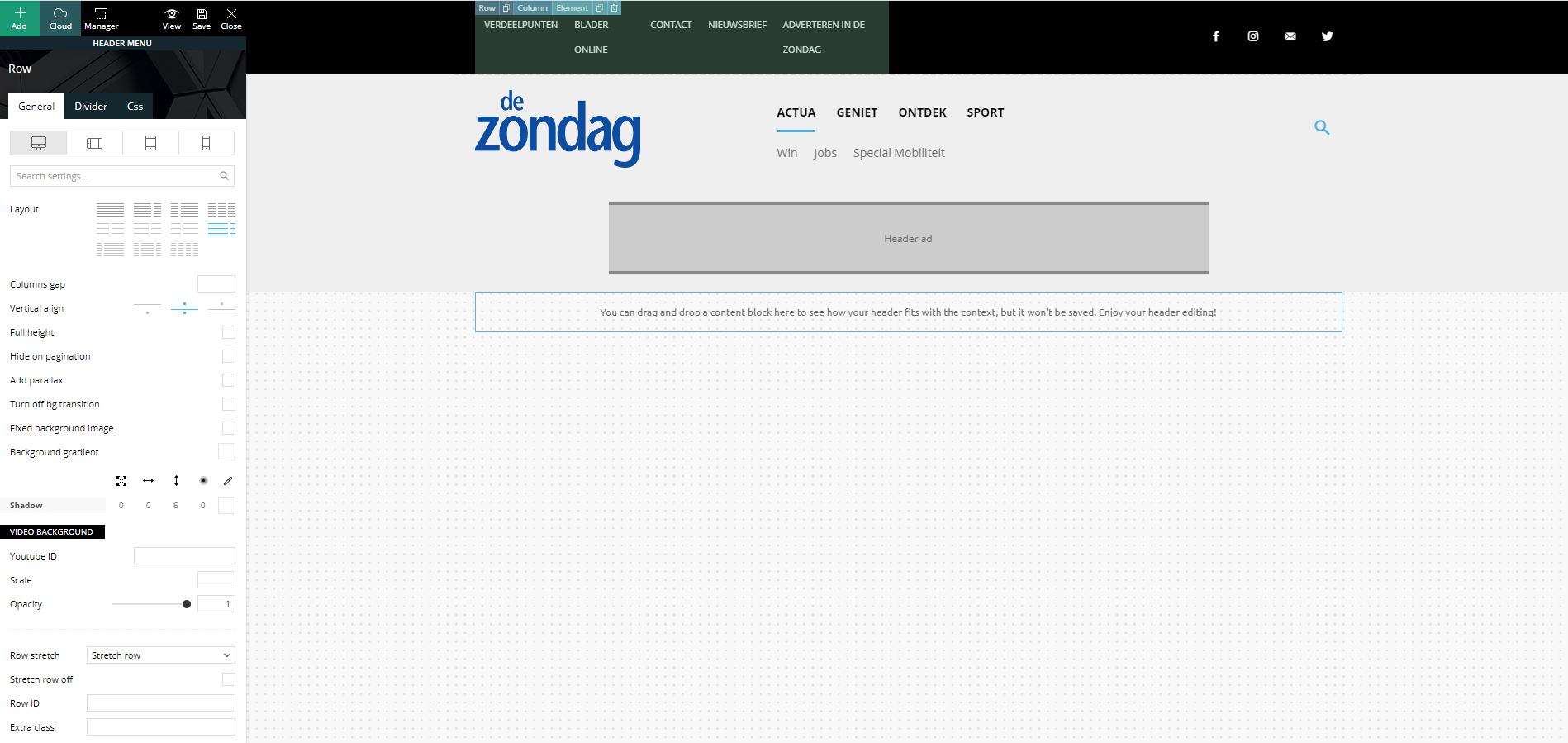
Strange but true, in the preview screen it shows a columns width of 6-6. I’m not able to change this (anymore)…
In my main menu, I’ve set the layout to a 3-6-3 columns width:
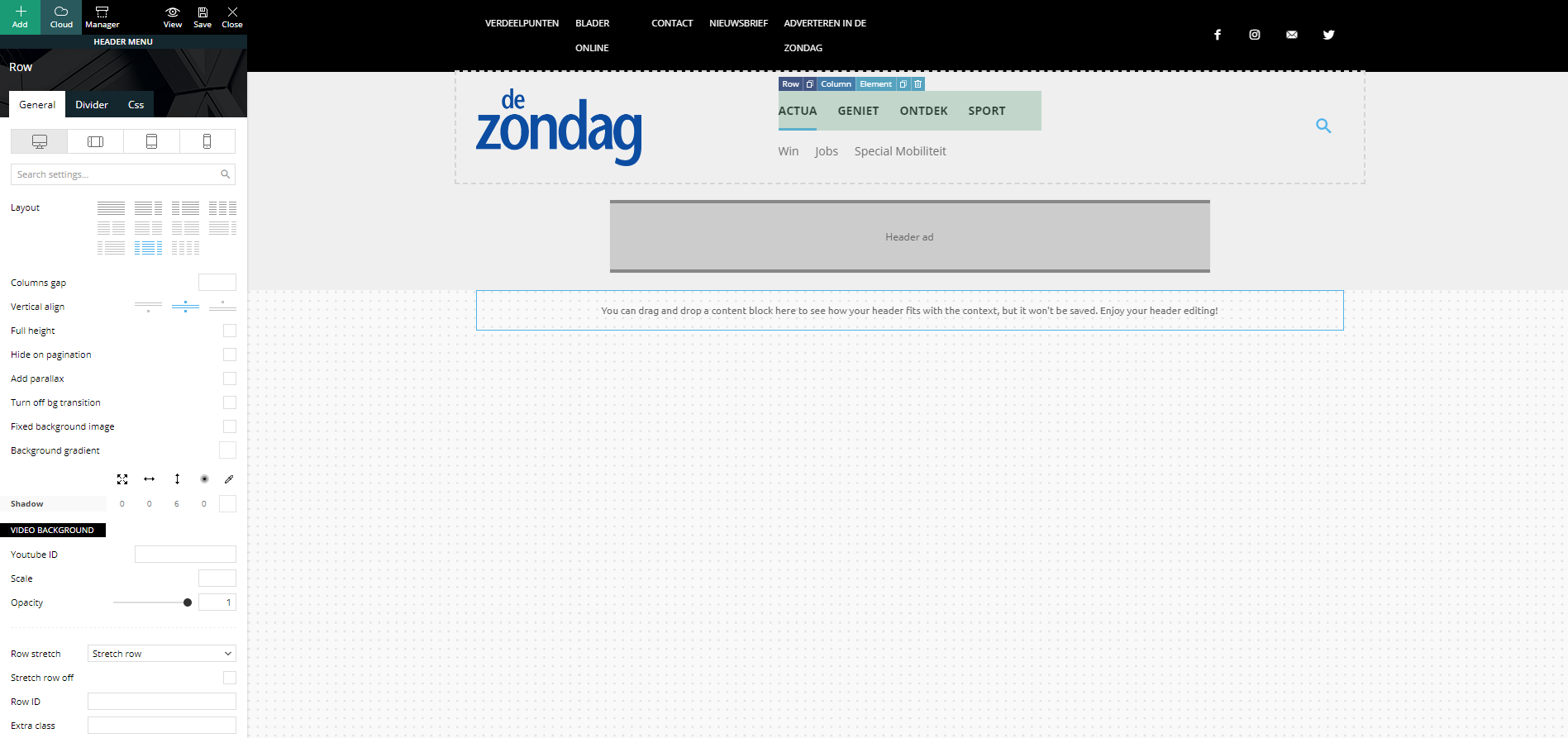
Strange but true, in the preview screen it shows a columns width of 4-4-4. I’m not able to change this (anymore)…
Footer problem
Same strange issues with my footer. Here I’ve set my footer columns (dark gray stroke) to a 4-4-4 width:
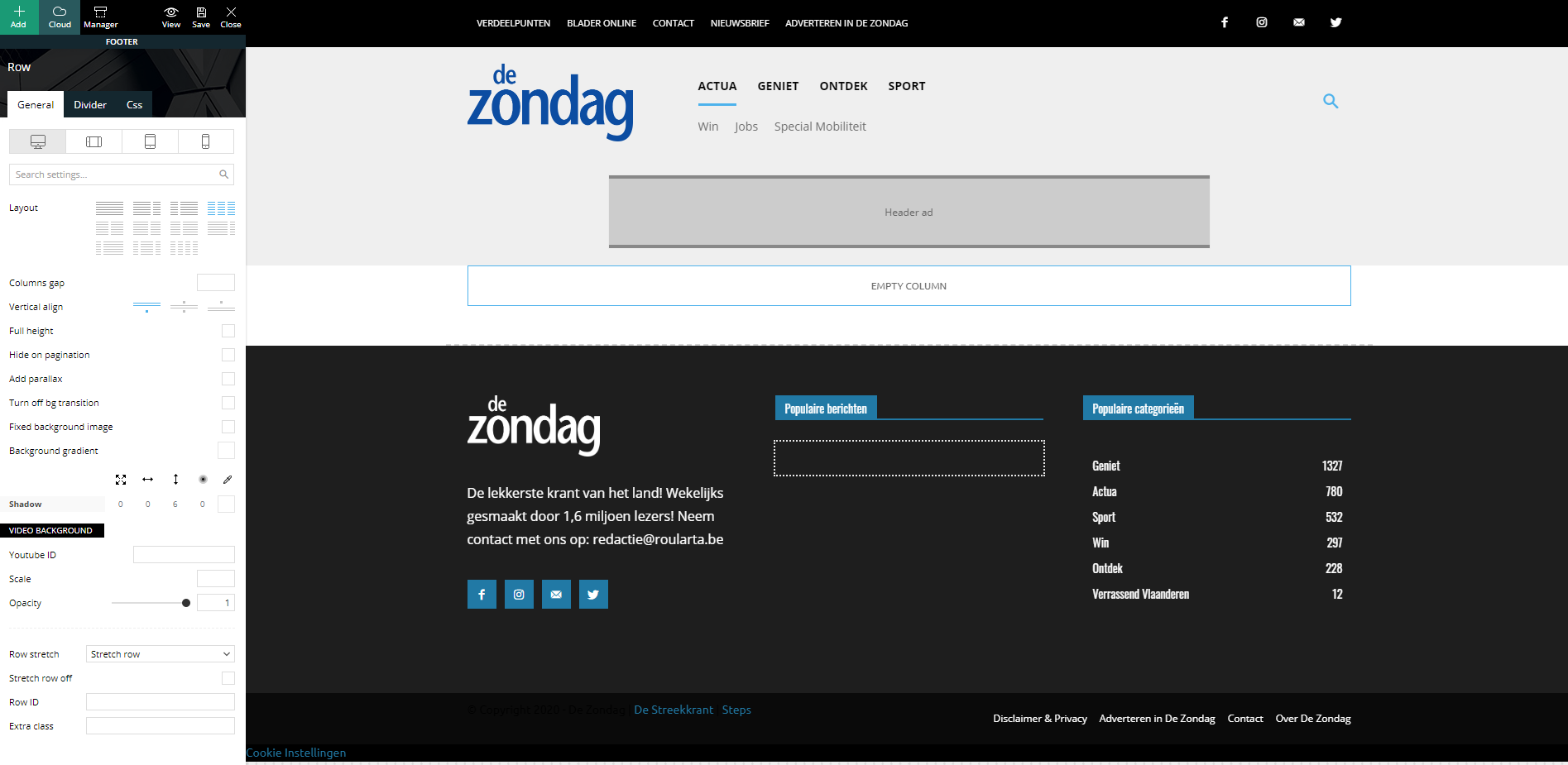
When I check my website, all columns are changed to a width of 12 and they are stacked under each other:
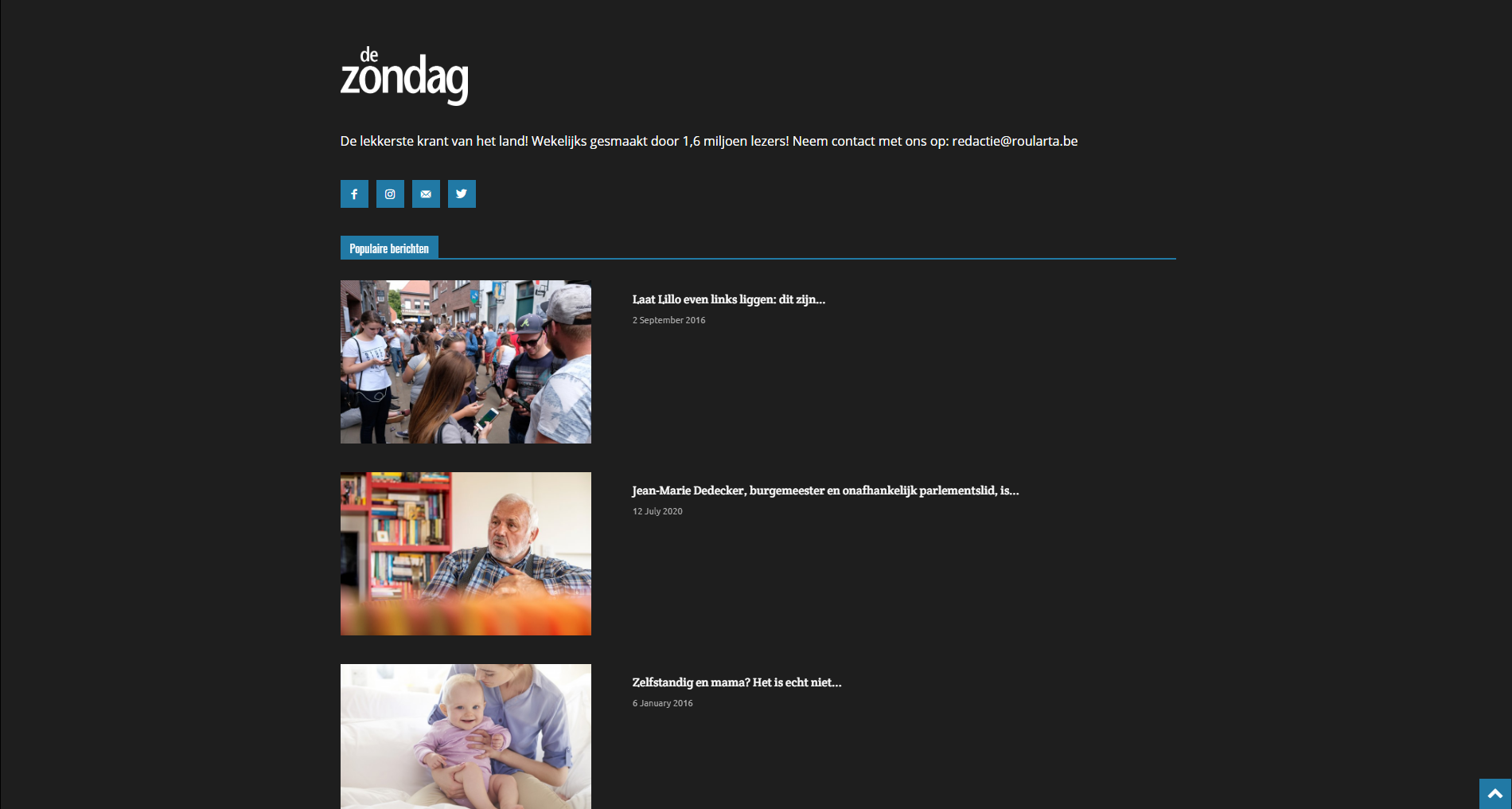
I have identical problems with my custom category pages.
Can you guide me how I can fix this please?
Kind regards,
Sam Clauw
Calin Hi xrelmate,
The ctrl + z option can be use only if you made some changes in that page/template you saved the settings, but you do not close the composer, then you can use the undo and redo.
Also our Newspaper theme is a complex one, you can achieve almost everything, but for this you need to lean how to use it and how cloud templates and tagDiv Composer are working.
If you want you can send us an email at contact@tagdiv.com and provide admin login and the problems you are facing with our theme. We will take a look. Include a link to this topic in the email.
Thank you for your understanding and sorry for the inconvenience!
Calin Hi xrelmate,
We are sorry for the bad experience that you had with our theme!
Usually there should be no problems with our theme to change the templates without making any changes from theme panel or pages/templates or change the demo you have installed.
We try to answer to as many questions and problem we can in support hours, we are sorry that most of the time we can provide one or maybe two reply for the same user, sorry!
Also fr a better performance using our theme we recommend to set the theme requirements as in our guide from here -> https://forum.tagdiv.com/requirements-for-newspaper/ also you can check this topic for a better optimization of your website -> https://forum.tagdiv.com/topic/my-website-is-damn-slow/
As for the website custimization, if you are using a standard demo then you can use the options from theme panned to add/remove elements from your website. If you are using a pro demo you need to use tagDiv Composer to can edit the cloud templates.
We can provide a refund if you are not satisfied with the theme, you can request it here
– https://themeforest.net/refund_requests/new
Thank you for your understanding and sorry for the inconvenience!
Calin Hi,
I see that now, after you installed all theme plugins the articles are displaying -> https://i.imgur.com/KCfWH2G.jpg and the website is work -> https://i.imgur.com/f7WCpFG.png, and display properly.
Now you can edit the pages using tagDiv Composer and for standard templates you can use the settings from theme panel.
If there i still a problem let me know!
Thank you!
Calin Hi,
You can translate/change that text using the translate section from theme panel ->https://i.imgur.com/9dzLVE5.png -> https://i.imgur.com/25ukGfO.png also if is a single post template from tagDiv Cloud Library, you can edit it’s layout using tagDiv Composer -> https://i.imgur.com/NLvoNR1.png
Hope this will help you!
Calin Hi xrelmate, if the options for these are missing from theme panel, then you are using cloud templates or a pro demo, this can be edited using tagDiv Composer and you can use the right click to remove the element you do not need -> https://i.imgur.com/LhIMoPZ.png
Also to can stretch the menu on full width, you need to make sure that this one is not set in the row that is holding the entire header and stretch it like this ->? https://i.imgur.com/I9f2Q8e.png -> https://i.imgur.com/LOEiVG5.png
Hope this will help you!
Calin Hi ladof,
What you can do is to use the options from here -> https://i.imgur.com/SKx2eM1.png
Also please note that we recommend to use only one post loop per page/template if you want to use more we recommend to use flex blocks -> https://i.imgur.com/3vdxGSB.png
Also on pages you can use the option for unique articles -> https://forum.tagdiv.com/unique-articles/
Thank you!
Calin Hi,
Normal if you are using only standard demos, then the footer that you have set on homepage should be the same for the entire website, only using cloud templates you can set different footers per pages/templates.
What you can do is to make a test and let only theme plugins enable (tagDiv Plugins), comment the css and make sure that you clear the browser cache after that check again.
Let me know the results!
 Vlad S
 Hello !
Please note that all the PRO Demos and Cloud Library templates are fully editable using tagDiv Composer. By opening Composer on your page you will be able to simply right-click and remove the unwanted elements: https://www.screencast.com/t/k6LavjV6DXki
Thank you !
Calin Hi findlay,
If you are using a standard demo, with standard templates you can remove the dates using the settings from theme panel -> https://i.imgur.com/kj722w3.png -> https://i.imgur.com/fcMQ7mm.png
If you are using a pro demo with cloud templates, then you can edit them using tagDiv Composer and use the right click to remove the dates from cloud templates -> https://i.imgur.com/JBBqzjC.png -> https://i.imgur.com/roJgDtd.png
Hope this will help you!
Let me know the results!
Calin Hi Candy Liu,
If the template has all the elements on full row then it can be from a plugin conflict.
The pro demos are made using tagDiv Composer and cloud templates from tagDiv Cloud Library, this can be edit only with tagDiv Composer, if you have WP Bakery enable the cloud templates will not work correctly, therefore please check the plugins you have activate and let only tagDiv plugins enable, after that check again the cloud template.
If there is still a problem, please provide me a link where I can inspect it, in this way I will be able to provide a better solution.
Thank you!
Calin Hi arunbabu,
So if I understand correctly, you’ll like to have 3-4 columns with 10 posts each one, and from what I can see you are using now as homepage the blog, for this you can achieve 3 column by setting in theme panel > templates settings > blog no sidebar and choose a layout that has 2 columns (when is set no sidebar it will be add another column), after that in Settings > Reading set the number of posts you’ll like to display -> https://i.imgur.com/CWaVSXr.png the results will be like this -> https://i.imgur.com/Q47je31.png
Also to see the featured image on mobile devices you need to enable the small thumbs from theme panel -> https://i.imgur.com/ZiFXCGw.png -> https://i.imgur.com/85C1GyE.png also you can try the mobile theme plugin -> https://forum.tagdiv.com/the-mobile-theme/
Thank you!
Calin Hi Topy, as I see now your website in is maintenance mode -> https://i.imgur.com/V1rsYKH.png but I think that you are referring to this option -> https://i.imgur.com/MPGsn9s.png if yes, then you need to check if you are using a single post template, this can be edited using tagDiv Composer like this -> https://i.imgur.com/rkhhZJo.png click on add and search for view post after that drag and drop it where you want to be display -> https://i.imgur.com/mIwzimx.png
If you are using a standard post template then you can enable/disable the SHOW POST VIEWS from theme panel -> https://i.imgur.com/E4vPY4b.png
Also the number of post views can be change manually inside of each post -> https://i.imgur.com/JQQQgPL.png -> https://i.imgur.com/mYk3eP7.png -> https://i.imgur.com/33ha2Go.png
Hope this will help you!



