
- NewspaperHow to update a plugin
- NewspaperHow to update the WPBakery Page Builder plugin
- NewspaperHow to Update the Newspaper Theme
- NewspaperSingle Post Excerpt
- NewspaperWP Rocket and Newspaper Theme: Optimization Guide
- NewspaperCredit System
- NewspaperHow to use the Bing Maps API
- NewspaperModules Builder in Newspaper Theme
- NewspaperCreate a frontend submission form
- NewspaperCustom Fields Support
- NewspaperFlex Block Settings Guide
- NewspapertagDiv Opt-In Builder
- NewspaperHow to use the YouTube API
- NewspaperDefault Category Settings
- NewspapertagDiv Composer Tutorial
- NewspaperHow to Set the Image Avatar
- NewspaperUnique Articles
- NewspaperFacebook Share
- NewspaperCache plugin – install and configure
- NewspaperFeatured Image, Video or Audio
 simchris
 Flash is not supported by most web browsers by default anymore, being an end of life product (https://blogs.adobe.com/conversations/2017/07/adobe-flash-update.html) and blocked by most modern ones, so should generally no longer be used — or start winding down if you have no choice “right now.”
What browser are you using, do you have Flash installed in browser, does your browser support Flash?
Theme has zero control over Flash content.
If you paste it into a post using the text editor, and it doesn’t work, it means something is wrong with what you’re entering, or your browser doesn’t suppport Flash playback.
( I don’t work here. Just feedback on the obvious possible issue. ) 🙂
simchris a) check your system status
b) you can’t edit a page built with ‘VC’ with ‘TDcomposer’ – you need to make new one
c) clear all caching
d) check for problems with plugins, like Yoast SEO has had bugs — two updates this month(!); try disabling plugins to see which might be causing issue
e) WordPress security update this week; always good to clear transients with WP-Optimize after update AND resave permalinks to clear all micro-caching
f) is using any ‘auto optimization’ plugins, these can break things — disable, or selectively disable minification options
Also note if something “suddenly stops working” it’s because “something” changed on your website. You need to stay on top of what you’re doing — e.g., if you have auto-updates for WP turned on, what got updated? Why? What changed? Did you keep copies of earlier version to roll back if plugin update actually has bug in it trying to fix prior bugs? (ahem, Yoast!).
Food for thought anyway.
 Simion C.
 Hi,
It is the latest version of Firefox, the browser is up to date
– https://www.screencast.com/t/EJK5uphyFP
I don’t think there are plans to implement a Newsletter option in the theme in coming updates. The best way would be to try and test some plugins, and choose the one you like.
Thanks
 ds.ellis
 Simion and Bogdan, you guys are fantastic. That last little bit has done the trick. It needs just a wee bit of tweaking but I think I can manage that myself, as you guys got the hard bits done. Thank you for putting up with my constant questioning. I’ll probably extend the service to 12 months rather than the default 6, as I’m impressed how much help we get, even though that’s a bit beyond what is meant to be done.
I’d suggest this sort of style as an additional post template in future updates. I’ve seen this style on a lot of sites and it does tend to look very impressive and modern.
Thanks for the help guys, much appreciated.
Simion C. Hi,
That would be possible but only in the sidebar. Each category can have it’s own sidebar set, in the Per category settings
– https://www.screencast.com/t/8wmyXbYXkZO
– https://forum.tagdiv.com/how-category-settings-work/
The ads entered in the header and footer sections for example, will be the same for all the website. At the moment there are no options for placing ads in the actual category page, in the theme.
This might change in a future theme update.
You could try the Adrotate plugin, this could have more advanced options for ad implementation, if these are required.
Thanks
Simion C. Hi,
There was a problem with the mobile theme functionality in the previous update. It is fixed in the currently available theme package.
This is a topic providing solutions for this issue
– https://forum.tagdiv.com/topic/mobile-tabs-not-loading/
Sorry for any inconvenience caused.
Thanks
 samuel
 Hi Simion,
Thank you for the reply. I guess the Mozilla I have on system might need a quick update check. If possible can you mention the Mozilla version you ran to give me some bearings.
In terms of the subscription option I am planning to check the ‘Newsletter Plugin’. Will try and post my results. Although my request to you would be add it as a part of the stock theme in your next update but that is completely your team’s call.
Thank You
Simion C. Hi,
When you update the theme , this automatically activates the tagDiv composer plugin
– https://forum.tagdiv.com/tagdiv-composer-tutorial/
This has a different functionality for the single image elements, than Visual composer. So the single images will be affected by both composers.
After making the update, go to the plugins section, and deactivate the tagDiv composer plugin. There should be no more issue with the single images.
Thanks
 neosagon
 Chris,
The auto wordpress update was fire and at another website with Newspaper but all is ok. All plugins was at the latest version.
Take a look: http://soccerplus.gr/
All works perfect
What can I do?
Why my website was broken?
It is related to the fact that the site is served under https?
Thank You!
Sotiris
simchris Auto update generally not great idea; but did you try since you should be doing a site backup PRIOR to any WP update (just as it says in the WP admin panel) — but try:
a) clear transients with wp-optimize
b) clear all caching
c) resave permalinks ?
Welcome to WordPress!
( I do a and c every time I update anything! )
 northbridge
Hi,
Maybe after wordpress auto update to 4.8.2, all pages that have built with TD is blank.
If edit with TD get this error:
Errors happened during tdcIframeData.init() -> bindViewsModelsWrappers()!
The only plugins I have enabled is tagDiv Composer and tagDiv Social Counter, nothing else?
This is unacceptable to happen on a news website.
Whats going wrong?
Sotiris
simchris Not really a theme issue; it’s an inherent issue with WordPress.
If you read up on this, you may find the plugin “maintenance mode” helpful, as this is the kind of thing that is good for.
Neither Theme (any theme) nor TagDiv are responsible for how WordPress ‘behaves’ when you change themes, or do any update to WP, themes, or plugins — that error comes from the fact your site is still being pinged, and sitemap in place, and suddenly the theme is not there, then it is again.
So — a permanent solution is to either ignore the issue as it should only happen once in awhile and Google doesn’t care, nor is it a “server issue” — it’s basically the fact that public should not be going to that folder.
So
a) either create a solution with htaccess like I did, or
b) learn to use something like the ‘maintenance mode’ plugin
c) mark fixed, ignore – move on with your life, per my prior posts 🙂
Food for thought anyway.
Not really a theme issue, so any help/advice you get on this forum will be voluntary, and not mandatory from staff or users.
-
This reply was modified 9 years by
simchris.
 miket
miket I don’t think that a generic article is going to help me fix this error.
Please read the related tickets that I linked to in my original request (above):
“Chris S #192272
Sep 7, 2017 at 1:44 am
This happens when you update theme or main WordPress …
nothing to fix; normally you will have one of these, unless hacker slamming that directory. So, with one you just mark as ‘fixed’ and move on.
That should so be in the WP documentation — which they are finally going to redo (won’t be called ‘codex’ any more for 2018!). ?”
“Chris S #192418
Sep 7, 2017 at 7:09 pm
I think we did something on one site for that,
we made an index.php file that had a refresh header …
although I think we then instead did an htaccess file for the them folder,
and did 301 redirect for index.php to home page of site. Something like that.
Downside is you need to replace those each time theme is updated.
Or, just grimace when you do theme update and month later see that single entry in your search console. I usually just go “(sigh) … stupid Google…”
I mean, how stupid do you have to be in the data mining business to not auto-ignore /wp-content/themes/ for indexing ANYTHING? Duh.”
I have found a possible solution on other support forums:
Hi!
Yes, having read the Yoast article https://yoast.com/dont-block-your-css-and-js-files/ i’d suggest not blocking all theme resources, however i think index.php should not be read directly by crawlers (or visitors) because it will always result on a PHP error, you could try one of these two workarounds:
Redirect theme index.php to root (this will apply to all visitors), .htaccess code (you could extend this to child theme directories or plugins):
RewriteCond %{THE_REQUEST} ^[A-Z]{3,9}\ /wp-content/themes/enfold/index\.php\ HTTP/
RewriteRule ^wp-content/themes/enfold/index\.php$ http://DOMAIN.com/ [R=301,L]
Or simply disallow only index.php in the theme folder, robots.txt code:
User-agent: *
Disallow: /wp-content/themes/enfold/index.php
Please advise.
-
This reply was modified 9 years by
miket.
 Scott
Scott Okay, one last update: The mobile version of the FBC home page is still pulling up the weird menus, even though desktop PC browsers seem to be accessing a proper version of the page.
Thanks again for all of your time and help with these things!
 Telemediaoffice
I have been having a problem updating my newspaper theme . I have 8.0 tring to update to 8.1. When I apply the update it takes all the single images in visual composer and resizes them way to big. This happens in staging to I dont ever copy staging to live.
WPBakery Visual Composer 5.2.1
Wordpress engine 4.8.2
Scott Thank you, Catalin.
The site does indeed seem to be working now. Not sure what caused the favorable turn, to be honest. It just began looking and operating properly after I had stepped away from it for a few hours.
I am, however, now having the same problem at my other site (www.FireBreathingChristian.com) where I just went through the same process. Additionally, I am having trouble getting my theme activation to process properly.
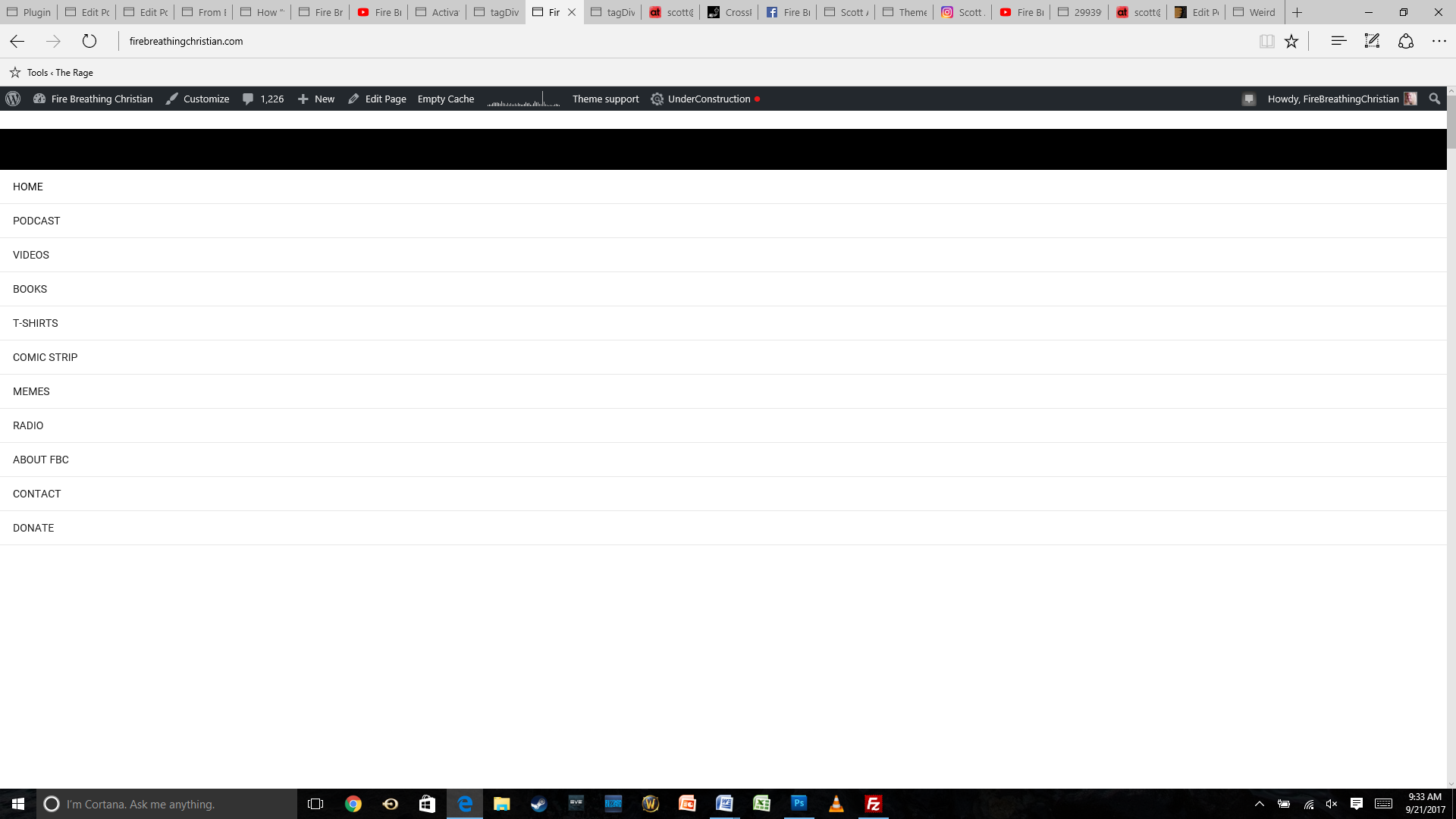
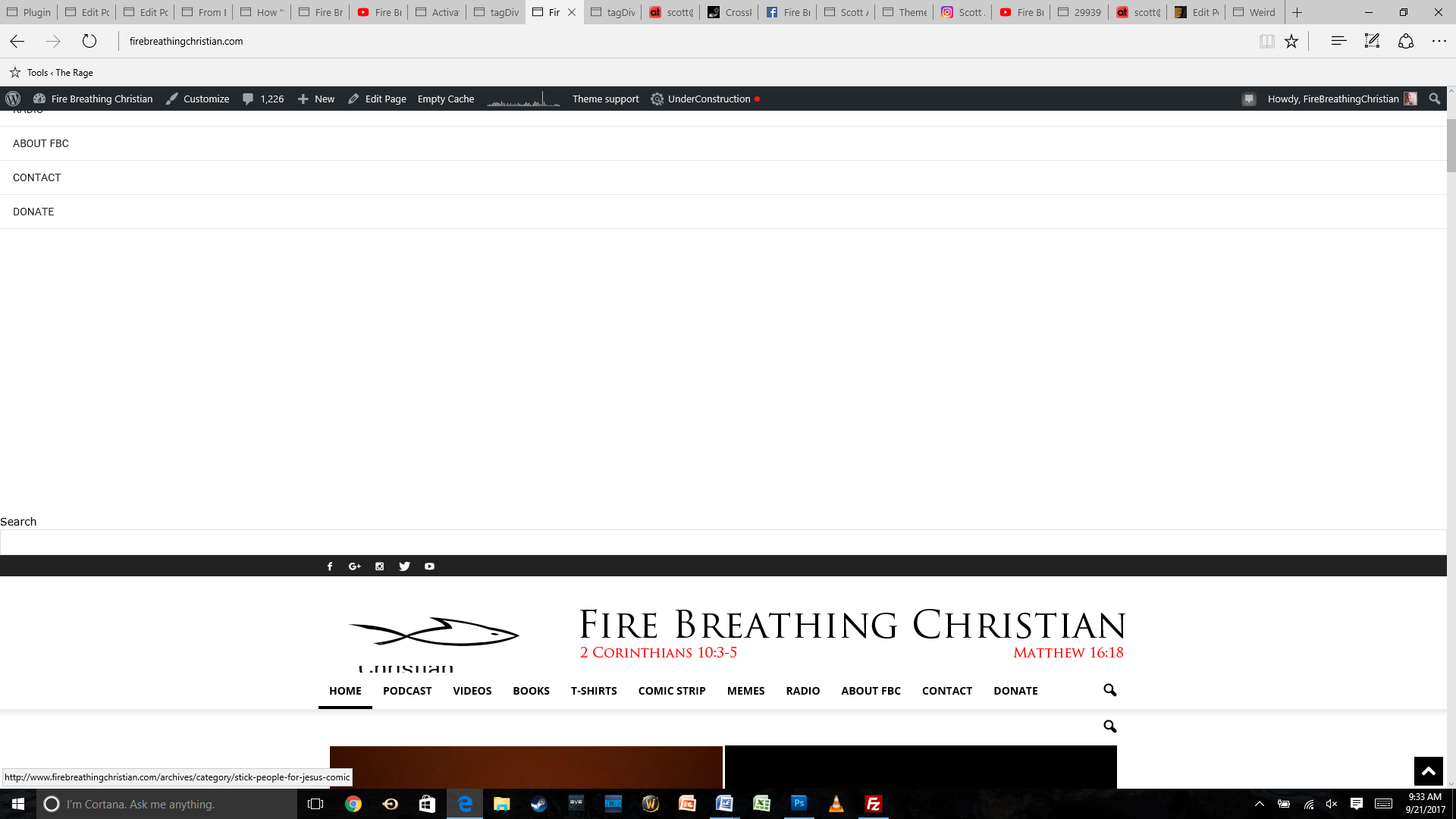
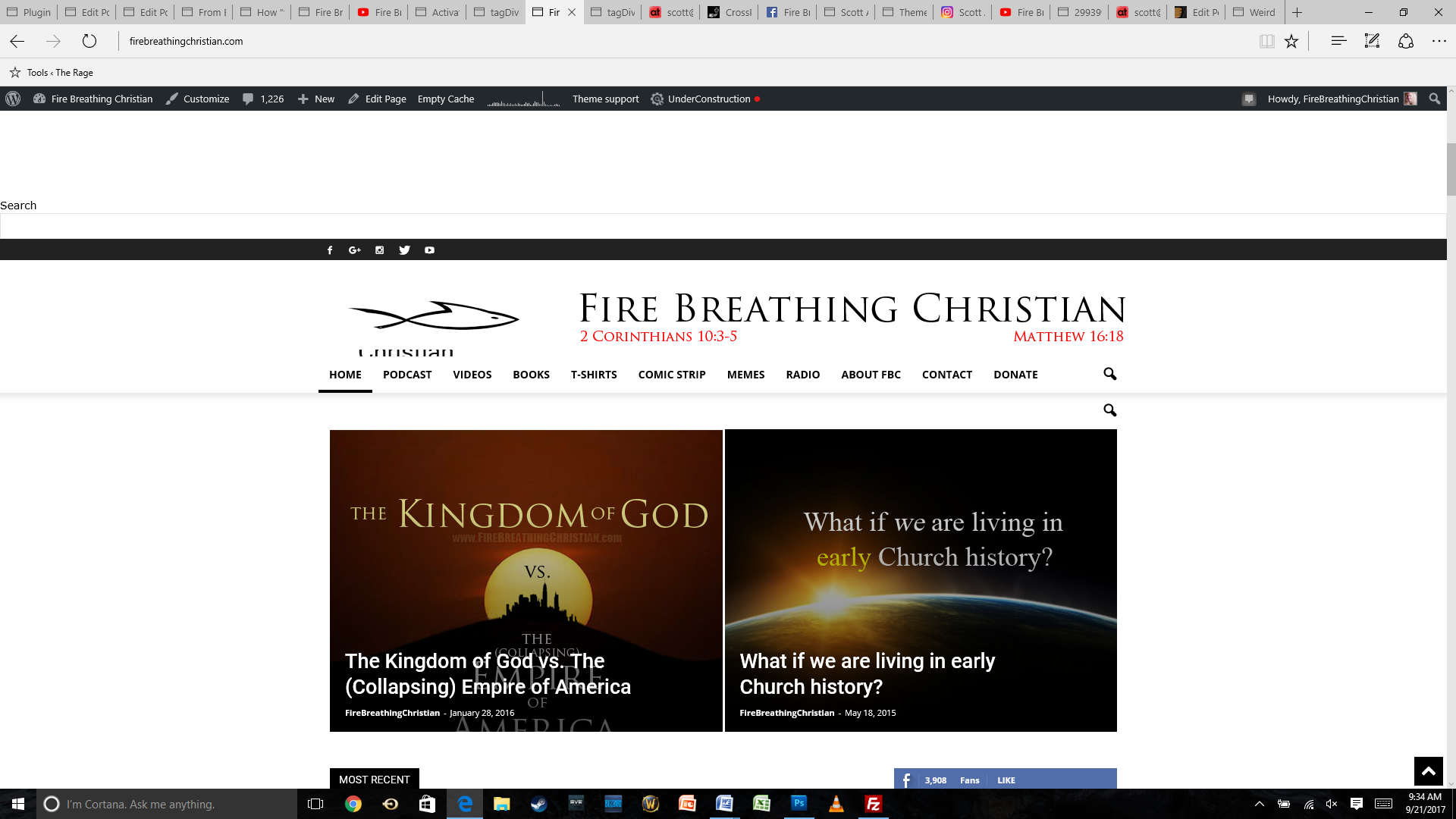
The main problem is the look of the site, though, with the same weird menu items showing up at the top of the page.
Here are a few screenshots (starting from the top of the home page as it looks now after the theme update):
And here’s how the same home page looked before the update:
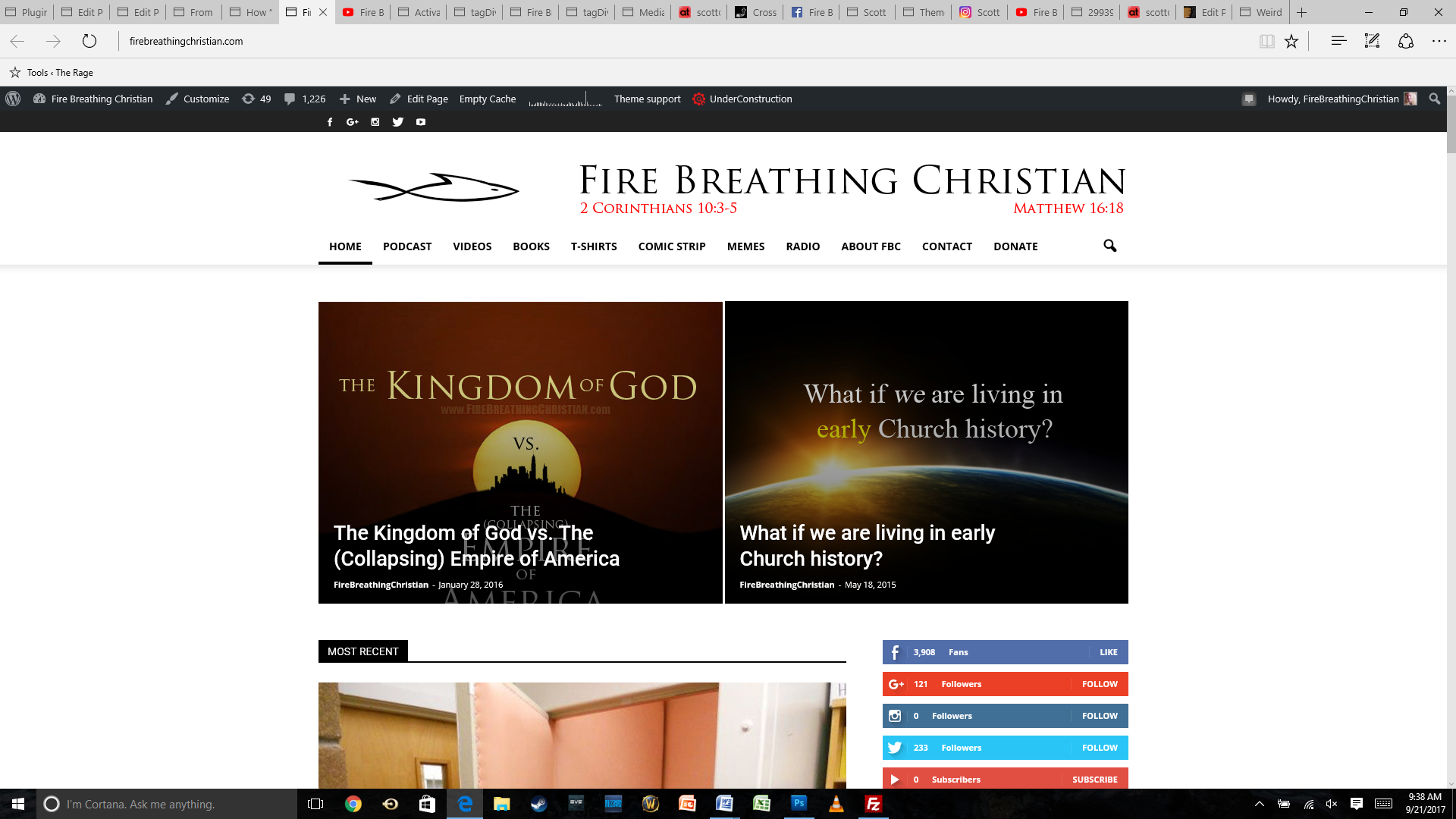
Any help or insight you can offer will be much appreciated. Thank you for your time and assistance!
Simion C. Hi,
Maybe these guides can help you with the Facebook sharing
– https://forum.tagdiv.com/facebook-share/
– https://yoast.com/social-media-optimization-with-yoast-seo/
– https://kb.yoast.com/kb/facebook-sharing-updated-details/
– https://kb.yoast.com/kb/why-doesnt-facebook-display-an-image/
– https://kb.yoast.com/kb/warning-fb-app-id-hasnt-been-included-in-the-meta-tags/
For the image issue with Google tools please provide more details about what exactly is happening, so we can understand better. I found this similar topic if this is related
– https://moz.com/community/q/why-google-isn-t-indexing-my-images
Thanks
 Catalin
 Hello Evecta,
You should recreate the page from scratch with new elements because the old shortcodes will do not work, sorry! Please keep in mind that there is talking about a big update the theme’s code was much changed.
Thanks.
Catalin Hi alexvaltin,
Make sure that your theme is fully updated to the latest version of it via FTP way because this is the surest method in this case. Also, check your system status to be according to our documentation if you want to bring best theme results. Check your plugin’s list and if you have some untested elements with our theme, you should remove all of these because some problems might be caused by them.
Thanks for your understanding!
Simion C. Hi,
I have tested an image in a post with a custom link, and the modal turned off
– https://www.screencast.com/t/MyB0ua04jAC
– https://www.screencast.com/t/TA5gdRikUPGP
After clicking update in the image settings, then updating the post itself, the image in the post behaves as expected
– https://www.screencast.com/t/PAy64XcWH0
Inspecting the images in the post you mention, I see that the modal is still activated on the images
– https://www.screencast.com/t/tc26uzYTKC
When you disable the modal, that removes this feature from the image and it will not function anymore
– https://www.screencast.com/t/PB8zjHwo1
– https://www.screencast.com/t/2gnJ4WLQ
Maybe you have caching installed, in this case clear it and check the results.
Thanks
Simion C. Hi,
I cannot say for sure if there are any plans in this matter. There are many suggestions and recommendations on the list, it is hard for the developer team to decide what gets implemented and what gets delayed.
In each theme update more features and options will be added, but I cannot provide exact information what these will be.
Thanks
Simion C. Hi,
That may be implemented in the theme in a future update. At the moment the post publishing date is displayed. This can be achieved with modifications to the post template files. You can follow this topic and try the solutions mentioned there
– https://forum.tagdiv.com/topic/post-last-updated/
Thanks
simchris There was bug in Yoast. If you updated to new version and cleared all your caching, that might have fixed it.
 junaiddar
 Update: I activated the deactivated and activated Yoast Seo and it is working fine now. Strange
 orlando
 In the next update, you can not insert the schema.org/article on the control panel as it is now using the JSON-LD format.
