- NewspaperHow to update a plugin
- NewspaperHow to update the WPBakery Page Builder plugin
- NewspaperHow to Update the Newspaper Theme
- NewspaperSingle Post Excerpt
- NewspaperWP Rocket and Newspaper Theme: Optimization Guide
- NewspaperCredit System
- NewspaperHow to use the Bing Maps API
- NewspaperModules Builder in Newspaper Theme
- NewspaperCreate a frontend submission form
- NewspaperCustom Fields Support
- NewspaperFlex Block Settings Guide
- NewspapertagDiv Opt-In Builder
- NewspaperHow to use the YouTube API
- NewspaperDefault Category Settings
- NewspapertagDiv Composer Tutorial
- NewspaperHow to Set the Image Avatar
- NewspaperUnique Articles
- NewspaperFacebook Share
- NewspaperCache plugin – install and configure
- NewspaperFeatured Image, Video or Audio
 Calin
Calin Hi,
Please make sure that the theme system status is configured as mentioned in the requirements guide. Please follow the guide carefully
– https://forum.tagdiv.com/requirements-for-newspaper/
and please increase all requirements that are lower.
Also please make sure that all theme plugins are updated, and activated ( in specials tagDiv Composer and tagDic Cloud Library https://www.screencast.com/t/wxly3nDckb ).
If there are still some problems please provide some more details and some screenshots with the problem you have.
Thank you.
Calin Hi,
Here you can see the latest version of the Newspaper theme, and the fix, and new.
( go down in page )-> https://themeforest.net/item/newspaper/5489609?s_rank=1
How to update the theme -> https://forum.tagdiv.com/how-to-update-the-theme-2/
Thank you for your understanding.
 Bintmusic
Hi
in the last update 9.2.2 pack from Envato are wrong
the list of all the changes (there is between v 9.2 and v 9.2.1)
and also folder patch (there is patch_9.2_9.2.2 and not 9.2.1 – 9.2.2
Where can i find correct folder patch_9.2.1_9.2.2 and
list of all the changes between 9.2.1_9.2.2.htm?
Thanks
Calin Hi,
Please update the WordPress to the latest version.
Thank you.
Calin Hi,
Please make update to the latest version of theme, the lazy-load was fixed.
Thank you.
Calin Hi,
Please make sure that you have the latest version of theme, if not please update the theme
Also please make sure that all theme plugins are updated, and activated ( in specials tagDiv Composer and tagDic Cloud Library https://www.screencast.com/t/wxly3nDckb ).
If there are still some problems please provide some more details and some screenshots with the problem you have.
Thank you.
 tanteidee
Hi!
WordPress 4.9.6 + Newspaper 8.8.1, and at the moment I can not update to the latest versions.
I encounter the following problem, in 4-5 occasions I found myself with the tagDiv Composer 2.3 plugin disabled automatically with consequent appearance of codes on the pages.
What can you depend on? Did it happen to other users? What solution do you recommend to prevent it from happening again?
Thanks!
 spu
spu thanks will download the new update and check, will let you know if we see the problem again.
 Catalin
 Hi,
At the moment, the WordPress 5.0 is tested with our theme. Should work as expected with the latest version of WordPress, but to be safe, you should try it to another sub-domain for testing and check how it works. We will update in near future updates.
Thanks.
 Sergionline
 Hi. I’ve the same problem on http://www.fumettologica.it. After the last update Google give me a lot of problems with AMP post version.
Can you please help me to fix it? AMP is very important for us to reach traffic.
Thank you.
-
This reply was modified 7 years by
Sergionline.
 Simion C.
 Hi,
The modules do not display the source and via fields, those will appear only in the single post page.
There is a topic in which through some modifications in the theme files this is done
– https://forum.tagdiv.com/topic/source-doesnt-work-after-update/
But this may not work for the modules used by the cloud library plugin, only for the default theme modules
– https://www.screencast.com/t/xaJaJCkzV6eS
Thanks
Calin Hi,
First please make sure that you made a full backup, after that please read our documentation about How to update the theme from here:
-> https://forum.tagdiv.com/how-to-update-the-theme-2/
Thank you.
Calin Hi,
Please make update to the latest version of the theme, this should fix the problem with image from home page.
Thank you for your understanding.
Calin Hi @techquery, @jonakangou,
Please make update to the latest version of the theme, this should fix the problem with image from home page.
@jonakangou let us know if there will be still a problem after update.
Thank you for your understanding.
 news.zapoved.ru
Hi,
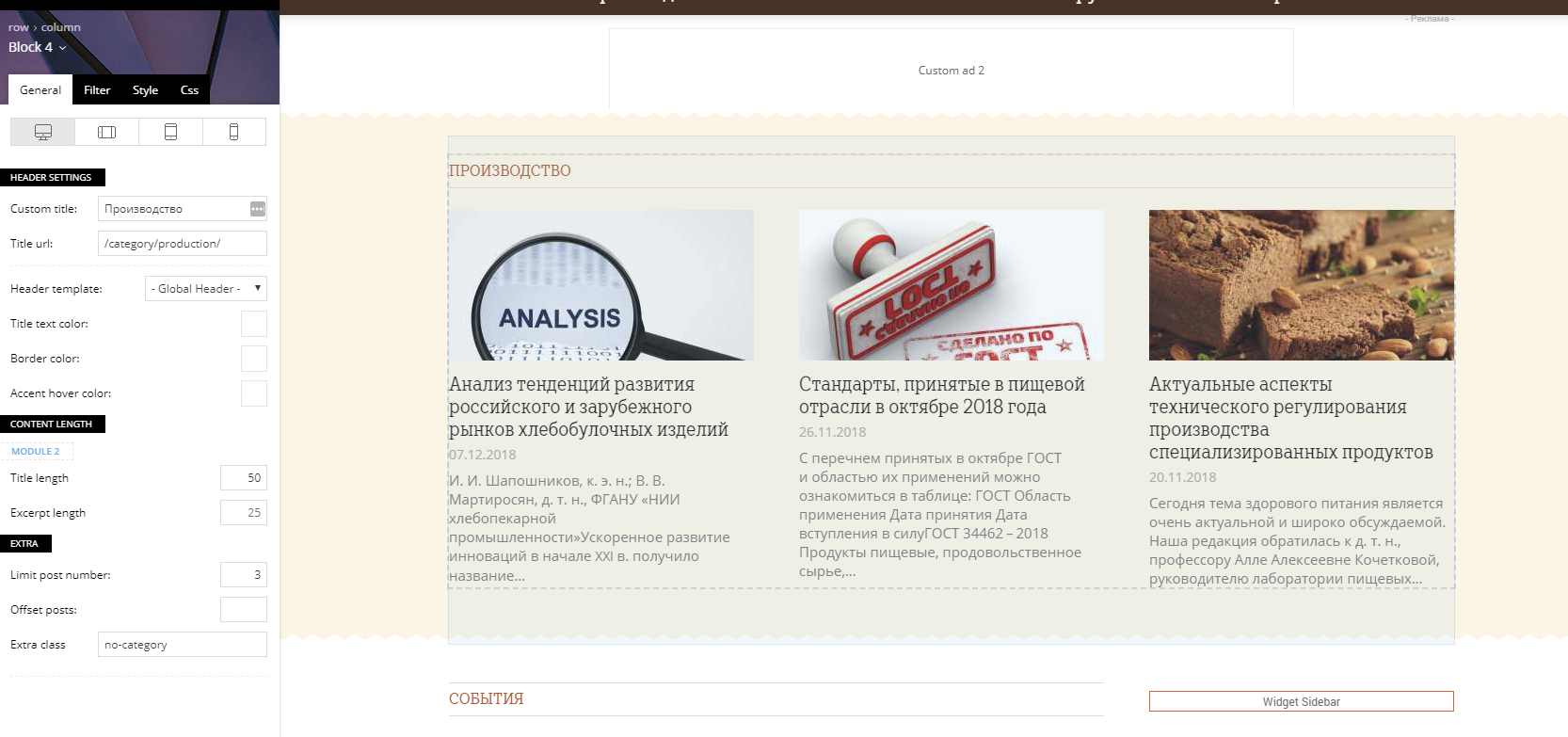
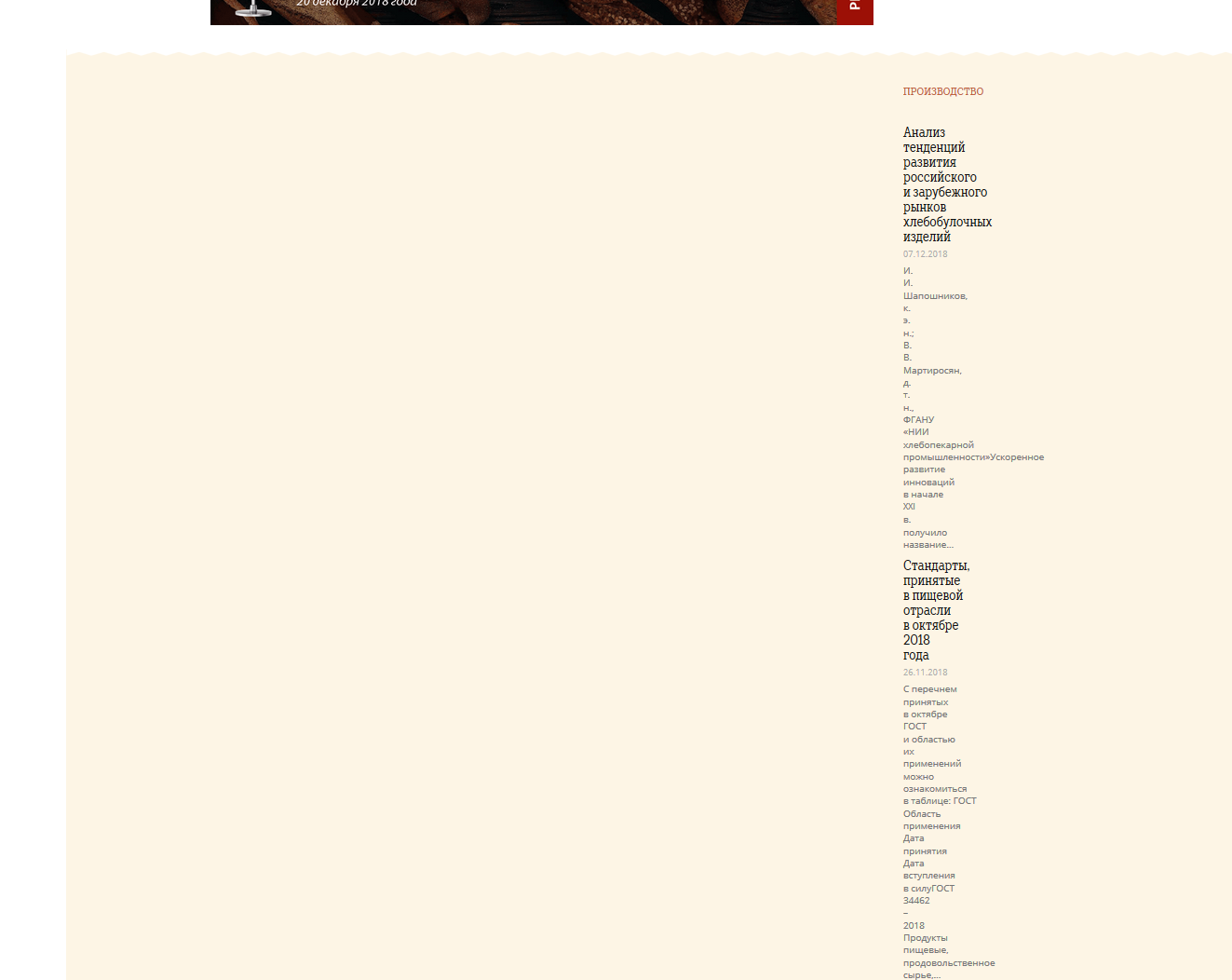
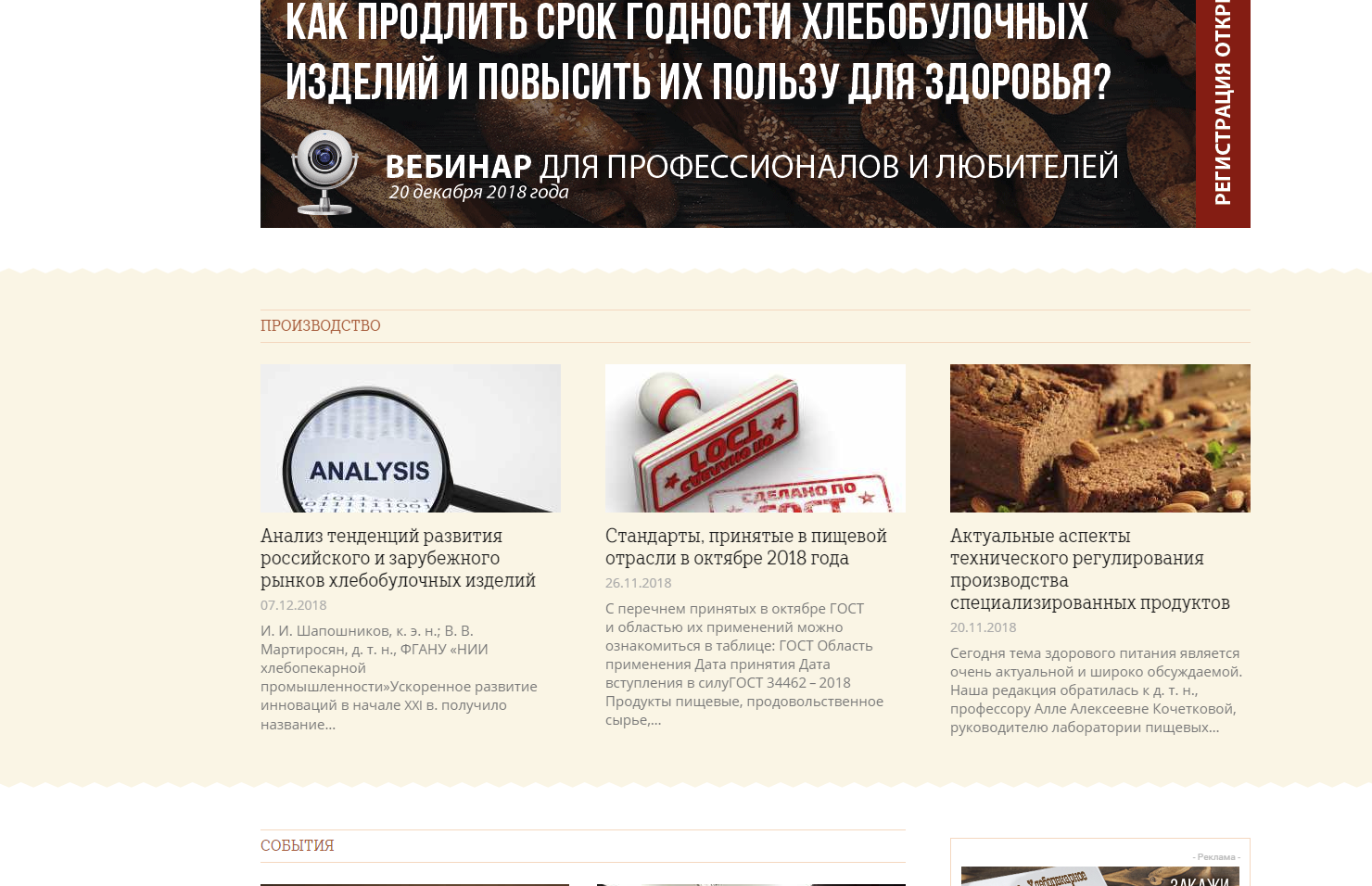
the middle row https://c2n.me/3YFbwXu.png of my home page https://news.breadbranch.com is broken in Firefox after update to v9.2.1: https://c2n.me/3YFbC7K.png There is no such problem in Chrome: https://c2n.me/3YFbDIu.png
Please help me to fix it. Thanks.
 geospatialmedia
Hi,
Is Newsmag 4.0 theme fully compatible with WordPress 5.0.1 and Gutenberg? We are using WPBakery Page Builder for front end.
So we are wondering if we should update our site https://www.geospatialworld.net
Thanks and Regards
Anshu Garg
 meteorologistjbp
I’m using Newspaper 9 on wordpress/bluehost…there are radar images that I have uploading to my ftp but then when I try to link them into my radar page on my newspaper theme…nothing! Any idea what the problem is? Anyone have any experience with something like this? The radar images update every 5-7 minutes…so I can’t just upload the current radar image and then leave it alone…it has to be able to keep reading the new file on the ftp. I don’t know if this is a wordpress thing…or if this theme isn’t designed for such? Maybe I spent 60 bucks for nothing?
 bobbymc
Am transitioning the site to AMP posts and have some formatting issues want to ask about.
My site is the latest version and all my posts are made with Cloud Templates.
All of my posts are designed with cloud templates.
Would be great if can use for AMP but can’t so few questions on how I can style AMP posts as much as possible.
1. The Logo looks terrible – Have tried the fix mentioned in another post and no luck. I’ve looked other forum members sites and seems a common problem – especially logo always on the right and distorted.
2. How can Change font post content and title
3. What options are there to change the Footer style – is there more flexibility?
4. Can have a menu on Amp page (like Bloomberg?) https://www.bloomberg.com/amp/news/articles/2018-12-16/may-s-team-push-back-at-second-brexit-vote-claims-brexit-update
 ctoweett
 If you have updated to WordPress version 5.0, then it is an issue with the Gutenberg Editor. I also face the issue. Seems to be a bug that the WordPress team is yet to address.
 StaLau17
Hi,
The home page of my web site has a bunch of coding on it. I’ve updated plug-ins and made any other updates that were needed. Can someone please give me direction? Thanks!
 Vickydhumale
Hello,
This new update does not allow me to update theme codes. Is there any solution. Also after updating the theme, my google ranking also goes down.
Here is the error link: https://ibb.co/0D3qmTS
 jonakangou
 before updating i was made page without tagdiv composer. when the problem related to the images occurred, i decided to build on my pages with tagdiv compose: miracle everything came back. however the backup of the pages is laborious with tagdiv. Since the update in V9 of newspaper and 5.0.1 of WordPress sometimes the backup of the pages does not work or not well. in short a problem solved another that happens 🙁
jonakangou before updating i was made page without tagdiv composer. when the problem related to the images occurred, i decided to build on my pages with tagdiv compose: miracle everything came back. however the backup of the pages is laborious with tagdiv. Since the update in V9 of newspaper and 5.0.1 of WordPress sometimes the backup of the pages does not work or not well. in short a problem solved another that happens 🙁
 Nachrichtenexpress
Hi, I had a few issues after the last update and I think I solved them all now.
But one thing I cant find a solution. The ads that should show up at the “article inline ad” section show up at “article buttom ad”. But only on desktops, mobile is fine as fas as I can see. Sometimes on desktop also the arcticle top ads dont show up at all.
Any idea?
 wcsindia
Dear Sir/Mam,
Featured image Not showing in grid on chrome after update WordPress 5.0.1.